- Shopping, made easy.
- /
- Get the app!
Tired of Living in 2015?
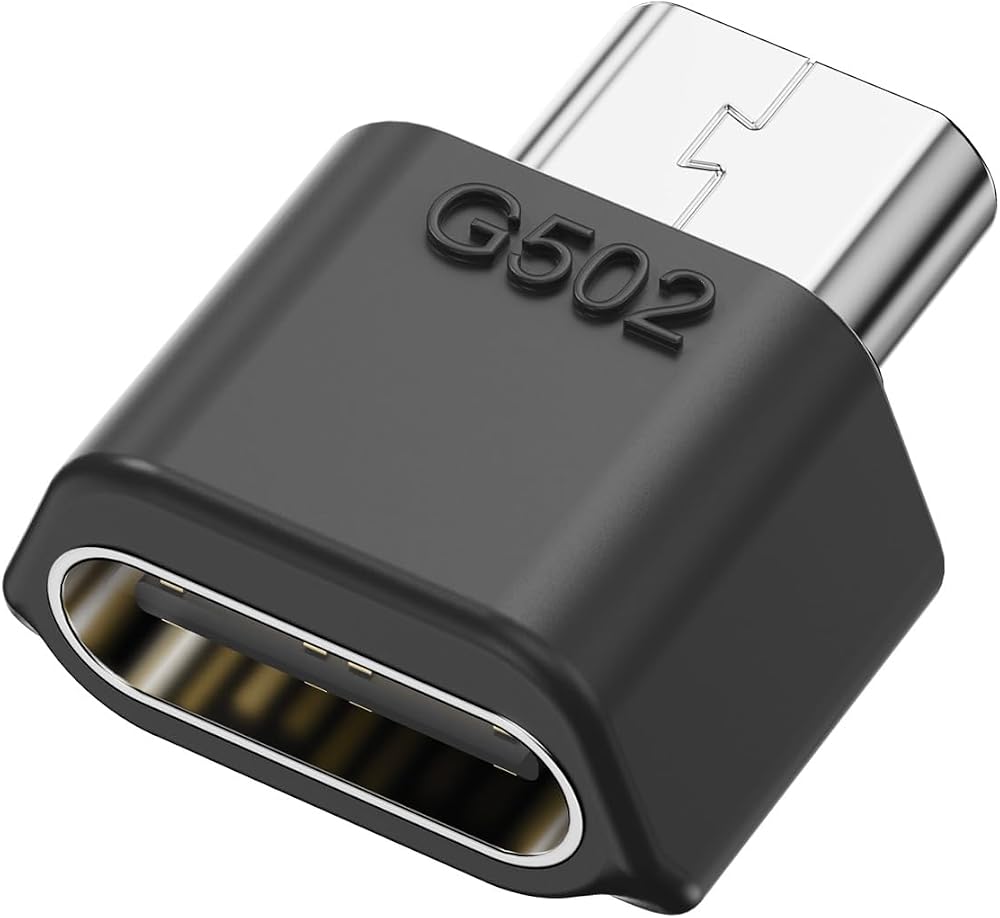
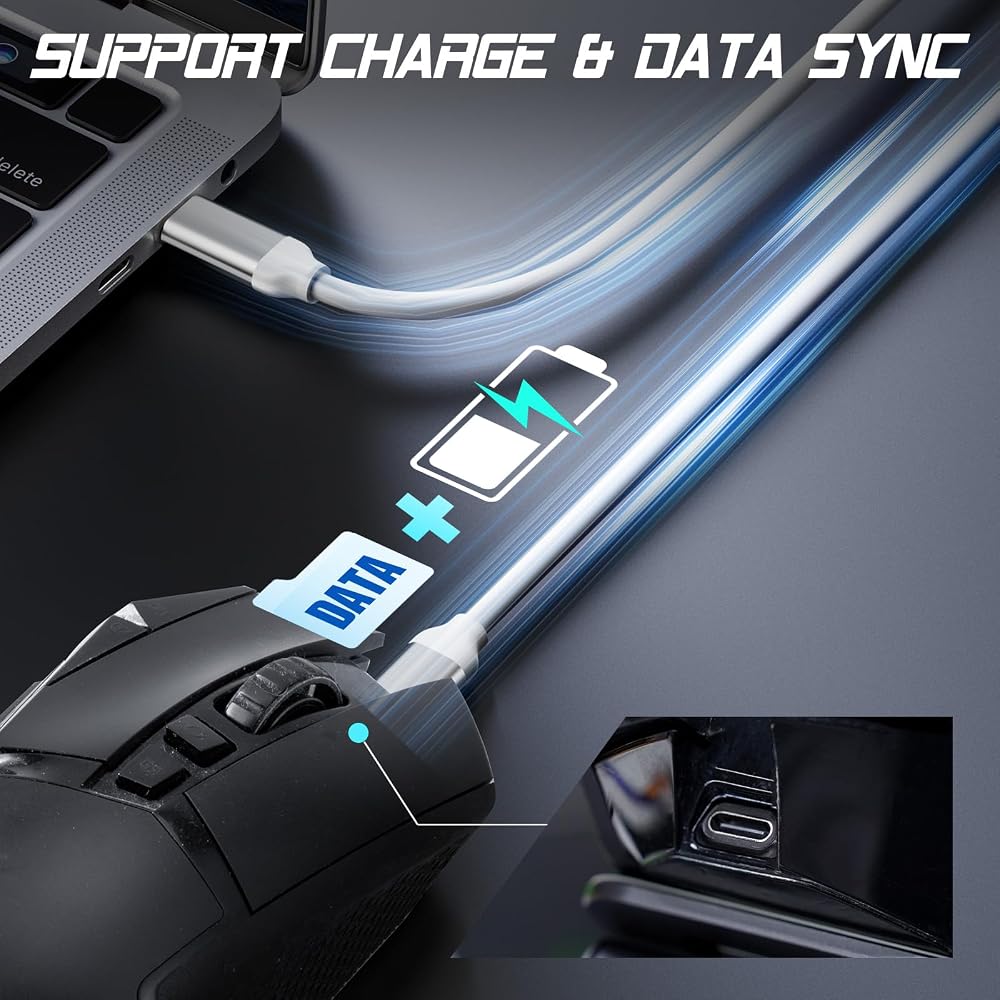
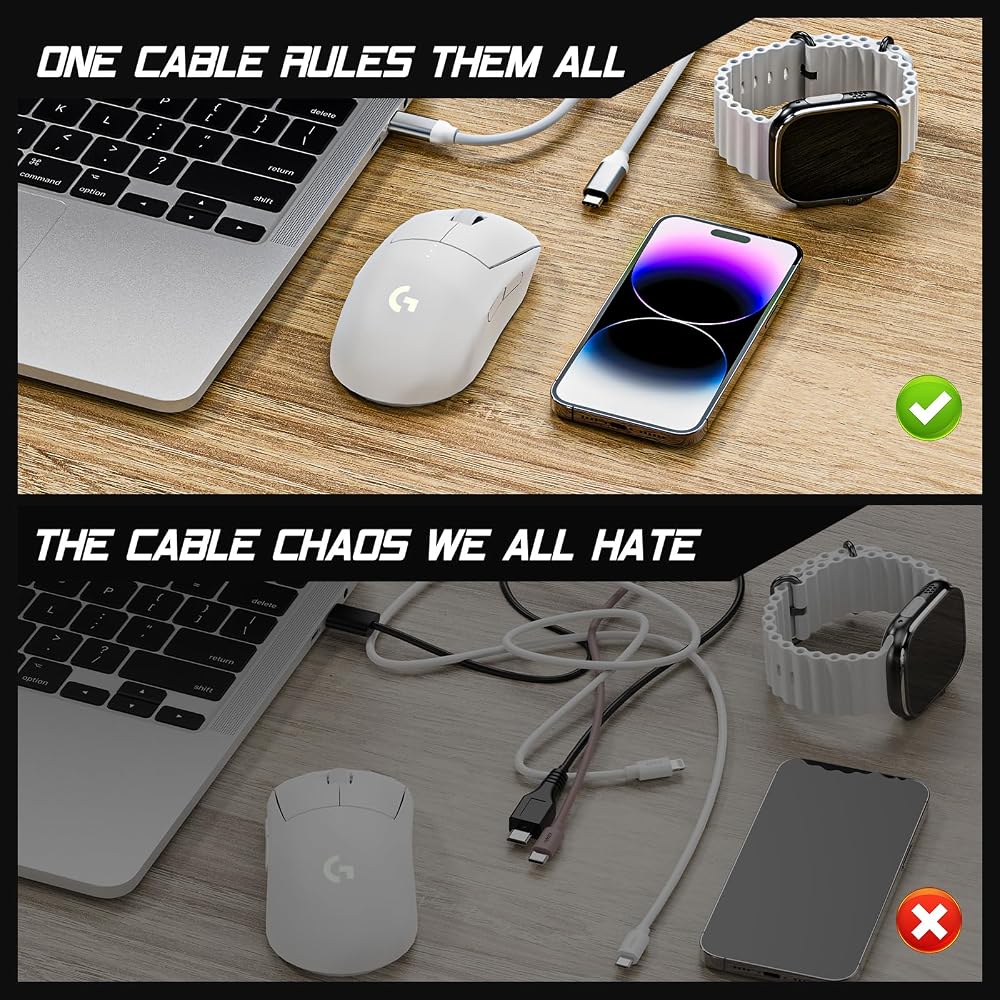
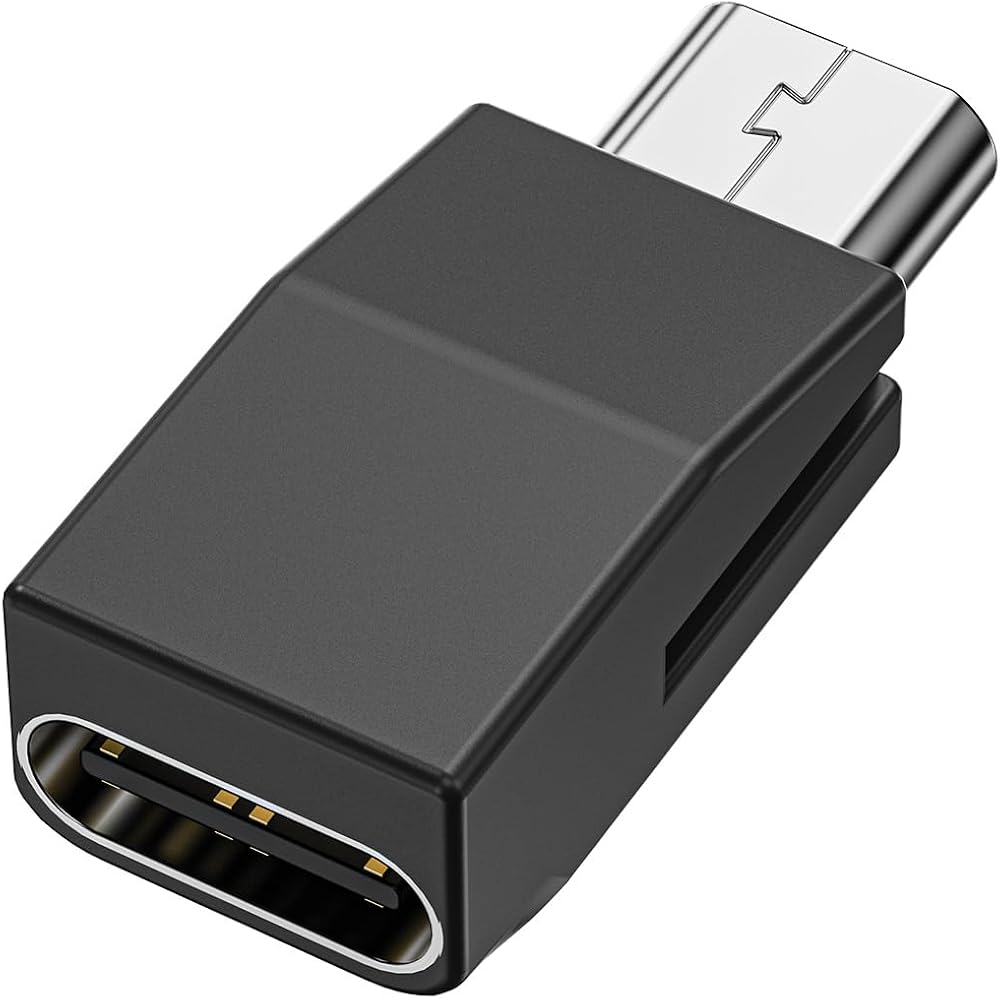
Your phone's USB-C. Your laptop's USB-C. Why is your mouse still stuck with micro-USB? Time to upgrade!
Why You'll Love This:
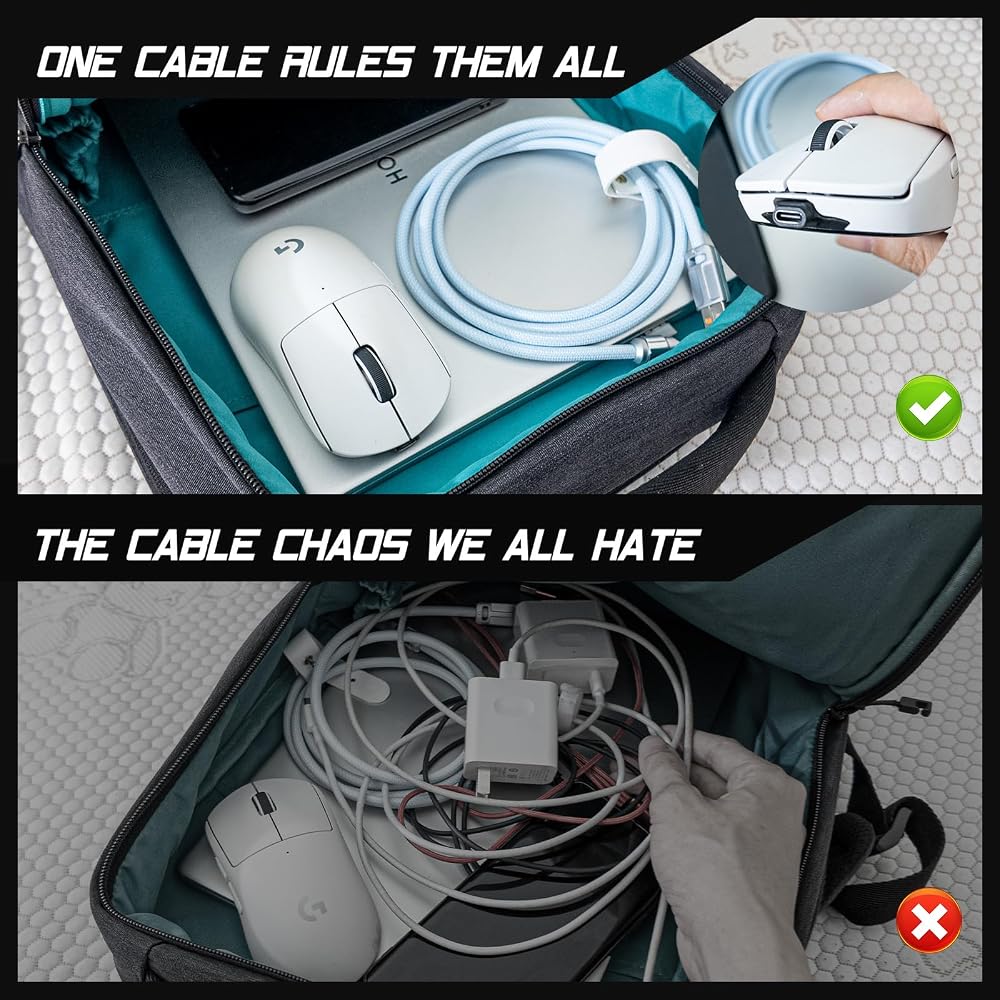
1 Cable Freedom – Charge mouse with the same USB-C cable as your phone/laptop. Travel lighter, game smarter.
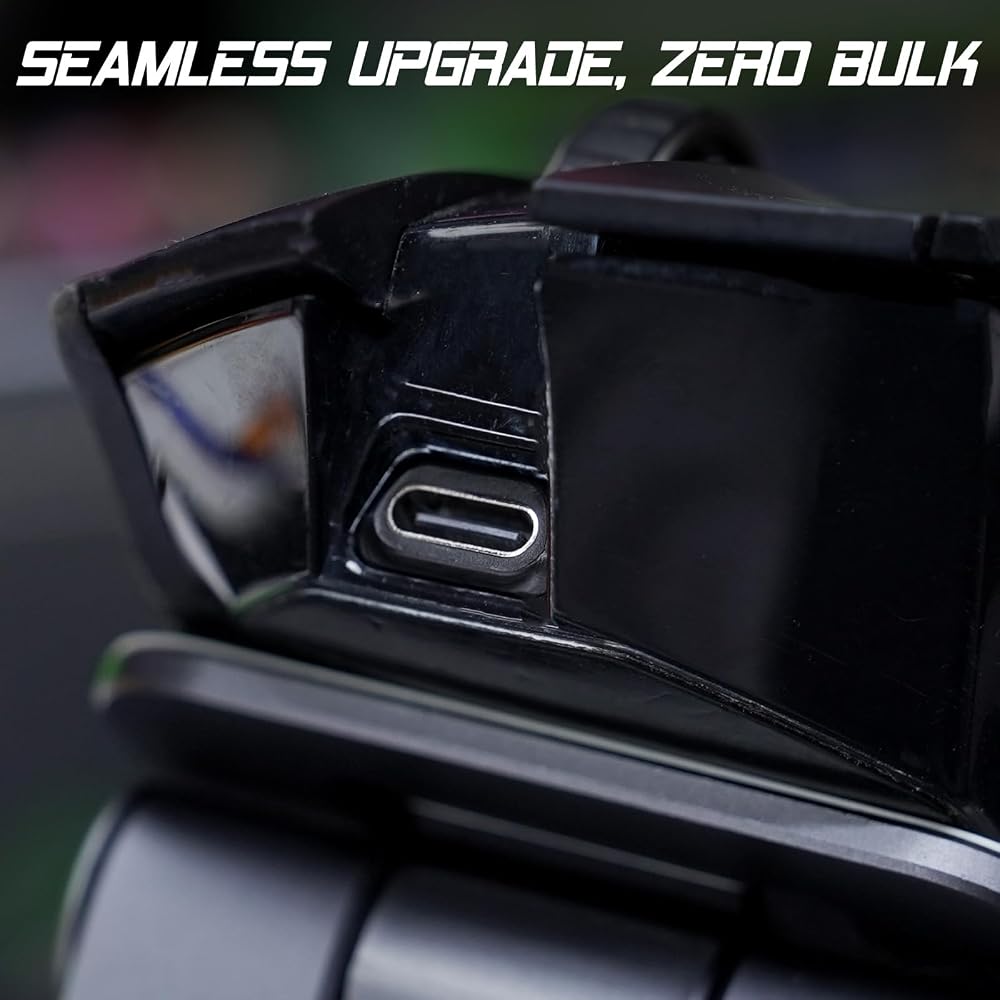
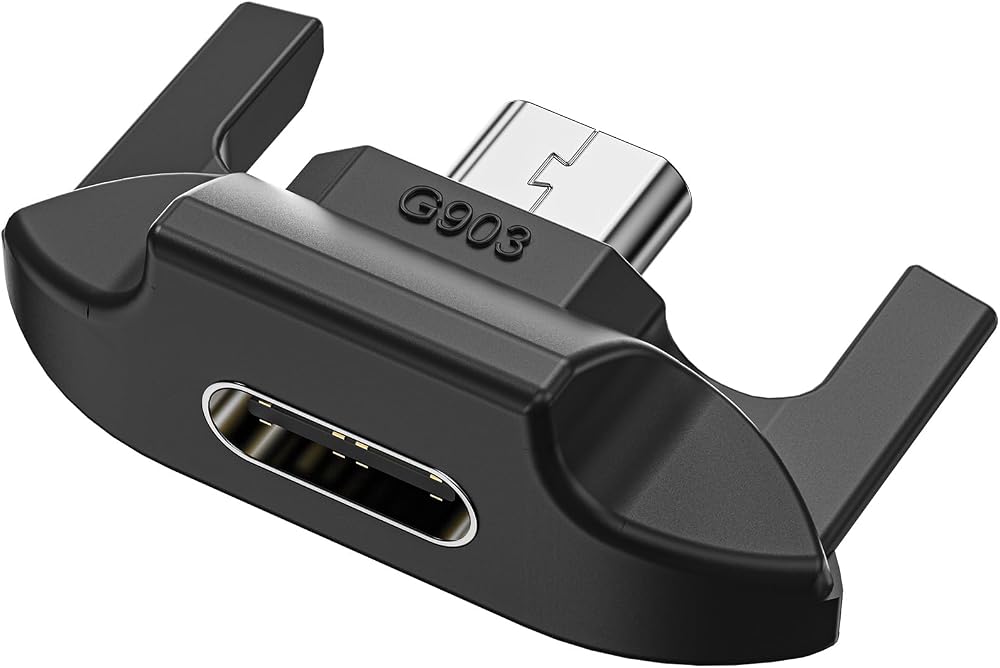
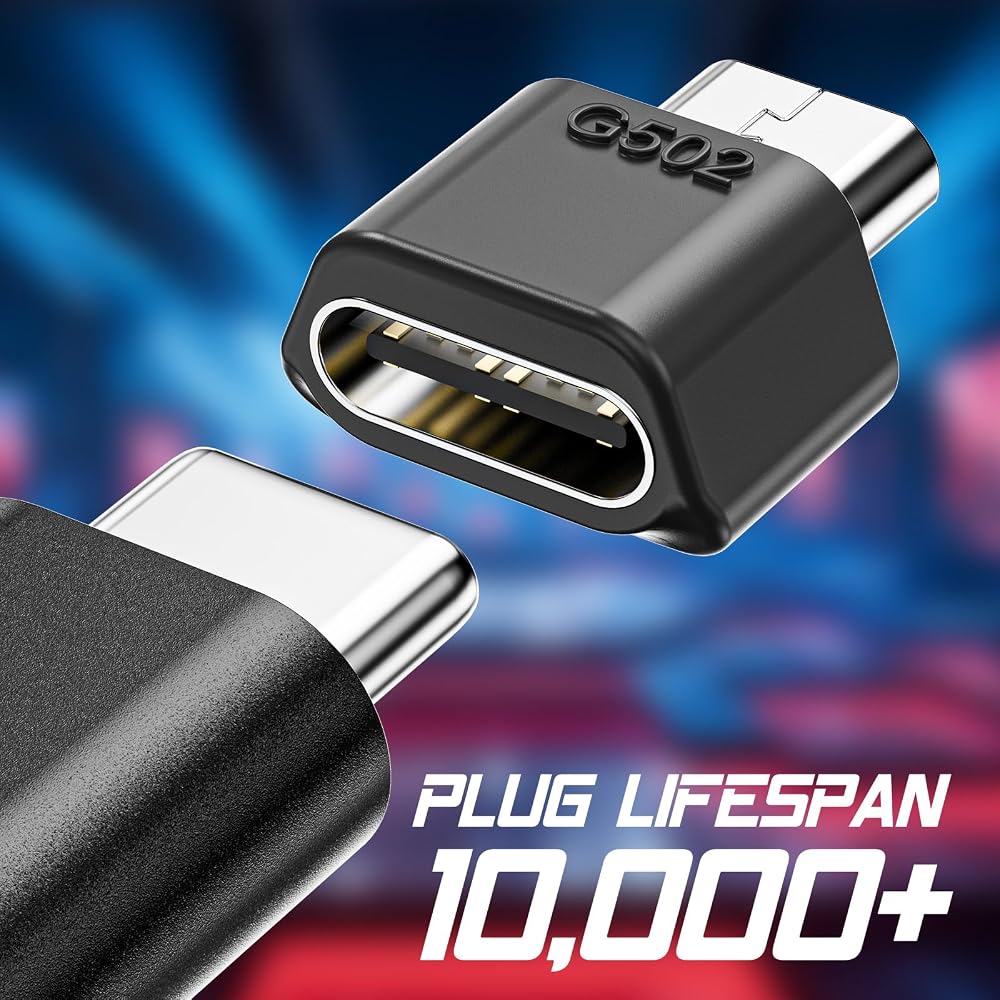
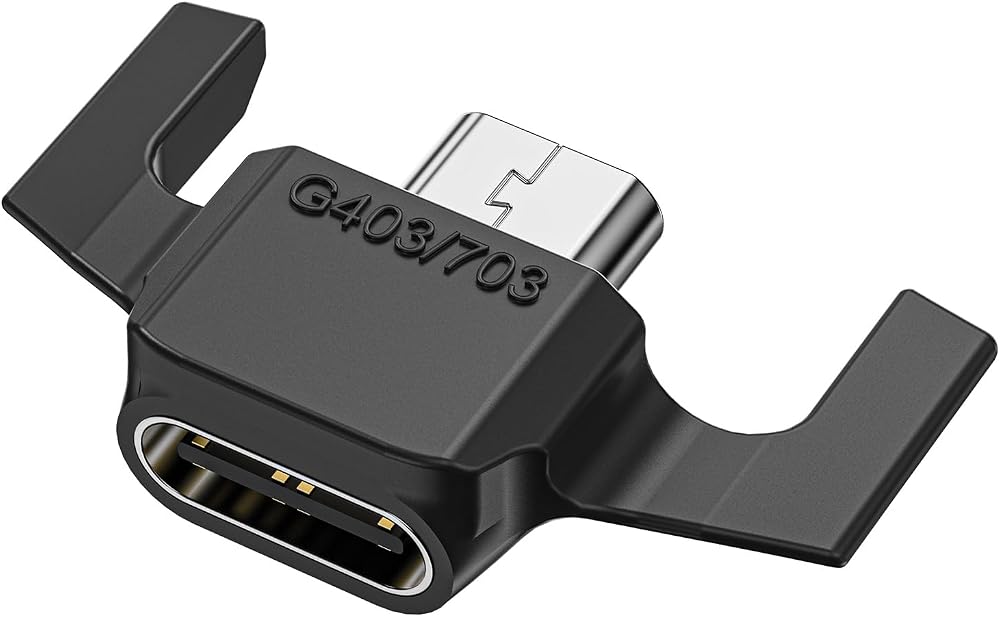
Like It Was Born This Way – Precision-engineered for your exact mouse model – no gaps, no wobble.
Gamer-Proof Durability – Tested by 1,200+ users (see reviews) – survives coffee spills and rage quits.
How to Install (Watch Video):
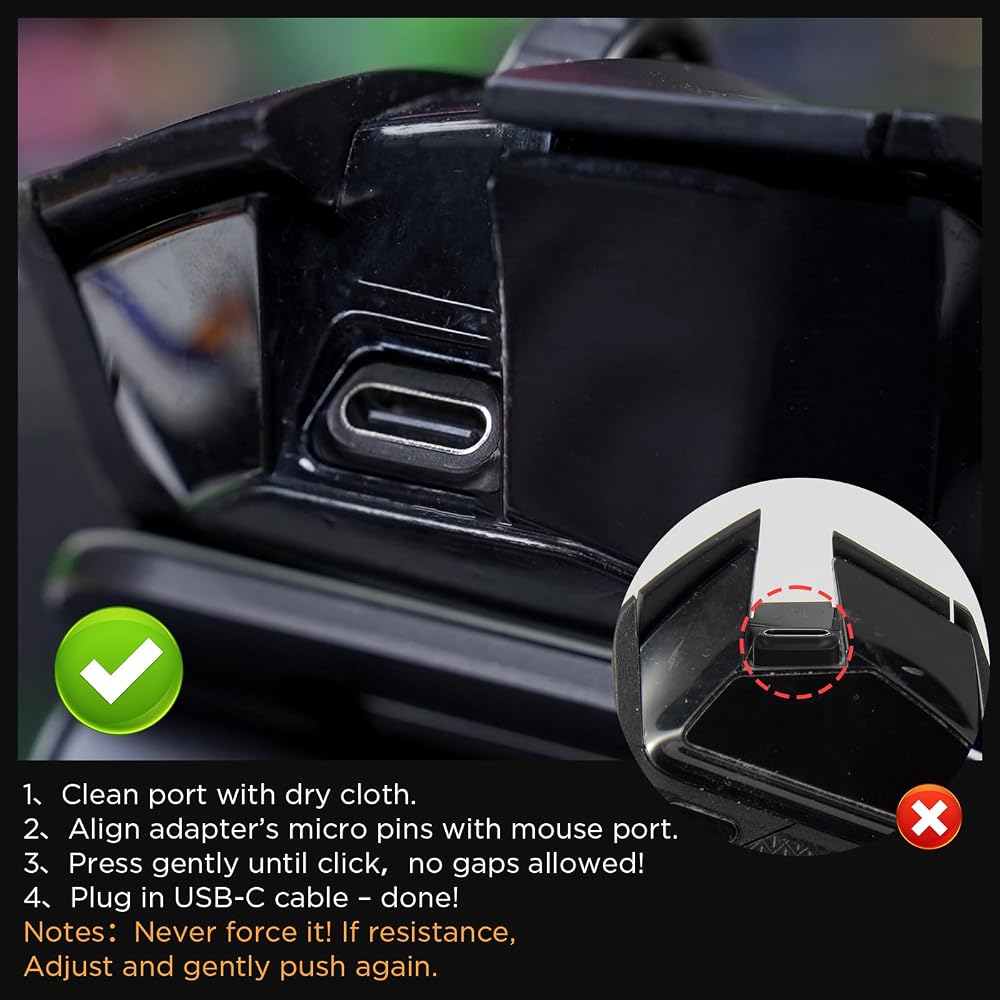
Clean port with dry cloth.
Align adapter's micro pins with mouse port.
Press gently until click (check with fingernail – no gaps allowed!).
Plug in USB-C cable – done!
Important Notes:
✋ Never force it! If resistance, Adjust and gently push again.
🔄 Rare Fit Issue? Email mouse photos – we'll apologize & refund immediately (keep the adapter!).
🔌 Cable Not Working? Try other cables – we'll help you find the right one.
In the Box:
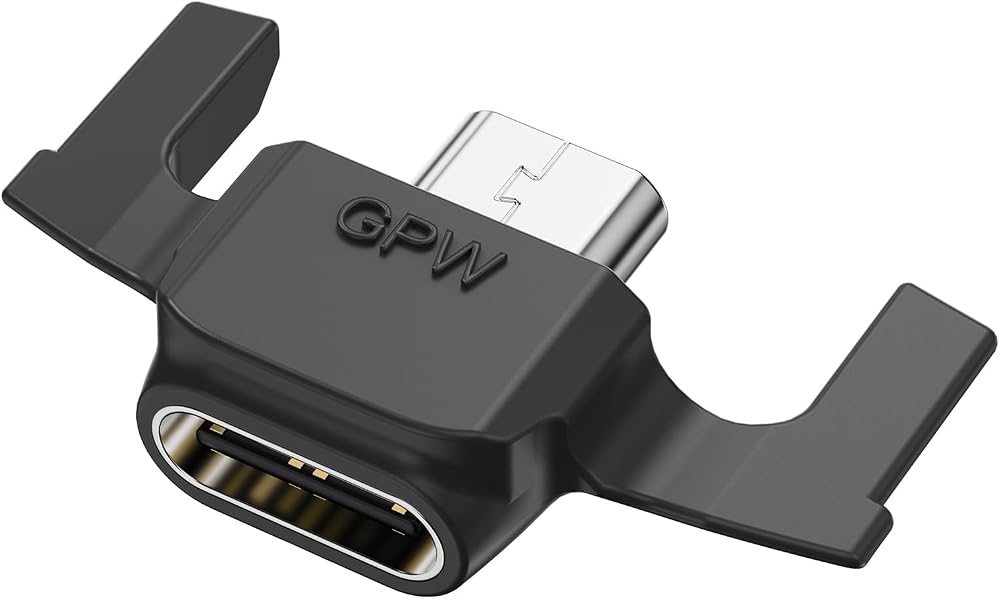
1x USB-C Adapter (Select your model)
 GEARit 100W 4-in-1 Charging Cable-Fast-Charging Silicone (4 Feet) USB-C Cable with USB-A & Lightning Connectors-Universal Multi Device Charger Cord-Compatible with iPhone, MacBook Pro - 4ft
SAR 157
GEARit 100W 4-in-1 Charging Cable-Fast-Charging Silicone (4 Feet) USB-C Cable with USB-A & Lightning Connectors-Universal Multi Device Charger Cord-Compatible with iPhone, MacBook Pro - 4ft
SAR 157
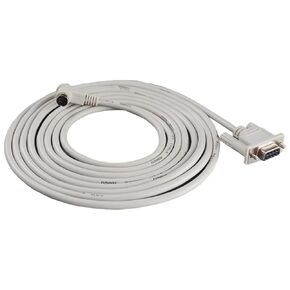 USB RS232 Programming Cable for USB 1761-CBL-PM02
SAR 199
USB RS232 Programming Cable for USB 1761-CBL-PM02
SAR 199
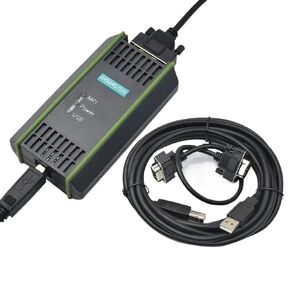 USB-MPI PPI for S7-200/300/400 Programming Cable PC Adapter USB 6GK1571-0BA00-0AA0 for S7 System RS485(0BA00)
SAR 0
USB-MPI PPI for S7-200/300/400 Programming Cable PC Adapter USB 6GK1571-0BA00-0AA0 for S7 System RS485(0BA00)
SAR 0
![Cable [AFC1520M-US9] for Serial to USB in Saudi Arabia](https://cdn1.tilga.com/md/prod/3/7202/3/174064142.28860.jpg) Cable [AFC1520M-US9] for Serial to USB
SAR 439
Cable [AFC1520M-US9] for Serial to USB
SAR 439