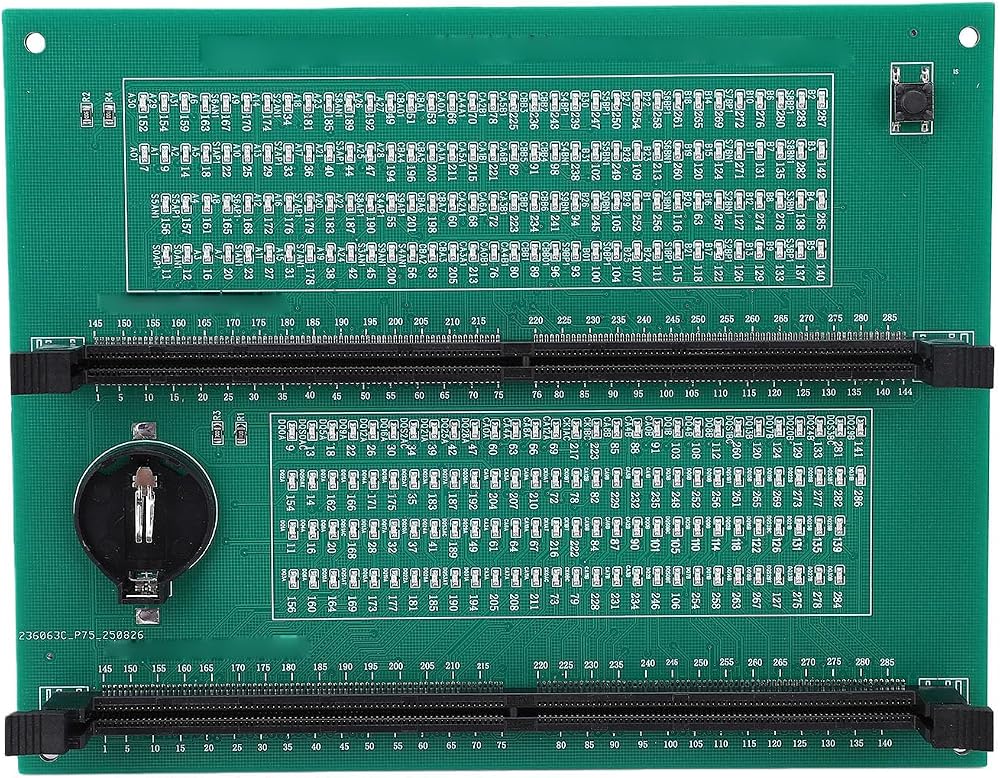
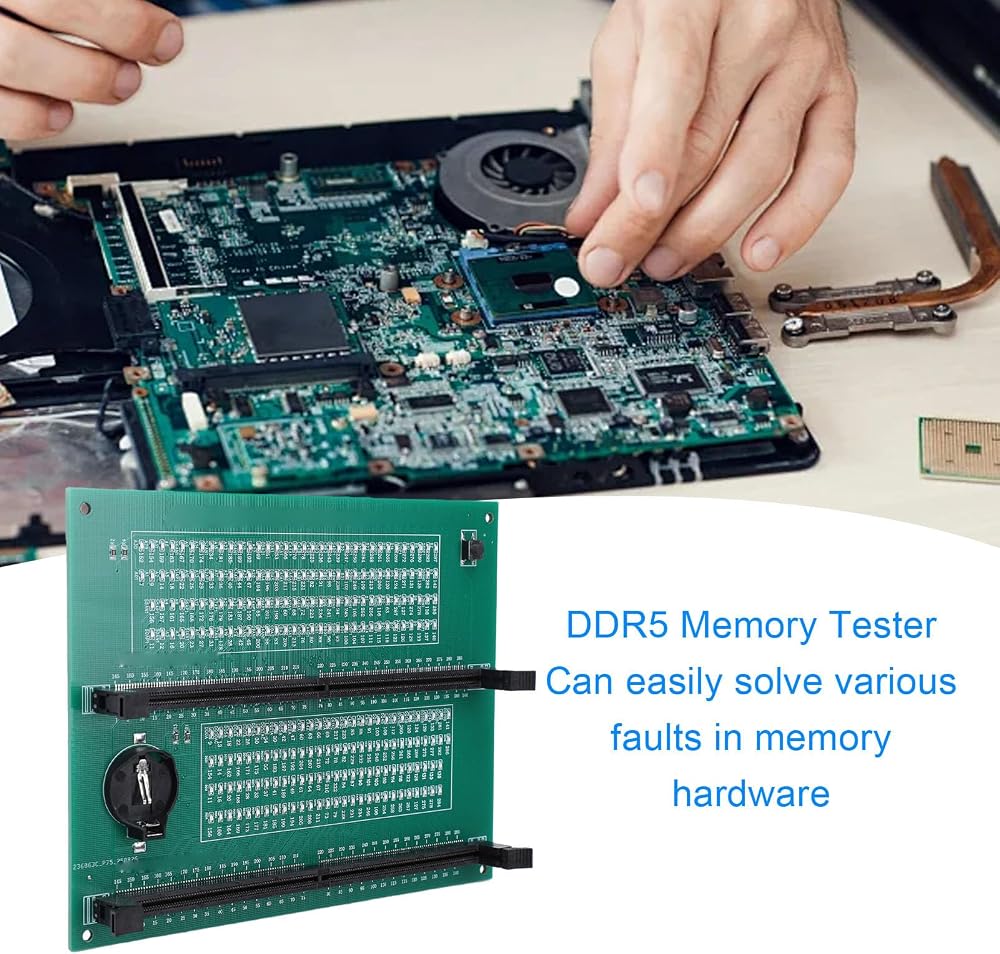
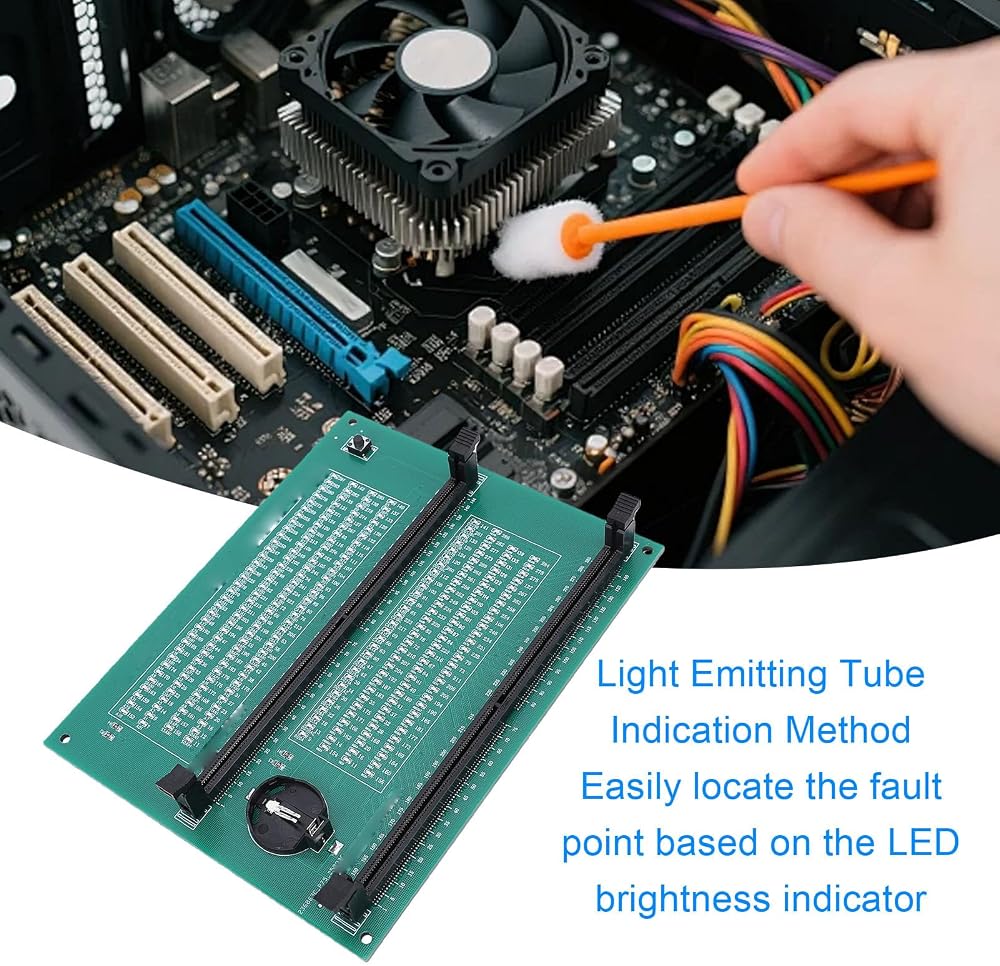
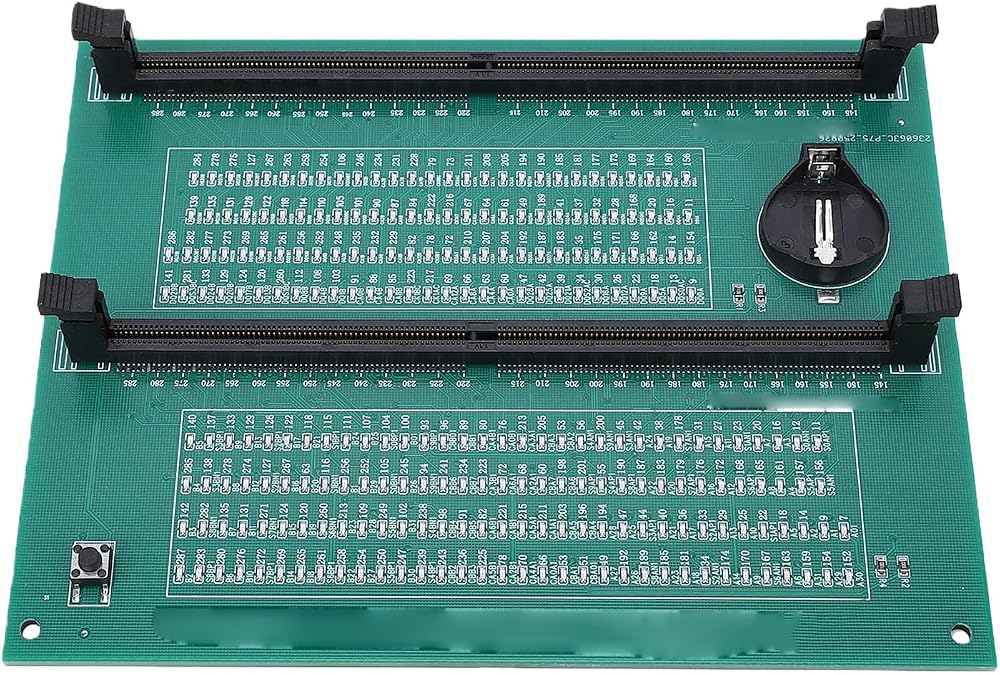
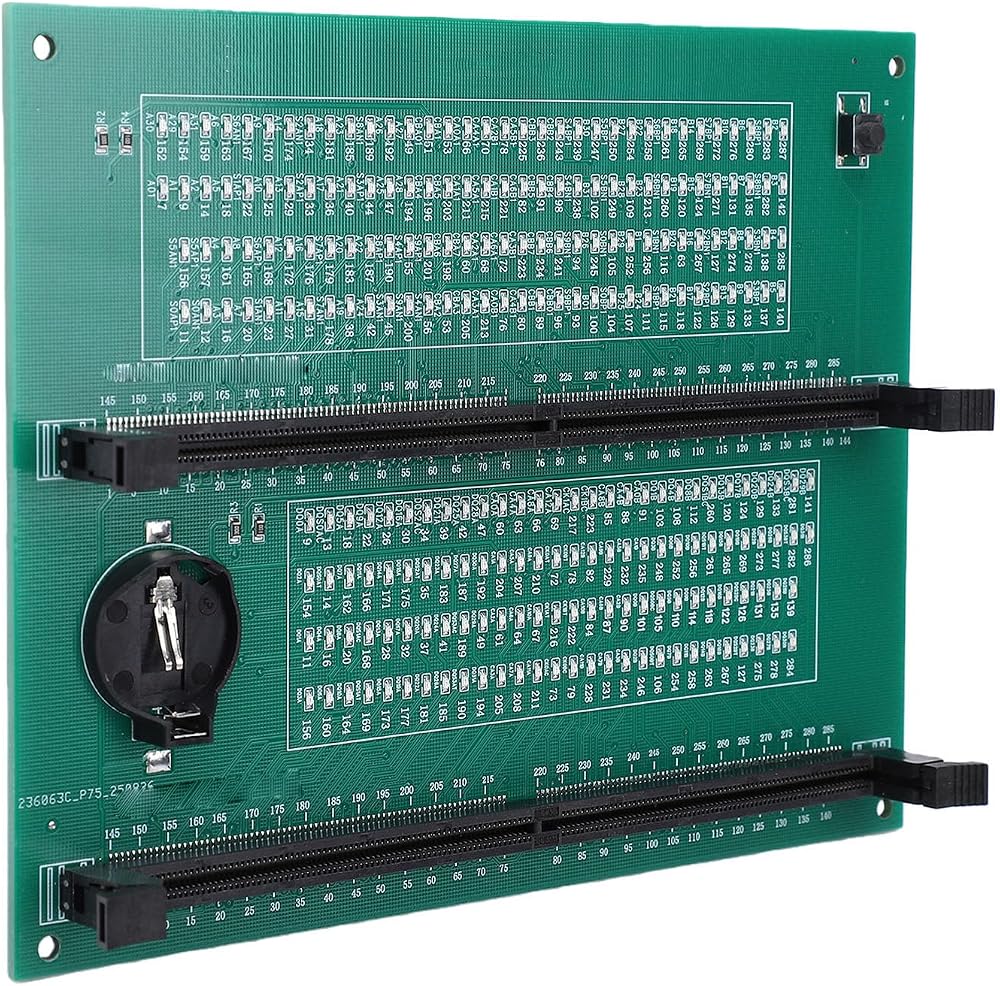
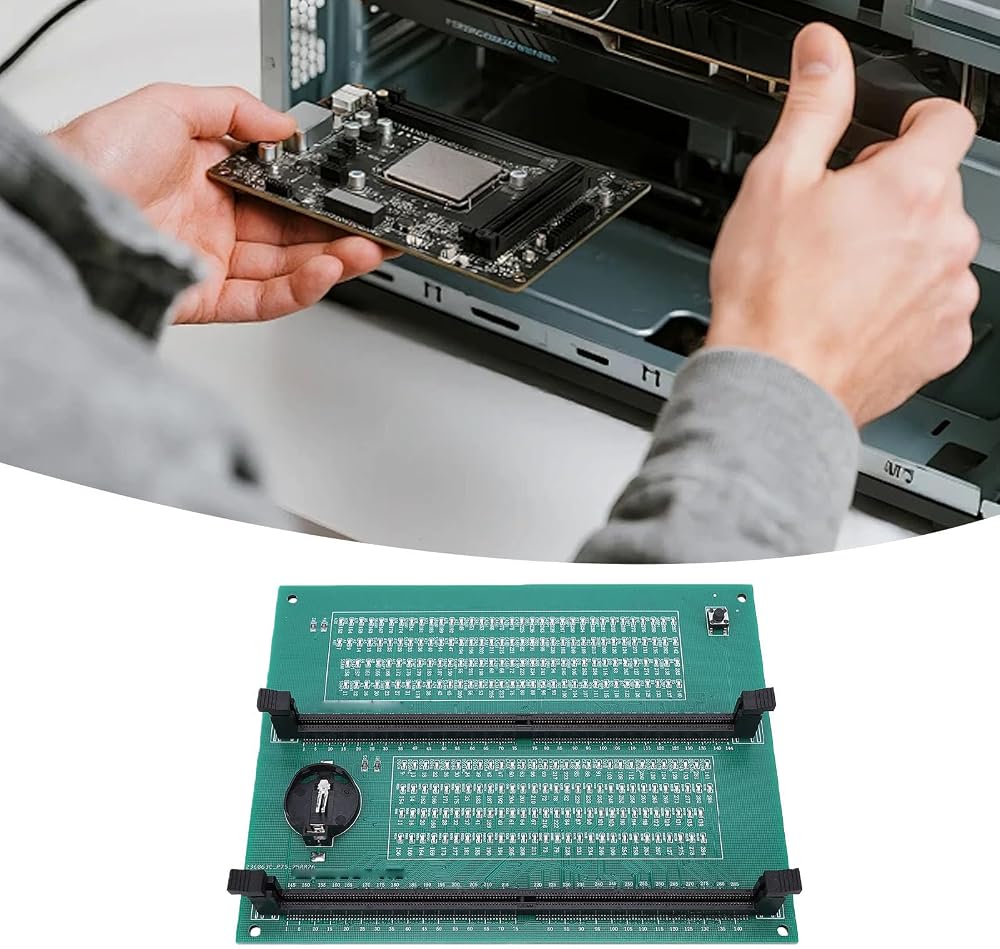
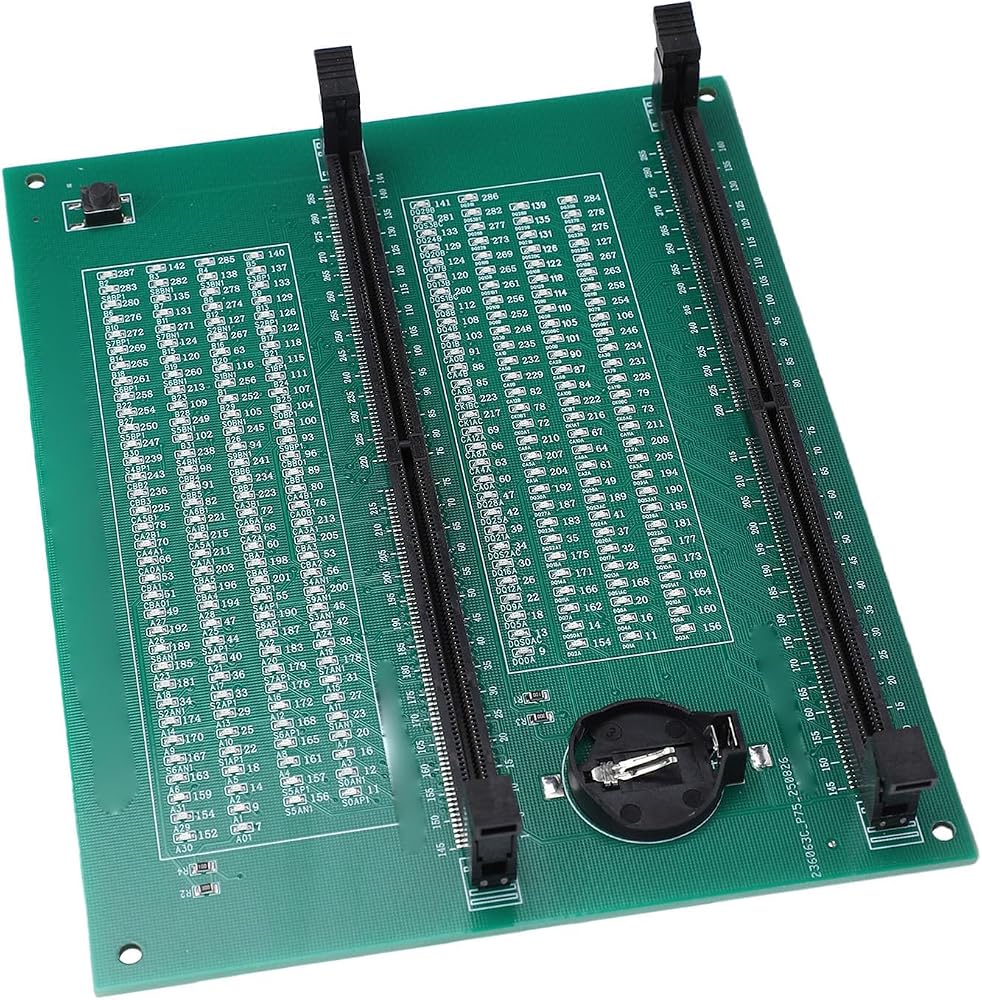
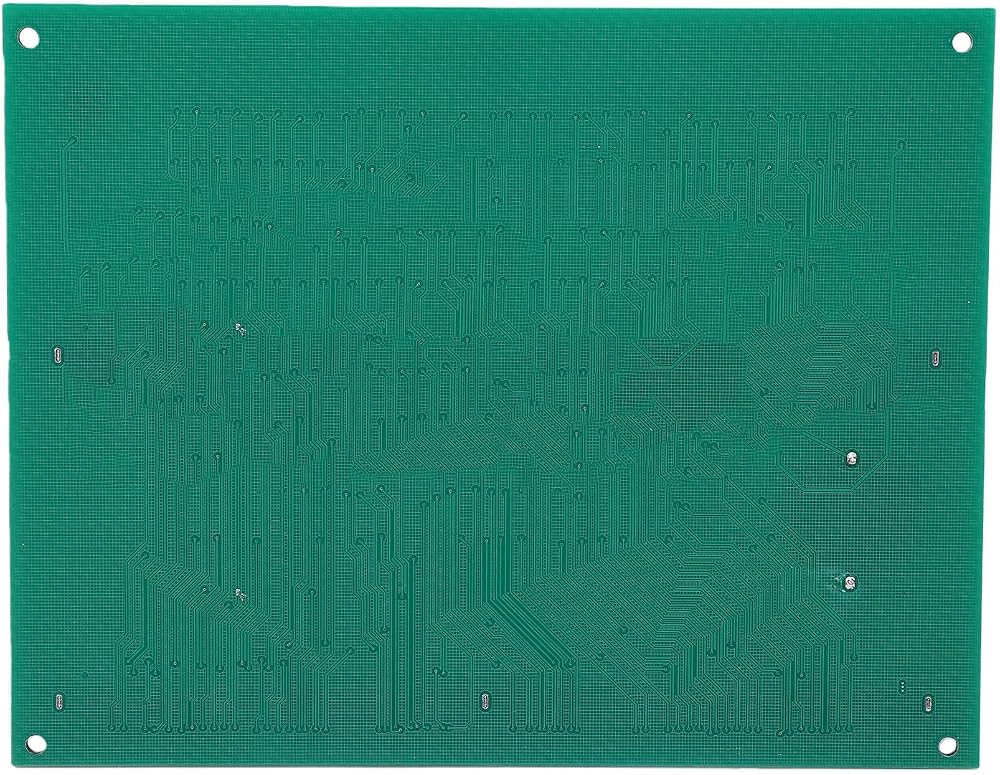
[Easy Fault Detection] The ddr5 memory tester simplifies the process of identifying hardware faults in memory modules. with its advanced led light indicators, you can quickly pinpoint issues like poor contact, worn connectors, or pcb damage. the brightness variations in the leds provide clear visual cues to locate faults without complex equipment.
[Precise Fault Location] Each led corresponds to specific memory pins, allowing you to identify exact fault locations through numerical indications. once problematic pins are found, technicians can use a multimeter for further analysis. this targeted approach saves hours of troubleshooting time in computer repair shops.
[User-friendly Operation] Simply insert the memory module into the tester's slot and observe the led indicators. the device can be powered by either a standard battery (not included) or via type-c cable. when all lights illuminate evenly, your memory module passes the basic hardware test. flashing lights indicate connection issues while unlit leds signal open circuits.
[Versatile Compatibility] Designed specifically for ddr5 udimm and rdimm memory types, this tester is essential for modern computer hardware maintenance. after completing hardware tests, technicians can on software-based diagnostics for performance issues. the durable pcb construction ensures long-term reliability in professional repair environments.
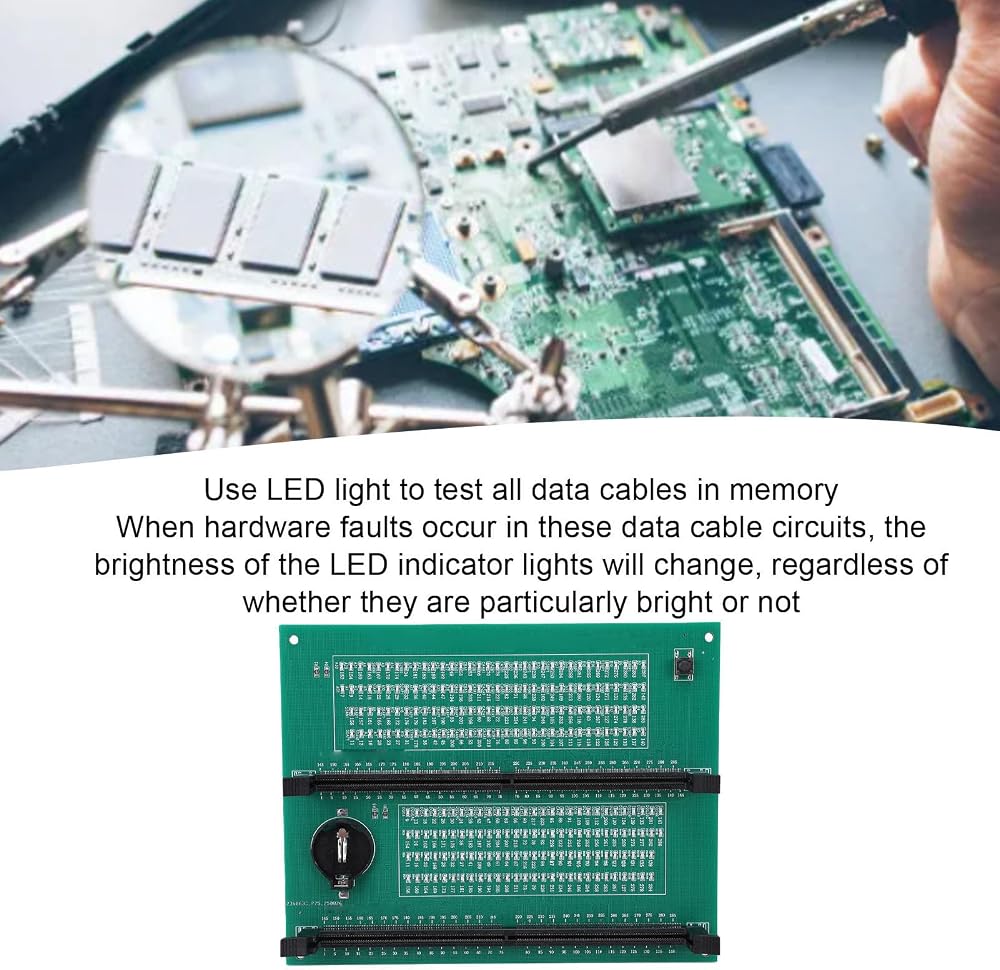
[Comprehensive Diagnostics] This professional tool detects all common memory problems including open/short circuits, data cable socket damage, and video memory issues. it thoroughly tests every data line in the memory module, with led responses that change based on the hardware condition. perfect for diagnosing intermittent connection problems and performance issues.
وصف
Spec:
Item Type: DDR5 Memory Tester
Material: PCB
Battery: 1 x Battery (Not Included)
Feature: Suitable for DDR5 UDIMM/RDIMM Type
Instructions:
1. Use LED lights to test all data cables in the memory. When hardware faults occur in these data cable circuits, the brightness of the LED indicator lights will change, regardless of whether they are particularly bright or not.
2. Install the battery (not included) into the battery holder or use TYPE C cable. Insert the memory module to be tested into the slot of the memory tester. If all indicator lights are on and the brightness is consistent, it indicates that there is no open or short circuit fault in the data line circuit of the memory module.
3. If the indicator light flashes during the testing process, it indicates poor touch with the connecting finger.
4. If the indicator light is not on, it indicates that there is an open circuit fault in the hardware. Check the wear of the connecting finger, whether the resistor is damaged, and whether the PCB circuit is open. Identify the faulty pin based on the numerical indication of the indicator light, and then use a multimeter to determine the specific cause of the fault.
5. After hardware testing of the memory module, the issue of poor performance of the graphics memory should be considered, and alternative methods or corresponding testing software should be used to locate the faulty graphics memory.
 VC60B LCD مقياس الضغط الرقمي، جهاز اختبار مقاومة العزل مقياس الضغط 200MΩ/2GΩ
SAR 248
VC60B LCD مقياس الضغط الرقمي، جهاز اختبار مقاومة العزل مقياس الضغط 200MΩ/2GΩ
SAR 248
 مسبار مشبك التذبذبات P4100 100X مع مجموعة الملحقات عالية الجهد 2 كيلو فولت 100 ميجا هرتز
SAR 124
مسبار مشبك التذبذبات P4100 100X مع مجموعة الملحقات عالية الجهد 2 كيلو فولت 100 ميجا هرتز
SAR 124
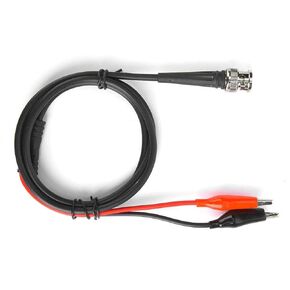 BNc كليب محوري وظيفة كابل مولد إشارة اختبار خط الملحقات 90 سم 50 أوم BNc سلك مزدوج المشبك
SAR 38
BNc كليب محوري وظيفة كابل مولد إشارة اختبار خط الملحقات 90 سم 50 أوم BNc سلك مزدوج المشبك
SAR 38
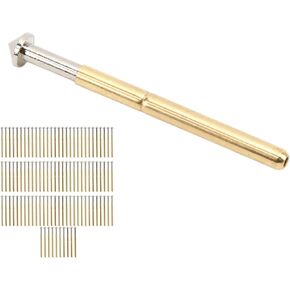 100 قطعة اختبار الربيع التحقيق بوجو دبوس أدوات اختبار ثنائي الفينيل متعدد الكلور اختبار دبوس الربيع الاتصال التحقيق
SAR 80
100 قطعة اختبار الربيع التحقيق بوجو دبوس أدوات اختبار ثنائي الفينيل متعدد الكلور اختبار دبوس الربيع الاتصال التحقيق
SAR 80