- Shopping, made easy.
- /
- Get the app!
Spec:
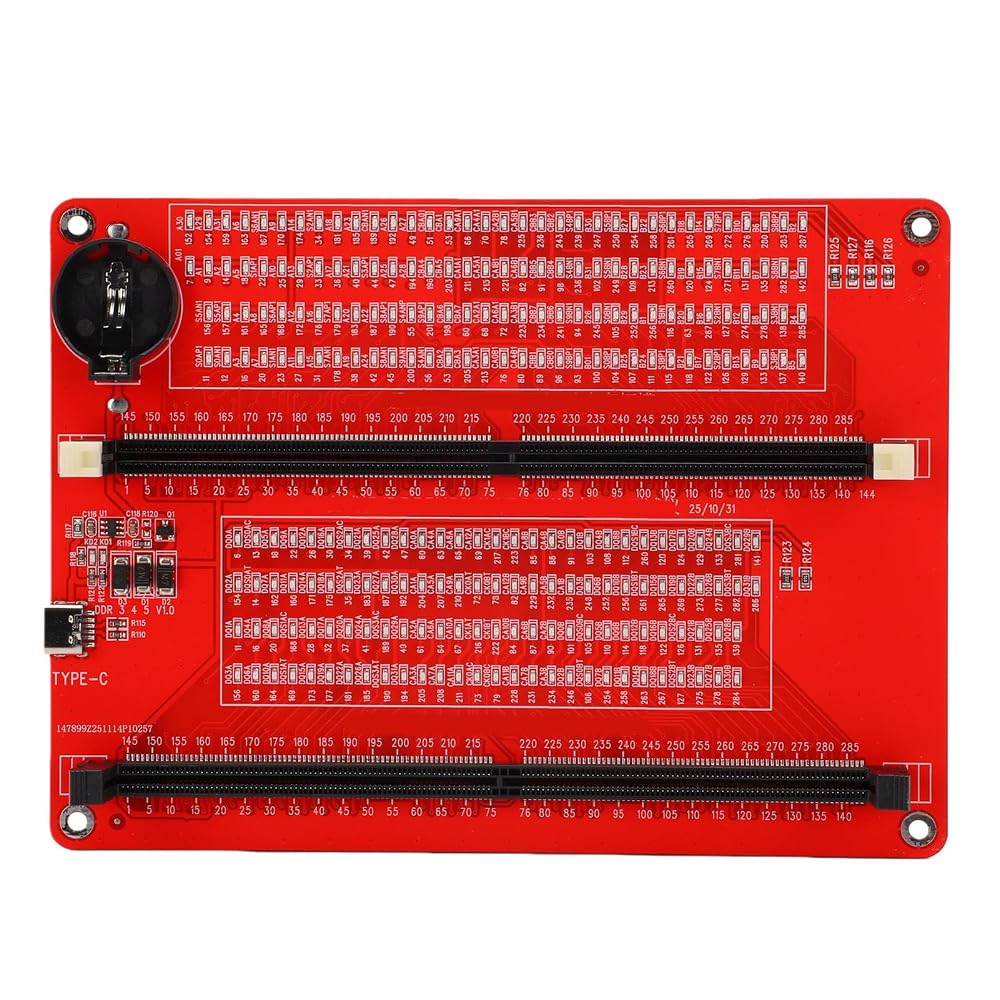
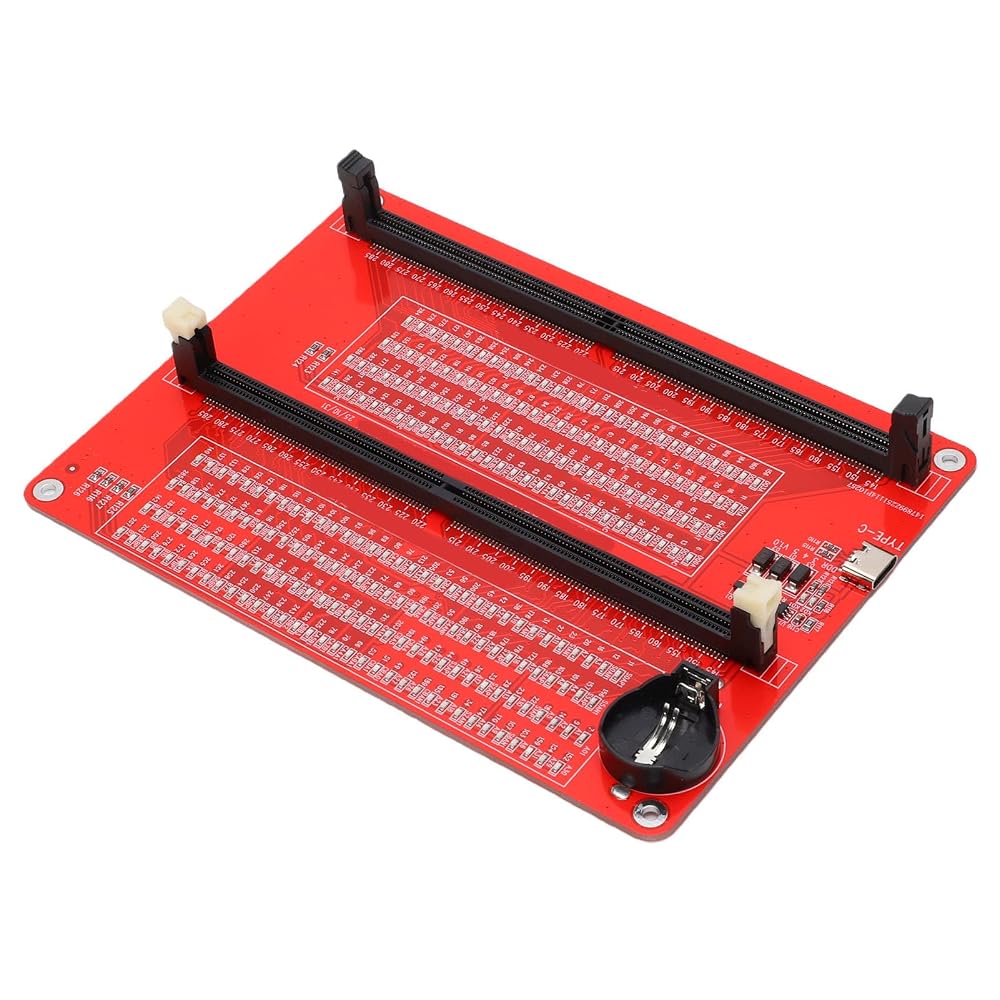
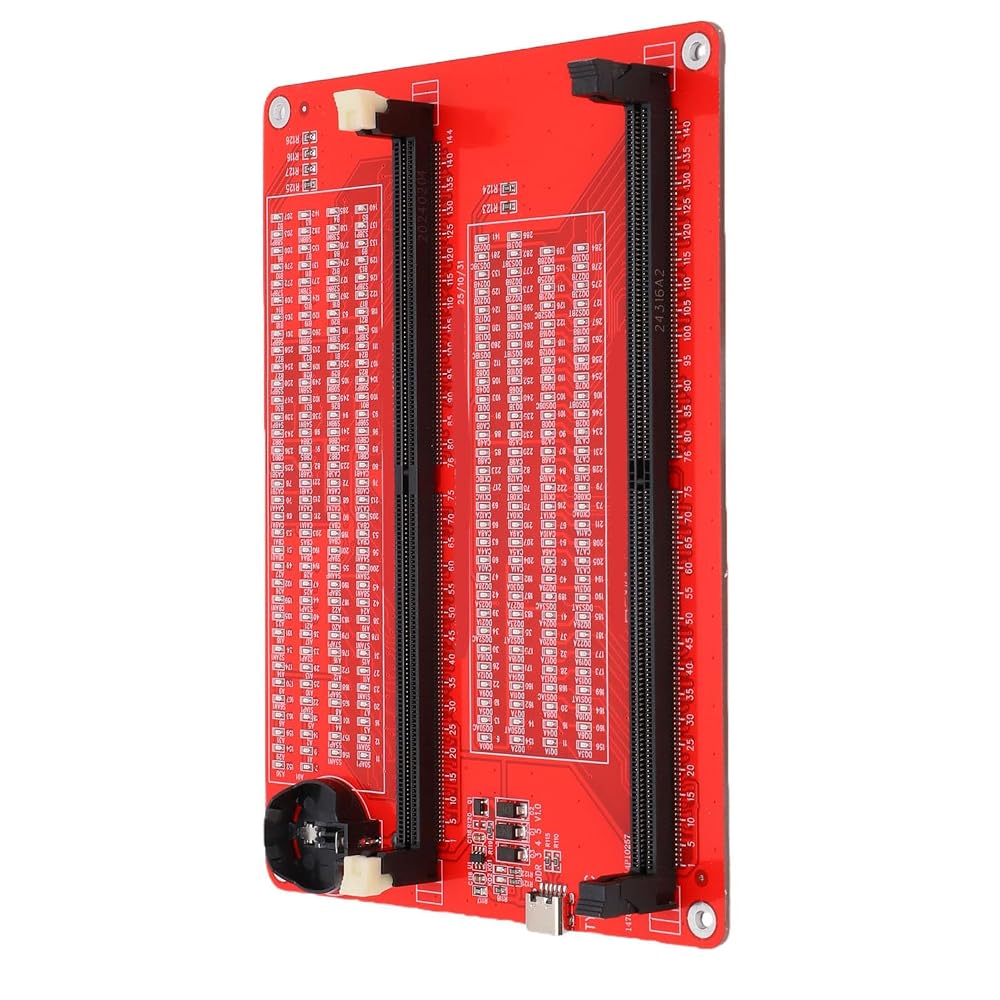
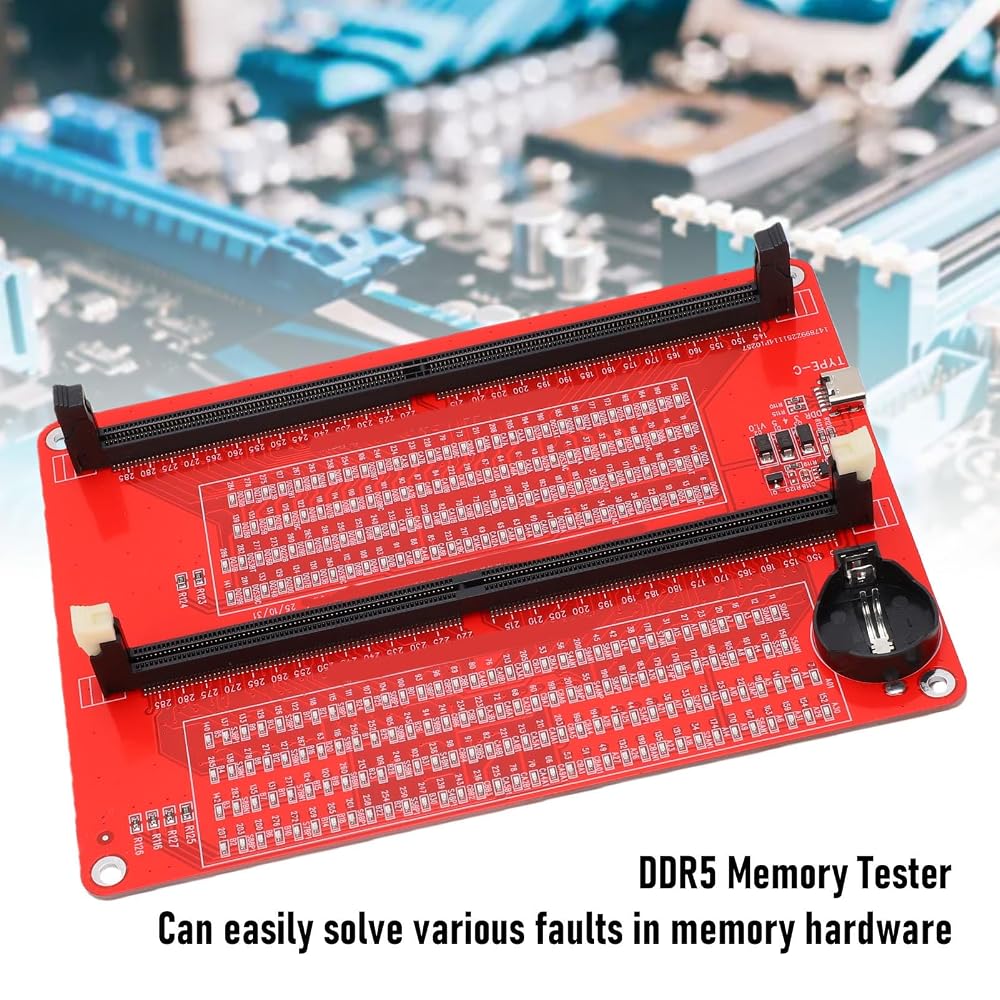
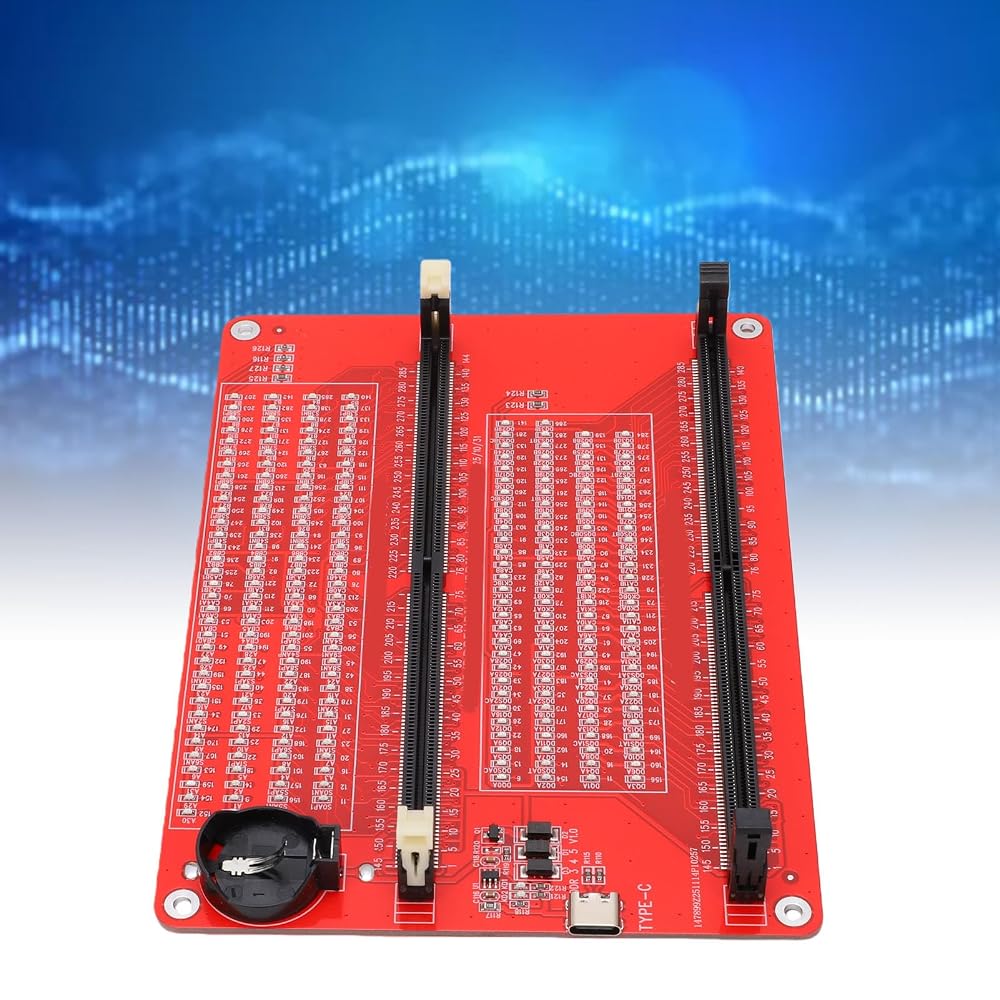
Item Type: DDR5 Memory Tester
Material: PCB
Battery: 1 x Button Cell (not included)
Features:
1. Suitable for DDR5 UDIMM/RDIMM types
2. Utilizes surface mount components, safe to use
3. Suitable for repairing desktop and server computers
Two Power Input Modes:
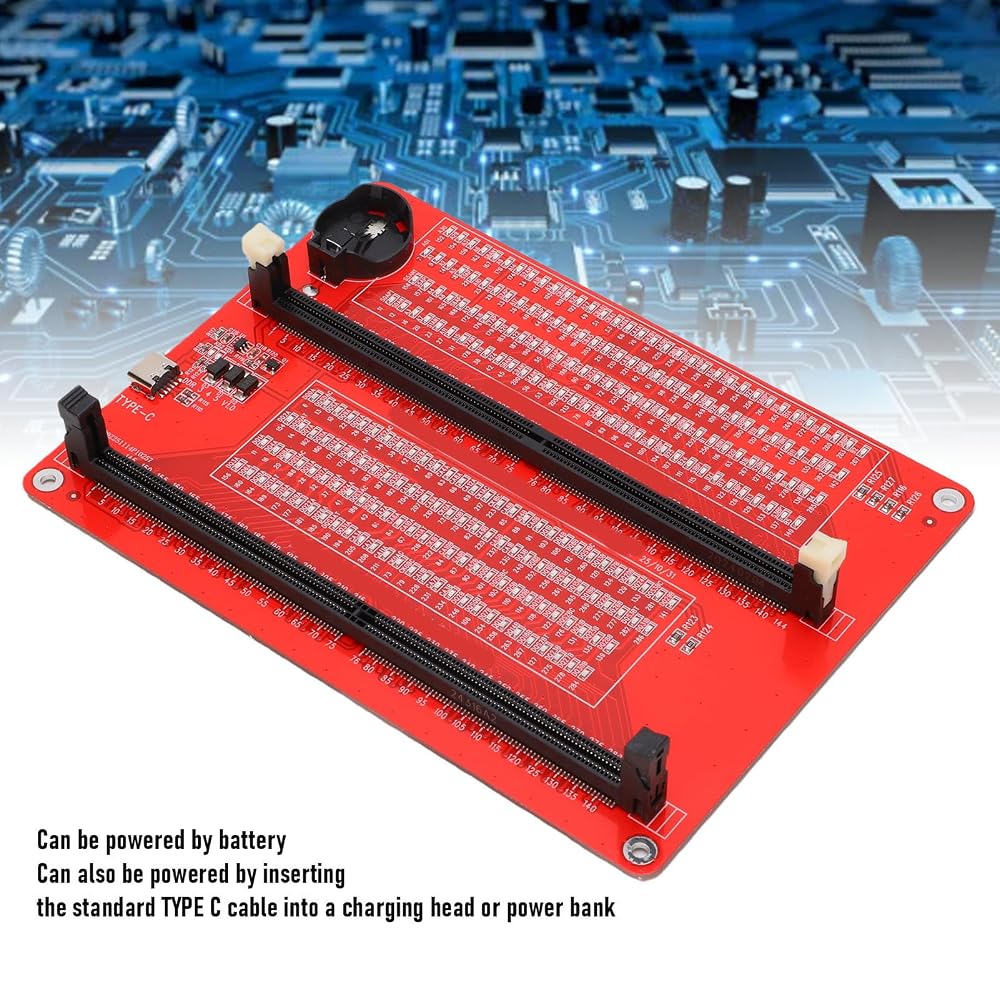
1. Type C slot power input
2. Battery (not included)
Instructions:
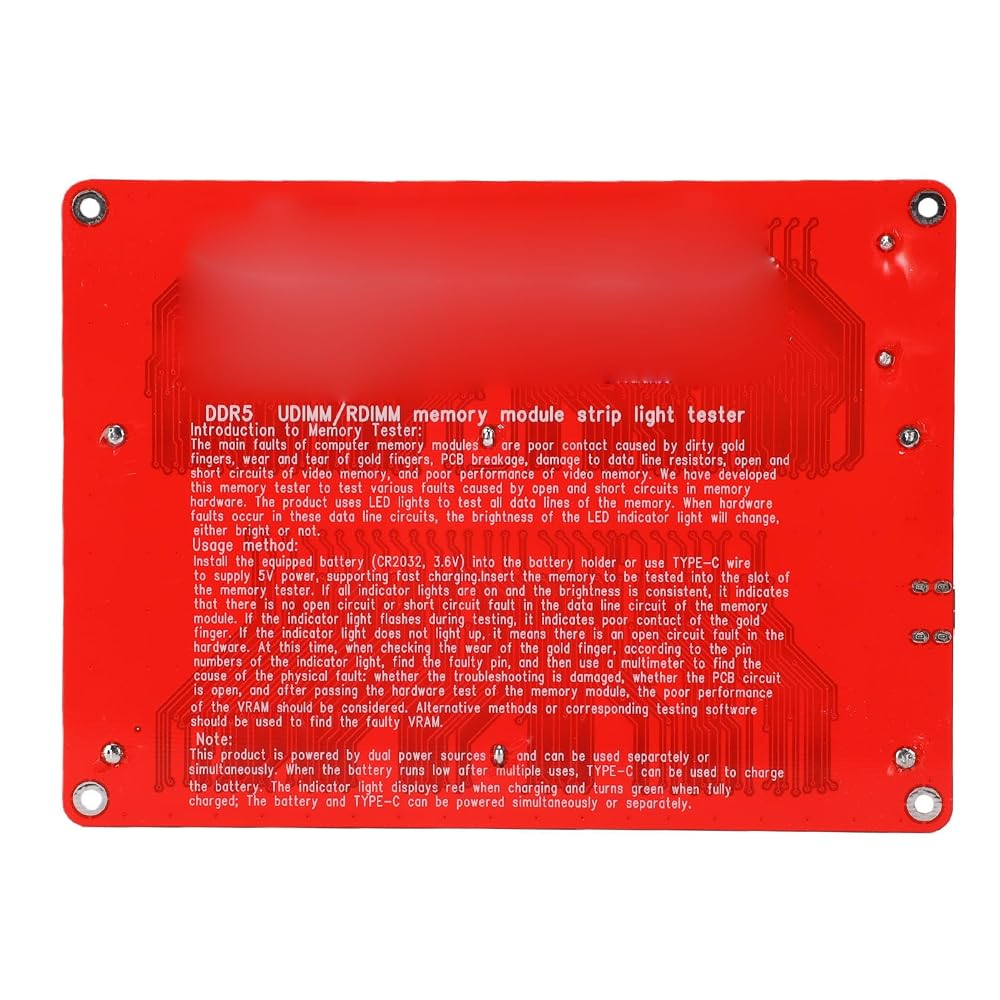
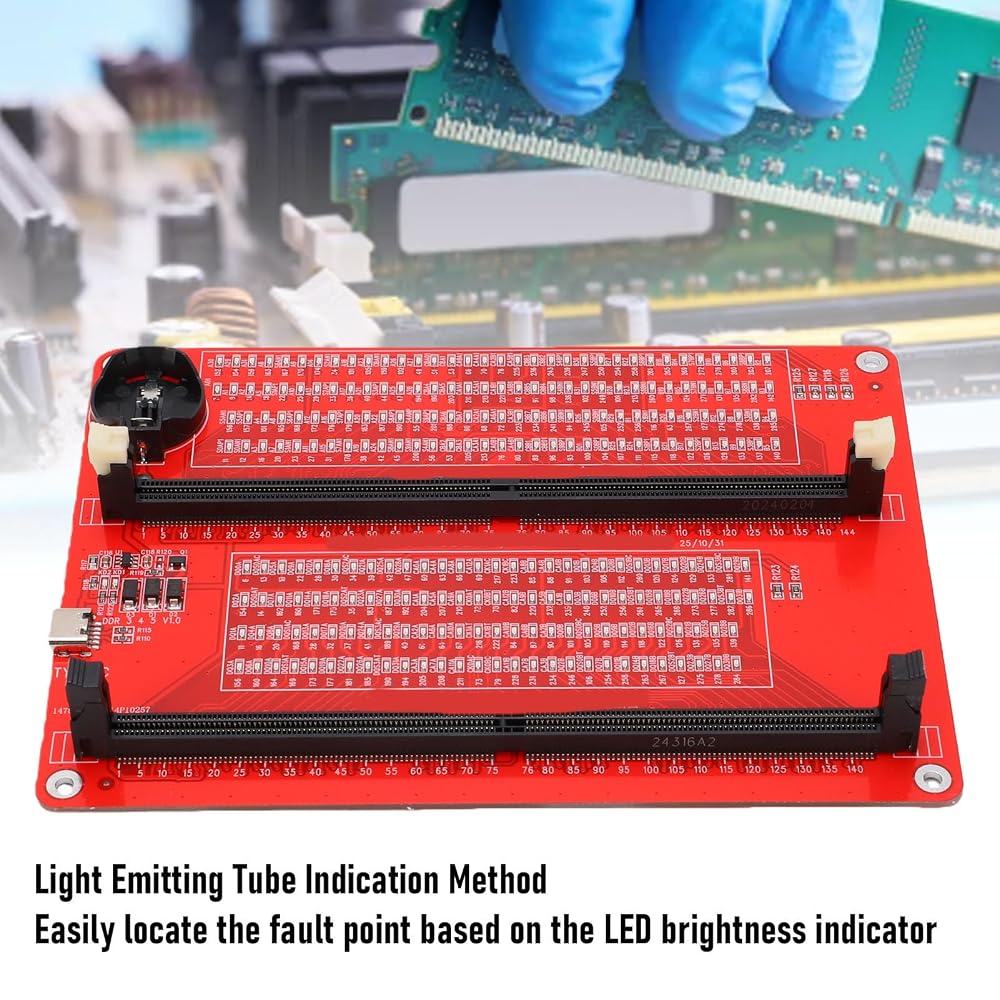
1. Use LED lights to test all data cables in the memory. When hardware faults occur in these data cable circuits, the brightness of the LED indicator lights will change, regardless of whether they are particularly bright or not.
2. Install the battery (not included) into the battery holder or use TYPE C cable. Insert the memory module to be tested into the slot of the memory tester. If all indicator lights are on and the brightness is consistent, it indicates that there is no open or short circuit fault in the data line circuit of the memory module.
3. If the indicator light flashes during the testing process, it indicates poor touch with the connecting finger.
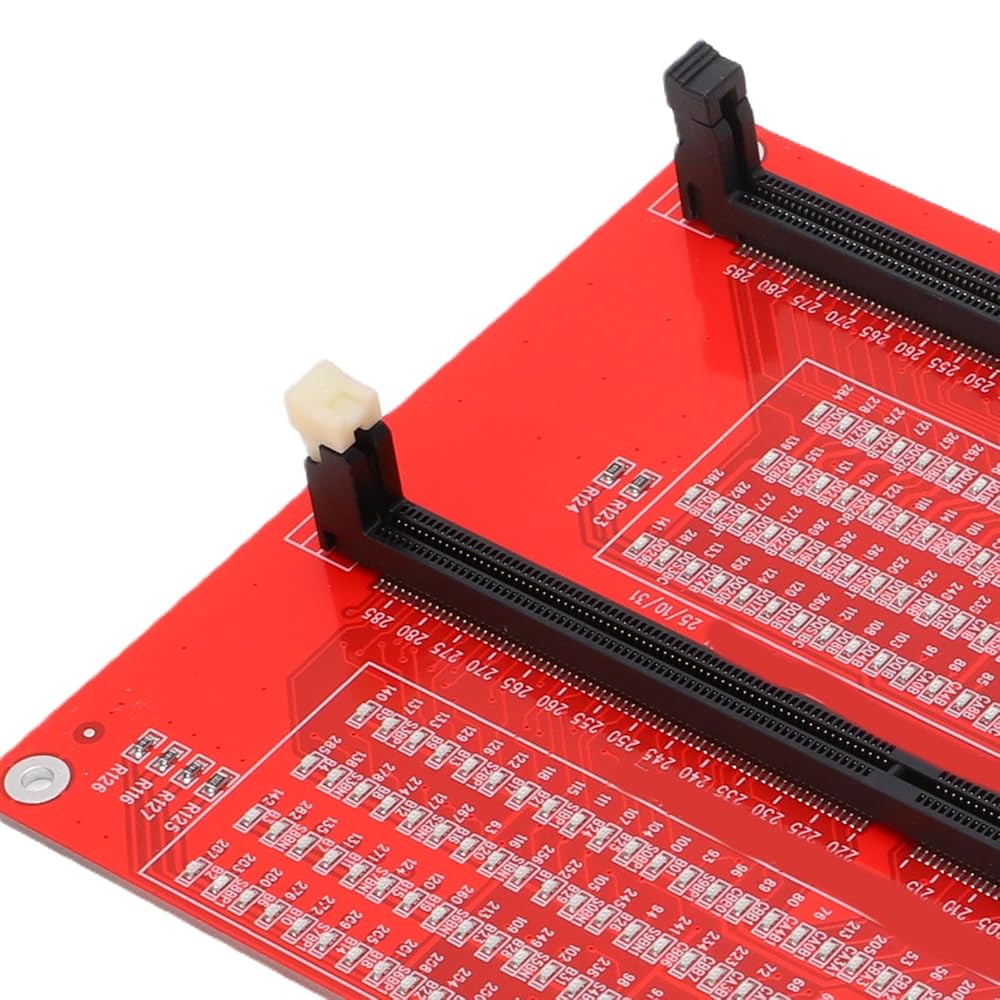
4. If the indicator light is not on, it indicates that there is an open circuit fault in the hardware. Check the wear of the connecting finger, whether the resistor is damaged, and whether the PCB circuit is open. Identify the faulty pin based on the numerical indication of the indicator light, and then use a multimeter to determine the specific cause of the fault.
5. After hardware testing of the memory module, the issue of poor performance of the graphics memory should be considered, and alternative methods or corresponding testing software should be used to locate the faulty graphics memory.
How to Use:
Directly install and use.
packing list:
1 x DDR5 Memory Tester
1 x USB Cable
Note:
 6 Digits Electronic Counter, Counting Range LED Digital Display Counter Relay Non Voltage Counter for Various Signal Input Counts Magnetic Switch (AC/DC24V)
SAR 68
6 Digits Electronic Counter, Counting Range LED Digital Display Counter Relay Non Voltage Counter for Various Signal Input Counts Magnetic Switch (AC/DC24V)
SAR 68
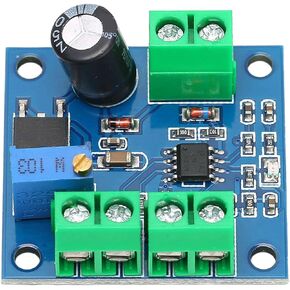 Analog Converter Board Voltage to Frequency Converter Module 0‑10V Voltage to 0‑10KHz Digital Analog Conversion Board Power Converters
SAR 55
Analog Converter Board Voltage to Frequency Converter Module 0‑10V Voltage to 0‑10KHz Digital Analog Conversion Board Power Converters
SAR 55
 Digital Multimeter, Autoranging Multimeter Kit, ANENG AN8009 Digital Multimeter Tester with Test Probe AC DC Voltage Electronic, clamp Meters
SAR 197
Digital Multimeter, Autoranging Multimeter Kit, ANENG AN8009 Digital Multimeter Tester with Test Probe AC DC Voltage Electronic, clamp Meters
SAR 197
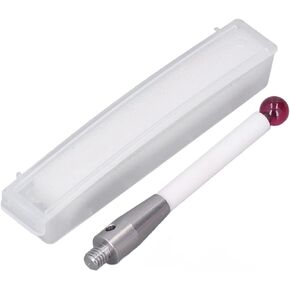 Cmm Touch Probe, CMM Probe 6mm Diameter Ruby Ball Ceramic Rod M4 CMM A-5000-3709, Test Probes & Leads
SAR 146
Cmm Touch Probe, CMM Probe 6mm Diameter Ruby Ball Ceramic Rod M4 CMM A-5000-3709, Test Probes & Leads
SAR 146