- Shopping, made easy.
- /
- Get the app!
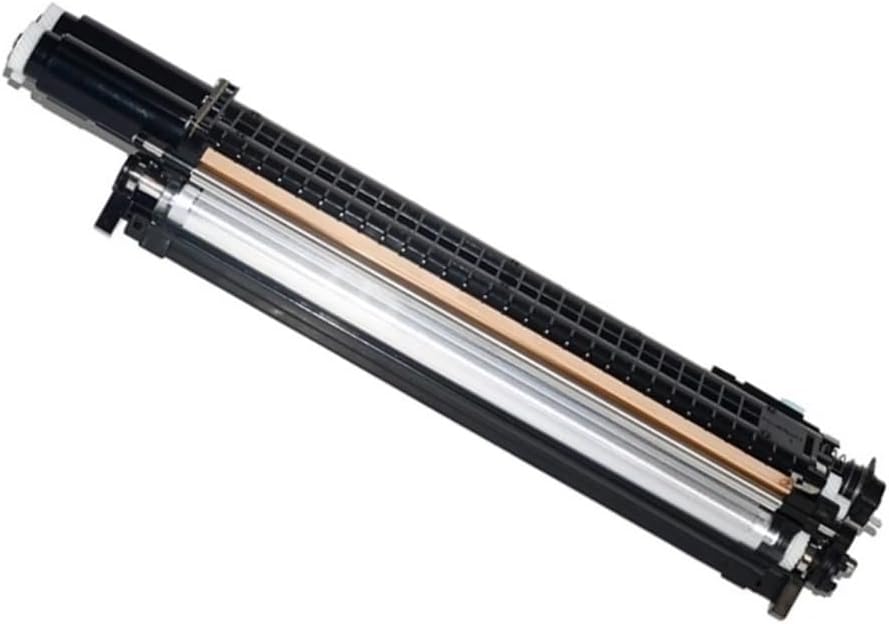
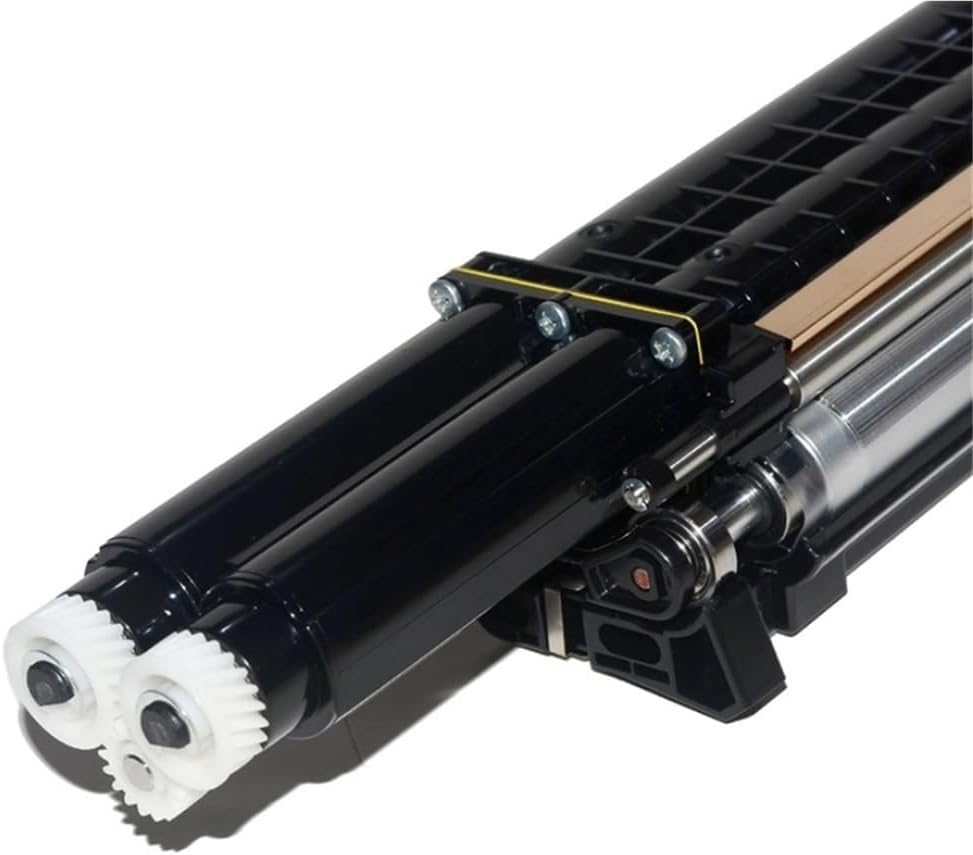
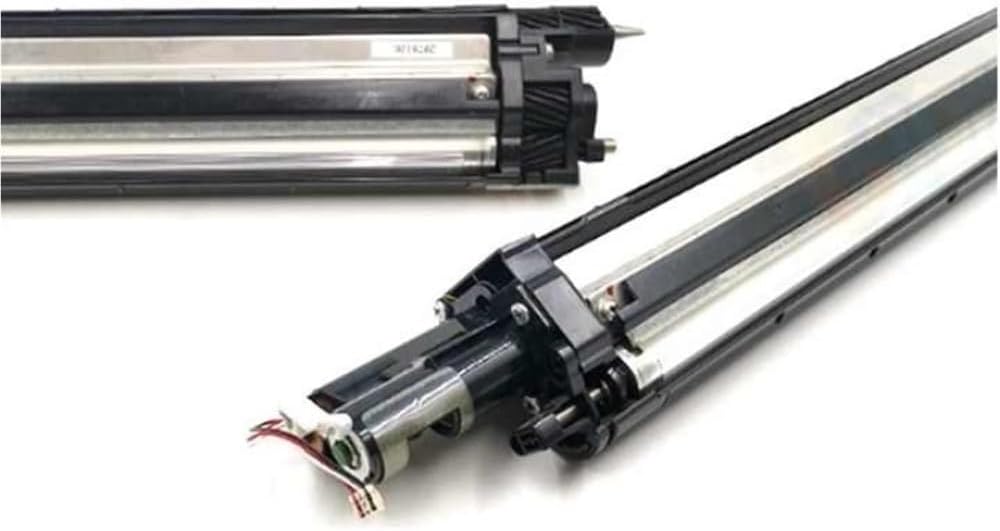
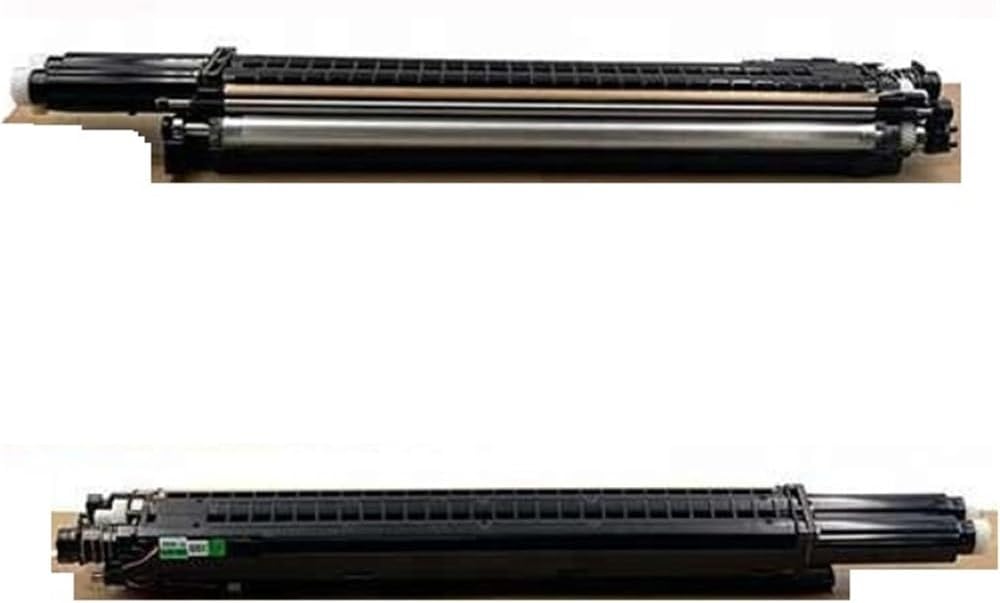
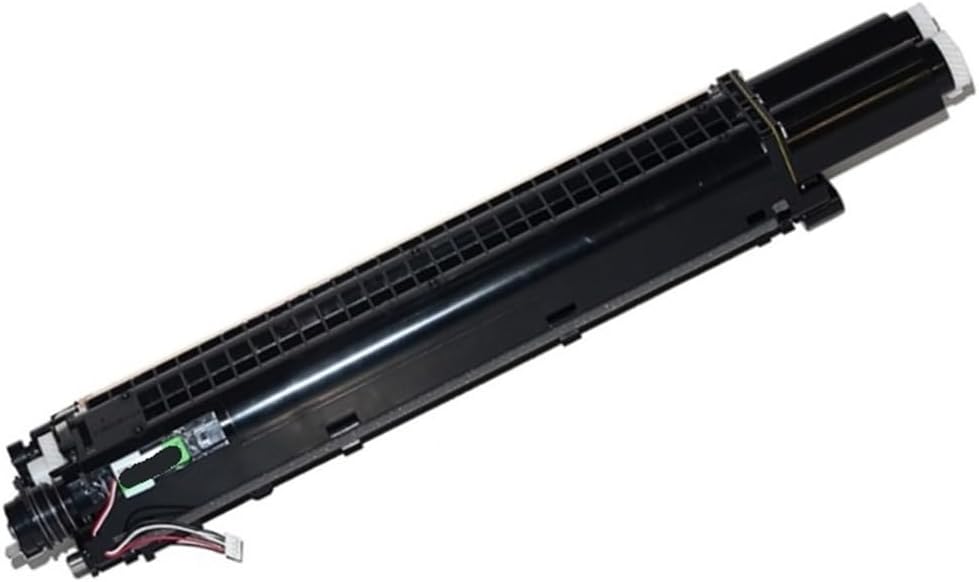
For C2271 C3370 C3371 C4471 VII C2273
For C7773 C6673 C5573 C4473 C3373 C3372
Color:CMYK
Ink cartridge status: Empty
Origin : Mainland China
Package Included:4pcs
Note:
1. Before purchasing, please verify the brand, model, and OEM number of your equipment and accessories to ensure they match the product description and avoid installation problems due to model incompatibility.
2. Before installation, please turn off the power to the device and unplug the power cord to prevent electric shock or damage to internal parts.
3. During installation, do not forcefully pull on the accessories. Install them in the correct orientation to avoid breakage or deformation of the accessories.
 Hard Travel Case for HP OfficeJet 200 Portable Printer (CZ993A), Printer Storage Bag Organizer with Adjustable Shoulder Strap (Case Only)
SAR 168
Hard Travel Case for HP OfficeJet 200 Portable Printer (CZ993A), Printer Storage Bag Organizer with Adjustable Shoulder Strap (Case Only)
SAR 168
 Eco Solvent Printer Printhead Compatible with Cabezal XP600 F1080 A1 DTF XP600 Print Head
SAR 503
Eco Solvent Printer Printhead Compatible with Cabezal XP600 F1080 A1 DTF XP600 Print Head
SAR 503
 4PCS Developer Chip DV311 Compatible with C220 C280 C360 Models Reset Chip for DV 311(4pcs CMYK)
SAR 179
4PCS Developer Chip DV311 Compatible with C220 C280 C360 Models Reset Chip for DV 311(4pcs CMYK)
SAR 179
 250g Copier Carrier Powder Refill Compatible with C2271 C3370 C3371 C4471 C5571 C6671 C7771(1pcs Cyan 250G)
SAR 217
250g Copier Carrier Powder Refill Compatible with C2271 C3370 C3371 C4471 C5571 C6671 C7771(1pcs Cyan 250G)
SAR 217