- Shopping, made easy.
- /
- Get the app!
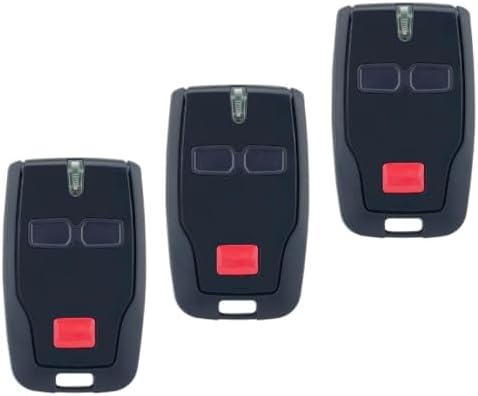
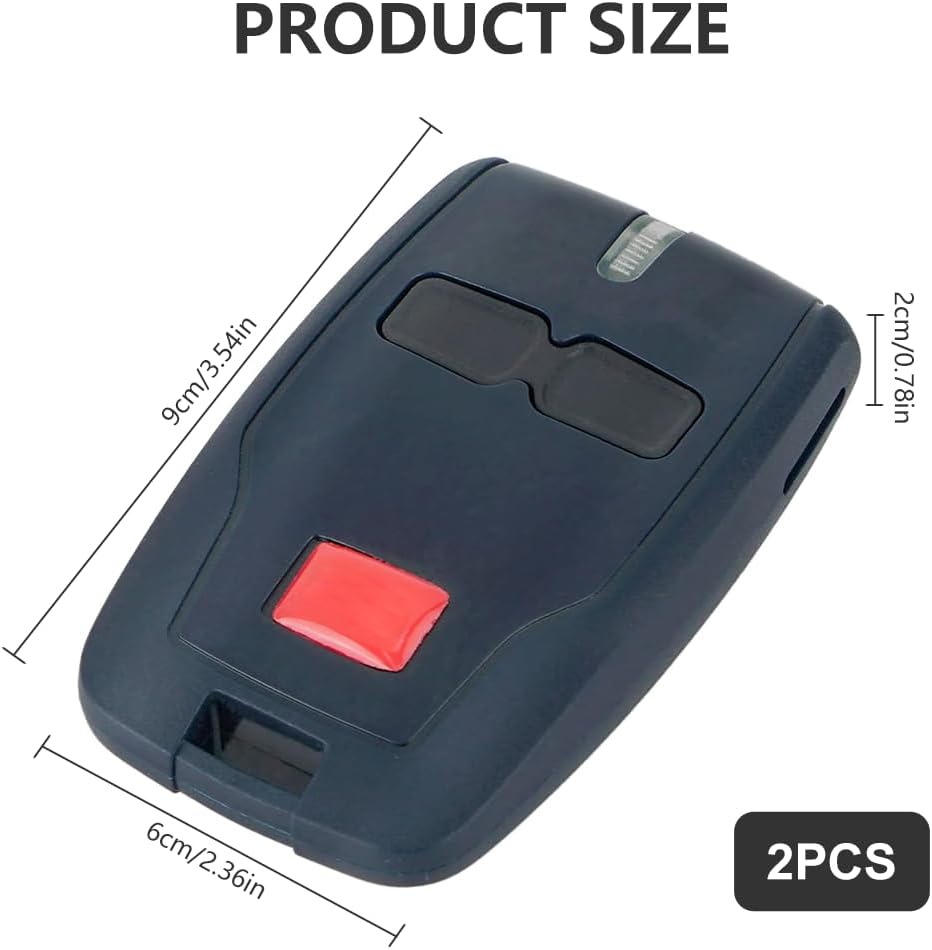
How To Program BFT Mitto:
The following process will only work if your control panel has been enabled for remote programming by the installer. If the following process does not work you will need the assistance of an approved BFT installer.
You must be at the control panel. (It does not need to be open).
You will need one existing, functional, transmitter already coded on the system.
and any new/replacement transmitters readily to hand.
NOTE: The following sequence must be followed sequentially in rapid succession; any pause in the process will cause the system to time out.
Read and familiarise yourself with the process before commencing.
Programming Method:
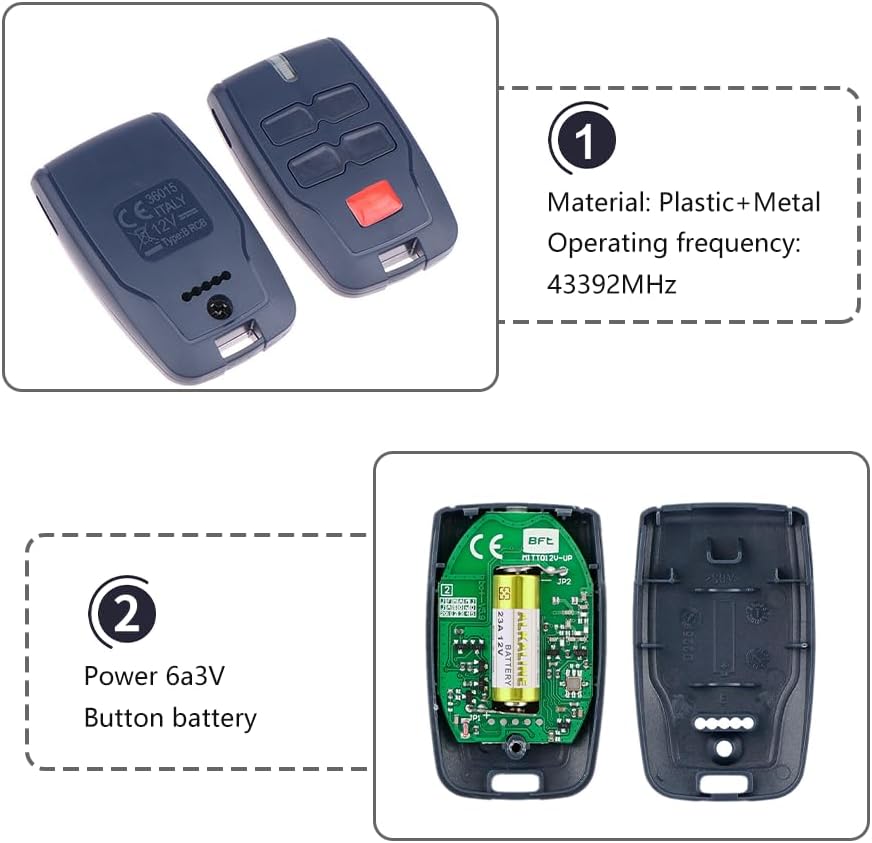
1.Press the hidden button on the back of the transmitter already stored on the system for 2 seconds.
(If it has no hidden button use the top two front buttons together instead).
2. Press the functioning button on the front of the transmitter already stored on the system for 2 seconds.
3. Press the hidden button on the back of the new transmitter for 2 seconds.
(If it has no hidden button use the top two front buttons together instead).
4. Press the desired button on the front of the new transmitter for 2 seconds.
Repeat 3 & 4 for as many transmitters as are to be added to the system, but ensure there is no pause between operations to prevent time out.
5. Leave 20 Seconds before attempting to use your new transmitter(s) for the board to reset.
Coding is now complete.
If this process fails to enable your new transmitter(s) contact your local approved BFT Installer.
 CHRIS GOOD Men's Car Key Chain 2pcs, Personalized Creative Stainless Steel Car Keychain for Men
SAR 0
CHRIS GOOD Men's Car Key Chain 2pcs, Personalized Creative Stainless Steel Car Keychain for Men
SAR 0
 Large Windshield Sun Shade | 27" x 67" (68.6 cm x 170.2 cm) | Silver Reflective | Fits Trucks, Vans, RVs | UV Protection
SAR 68
Large Windshield Sun Shade | 27" x 67" (68.6 cm x 170.2 cm) | Silver Reflective | Fits Trucks, Vans, RVs | UV Protection
SAR 68
 Wristlet Keychain, Leather Keychain, Universal Car Key Holder with 360-Degree Swivel, 2 Key Rings, Anti-Lost D-Ring
SAR 27
Wristlet Keychain, Leather Keychain, Universal Car Key Holder with 360-Degree Swivel, 2 Key Rings, Anti-Lost D-Ring
SAR 27
 Autel MaxiIM IKEYTY8A3AL, 2025 Universal Key Fob Keyless Entry Replacement for Toyota, 3 Buttons OE-Quality, OBD Learning for 700+ Vehicles, 130FT Remote, Work with Autel Scan Tool KM100 IM508 IM608
SAR 209
Autel MaxiIM IKEYTY8A3AL, 2025 Universal Key Fob Keyless Entry Replacement for Toyota, 3 Buttons OE-Quality, OBD Learning for 700+ Vehicles, 130FT Remote, Work with Autel Scan Tool KM100 IM508 IM608
SAR 209