- التسوق ، اصبح سهلا.
- /
- احصل على التطبيق!
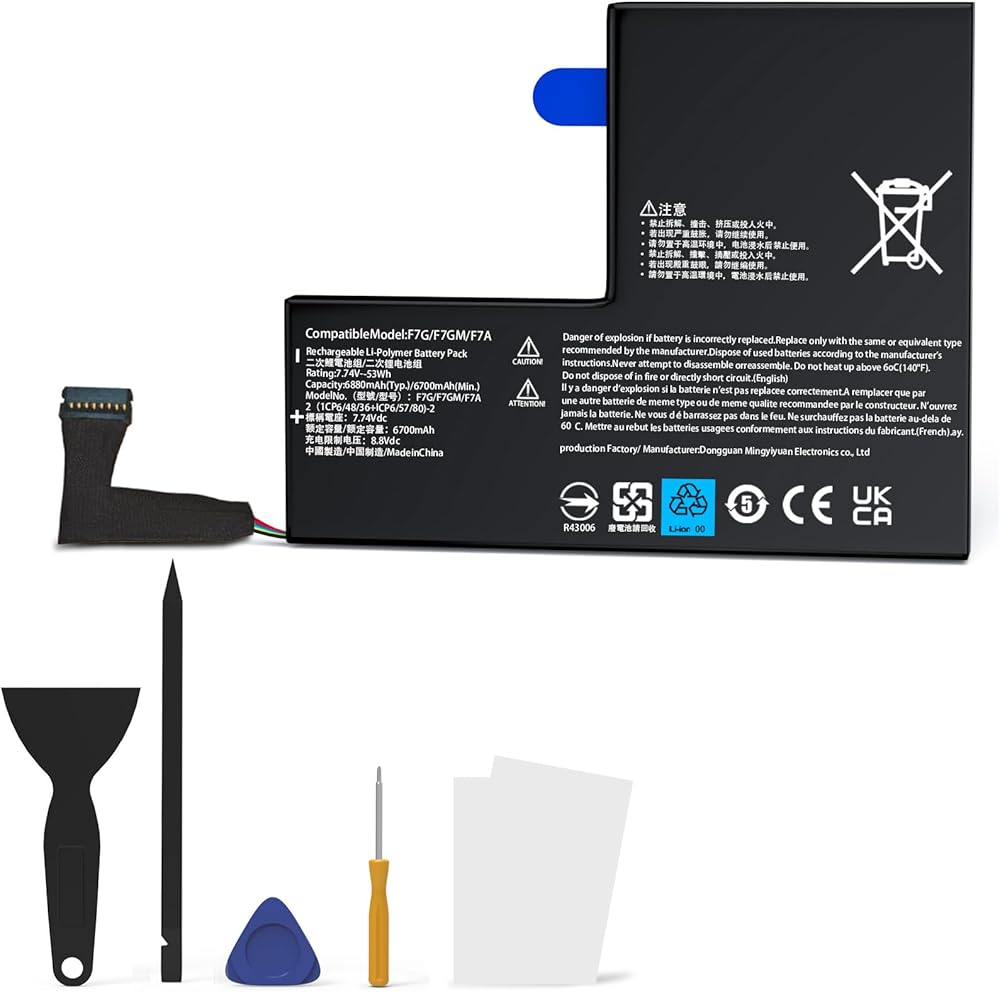
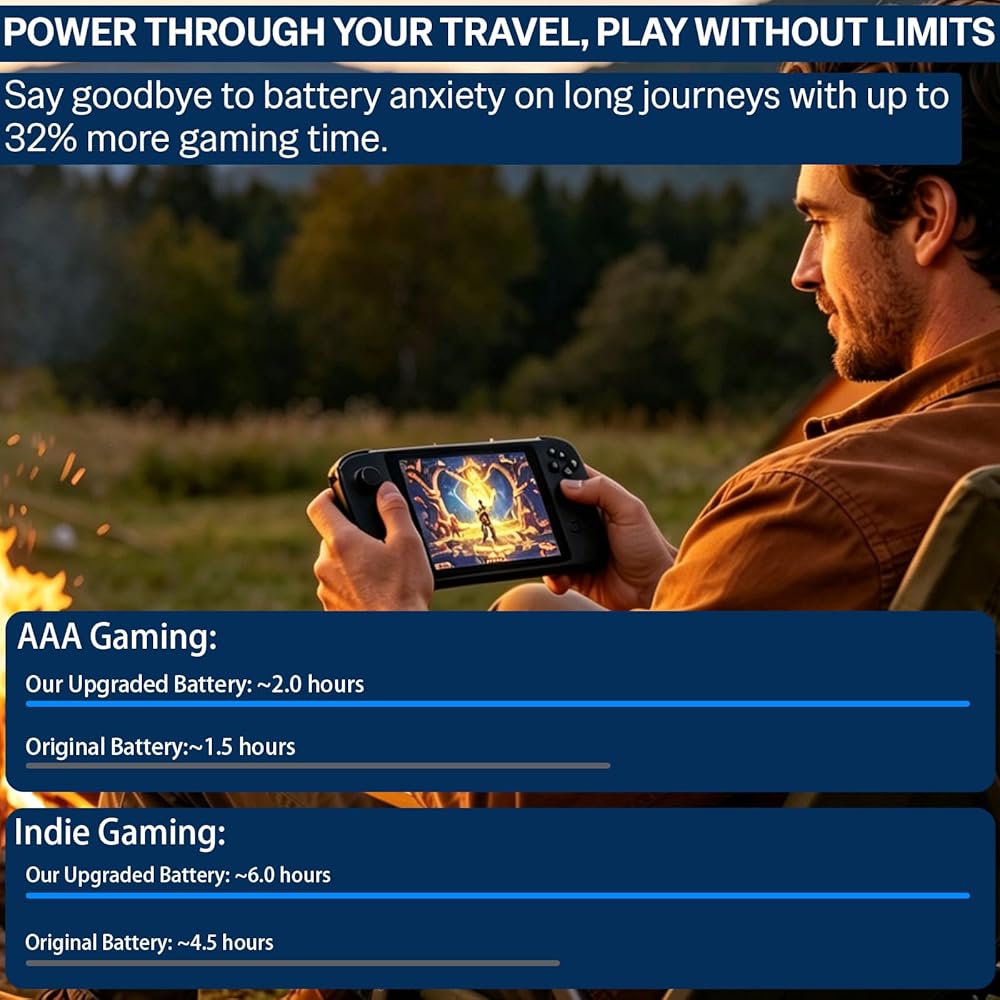
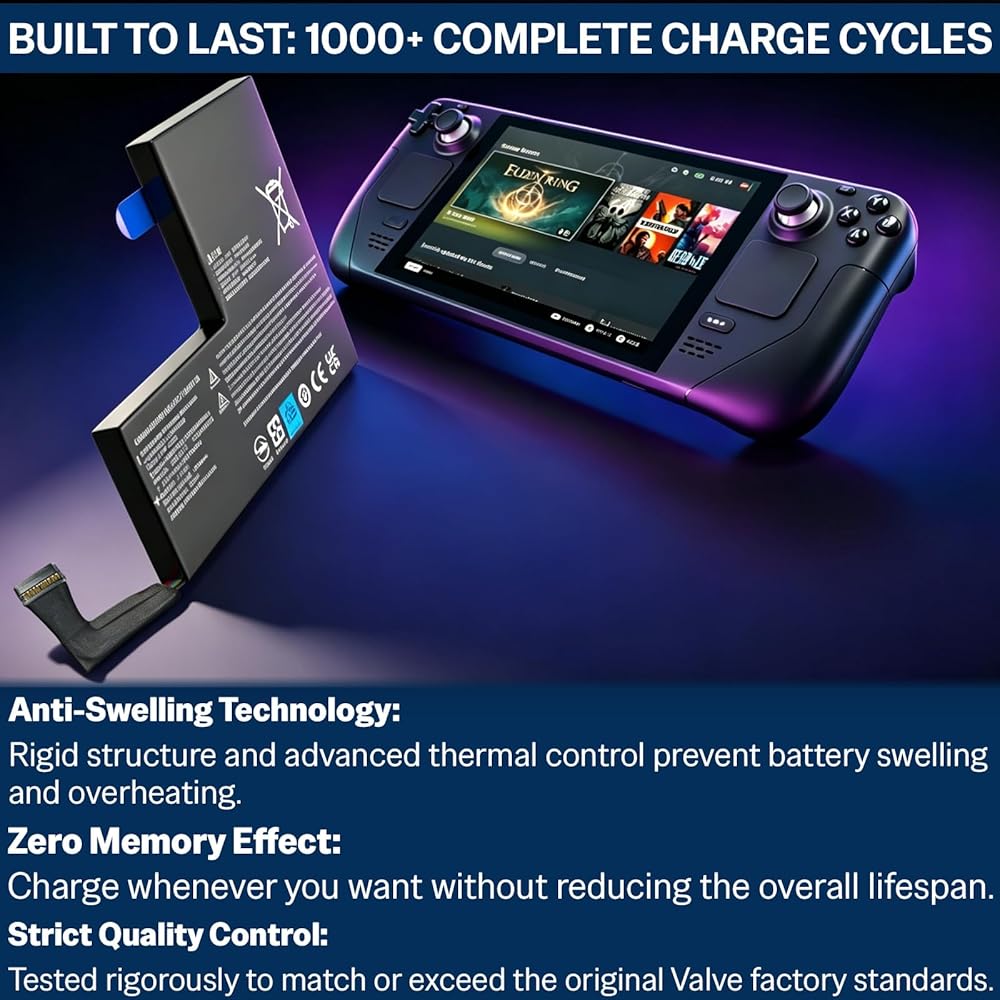
Restore your handheld console's battery life with the FJP F7G replacement battery. This high-capacity, high-quality lithium-polymer battery is designed to provide stable power and long-lasting gaming sessions.
🔋 Product Specifications:
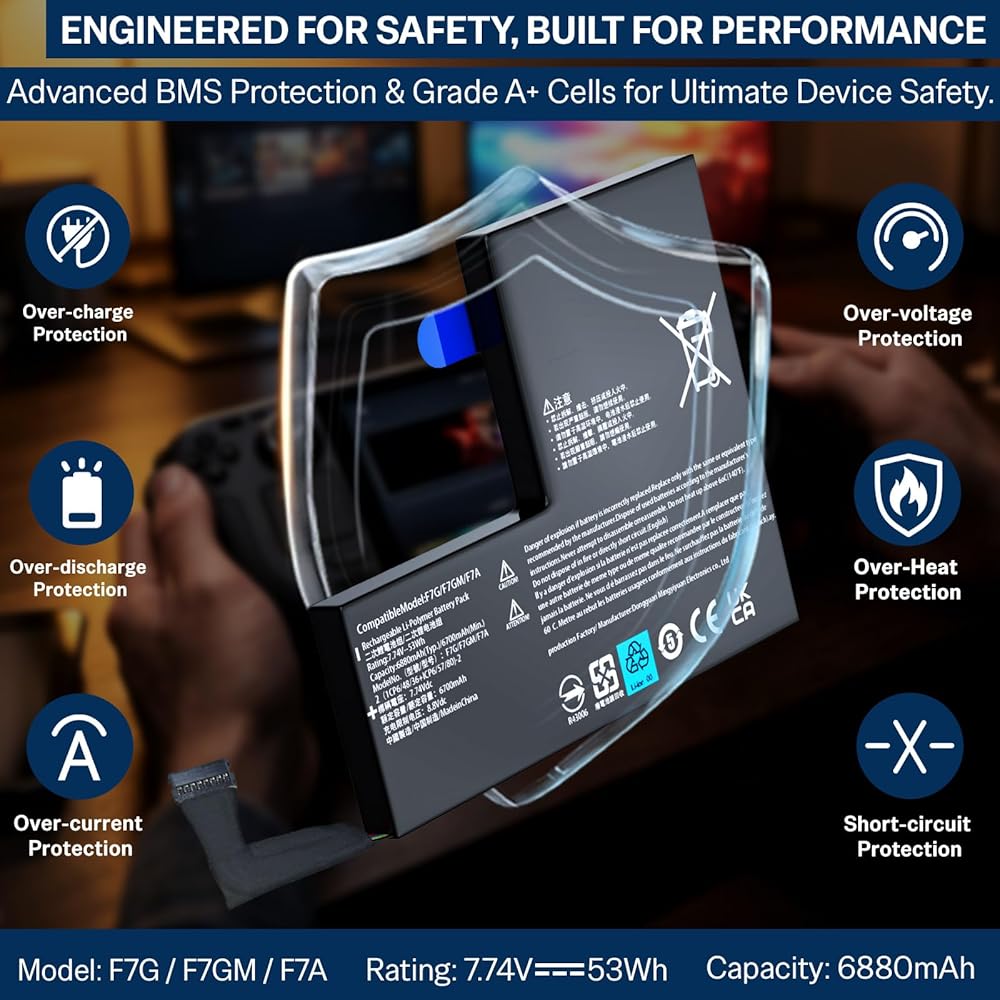
Voltage: 7.74 V
Capacity: 6880 mAh
Energy: 53 Wh
Battery Type: Lithium-polymer
🛡️ Compatibility:
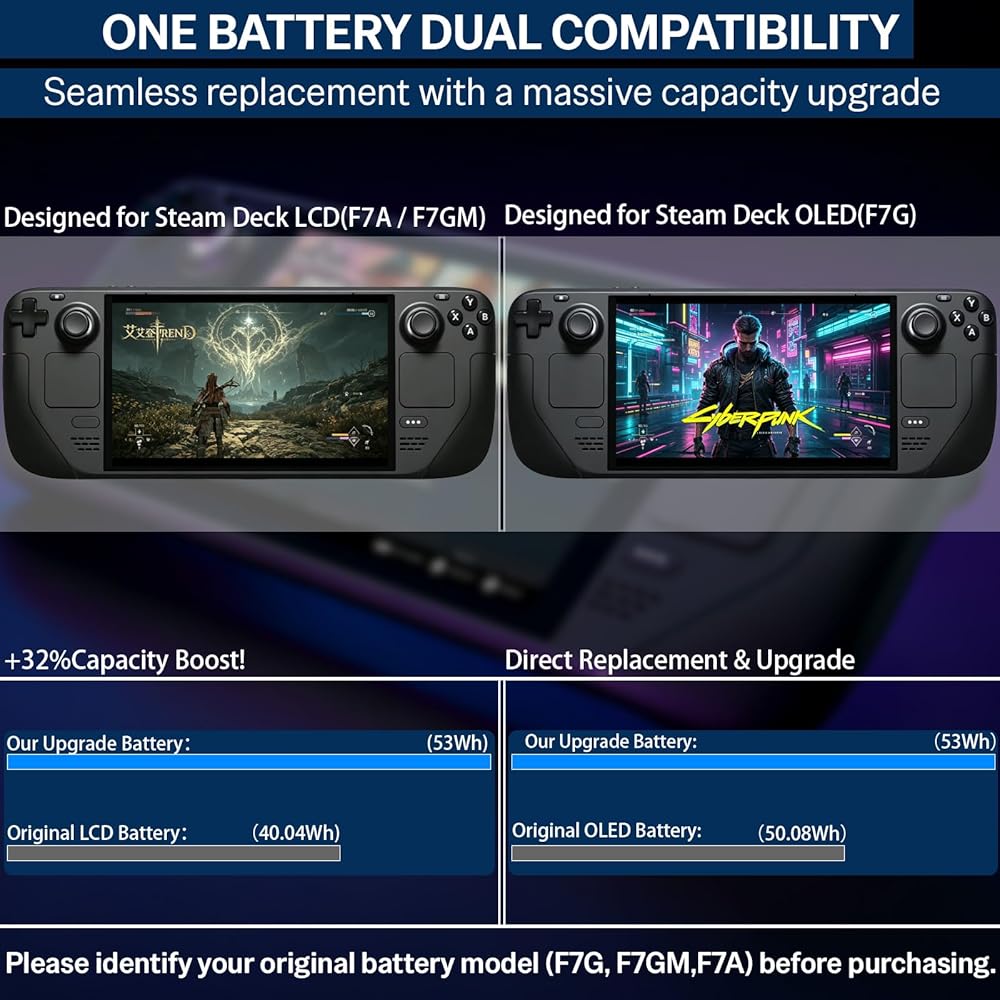
Compatible with Steam Deck OLED (F7G)
Compatible with Steam Deck LCD (F7A / F7GM)
📦 Complete Installation Toolkit:
One high-capacity replacement battery
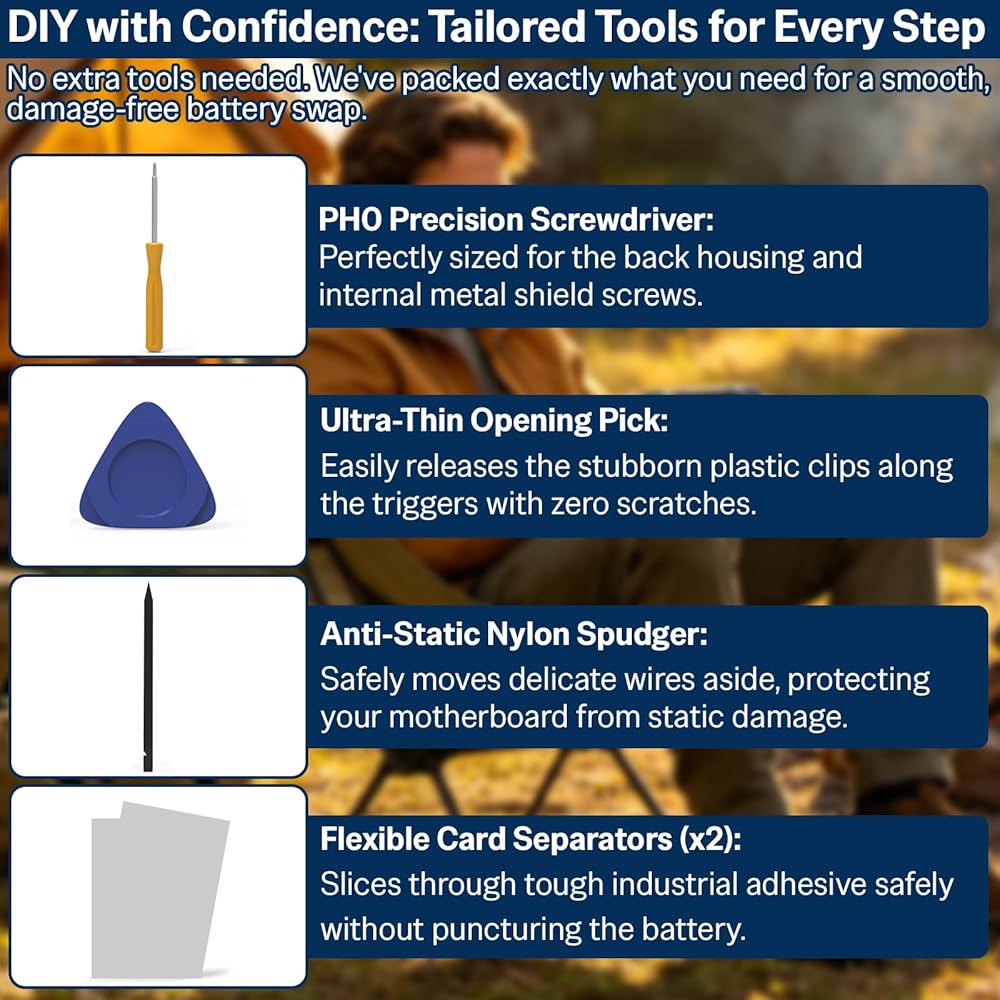
One PH0 screwdriver
One anti-static nylon pry bar
One ultra-thin prying sheet
Two flexible disassembly cards
One user manual
⚠️ Important Safety and Installation Guidelines:
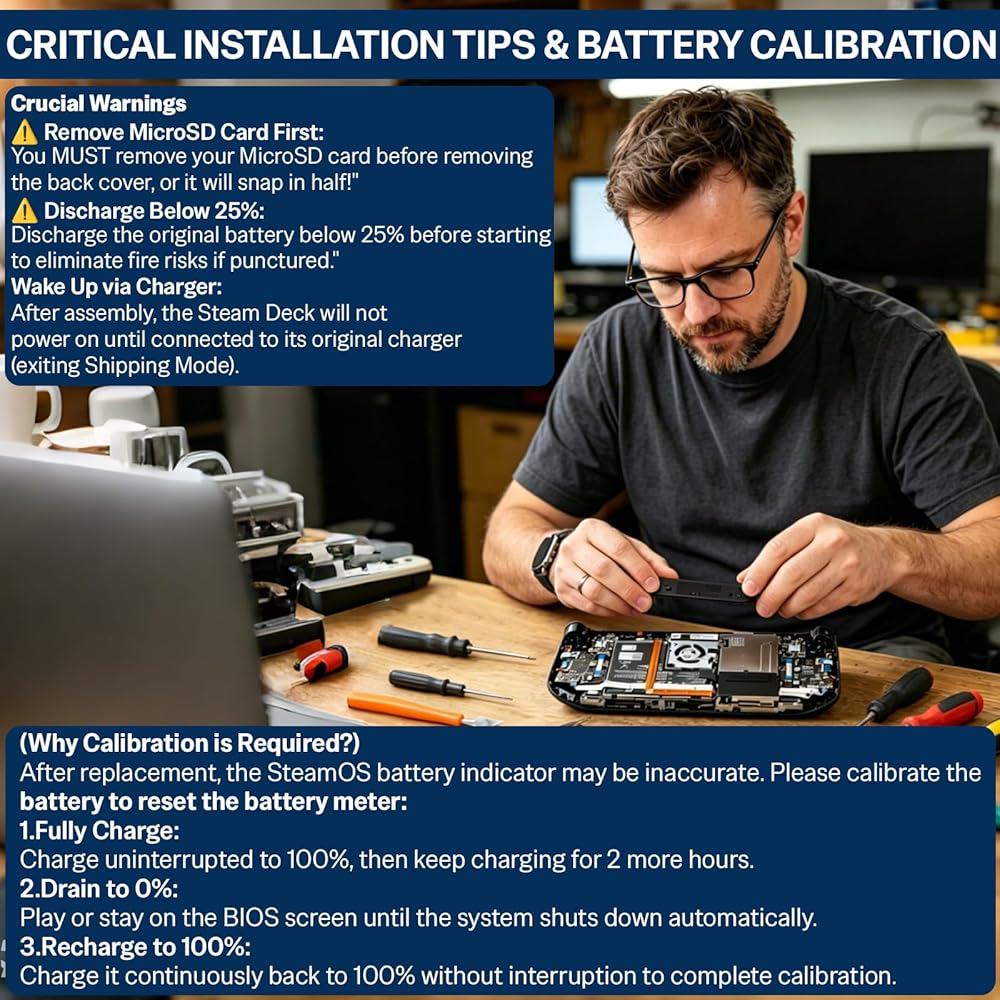
Step 1 (Safe Start): Please ensure your console's original battery is discharged below 25 percent before you begin the disassembly process. A charged lithium-ion battery can pose safety risks if accidentally punctured.
Step 2 (Prevent Card Damage): You must remove your MicroSD card before taking off the back cover to prevent the card from snapping.
Step 3 (Battery Storage Mode): We recommend putting your console into Battery Storage Mode before disassembly. Shut down the device, hold the Volume Up (+) button and press the Power button. Go to Setup Utility -> Power -> Battery Storage Mode -> Select Yes.
Step 4 (Adhesive Removal Tip): The original battery is held in place by strong adhesive. You can use a small amount of 70 percent isopropyl alcohol on the edge of the disassembly card to help soften the glue. Do not spill liquids on other internal components.
Step 5 (Clean the Compartment): Thoroughly clean the old adhesive residue from the compartment before placing the new battery inside.
Step 6 (System Wake-Up): After installing the new battery and reassembling the console, connect your original charger. The handheld console will not power on for the first time without being connected to the original charger.
 Team Losi Racing Side Hourss ESC Mount 8xe TLR241056 GAS CAR/TRUCK PRASETS
SAR 63
Team Losi Racing Side Hourss ESC Mount 8xe TLR241056 GAS CAR/TRUCK PRASETS
SAR 63
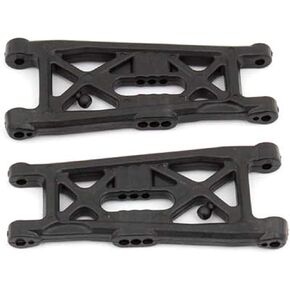 الفريق المرتبط به B6 Flat Front Arms ASC91671 أجزاء خيار السيارة/الشاحنة الكهربائية
SAR 66
الفريق المرتبط به B6 Flat Front Arms ASC91671 أجزاء خيار السيارة/الشاحنة الكهربائية
SAR 66
 المحور المعدني الثقيل المحور الخلفي الكامل المستقيم ل 1/10 محوري SCX10 II AX90021 90027 90028 RC Crawler Car Axply Assembly مجموعة ترقية (خلفية)
SAR 358
المحور المعدني الثقيل المحور الخلفي الكامل المستقيم ل 1/10 محوري SCX10 II AX90021 90027 90028 RC Crawler Car Axply Assembly مجموعة ترقية (خلفية)
SAR 358
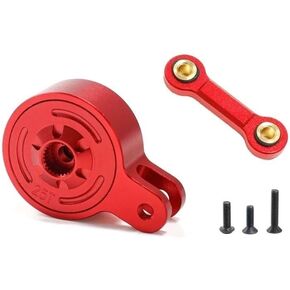 Metal 23t 25t Servo Saver مع رابط ثابت متوافق مع 1/10 3S 4S Big Rock Granite Kraton Outcast Senton 1/8 Mojave Typhon Vendetta (23t Blue)
SAR 182
Metal 23t 25t Servo Saver مع رابط ثابت متوافق مع 1/10 3S 4S Big Rock Granite Kraton Outcast Senton 1/8 Mojave Typhon Vendetta (23t Blue)
SAR 182