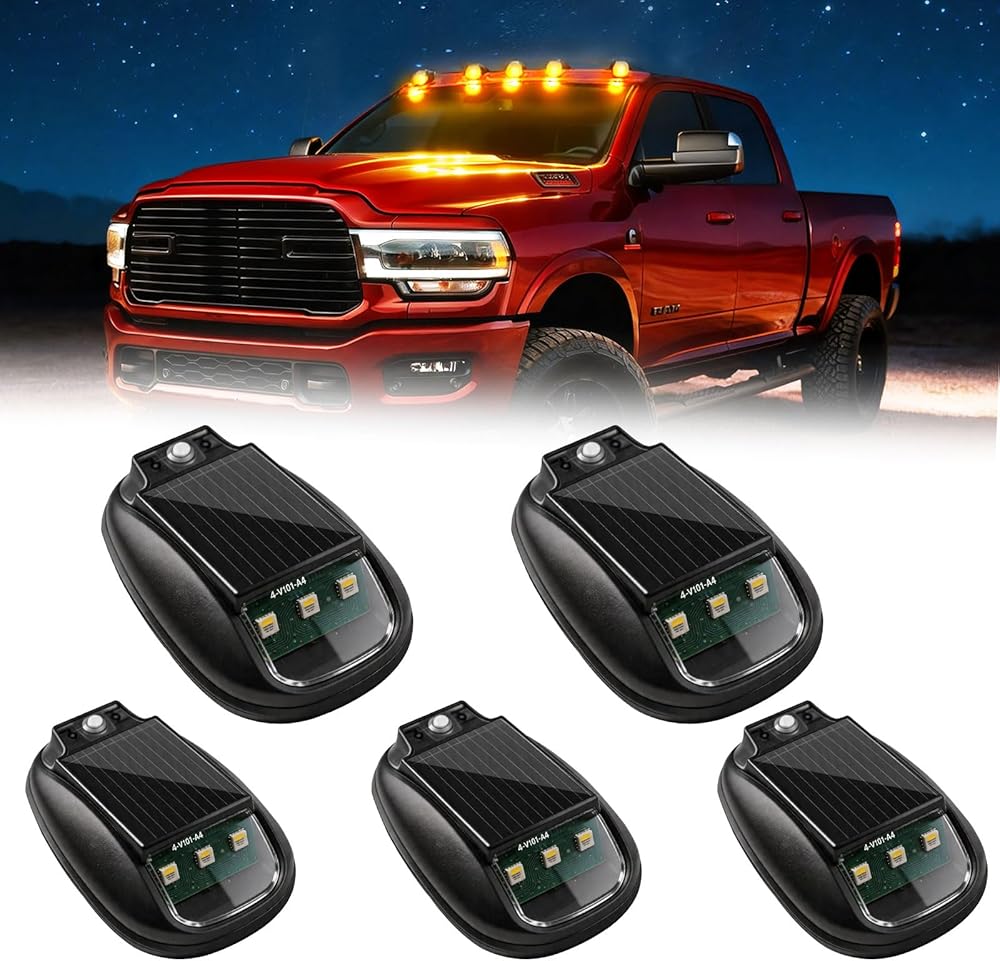
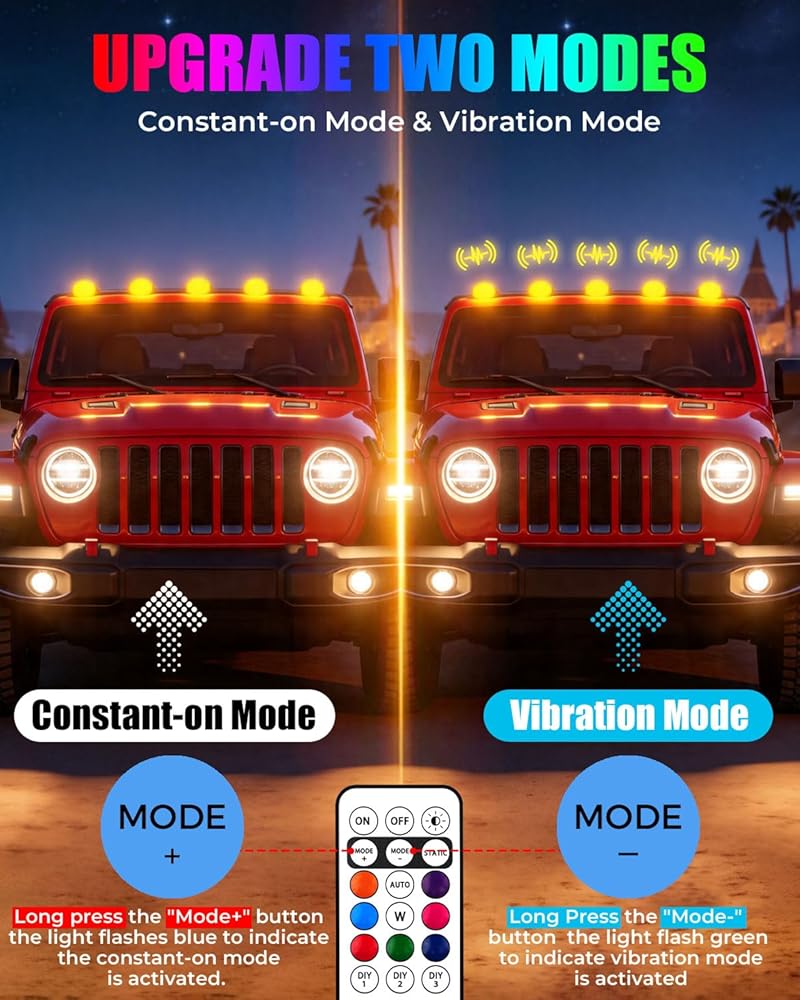
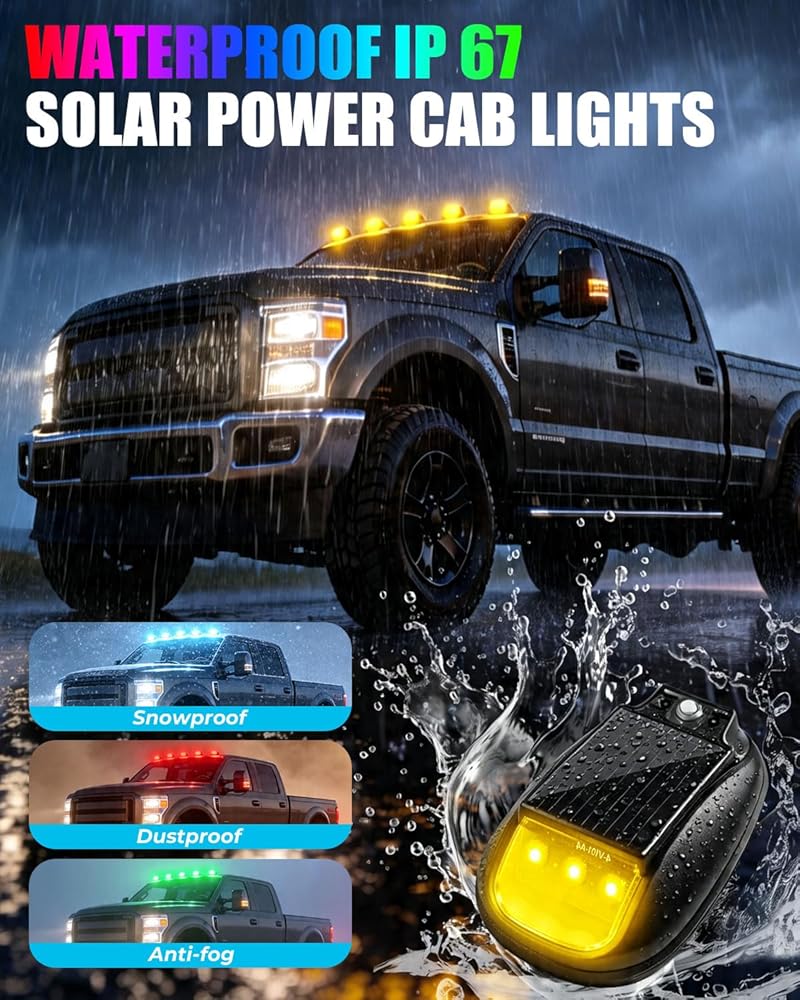
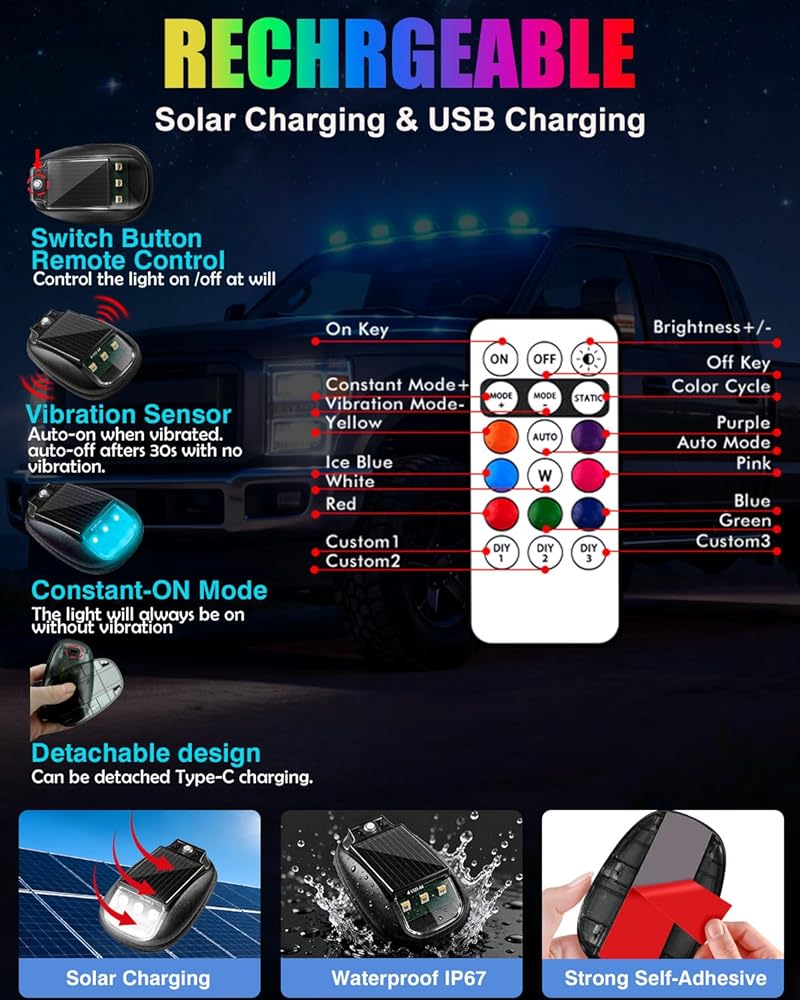
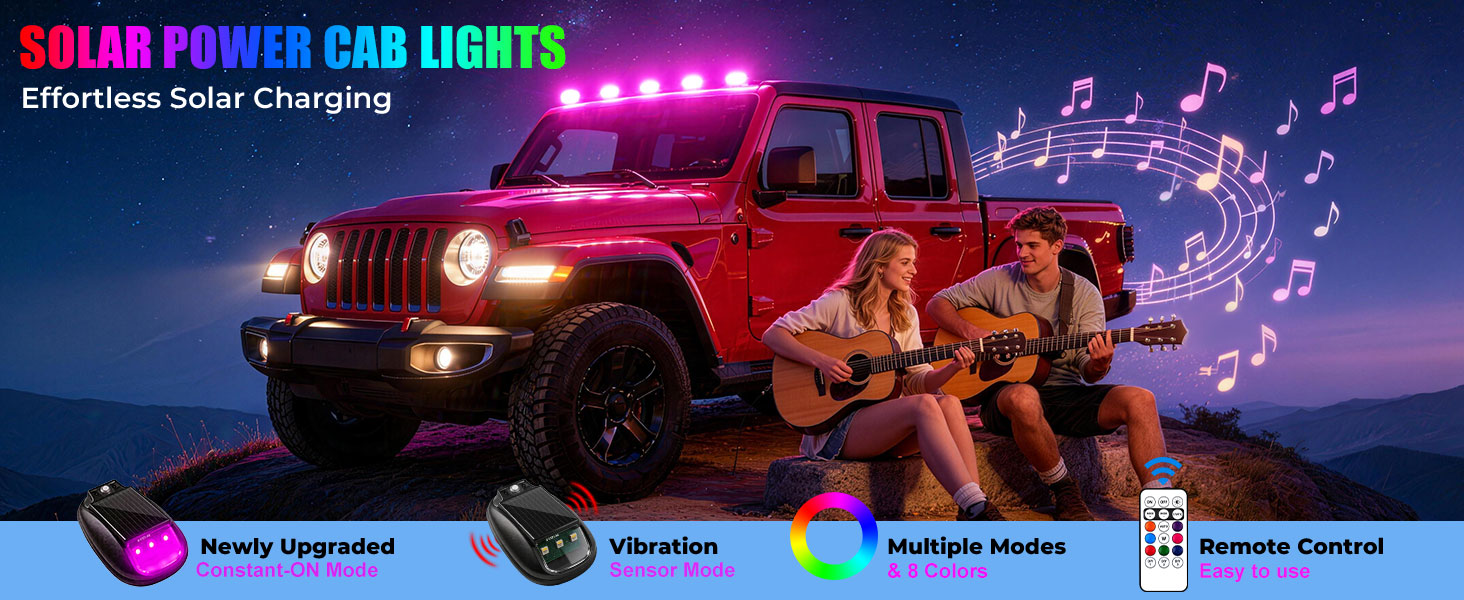
【Newly Upgraded Constant-ON Mode】For able to be used in more scenes, we added Constant-ON Mode, cab lights on this mode, the solar cab light will always be on without vibration. How to turn on Constant ON Mode---Long press and hold the "Mode+" button on the remote control, and the light flashes blue to indicate the constant-on mode is activated. NOTE--- The factory settings are unified into the "Constant-on mode", if you need the vibration mode, you can adjust it by yourself
【Vibration Sensor Mode】When the vibration mode is turned on, turn on the light, if the light does not sense vibration, the solar cab lights will go out after 30 seconds. How to turn on vibration mode --- Long Press and hold the "Mode-" button on the remote control, and the light flash green to indicate vibration mode is activated NOTE: Vibration Sensor Mode and Constant-ON Mode can be switched according to your needs
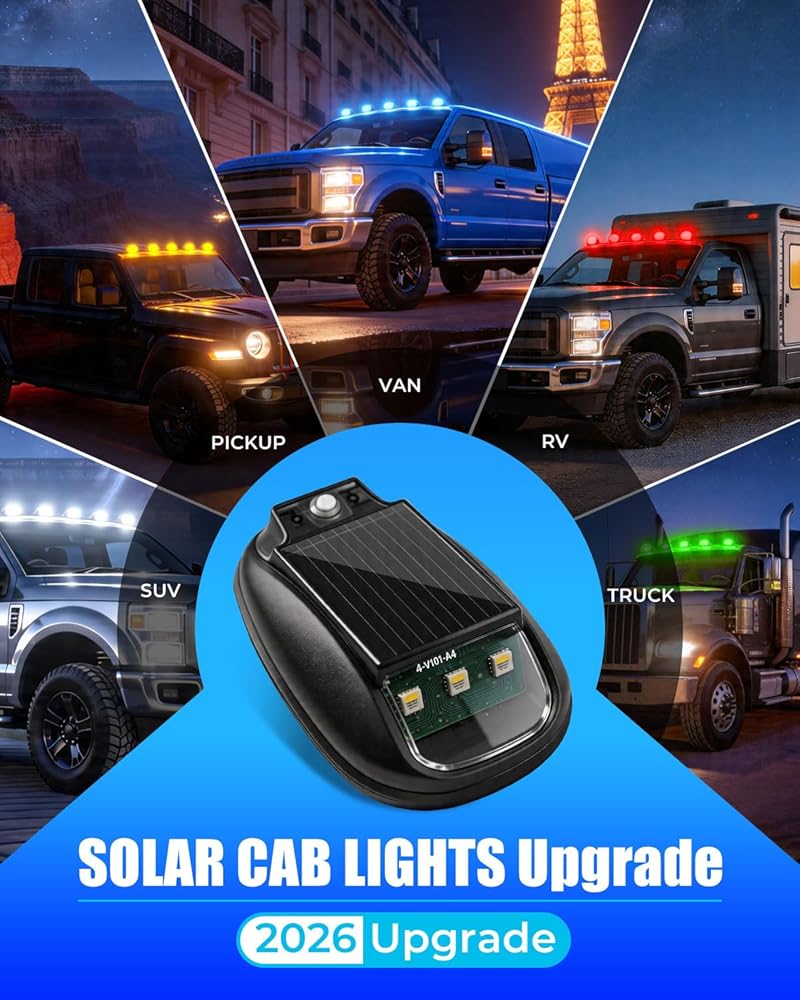
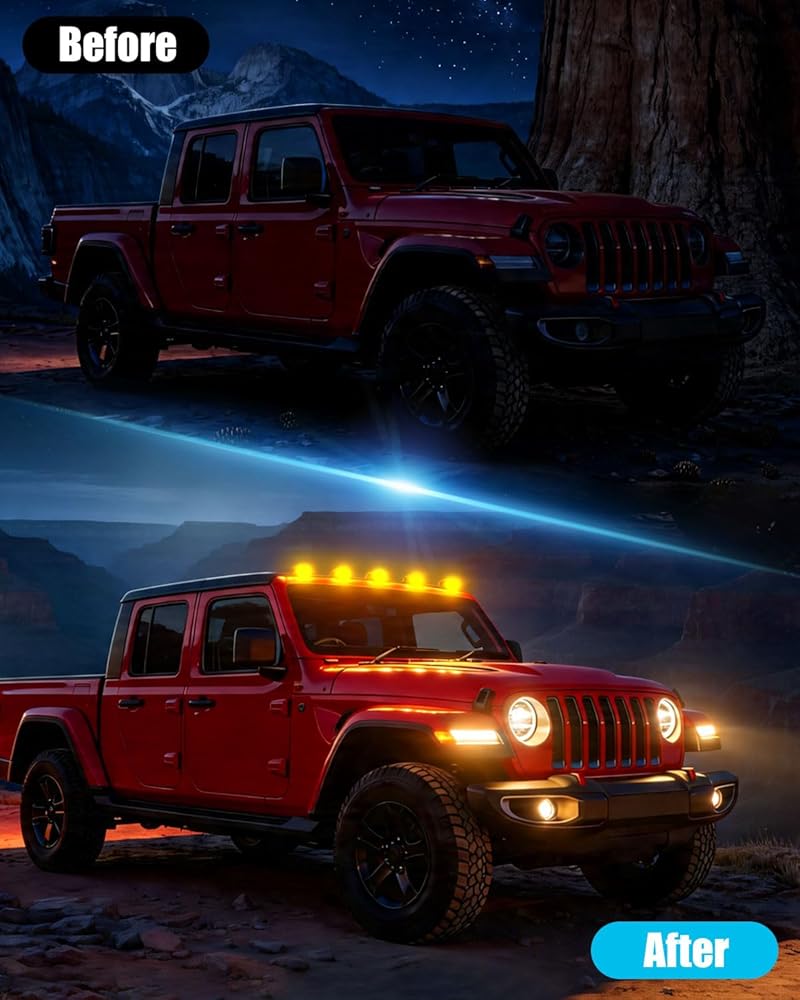
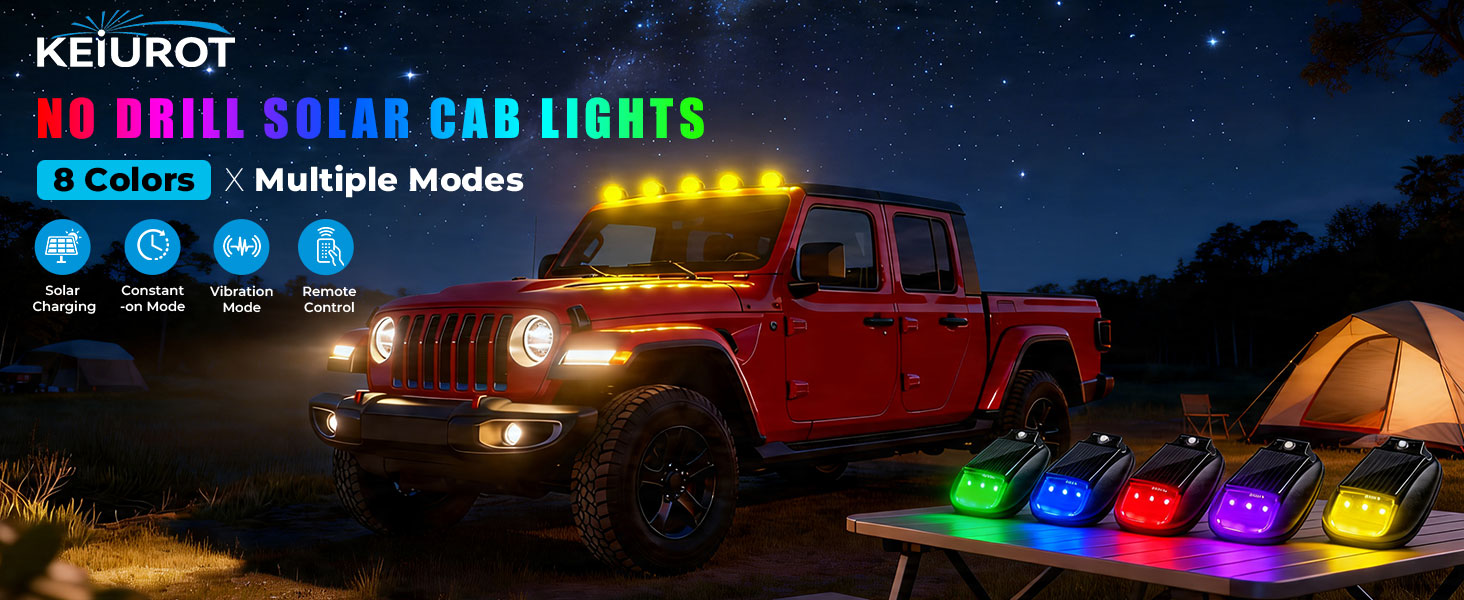
【Wireless & Drill-Free Installation】---Say goodbye to complicated wiring and permanent car body damage! Our cab lights feature a powerful adhesive backing that delivers a rock-solid, weatherproof hold. The wireless design allows for a clean, professional look in minutes—no drilling, no holes, no traces left behind,compatible with Truck & Semi Truck, Pickup SUV, such as Ford F150, Dodge RAM, Toyota, Chevrolet, GMC Trucks..
【Effortless Solar Charging】--- This cab lights solar powered no wiring required, powered by the sun, built-in high-efficiency solar panel automatically replenishes power during the day,the built-in backup battery holds up to 8 hours of reserve charge
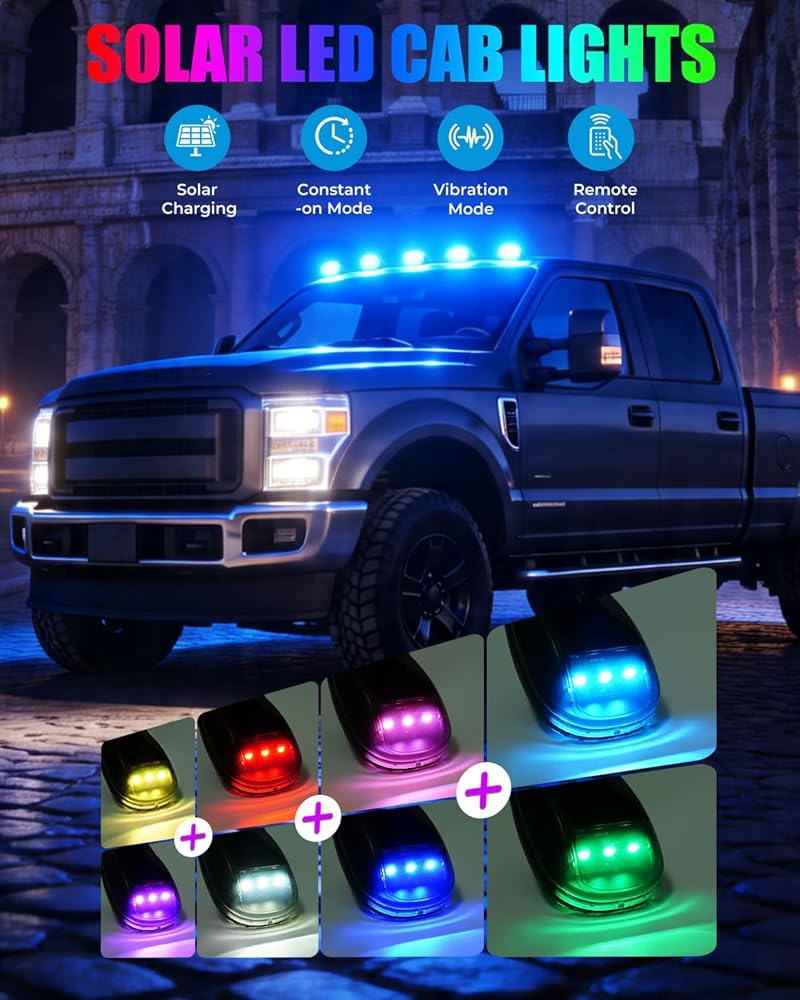
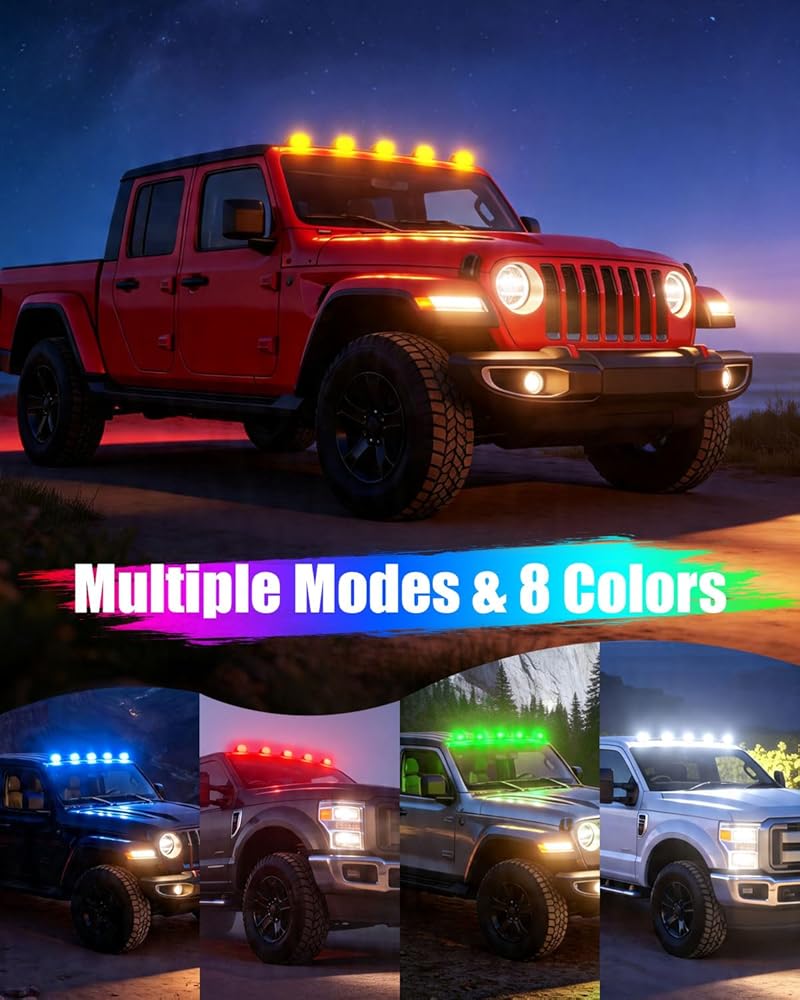
【Multiple Modes & 8 Colors】--- These solar powered cab lights Illuminate with 8 colors including white red blue green yellow purple pink ice blue, 10 dynamic modes :such as strobe flash, pilot flash, clap flash, quick flash, slow flash, warning flash, static light and you can also use diy modes to create the perfect ambiance
【Wireless Remote Control & Memory Function】--- Solar cab lights for truck with remote control for easy choice of colors and different modes within 7 meters and the memory function ensures your preferred settings are saved for next time
【NOTE--First Use Steps】* Press and hold the switch button of the cab light to turn on the remote control before it can be operated * Before use, make sure the cab lights is fully charged (it can be left in the sun for a few hours or charged with a USB cable) * If the battery is low, the car cab light will dim and the remote control will be insensitive. Please charge first at this time *When using the remote control to change colors or modes, don't press too fast, and give the light some time to receive instructions
【NOTE**】 1.The solar powered cab lights for truck is equipped with an independent switch key, long press to control on and off 2.Short press the switch key on the cab light to switch 7 colors of constant light 3.If Multiple light modes and colors are different, press the"STATIC" and "W" buttons to unify the mode and color, and then operate 3.Clean the place before install
 -4%
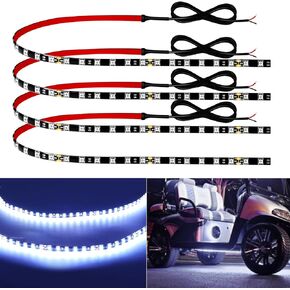
Keiurot Car Led Strip Lights 24" Connectable Amber Led Light Strip for Cars Boat Marine Golf Cart Trucks Waterproof 12V Led Light Strip, 4Pack
SAR 93
-4%
Keiurot Car Led Strip Lights 24" Connectable Amber Led Light Strip for Cars Boat Marine Golf Cart Trucks Waterproof 12V Led Light Strip, 4Pack
SAR 93
 -10%
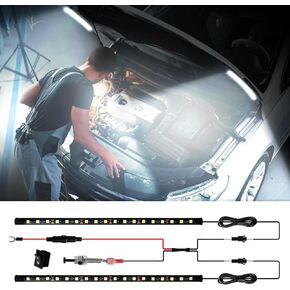
Under Hood Light Under Hood Led Light Kit for Car Engine Bay Led Light kit Car Hood Work Lights Inspection Lights with Automatic On/Off, Universal Fits Any Vehicle 12V 1Set
SAR 99
-10%
Under Hood Light Under Hood Led Light Kit for Car Engine Bay Led Light kit Car Hood Work Lights Inspection Lights with Automatic On/Off, Universal Fits Any Vehicle 12V 1Set
SAR 99
 -6%
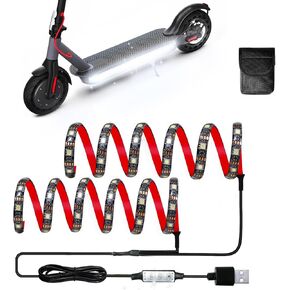
Scooter LED Light, Keiurot 12V LED Lights Strips for Scooter Night Riding High Bright Skateboard Scooter Lights APP Control RGBIC Waterproof Electric Scooter Accessories 2 Pack
SAR 113
-6%
Scooter LED Light, Keiurot 12V LED Lights Strips for Scooter Night Riding High Bright Skateboard Scooter Lights APP Control RGBIC Waterproof Electric Scooter Accessories 2 Pack
SAR 113
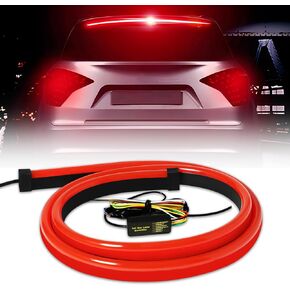 Keiurot Led Third Brake Light Strip with Sequential Turn Signal, Double Flash Warning Light Flexible High Mount Stop Light Lamp Red Strip DC-12V (40"1M/1Set)
SAR 97
Keiurot Led Third Brake Light Strip with Sequential Turn Signal, Double Flash Warning Light Flexible High Mount Stop Light Lamp Red Strip DC-12V (40"1M/1Set)
SAR 97

 Saudi Arabia