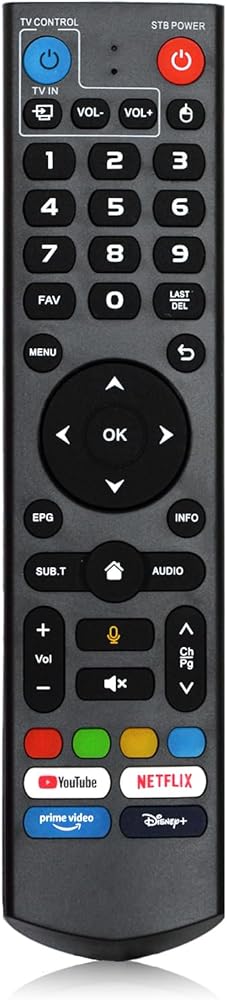
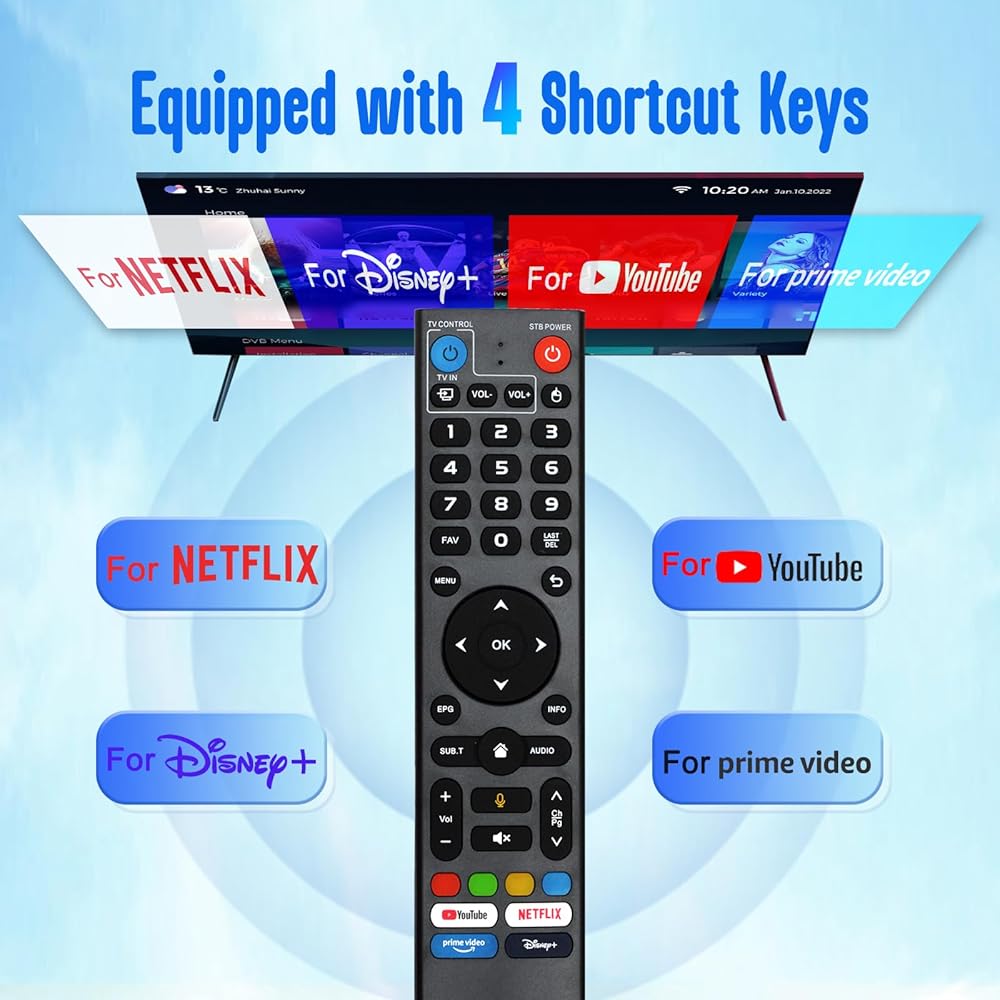
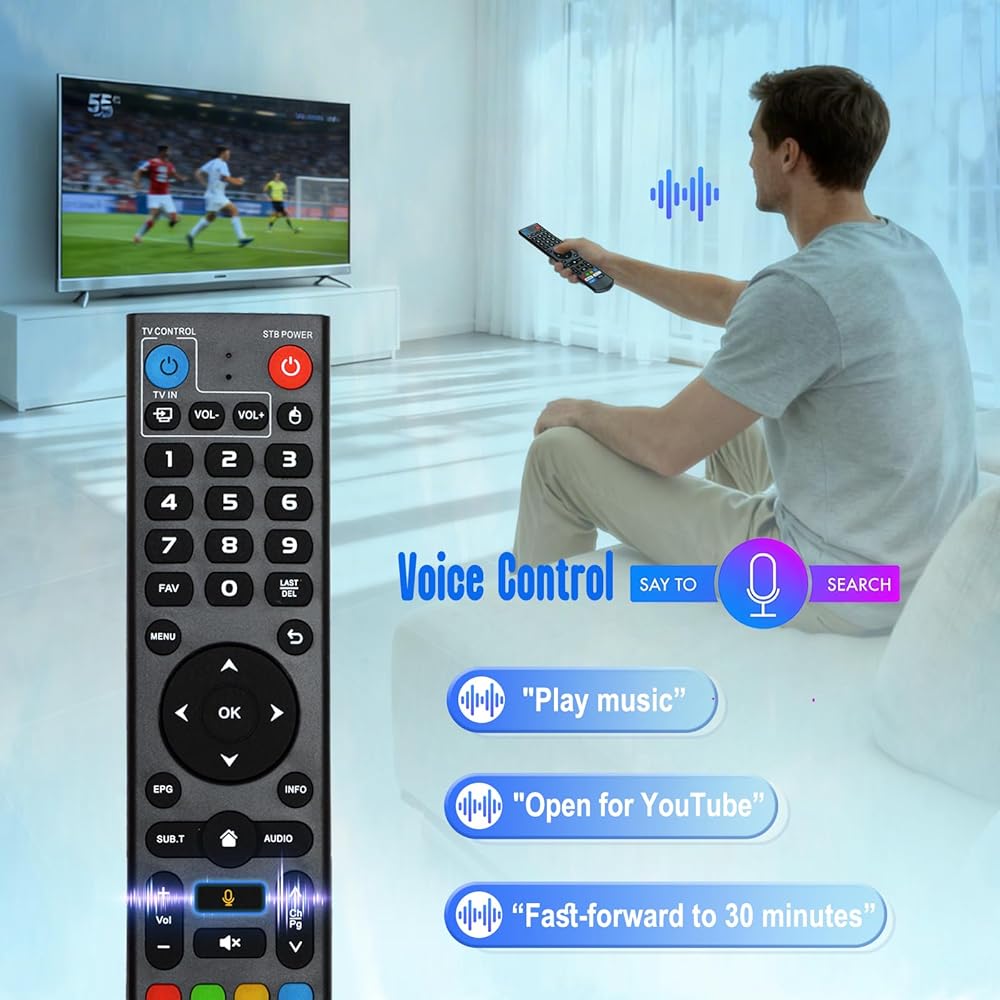
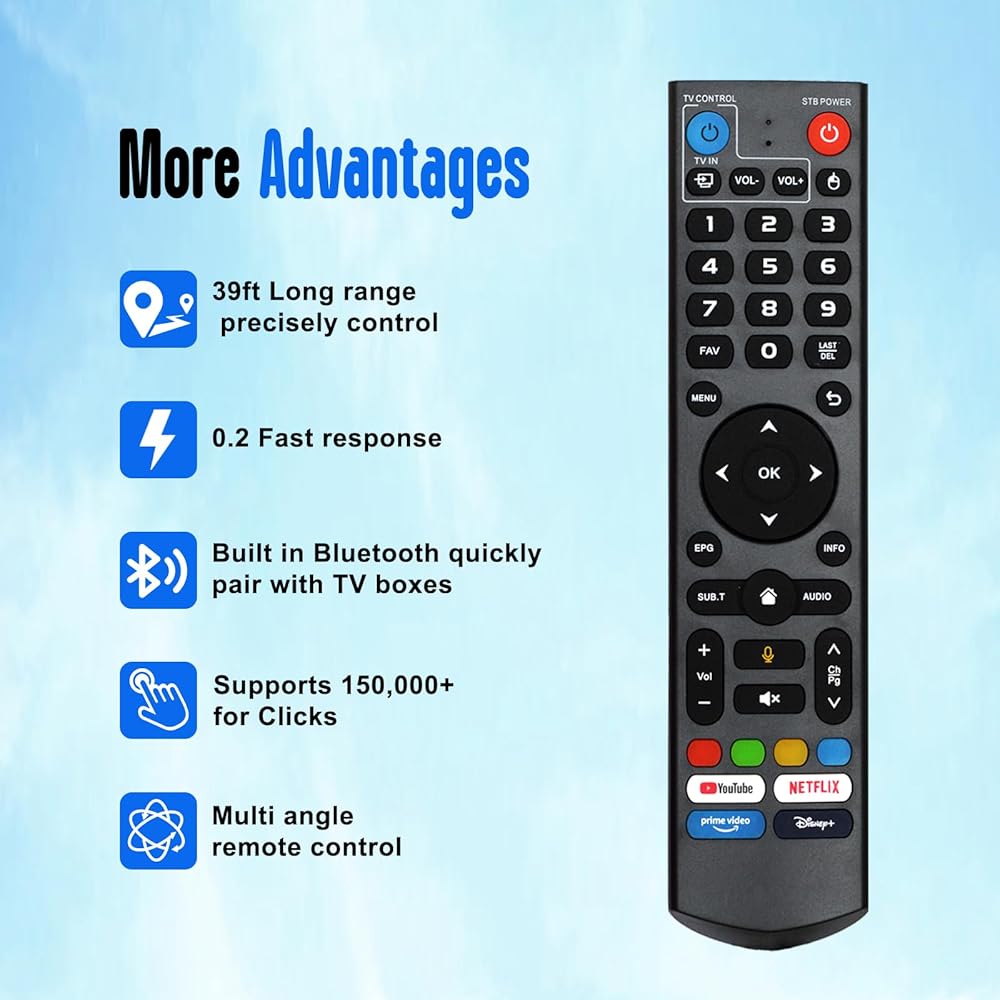
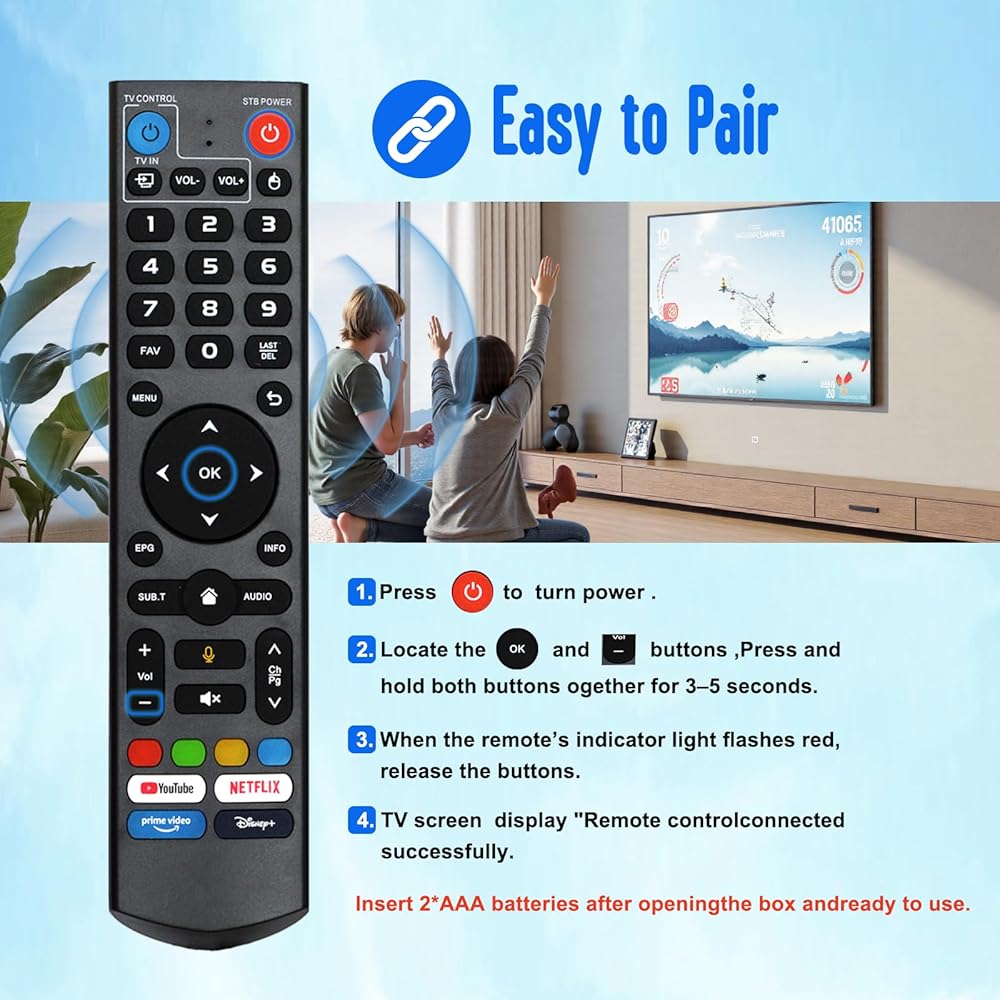
How to use the remote control :1.Press and hold (POWER) key for 5 seconds. the LED goss from blinking to solid and STB RCU enters Learning Mode. 2.Press the key to be programmed on this RCU. LED begins blinking slowly. The key is ready to accept programming. 3.Aim the TV RCU towards the front of this RCU(distance less than 5cm) Press the button on the TV RCU. If the STB RCU is programmed correctly, the LED will flash 3 times. 4.Repeat steps 2-3 for other keys and Exit learning mode by pressing any other button on this RCU. LED turns off
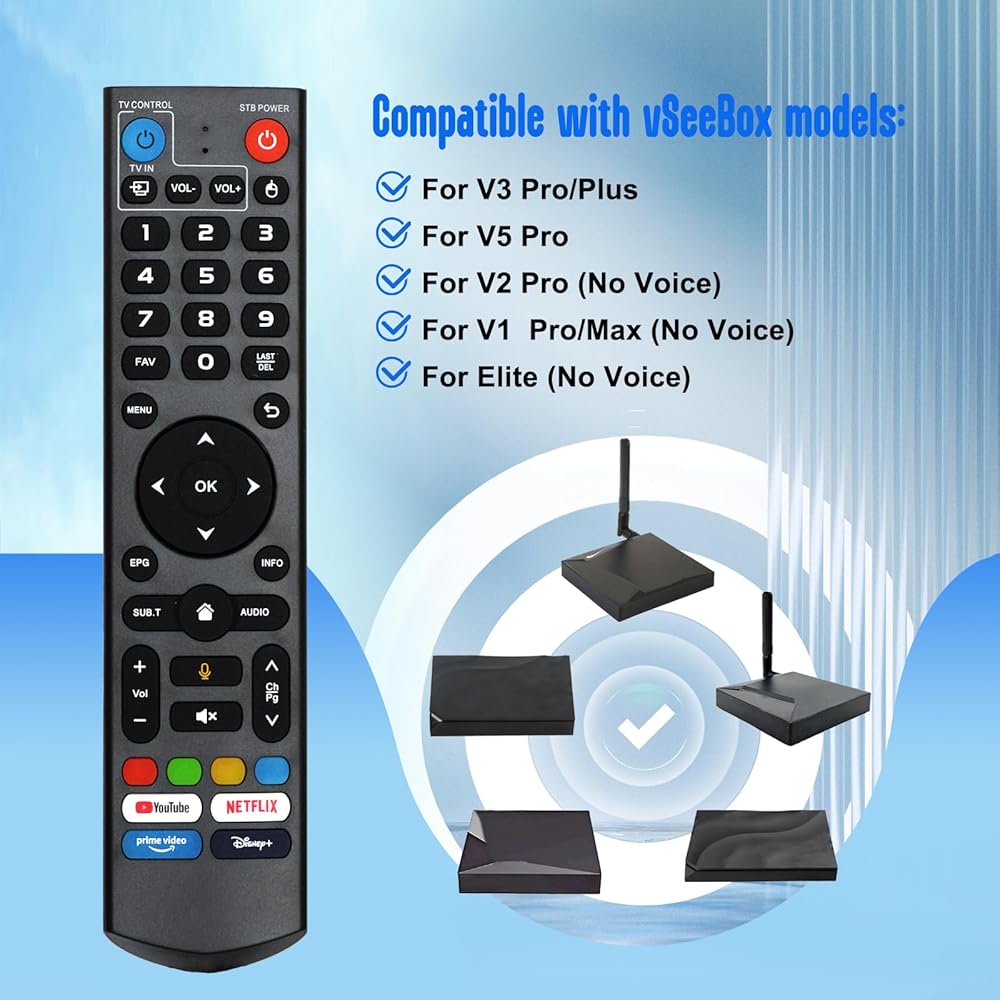
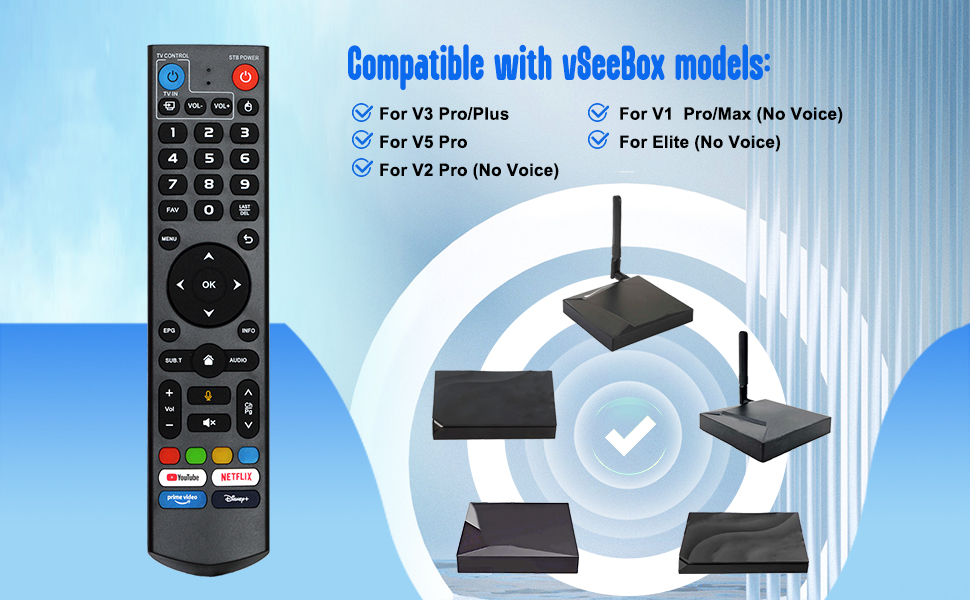
vSeeBox V3-V5 Pro has two working modes: V3 working mode and V2 working mode. Press and hold the "5" number key for more than 10 seconds. The indicator light is flashing, indicating that the mode switch has been successful. The V3 Pro working mode is applicable to V3 Pro; The V2 Pro working mode is applicable to V1 Pro/V2 Pro/Max/Elite. (Special note: The Vseebox V3 remote control defaults to V3 working mode.)
How do we use the V3 remote control on V1 Pro and V2 Pro/Max/Elite? Press and hold the "OK" key and the "vol-" key simultaneously (for about 3 to 5 seconds) until the indicator light on the remote control keeps flashing, indicating that the Bluetooth function of the V3 remote control has been enabled. Under "System Settings - Bluetooth - Pair New Device", pair the remote control, find the vseebox remote control, and connect the vseebox. If it's not found, it might be that the Bluetooth is not turned on. Please press and hold the OK key and vol- key on the remote control simultaneously to turn on the Bluetooth, and then operate again.
Long working hours and ultra-fast response 】 Equipped with advanced infrared technology, it offers the strongest signal. The transmission distance of the remote control can reach up to 10 meters /32 feet. The keys are sensitive and the response is relatively fast, not exceeding 0.23 seconds. These buttons have been tested and can support over 100,000 clicks. They feel great and are firm and durable.
 VEVOR Motorized Projector Screen, 120 inch 16:9 4K 1080 HD Electric Projector Screen, Automatic Projection Screen with Remote Control, Wall Mount Movie Screen for Family Home Office Theater
SAR 867
VEVOR Motorized Projector Screen, 120 inch 16:9 4K 1080 HD Electric Projector Screen, Automatic Projection Screen with Remote Control, Wall Mount Movie Screen for Family Home Office Theater
SAR 867
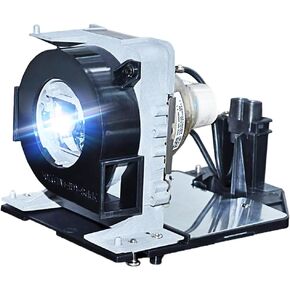 NP38LP Replacement Module Lamp Bulb with Housing for Projector NEC NP-P452H NP-P452W
SAR 327
NP38LP Replacement Module Lamp Bulb with Housing for Projector NEC NP-P452H NP-P452W
SAR 327
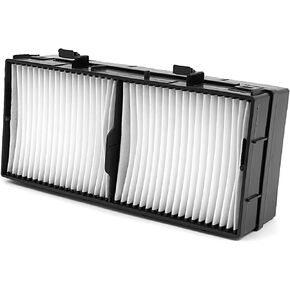 UX43251 Filter Compatible For MaxellMP-AW4001, MP-AW3001, MP-AX3001, MP-EU5002, MP-EX5002, MP-EW5002, MP-TW4001, MP-TW3001, MP-TW4011, MP-TW3011 Projector
SAR 209
UX43251 Filter Compatible For MaxellMP-AW4001, MP-AW3001, MP-AX3001, MP-EU5002, MP-EX5002, MP-EW5002, MP-TW4001, MP-TW3001, MP-TW4011, MP-TW3011 Projector
SAR 209
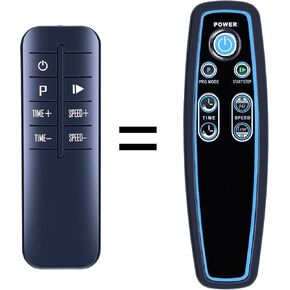 New Replacement Remote Control fit for LifePro Waver Vibration Plate LP-WVRM LP-WVRM-BLK LP-WVRM-WHT
SAR 78
New Replacement Remote Control fit for LifePro Waver Vibration Plate LP-WVRM LP-WVRM-BLK LP-WVRM-WHT
SAR 78