- Shopping, made easy.
- /
- Get the app!
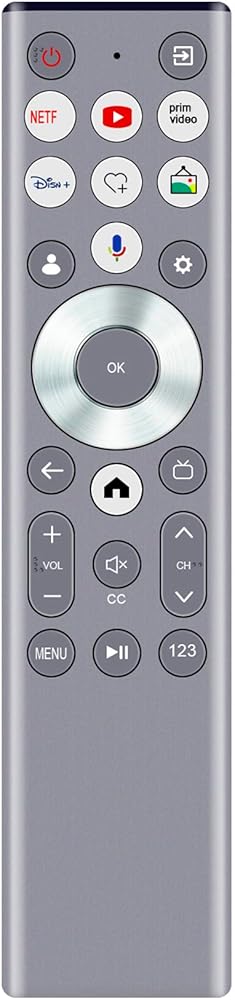
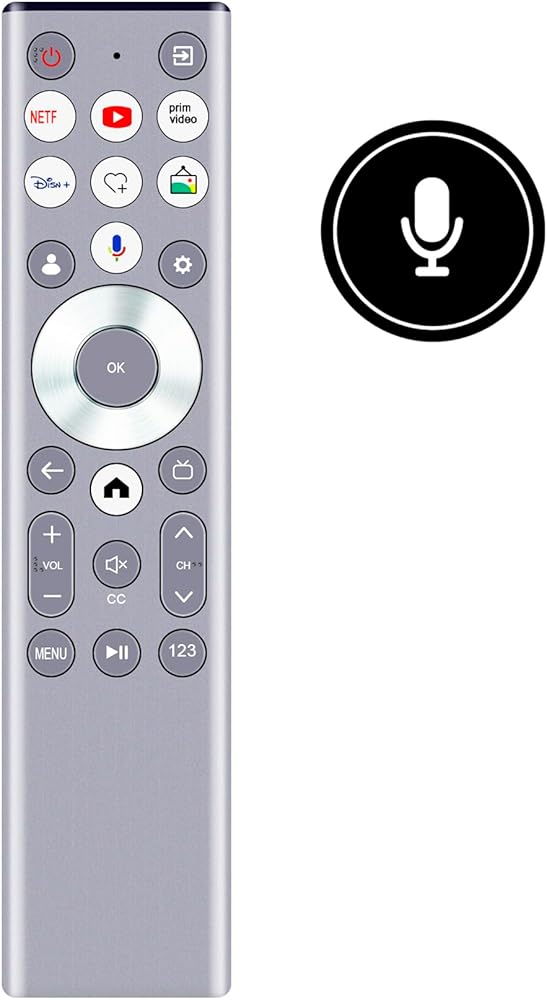
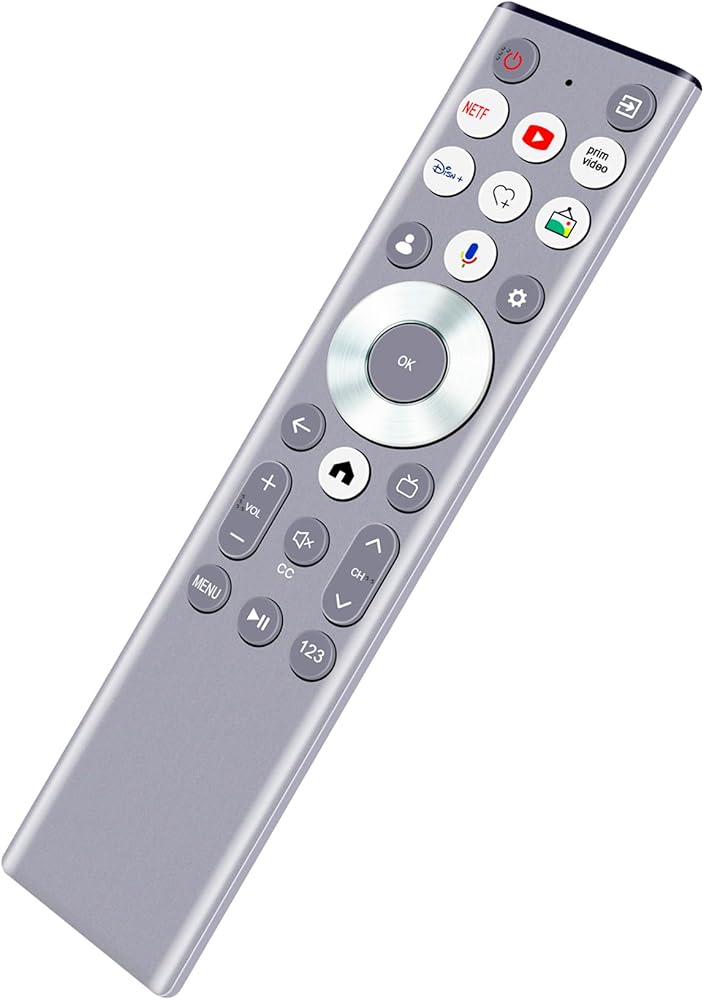
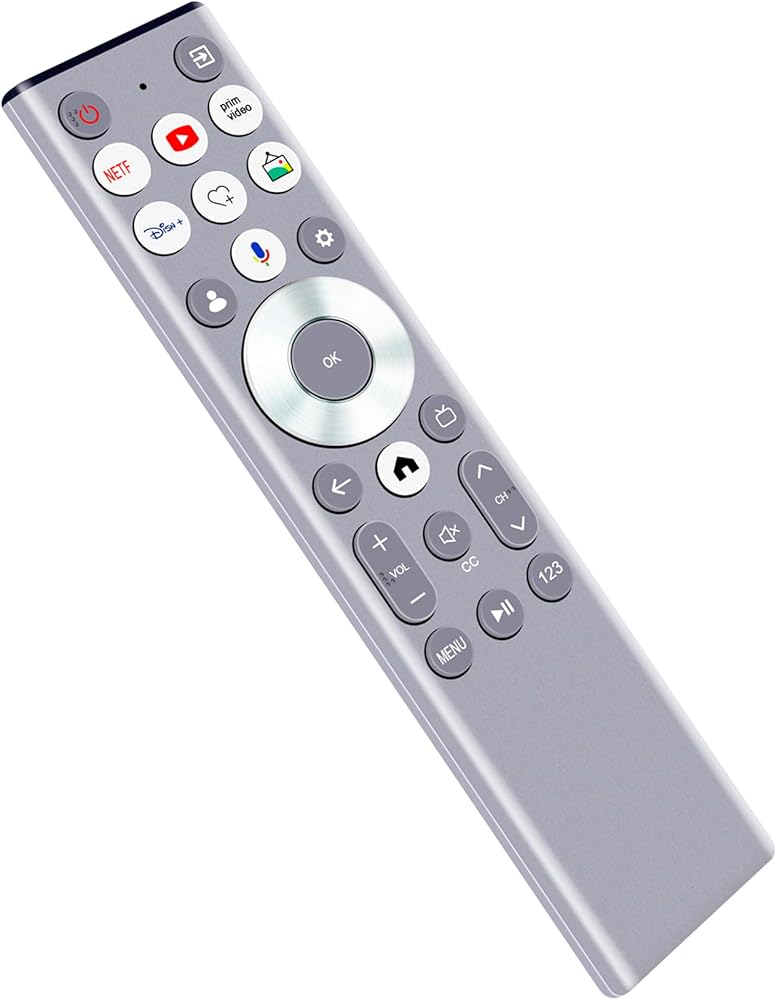
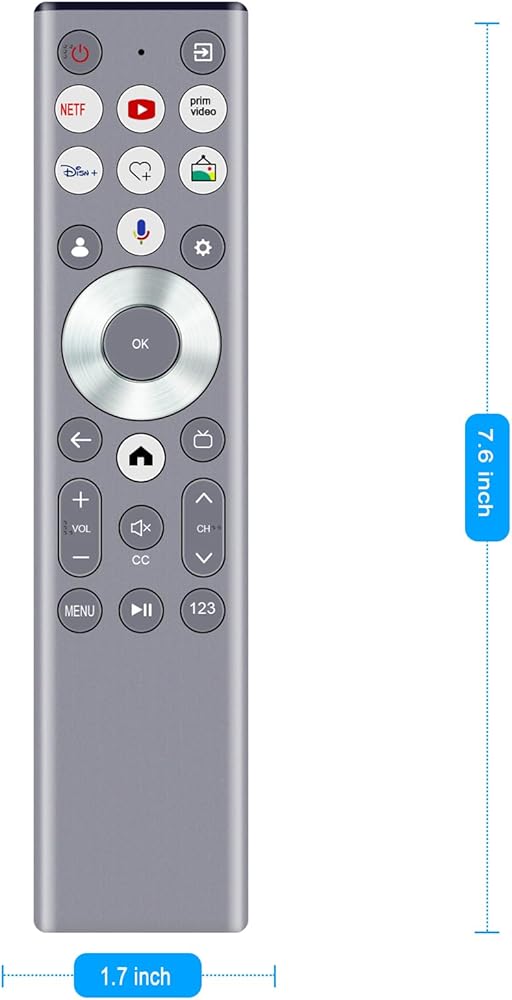
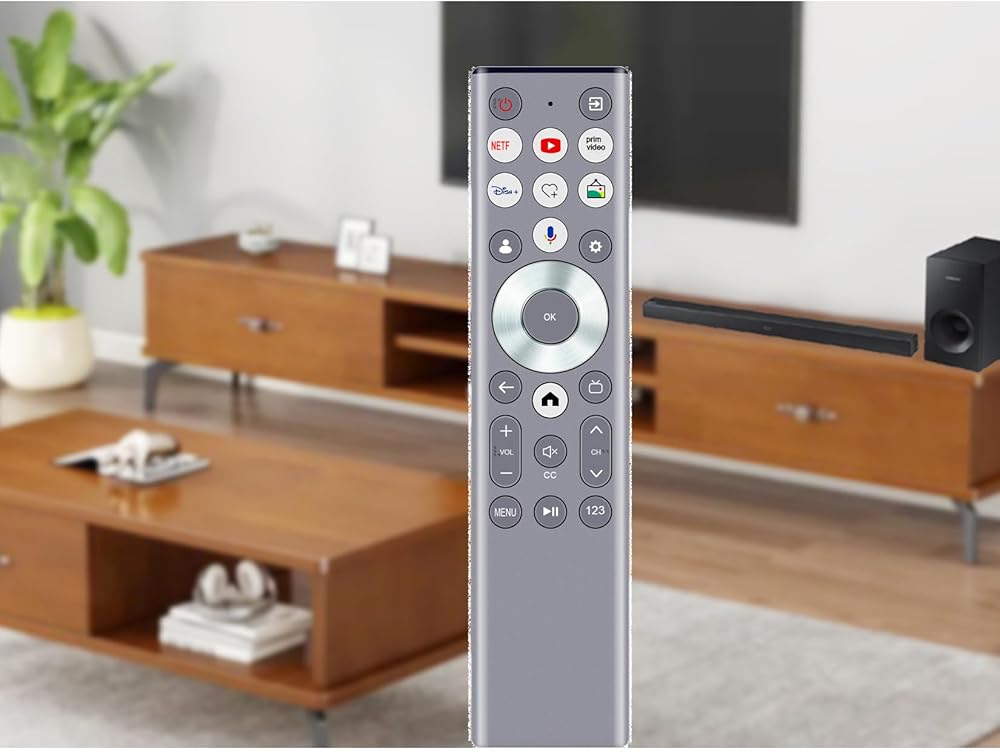
New ERF6G80H Voice Replacement Remote Control Applicable for Hisense QLED 4K S7N CanvasTV Series Dolby Vision HDR Google Smart TV
Pairing required. Please pair it with your TV before use.
Compatible with below Hisense TV models:
55S7N 65S7N 75S7N 85S7N
Pairing the Remote Control
1. To pair the remote control to the TV after you power the TV on for the first time, there will be instructions on how to pair the remote control.
2. If your remote control fails to pair with TV, keep the remote control within 10 feet from the TV, hold Back and Home button at the same time at least 3 seconds to start pairing until you see the light pulsing on the remote control.
Power Supply: 2X 1.5V AAA Alkaline Battery
Package Content:
1X Remote Control
 100043851 Replacement Remote Control Applicable for Onn 2.1 Soundbar System 100043851
SAR 47
100043851 Replacement Remote Control Applicable for Onn 2.1 Soundbar System 100043851
SAR 47
 Replace Voice Remote Compatible with Samsung DU6900 DU6950 Series Crystal UHD 4K Smart Tizen TV UN75DU6950FXZA UN75DU6950F UN43DU6900FXZA UN50DU6900FXZA UN55DU6900FXZA UN60DU6900FXZA UN75DU6900FXZA
SAR 105
Replace Voice Remote Compatible with Samsung DU6900 DU6950 Series Crystal UHD 4K Smart Tizen TV UN75DU6950FXZA UN75DU6950F UN43DU6900FXZA UN50DU6900FXZA UN55DU6900FXZA UN60DU6900FXZA UN75DU6900FXZA
SAR 105
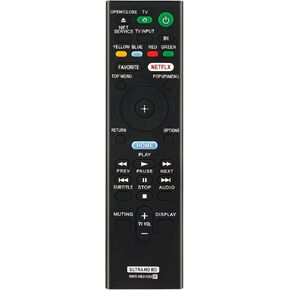 RMT-VB310U Replace Remote Control Applicable for Sony 4K UHD Blu-ray Player UBP-UX80 UBP-X800 UBP-X800B UBP-X1000ES UBP-X800M2 UBPUX80 UBPX800 UBPX800B UBPX1000ES UBPX800M2
SAR 50
RMT-VB310U Replace Remote Control Applicable for Sony 4K UHD Blu-ray Player UBP-UX80 UBP-X800 UBP-X800B UBP-X1000ES UBP-X800M2 UBPUX80 UBPX800 UBPX800B UBPX1000ES UBPX800M2
SAR 50
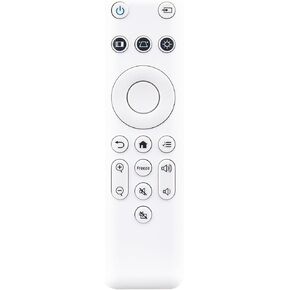 188048200 Replace Remote Control Applicable for Epson Projector CO-FD01 CO-FH01 CO-FH02 CO-W01 CO-WX01 CO-WX02 V11HA85040 V11HA85020 V11HA86020
SAR 73
188048200 Replace Remote Control Applicable for Epson Projector CO-FD01 CO-FH01 CO-FH02 CO-W01 CO-WX01 CO-WX02 V11HA85040 V11HA85020 V11HA86020
SAR 73