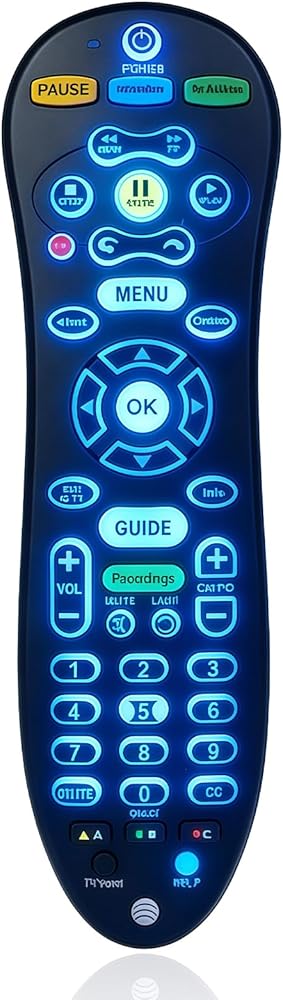
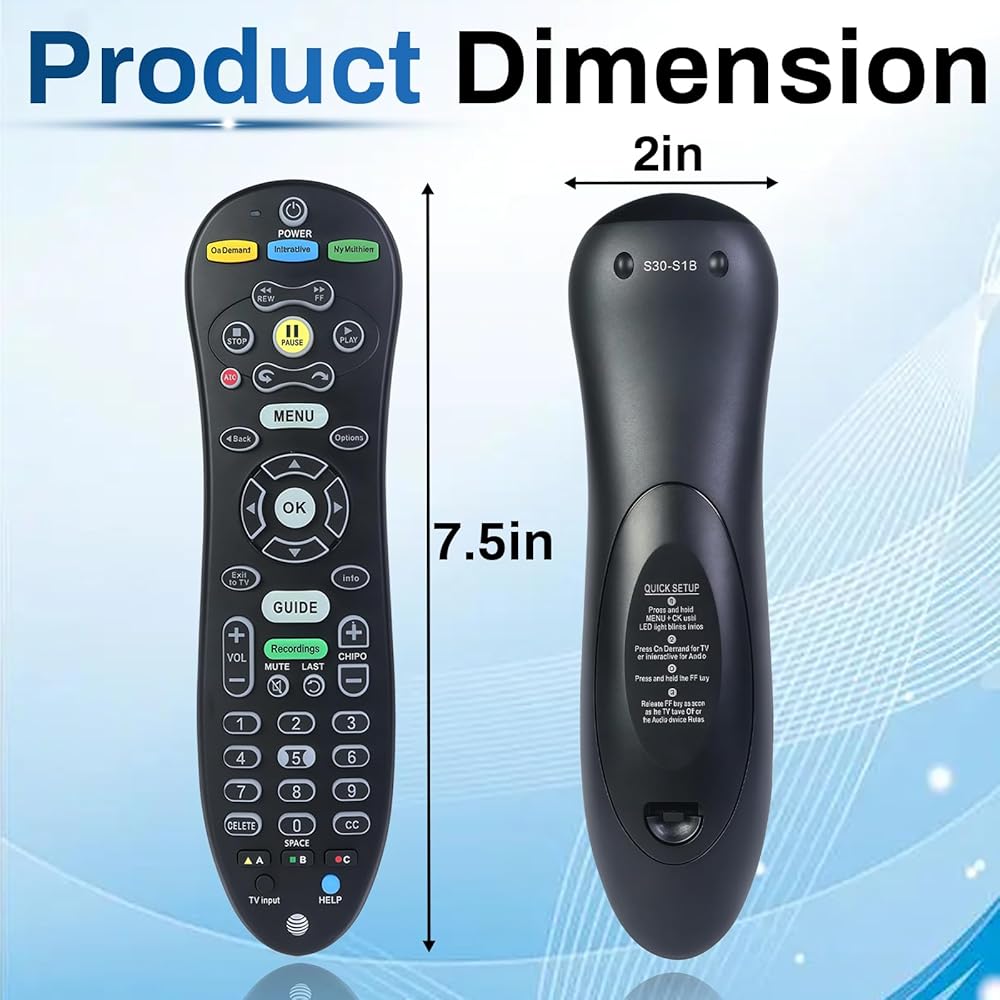
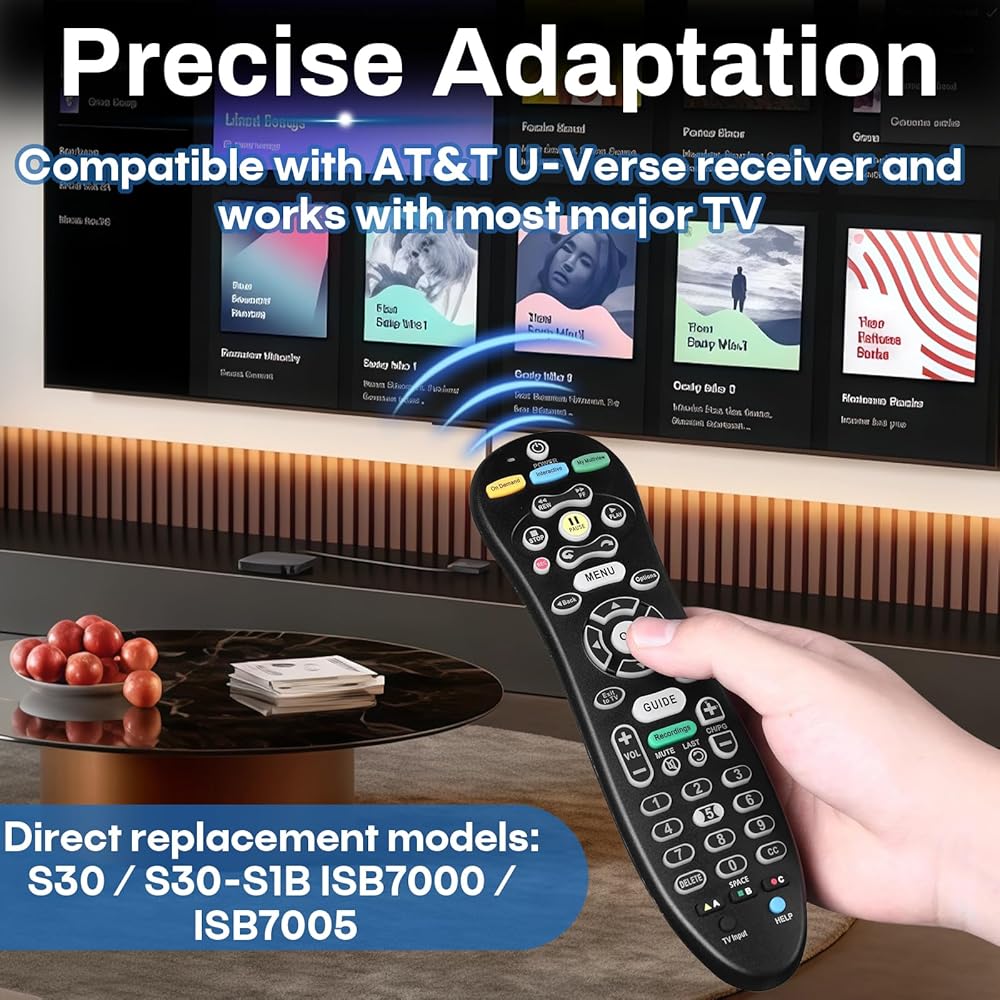
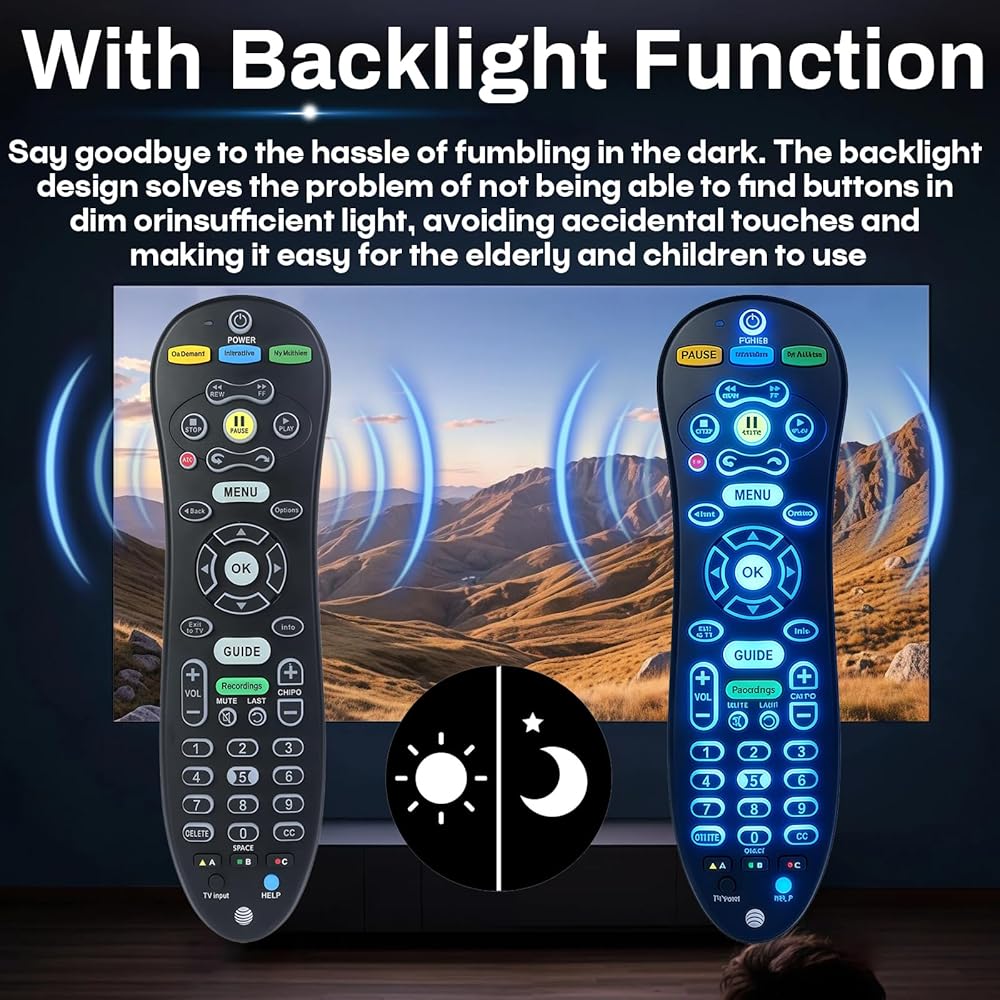
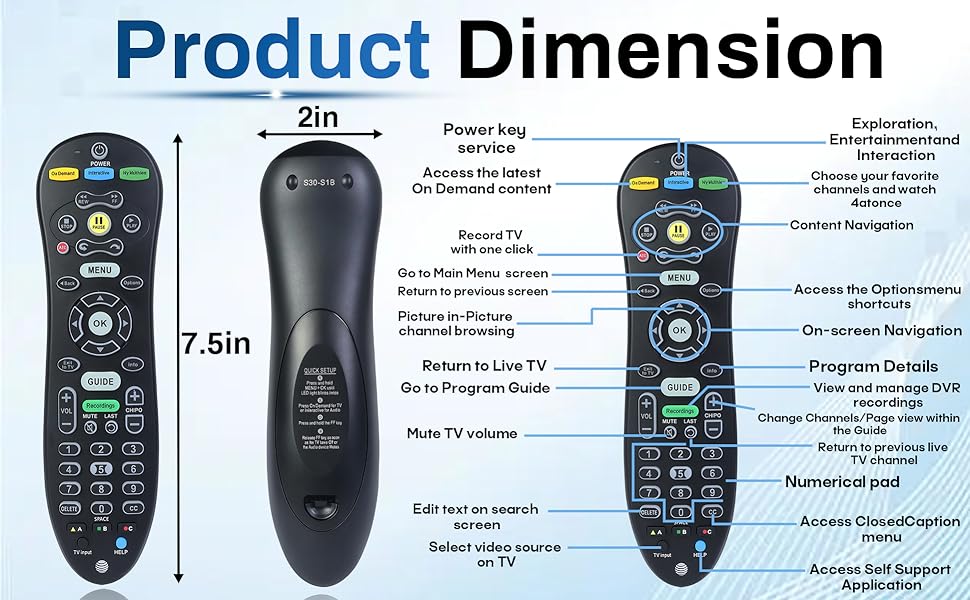
S30 Remote Compatible with AT&T U-Verse Receiver, Replace S30-S1B ISB7005 ISB7000 Cable Box, Universal Remote Control with Backlit Function (Battery not Included)
Compatibility: Compatible with AT&T U-Verse receivers, replacing models S30, S30-S1B, ISB7005, and ISB7000. Advanced chip technology ensures a stable and sensitive connection between the remote and the set-top box
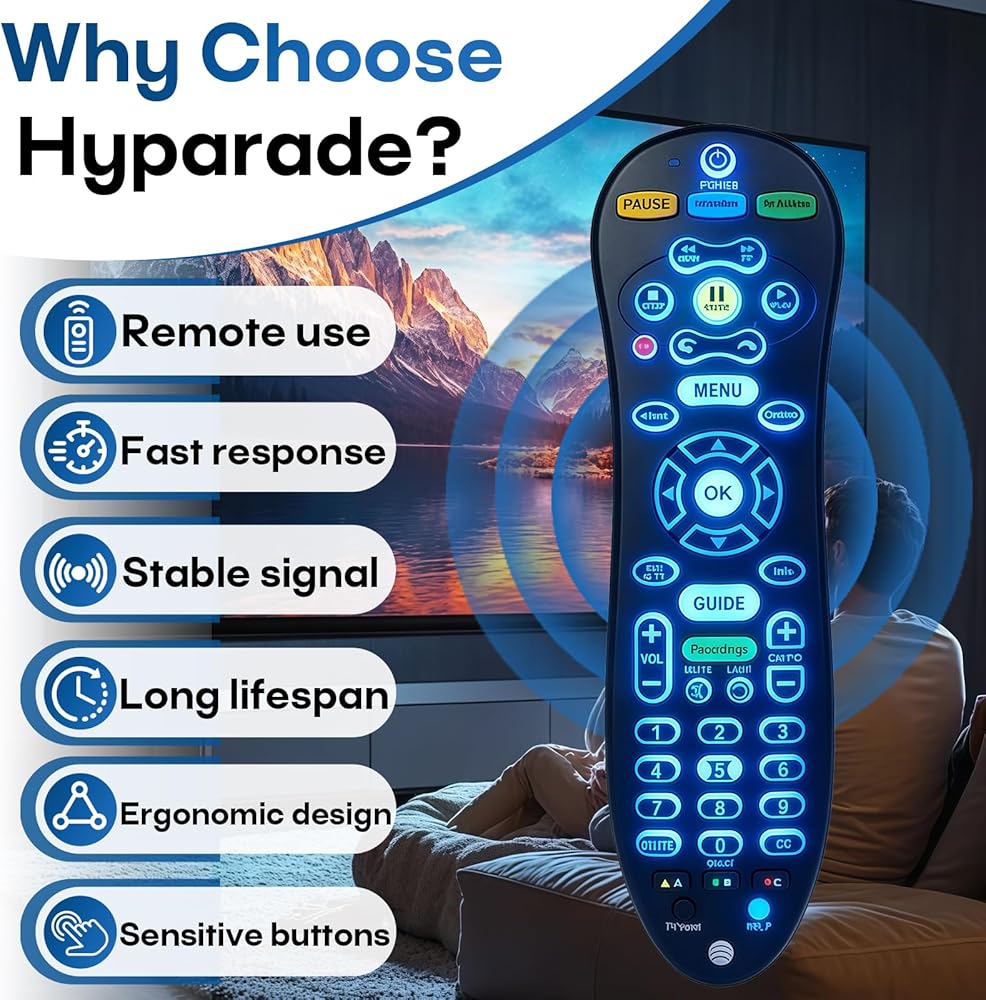
Practical Design: Made of ABS material, with an ergonomic curved design for a comfortable grip, 120° rotation angle, and sensitive buttons
Stable Signal: A powerful infrared signal ensures stable performance within a 10-meter range, providing a more flexible remote control experience
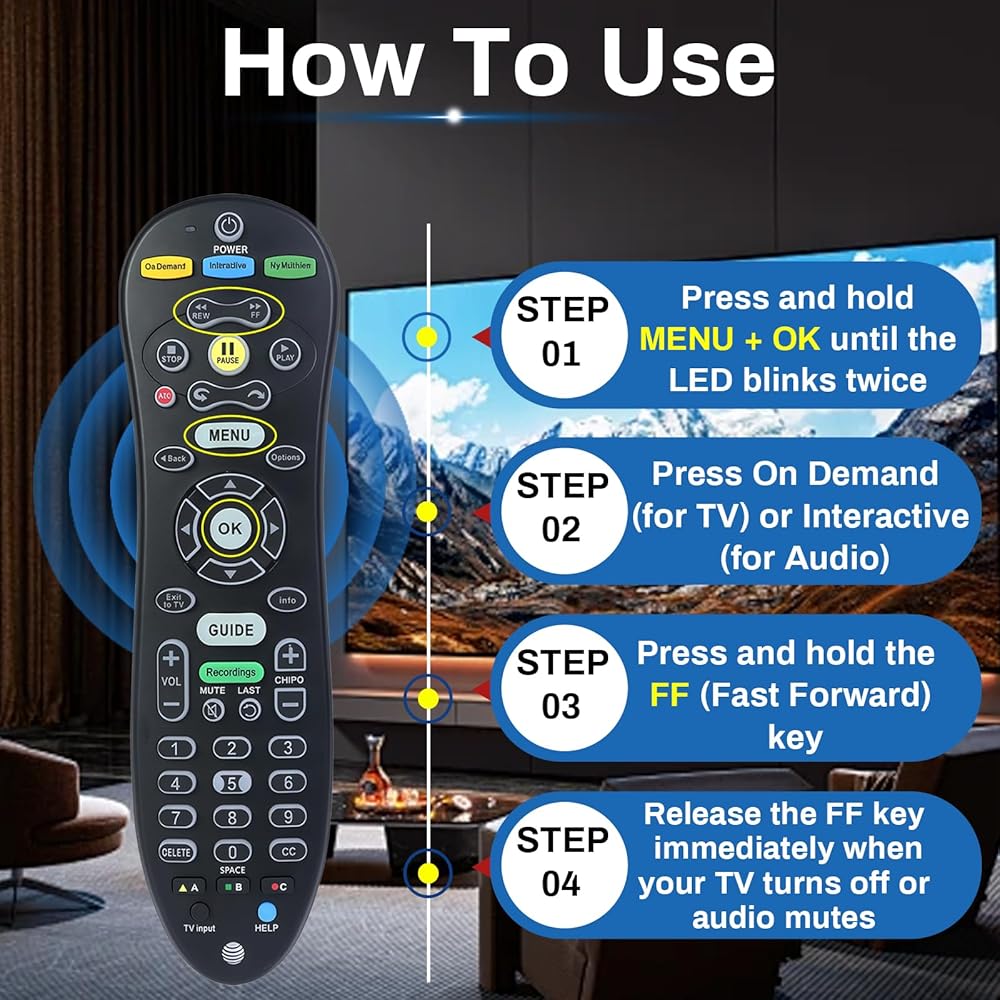
Simple Operation: 1. Press and hold the MENU + OK buttons until the LED indicator flashes twice. 2. Press the On Demand button to control the TV, and the Iinteractive button to control the audio. 3. Press and hold the FF button until the TV is off or the audio device is muted, then release
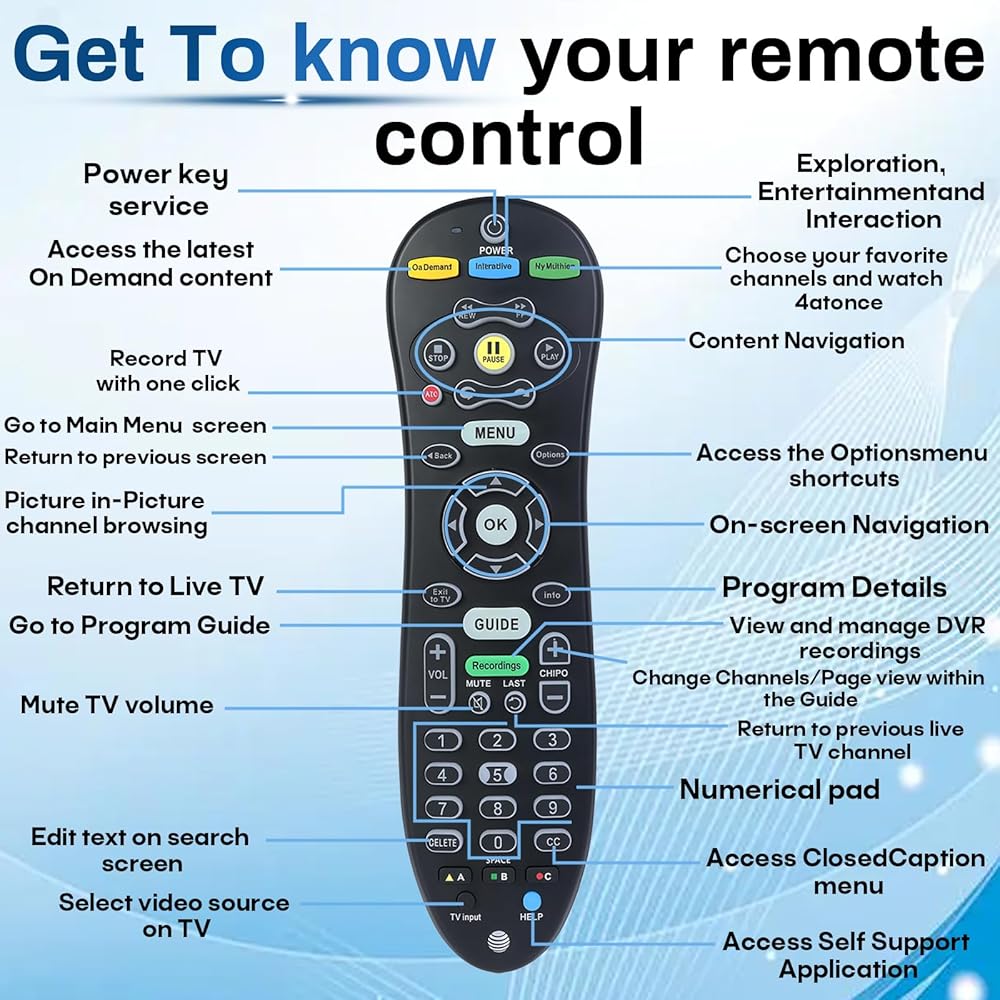
Comprehensive Functions: The remote control includes basic functions such as volume, channel, power, input, menu, and navigation to meet your daily needs
 1 in 2 Out Optical Audio Splitter, Digital Fiber Optic Splitter 1 Male Input 2 Female Output, Supports LPCM/DTS for Xbox, PS5, Home Theatre & TV Box
SAR 53
1 in 2 Out Optical Audio Splitter, Digital Fiber Optic Splitter 1 Male Input 2 Female Output, Supports LPCM/DTS for Xbox, PS5, Home Theatre & TV Box
SAR 53
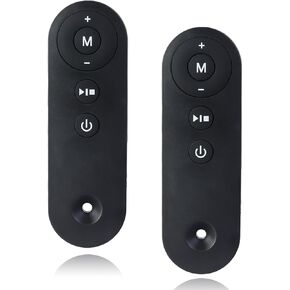 2 Pack Replacement Treadmill Remote Control - Compatible with AD-4000 Plus, DK-38AB-1, DK-38AB-2, UT-38AB IY - Home Under Desk Walking Pad Accessory
SAR 115
2 Pack Replacement Treadmill Remote Control - Compatible with AD-4000 Plus, DK-38AB-1, DK-38AB-2, UT-38AB IY - Home Under Desk Walking Pad Accessory
SAR 115
 8 Pcs #7SCW 15W 120V Sewing Machine Light Bulb Replacement for Brother/Janome/Babylock/Singer/Kenmore Sewing Machines, Sewing Machine Accessories
SAR 89
8 Pcs #7SCW 15W 120V Sewing Machine Light Bulb Replacement for Brother/Janome/Babylock/Singer/Kenmore Sewing Machines, Sewing Machine Accessories
SAR 89
 16-Pack Prefilter Sponge Compatible with AC20 AC30 AC50 Power Filter, Intake Strainer Sponge Replacement, Fits Freshwater & Saltwater Aquariums
SAR 74
16-Pack Prefilter Sponge Compatible with AC20 AC30 AC50 Power Filter, Intake Strainer Sponge Replacement, Fits Freshwater & Saltwater Aquariums
SAR 74