- Shopping, made easy.
- /
- Get the app!
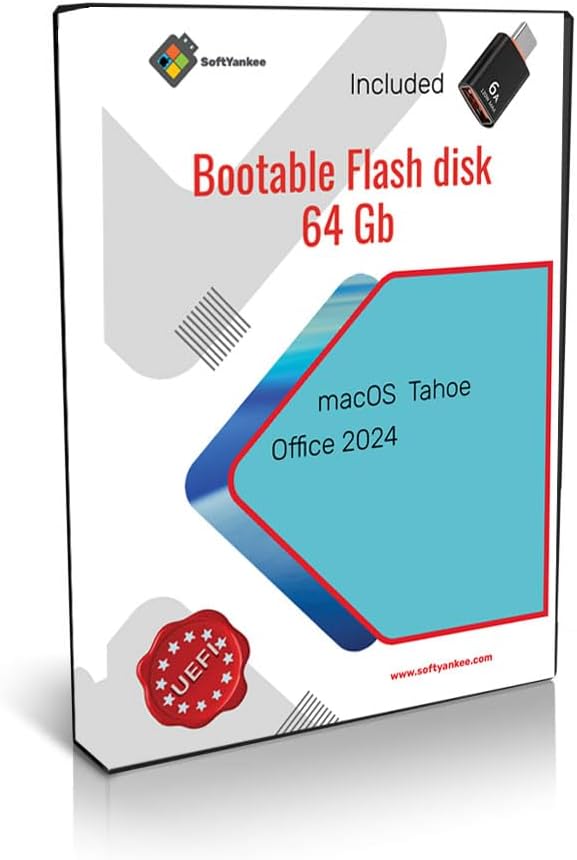
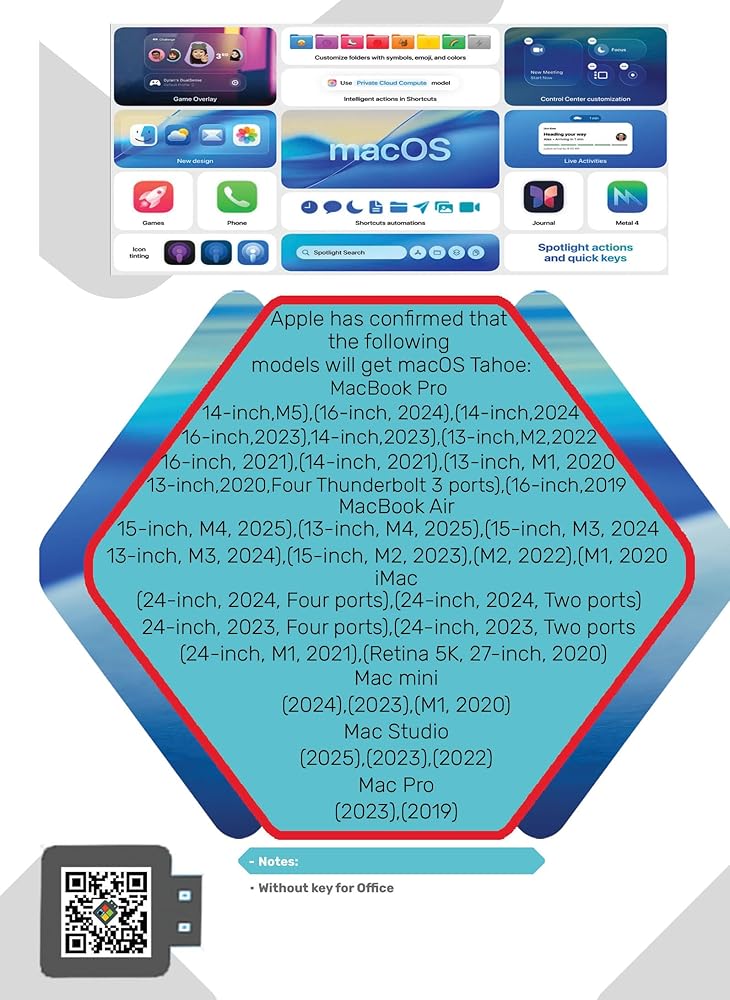
Contains the macOS Tahoe operating system. The operating system mentioned, macOS 26 Tahoe, was released on September 15, 2025. You can install it by yourself very simply. -Plug in the prepared bootable USB flash drive. -Restart your Mac (or power it on if it's off). -Immediately press and hold the Option (⌥) key. -Release the key when you see the Startup Manager screen showing the available bootable volumes. -Select the USB drive (often named "Install macOS [Version]") using your cursor or arrow keys and press Return. -The Mac will boot into the macOS Utilities window. From there, you can choose to install the OS (after potentially using Disk Utility to erase your internal drive, if a clean install is desired).
 Linux Mint 22.1 Xia Bootable USB Flash Drive (Cinnamon)
SAR 100
Linux Mint 22.1 Xia Bootable USB Flash Drive (Cinnamon)
SAR 100
 Kubuntu 24.04 LTS Bootable USB Flash Drive
SAR 105
Kubuntu 24.04 LTS Bootable USB Flash Drive
SAR 105
 Secure Data Wipe USB – Permanent Hard Drive Erase Tool | Military-Grade Data Sanitization for PC, Laptop, HDD & SSD | Bootable USB Drive – Easy & Secure Data Removal
SAR 131
Secure Data Wipe USB – Permanent Hard Drive Erase Tool | Military-Grade Data Sanitization for PC, Laptop, HDD & SSD | Bootable USB Drive – Easy & Secure Data Removal
SAR 131
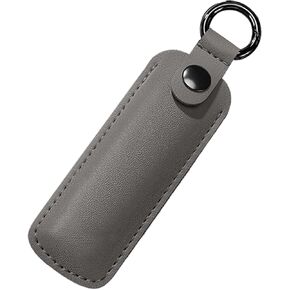 Portable USB Flash Drive Holder Case, Anti Lost USB Flash Drive Holder Protective Cover with Keychain, PU Leather Storage Carrying Case for USB Flash Drive
SAR 16
Portable USB Flash Drive Holder Case, Anti Lost USB Flash Drive Holder Protective Cover with Keychain, PU Leather Storage Carrying Case for USB Flash Drive
SAR 16