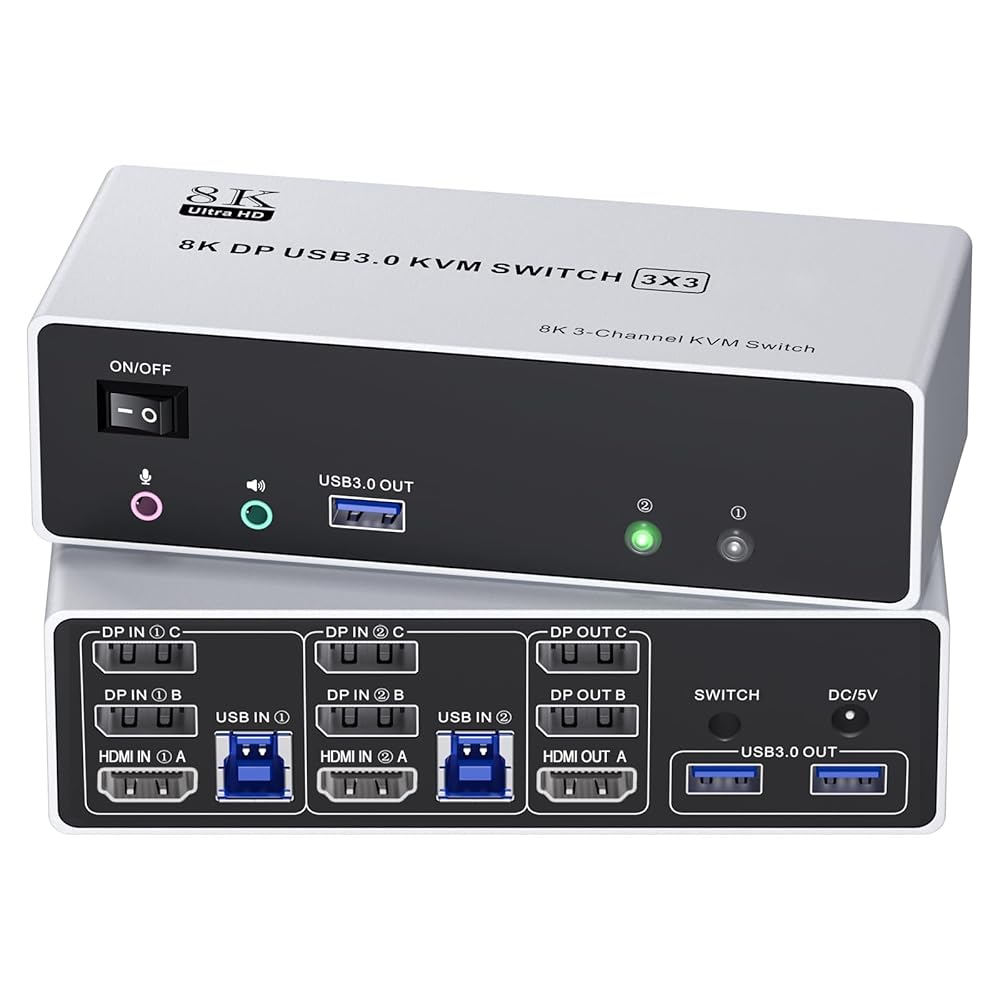
【Dual Monitors KVM Switch for Laptop or Desktop】This MST USB C HDMI Dual Monitor KVM Switch allows to control 2 computers( laptop / desktop) by 1 set of keyboard & mouse and 2 monitors(This product uses the USB protocol and requires the installation of a USB driver for use. 4K&1080P)
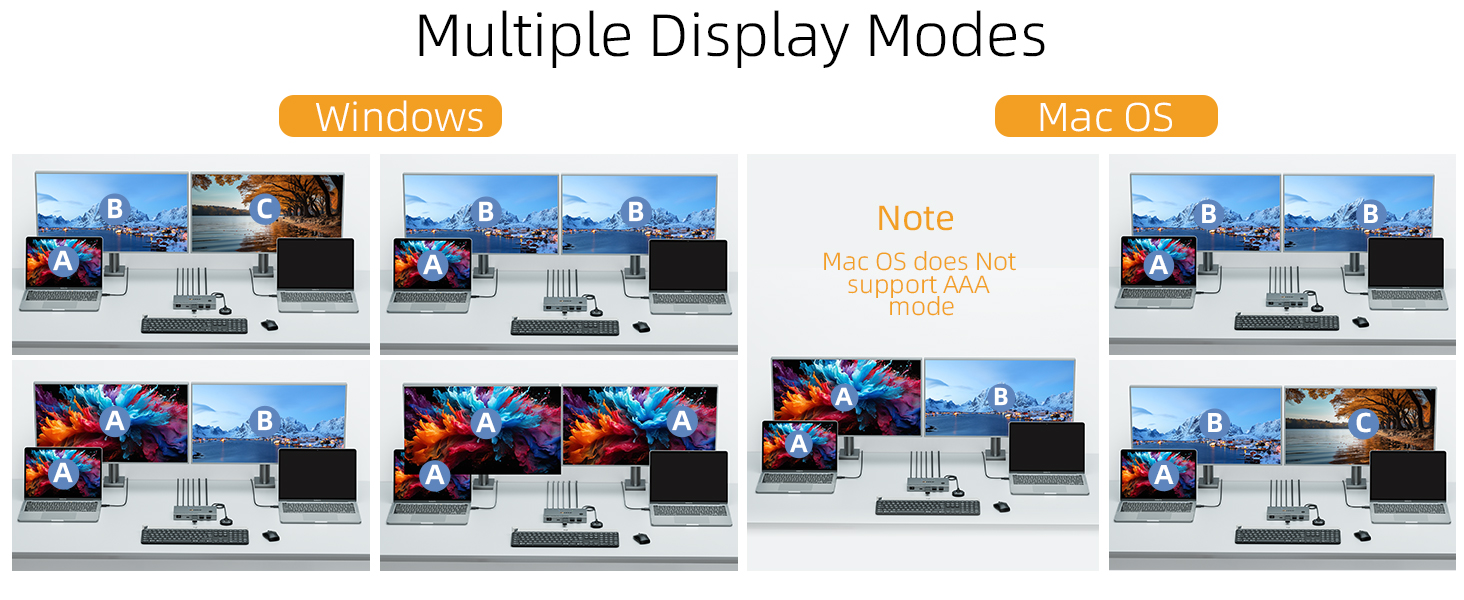
【Two Switching Mode Extended Mode&Copy Mode】This KVM Switch with 2 swtich methdos that are pressing the button on the panel and the wired controller.The indicator light will show which computer is the active computer.When your computer runs Windows, and mac Os it supports both Copy Mode and Extended Mode.【Because we use the USB protocol, once the driver is installed, the macOS system works very well】;Note that the two resolutions are different(4K and 1080P)
【 4x 10Gbps USB3.0 Ports】Dual monitor USB C kvm switch with 4 USB 10Gbps ports which can recognize keyboard,mouse,printer,scaner and other USB devices. USB offers data transfer speeds of up to 10Gbps/5Gbps/480Mbp, while USB 2.0 offers data transfer speeds of only 480Mbps.
【PD100W for Laptop Charging】 This KVM Switch 2 Monitors 2 computers USB C HDMI also supports PD100W Power, Delivery to Please note that the USB-C port is connected to the laptop, while the PD port needs to be connected to a 220V AC power source. If the device is not recognized or cannot be used, please unplug and plug in the PD cable and flip the USB-C cable, and reinstall the driver.charge your laptop directly.
【Package List】1x USB-C KVM Switch, 2x USB-C to USB-C Cable for laptop (USB 3.2 Gen 2), 1x Wired Remote Controller, 1x User Manual.Please purchase two additional HDMI cables to connect to the KVM switch and monitor. If it still doesn't work, you'll need to install the driver and restart your computer.If you have any questions, please contact us and we will be happy to assist you.

 -16%
for Apple 2024 Mac Mini M4 Pro/Mac Mini M4 Silicone Case ,Soft Skin Silicone Case Full Protective Case Cover - Black
SAR 59
-16%
for Apple 2024 Mac Mini M4 Pro/Mac Mini M4 Silicone Case ,Soft Skin Silicone Case Full Protective Case Cover - Black
SAR 59
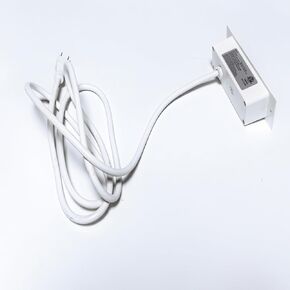 Yoobure Screw X- 2 AC & 2 USB Ports, 1pc White
SAR 53
Yoobure Screw X- 2 AC & 2 USB Ports, 1pc White
SAR 53
 -22%
USB Switch Selector, 2 in 2 Out USB Switcher 2 Computers-Share 2 USB Devices (Mouse,Keyboard,Printer,Scanner) 2 Port USB2.0 Switchs 2 Computers,Switch 2 Mouse,Compatible with Windows, Mac, Linux
SAR 53
-22%
USB Switch Selector, 2 in 2 Out USB Switcher 2 Computers-Share 2 USB Devices (Mouse,Keyboard,Printer,Scanner) 2 Port USB2.0 Switchs 2 Computers,Switch 2 Mouse,Compatible with Windows, Mac, Linux
SAR 53
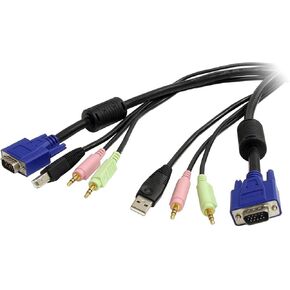 Raritan MasterConsole Digital MDUTP20-VGA - Keyboard / video / mouse / audio / USB cable - RJ-45 (M) to USB, HD-15 (VGA), stereo mini jack (M) - 6.6 ft
SAR 405
Raritan MasterConsole Digital MDUTP20-VGA - Keyboard / video / mouse / audio / USB cable - RJ-45 (M) to USB, HD-15 (VGA), stereo mini jack (M) - 6.6 ft
SAR 405

