- Shopping, made easy.
- /
- Get the app!
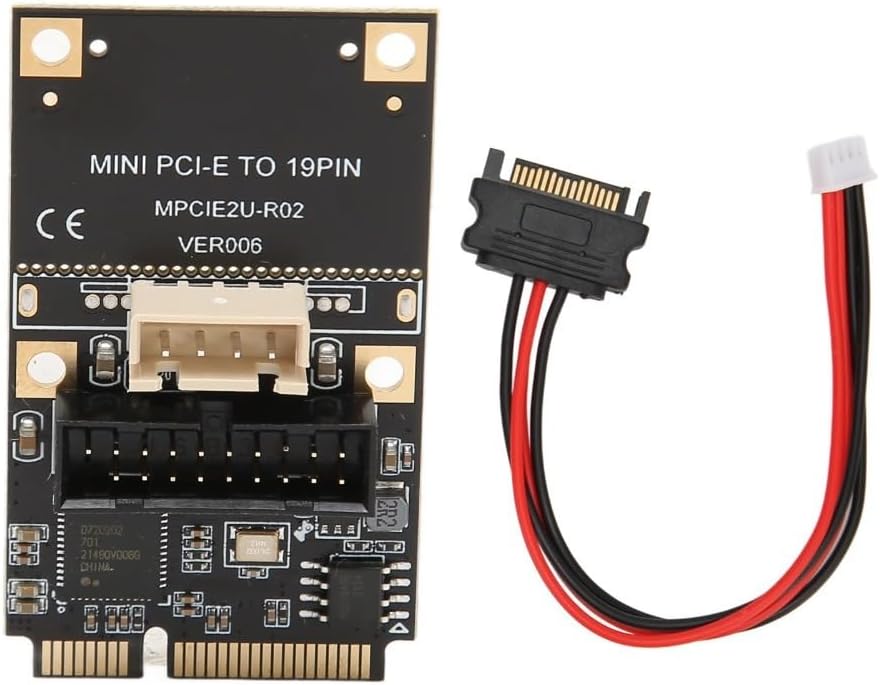
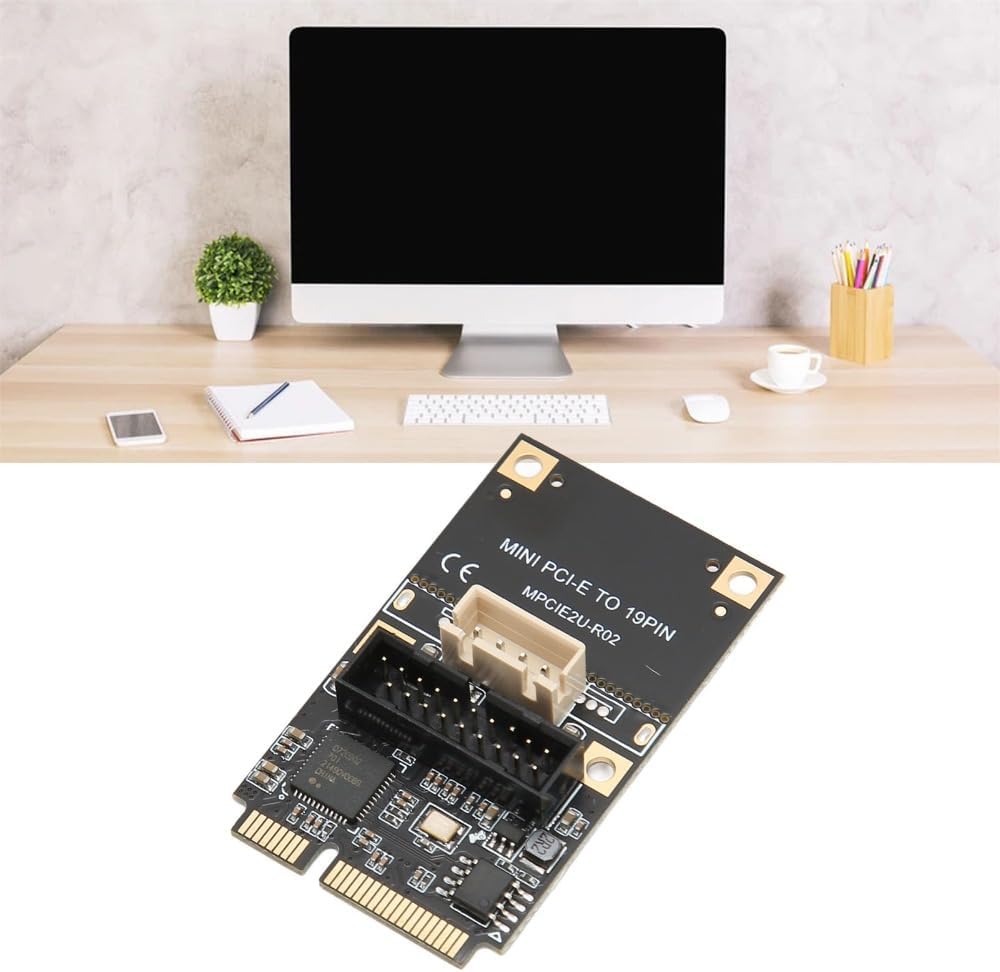
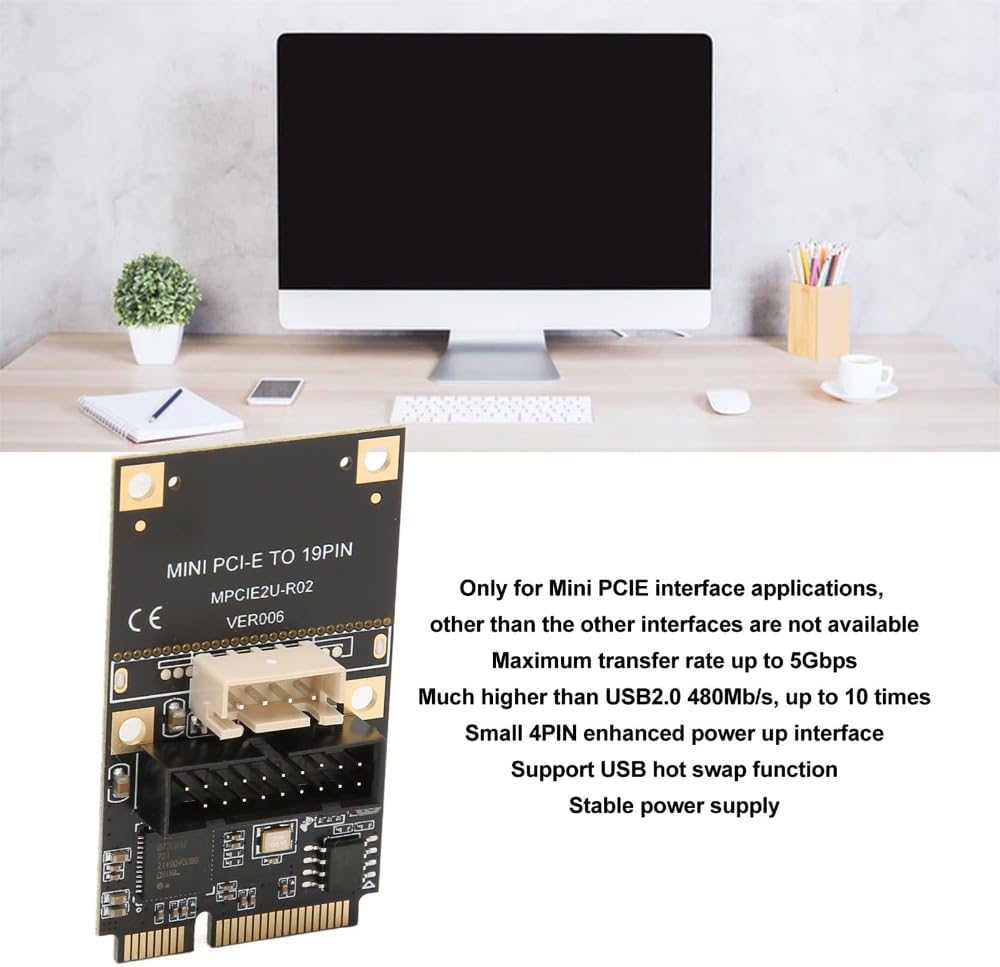
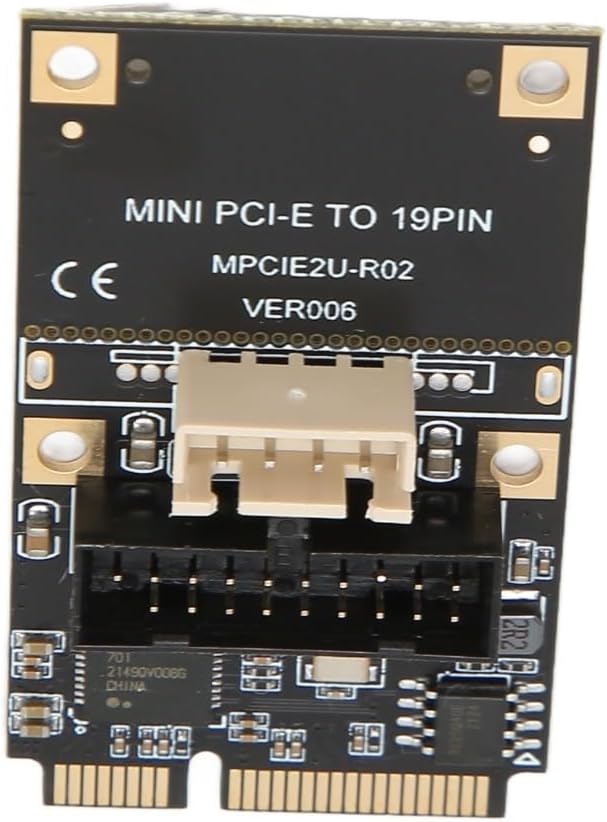
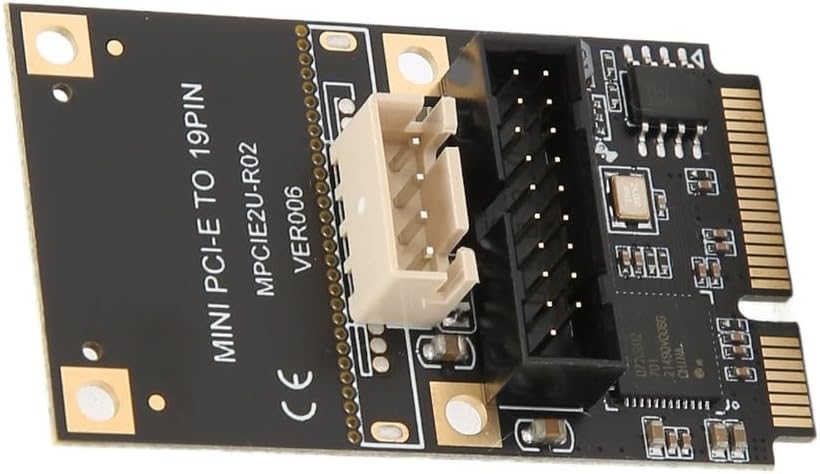
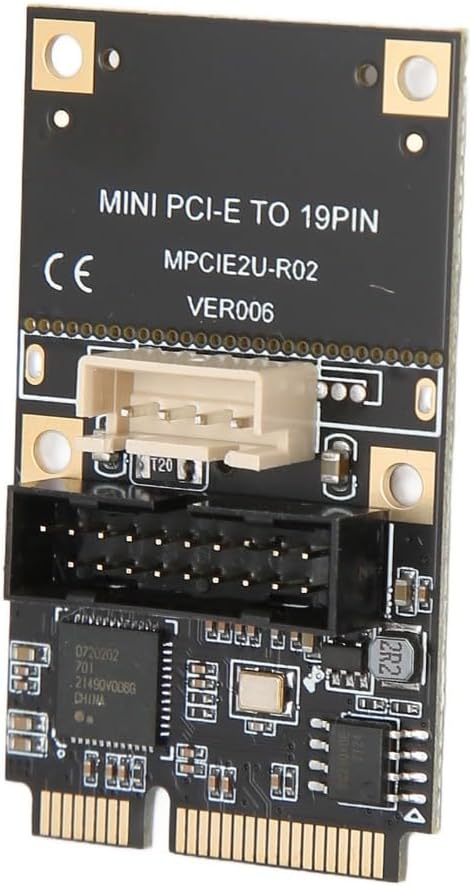
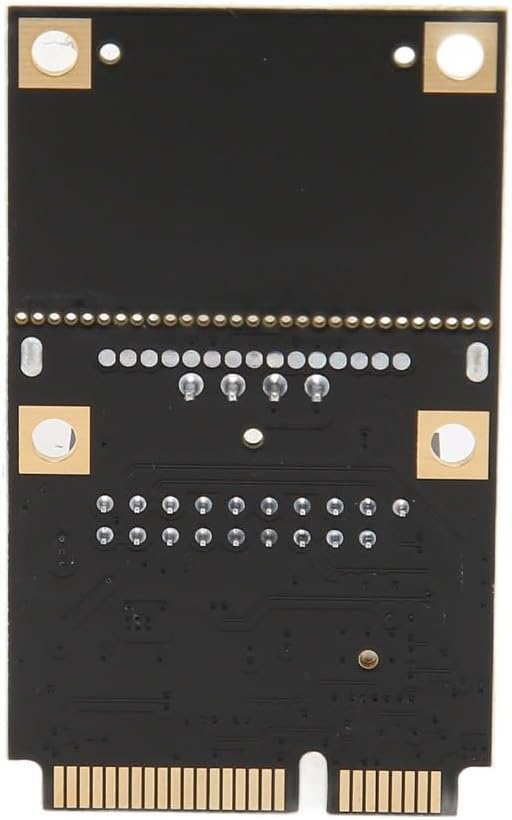
Expand your computer's connectivity with this Mini PCIe to USB 3.2 expansion card. This internal card provides a high-speed front panel USB 3.2 Gen 1 port, solving the need for faster data transfer and convenient front-access USB connectivity on compatible desktop motherboards
Easy Installation for Enhanced Performance
1. Power down your computer and open the case
2. Locate an available Mini PCIe slot on your motherboard
3. Align the card's connector and insert it firmly into the slot
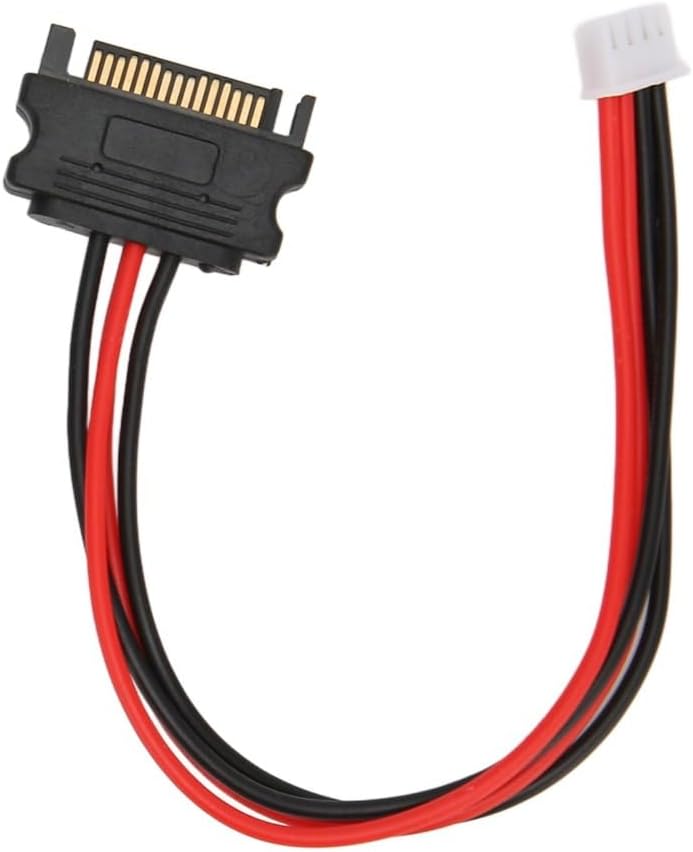
4. Connect the included 4-pin power cable from the card to your power supply unit for stable operates
5. Connect the provided 19-pin cable from the card to your computer case's front panel USB 3.2 header
6. Close your case, power on, and the system will typically recognize port automatically. Enjoy the convenience of a front-mounted, high-speed USB port
Specification:
Item Type: Mini PCIE to USB3.2 19Pin Expansion Card
Material: PCB
Size: Black
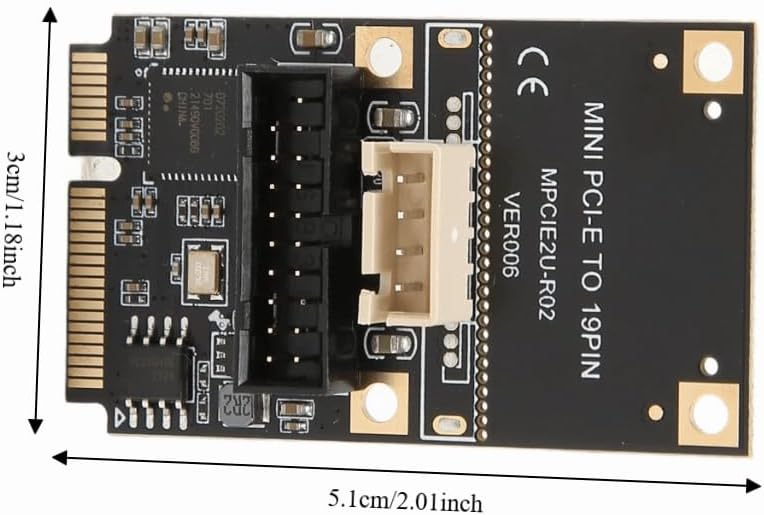
Size: 5.1x3 cm (2.01x1.18 in)
Output Interface: USB3.2GEN1 19PIN
Input Interface: MINI PCIE
Interface Speed: USB3.2 GEN1 5Gbps
Product Master Control: For Rensas uPD720202
Support System: For WINXP, for WIN7, for WIN 8 10 11, for LINUX
Package List:
1 x Expansion Card
1 x Power Supply Line
Note:
1. Due to the difference between monitors and light effects, the pictures may not reflect the actual color of the item
2. Please allow slight error due to manual measurement. Thanks for your understanding
 50Pcs 12 inch Transparent Records Self-Adhesive Sleeve Scratch Prevention Cover Easy Viewing Vinyls Record Outer Sleeve for Record Storage
SAR 97
50Pcs 12 inch Transparent Records Self-Adhesive Sleeve Scratch Prevention Cover Easy Viewing Vinyls Record Outer Sleeve for Record Storage
SAR 97
 PCIe to USB 3.0 Expansion Card 7 Ports – 5Gbps Data Transfer Card for Windows, VIA Chip with Backward Compatibility USB 2.0 and 1.1 Devices
SAR 133
PCIe to USB 3.0 Expansion Card 7 Ports – 5Gbps Data Transfer Card for Windows, VIA Chip with Backward Compatibility USB 2.0 and 1.1 Devices
SAR 133
 mSATA to USB 2.0 Adapter Card – Mini PCI-E to USB Converter Expansion Card for Laptop USB Mouse Receiver, WiFi Adapter, Flash Drive
SAR 38
mSATA to USB 2.0 Adapter Card – Mini PCI-E to USB Converter Expansion Card for Laptop USB Mouse Receiver, WiFi Adapter, Flash Drive
SAR 38
 mSATA to SATAs Mini PCIe Adapter Card – for ASUS Eee PC 900/901/900A/1000, 30x50mm SSD Converter, Plug and Play Laptop Upgrade
SAR 45
mSATA to SATAs Mini PCIe Adapter Card – for ASUS Eee PC 900/901/900A/1000, 30x50mm SSD Converter, Plug and Play Laptop Upgrade
SAR 45

 Saudi Arabia