- Shopping, made easy.
- /
- Get the app!
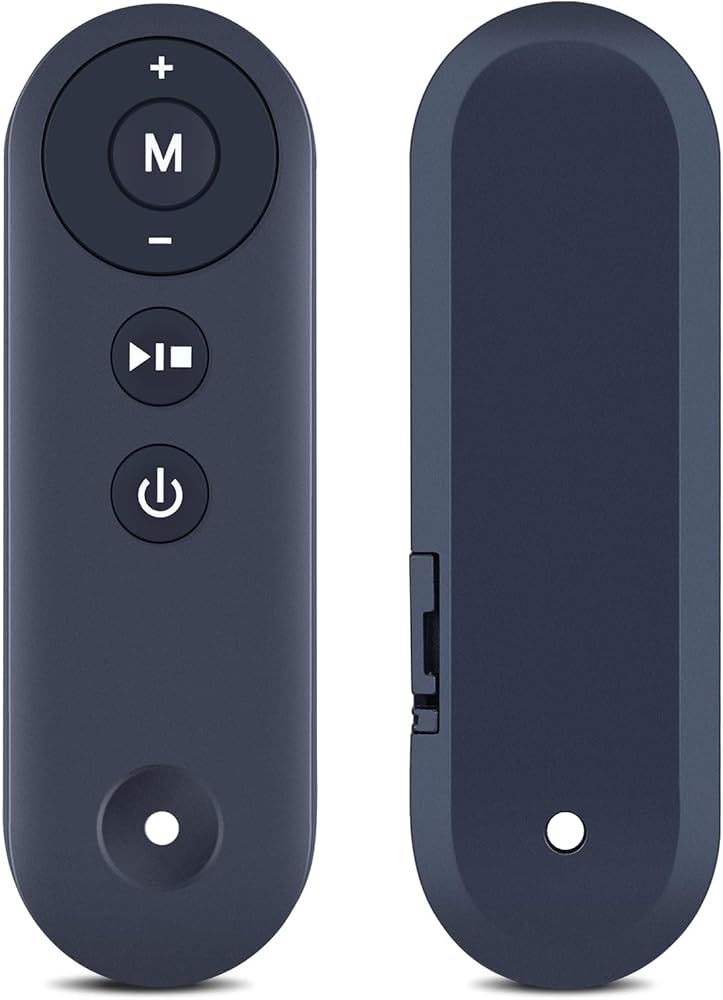
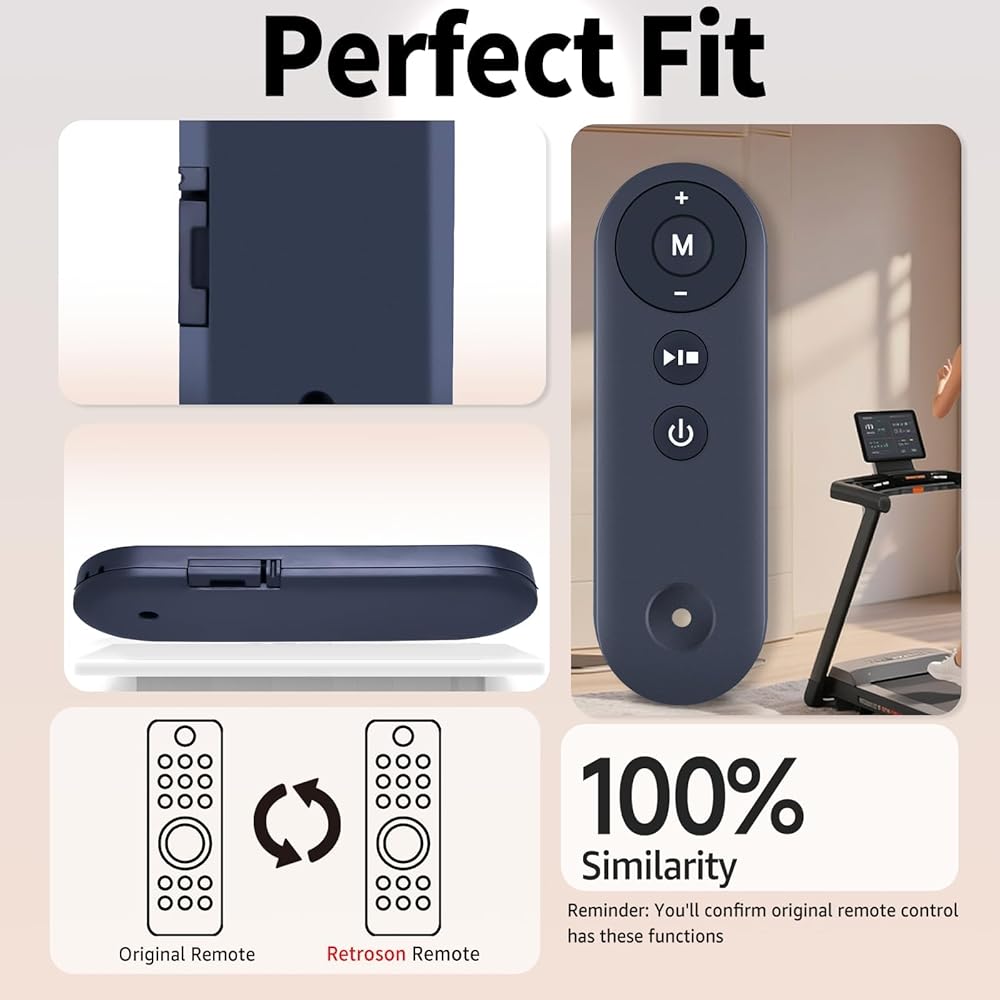
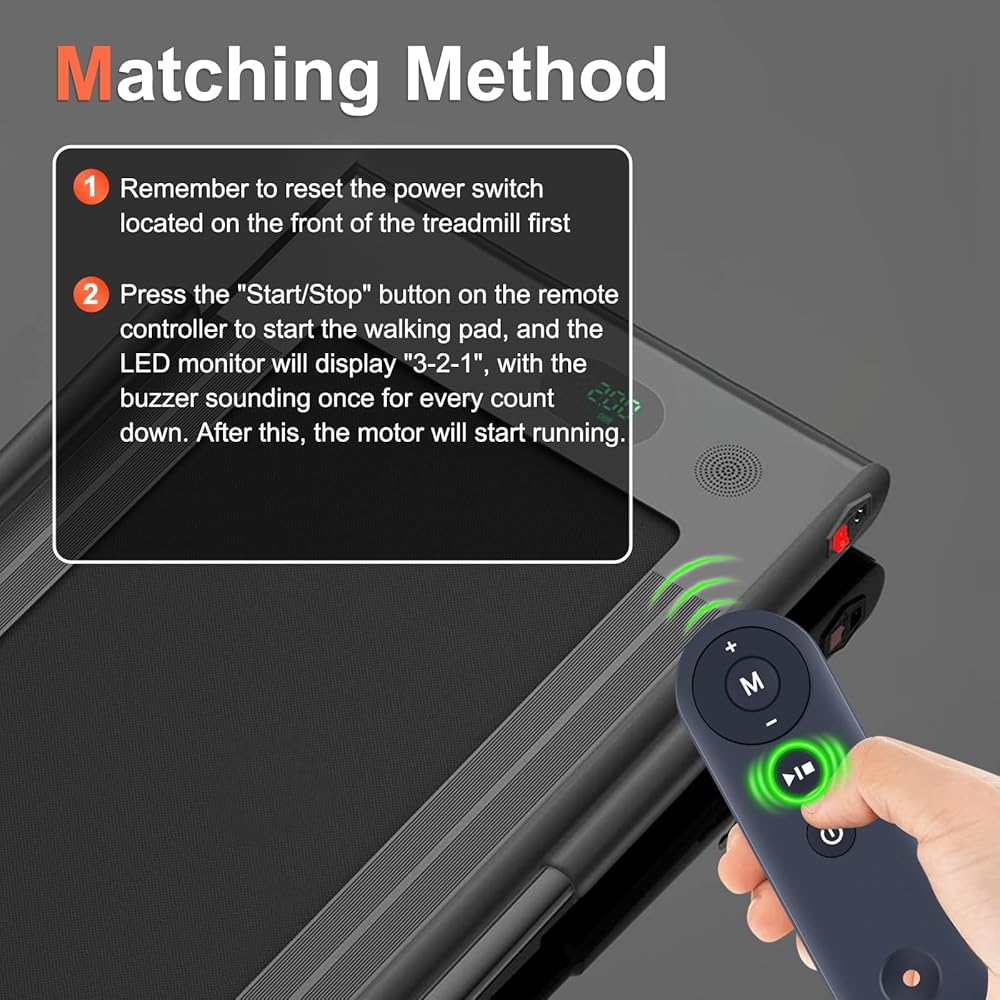
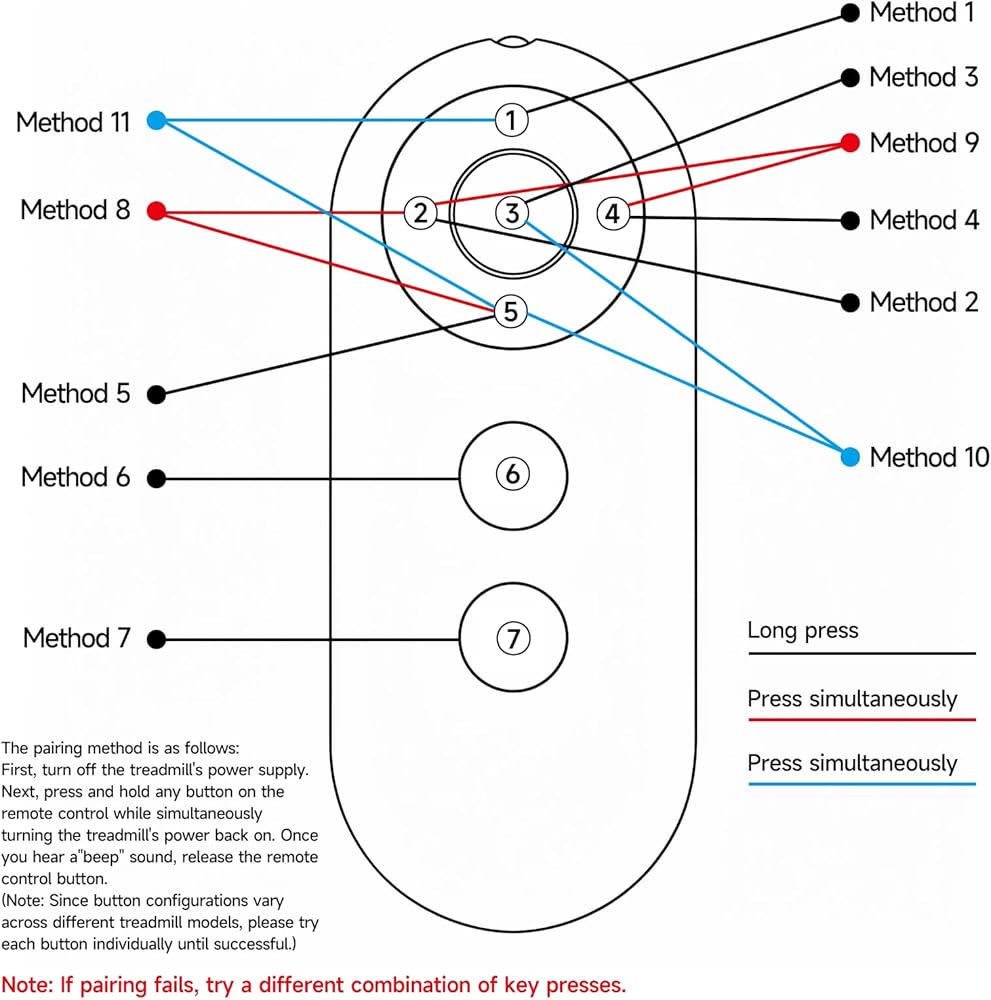
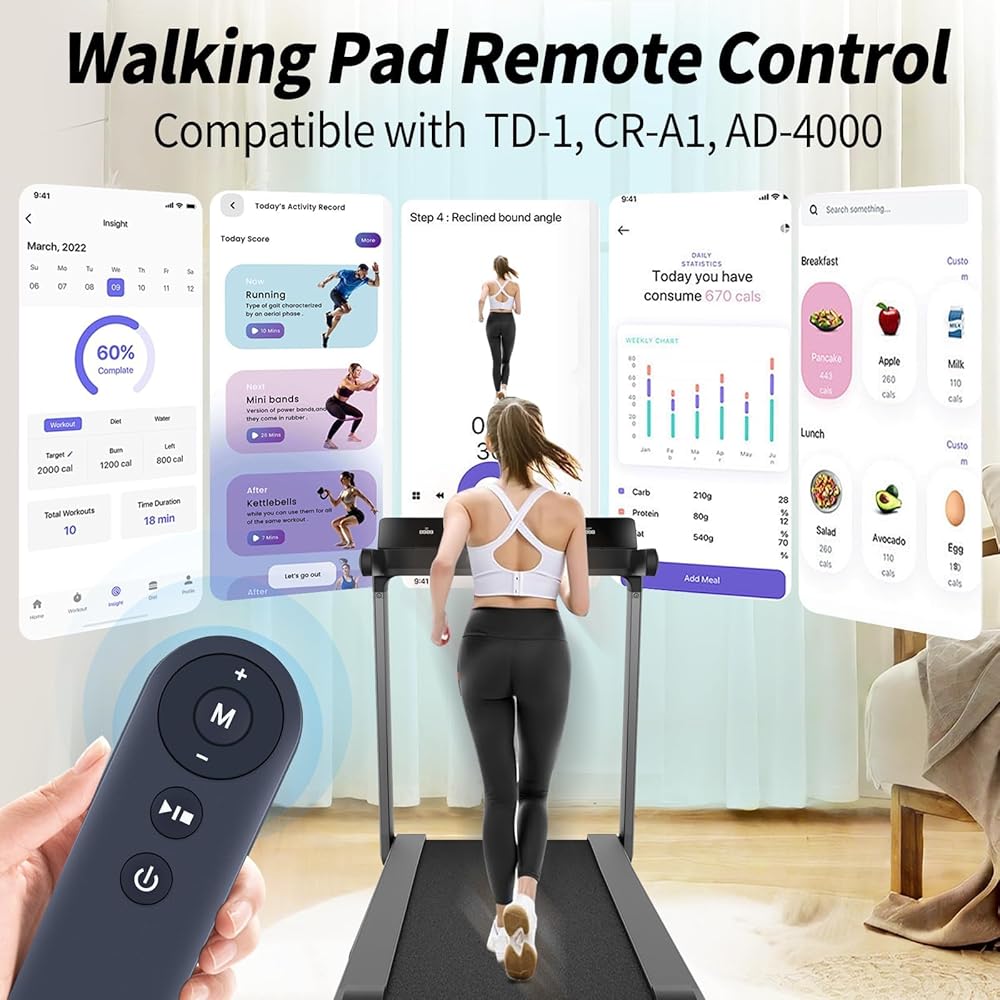
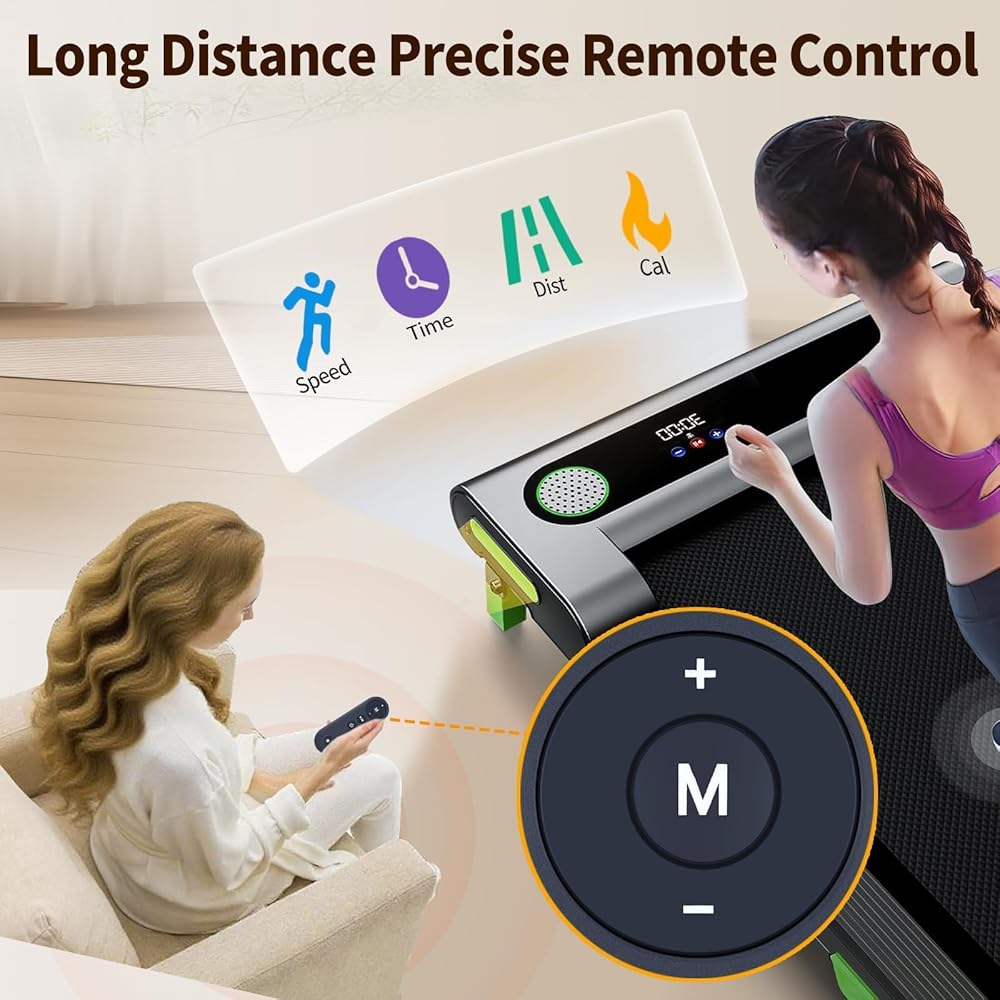
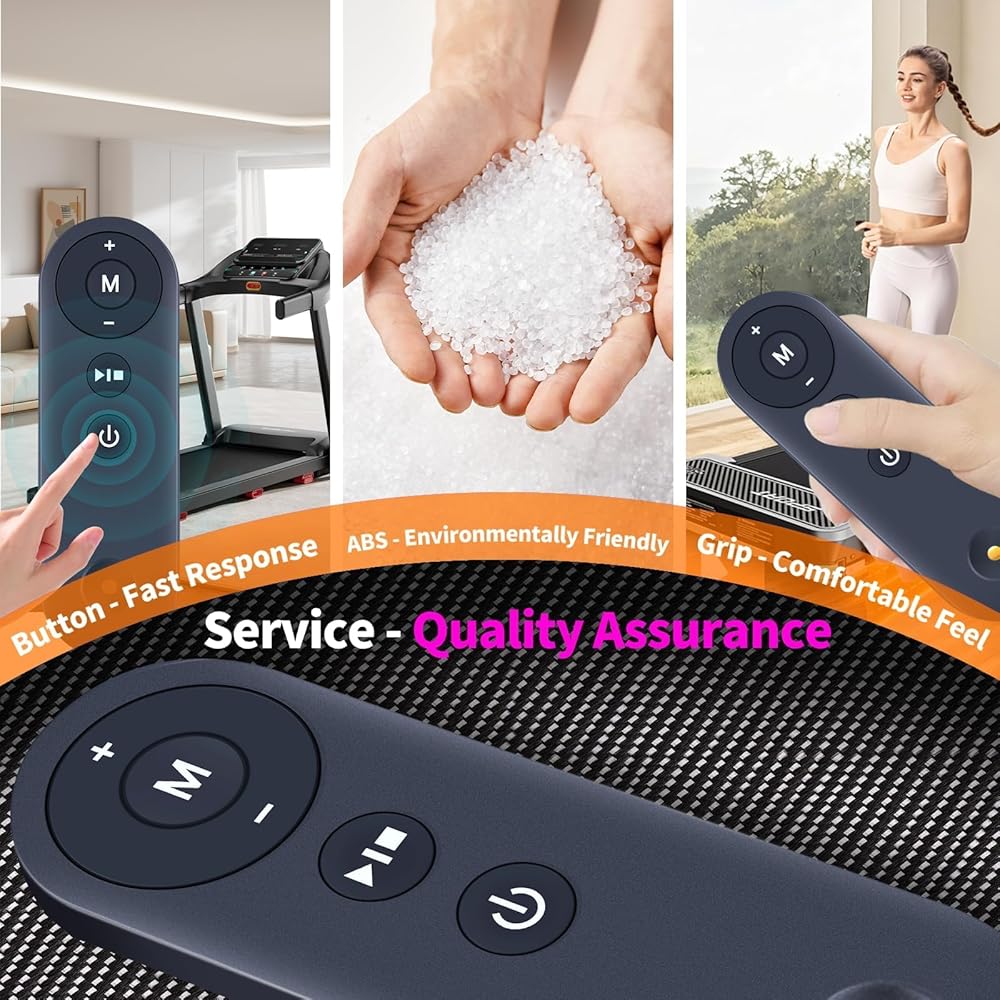
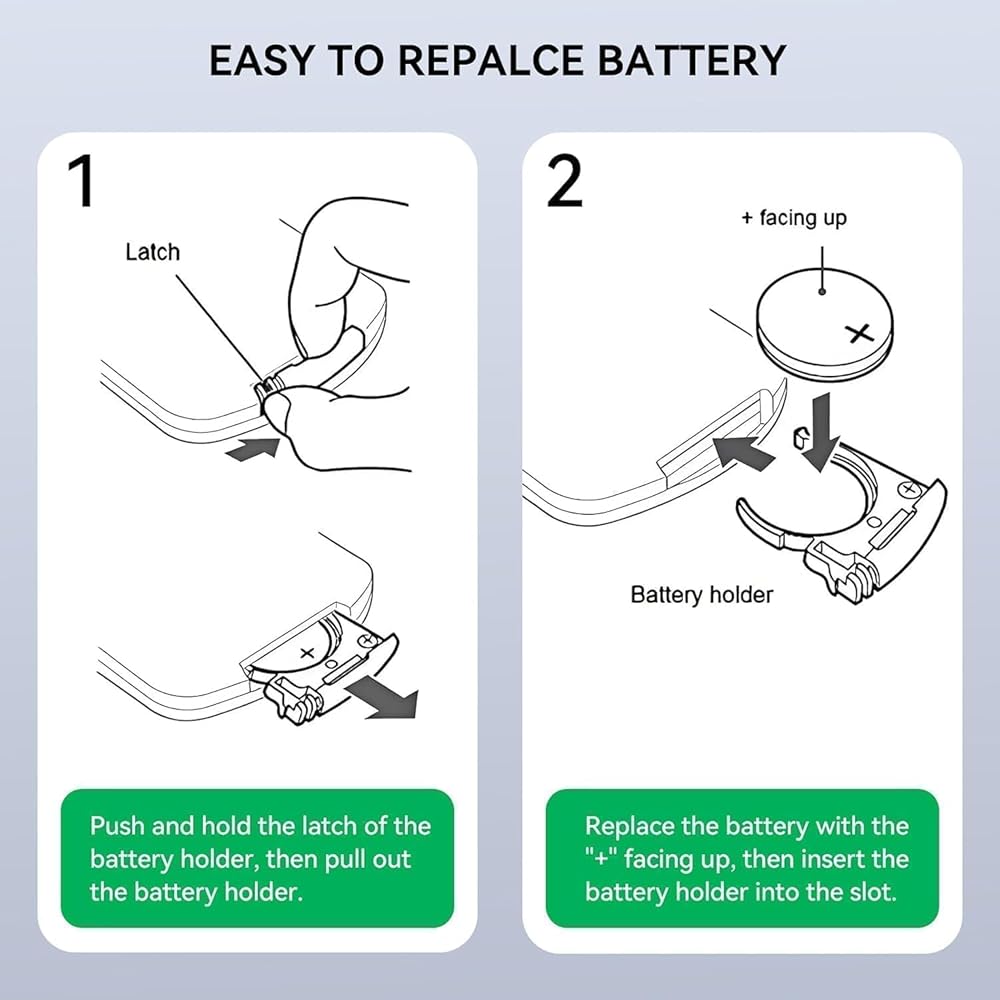
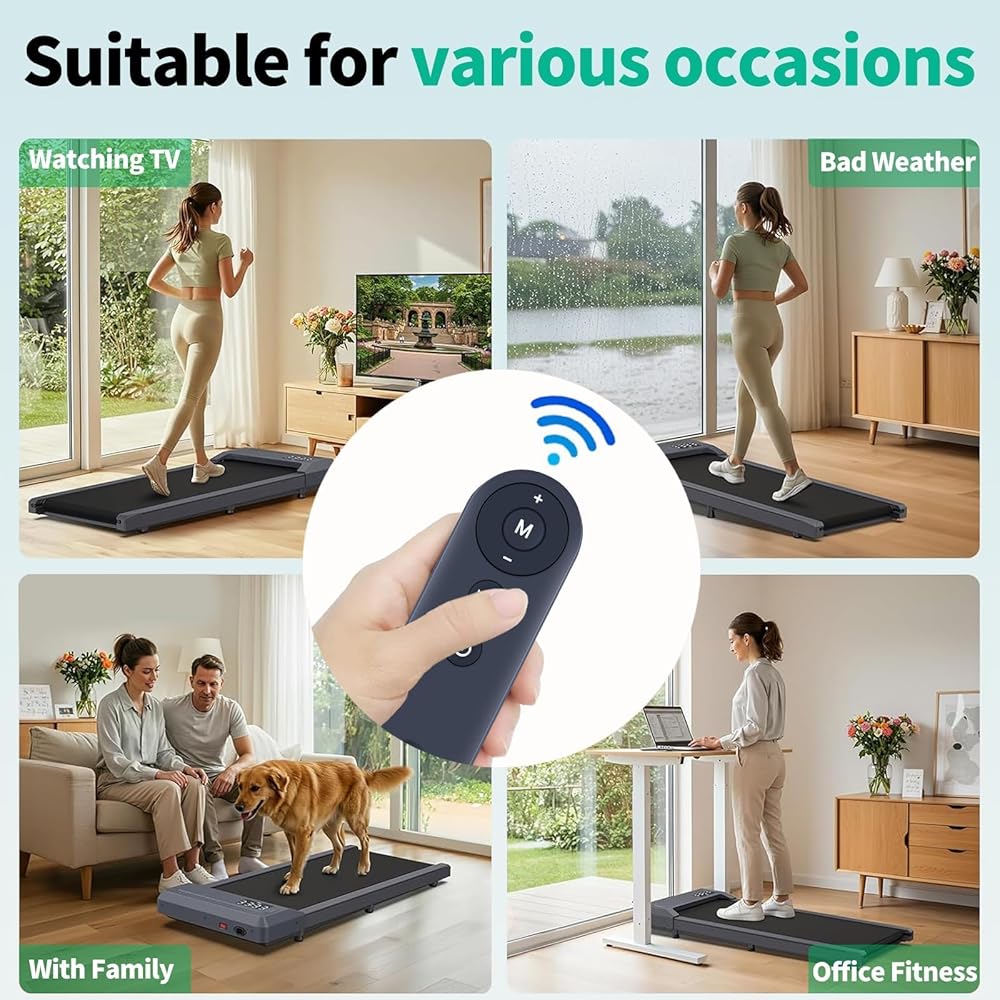
Walking Pad Remote How to Start Remember to reset the power switch located on the front of the treadmill first, and then Press the "Start/Stop" button on the remote controller to start the walking pad, and the LED monitor will display "3-2-1", with the buzzer sounding once for every count down. After this, the motor will start running. WARM NOTE: NO DOWNLOADS OR PAIRING NEEDED. IF NOT COMPATIBLE, IT COULD NOT WORK IN THIS WAY, PLEASE RETURN IT Description of Remote Control Buttons 1. Power button: turn off the walking pad when it is running. When the walking pad is in standby mode, pressing this button will turn off the display and enter sleep mode. 2. Start/Stop button: start or stop the walking pad. When the power is turned on, pressing this button in the stop state will start the walking pad. Pressing the button when the walking pad is running will stop the walking pad. 3. Mode button: select the countdown mode for time, distance or calorie, as well as a free mode. Pressing this button will cycle through the options of "30: 00" (time countdown mode), "1.0" (distance countdown mode), "50.0" (calorie countdown mode), and "0.0" (free mode). 4. Speed + button: increase the speed of the walking pad after it is started. After a single press, the speed will be adjusted by 0.1MPH. When the button is pressed continuously for more than 1 second, the speed will continue to increase. 5. Speed - button: decrease the speed of the walking pad after it is started. After a single press, the speed will be adjusted by 0.1MPH. When the button is pressed continuously for more than 1 second, the speed will continue to decrease. The battery life is related to the frequency and length of use of the product. If the frequency of use is high, and one-time use long, the battery life will be relatively short.
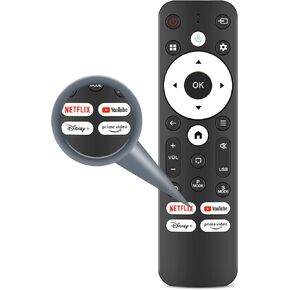 Replacement Voice Remote Control Compatible with Gaimoo 4K Projector, Mini Portable Projector Remote for Smart Home Outdoor Porjector with Netflix/YouTube/PrimeVideo/D+ Hot Keys
SAR 105
Replacement Voice Remote Control Compatible with Gaimoo 4K Projector, Mini Portable Projector Remote for Smart Home Outdoor Porjector with Netflix/YouTube/PrimeVideo/D+ Hot Keys
SAR 105
 -21%
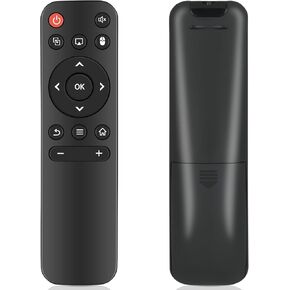
Replacement Remote for Mini Projector HY300 HY300Pro, Compatible with Magcubic HY300Pro, HIPPUS HY300Pro, Aubor HY300Pro, Xgody HY300Pro/Gimbal 3/Gimbal 5, Maypug P1 Mini Projector
SAR 50
-21%
Replacement Remote for Mini Projector HY300 HY300Pro, Compatible with Magcubic HY300Pro, HIPPUS HY300Pro, Aubor HY300Pro, Xgody HY300Pro/Gimbal 3/Gimbal 5, Maypug P1 Mini Projector
SAR 50
 TiVo VOX Replacement Remote Control with Voice Search Function Compatilbe for TiVo Edge, Bolt, Roamio Plus and Pro Series
SAR 156
TiVo VOX Replacement Remote Control with Voice Search Function Compatilbe for TiVo Edge, Bolt, Roamio Plus and Pro Series
SAR 156
 HJH13D Replacement Remote Control Compatible with Milemont and Lucid L300 Adjustable Bed (Color: White)
SAR 365
HJH13D Replacement Remote Control Compatible with Milemont and Lucid L300 Adjustable Bed (Color: White)
SAR 365