USB C Docking Station Dual Monitor 4K 60Hz, 11-in-1 Vertical Laptop Dock with Stand, 100W PD Charging, 10Gbps USB-C & USB-A, Gigabit Ethernet for Windows/Dell/Lenovo/HP Laptops, Space Gray
All electronics ship with US style plugs.You may need a voltage converter or a plug adapter.
Special Features
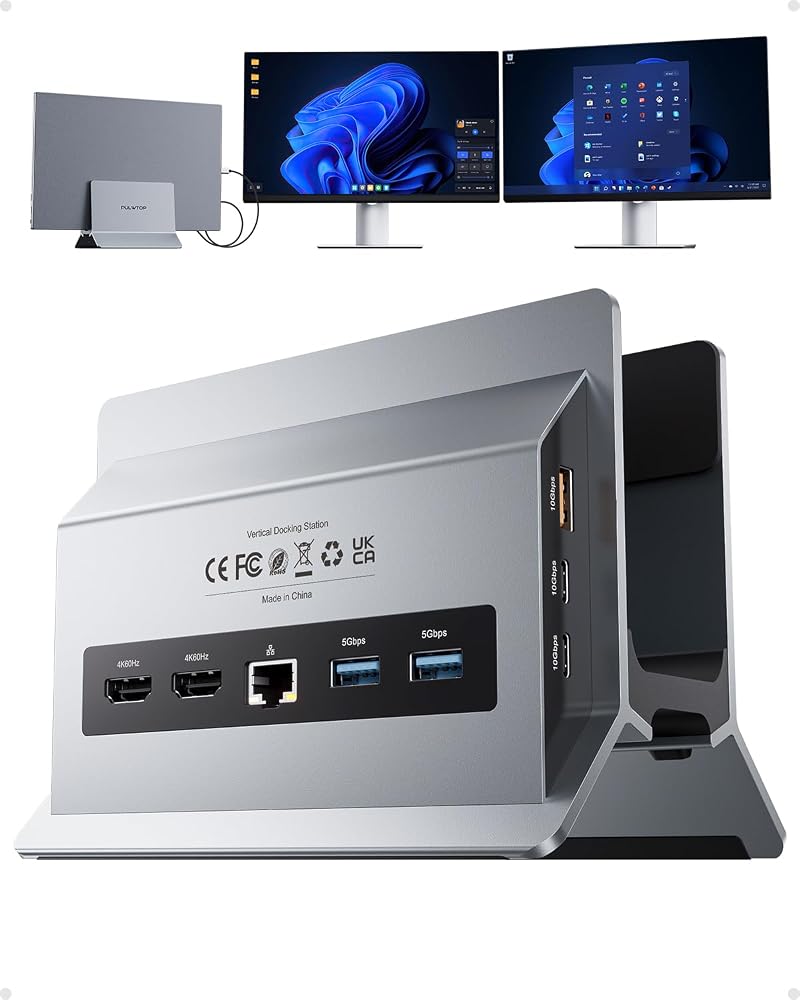
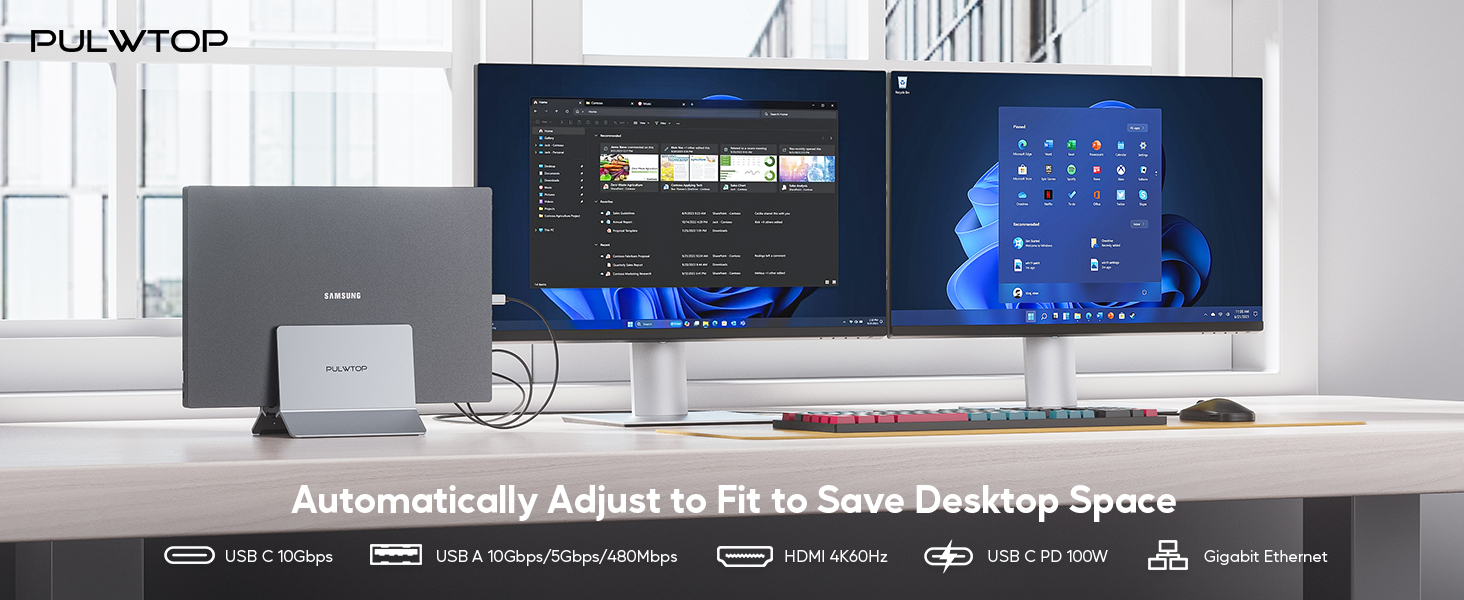
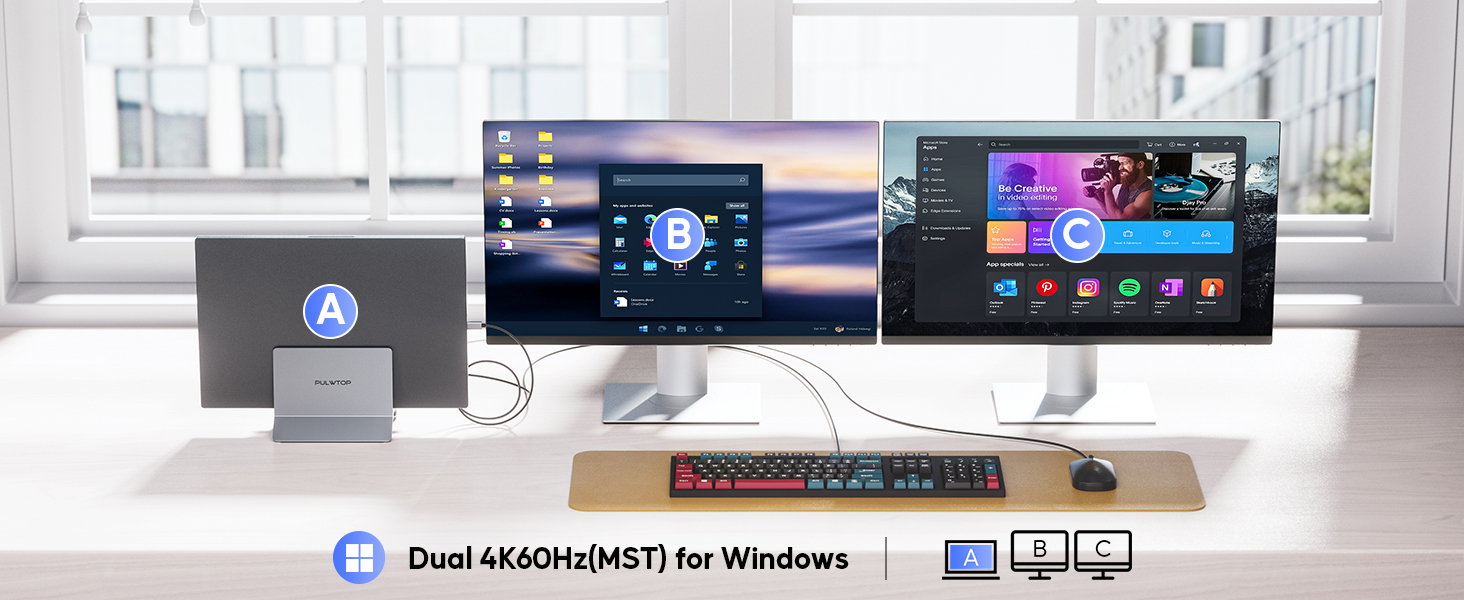
Comprehensive 11-in-1 Connectivity – The PULWTOP usb c docking station offers full port expansion for Windows laptops, including 2x HDMI (4K@60Hz), 2x USB-C Gen2 (10Gbps), 1x USB-A Gen2 (10Gbps), 2x USB 3.0 (5Gbps), Gigabit Ethernet, USB 2.0, USB-C PD 100W charging, and a USB-C host port. Easily connect two external monitors for work, gaming, or entertainment, plus all your essential peripherals like mouse, keyboard, and external drives—all through a single USB-C connection.
Docking Station Dual Monitor 4K@ 60Hz for Windows Laptops – Transform your windows laptop into a powerful dual-monitor workstation with this USB-C dock. Supporting MST (Multi-Stream Transport) mode, it drives two 4K@60Hz displays for extended or mirrored screens—perfect for multitasking in office work, creative projects, trading, or immersive gaming. Plug-and-play setup, no drivers required. ★Note : Not support Mac Users
High-Speed Data Transfer – This USB-C docking station delivers 10Gbps transfer speeds via its USB-C 3.2 Gen 2 and USB-A 3.2 Gen 2 ports—perfect for quickly transferring 4K videos, photo libraries, and system backups between laptops, external SSDs, flash drives, smartphones, and tablets. Two 5Gbps USB-A 3.0 ports connect printers and external hard drives, while a dedicated USB-A 2.0 port offers stable, low-latency connections for mouse and keyboard. ★Note: All USB C port not support Video and Charging
PD CHARGING & COMPATIBILITY - The laptop docking station powered with the USB-C PD port, supporting up to max 100W input and delivering 85W safe to your Laptop. The Gigabit Ethernet port ensures fast, stable wired internet for lag-free gaming, 4K streaming, and uninterrupted video calls. ★Note : Power adapter is not included and It is recommended to use a power greater than 65W to ensure stable power input for your laptops
Vertical Laptop Stand & Docking Station 2-in-1 – Space-Saving Design with Superior Cooling, This vertical USB-C docking station 2 monitor combines a laptop stand and a full-featured dock in one sleek design. Compatible with Thunderbolt 3/4/5, USB4, and full-featured USB-C Windows/Dell/Lenovo/HP/Thinkpad Laptops (Power Delivery, Data Transfer, and DisplayPort Alt Mode required).
★Note : Steps for Closed-Lid Expansion Mode of laptop: 1. Pre-Set laptop Don't Sleep Automatically Notice 2. Connect a 65W PD Power Adapter or above to the PULWTCPDock 3. Connect a Mouse or Keyboard to wake up the monitor
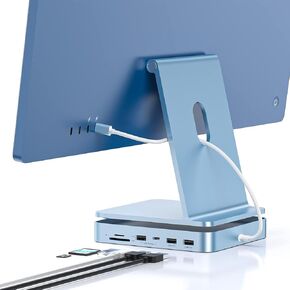 USB C HUB for iMac 24 inch 2021/2023, PULWTOP 7 in 1 USB Hub Adapter iMac Accessories for iMac M1/M3 with USB C 10Gbps 3*USB A SD/TF, Docking Station Support Expand M.2 SSD (Not Included),Blue
SAR 335
USB C HUB for iMac 24 inch 2021/2023, PULWTOP 7 in 1 USB Hub Adapter iMac Accessories for iMac M1/M3 with USB C 10Gbps 3*USB A SD/TF, Docking Station Support Expand M.2 SSD (Not Included),Blue
SAR 335
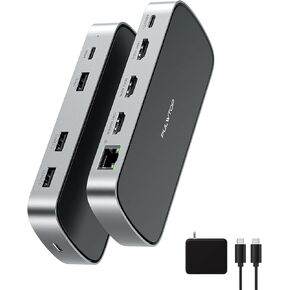 3 HDMI Triple USB C Docking Station, PULWTOP Laptop Docking Station Dual 4K Display for Macbook M1/M2/M3/Windows, Universal USB C Dock with Power Adapter, PD, 10Gbps USB C/A Data,2 USB-A 2.0, Ethernet
SAR 417
3 HDMI Triple USB C Docking Station, PULWTOP Laptop Docking Station Dual 4K Display for Macbook M1/M2/M3/Windows, Universal USB C Dock with Power Adapter, PD, 10Gbps USB C/A Data,2 USB-A 2.0, Ethernet
SAR 417
 iMac Accessories for iMac 2021/2023, PULWTOP USB C Hub for iMac with USB A/C 10Gbps, iMac Hub for M1/M3, 2 USB A 2.0, SD/TF Card Reader for iMac 24 inch & Studio Display 2
SAR 188
iMac Accessories for iMac 2021/2023, PULWTOP USB C Hub for iMac with USB A/C 10Gbps, iMac Hub for M1/M3, 2 USB A 2.0, SD/TF Card Reader for iMac 24 inch & Studio Display 2
SAR 188
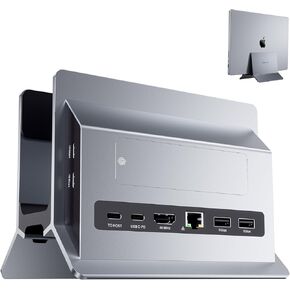 Vertical MacBook Docking Station, PULWTOP Docking Station for Mac Mini with M.2 NVMe case for MacBook Pro/Air, 4K@60Hz HDMI, 2USB C 10Gbps, SD/TF, 100W PD, RJ45, 2 USB A, Audio for Windows Laptops
SAR 0
Vertical MacBook Docking Station, PULWTOP Docking Station for Mac Mini with M.2 NVMe case for MacBook Pro/Air, 4K@60Hz HDMI, 2USB C 10Gbps, SD/TF, 100W PD, RJ45, 2 USB A, Audio for Windows Laptops
SAR 0

