- Shopping, made easy.
- /
- Get the app!
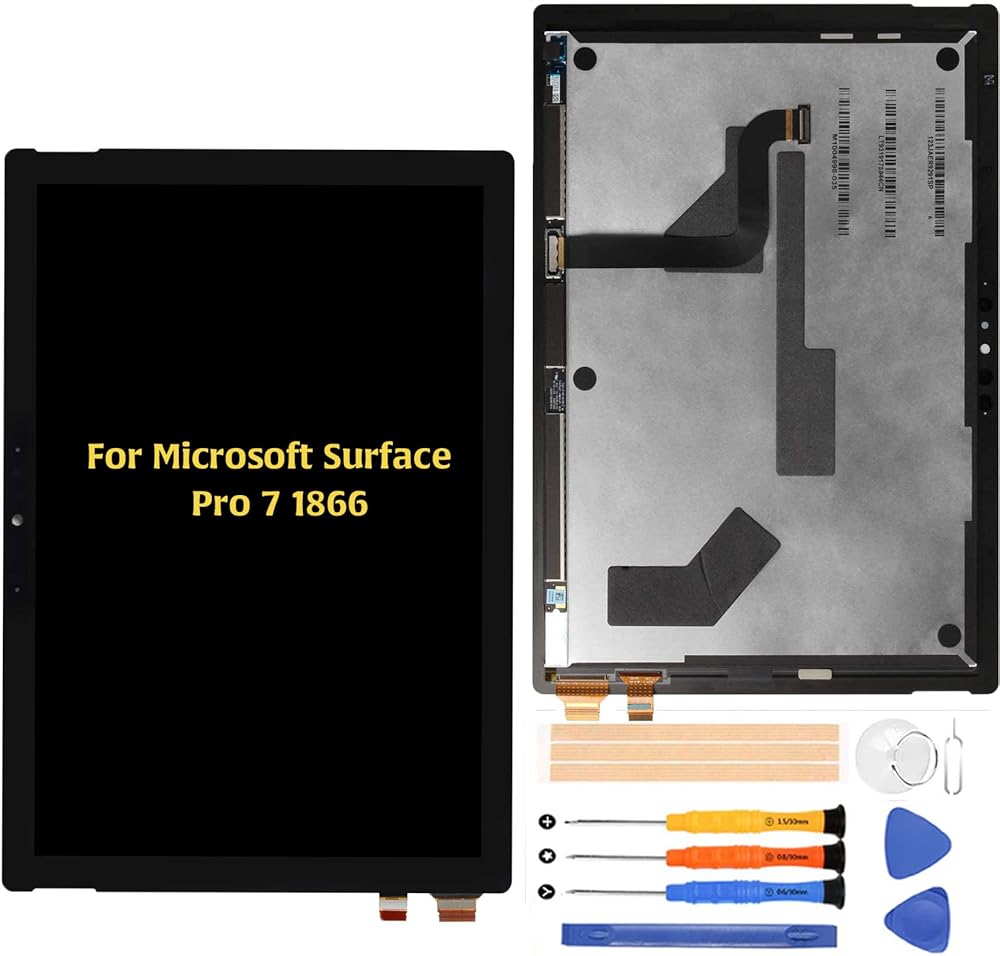
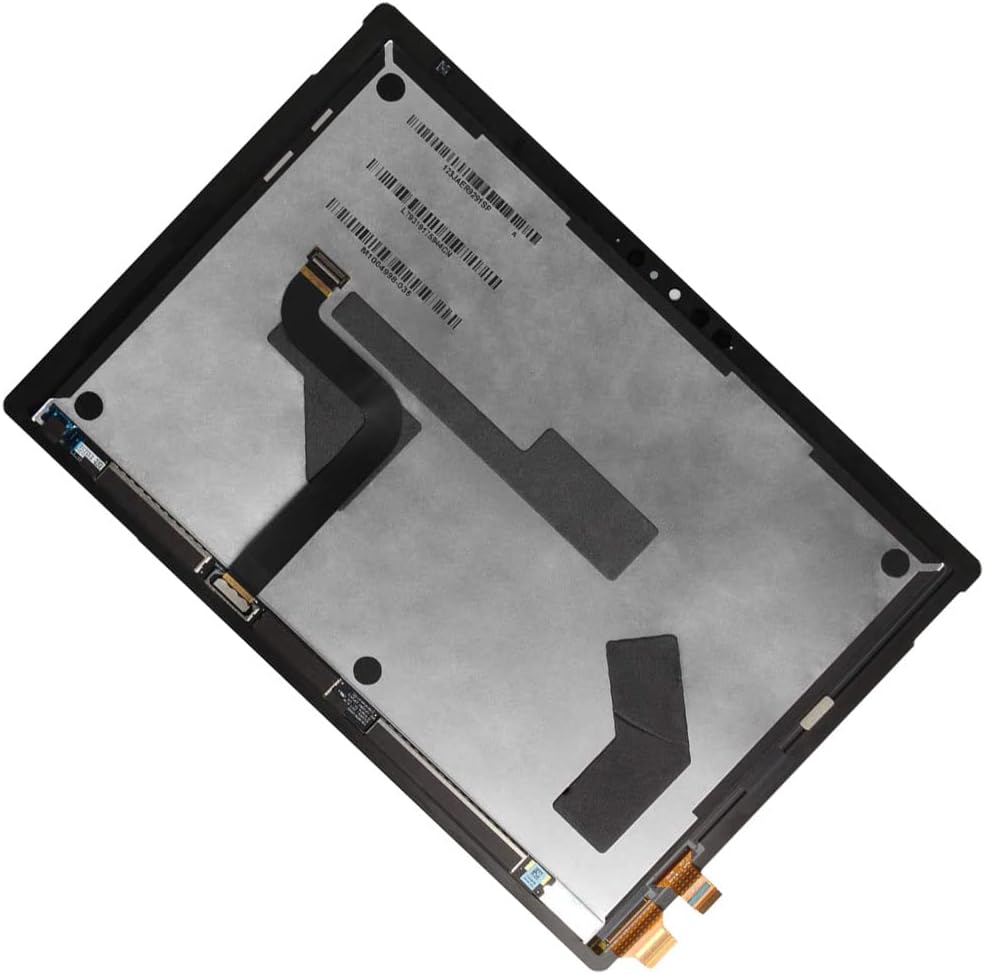
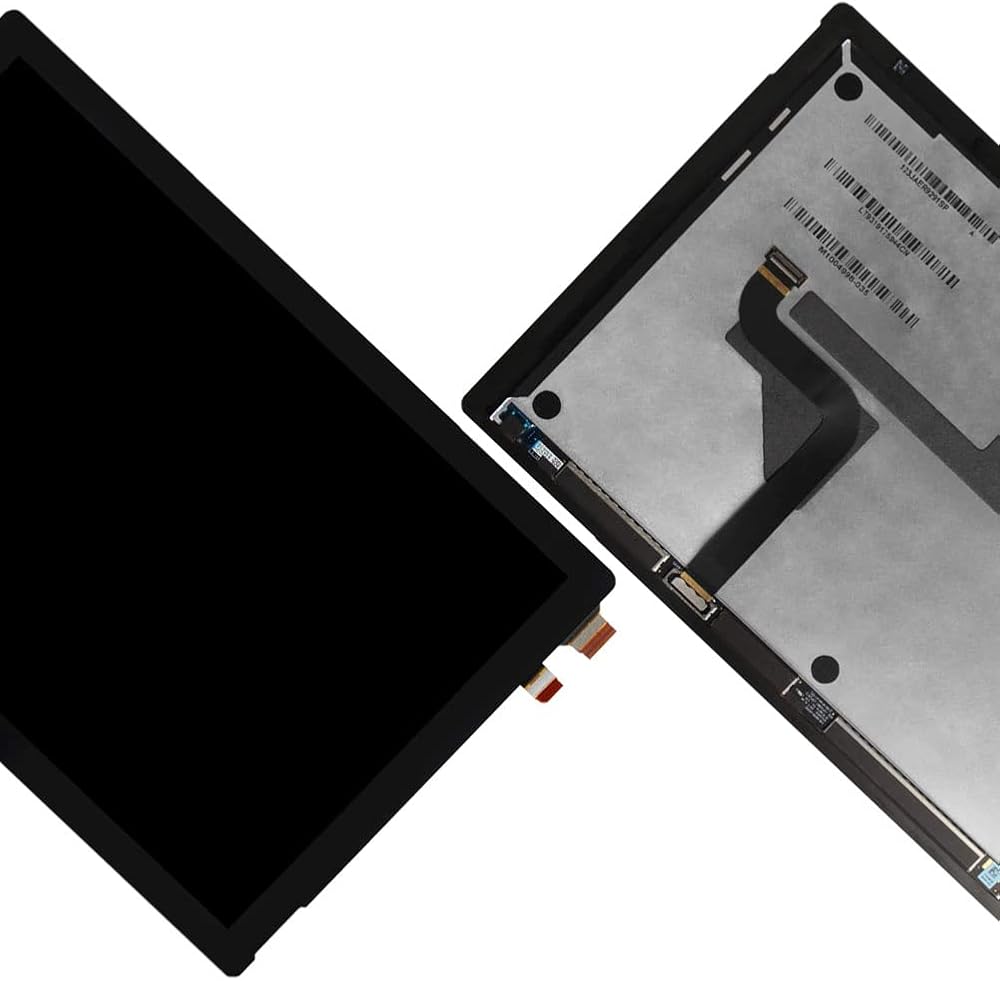
A-MIND Replacement LCD Display for Microsoft Surface Pro 7 (Model 1866, LP123WQ2)
This replacement display assembly is designed for the Microsoft Surface Pro 7 and supports both Q1 and Q2 flex cable versions, ensuring smooth installation without compatibility issues. It uses a carefully calibrated TFT panel that delivers clear images, stable touch response, and consistent brightness, ideal for daily work or study use.
Installation Guidance:
Before installing, please test the screen to confirm proper function. Make sure to power off the device and disconnect the battery before connecting or removing any flex cables. Avoid pressing the corners too hard or bending cables sharply. If you are not familiar with repair work, we recommend professional installation.
Package Contents:
1x Surface Pro 7 (1866) LCD Touch Digitizer Assembly (Black)
1x Screen Protector
1x Repair Tool Kit
(Note: The included tools are universal and may not fit every device model exactly.)
Main Features:
Compatible with both Q1 and Q2 cable configurations.
Improved TFT material for stable color and smooth touch experience.
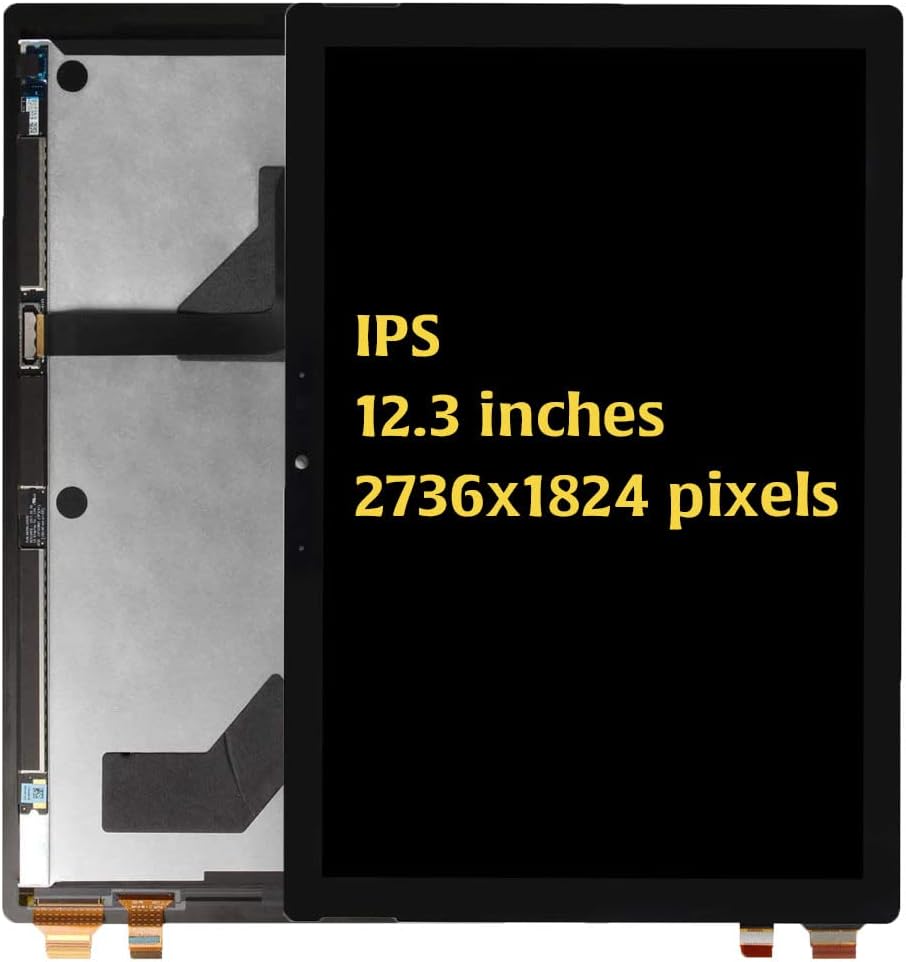
12.3-inch high-definition panel designed for accurate display output.
Reinforced connector design helps maintain stable connections during use.
Installation Tips:
1️⃣ Turn off the device completely and disconnect the battery before installation.
2️⃣ Handle the screen gently, avoiding pressure on the edges or corners.
3️⃣ Do not bend the flex cables beyond 90° during installation.
4️⃣ Test the display and touch response before sealing the device.
5️⃣ If the display shows lines or the touch does not respond, recheck the connections and clean the flex ports before reinstalling.
Support Information:
If the display does not work as expected after testing, please contact our support team with photos or video. We will provide assistance to help identify the cause and guide you through the next steps. Please ensure installation and testing are completed before final assembly.
✅ FAQ
Q: Does this screen work with both Q1 and Q2 cable types?
A: Yes. It is designed to support both versions, so no need to worry about compatibility.
Q: What type of display is this?
A: This is a high-quality TFT display assembly offering smooth touch and clear visuals suitable for everyday use.
Q: Do I need to transfer any parts from the old screen?
A: No additional transfer is required. Simply connect the new screen properly following safety steps.
Q: Is adhesive included?
A: Adhesive is not pre-installed. We recommend using double-sided adhesive tape or screen-safe glue.
Q: What should I do if the screen doesn't light up after installation?
A: Ensure the flex cables are fully connected and the battery is properly attached. If the issue continues, contact our support team for technical guidance.
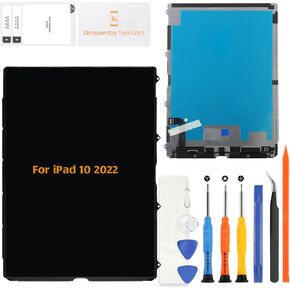 A-MIND LCD Display Screen Replacement for iPad 10th Gen 2022 (A2757, A2777, A2696) – 10.9" LCD Panel Only (No Touch Digitizer)
SAR 698
A-MIND LCD Display Screen Replacement for iPad 10th Gen 2022 (A2757, A2777, A2696) – 10.9" LCD Panel Only (No Touch Digitizer)
SAR 698
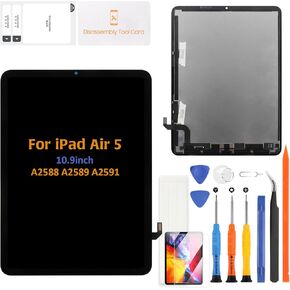 A-MIND for iPad Air 5 2022 10.9" Replacement LCD Display Touch Digitizer Assembly A2588 A2589 A2591 Full Repair Kit with LCD and Tools(Black)
SAR 772
A-MIND for iPad Air 5 2022 10.9" Replacement LCD Display Touch Digitizer Assembly A2588 A2589 A2591 Full Repair Kit with LCD and Tools(Black)
SAR 772
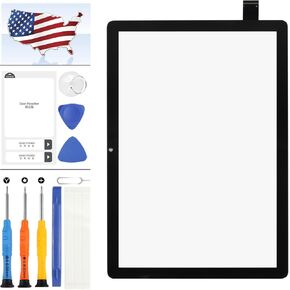 for ONN 100092980 Screen Replacement 10.1" for ONN 100092980 Touch Screen Replacement for ONN 100092980 Digitizer Sesnsor Glass Panel Full Repair Parts Black (Not LCD Display)
SAR 58
for ONN 100092980 Screen Replacement 10.1" for ONN 100092980 Touch Screen Replacement for ONN 100092980 Digitizer Sesnsor Glass Panel Full Repair Parts Black (Not LCD Display)
SAR 58
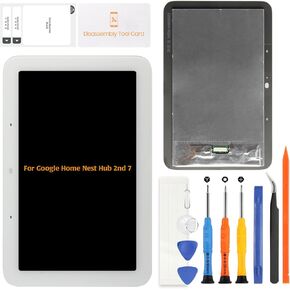 A-MIND Replacement Screen Assembly for Google Home Nest Hub 2nd Generation 7.0" - White, Full Assembly for Display & Touch Panel Repair
SAR 191
A-MIND Replacement Screen Assembly for Google Home Nest Hub 2nd Generation 7.0" - White, Full Assembly for Display & Touch Panel Repair
SAR 191