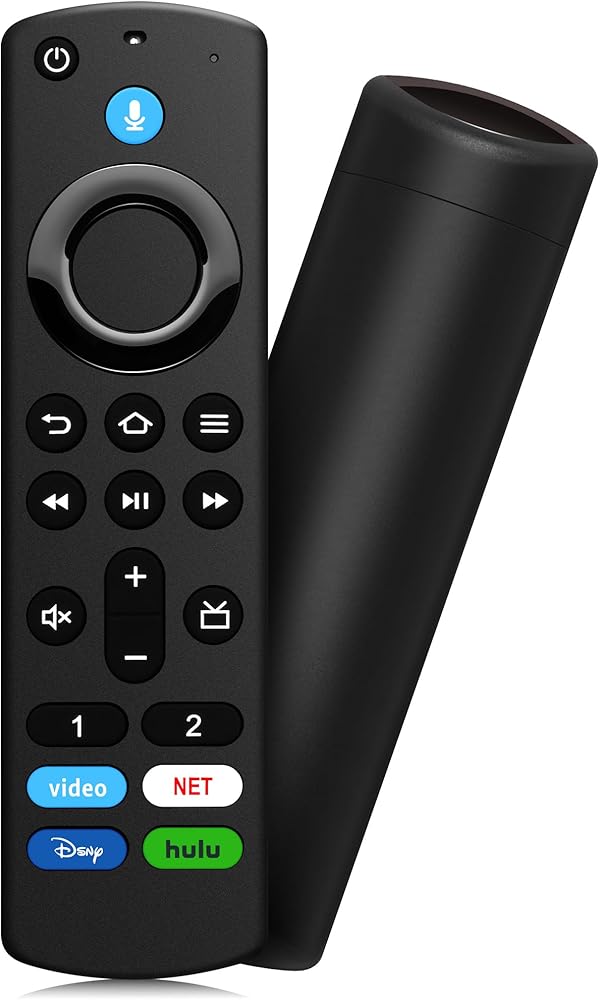
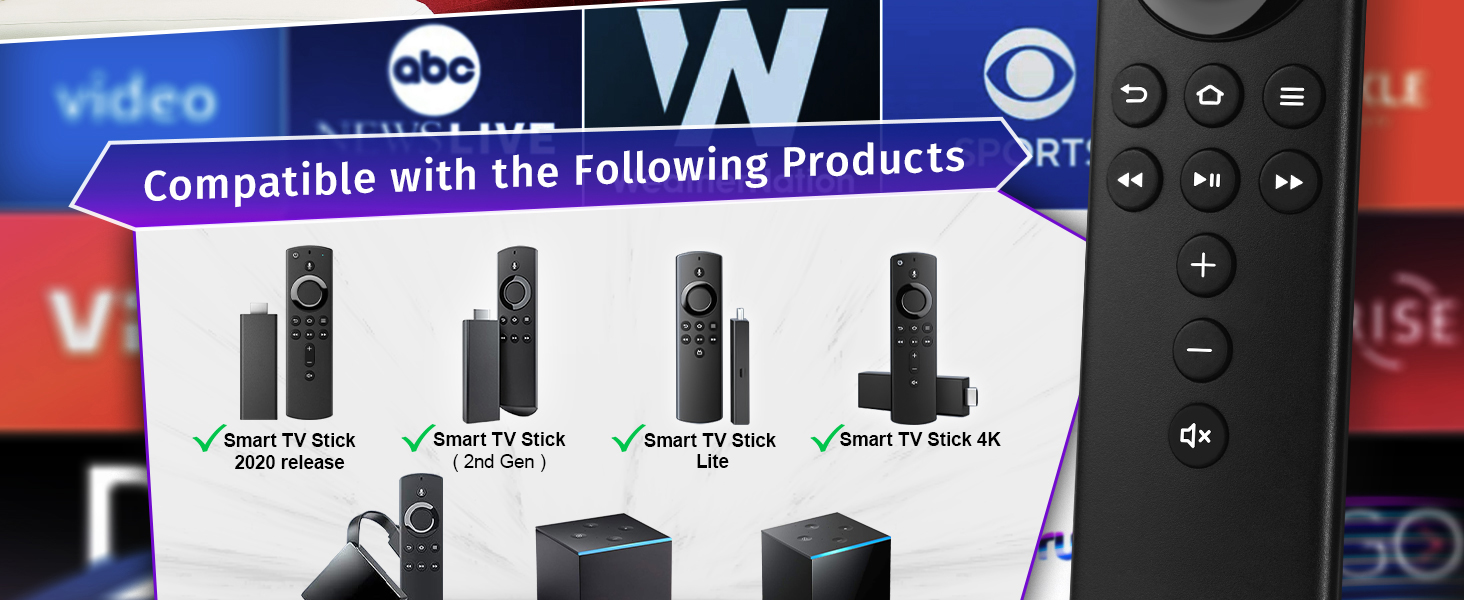
التوافق على نطاق واسع: متوافق مع إصدار 2020 من أجهزة التلفاز الذكية، وأجهزة التلفاز الذكية Stick Lite، وأجهزة التلفاز الذكية (الجيل الثاني)، وأجهزة التلفاز الذكية Stick 4K، ومكعب التلفاز الذكي (الجيل الثاني)، ومكعب التلفاز الذكي (الجيل الأول)، وأجهزة التلفاز الذكية AMZ (الجيل الثالث)
غير متوافق: غير مخصص للتلفزيون الذكي (الجيل الأول والثاني)، أو جهاز التلفاز الذكي (الجيل الأول)، أو أجهزة التلفاز الذكية إصدار التلفزيون الذكي
زر الاستجابة السريعة: يحتوي كل زر على اختبارات ضغط وهو حساس للغاية، ويوفر استجابة سريعة ودقيقة، مما يزيل بشكل فعال خطر عدم الفائدة. باستخدام عناصر التحكم في التنقل والتشغيل القياسية، يمكنك الانتقال بسرعة إلى مشاهدك المفضلة
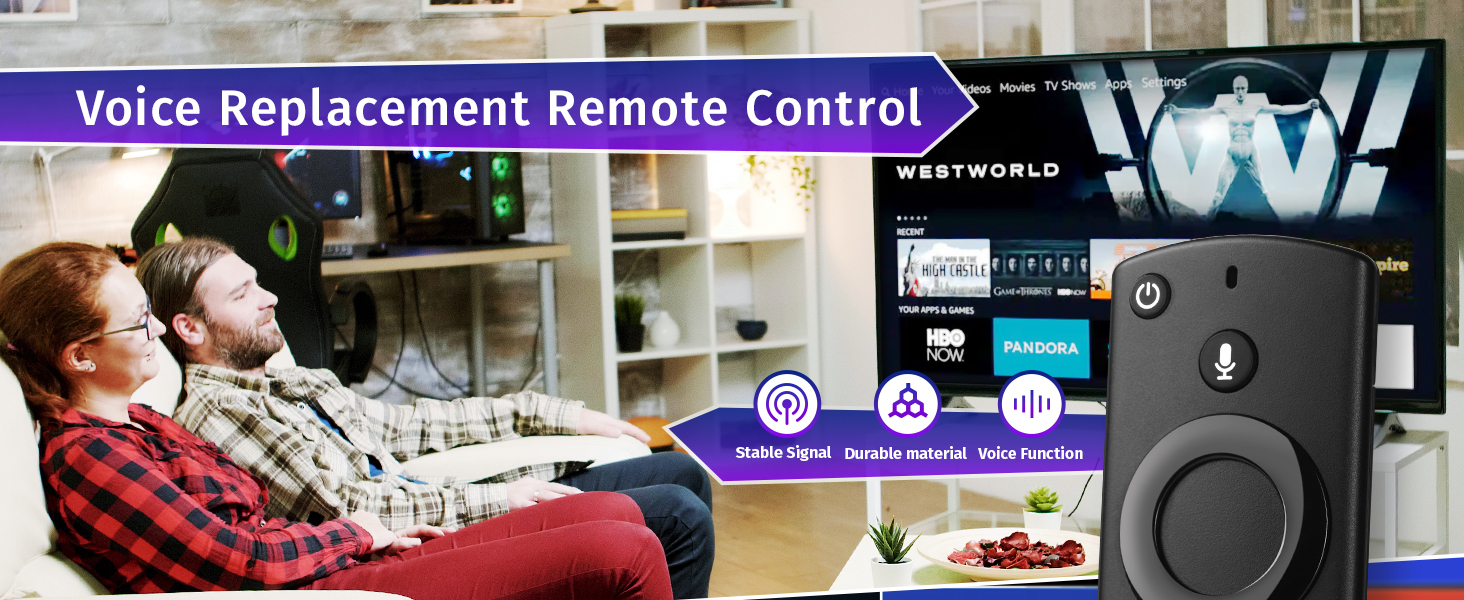
وظيفة الصوت: البحث الصوتي يجعل من السهل العثور على جميع المحتويات الموجودة التي تريدها وتشغيلها والتحكم فيها، مثل تشغيل الموسيقى وعرض النتائج الرياضية والتحقق من الطقس ومشاهدة موجزات الكاميرا المباشرة والتحكم في الأجهزة المنزلية الذكية المتوافقة
سهل الاقتران: قم بإزالة العصا من التلفزيون وافصل الطاقة. أعد توصيل الطاقة، ثم أعد إدخال العصا في التلفزيون. اضغط على زر الصفحة الرئيسية لمدة تتراوح من 8 إلى 30 ثانية حتى يبدأ مؤشر LED في الوميض بسرعة باللون الكهرماني، ثم يجب أن يقترن جهاز التحكم عن بعد تلقائيًا بجهازك
 وعاء ماء للكلاب مانع للانسكاب وعاء مياه للحيوانات الاليفة بطيء وعاء مانع للانزلاق موزع مياه للحيوانات الاليفة للكلاب والقطط والحيوانات الاليفة
SAR 73
وعاء ماء للكلاب مانع للانسكاب وعاء مياه للحيوانات الاليفة بطيء وعاء مانع للانزلاق موزع مياه للحيوانات الاليفة للكلاب والقطط والحيوانات الاليفة
SAR 73
 وعاء ماء للكلاب مانع للتسرب وعاء ماء للحيوانات الأليفة وعاء مياه بطيء وعاء للكلب مانع للانزلاق موزع مياه للحيوانات الأليفة وعاء ماء محمول للكلاب/القطط/الحيوانات الأليفة
SAR 73
وعاء ماء للكلاب مانع للتسرب وعاء ماء للحيوانات الأليفة وعاء مياه بطيء وعاء للكلب مانع للانزلاق موزع مياه للحيوانات الأليفة وعاء ماء محمول للكلاب/القطط/الحيوانات الأليفة
SAR 73
 XLTTYWL Starlink Mini Pipe Adapter ، Mini Starlink Pole Mount 1.3 ‘'-1.77''premium mini starlink ounting kit for Starlink Standard Mini Kickstand Dishy
SAR 0
XLTTYWL Starlink Mini Pipe Adapter ، Mini Starlink Pole Mount 1.3 ‘'-1.77''premium mini starlink ounting kit for Starlink Standard Mini Kickstand Dishy
SAR 0
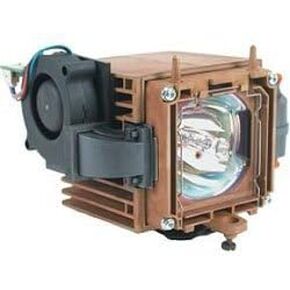 استبدال الدقة الفنية لسيناريو infocus 5700 مصباح وإسكان جهاز عرض تلفزيون المصباح
SAR 459
استبدال الدقة الفنية لسيناريو infocus 5700 مصباح وإسكان جهاز عرض تلفزيون المصباح
SAR 459