- Shopping, made easy.
- /
- Get the app!
Please note:
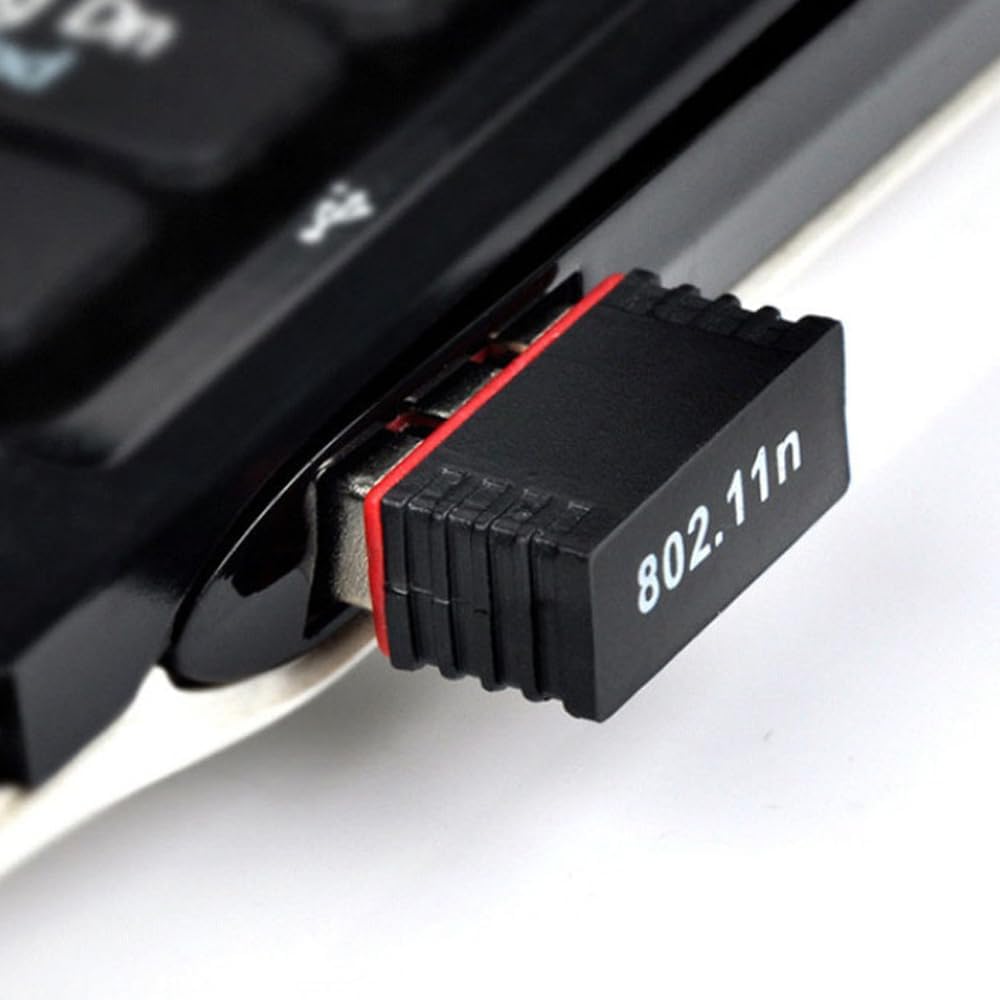
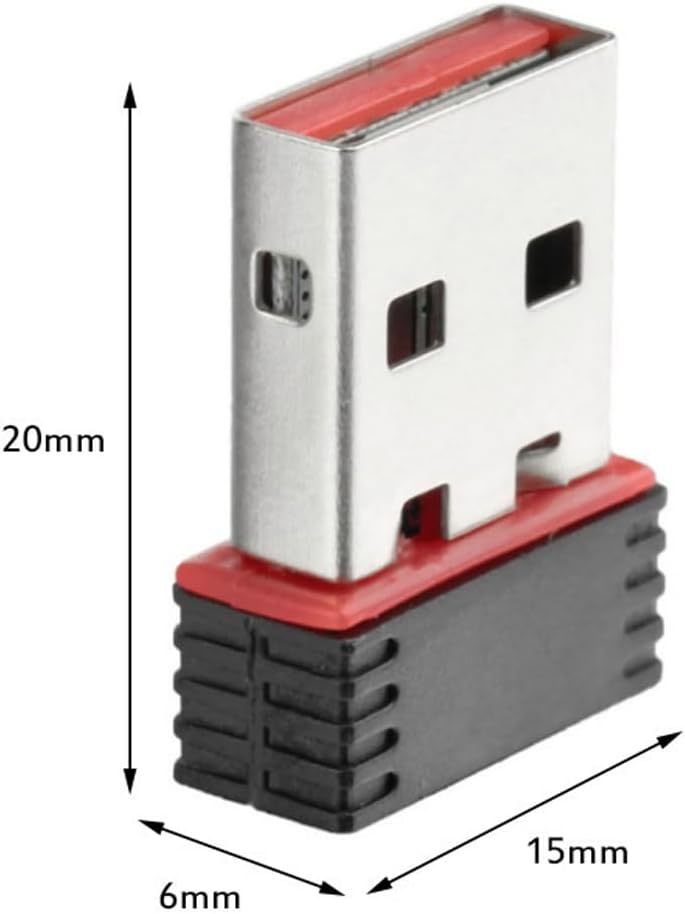
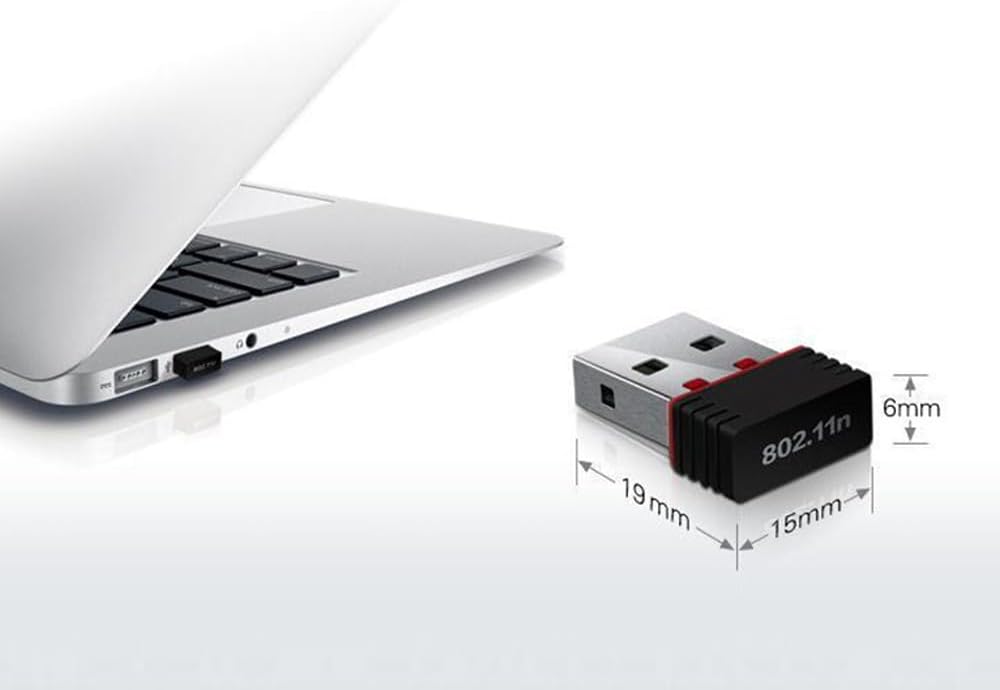
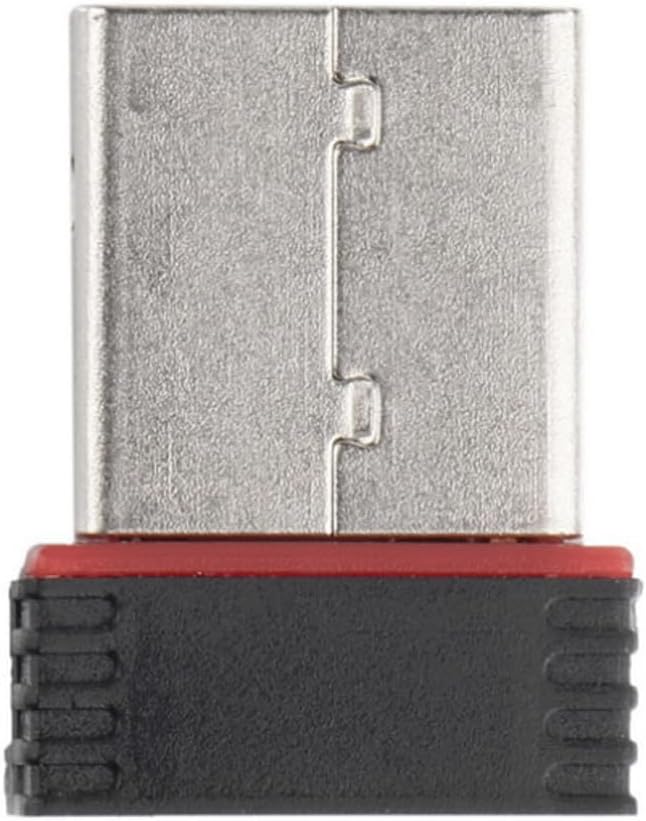
The first time the receiver is inserted into the computer, it needs to wait for 5-8 seconds to recognize and install the driver. There is no need to manually download the driver. This process will be automatic. After successful installation, the WiFi name will be displayed, and you can connect to WiFi to use the network. However, if the USB 2.0 interface cannot recognize it, please insert the receiver into the USB 3.0 interface. If both interfaces cannot recognize it, please update the USB driver to the latest version.
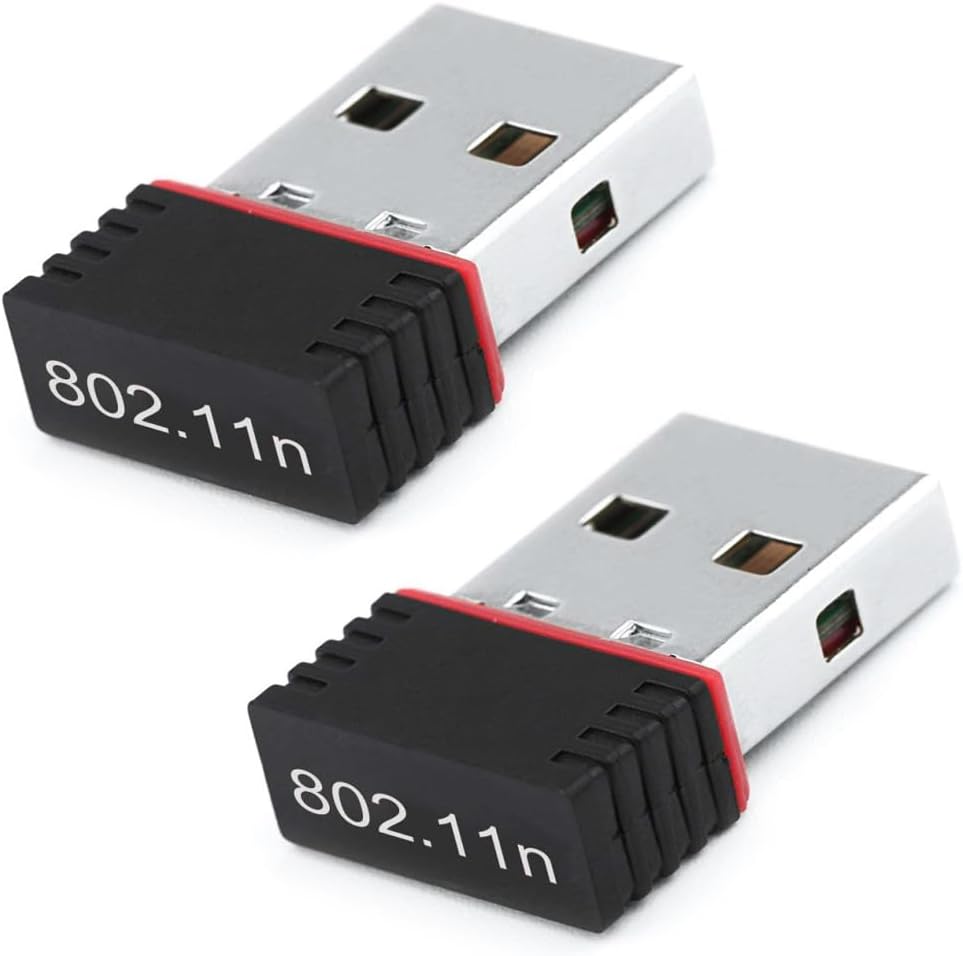
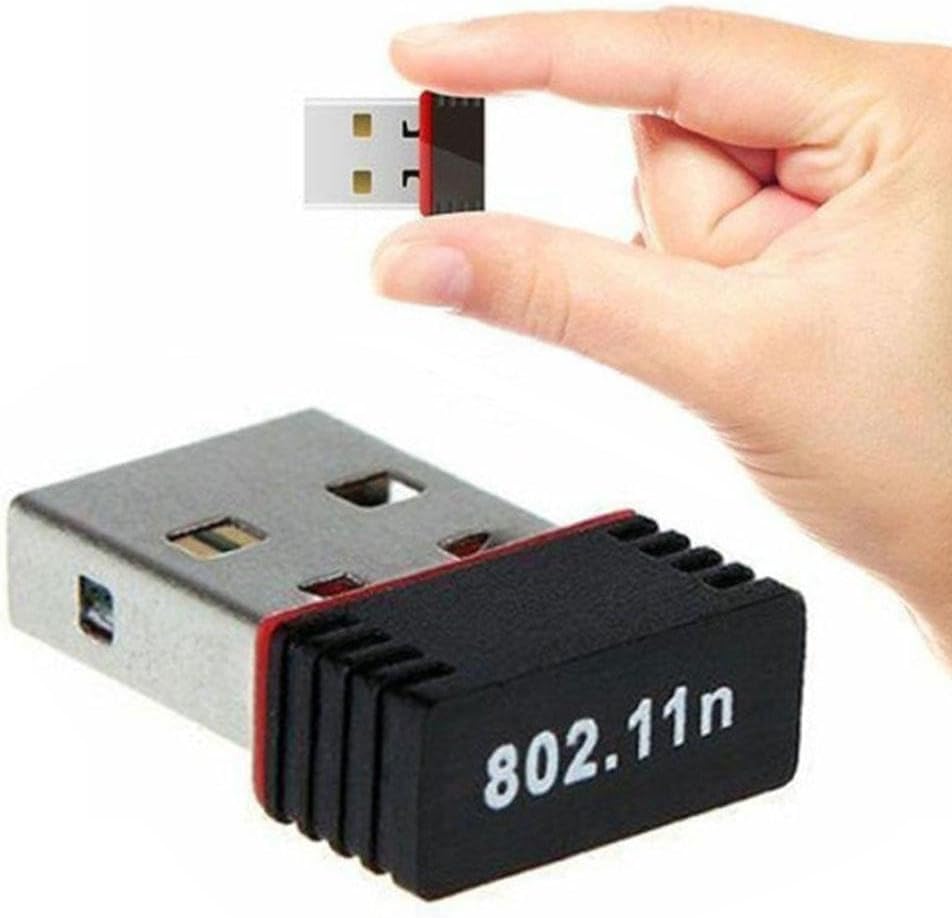
Plug and Play, No Driver Required
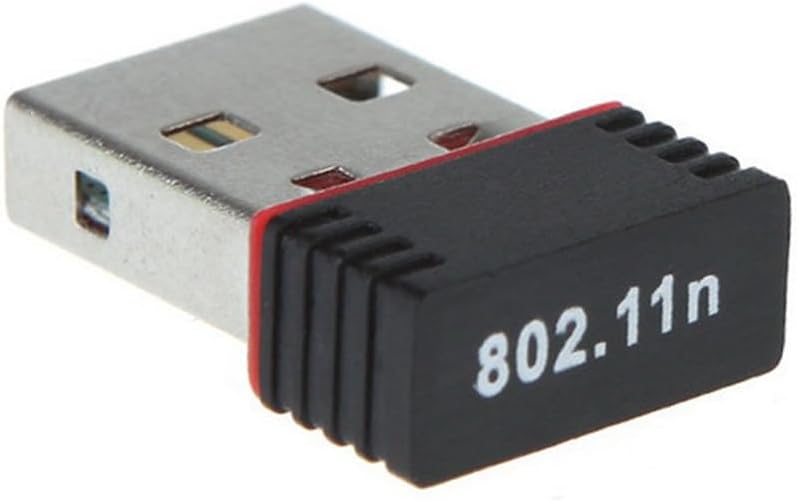
Supported protocols and standards: IEEE 802.11g, IEEE 802.11b, IEEE 802.11n
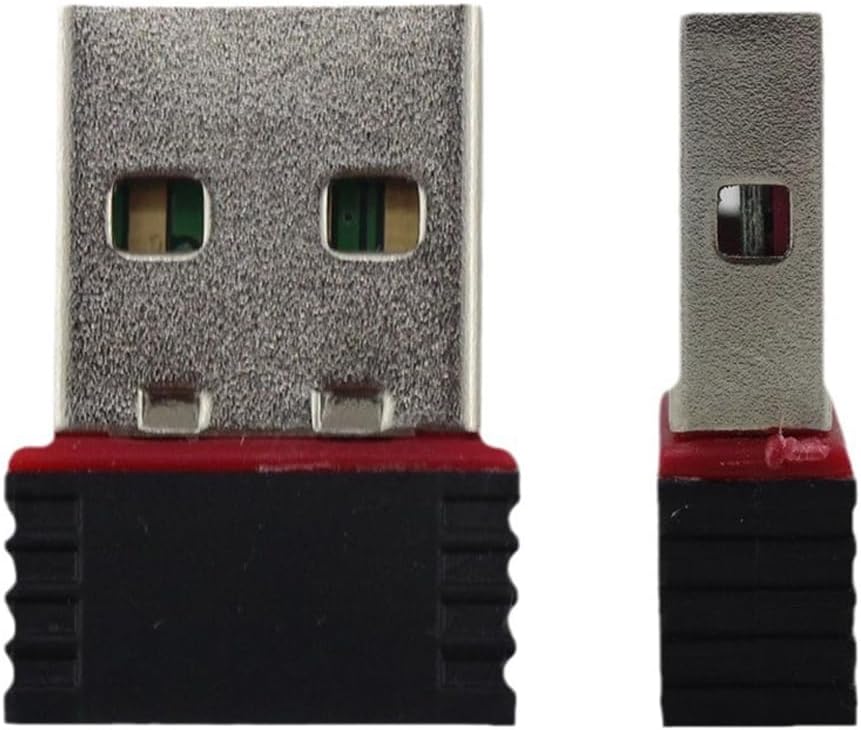
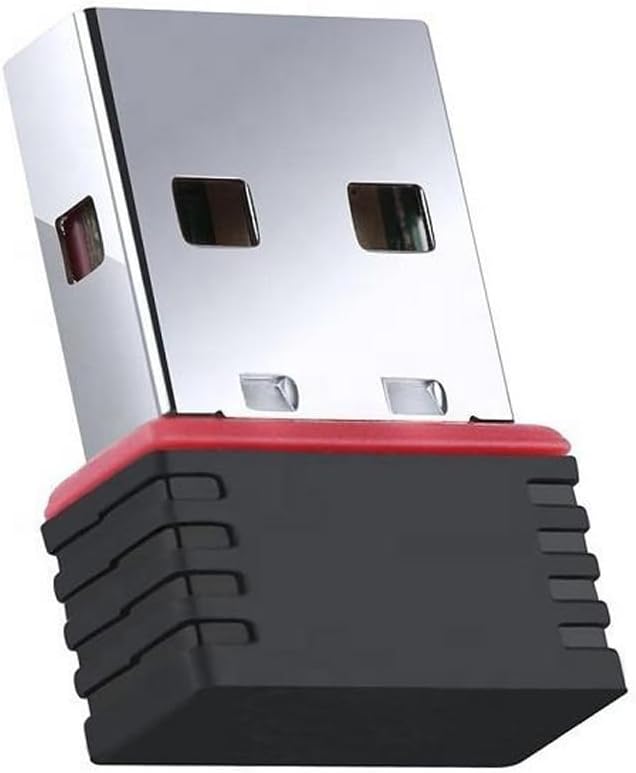
Interface type: USB
Frequency range: 2.4-2.5GHz
Number of working channels: 14
Data modulation: OFDM/CCK/16-QAM/64-QAM
Working mode: Infrastructure with centralized control, Ad Hoc for equations
Spread spectrum technology: DSSS (Direct Sequence Spread Spectrum)
Sensitivity @ PER: 135M: -72dBm@10 % PER; 130M: -72dBm@10 % PER; 108M: -72dBm@10 % PER; 54M: -72dBm@10 % PER; 11M: -85dBm@8 % PER; 6M: -88dBm@10 % PER; 1M: -90dBm@8 % PER
RF power: 15dBm (maximum)
Antenna: 2dBi built-in smart antenna
Transmission distance: varies depending on the environment
Supporting operating systems: Windows XP/Vista/WIN7/WIN 8/WIN 10/WIN 11/MAC/LINUX
Working voltage: DC 5V+-0.2V
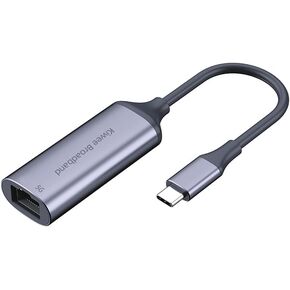 USB C to Ethernet Adapter 5G, Ethernet Adapter for Laptop, Aluminum, Type C (Thunderbolt 4/3 Compatible) to RJ45 Network Internet, Compatible for NAS, MacBook Air/Pro, XPS, iPhone 15 Pro/Max
SAR 105
USB C to Ethernet Adapter 5G, Ethernet Adapter for Laptop, Aluminum, Type C (Thunderbolt 4/3 Compatible) to RJ45 Network Internet, Compatible for NAS, MacBook Air/Pro, XPS, iPhone 15 Pro/Max
SAR 105
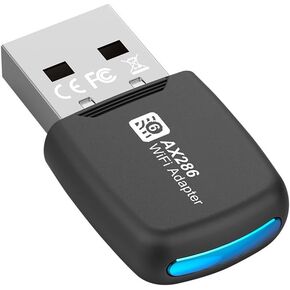 USB WiFi Adapter with Led Light, AX286 USB WiFi 6 Receive with 2.4GHz, WiFi 300m External Network Card Supports Windows 7/10/11 Free Drive Desktop Laptop
SAR 31
USB WiFi Adapter with Led Light, AX286 USB WiFi 6 Receive with 2.4GHz, WiFi 300m External Network Card Supports Windows 7/10/11 Free Drive Desktop Laptop
SAR 31
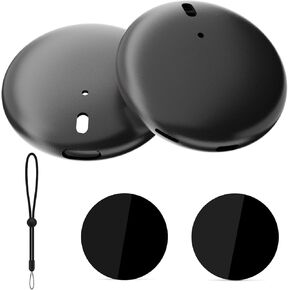 Case for Go Plus Plus, AOLION Water-Repellent & Shock-Absorbing Silicone Cover with Enhanced Grip, Unique Style, Includes PVC Sticker and Light-dimming Silicone Button Protector
SAR 79
Case for Go Plus Plus, AOLION Water-Repellent & Shock-Absorbing Silicone Cover with Enhanced Grip, Unique Style, Includes PVC Sticker and Light-dimming Silicone Button Protector
SAR 79
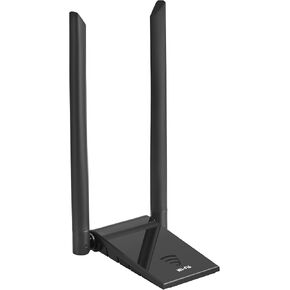 USB 3.0 WiFi 6 Adapter for Desktop PC,Dual Band 1800m Wireless External Network Adapter with 2.4GHz and 5GHz, High Gain 5dBi Antenna Long Range WiFi 6 Receive,Supports Windows 11/10
SAR 89
USB 3.0 WiFi 6 Adapter for Desktop PC,Dual Band 1800m Wireless External Network Adapter with 2.4GHz and 5GHz, High Gain 5dBi Antenna Long Range WiFi 6 Receive,Supports Windows 11/10
SAR 89