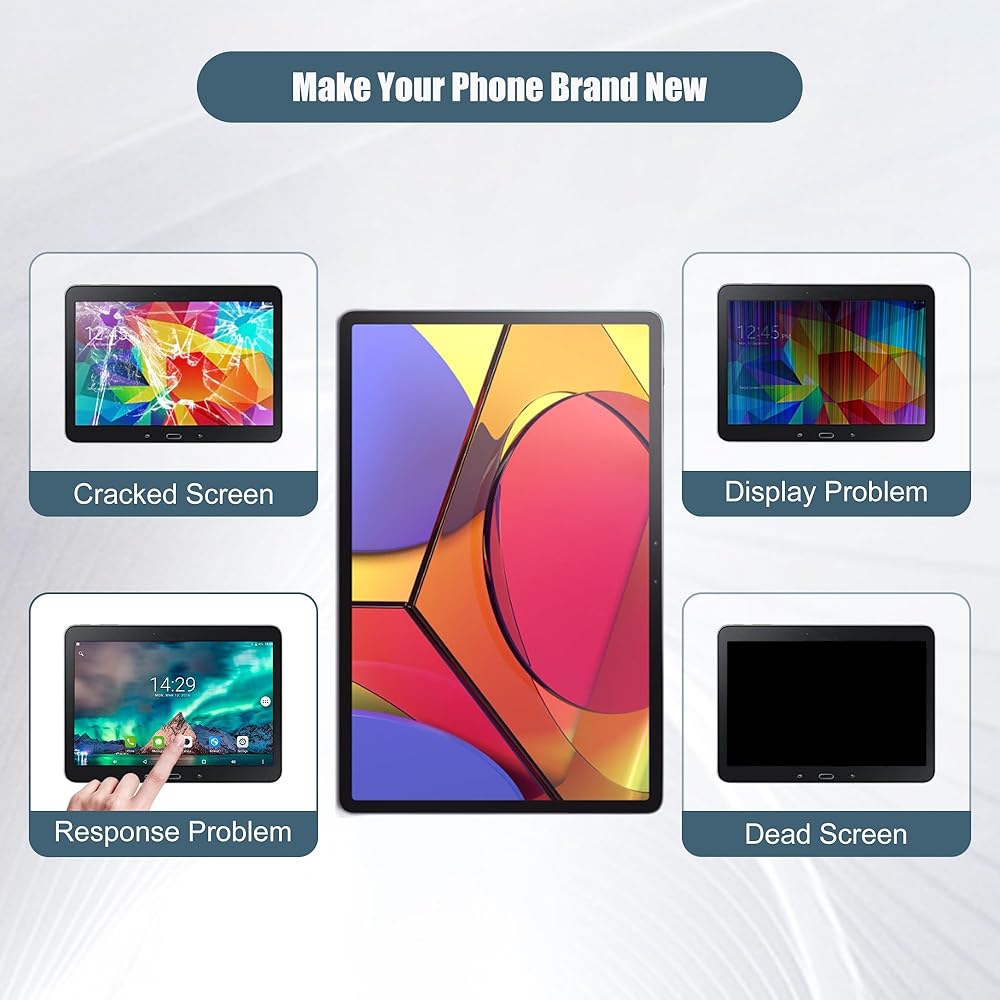
- Shopping, made easy.
- /
- Get the app!
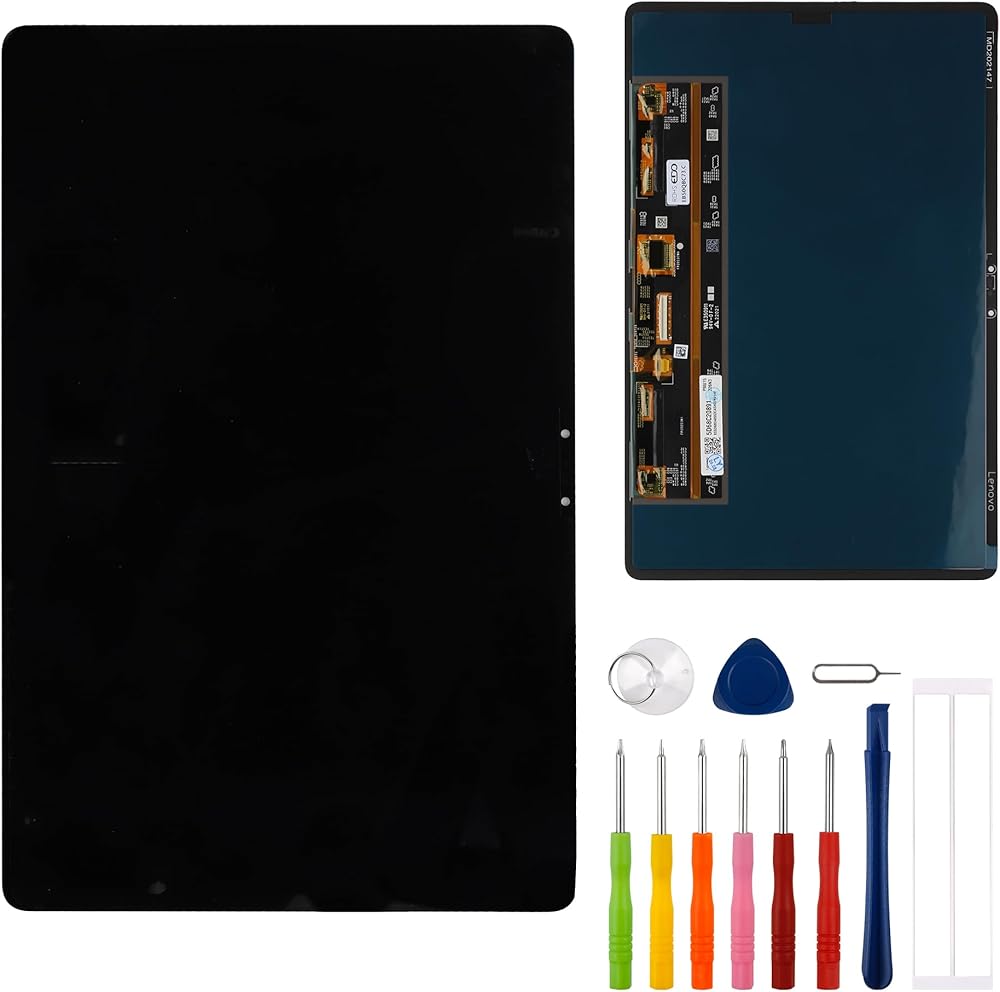
Item Specs
Type:OLED
Glass:LCD
Resolution:1600x2560 pixels
Packaging: 1 x LCD,1 x tools
Compatible with
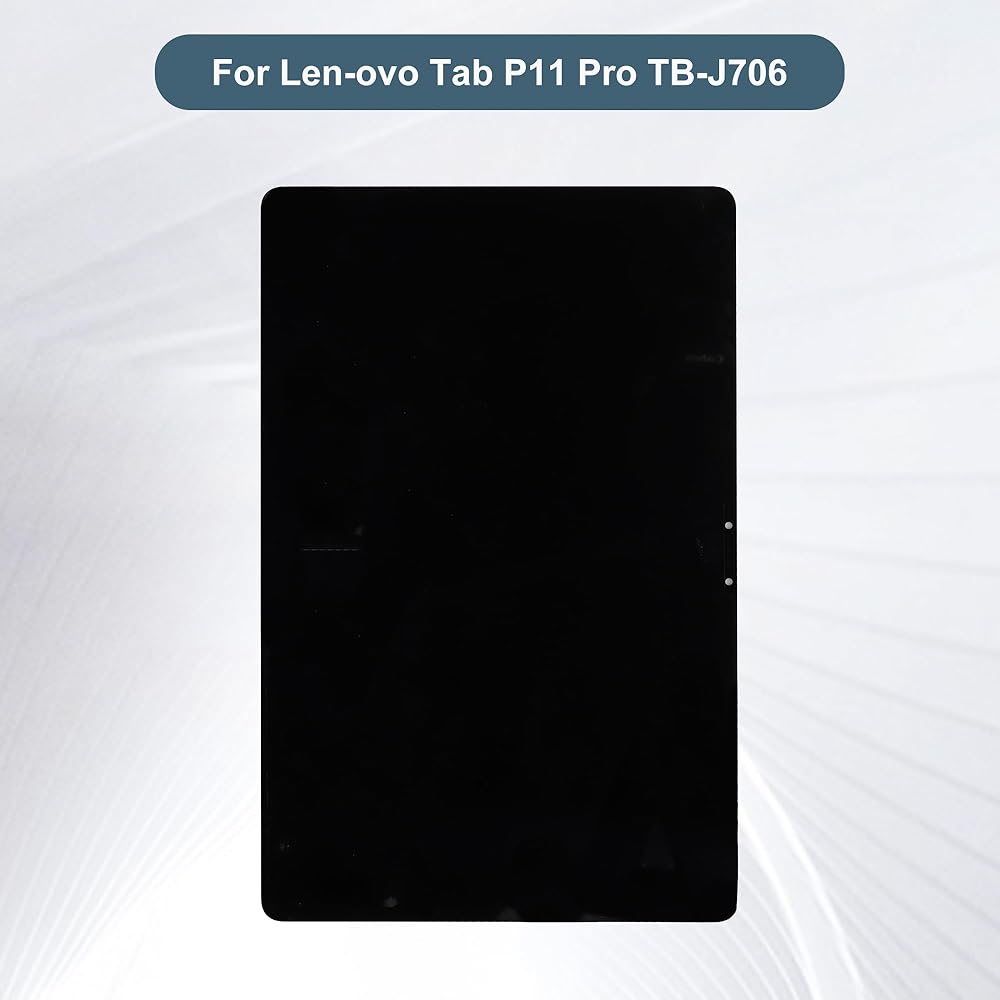
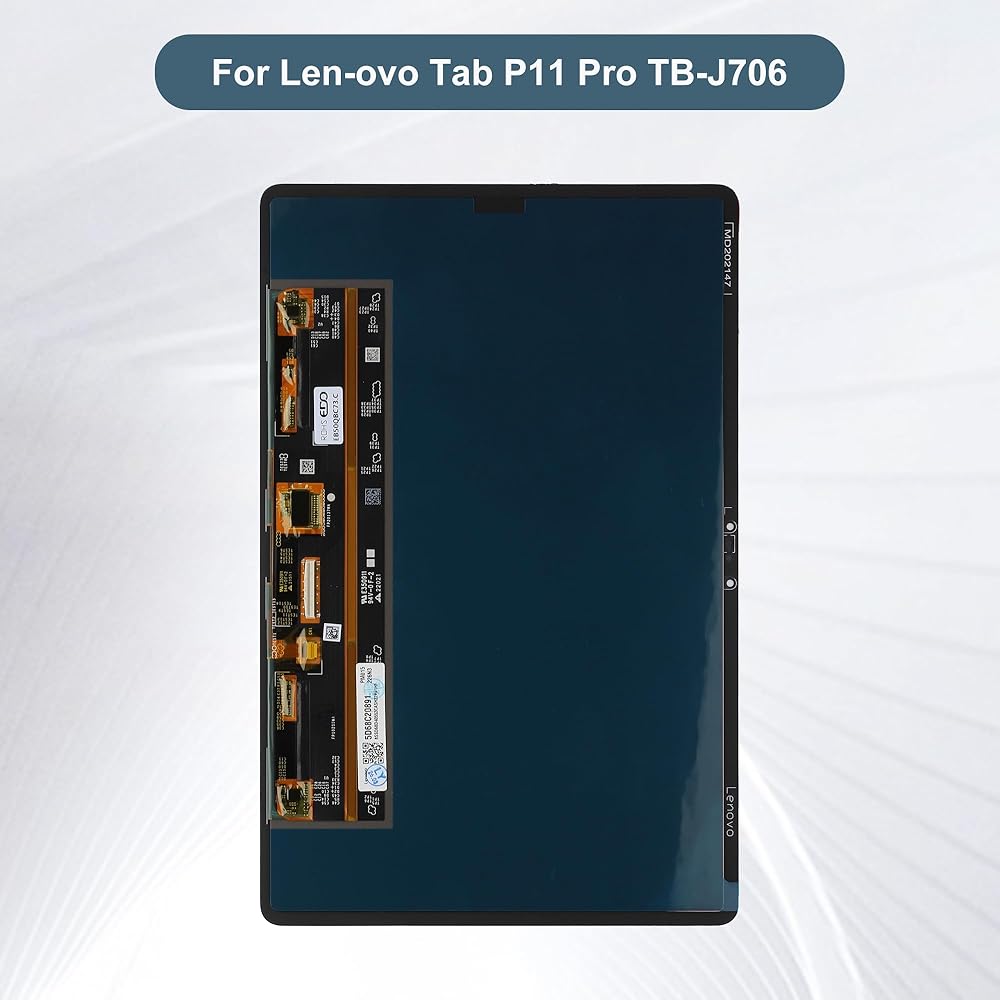
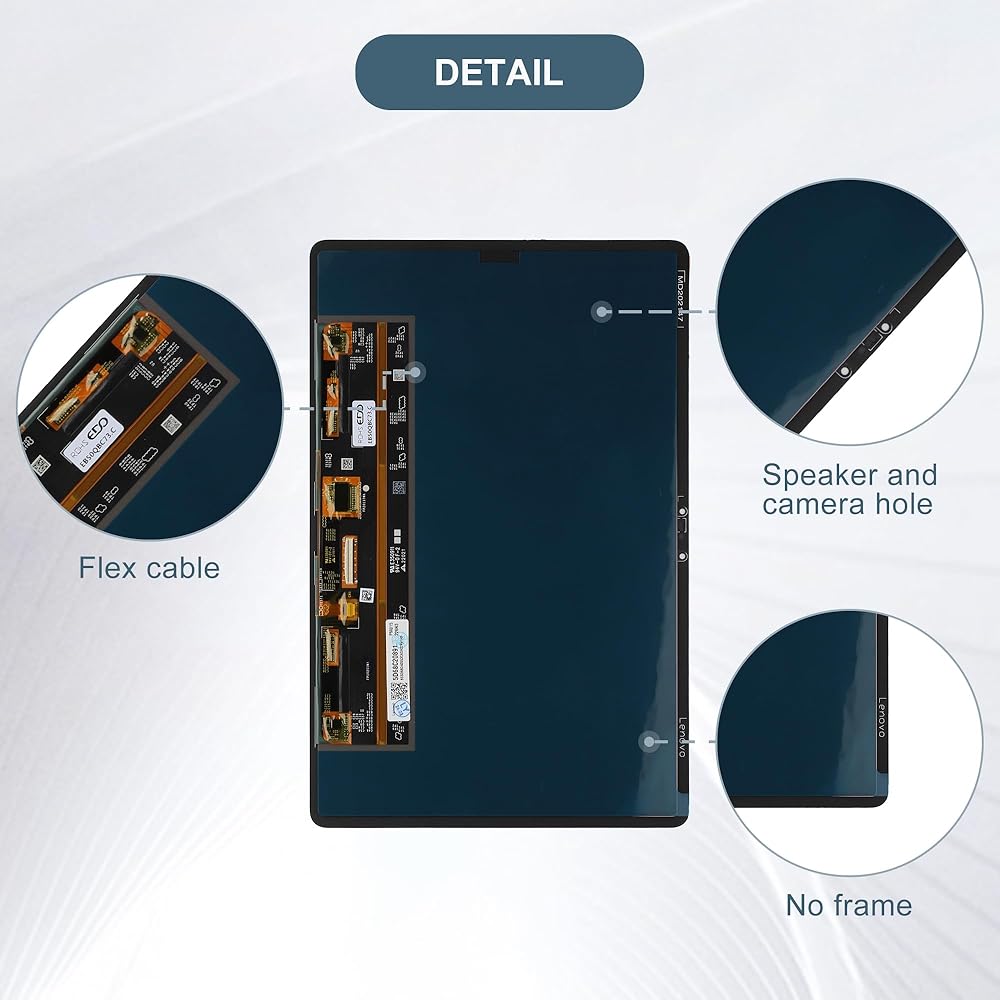
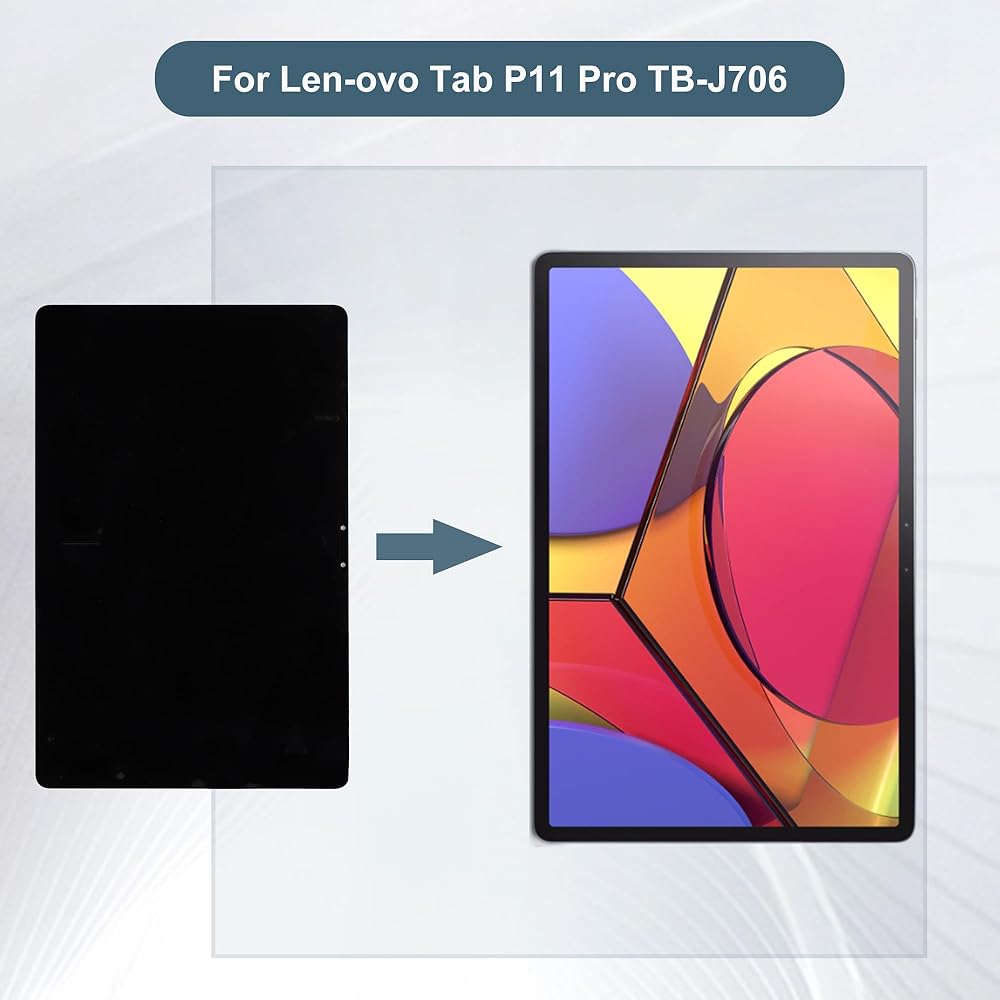
Lenovo Tab P11 Pro, TB-J706F
A few tips for intallation
1.When you receive the screen, please check if it is in good condition. If the item is damaged on arrival, please let us know by sending us a message.
2.Please carefully remove your cracked screen and connect the new screen to the mainboard,then turn on your phone to see if it works before installation. A hair drier will help you to remove your cracked screen.
3. The cable on the screen is very fragile, do not bend it hard.
4.There're lots of instruction videos on internet, you can watch some videos to learn how to fix it or find a professional technician to help with you.
How to protect your cellphone screen
1.Do not put your phone together with keys, coins or other metalworks, because these things may scratch your phone screen.
2. Use a screen protector to protect your screen.
3.Keep your phone away from Magnetic materials, because the magnetic materials may cause dead touch if you put them together for a long time.
4.Do not use a low quality third-party charger adapter to charge your phone, it will also damage your screen.
5.Do not put it close to you when you sleep, because your careless hit may let it drop on the floor and the screen may got broken.
Contact us
If you have any questions or any issues when using our product, please send us a messsage, we will answer you within 24hrs. Thank you for your time.
 Touch Screen Panel Digitizer (Without LCD Display) Compatible with Teclast P40HD 51PIN 10.1 inch with Tools
SAR 89
Touch Screen Panel Digitizer (Without LCD Display) Compatible with Teclast P40HD 51PIN 10.1 inch with Tools
SAR 89
 Touch Screen Panel Digitizer (Without LCD Display) Compatible with Visual Land Prestige Elite 10QH ME-10QH 10.1 inch with Tools
SAR 79
Touch Screen Panel Digitizer (Without LCD Display) Compatible with Visual Land Prestige Elite 10QH ME-10QH 10.1 inch with Tools
SAR 79
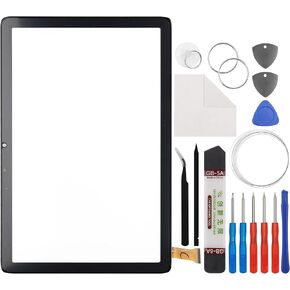 Touch Screen Panel Digitizer (Without LCD Display) Compatible with Teclast P40HD 45PIN 10.1 inch with Tools
SAR 68
Touch Screen Panel Digitizer (Without LCD Display) Compatible with Teclast P40HD 45PIN 10.1 inch with Tools
SAR 68
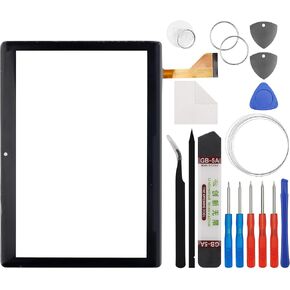 Touch Screen Panel Digitizer (Without LCD Display) Compatible with Zonko K105 HK-D1001 167 * 238mm 10.1 inch with Tools
SAR 79
Touch Screen Panel Digitizer (Without LCD Display) Compatible with Zonko K105 HK-D1001 167 * 238mm 10.1 inch with Tools
SAR 79