- Shopping, made easy.
- /
- Get the app!
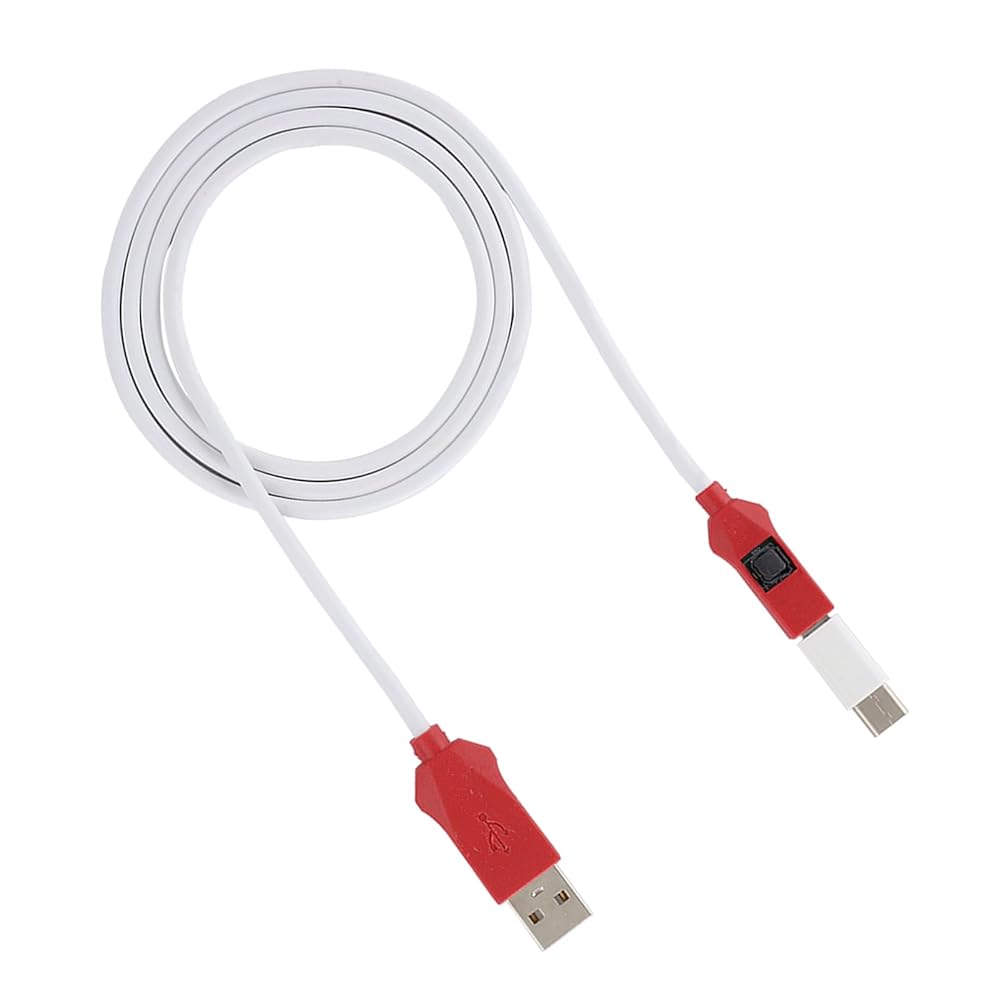
Spec:
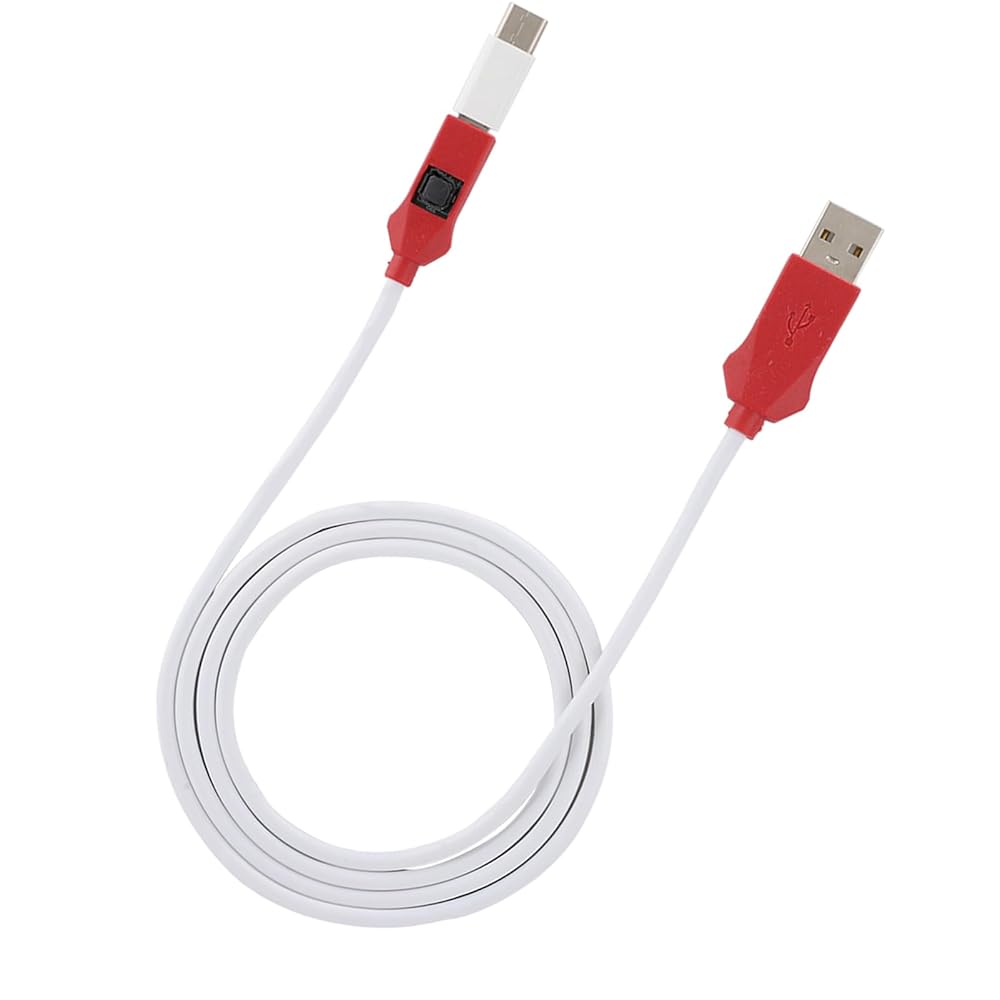
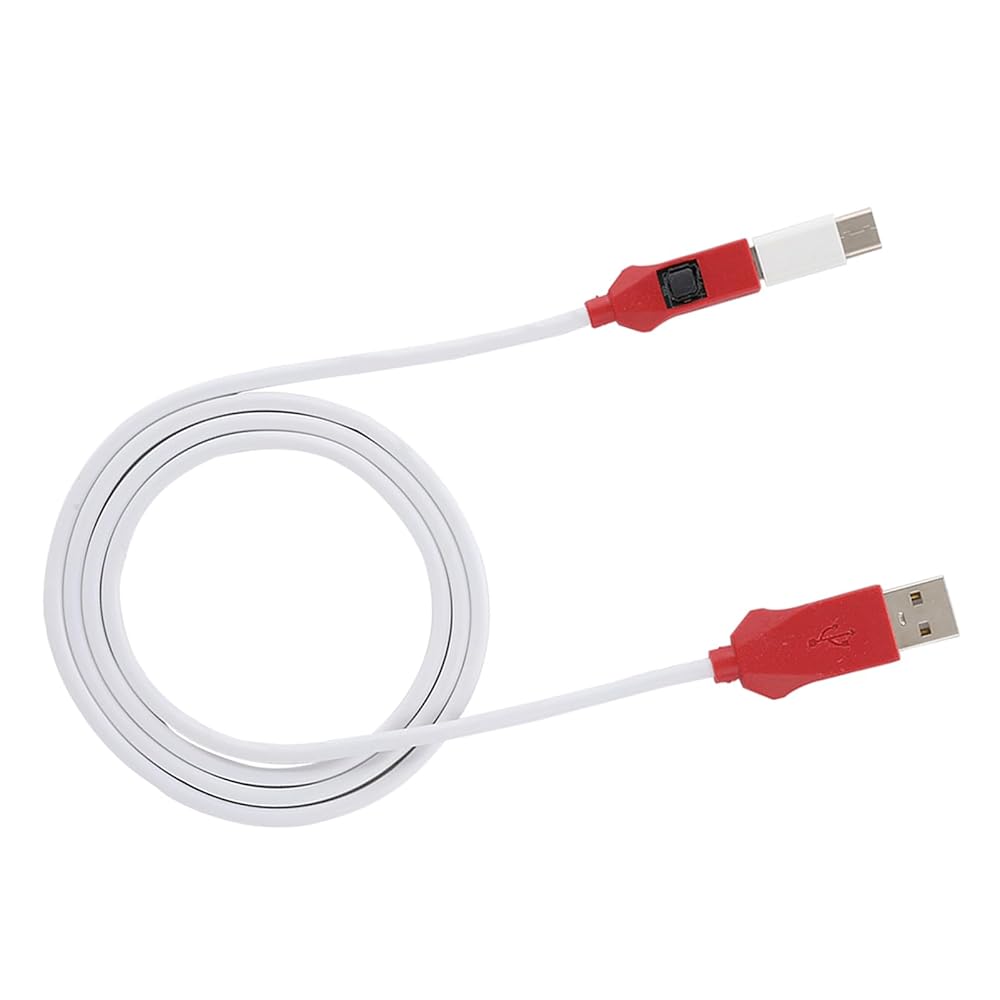
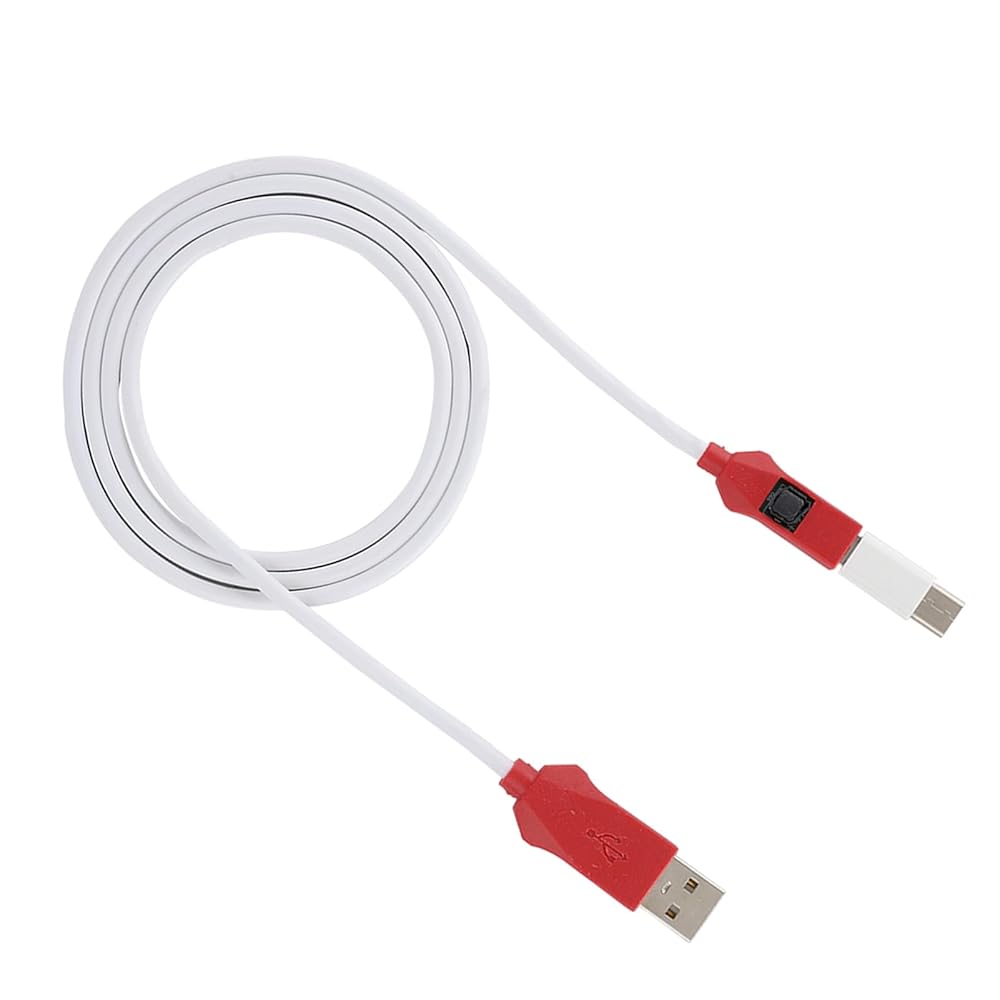
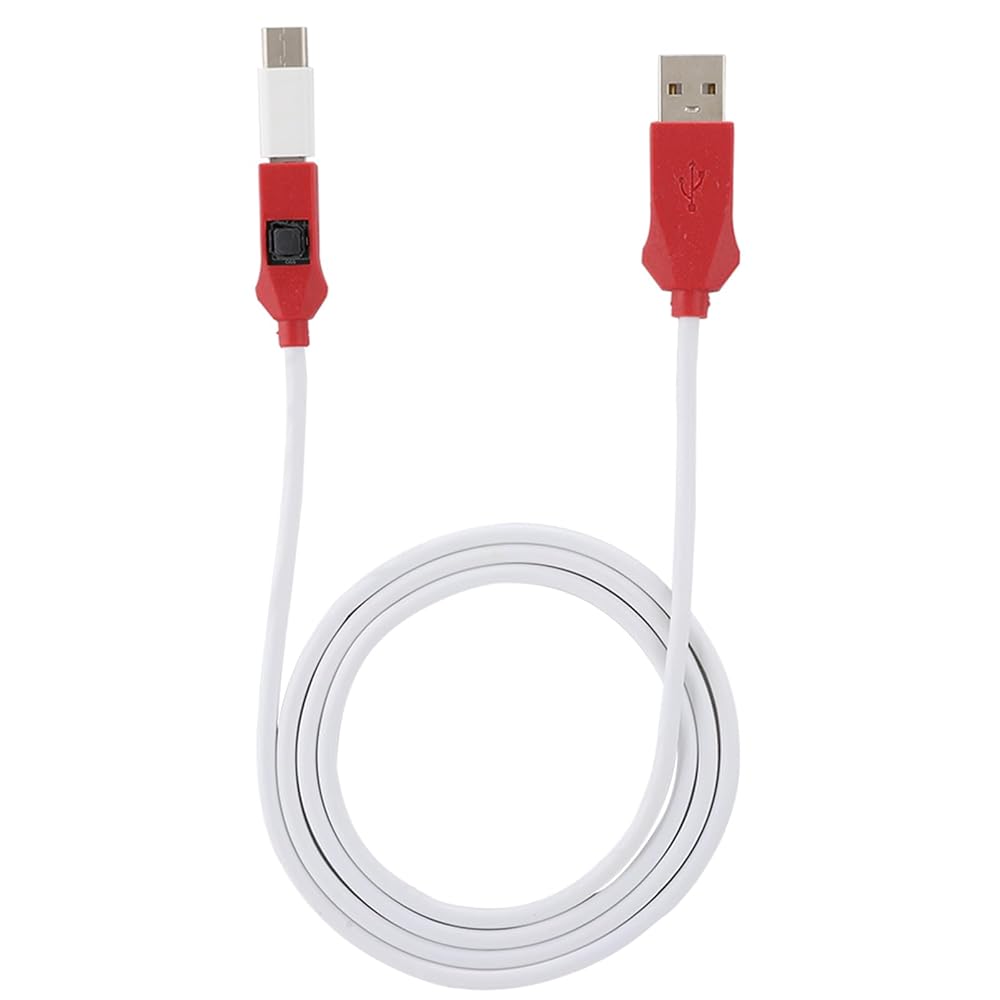
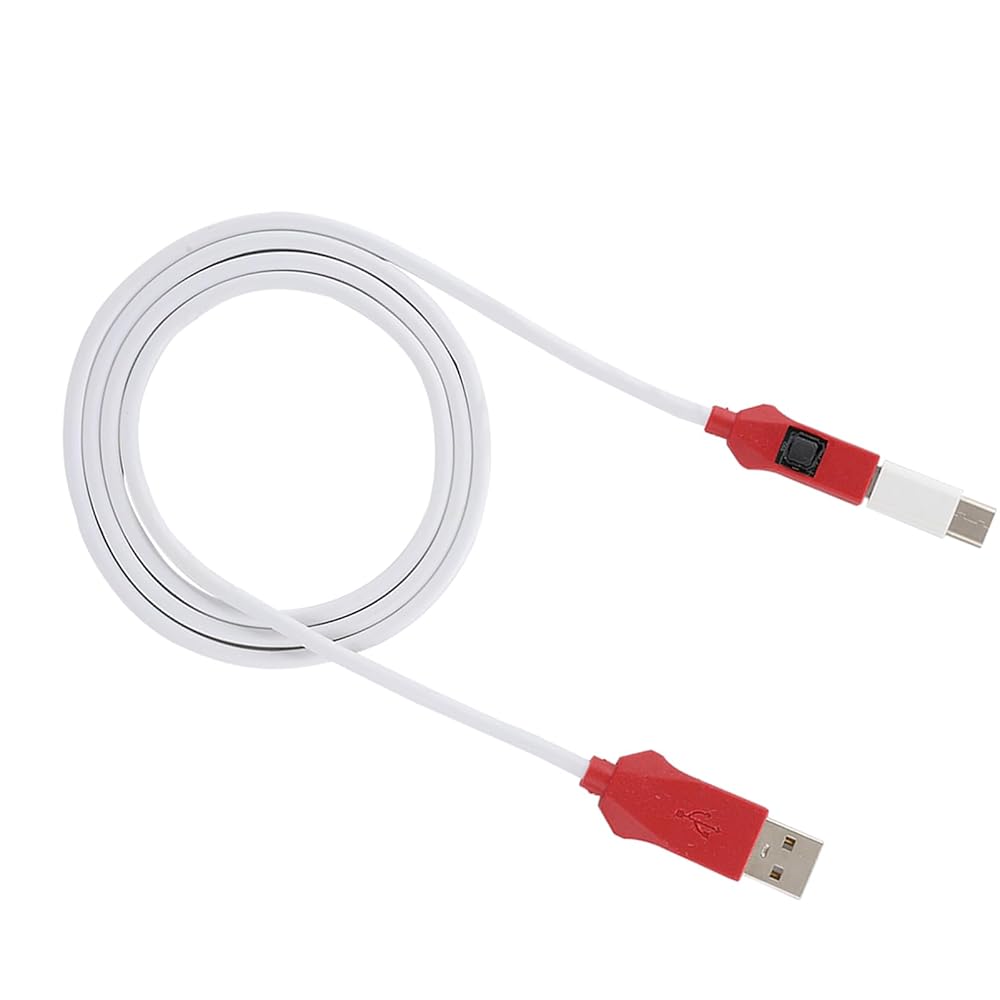
Item Type: Service Cable
Material: PVC
Applicable ?: For ? mobile phone
The Main Role of the Engineering Line:
Can ignore the existence of the BL lock, directly flash the phone to the depth!
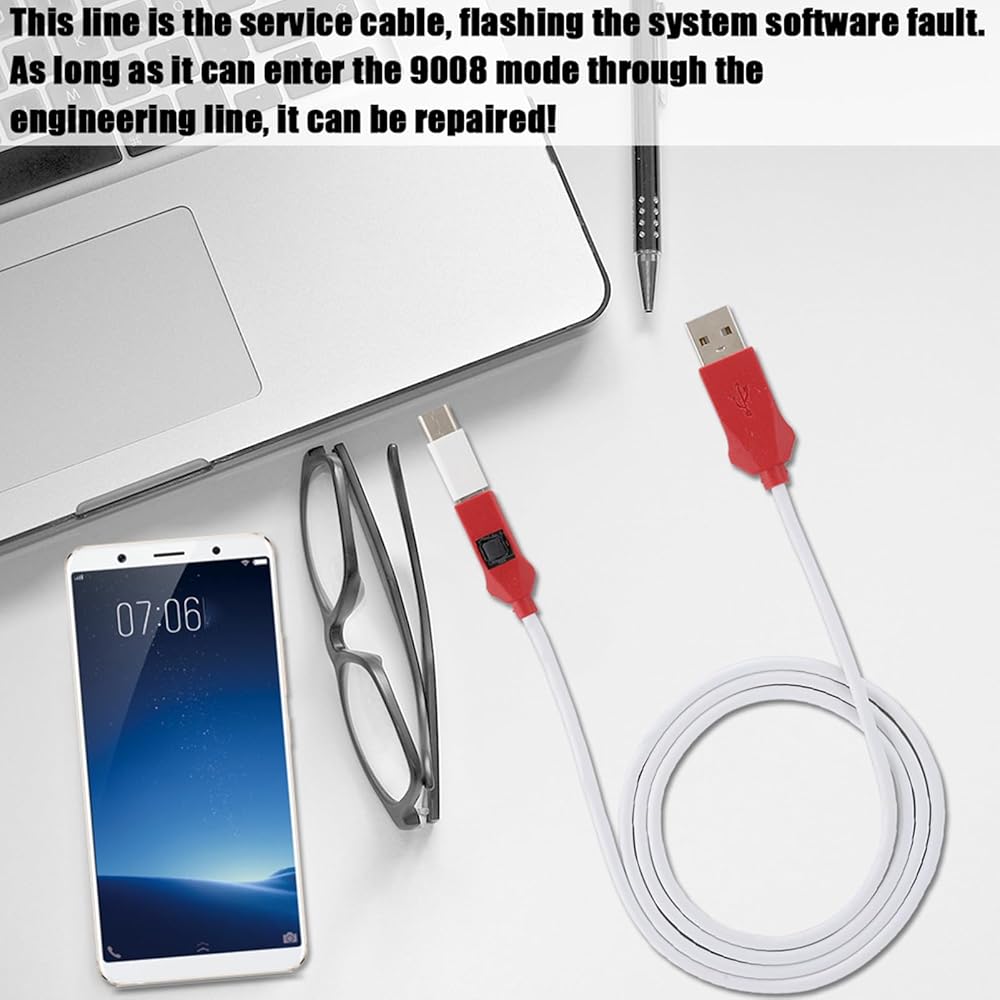
This line is the service cable, for the system software failure to flash, as long as you can enter the 9008 mode through the engineering line, you can repair, otherwise it is recommended to change the font library!
How to protect the data to unlock:
To unlock the phone, you need to enter the REC mode and unlock it through the assistant. If the phone cannot enter the REC mode, there is no way to use the engineering line!
How to Use:
The first method: Put the phone in the off state, insert the engineering line, and press and hold the engineering line switch and the phone power ? for about 5 seconds, the computer will “click”, the device manager will appear 9008 port. It means that you have successfully entered the deep flashing mode, and then use the for ? flashing tool to flash the machine once to solve various problems!
The second method: When the phone is turned off, to enter ? mode, click Volume Down ? and power ?, then press the power ? to turn off the phone. When the phone is black, press the depth ? ? for 5 seconds, then release the hand, this time, device management inside the device can recognize 9008 port, the appearance of 9008 port indicates that it has successfully entered the deep flashing mode, and then use the for ? flashing machine tool to refresh the point, select the data, and then flash the machine. Solve various problems in one go! The whole process of the mobile phone is in a black screen state. This is normal and you don't have to worry.
packing list:
1 x Flash Cable
1 x Type-C Adapter
Notice:
Support all for ? BL lock for ? mobile phones, mobile phones without BL lock or for ? chip are not supported.
 M.2 SSD to SATA Adapter Card, PCB M.2 to SATA Adapter Stable Performance, Practical Computer Hard Drive Adapter Plug and Play for Laptops, Desktops
SAR 49
M.2 SSD to SATA Adapter Card, PCB M.2 to SATA Adapter Stable Performance, Practical Computer Hard Drive Adapter Plug and Play for Laptops, Desktops
SAR 49
 for MCIO 8i to 2 x SFF 8643 Cable, PCIe 5.0 32GT / s High Speed for MCIO X8 to Mini SAS HD SFF 8643 Cord for Server Data Center 31.5in, Stable Connection
SAR 179
for MCIO 8i to 2 x SFF 8643 Cable, PCIe 5.0 32GT / s High Speed for MCIO X8 to Mini SAS HD SFF 8643 Cord for Server Data Center 31.5in, Stable Connection
SAR 179
 Starlink Mini Ethernet Cable, Ethernet Cable Extension Replacement for Starlink Mini Rectangular Satellite Standard Dish, Waterproof Outdoor Portable & 1200mbps High Speed, Grey
SAR 56
Starlink Mini Ethernet Cable, Ethernet Cable Extension Replacement for Starlink Mini Rectangular Satellite Standard Dish, Waterproof Outdoor Portable & 1200mbps High Speed, Grey
SAR 56
 Satellite Replacement Cable for Starlink Gen3, IP68 1200Mbps Cable Extension Plug and Play for Starlink Gen 3 V3 Outdoor Cable (15FT (4.6M))
SAR 84
Satellite Replacement Cable for Starlink Gen3, IP68 1200Mbps Cable Extension Plug and Play for Starlink Gen 3 V3 Outdoor Cable (15FT (4.6M))
SAR 84