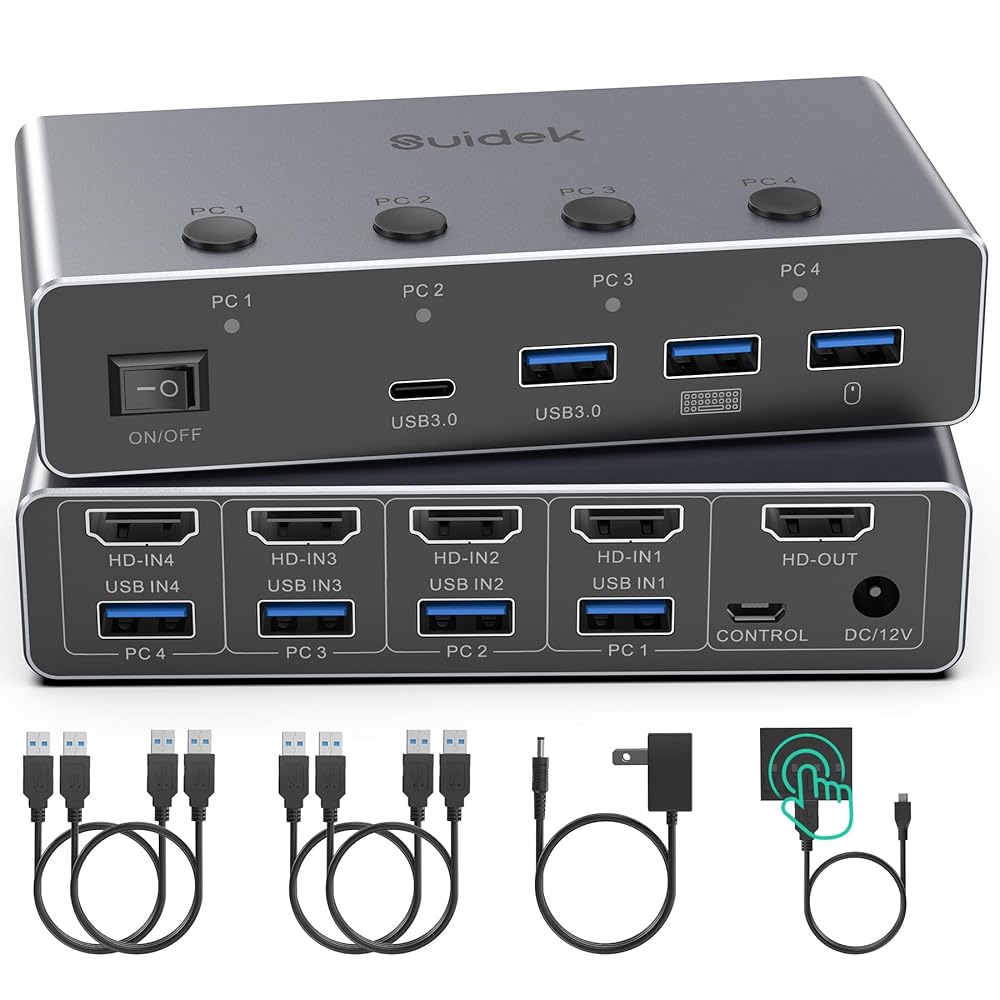
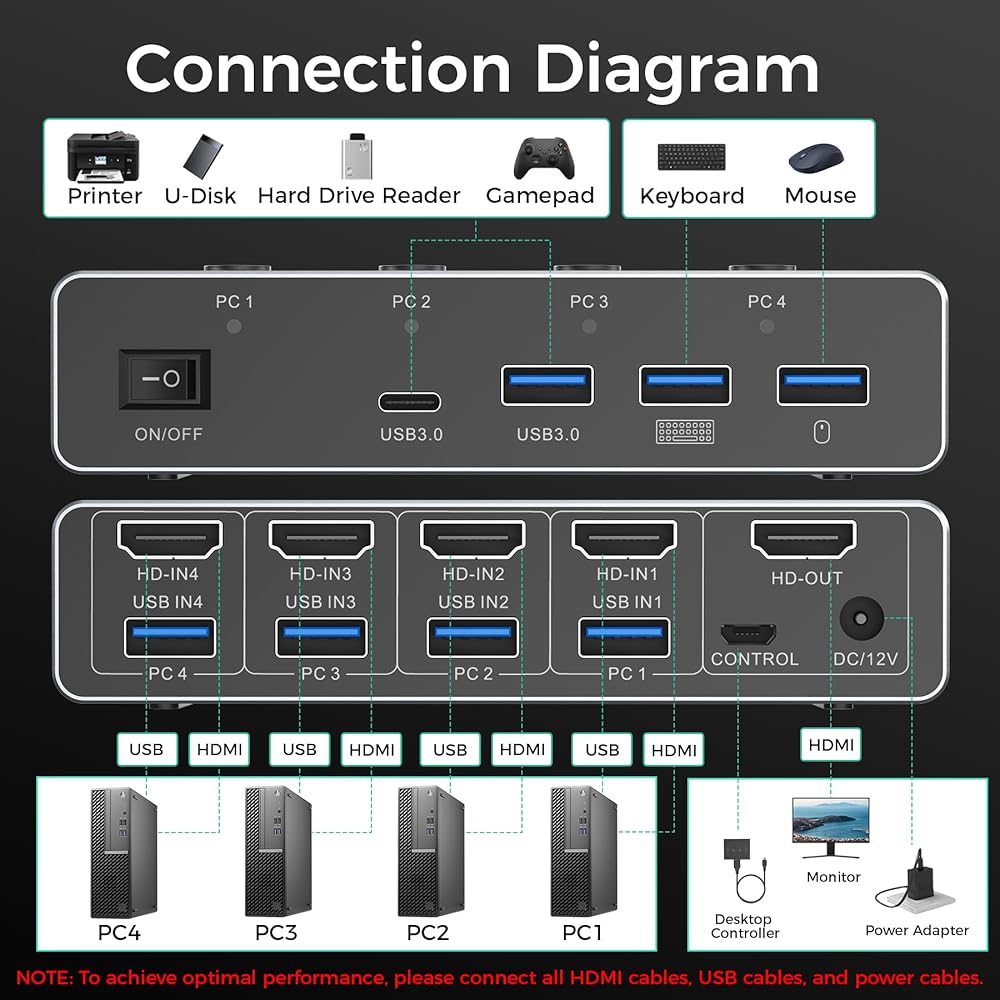
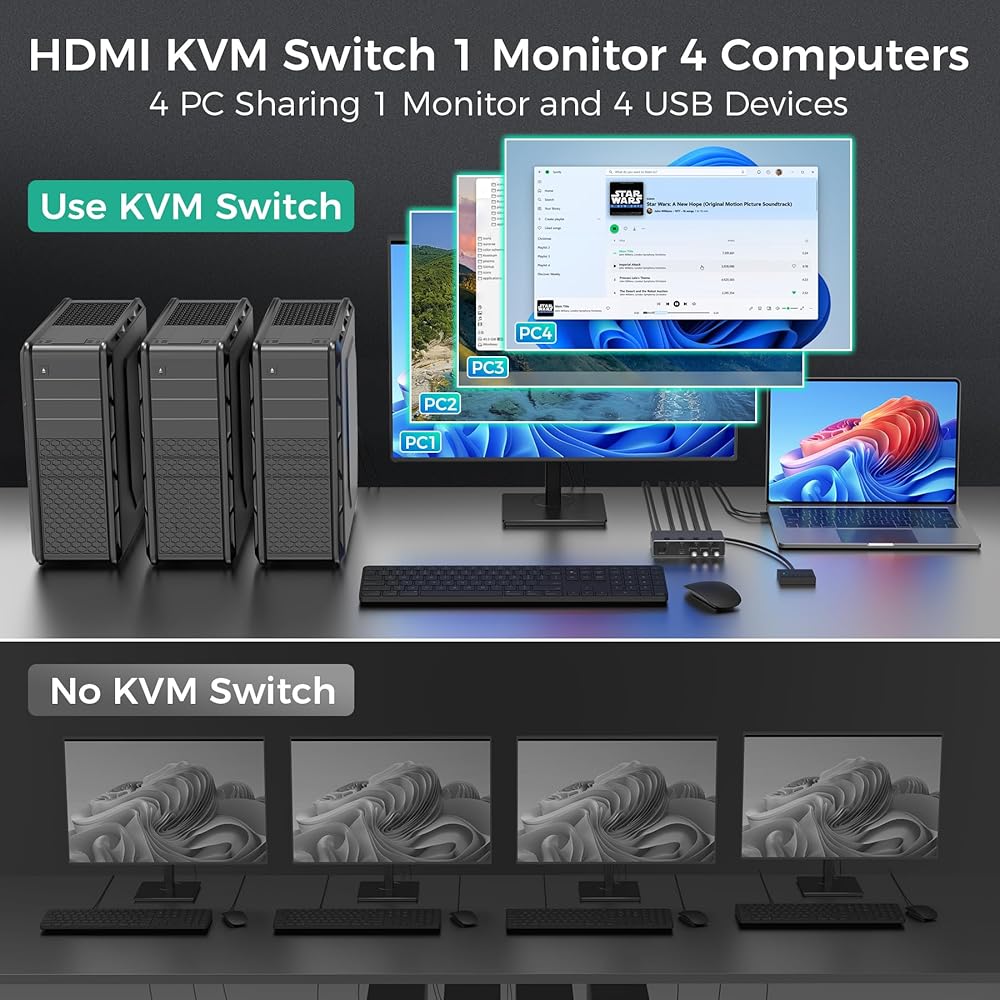
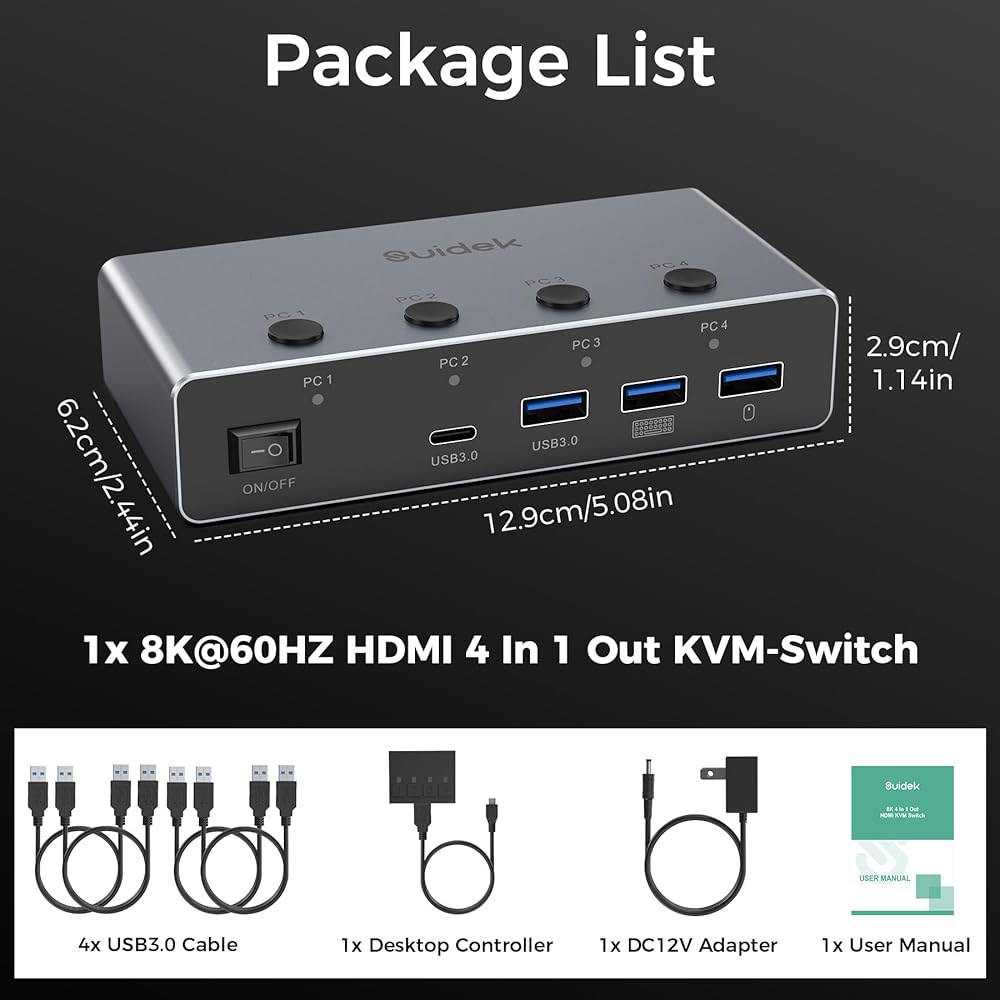
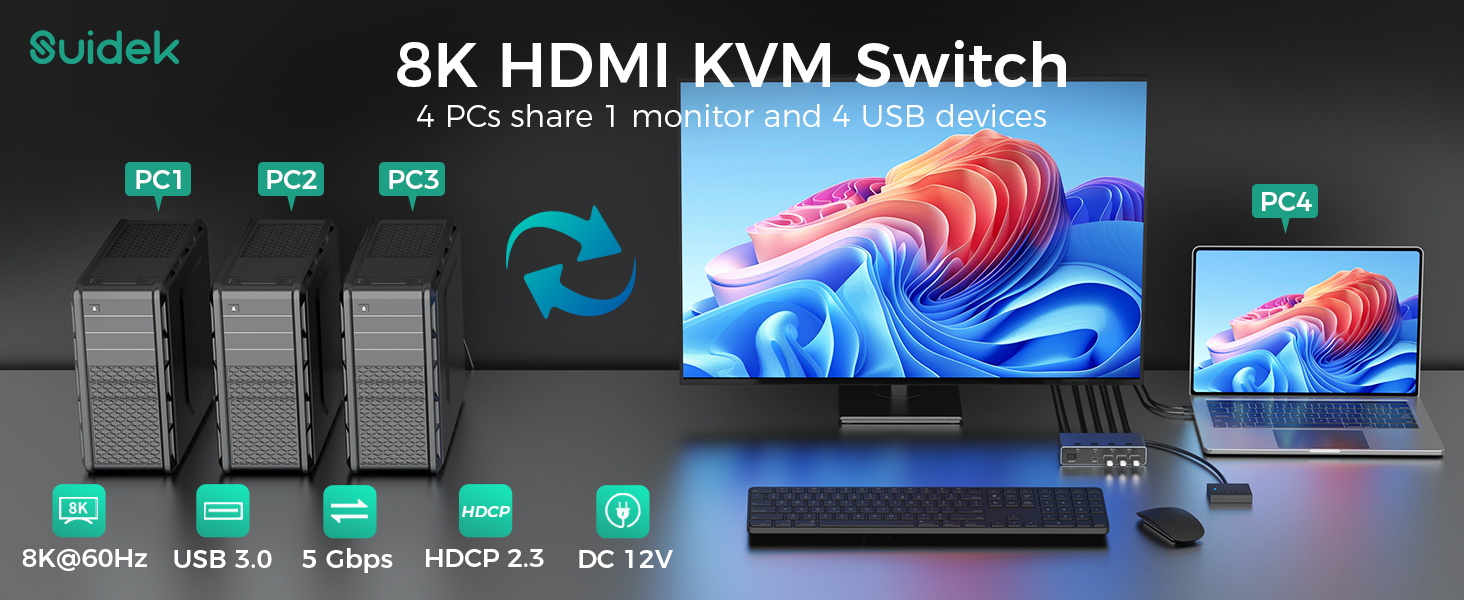
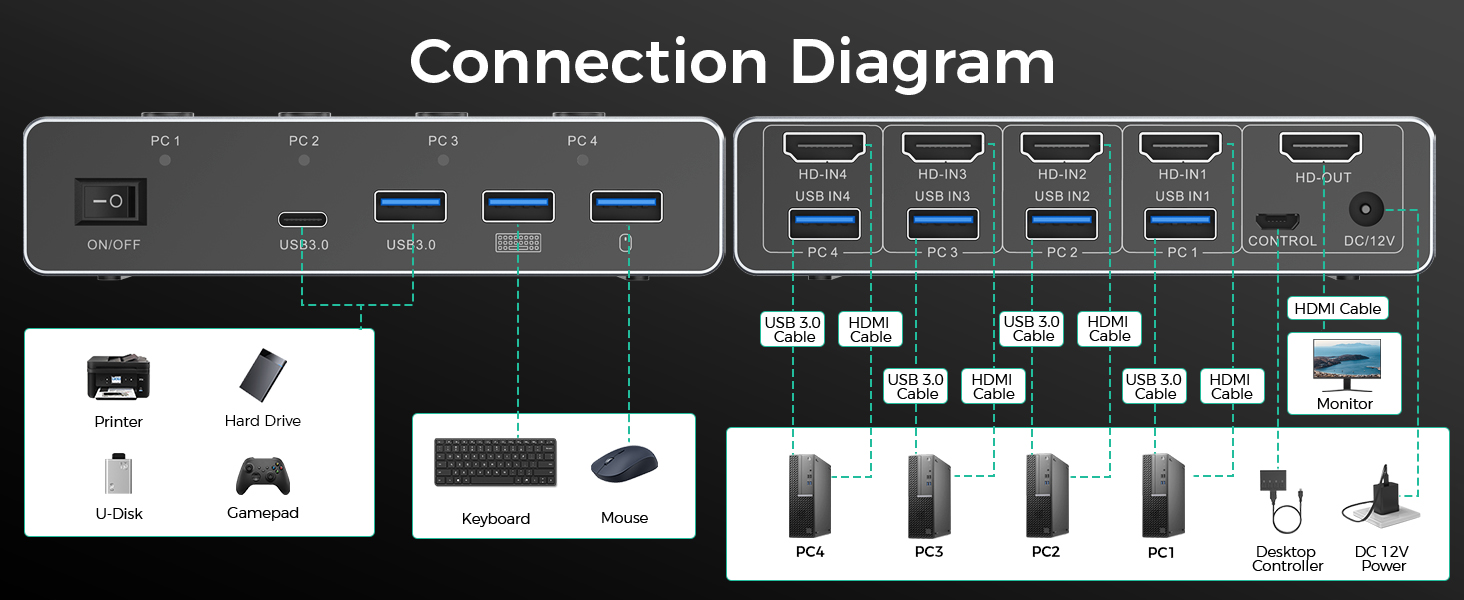
مفتاح KVM 4 في 1: يتيح مفتاح KVM ذو 4 منافذ لـ 4 أجهزة كمبيوتر مشاركة شاشة HDMI واحدة و4 أجهزة USB 3.0، بما في ذلك لوحة المفاتيح والماوس والطابعة والقرص الصلب الخارجي. فهو يدمج التحكم في 4 أجهزة كمبيوتر في مساحة عمل واحدة، حتى تتمكن من التبديل بين المضيفين بسلاسة دون أي إعداد معقد. من خلال تقليل الشاشات والكابلات الإضافية، فإنه يحافظ على مكتبك نظيفًا ومنظمًا مع تحسين كفاءة العمل بشكل كبير للمكاتب والألعاب وإعدادات الكمبيوتر المتعددة
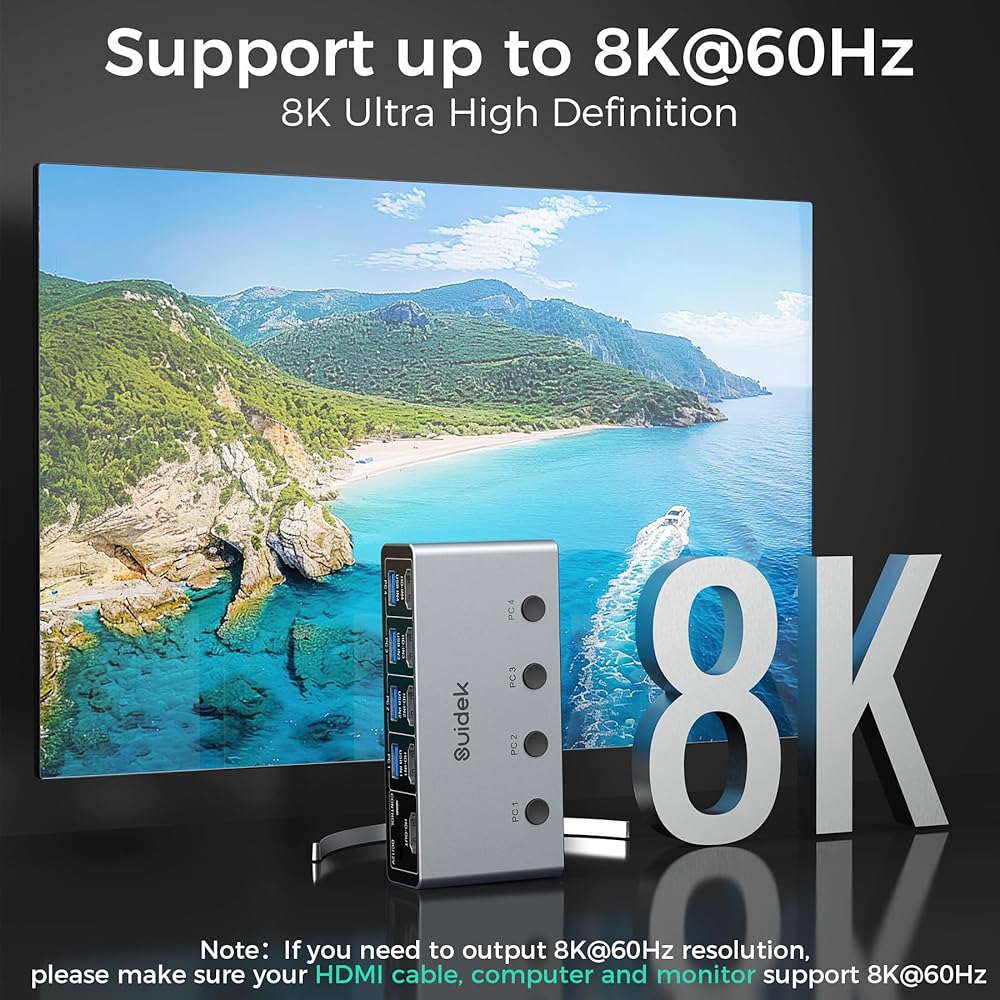
محول HDMI 2.1 KVM 8K@60 هرتز: يدعم محول KVM ذو 4 منافذ دقة تصل إلى 8K@60 هرتز وهو متوافق مع 4K@144 هرتز. يعمل مع HDMI 2.1/1.4 وHDCP 2.3، مع دعم تنسيقات VRR وHDR. يوفر هذا تصويرًا أكثر وضوحًا وواقعية مع ألوان نابضة بالحياة ودقيقة للألعاب والعمل واستخدام الوسائط المتعددة. ملحوظة: لتحقيق 8K عند 60 هرتز أو 4K عند 120 هرتز، يجب أن تدعم أجهزة الكمبيوتر والشاشات والكابلات هذه الدقة
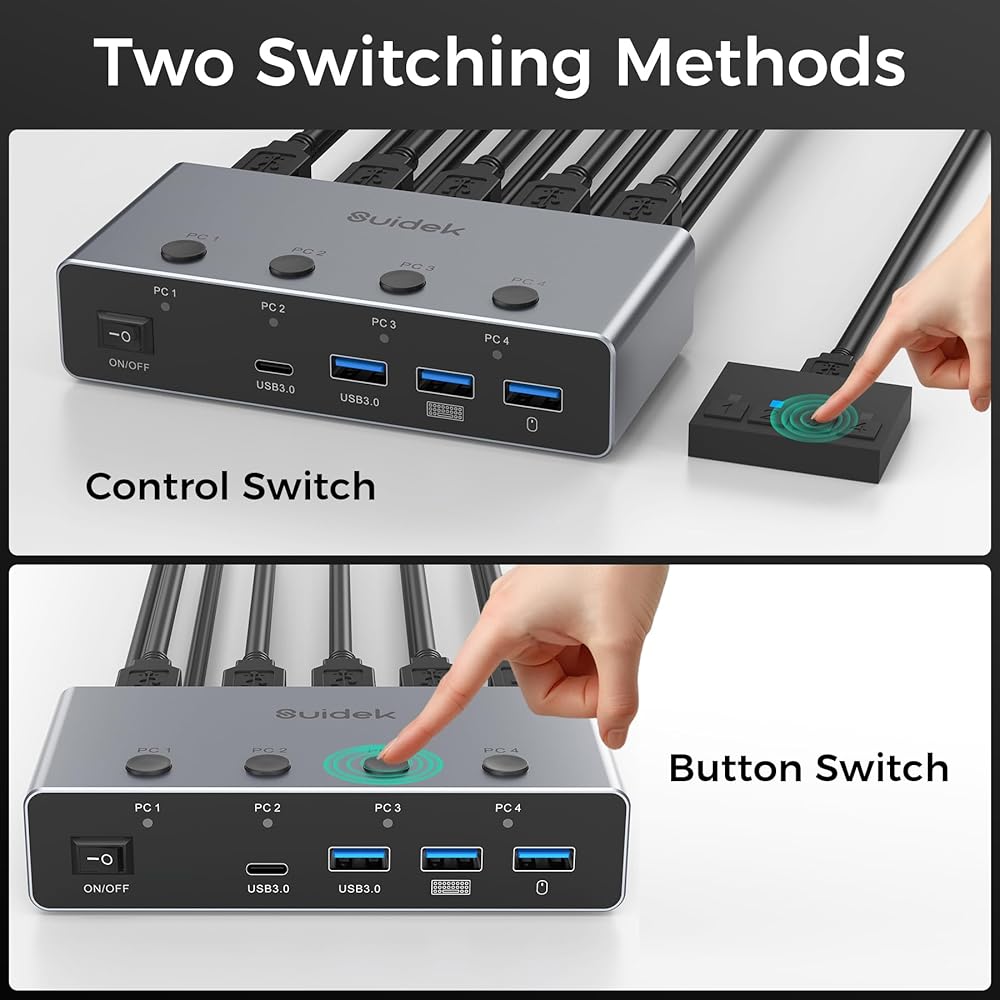
مفتاح 2 زر: يدعم مفتاح KVM هذا زرين التبديل ووحدة تحكم مكتبية سلكية، مما يسمح لك بالتبديل بحرية بين 4 أجهزة كمبيوتر. يمكنك مشاركة شاشة واحدة ولوحة مفاتيح وماوس عبر جميع الأجهزة مع الحفاظ على مكتبك منظمًا وموفرًا للمساحة. تتيح لك وحدة التحكم المكتبية السلكية تثبيت مفتاح KVM خارج مساحة العمل الخاصة بك للحصول على إعداد مكتبي أكثر نظافة وخاليًا من الفوضى. ملحوظة: تبديل مفتاح التشغيل السريع غير مدعوم
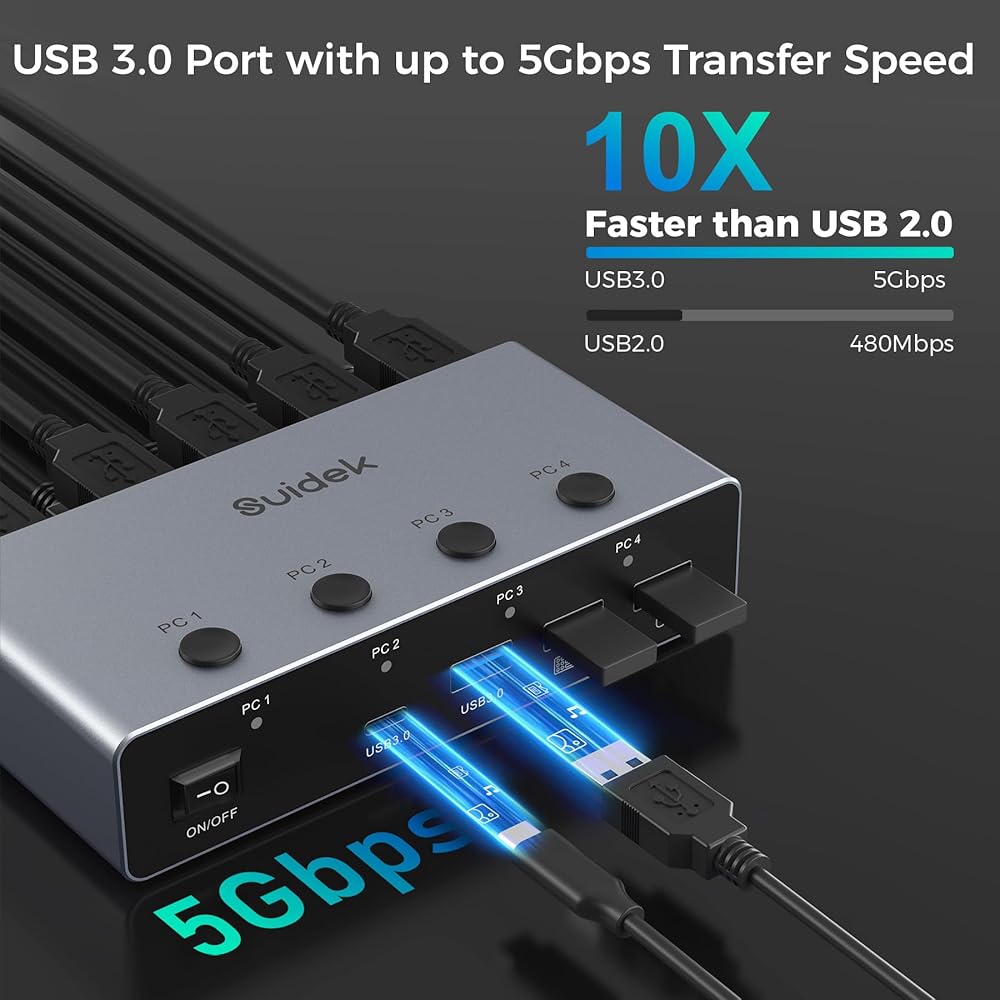
4 منافذ USB 3.0: يتميز مفتاح KVM هذا بـ 4 منافذ USB 3.0 (3*USB-A 1*USB-C) مع سرعات نقل بيانات تصل إلى 5 جيجابت في الثانية لنقل سريع ومستقر. وهو يدعم الاتصال المتزامن لأجهزة متعددة، بما في ذلك لوحة المفاتيح والماوس والطابعة ومحركات الأقراص الصلبة الخارجية. يتم نقل الملفات الكبيرة بسرعة، وتعمل الطابعات بكفاءة، مما يضمن تفاعلًا سلسًا ومستقرًا مع الجهاز
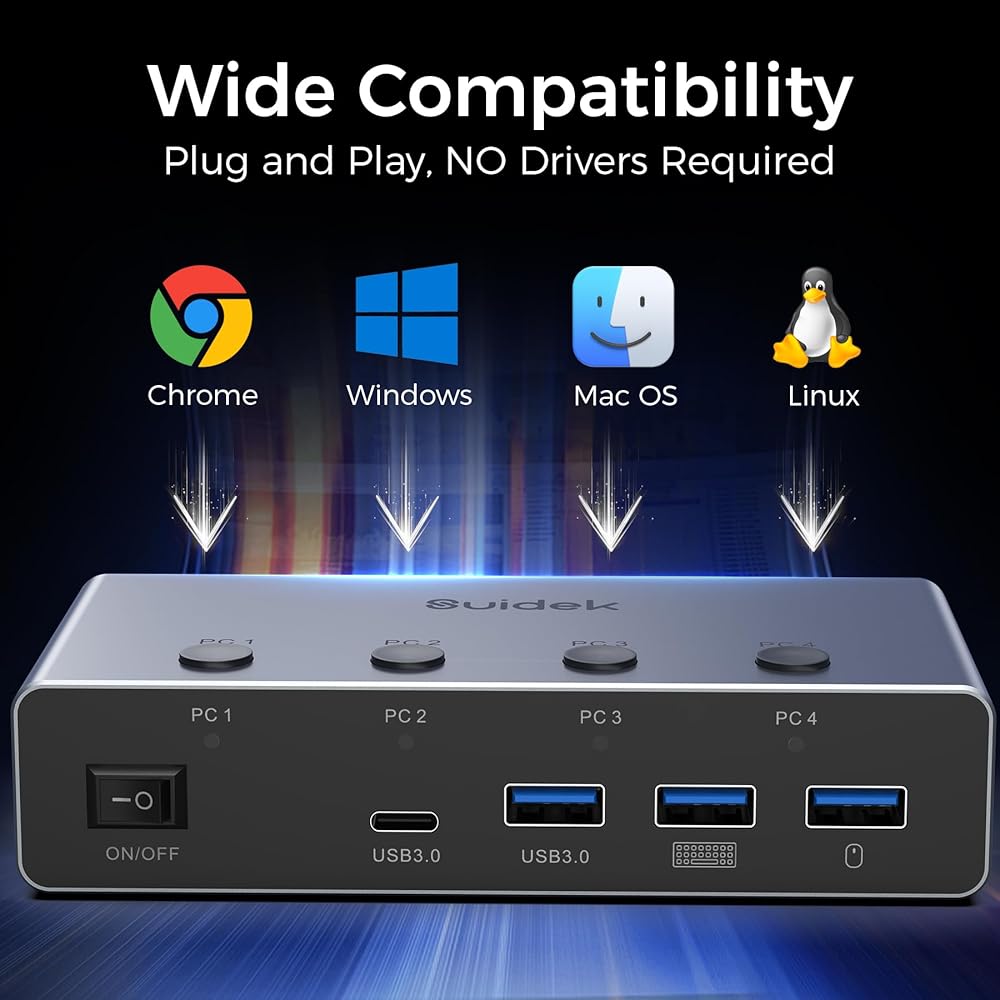
التوصيل والتشغيل: مفتاح KVM هذا هو التوصيل والتشغيل ولا يتطلب أي برامج تشغيل إضافية. وهو يدعم أنظمة التشغيل Windows وMacOS وLinux وChrome وأنظمة التشغيل السائدة الأخرى، كما أنه متوافق مع معظم أجهزة HDMI. يعتبر KVM مناسبًا للمؤسسات، وفصول الوسائط المتعددة، وقاعات المؤتمرات، وإعدادات الألعاب، وبيئات الاختبار
ملاحظة: 1. لا يدعم مفتاح KVM هذا وظيفة EDID. 2. لا تستخدم مفتاح KVM هذا مع قاعدة توصيل. 3. عندما تكون أجهزة الكمبيوتر أو الشاشة في وضع السكون، لا يمكن لمفتاح KVM التبديل بين الأجهزة. 4. لضمان التشغيل العادي، يجب عليك توصيل كابلات HDMI وكابلات USB A إلى A بين مفتاح KVM وأجهزة الكمبيوتر/الشاشة. 5. قبل استخدام مفتاح KVM، يرجى التأكد من توصيل محول الطاقة 12 فولت وتشغيله بشكل صحيح
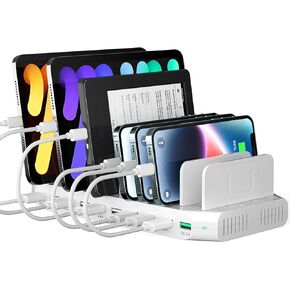
 محطة شحن الهاتف بقدرة 100 واط مع شحن سريع QC3.0، وقاعدة شحن USB ذات 10 منافذ لأجهزة متعددة مع فواصل قابلة للتعديل
SAR 240
محطة شحن الهاتف بقدرة 100 واط مع شحن سريع QC3.0، وقاعدة شحن USB ذات 10 منافذ لأجهزة متعددة مع فواصل قابلة للتعديل
SAR 240
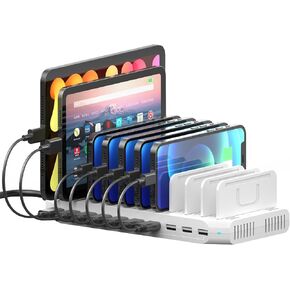
 محطة شحن سريعة 60 وات QC3.0، محطة شحن 10 منافذ لأجهزة متعددة مع فواصل قابلة للتعديل متوافقة مع الأجهزة اللوحية والهواتف الذكية
SAR 188
محطة شحن سريعة 60 وات QC3.0، محطة شحن 10 منافذ لأجهزة متعددة مع فواصل قابلة للتعديل متوافقة مع الأجهزة اللوحية والهواتف الذكية
SAR 188
 محطة شحن متعددة 10 منافذ، شاحن USB بقدرة 60 وات لأجهزة متعددة مع فواصل قابلة للتعديل متوافقة مع الأجهزة اللوحية والهواتف الذكية
SAR 240
محطة شحن متعددة 10 منافذ، شاحن USB بقدرة 60 وات لأجهزة متعددة مع فواصل قابلة للتعديل متوافقة مع الأجهزة اللوحية والهواتف الذكية
SAR 240
 محول Tesla إلى J1772، محول شحن 60 أمبير 240 فولت مناسب لجميع J1772 Evs، متوافق مع موصلات Tesla عالية الطاقة وشواحن الوجهة والموصلات المحمولة
SAR 313
محول Tesla إلى J1772، محول شحن 60 أمبير 240 فولت مناسب لجميع J1772 Evs، متوافق مع موصلات Tesla عالية الطاقة وشواحن الوجهة والموصلات المحمولة
SAR 313

 العربية السعودية