- Shopping, made easy.
- /
- Get the app!
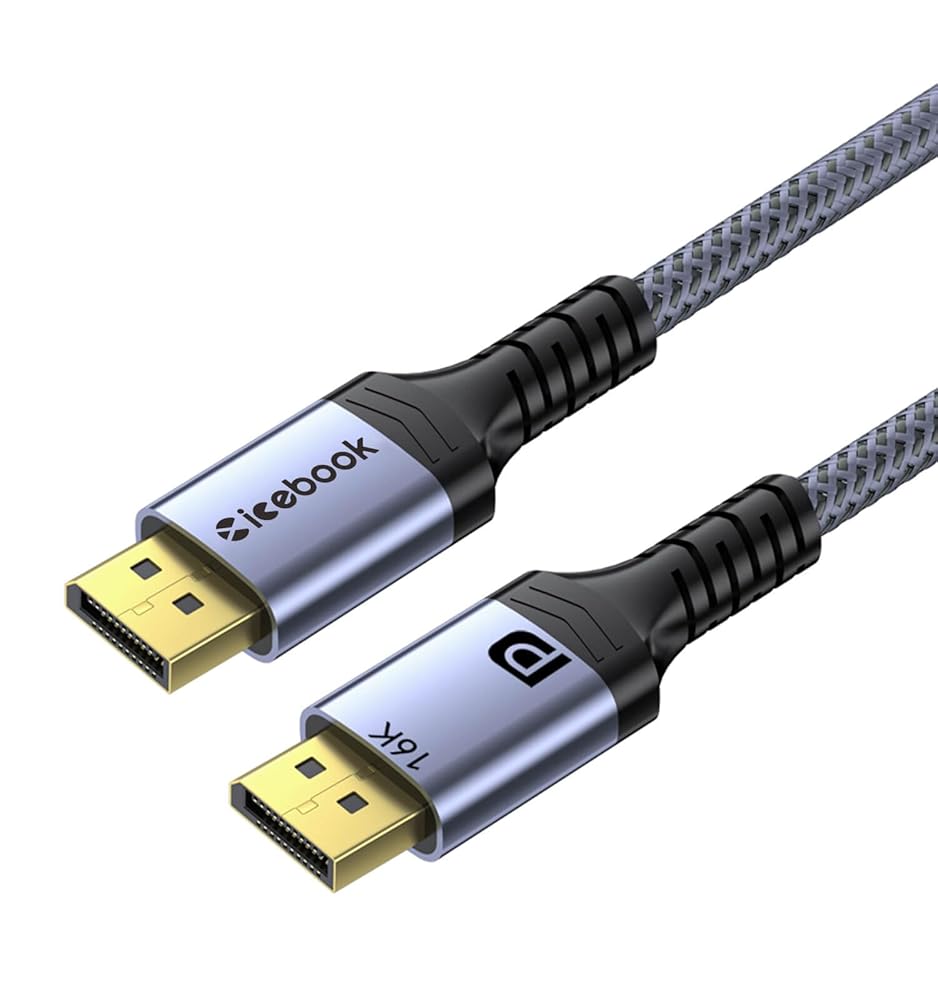
If you're running a high‑end gaming rig or a multi‑monitor productivity setup, the cable between your tower and your screen actually matters. This icebook DisplayPort 2.1 cable is rated for 80Gbps total bandwidth – that's enough for 16K@60Hz or 8K@120Hz without compression (unless you're using DSC 1.2a, which pushes it even further). The build is straightforward: 28AWG copper‑clad steel core + foil + braided shielding + aluminum alloy housing. Gold‑plated connectors resist corrosion. The outer layer is a cotton‑braided nylon jacket – it's flexible but doesn't kink. You get HDR, HDCP 2.2, FEC and UHBR10 support. No driver installation, no weird handshake issues. Plug and play. And because nobody wants to dig through a manual: Frequently Asked Questions (FQA) Q: Will this DisplayPort cable work with my older graphics card that only has DP 1.4? A: Yes – this DP 2.1 cable is fully backward compatible with DisplayPort 1.4, 1.3 and 1.2. You can use it right now on an RTX 3080 or RX 6800, and later when you upgrade to an RTX 5090 or RX 9070 XT, the same cable will unlock 16K@60Hz or 8K@120Hz. It's a future‑proof buy. Q: What's the actual maximum length for stable 16K signal on this 6ft displayport cable? A: This specific cable is 6ft (2 meters). At 80Gbps bandwidth, 6ft is well within the reliable range for 16K@60Hz or 4K@240Hz thanks to the triple shielding and 28AWG tinned‑copper build. If you need a longer DP cord like 6ft or 3ft, we also offer those – but for 6ft runs, this one holds signal integrity without dropouts. Q: Does this DP cable support daisy‑chaining multiple monitors? A: Yes, it supports MST (Multi‑Stream Transport). You can connect two or more monitors from a single DisplayPort output on your computer – just make sure your graphics card and monitors support MST. The cable itself doesn't limit daisy‑chain mode. Q: Will it work with a 240Hz 1440p monitor and G-Sync? A: Absolutely. This displayport cable 2.1 handles 2K@360Hz easily, so 240Hz is no problem. G-Sync and FreeSync+ both work over this cable – no tearing, no extra configuration. Just plug it in and enable G-Sync in your NVIDIA control panel. Q: The latch on my old DP cable broke. Is this one different? A: Yes – this icebook DisplayPort cable uses a latch‑free design. No small plastic hooks to snap off. It still holds firmly in the port but won't get stuck or break. A lot of people switch to this DP cord just for that reason.
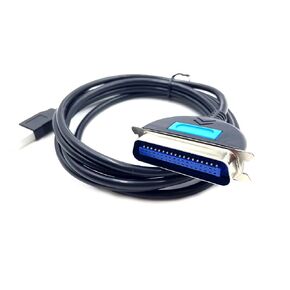 USB Male to SCSI HPCN 36 Pin Male Printer Adapter Cable 1 Meter
SAR 128
USB Male to SCSI HPCN 36 Pin Male Printer Adapter Cable 1 Meter
SAR 128
 -6%
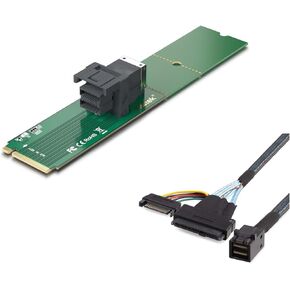
10Gtek M.2/8643 Adapter + 8643/U.2-0.5m
SAR 120
-6%
10Gtek M.2/8643 Adapter + 8643/U.2-0.5m
SAR 120
 -12%
Syntech Link Cable with Charging 16FT Compatible with Oculus/Meta Quest 3S/3 Accessories, Quest2/Pro, Pico4, Next-Gen VR Cable with USB 3.0 A to C Adapter for SteamVR, Charge & Link Simultaneously
SAR 115
-12%
Syntech Link Cable with Charging 16FT Compatible with Oculus/Meta Quest 3S/3 Accessories, Quest2/Pro, Pico4, Next-Gen VR Cable with USB 3.0 A to C Adapter for SteamVR, Charge & Link Simultaneously
SAR 115
 -10%
for Starlink Gen 3 Flat Cable, 100FT Hidden Cord Compatible with Starlink Standard Rev. 4 and Mini, Extreme Slim Cable Shielded for Window Door (30M/100FT)
SAR 282
-10%
for Starlink Gen 3 Flat Cable, 100FT Hidden Cord Compatible with Starlink Standard Rev. 4 and Mini, Extreme Slim Cable Shielded for Window Door (30M/100FT)
SAR 282

