- Shopping, made easy.
- /
- Get the app!
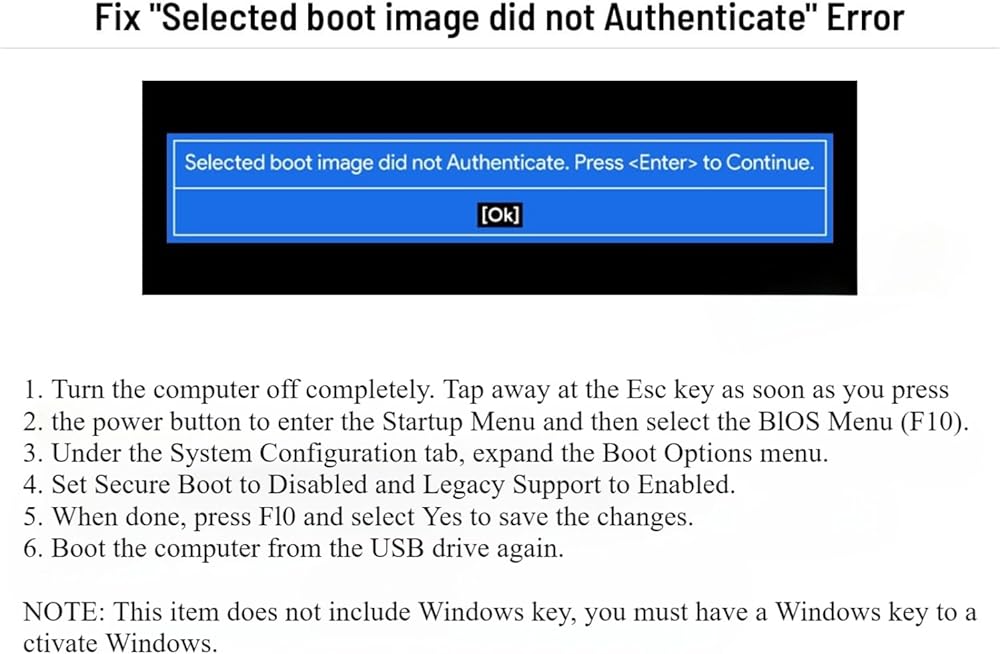
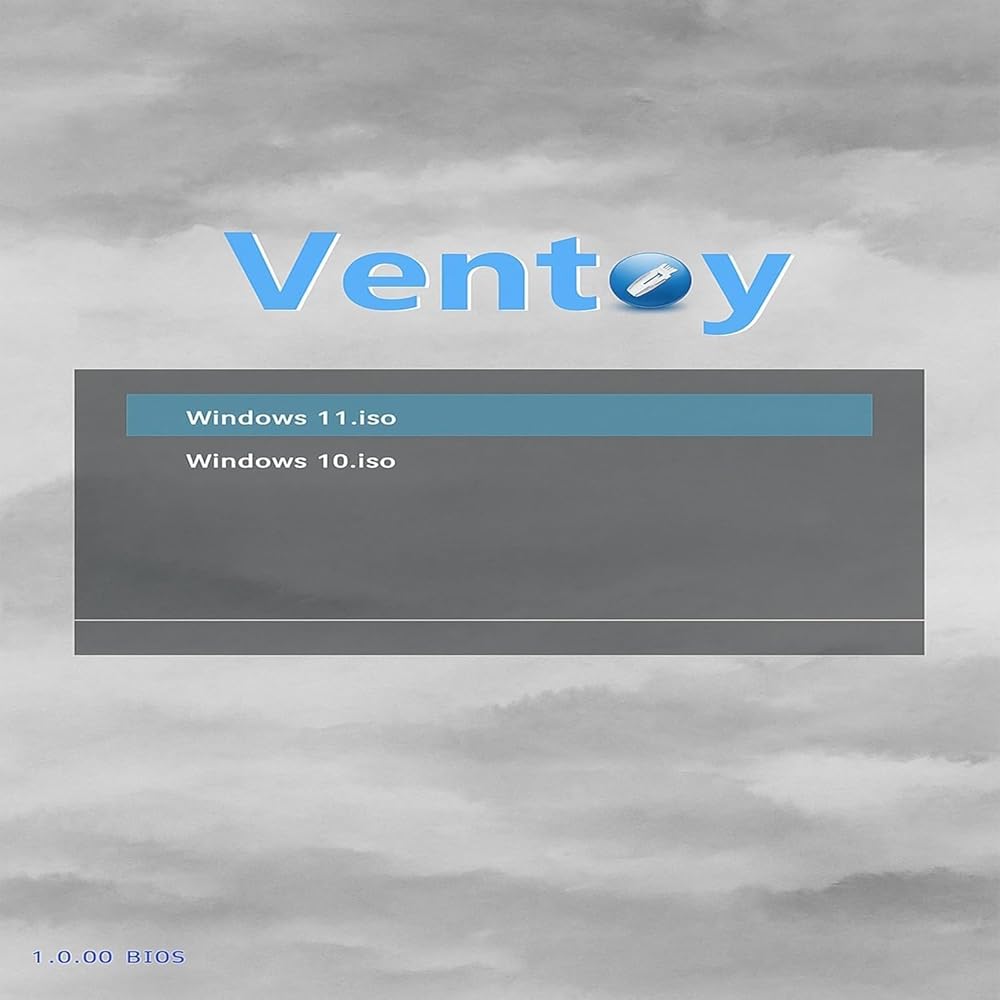
4+ Circumstances You'll Need Bootable USB Drive. Your computer crashed and won't boot up Your computer hasn't been reinstalled for a long time,its running slowly now Your computer has a virus. You need to clean the virus and reinstall Windows You are new to computers and need a computer repair tool Boot Menu instruction(refer to user manual): 1. Plug-in USB Drive 2. Power on and Press boot menu key repeatedly (Boot Menu Key below) 3. boot menu will appear (Ensure "USB boot" is enable in BIOS) 4. choose usb drive from boot menu, “UEFI USB" is preferred selection
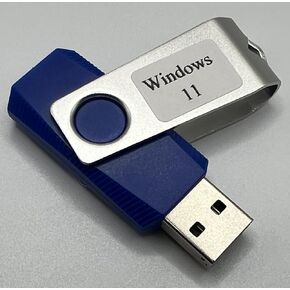 Recovery and Repair USB Drive for Windows 11, 64-bit, Install-Restore-Recover Boot Media - Instructions Included
SAR 88
Recovery and Repair USB Drive for Windows 11, 64-bit, Install-Restore-Recover Boot Media - Instructions Included
SAR 88
 Bootable USB Drive for Windows 11 – 8GB USB 3.0 Installer for Setup & Recovery – UEFI/Legacy Compatible
SAR 100
Bootable USB Drive for Windows 11 – 8GB USB 3.0 Installer for Setup & Recovery – UEFI/Legacy Compatible
SAR 100
 Bootable USB Drive for Windows 10– 8GB USB 3.0 Installer for Setup & Recovery – UEFI/Legacy Compatible
SAR 100
Bootable USB Drive for Windows 10– 8GB USB 3.0 Installer for Setup & Recovery – UEFI/Legacy Compatible
SAR 100
 Techshoppro Bootable Win 11/10 / 8.1/7, USB Driver 3.2 for Reinstall Win, Reset Password, Network Drive,Supported UEFI and Legacy, Data Recovery, Repair Tool Bitlocker Removal
SAR 131
Techshoppro Bootable Win 11/10 / 8.1/7, USB Driver 3.2 for Reinstall Win, Reset Password, Network Drive,Supported UEFI and Legacy, Data Recovery, Repair Tool Bitlocker Removal
SAR 131