- Shopping, made easy.
- /
- Get the app!
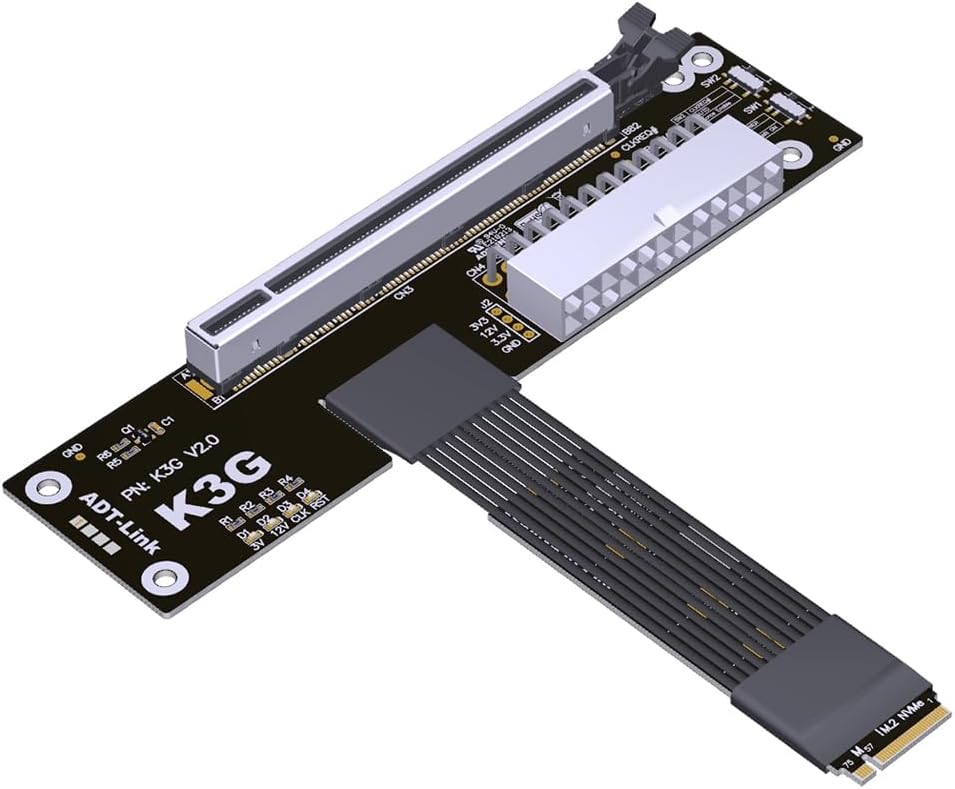
JMT ADT-K43SG-BK PCIe 5.0 X16 to M.2 NVMe Graphics Card Adapter Compatible with RTX50 RX90 Series Docking Station
Two switches on ADT K3G:
SW1: Power Force-Start Switch. 1 = Auto-Start, 2 = Force-Start. Set to 1 for auto-start.
SW2: Some older graphics cards from 5 years ago lack CLKREQ signal support. If the CLKREQ indicator light fails to illuminate, simply toggle the SW2 microswitch to 2. No BIOS configuration is required, enhancing compatibility and convenience.
Compatibility:
Supports nearly all PCIe graphics cards released in the past three years. Ensure the latest official drivers are installed. If a yellow exclamation mark appears, reinstall the drivers and restart the computer.
If the yellow exclamation mark persists (error code 43 or code 12), refer to troubleshooting methods from international experts.
Usage Notes:
1. Always verify cable orientation before insertion to prevent reverse or misaligned connections, which may damage equipment. Secure the device's connector before inserting cables to avoid breaking pins due to excessive force. Do not bend or pull the cable within 2cm of the solder joints on either end.
2. Signal transmission capabilities vary across different motherboards and devices. Signal degradation occurs whenever an extension cable is used.
3. Graphics cards and motherboards are electronic components that degrade and oxidize over time. Using an extension cable further compromises stability. This method is not recommended for devices older than three years.
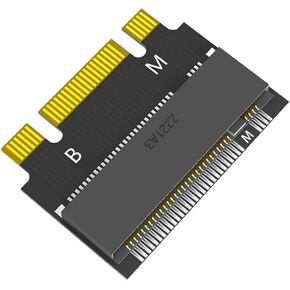 JMT M.2 NVME M-Key B+M 2230 to 2242 SATA-Bus SSD Extension Adapter Card Compatible with ThinkPad X270 X280 T470 T480 L480 T580 Serials (2230 to 2242)
SAR 50
JMT M.2 NVME M-Key B+M 2230 to 2242 SATA-Bus SSD Extension Adapter Card Compatible with ThinkPad X270 X280 T470 T480 L480 T580 Serials (2230 to 2242)
SAR 50
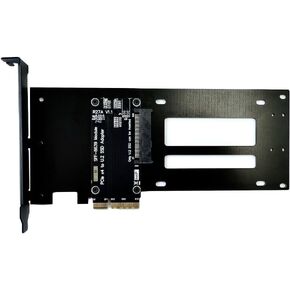 JMT ADT-R27 PCIe 5.0 x4 to U.2/U.3/E1.S/E3.S Hard Disk Adapter 128G/bps with Bracket Compatible with EDSFF Hard Disk Drive (R27C for E1.S/E3.S)
SAR 140
JMT ADT-R27 PCIe 5.0 x4 to U.2/U.3/E1.S/E3.S Hard Disk Adapter 128G/bps with Bracket Compatible with EDSFF Hard Disk Drive (R27C for E1.S/E3.S)
SAR 140
 JMT ADT-F36B-F37B-D8S PCI-e 4.0 X16 to X8 X8 MCIO Bifurcation Adapter Riser Card 256G/bps Split Extender SFF-TA-1016 with Power Cable (50cm)
SAR 771
JMT ADT-F36B-F37B-D8S PCI-e 4.0 X16 to X8 X8 MCIO Bifurcation Adapter Riser Card 256G/bps Split Extender SFF-TA-1016 with Power Cable (50cm)
SAR 771
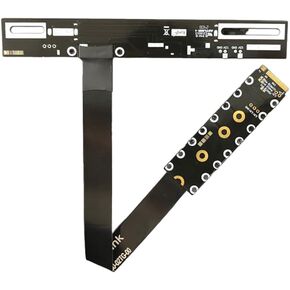 JMT PCIE 5.0 x16 to M.2 NGFF Key M Card Extension Cable 128G/bps GEN5 FCC Cable Compatible with M.2 NVMe Graphics Card (F43SP / 50CM)
SAR 274
JMT PCIE 5.0 x16 to M.2 NGFF Key M Card Extension Cable 128G/bps GEN5 FCC Cable Compatible with M.2 NVMe Graphics Card (F43SP / 50CM)
SAR 274

