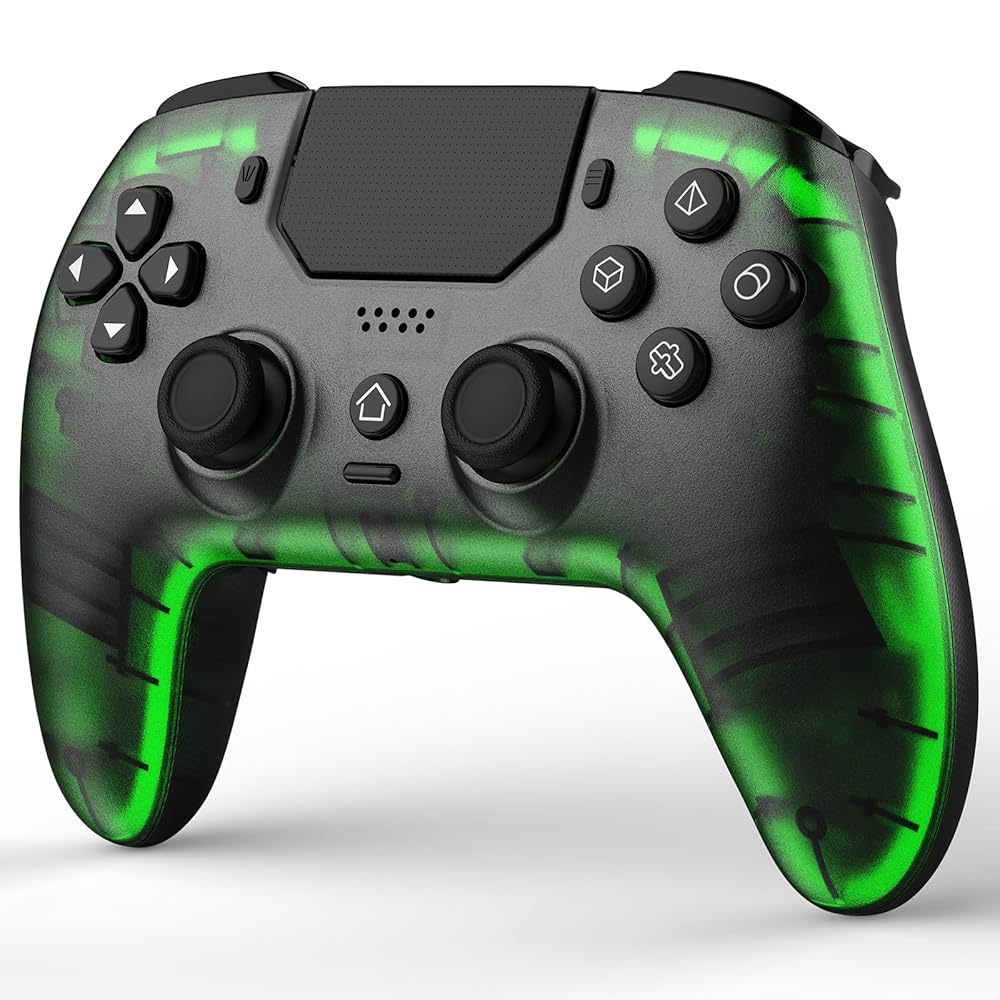
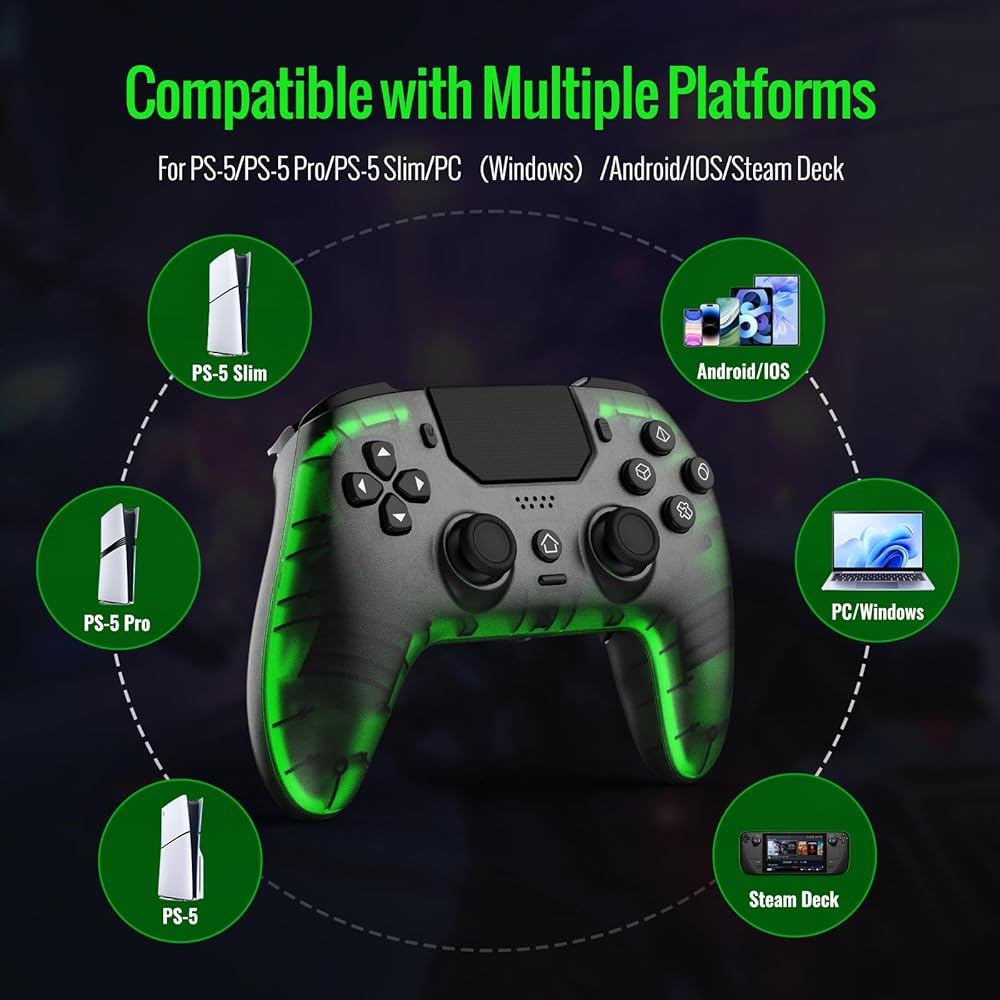
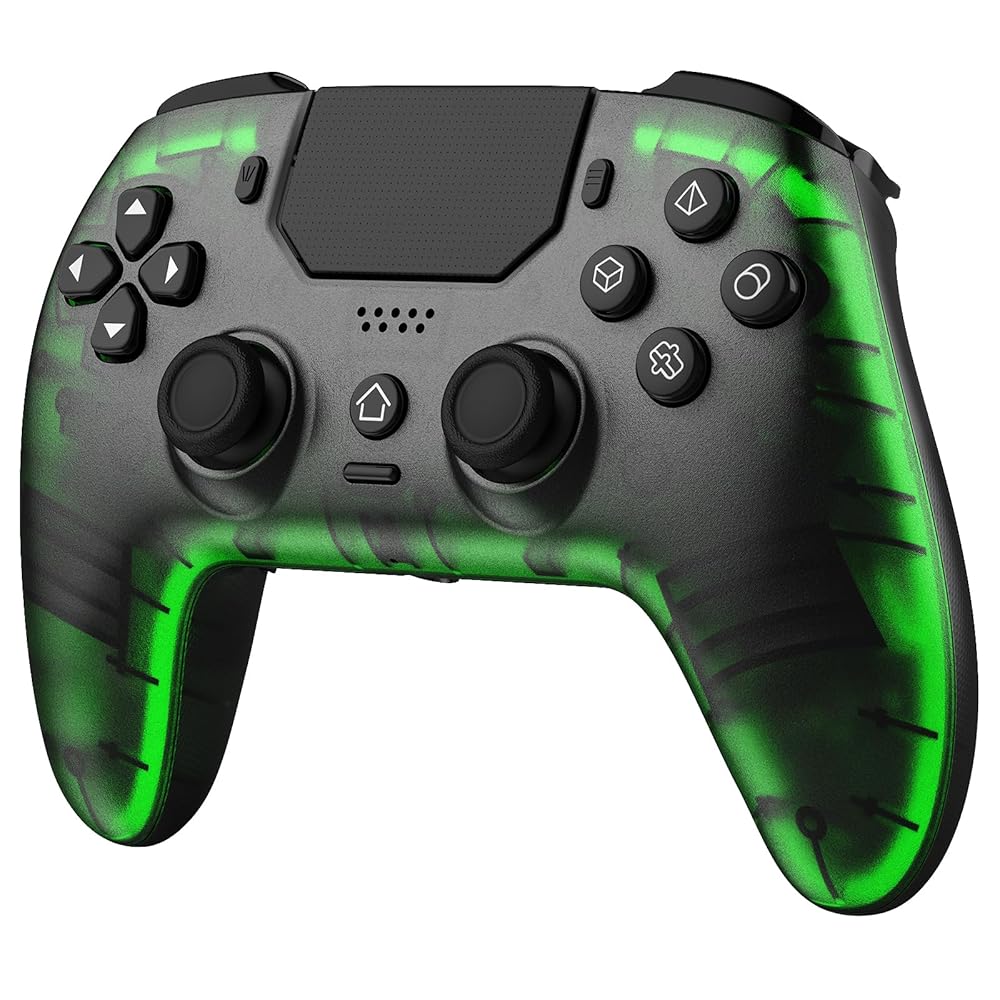
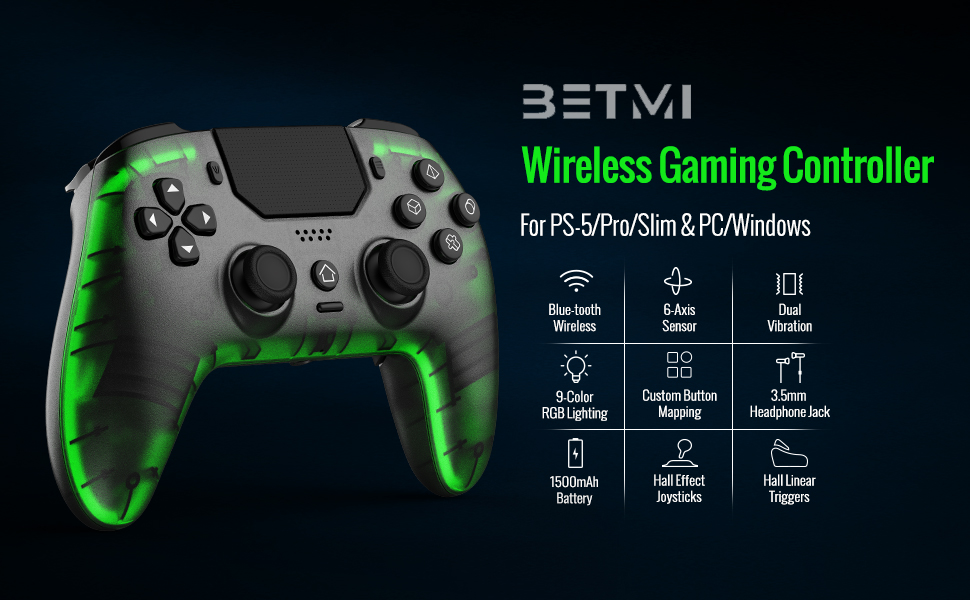
Wide Compatibility: The Black/Transparent wireless controller is seamlessly compatible with PS-5 Pro/Slim, PC(Windows 8/10/11)
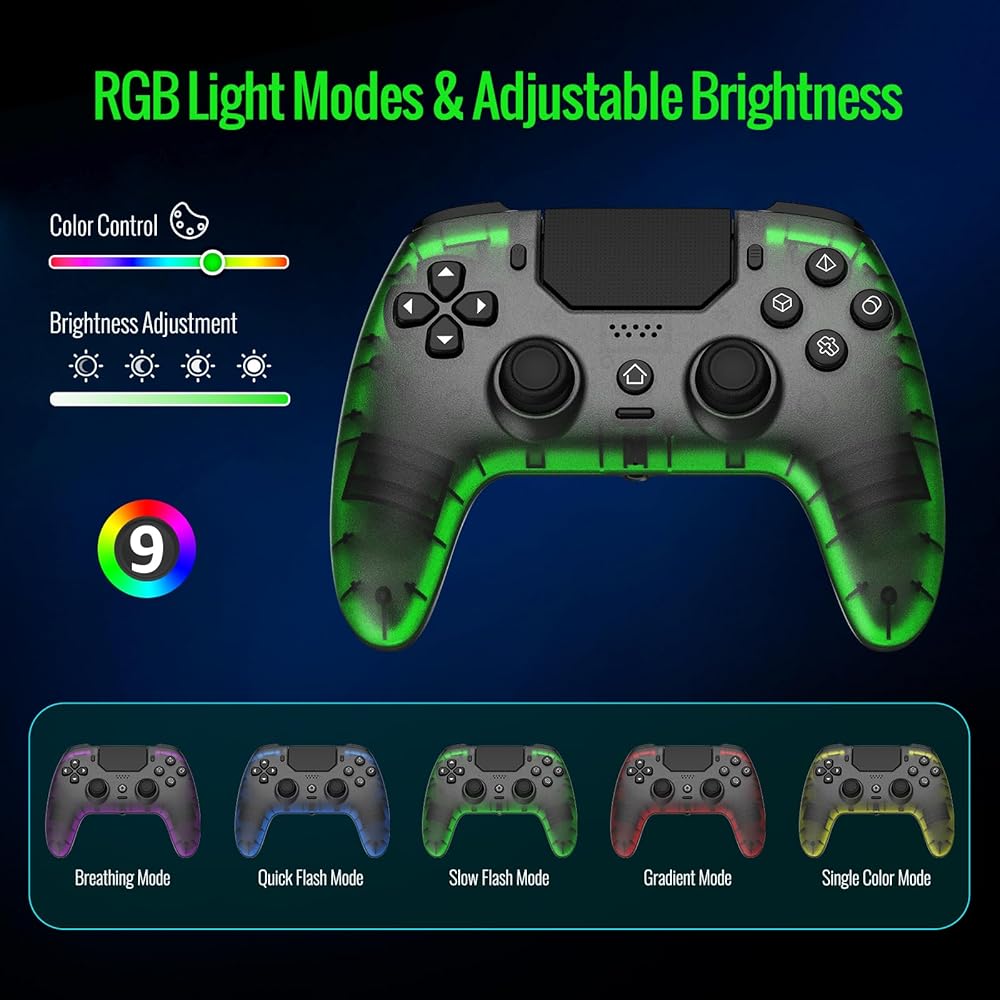
Adjustable Cool RGB Light: The bluetooth controller features 5 light modes (Breathing Mode- Fast Flashing Mode - Slow Flash Mode - Gradient Mode - Single Colour Constant Mode). You can change the lighting colors and modes according to your game type or personal preferences, making the lighting complement the game atmosphere and enhance your gaming experience
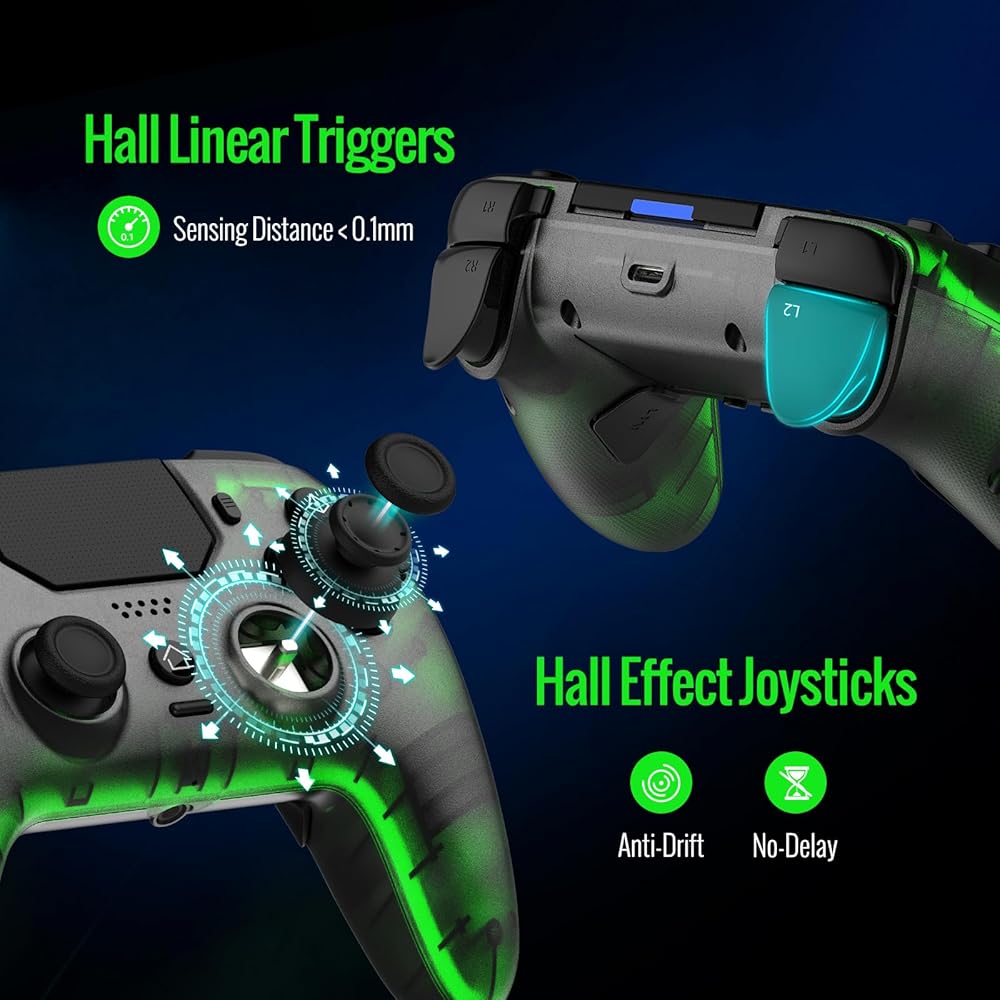
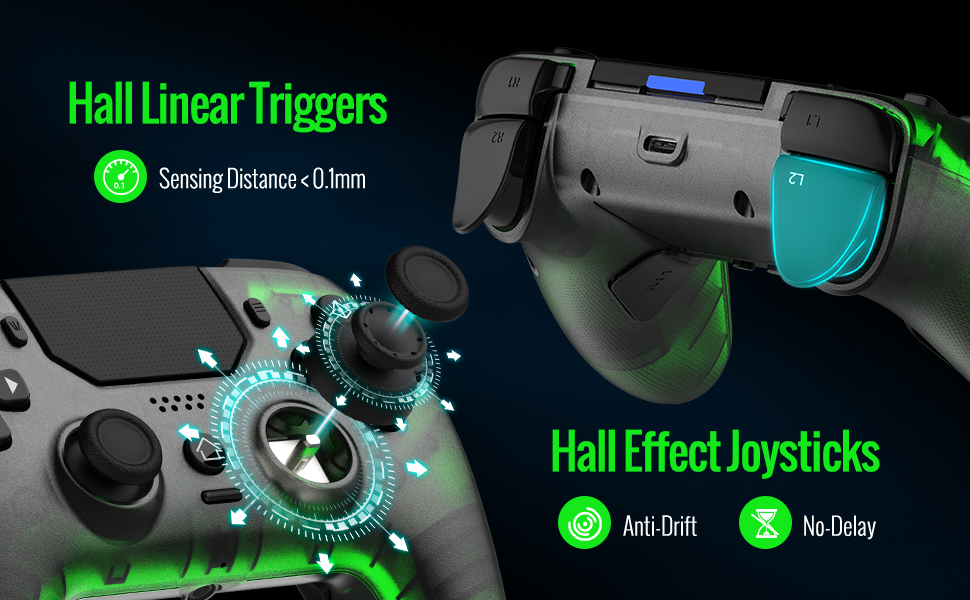
Hall Effect Technology: The hall effect joysticks deliver a durable lifespan of up to 5 million cycles, precise and responsive feedback, plus the wear-resistant rings, ensuring anti-drift performance. Whether accelerating or braking in racing games, hall effect triggers provide reliable, smooth, and precise control
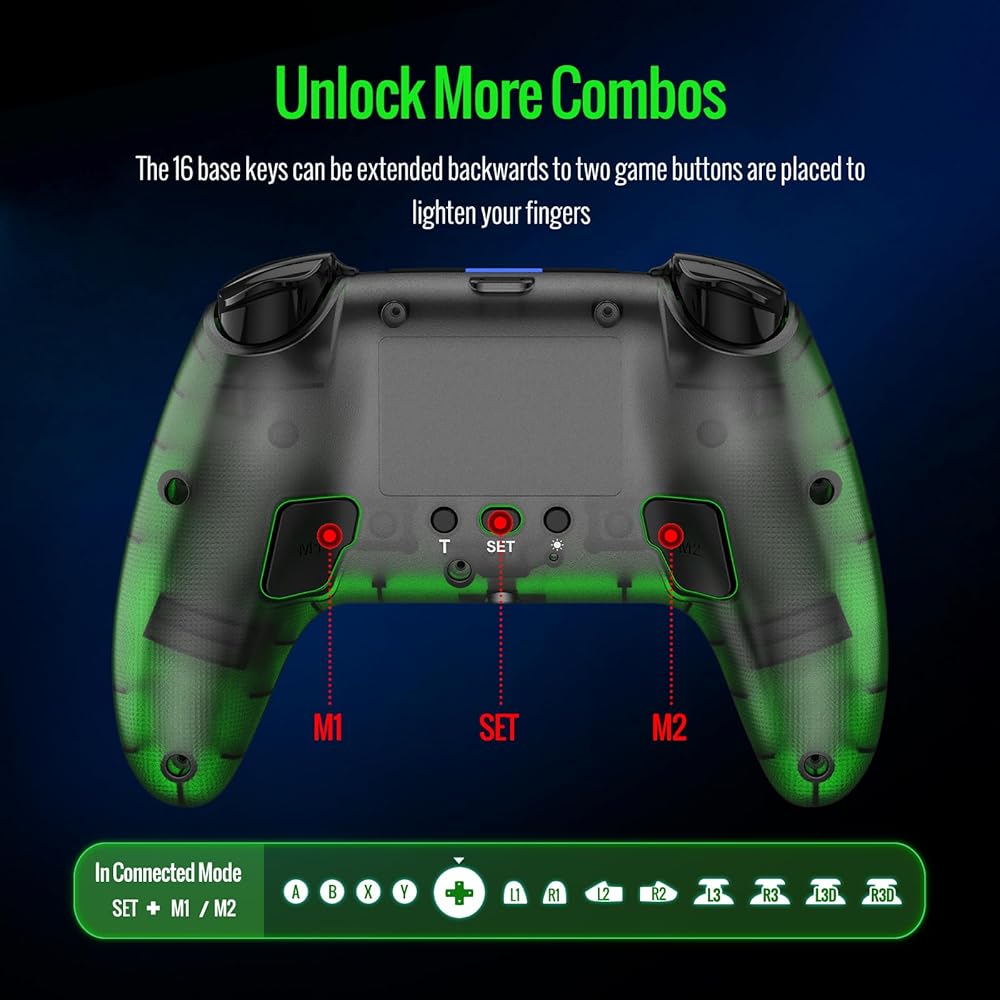
Supports Macro Programming: This function enables you to swiftly execute a series of commands during gameplay, giving you a competitive edge against your opponents
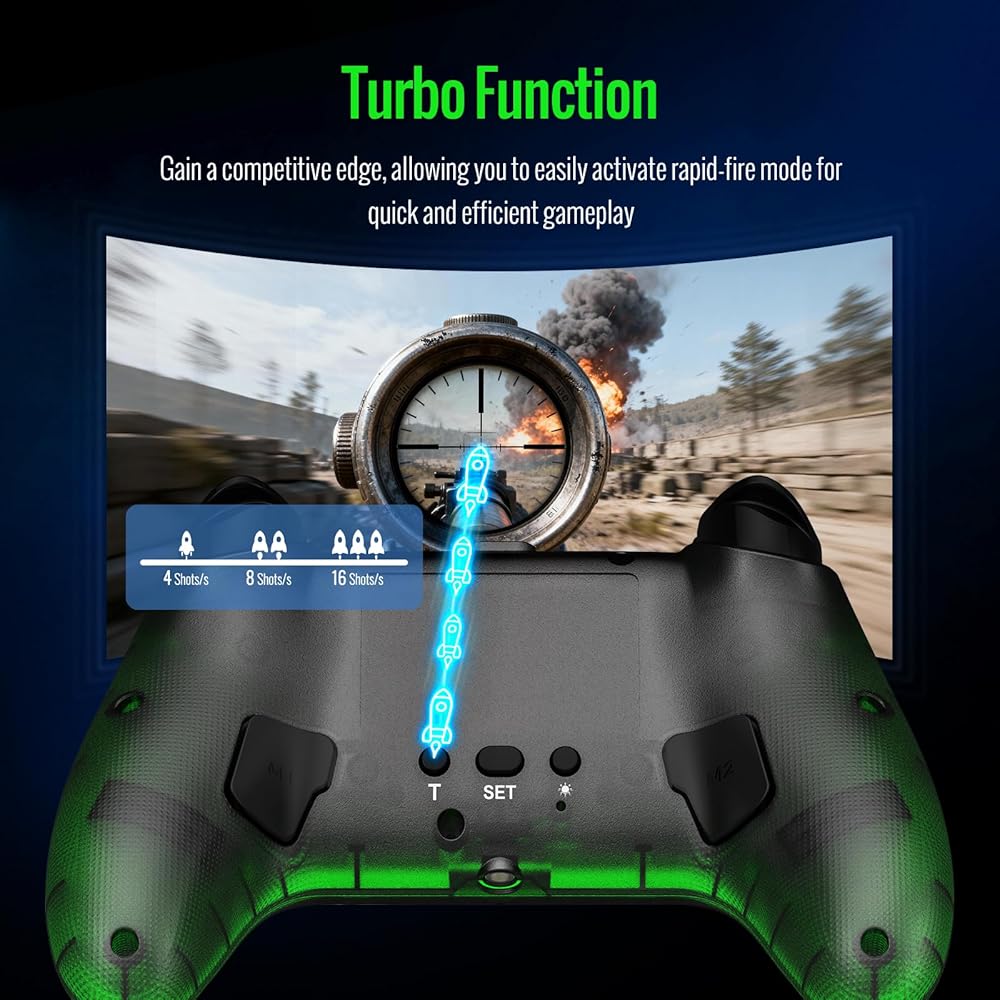
Turbo Mode: The Turbo button has three adjustable speed levels (4/8/16 times per second), allowing you to switch between different combos and injecting even more excitement into your gaming sessions
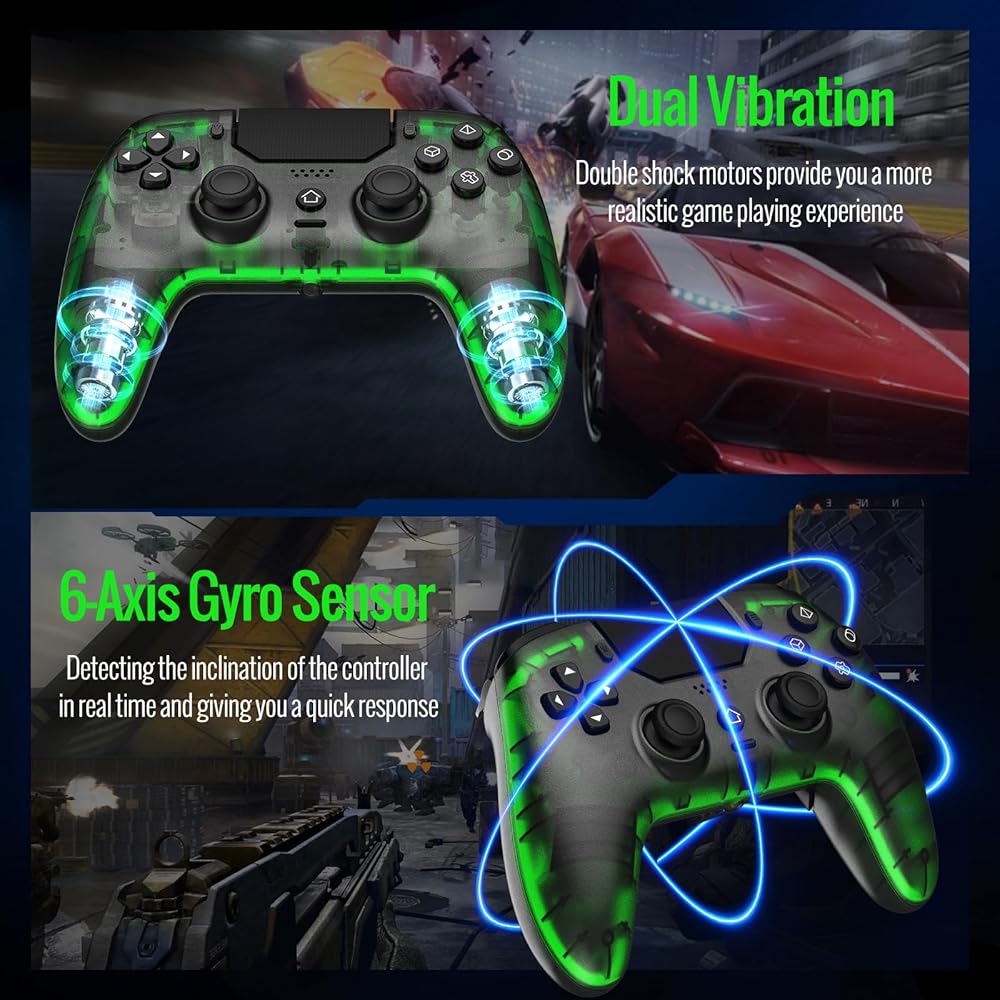
Dual Vibration: Dual vibration motors are embedded in the side handles, with 4 intensity levels available to enhance the immersion and realism of gaming scenarios
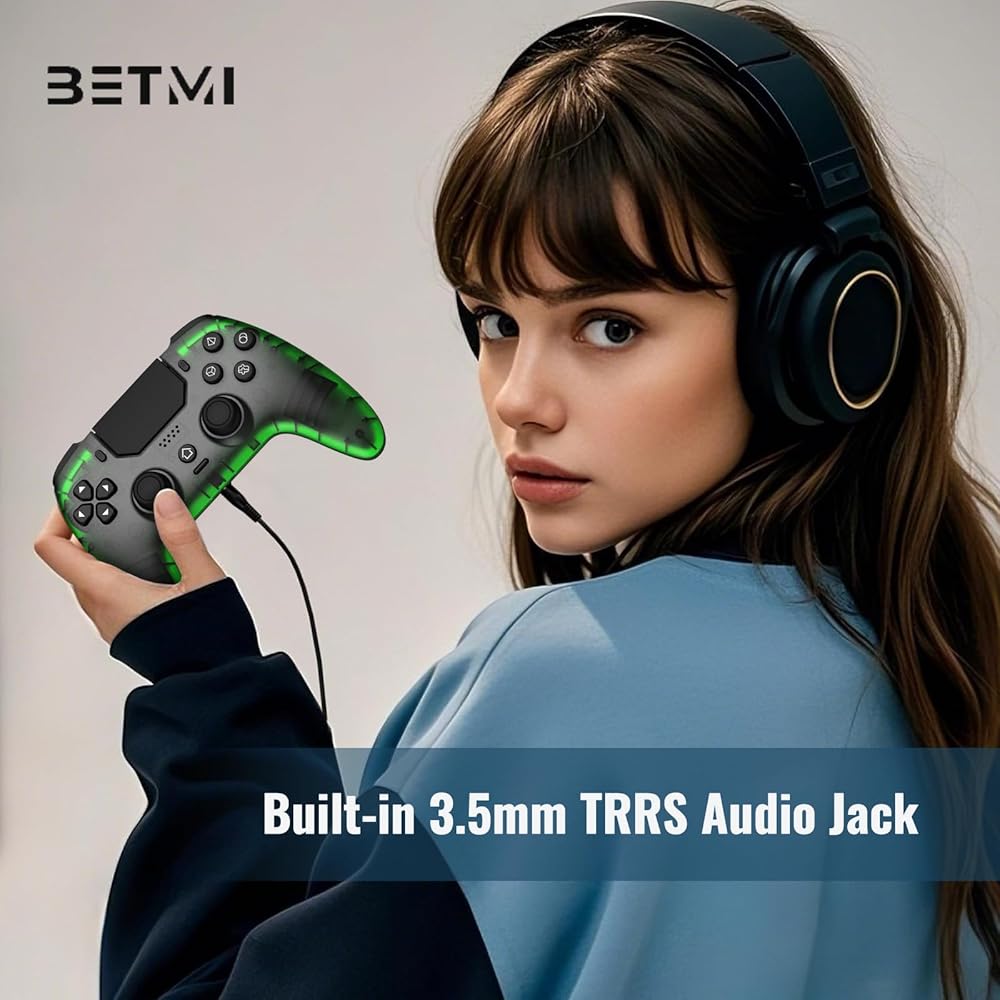
Mute Button & Built-in Audio Interface: The Black/Transparent gaming controller supports muting the microphone and speaker to avoid disturbing family members' rest. The 3.5mm audio jack makes it easy to connect headset for immersive sound and clear communication
Long Battery Life: Say goodbye to interruptions during gameplay. BETMI controller is equipped with 1500mAh upgrated battery that offers up to 13 hours of playgame on a single charge. With extended battery life, you can immerse yourself in the game for longer without worrying about running out of power
Connection Method: Connect to the PS-5 console via Bluetooth or Wired. Warm Tips: When using the gaming controller in Bluetooth mode for the first time, it needs to be connected to the PS-5 console via a USB-C cable(the data cable included in the package or the original data cable), and then press the "HOME" button to connect with the console
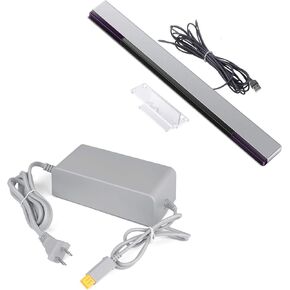 Games Accessories Bundle for Wii U, 1 Pack Sensor Bar for Wii/Wii U and 1 Pack Charger for Nintendo Wii U Console
SAR 100
Games Accessories Bundle for Wii U, 1 Pack Sensor Bar for Wii/Wii U and 1 Pack Charger for Nintendo Wii U Console
SAR 100
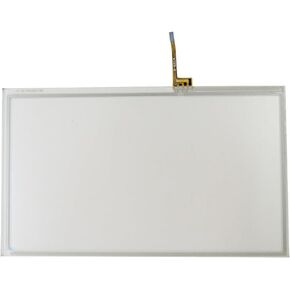 New Touch Screen Digitizer for WII U Gamepad
SAR 73
New Touch Screen Digitizer for WII U Gamepad
SAR 73
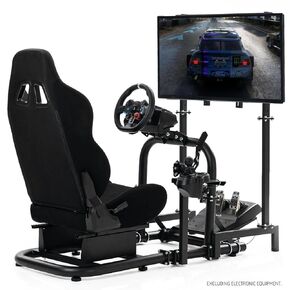 Anman Racing Simulator Cockpit Adjustable with Monitor Stand and Black Seat
SAR 1,923
Anman Racing Simulator Cockpit Adjustable with Monitor Stand and Black Seat
SAR 1,923
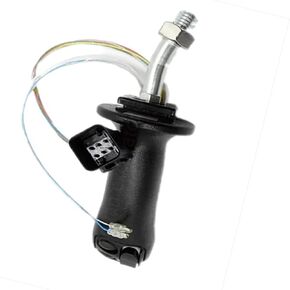 DJCXYSM 312F Joystick Controller Compatible with CAT 506-5273
SAR 2,848
DJCXYSM 312F Joystick Controller Compatible with CAT 506-5273
SAR 2,848

 Saudi Arabia