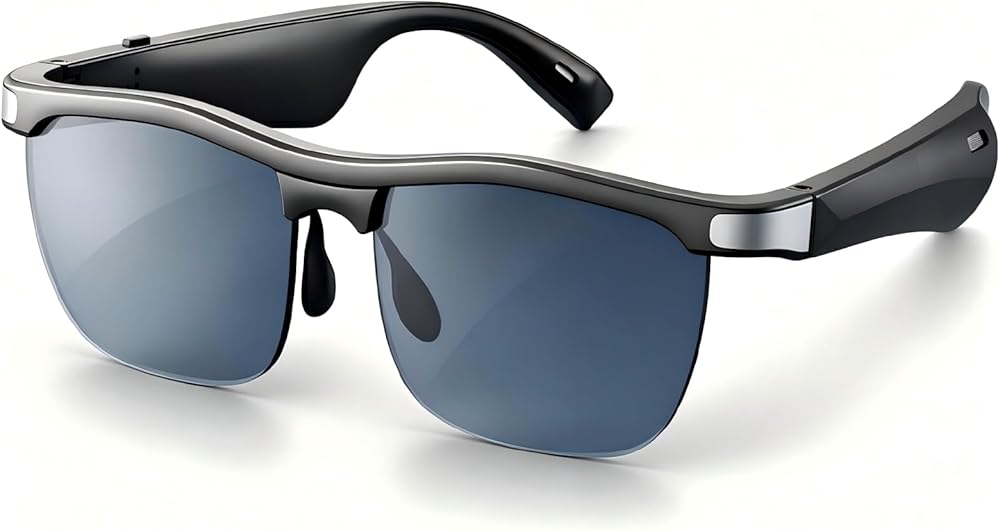
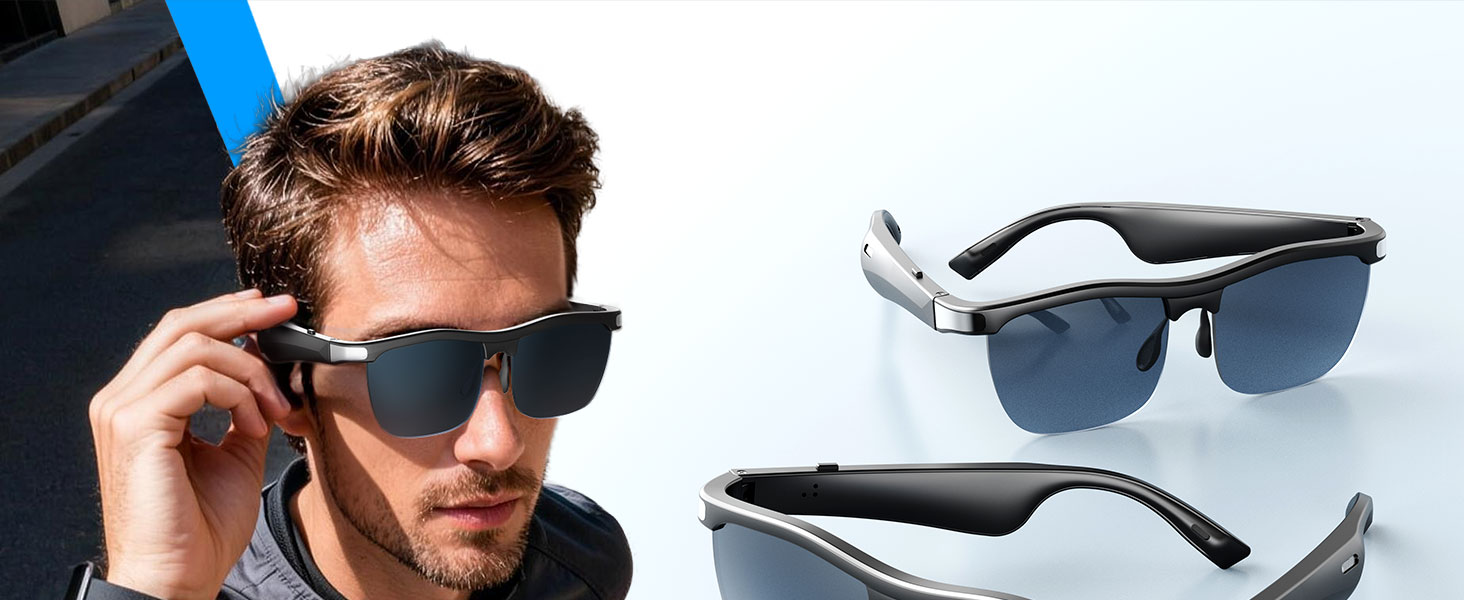
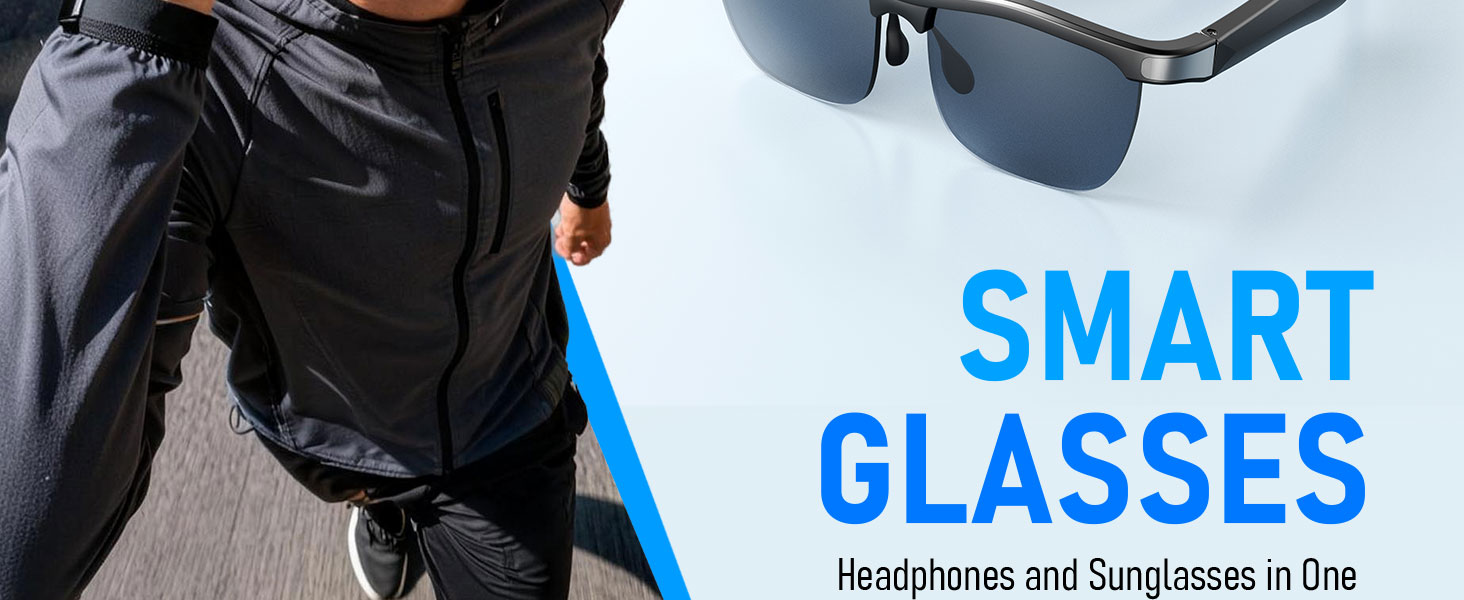
Smart Glasses, Open-Ear Audio Bluetooth Sunglasses | UV400 Polarized Lenses, Bluetooth 5.3, 8H Playtime | Adjustable Silicone Nose Pads, Hands-Free Call for Sports Driving Cycling | Men & Women
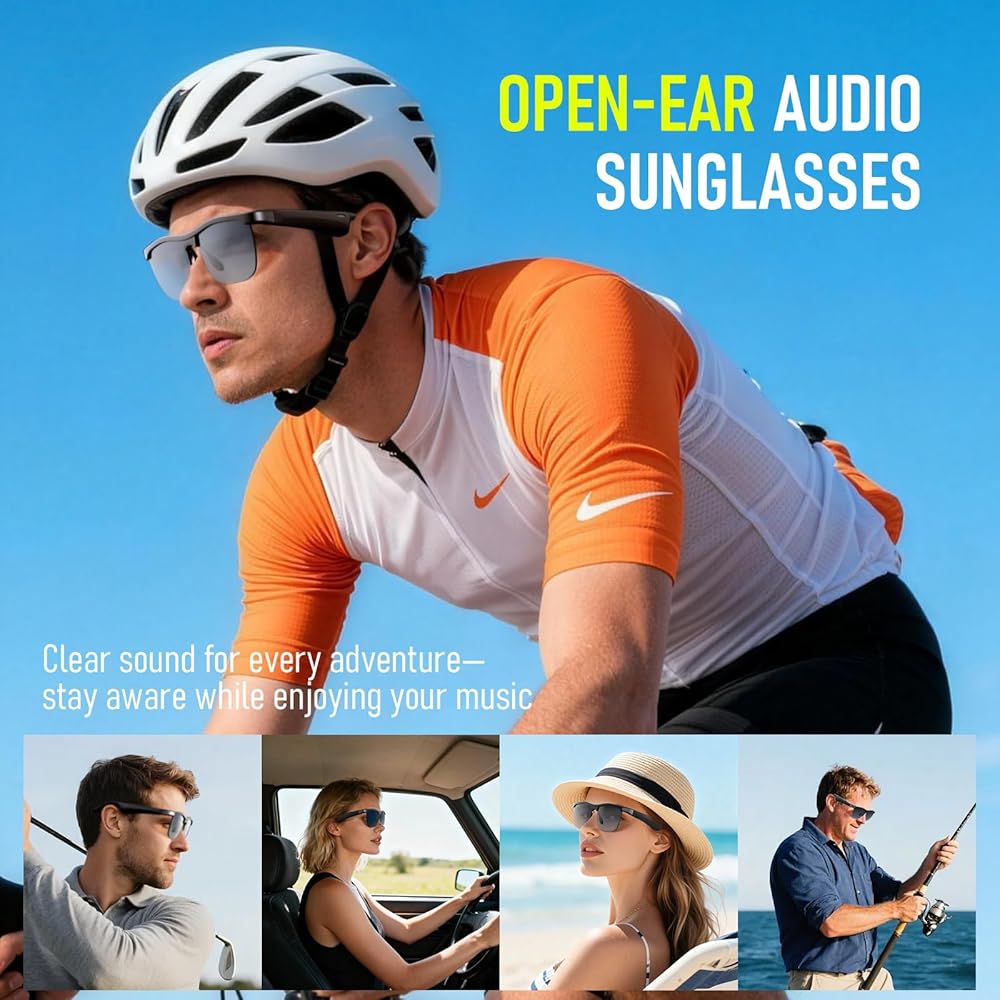
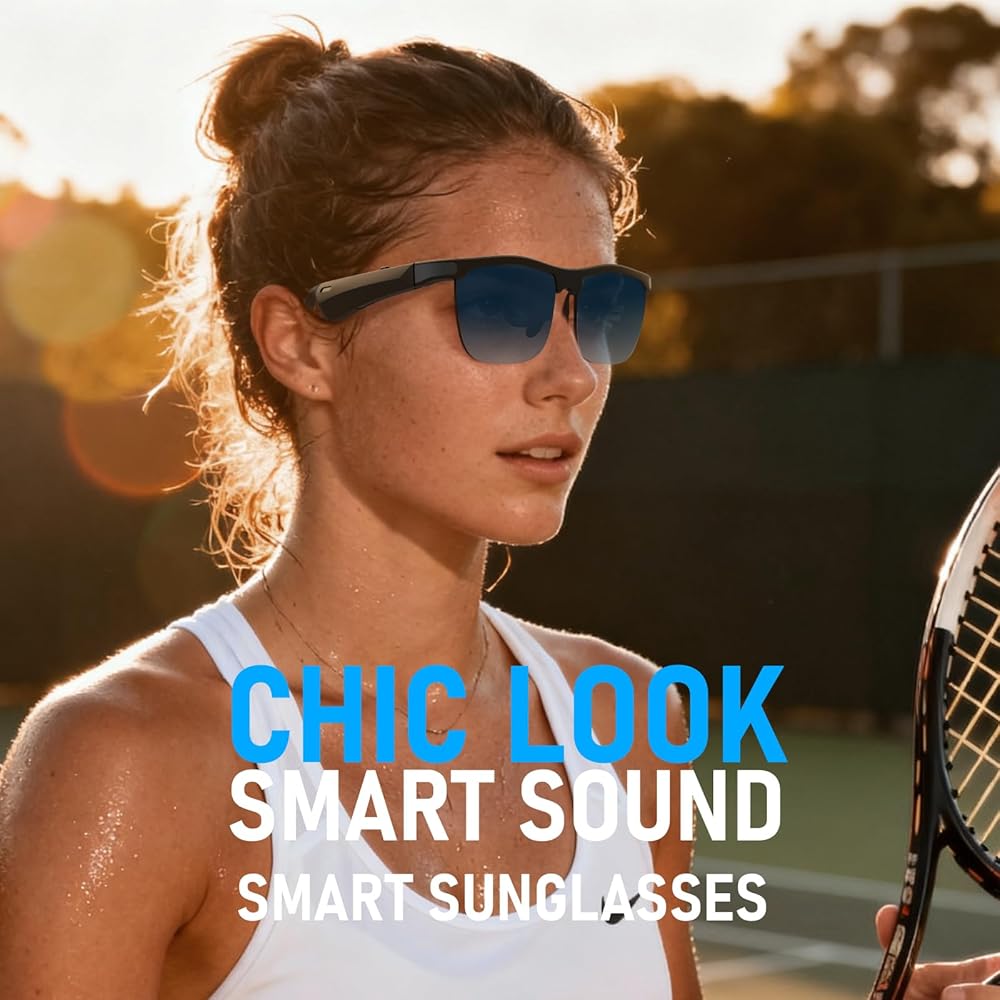
🎧【𝐎𝐏𝐄𝐍-𝐄𝐀𝐑 𝐀𝐔𝐃𝐈𝐎 & 𝐁𝐋𝐔𝐄𝐓𝐎𝐎𝐓𝐇 𝟓.𝟑】Experience crystal-clear stereo sound while staying fully aware of your surroundings for safer cycling, running, and driving. Equipped with the latest Bluetooth 5.3 technology, these smart glasses ensure instant pairing, a rock-solid connection, and low-latency audio for seamless music and calls.
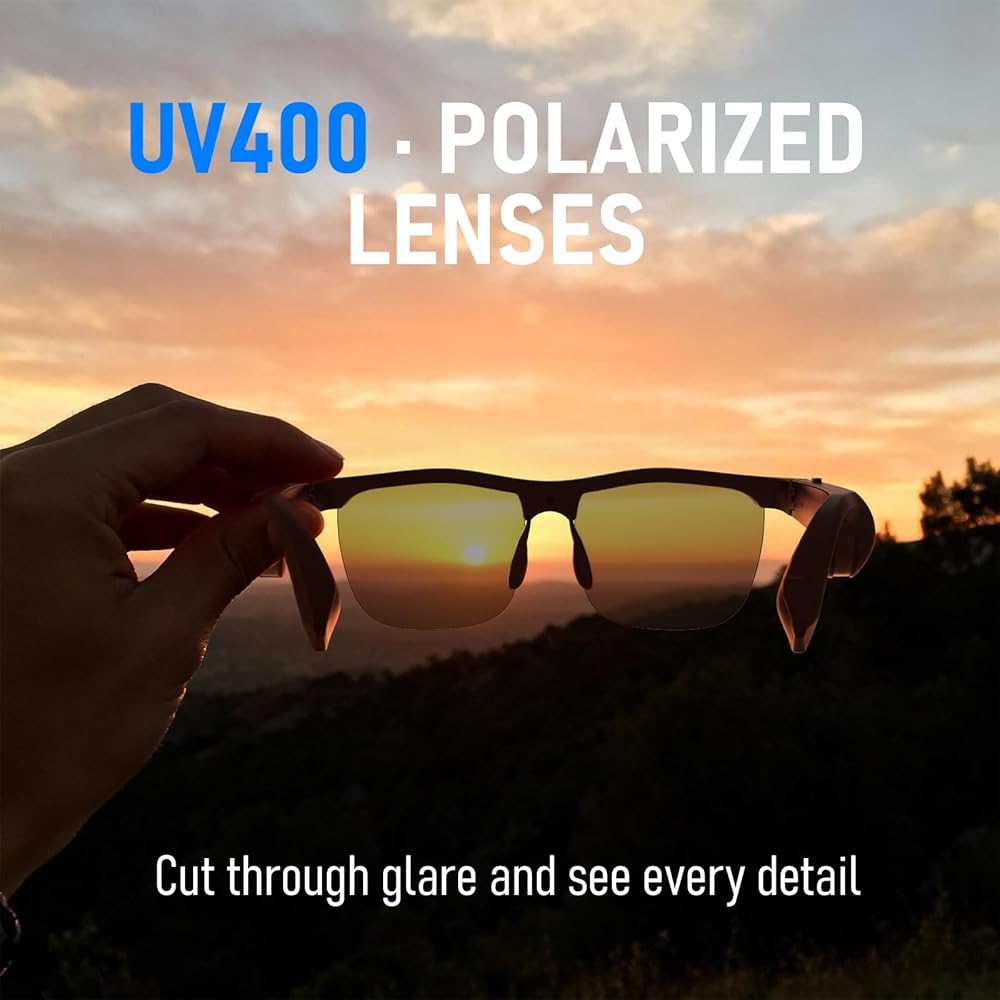
🕶️【𝐏𝐑𝐄𝐌𝐈𝐔𝐌 𝐔𝐕𝟒𝟎𝟎 𝐏𝐎𝐋𝐀𝐑𝐈𝐙𝐄𝐃 𝐋𝐄𝐍𝐒𝐄𝐒】Protect your eyes with high-quality polarized lenses that block 100% of harmful UVA/UVB rays. Designed to eliminate glare, reduce eye strain, and restore true color, they provide unmatched visual clarity for outdoor sports, fishing, hiking, and everyday wear.
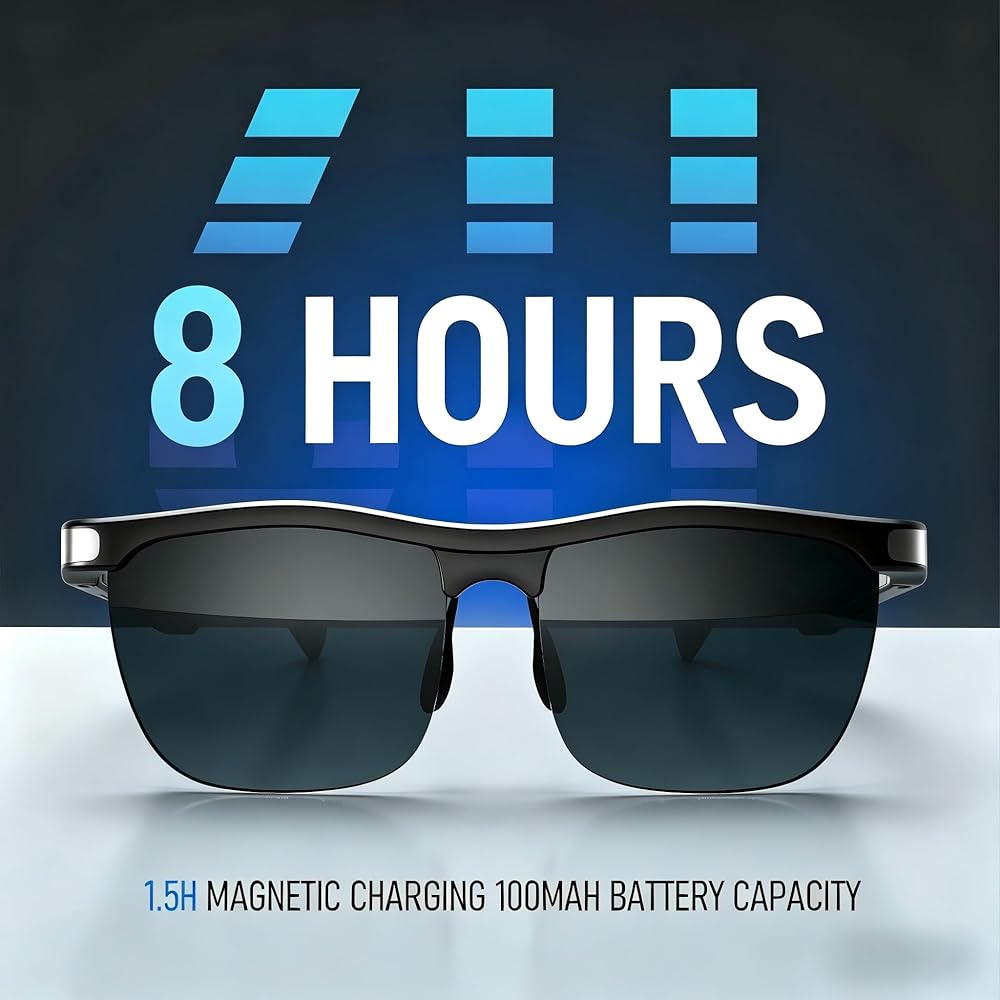
️🔋【𝟖-𝐇𝐎𝐔𝐑 𝐏𝐋𝐀𝐘𝐓𝐈𝐌𝐄 & 𝐌𝐀𝐆𝐍𝐄𝐓𝐈𝐂 𝐂𝐇𝐀𝐑𝐆𝐈𝐍𝐆】Keep the music going all day. Enjoy up to 8 hours of continuous playtime or hands-free calling on a single charge. The convenient magnetic fast-charging cable snaps into place and fully restores battery life in just 1.5 hours, making it perfect for travel and daily commutes.
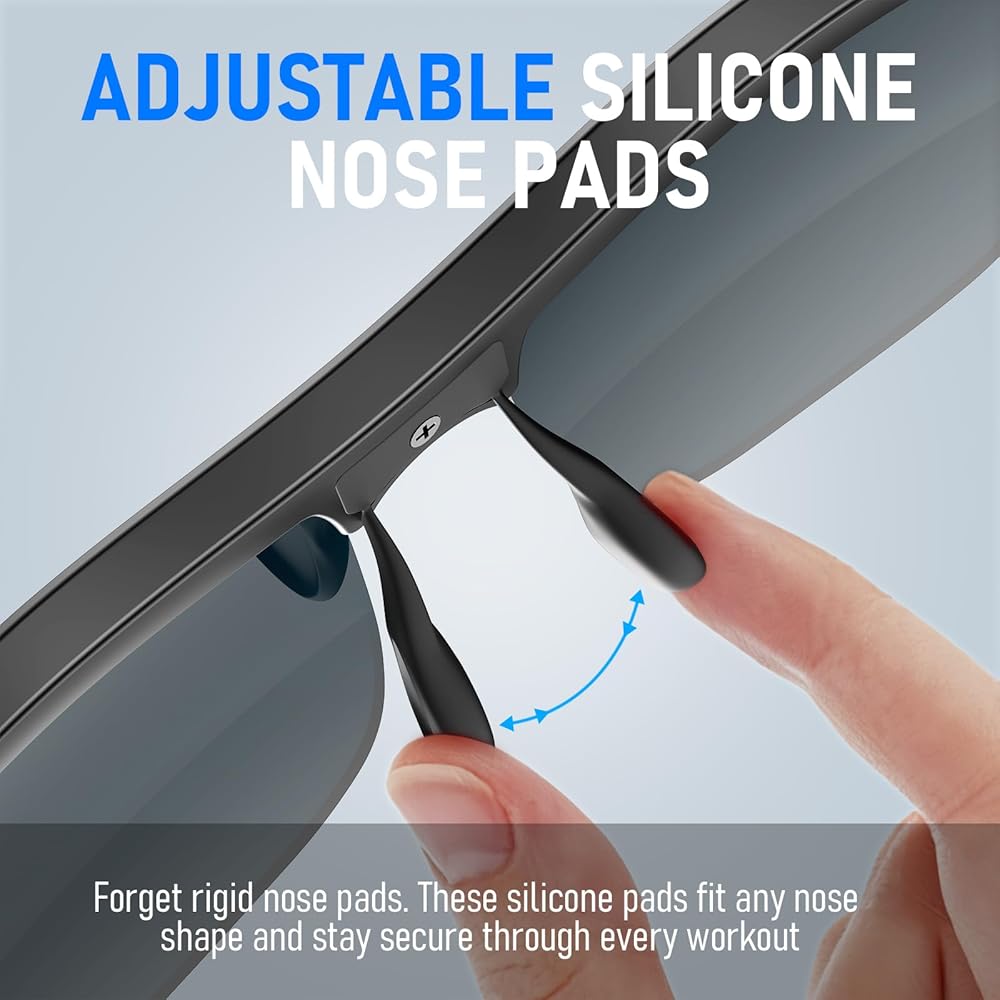
⚖️【𝐋𝐈𝐆𝐇𝐓𝐖𝐄𝐈𝐆𝐇𝐓 & 𝐒𝐄𝐂𝐔𝐑𝐄 𝐀𝐋𝐋-𝐃𝐀𝐘 𝐅𝐈𝐓】Weighing only 43g, these audio glasses deliver zero-pressure comfort. Featuring adjustable, soft silicone nose pads and anti-slip temples, they provide a customized, snug fit for all face shapes—ensuring they stay securely in place even during intense workouts.
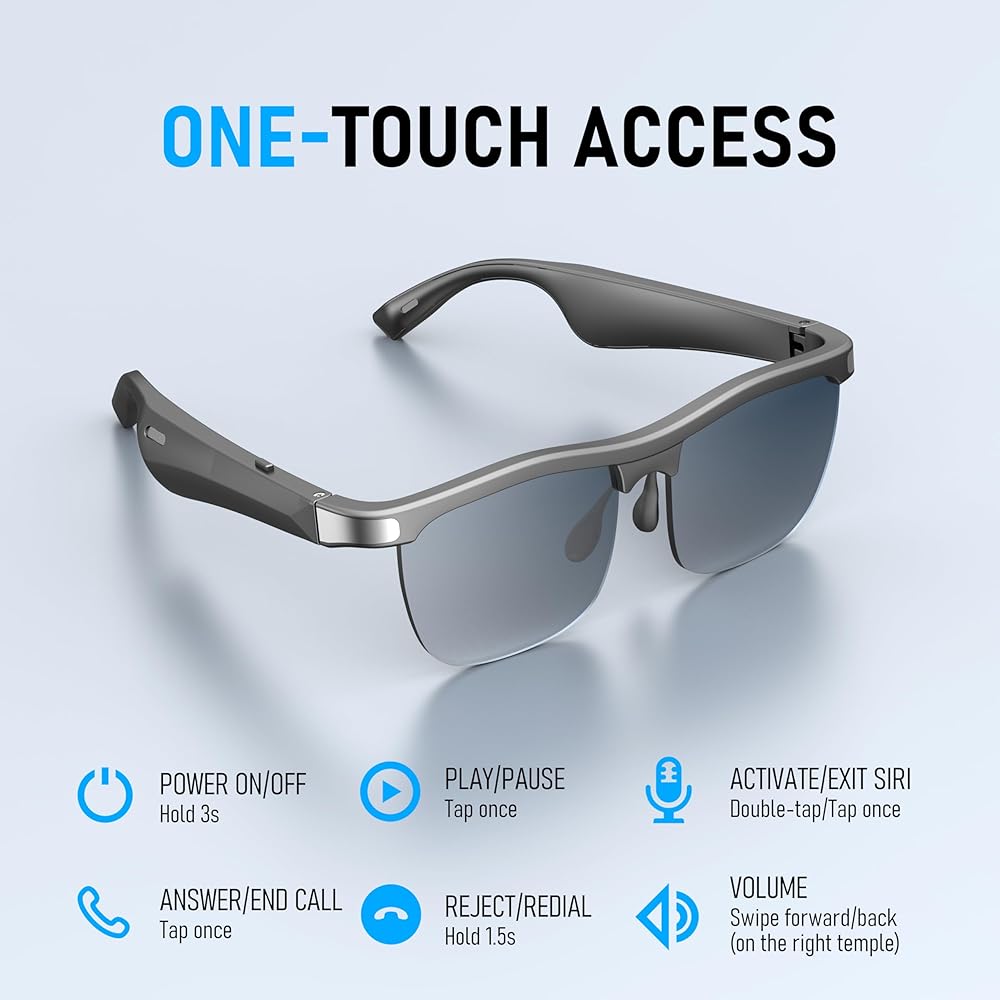
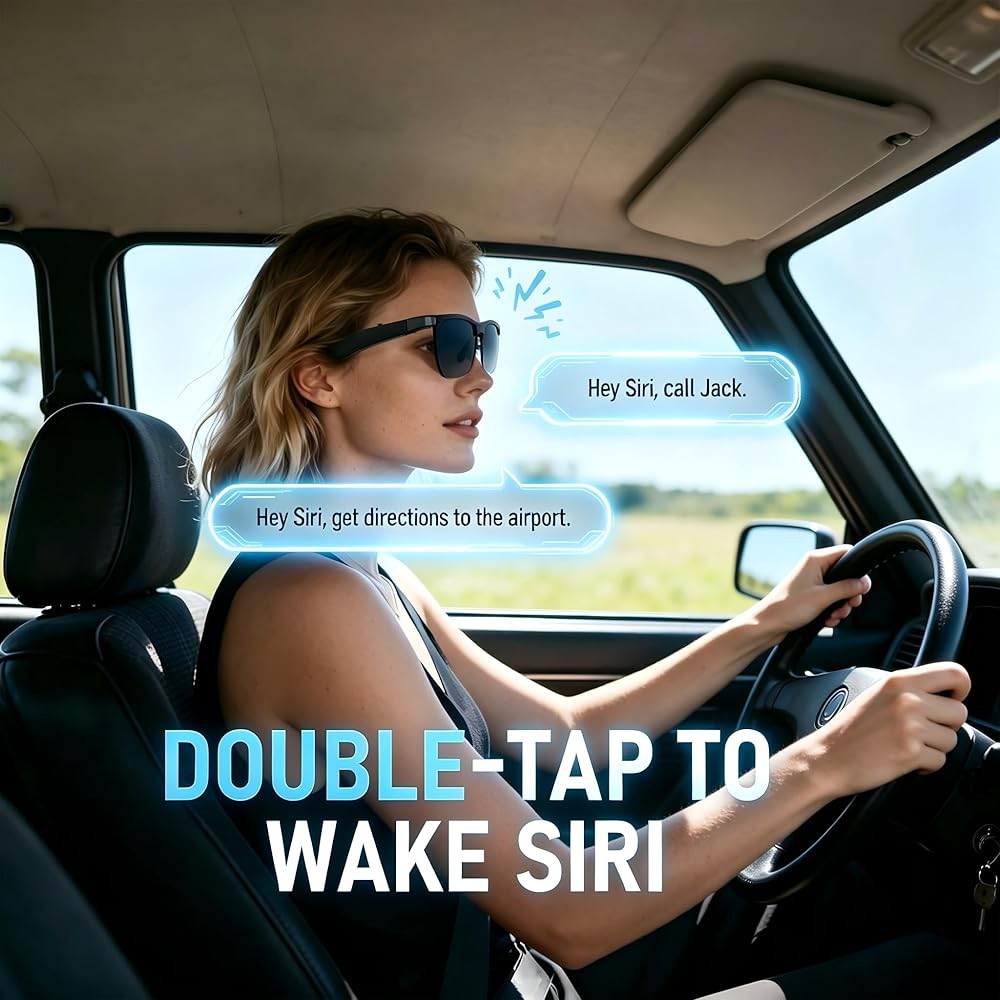
👆 【𝐒𝐌𝐀𝐑𝐓 𝐎𝐍𝐄-𝐓𝐎𝐔𝐂𝐇 𝐂𝐎𝐍𝐓𝐑𝐎𝐋𝐒】Effortlessly manage your audio on the go. Integrated touch controls on the temples allow you to play/pause music, answer/end calls, adjust the volume, and activate voice assistants (like Siri) with a simple tap. Stay completely hands-free and focused on your activities.
🎁【𝐖𝐇𝐀𝐓 𝐘𝐎𝐔 𝐆𝐄𝐓】Your package includes: Smart Audio Glasses ×1, Magnetic Charging Cable ×1, Protective Glasses Case ×1, User Manual ×1, and Glasses Cloth ×1. Have a question or concern? Our support team is ready to help — simply contact us and we'll reply within 24 hours.
💡【𝐖𝐀𝐑𝐌 𝐓𝐈𝐏𝐒】For the best first-time experience, please fully charge the glasses before use. Press and hold the button for 3 seconds to power on — the indicator light will flash red and blue alternately, meaning the glasses are in pairing mode. Next, turn on your phone's Bluetooth, refresh the device list, and select “GL1” to connect.
 Popl Keychain Digital Business Card - Smart NFC Tag - Instantly Share Contact Info, Social Media, Payment, Apps and More - iPhone and Android - Features NFC Tap and QR Scan (Diamond QR)
SAR 131
Popl Keychain Digital Business Card - Smart NFC Tag - Instantly Share Contact Info, Social Media, Payment, Apps and More - iPhone and Android - Features NFC Tap and QR Scan (Diamond QR)
SAR 131
 Bluetooth Audio Smart Glasses, Smart Wireless Headphone Sunglasses for Men and Women,Built-in Mic & Speakers,Magnetic Charging (White-Pink)
SAR 152
Bluetooth Audio Smart Glasses, Smart Wireless Headphone Sunglasses for Men and Women,Built-in Mic & Speakers,Magnetic Charging (White-Pink)
SAR 152
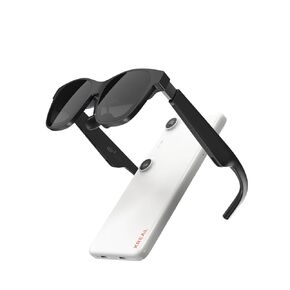 XREAL Ultimate AR Bundle Air 2 Pro AR Glasses Beam Pro (8G+256G) – Supports All Google Play Store Apps, Elevate Your Spatial Experience
SAR 3,041
XREAL Ultimate AR Bundle Air 2 Pro AR Glasses Beam Pro (8G+256G) – Supports All Google Play Store Apps, Elevate Your Spatial Experience
SAR 3,041
 -37%
2 Bubble Gun with 2 Pack Refill Solution, 360° Leak-Proof Bubble Machine for Toddlers, Automatic Bubble Guns for Kids, Easter Basket Stuffers, Party Favors, Birthday Gift (Pink-Green)
SAR 53
-37%
2 Bubble Gun with 2 Pack Refill Solution, 360° Leak-Proof Bubble Machine for Toddlers, Automatic Bubble Guns for Kids, Easter Basket Stuffers, Party Favors, Birthday Gift (Pink-Green)
SAR 53