- Shopping, made easy.
- /
- Get the app!
Specification:
Features:
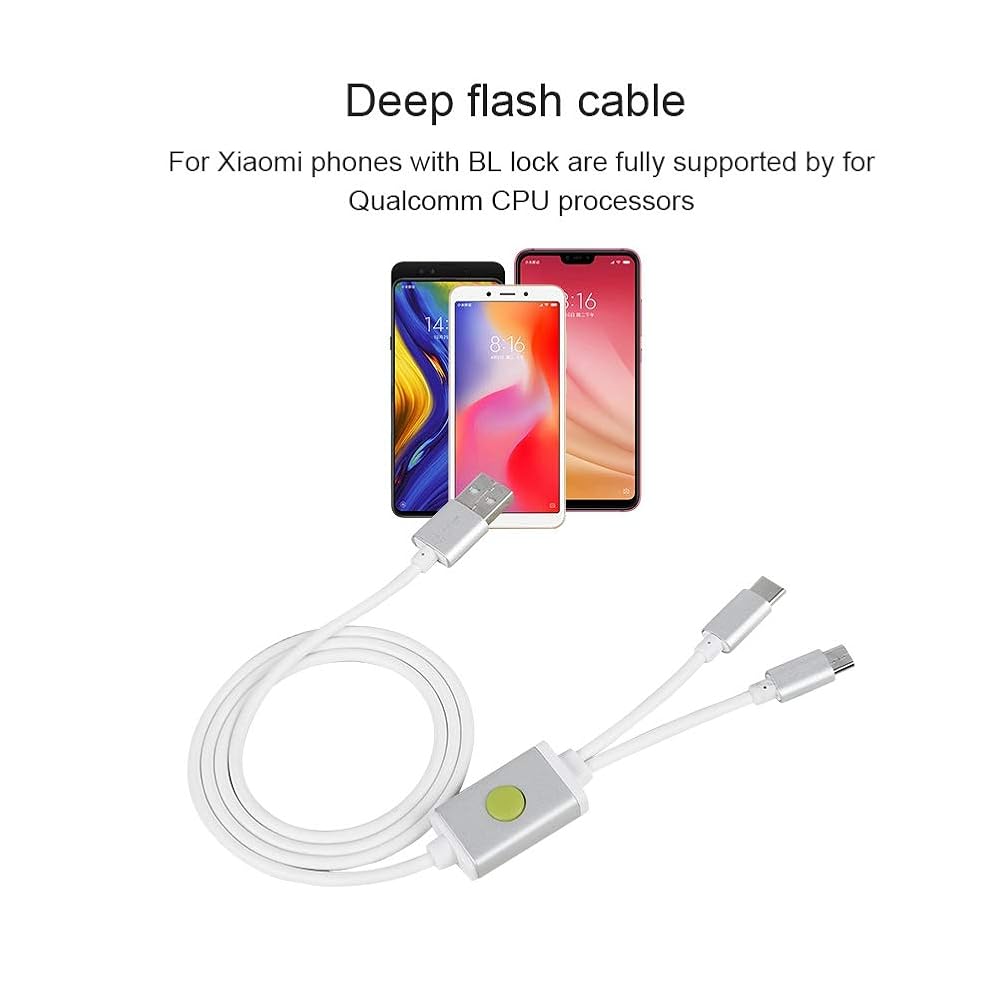
For mi phones with BL lock are fully supported by for CPU processors.
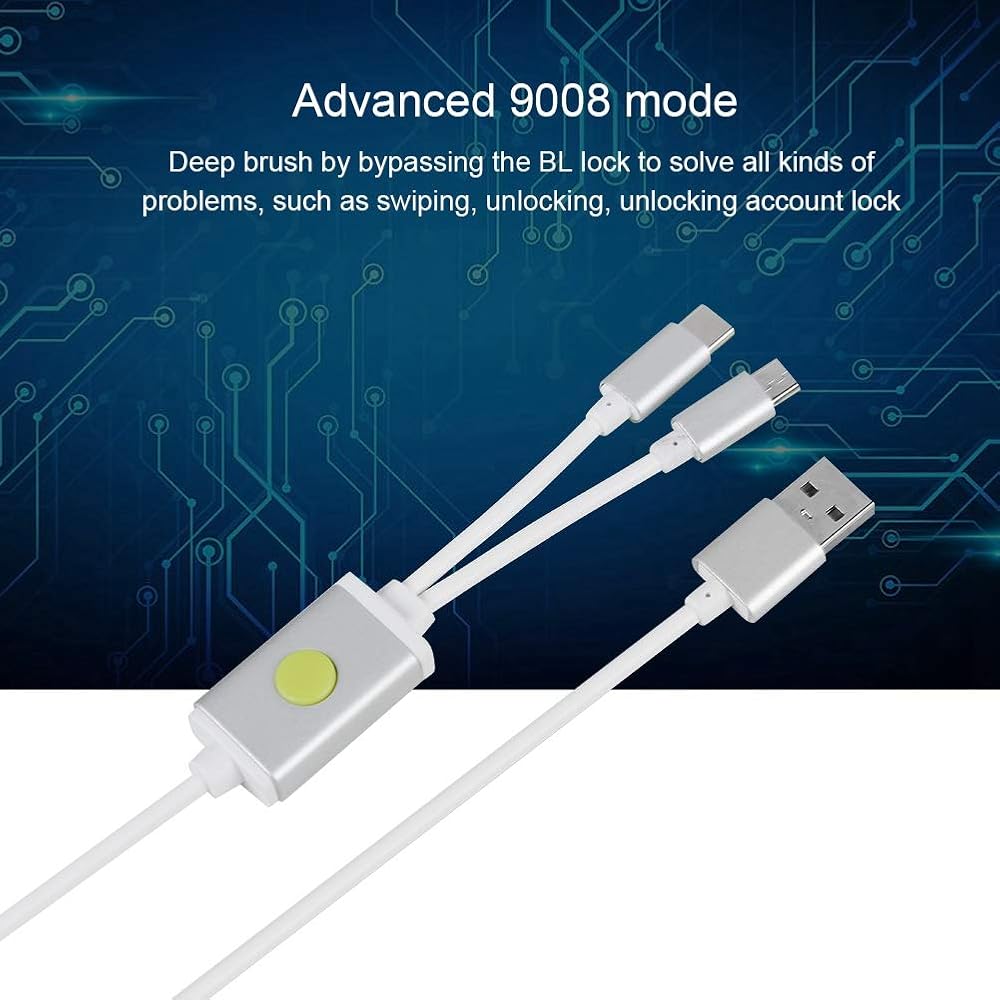
Advanced 9008 mode, deep brush by bypassing the BL lock to solve all kinds of problems, such as swiping, unlocking, unlocking account lock.
For system software failure, as long as the phone can enter the 9008 mode through the engineering line, it can be repaired, otherwise it is recommended to change the font library!
How to keep the data unlocked - The phone needs to enter the REC mode to unlock the data. If the phone cannot enter the REC mode, there is no use using the engineering line.
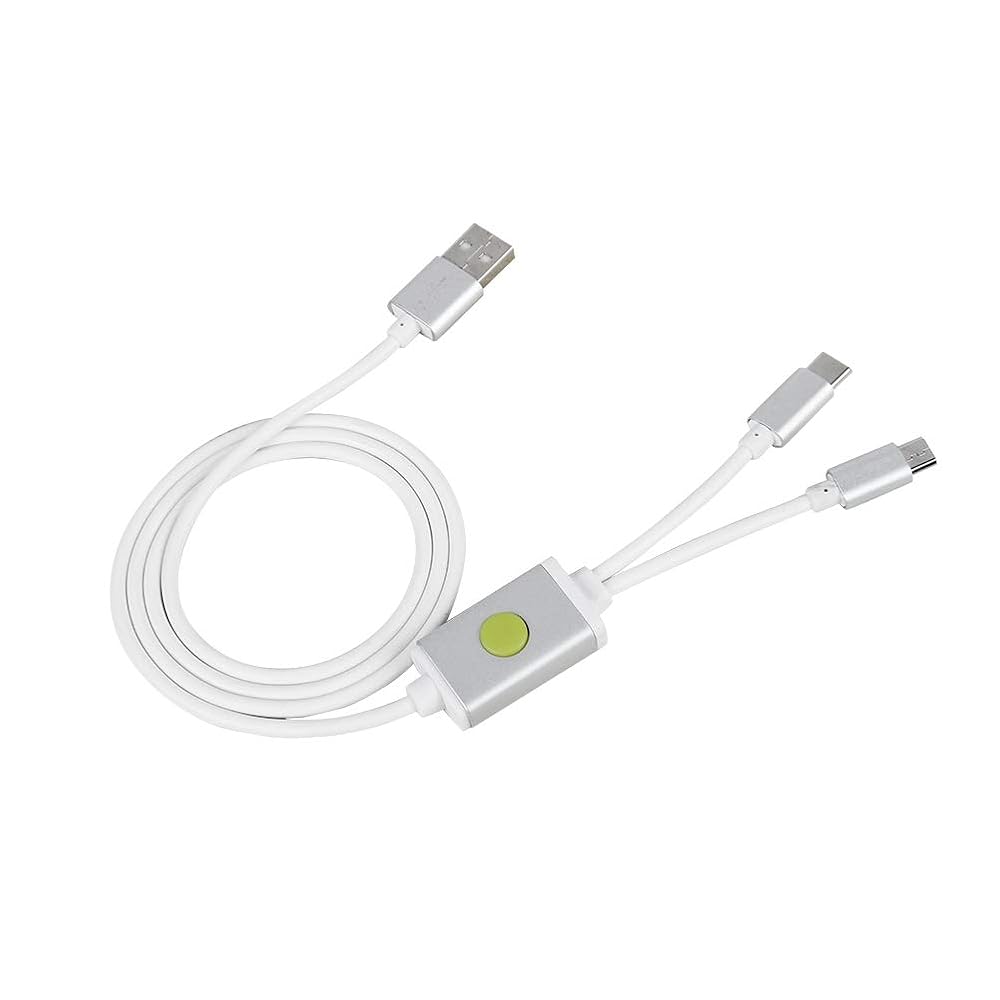
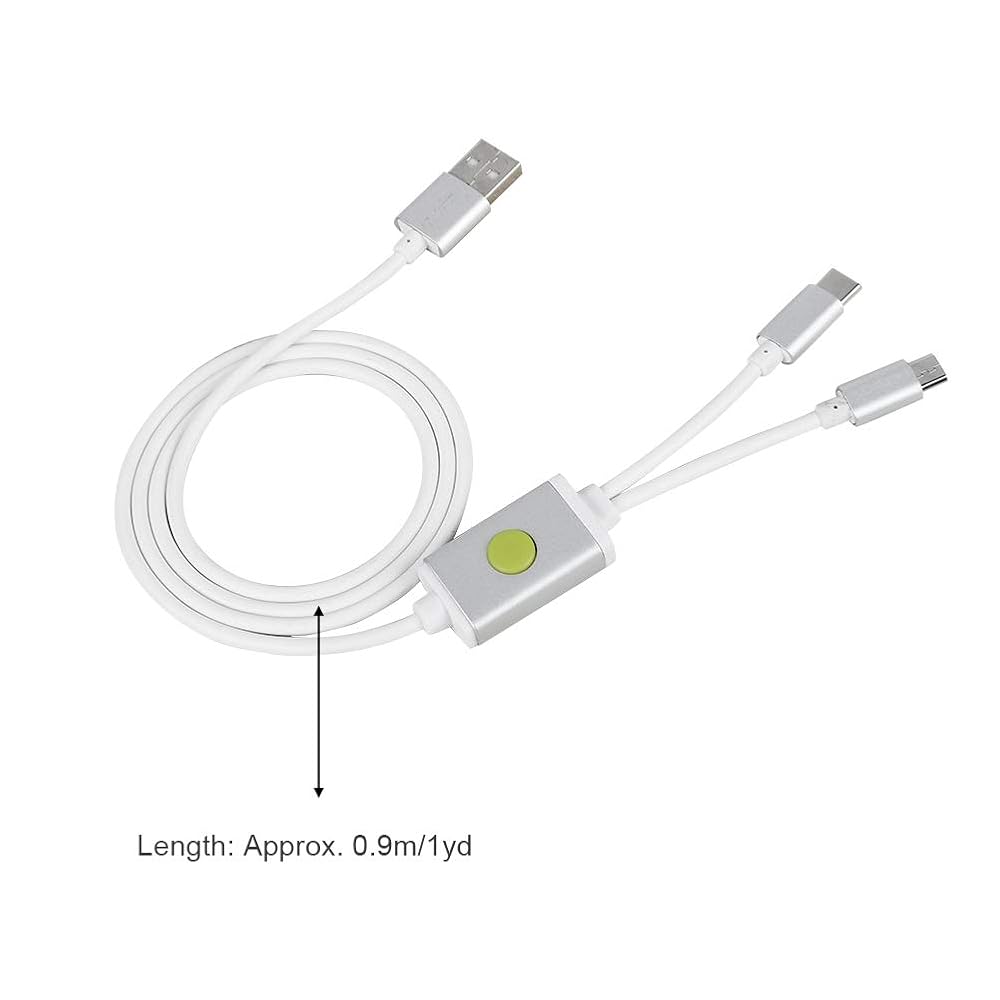
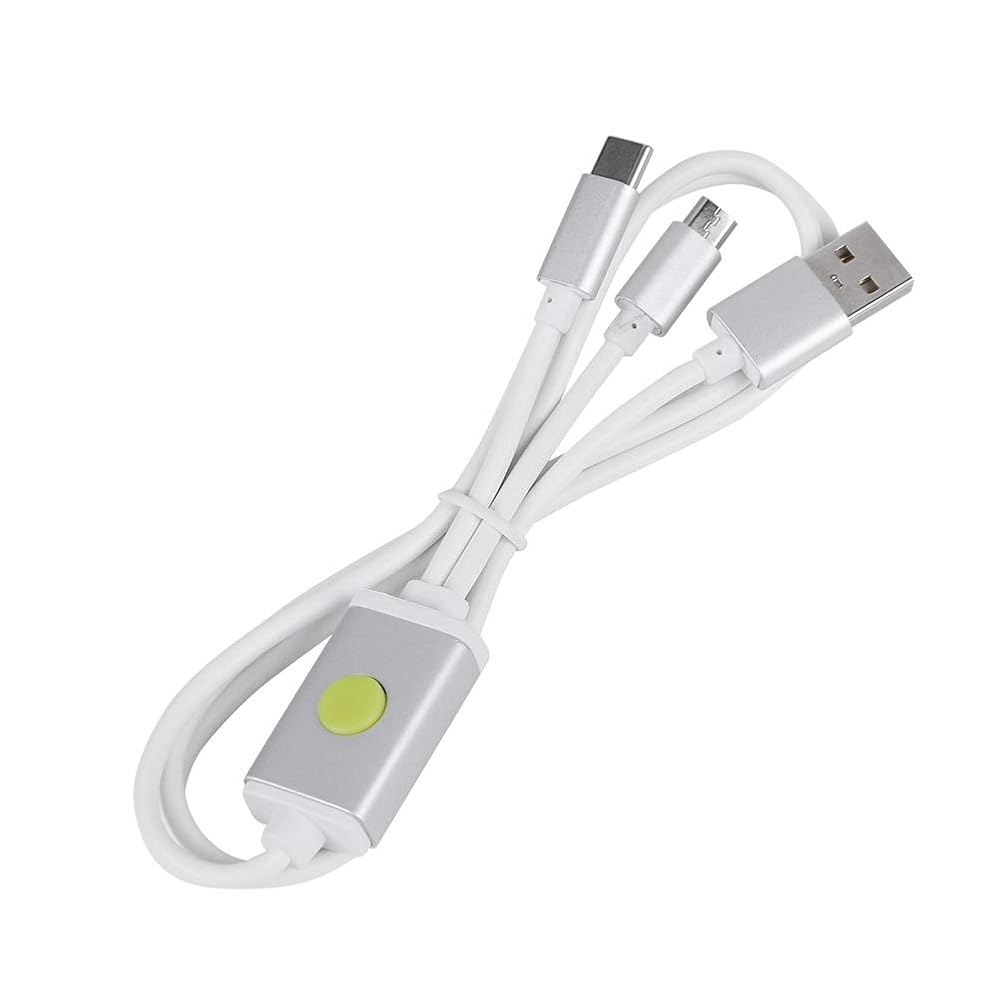
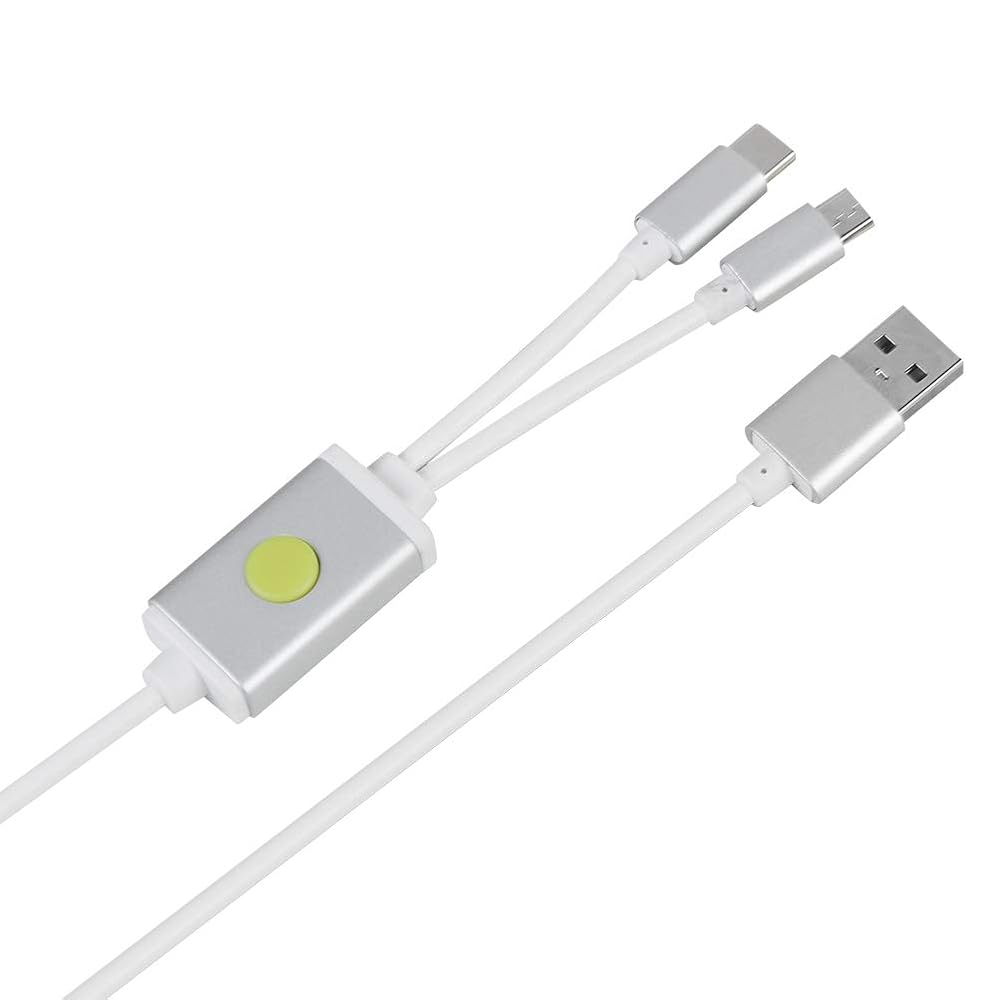
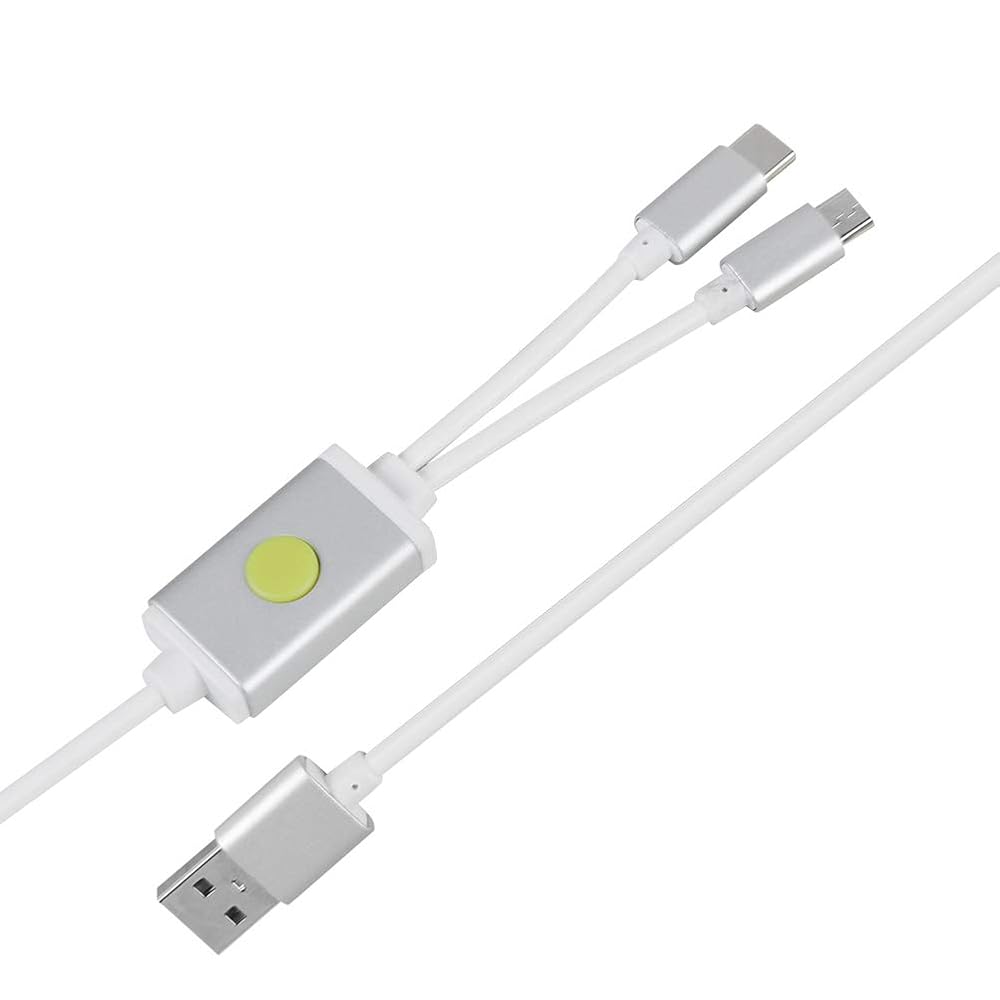
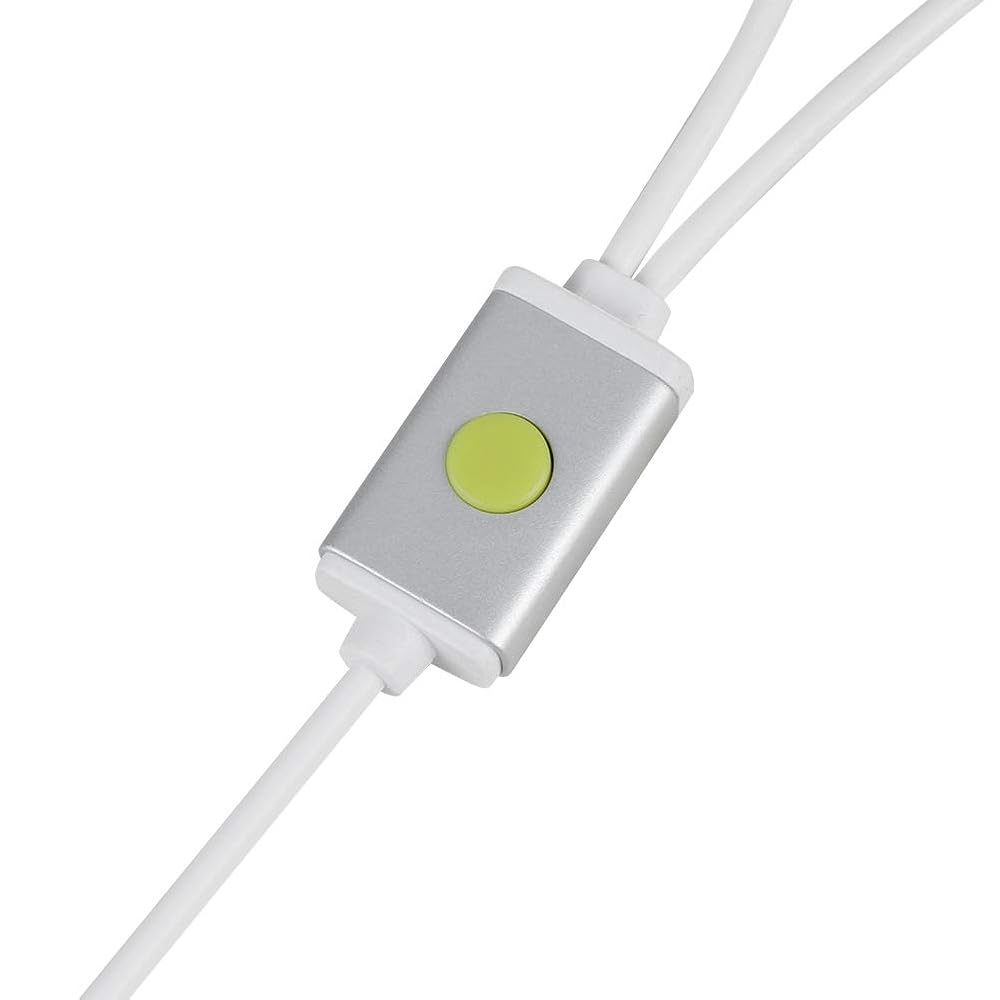
Deep flash cable - Designed for phones to put them into Deep Flash Mode, also named for 9008 Mode.
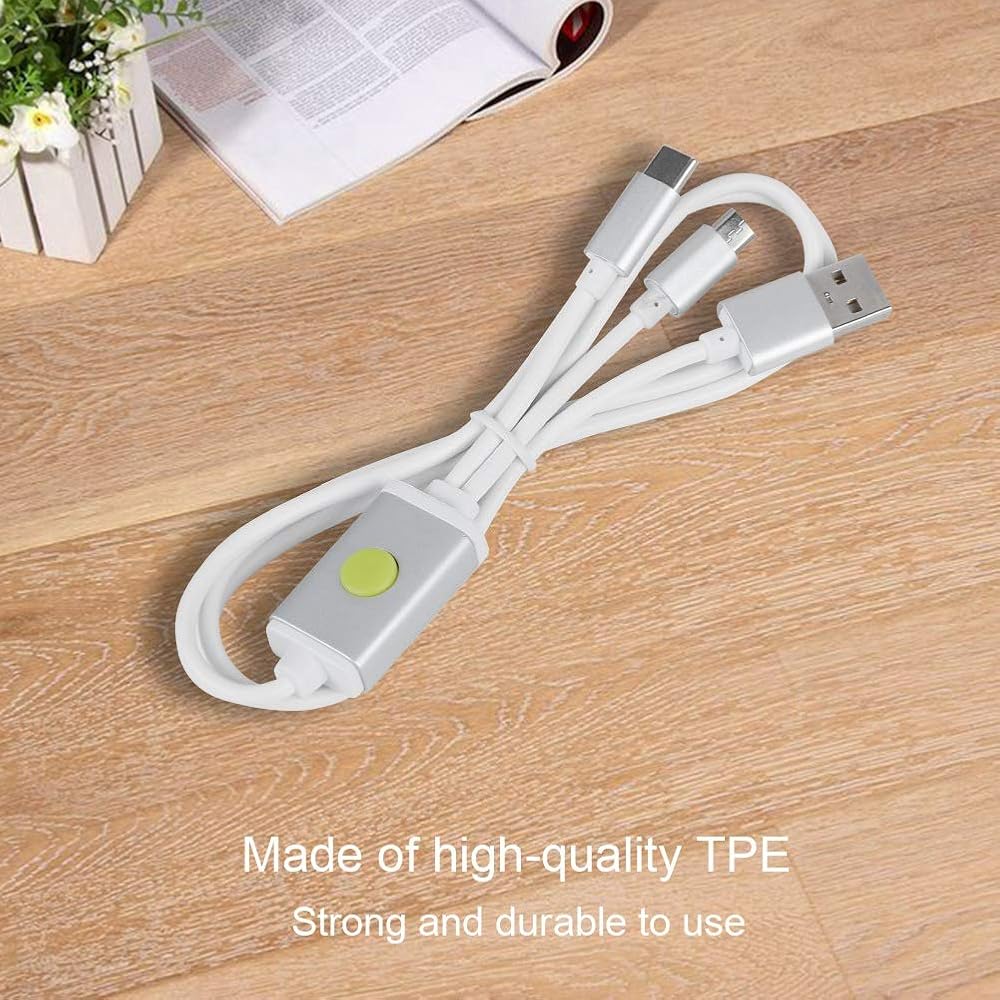
Made of high-quality TPE, strong and durable for a long time use.
Specifications:
Type: Brush Line for mi
Model: W230
Material: TPE
Length: Approx. 0.9m / 1yd
Color: White
Weight: Approx. 37g
Compatible Model: All for mi phones with BL lock and for CPU, 4S/4C/4i/5, etc
Package list:
1 * Brush Line
Using Method:
1. The first method:
Turned off the phone, insert the line, at the same time hold down the engineering line switch the power of the mobile phones and lasts for 5 seconds, the computer will make a sound like "ding dong", that means the device manager has found the Port 9008. The appearance of 9008 port indicates that you have successfully entered the deep brush mode, and then you can solve all kinds of problems by using the brush tool !
2. The second method:
Turned off the phone, press the volume reduction plus and the power to enter mode at the same time, and then press the power to turn it off. When the mobile phone screen turns black, long press the flash for five seconds, then loosen your hand, by this time, the device manager inside can recognize to port 9008. The appearance of 9008 port says that it has successfully enter into the depth of the flash mode, and then use the refresh
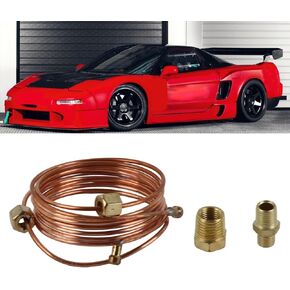 Oil Pressure Gauge Tubing Kit, Oil Pressure Gauge Line Kit, 72in Copper Tubing Easy Installation with Fitting, for Car Truck, Marine Application
SAR 67
Oil Pressure Gauge Tubing Kit, Oil Pressure Gauge Line Kit, 72in Copper Tubing Easy Installation with Fitting, for Car Truck, Marine Application
SAR 67
 HDM69L Modulator 1080P Support PAL NTSC Format, Drive Free HD Multimedia Interface AV to RF Converter for Home TV 90 to 240V, Adjustable Resolution for Stable Connection (US Plug)
SAR 127
HDM69L Modulator 1080P Support PAL NTSC Format, Drive Free HD Multimedia Interface AV to RF Converter for Home TV 90 to 240V, Adjustable Resolution for Stable Connection (US Plug)
SAR 127
 M.2 to SATA3.0 Adapter Card,6Gbps High Speed M.2 M EKY PCIE3.0 to SATA Adapter Card, ASM1166 6Gbps Ph516 6 Port Expansion Interface Card with Smart Indicator for OS X, for Windows, for Linux
SAR 135
M.2 to SATA3.0 Adapter Card,6Gbps High Speed M.2 M EKY PCIE3.0 to SATA Adapter Card, ASM1166 6Gbps Ph516 6 Port Expansion Interface Card with Smart Indicator for OS X, for Windows, for Linux
SAR 135
 Thumb Throttle Speedometer for Electric Scooter 6pin Connector Finger Throttle Display, Black 48V
SAR 149
Thumb Throttle Speedometer for Electric Scooter 6pin Connector Finger Throttle Display, Black 48V
SAR 149