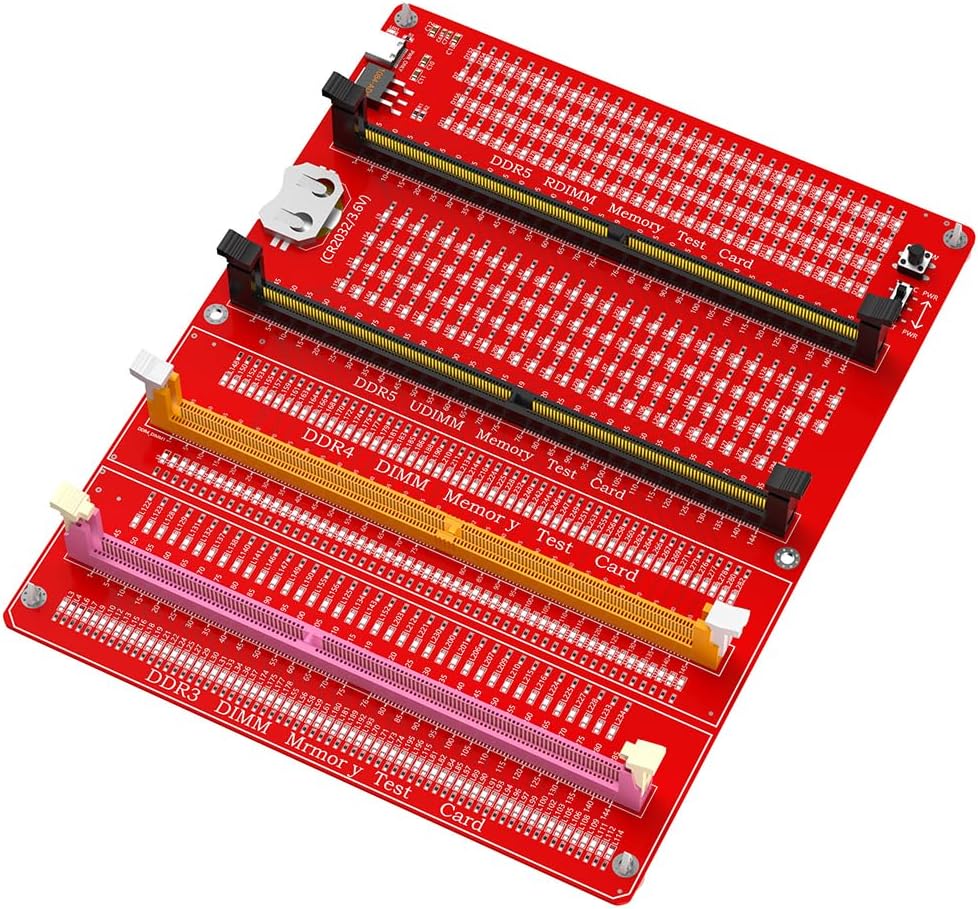
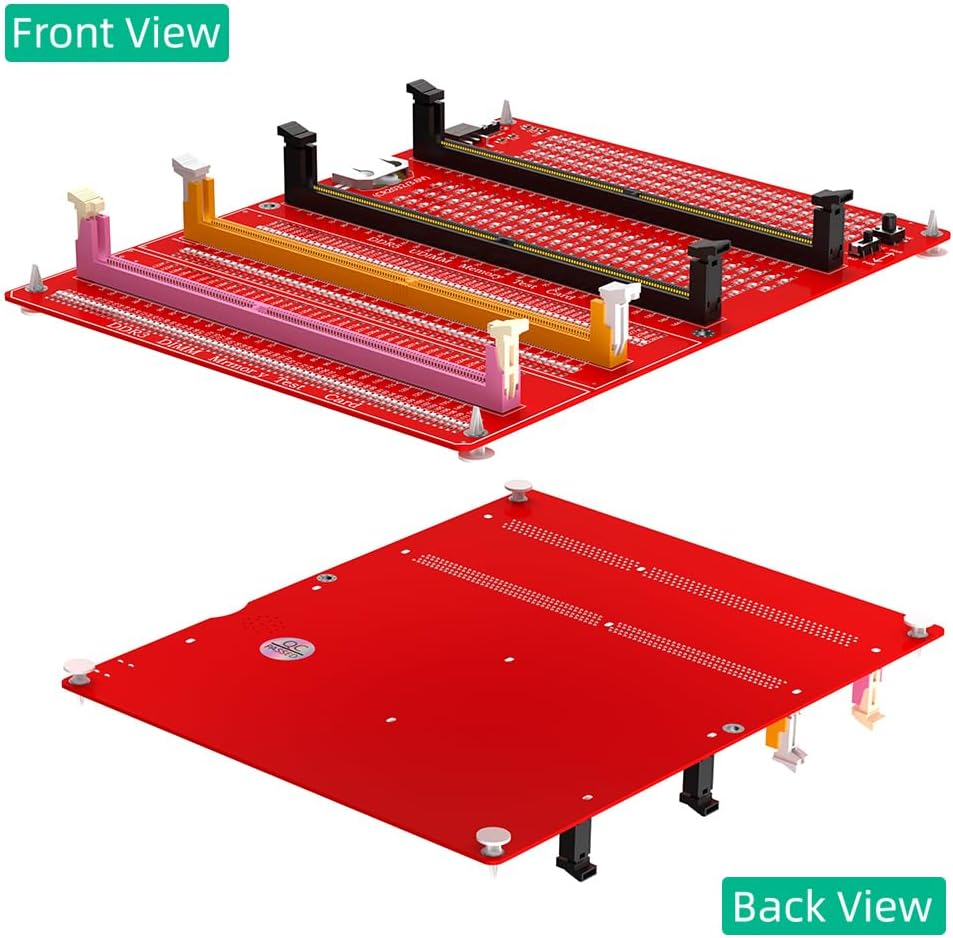
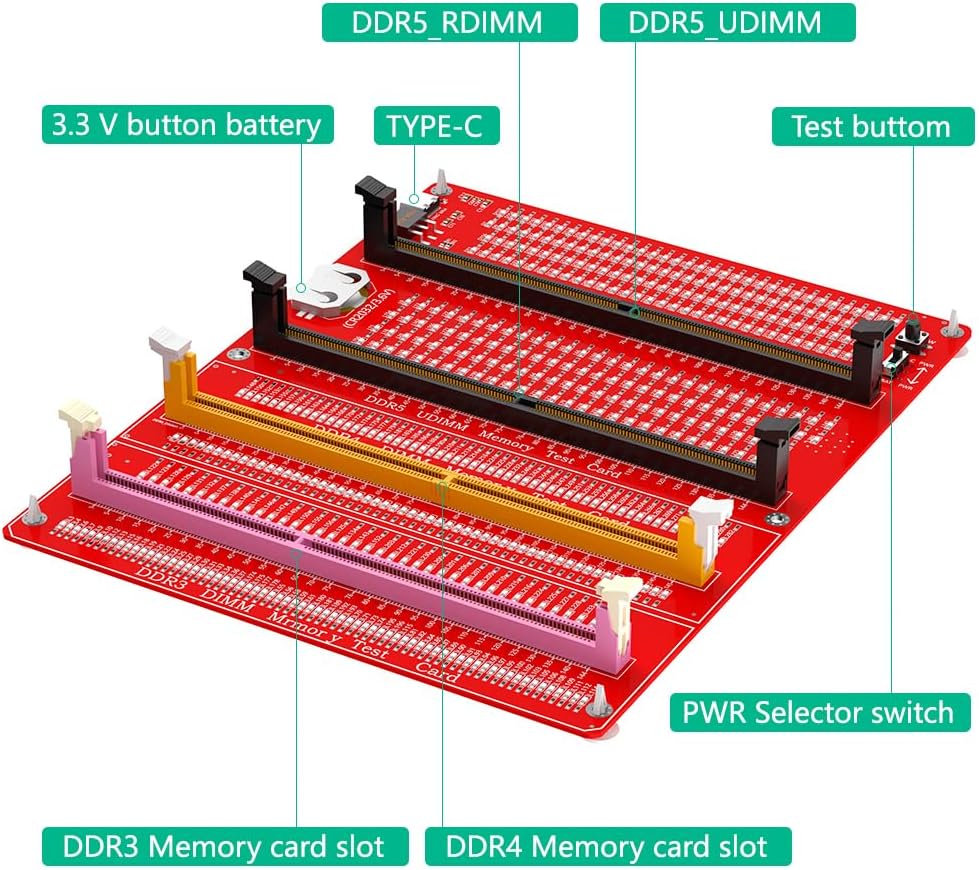
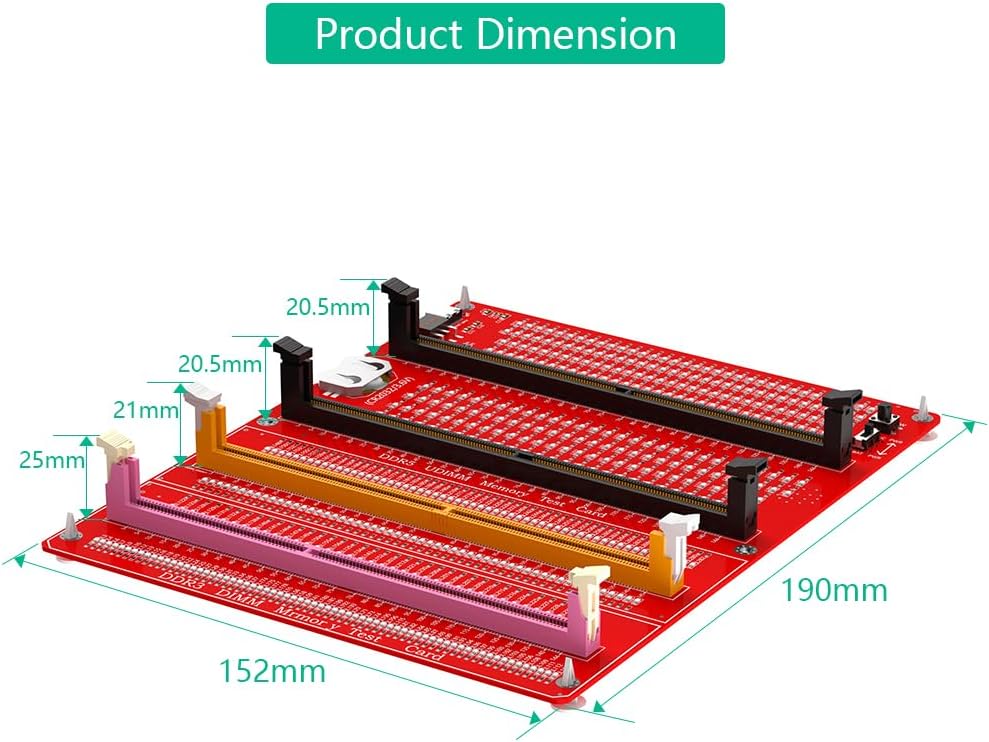
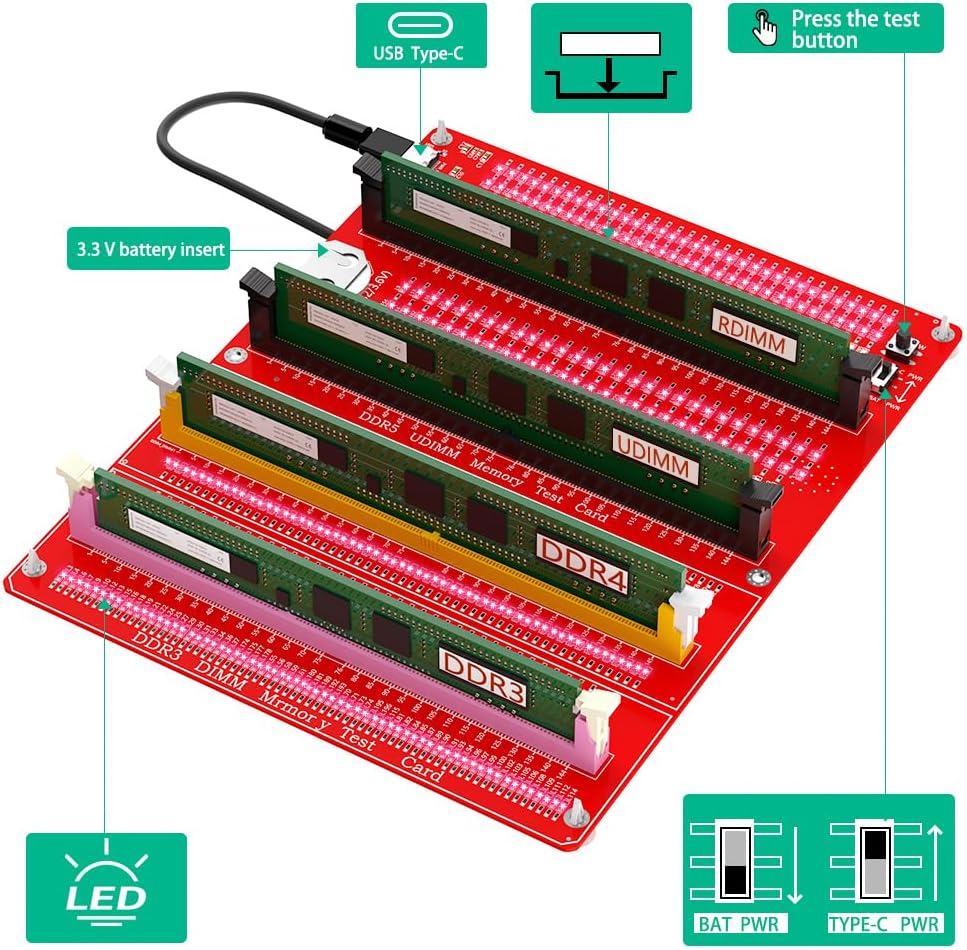
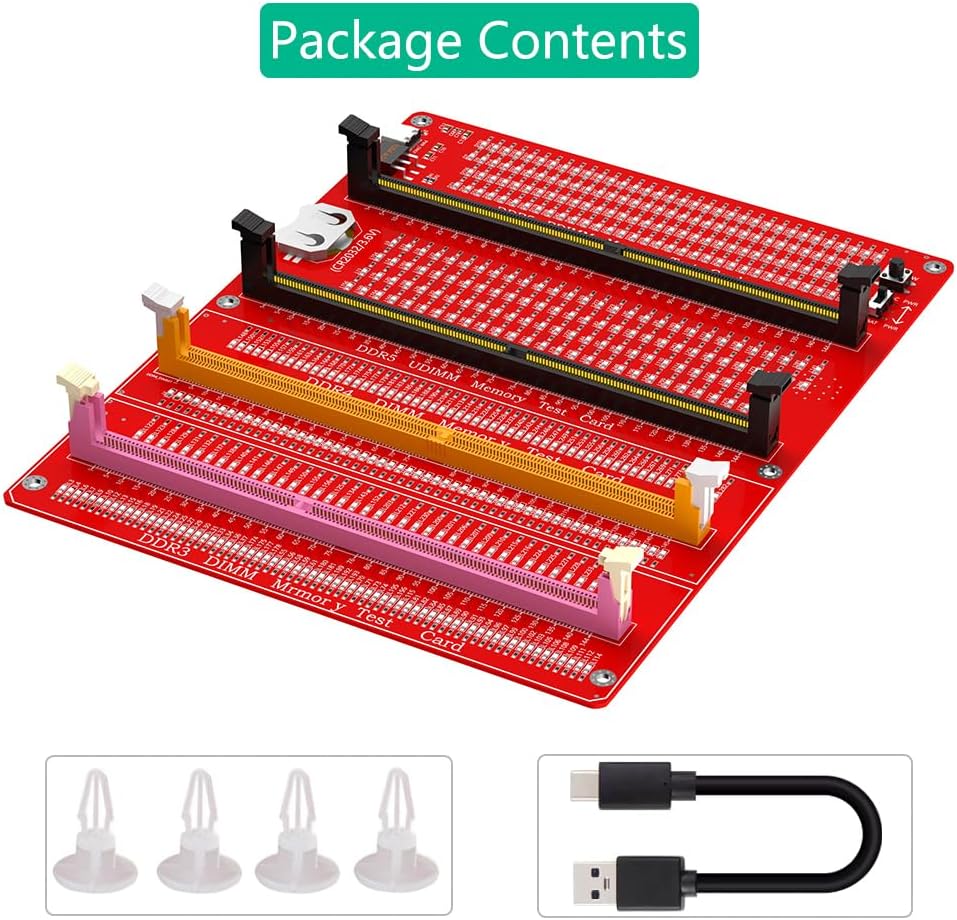
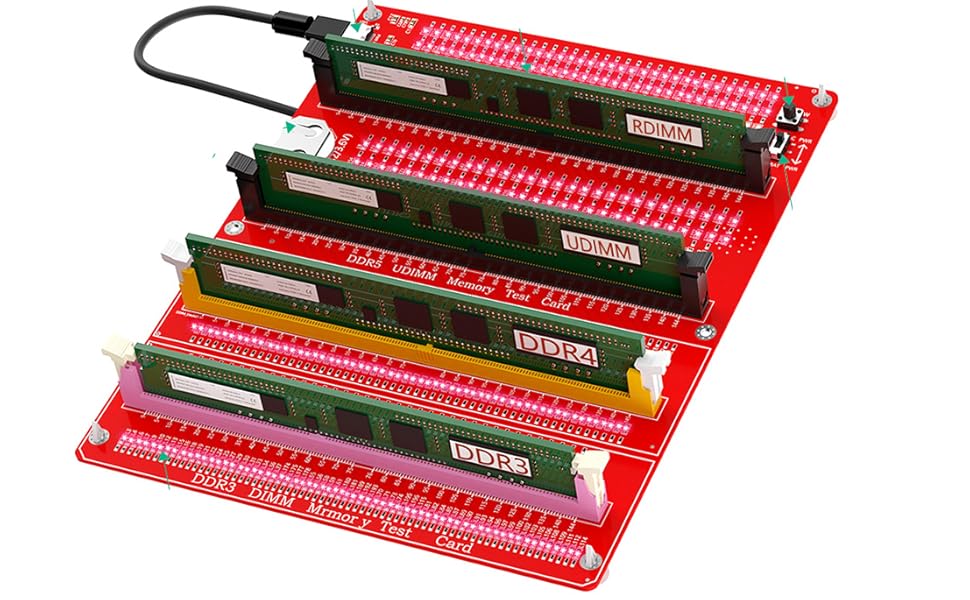
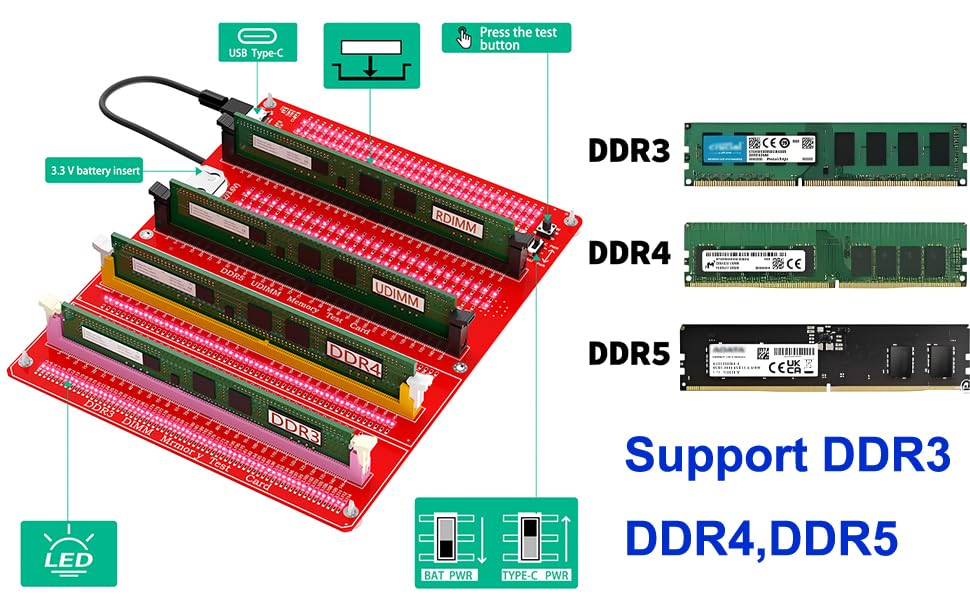
It was used to test if there is open/short circuit of desktop DDR3/4/5 memory card
Computer Memory Failures: The failures of computer memory are mainly due to poor contact of the gold pins, wear and tear of the gold pins, broken PCBs, damage to the data line exclusion, open and short circuits in the video memory, and poor memory performance, etc.
LED Indicators: LED indicators are used to test all data lines of the memory, and the normal brightness is regarded as normal. When a hardware fault occurs in the loop of these data lines, bright or no light is abnormal.
How to USE: If the test indicator flashes, it means that the gold pin is in poor contact. If there is no indicator light, it means that the hardware has an open circuit failure. Check the wear of the gold pin, whether the exclusion is damaged, and whether the PCB is disconnected.
Easy To Use: Insert the LIR2032 battery(Not include CR2032 battery in Package) into the battery holder of the test card, or connect the type C cable , and then insert the memory card to test.
 Sintech CFexpress Type-A to Type-B Memory Card Converter,CFE CFA to CFB Adapter Card Compatible with Sony CEA-G80T CEA-G160
SAR 105
Sintech CFexpress Type-A to Type-B Memory Card Converter,CFE CFA to CFB Adapter Card Compatible with Sony CEA-G80T CEA-G160
SAR 105
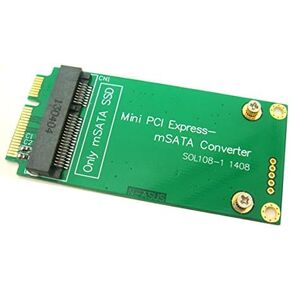 Sintech 3x5cm mSATA Adapter As 3x7cm Mini PCI-e SATA SSD for Asus Eee PC 1000 S101 900 901 900A T91
SAR 42
Sintech 3x5cm mSATA Adapter As 3x7cm Mini PCI-e SATA SSD for Asus Eee PC 1000 S101 900 901 900A T91
SAR 42
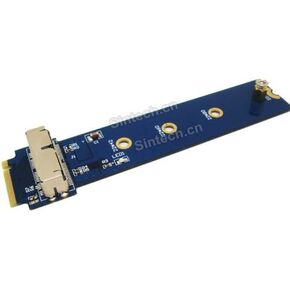 Sintech M.2 NGFF 28Pin SSD Adapter Card, for Read SSD from MacBook 2013-2015 Year in M-Key Slot (Not Fit in Any USB nVME External Case)
SAR 74
Sintech M.2 NGFF 28Pin SSD Adapter Card, for Read SSD from MacBook 2013-2015 Year in M-Key Slot (Not Fit in Any USB nVME External Case)
SAR 74
 Sinech 7+17Pin to SATA Adapter Card,Compatible with SSD from 2012 Year MacBook Air/PRO Retina
SAR 121
Sinech 7+17Pin to SATA Adapter Card,Compatible with SSD from 2012 Year MacBook Air/PRO Retina
SAR 121