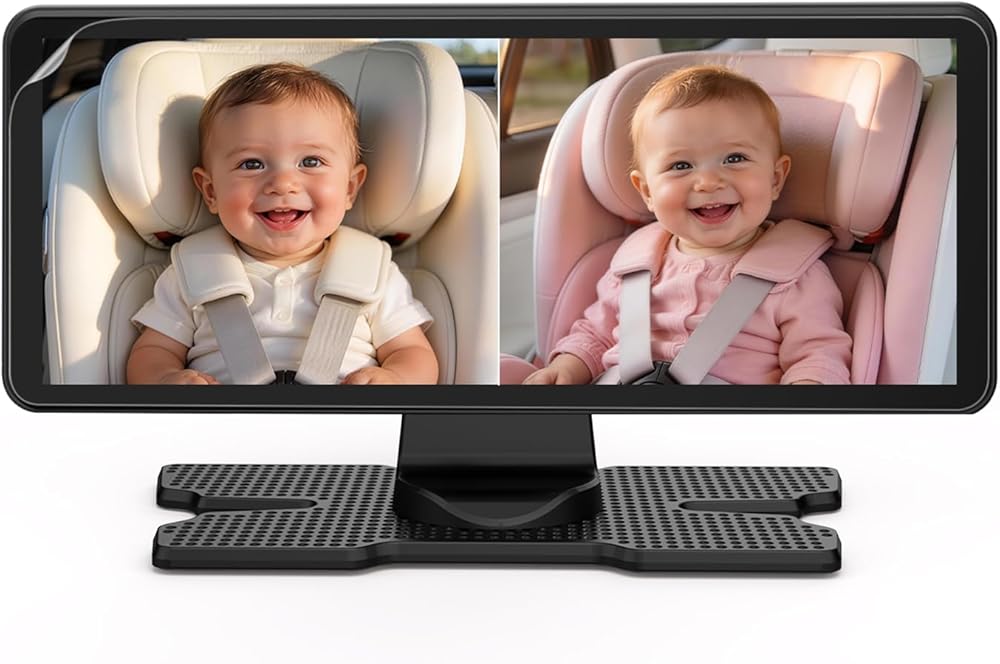
Anti-Glare Screen Protector Film Only for BV3 Orange Baby Car Monitor Display (Glossy/Mirror-Finish Screen Version), Full Coverage HD Clarity, Accessory Only
Before applying, power off the monitor and clean the screen with a microfiber cloth. Remove dust and oils, then fully dry the surface. Clean hands and a dust-free area make installation much easier.
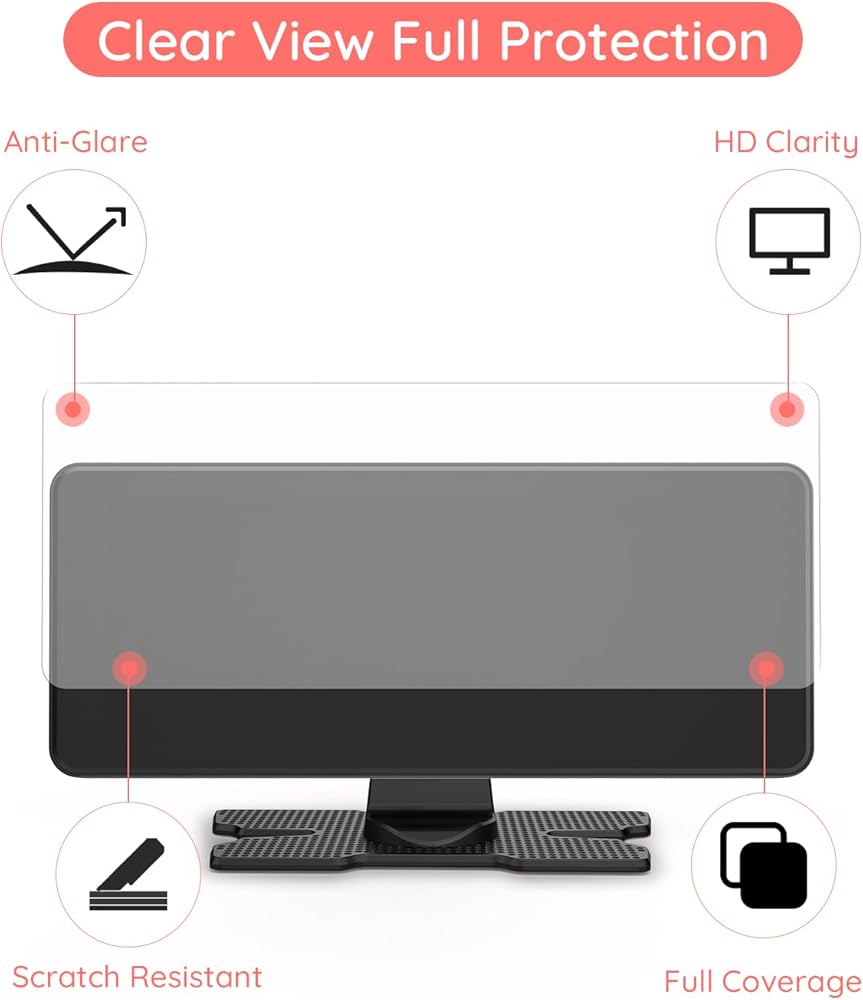
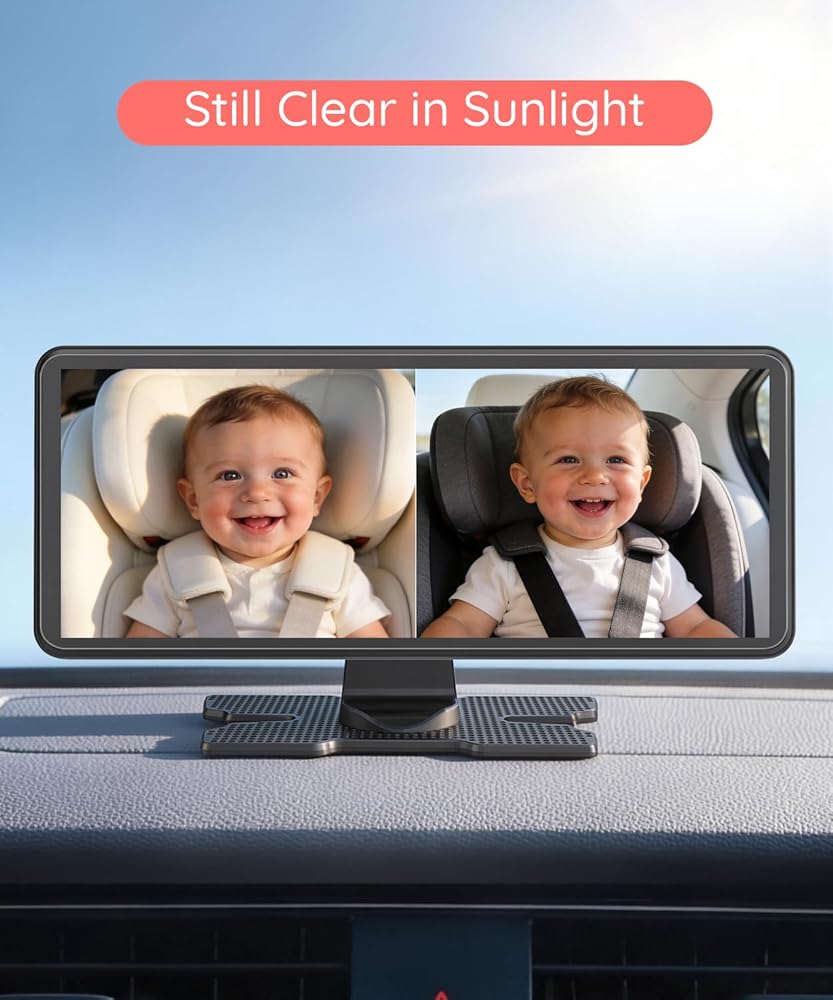
The matte anti-glare finish helps reduce reflections for easier viewing in bright sunlight while keeping the picture clear. Full-coverage design helps protect more of the screen and helps resist everyday light scratches.
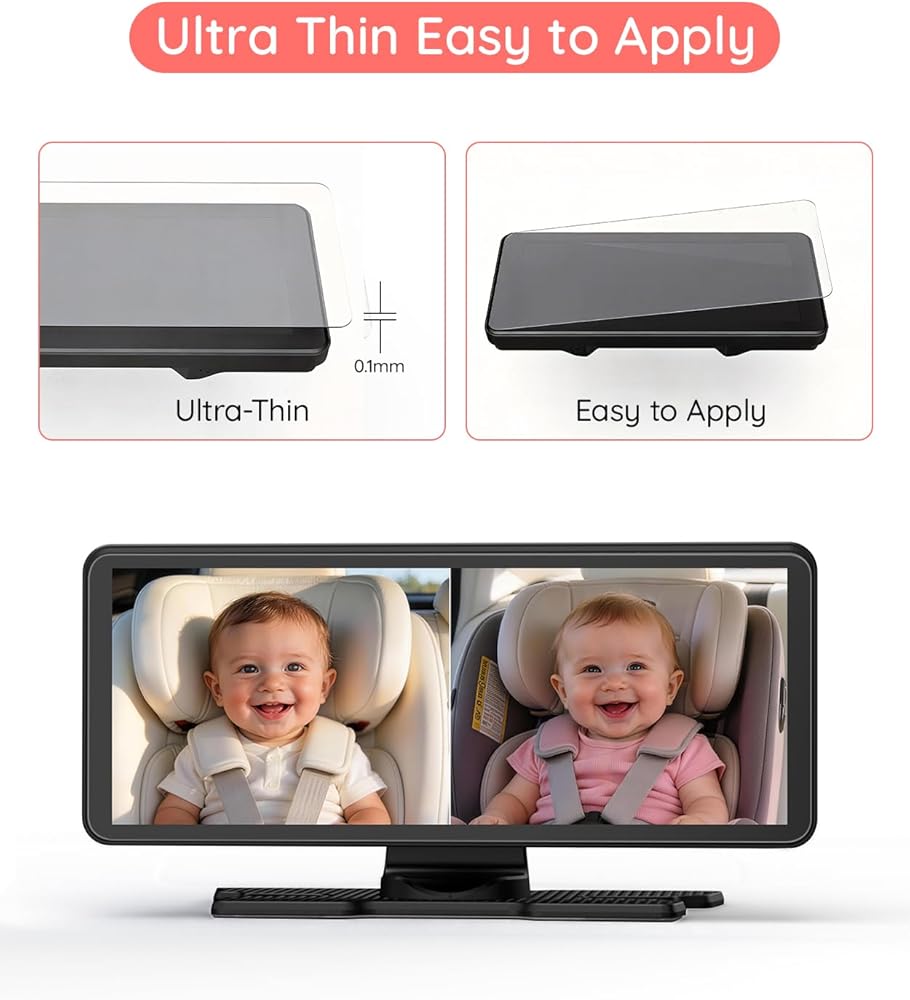
Peel the backing, align edges and corners first, then lay the film down slowly from one side. Press from the center outward with a card or soft cloth to smooth the film evenly.
For bubbles that remain, push them gently toward the edge with a card. If a bubble is caused by trapped dust, lift the film slightly, remove the dust with tape, and re-apply. Avoid repeated peeling to keep adhesion strong.
 -10%
USB Baby Car Camera Plug-Play, 4.5" 1080P Easy Setup Backseat Camera with Flexible 360 Rotation, Clear Picture Rear Facing Car Seat Baby Monitor
SAR 188
-10%
USB Baby Car Camera Plug-Play, 4.5" 1080P Easy Setup Backseat Camera with Flexible 360 Rotation, Clear Picture Rear Facing Car Seat Baby Monitor
SAR 188
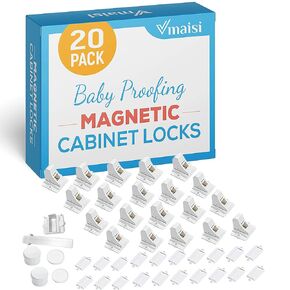 -11%
20 Locks Magnetic Cabinet Locks - 5 Magnet keys bundle Baby Proofing Safety Child Locks
SAR 287
-11%
20 Locks Magnetic Cabinet Locks - 5 Magnet keys bundle Baby Proofing Safety Child Locks
SAR 287
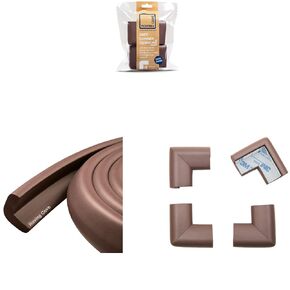 -2%
6ft Edge 4 Corners - Bundle & Save - RovingCove HeftyFit Edge Guard (6ft Edge Only, Coffee Brown) + RovingCove HeftyFit Corner Guards (4 Corners, Coffee Brown)
SAR 87
-2%
6ft Edge 4 Corners - Bundle & Save - RovingCove HeftyFit Edge Guard (6ft Edge Only, Coffee Brown) + RovingCove HeftyFit Corner Guards (4 Corners, Coffee Brown)
SAR 87
 BV3PRO Baby Car Camera for 2 Kids, 7.2" 1080P HD Dual Screen, Soft Night Vision Comfortable for Baby, Baby Car Monitor for 2 Boys, Safe Driving for Back Seat and Pets
SAR 418
BV3PRO Baby Car Camera for 2 Kids, 7.2" 1080P HD Dual Screen, Soft Night Vision Comfortable for Baby, Baby Car Monitor for 2 Boys, Safe Driving for Back Seat and Pets
SAR 418

 Saudi Arabia