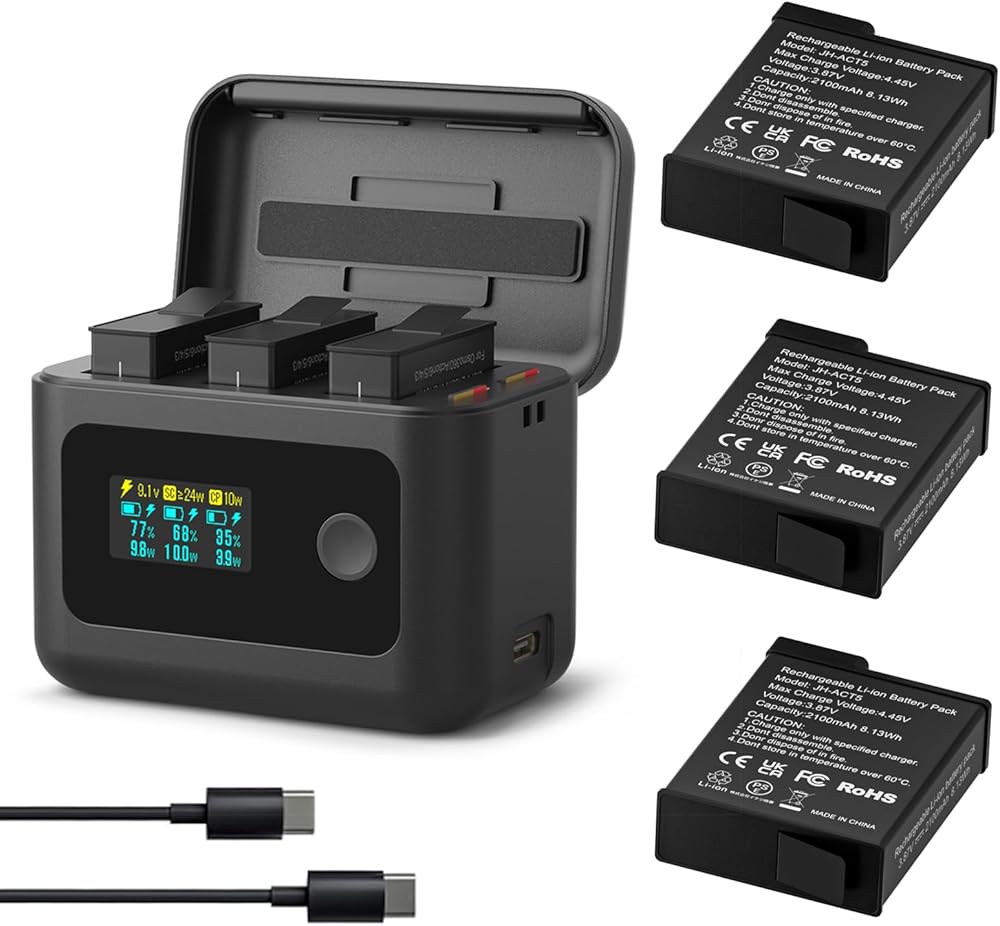
All electronics ship with US style plugs.You may need a voltage converter or a plug adapter.
Special Features
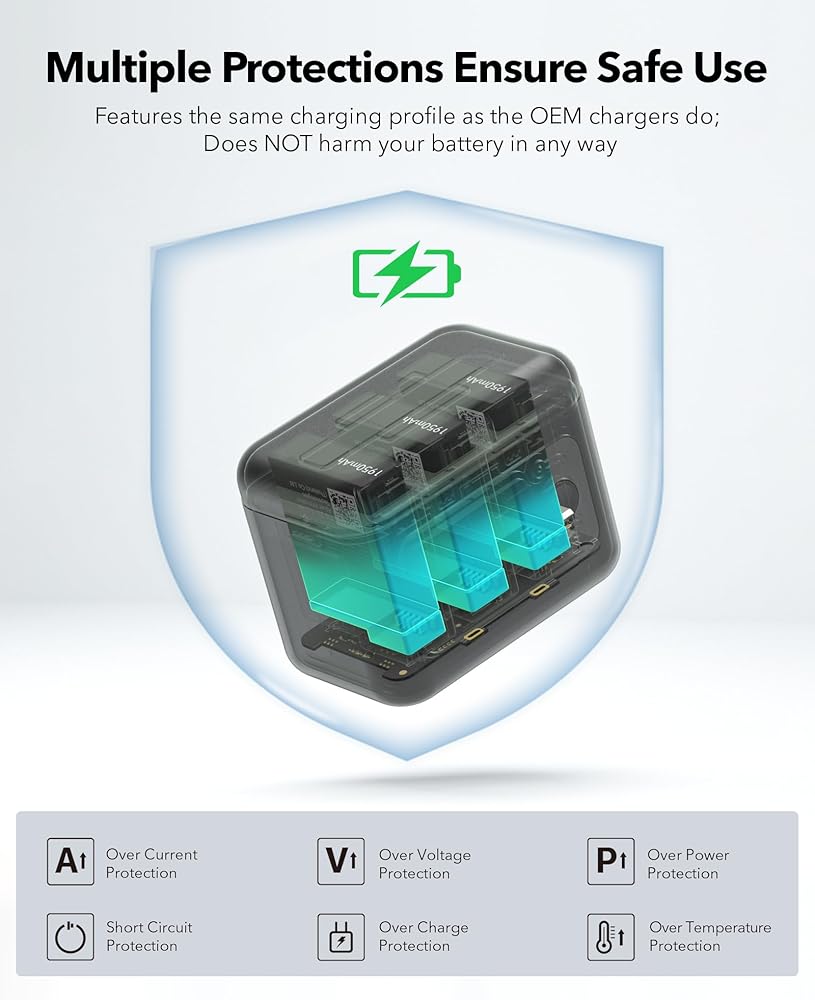
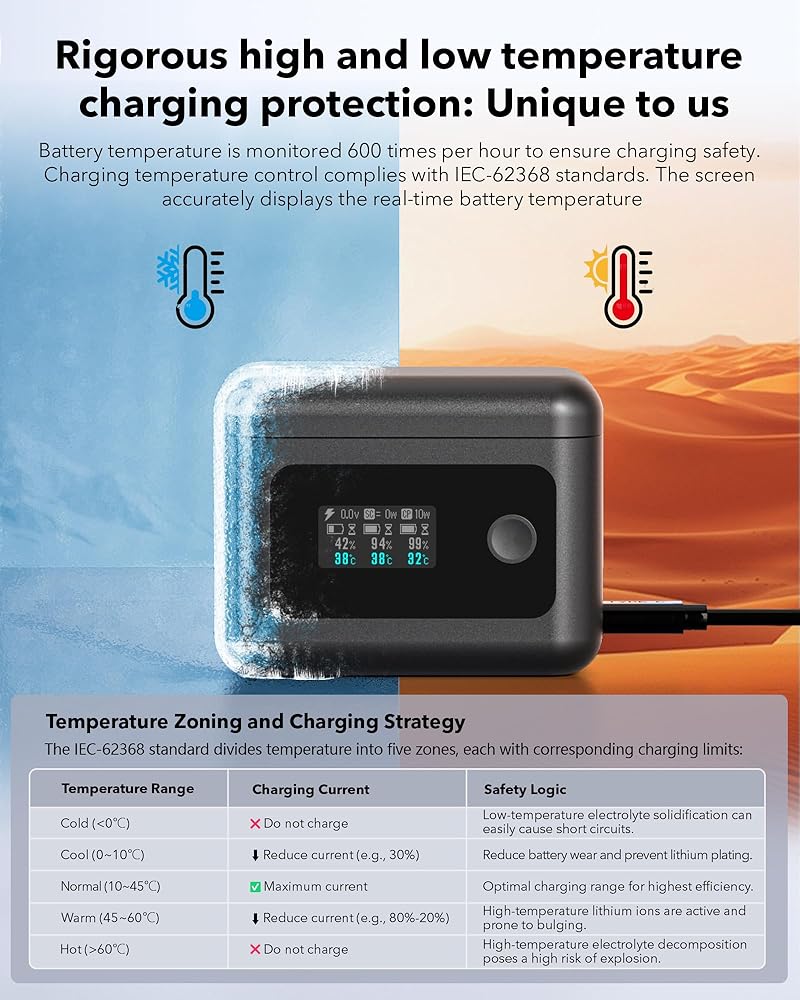
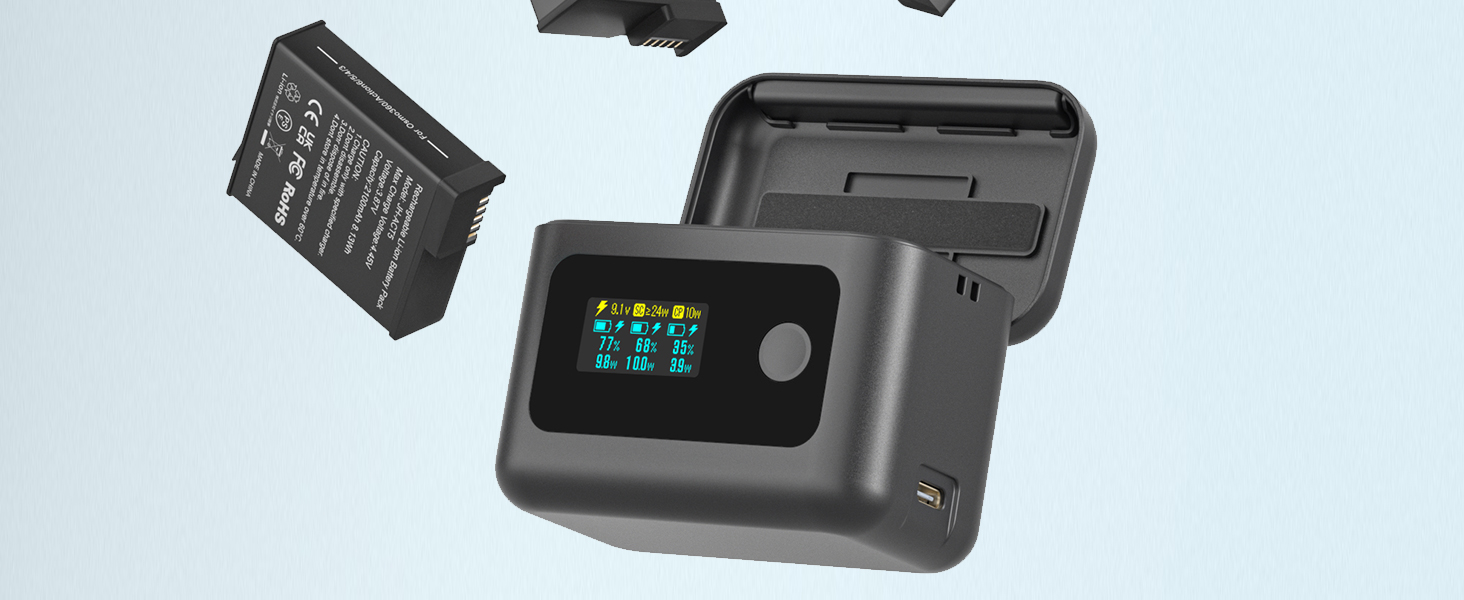
OEM-Compliant Charging for DJI OSMO 360/Action 6/5 Pro/4/3 : Matches original charging profiles precisely; safeguards battery health with temperature protection (high/low) for risk-free power management
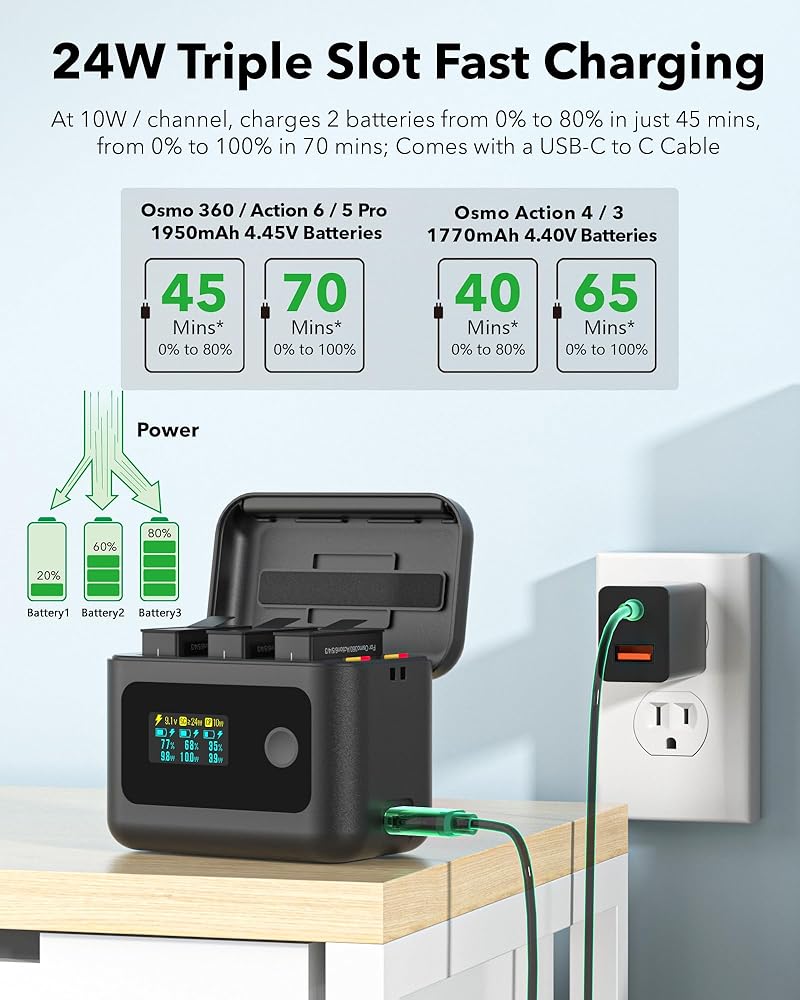
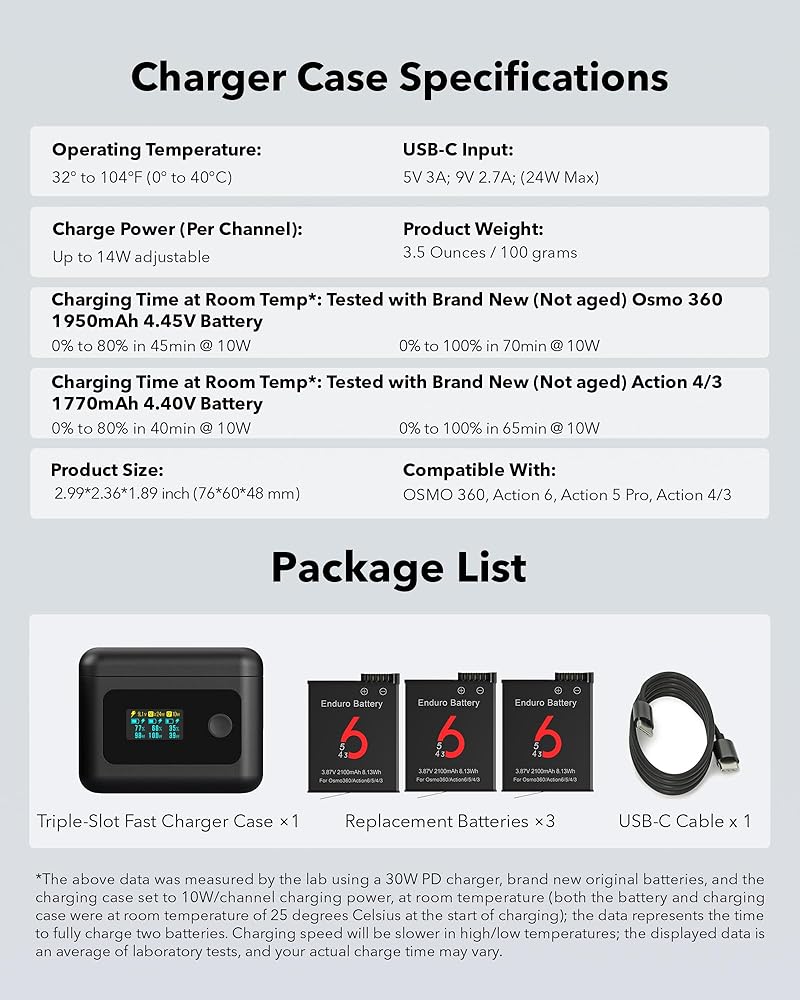
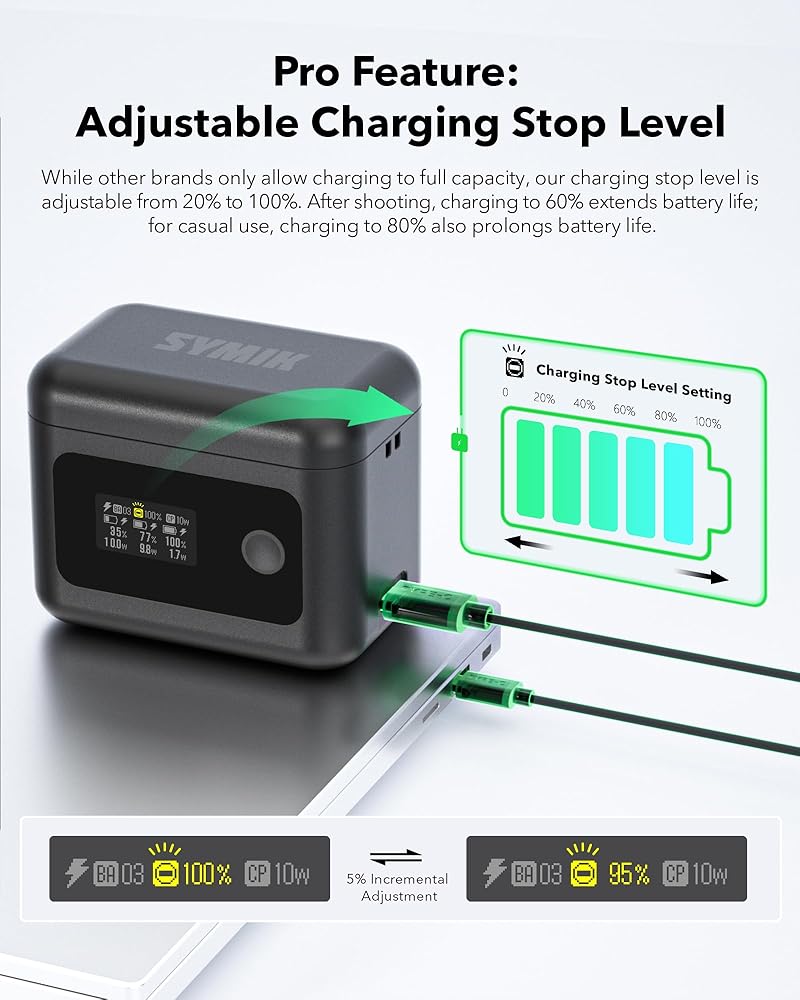
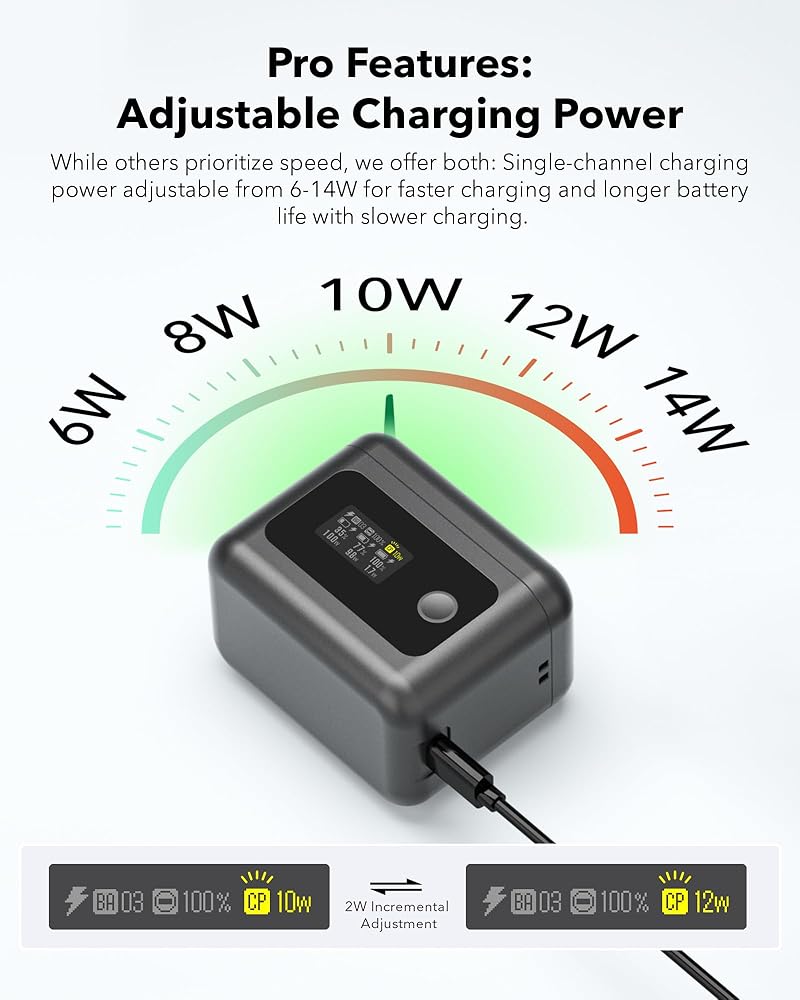
Triple-slot PD Fast Charging: At 10W power each channel, charges the first two batteries from 0% to 80% in 45 minutes, 0% to 100% in 70 minutes in room temperature, the third battery will be fully charged in about 90 minutes. This charger case for DJI Osmo 360 / Action 6 / Action 5 Pro provides adjustable charger power from 6W to 14W and adjustable charging stop level from 0% to 100%. Meet your different charging needs and extend battery life
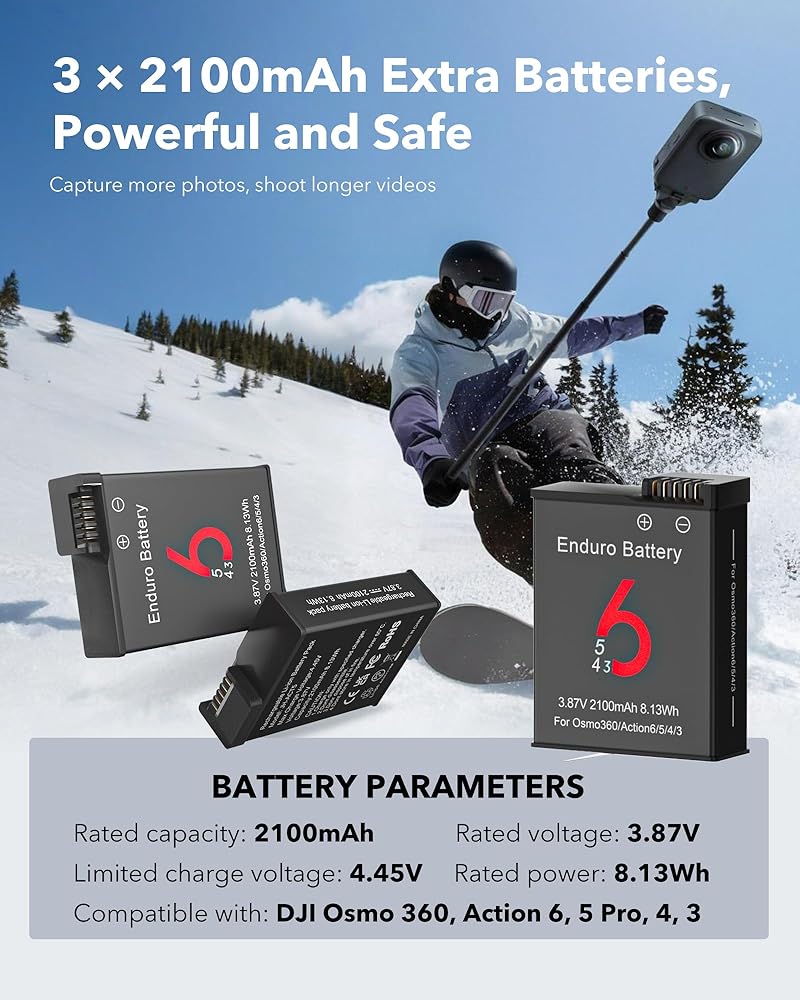
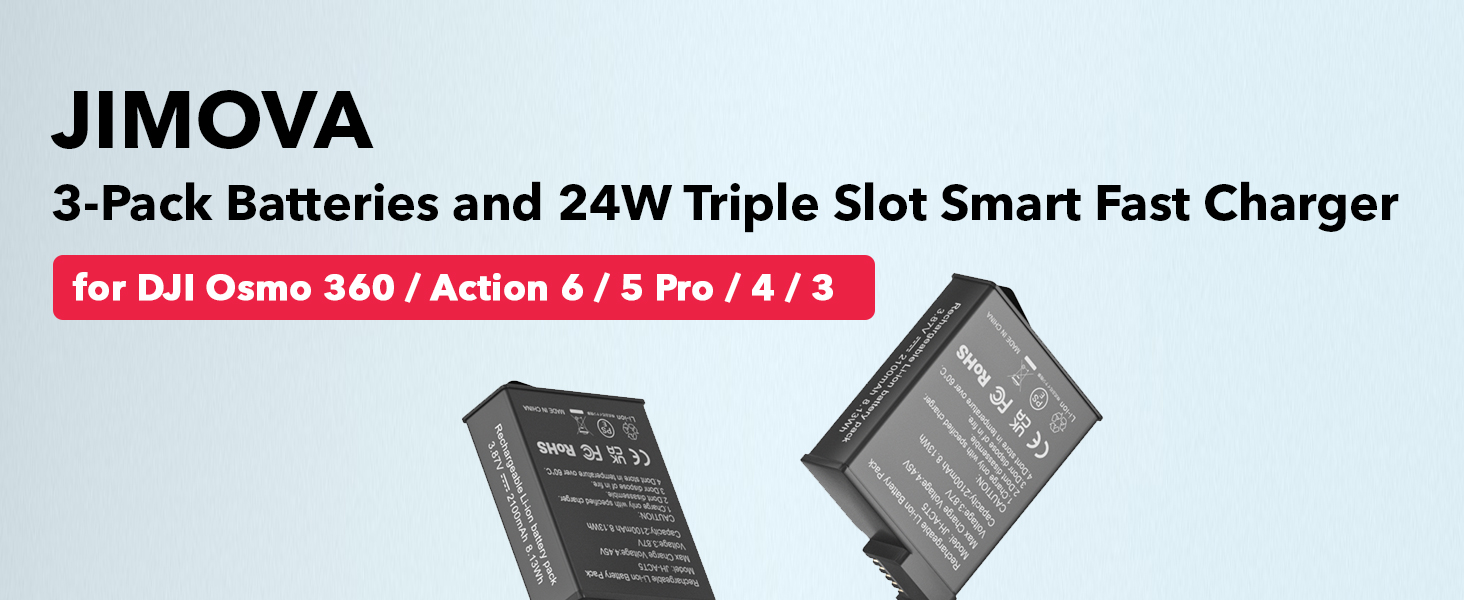
Three Extra Replacement OSMO Action Batteries: Rated Capacity: 2100mAh 8.13Wh, Voltage: 3.87V . Longer battery life and extended shooting time
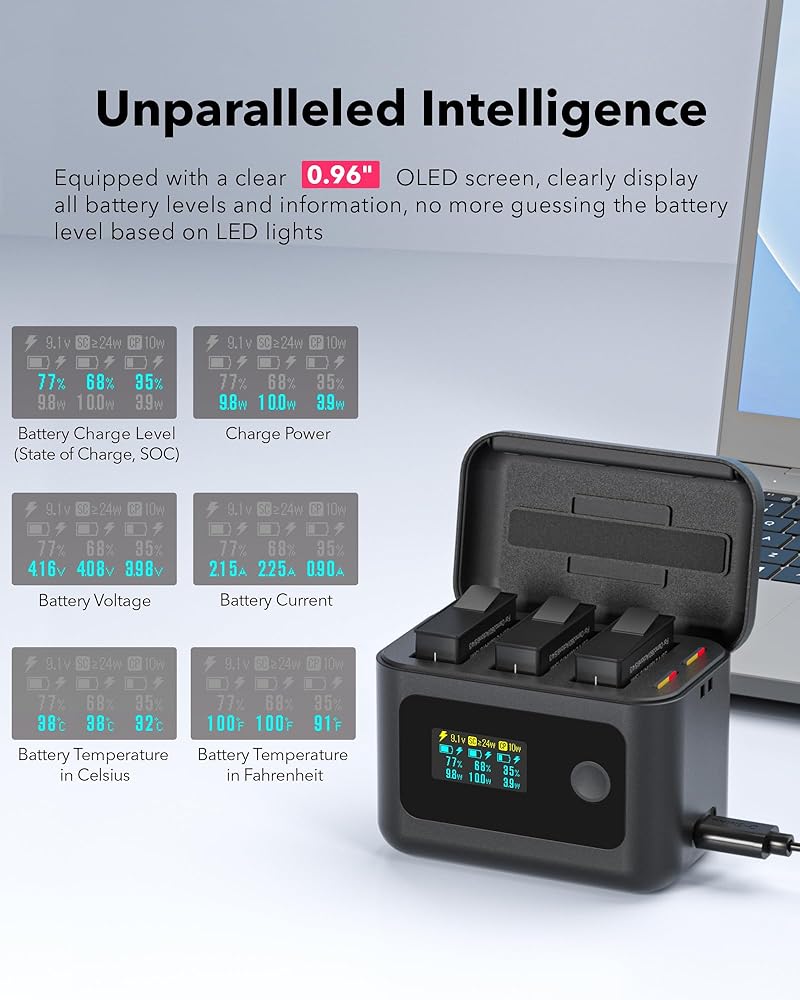
Smart OLED Display: Comes with 0.96'' crispy OLED screen which displays all the battery and charging information. NO more waiting for a little red light to turn green, and you can see your battery status at a glance, so you always know when your gear is ready to go
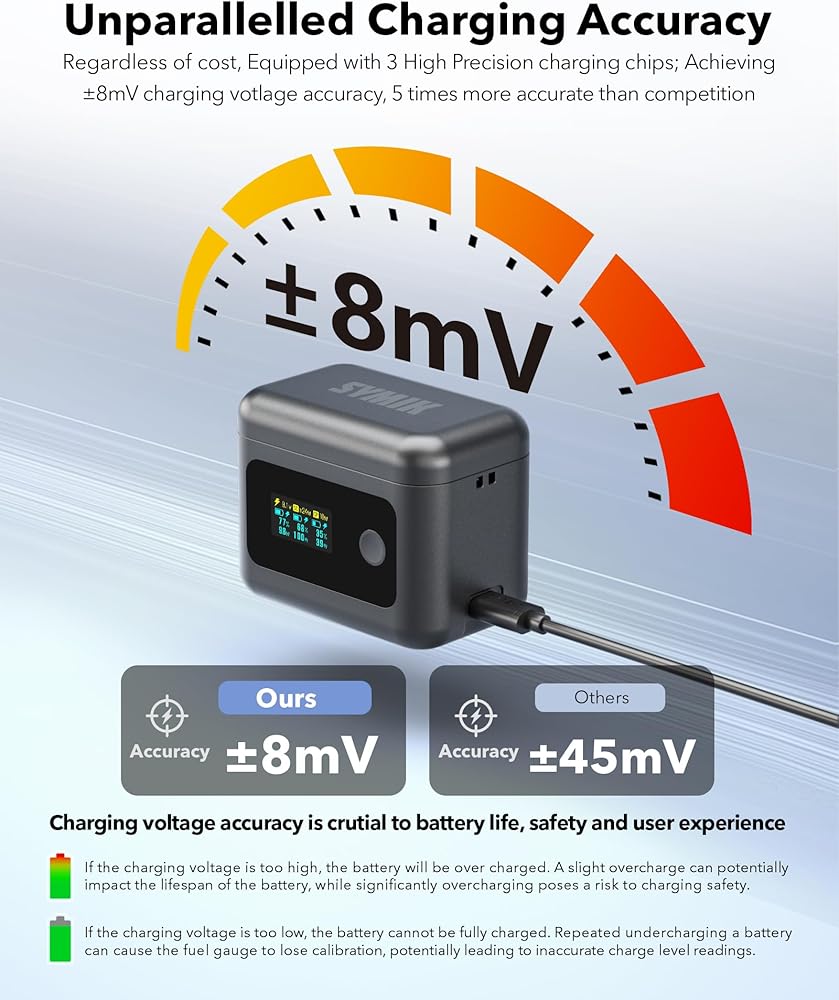
Safely Fast Charging: JIMOVA for DJI Osmo Action battery charger equipped with highly accurate charging management chips from Texas Instruments, enables ±8mV accuracy (vs. -45mV typical accuracy of others), with per-channel calibration to eliminate over/undercharging risks
Compact and Portable: Compact enough to slip into any pocket and perfect for on-the-go use; Please feel free to contact us via Amazon message for any questions
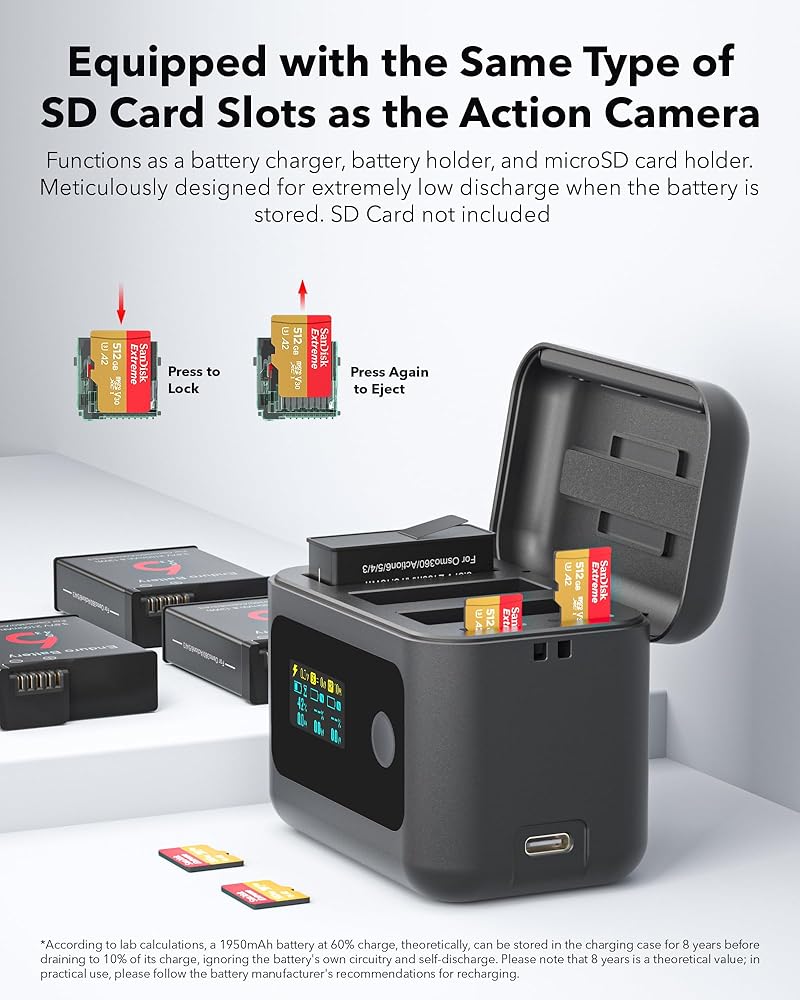
Wide Compatibility for Action Creators: Fully compatible with DJI Osmo 360, Action 6, Action 5 Pro, Action 4, Action 3; You will get: 1 x 24W OLED Fast Charging Case, 3 x 2100mAh OSMO Action Batteries, 1 x USB-C to C Cable(Inside the packaging box's inner tray), 1x Lanyard, 1 x User Manual
Must Read: In rare instances, the OEM battery might enter a protected mode, which prevents it from charging. To resolve this, simply charge the battery with the camera for at least one minute. This will restore the battery to its normal operating mode, allowing you to charge it with the charging case as usual
 Insta 360 X4 Battery Pack and Charger for Insta360 X4, OLED Dual Channel Fast Charging Case with 30W GaN Wall Charger & Cable, Intelligent Two Way Battery Charger Hub for Insta 360 X4 Accessory
SAR 141
Insta 360 X4 Battery Pack and Charger for Insta360 X4, OLED Dual Channel Fast Charging Case with 30W GaN Wall Charger & Cable, Intelligent Two Way Battery Charger Hub for Insta 360 X4 Accessory
SAR 141
 JYMOVA Waterproof Case for DJI Action 5 Pro, Diving Housing Case, Floating Handle, Head Strap, Storage Carrying Case for DJI Osmo Action Diving Accessory Kit for DJI OSMO Action 5 Pro/4/3
SAR 105
JYMOVA Waterproof Case for DJI Action 5 Pro, Diving Housing Case, Floating Handle, Head Strap, Storage Carrying Case for DJI Osmo Action Diving Accessory Kit for DJI OSMO Action 5 Pro/4/3
SAR 105
 OSMO Action 5 Pro Accessories, Portable Mini Carrying Case, Screen Protectors, Rubber Lens Cap Cover for DJI Action 5 Pro Action Camera Accessory
SAR 100
OSMO Action 5 Pro Accessories, Portable Mini Carrying Case, Screen Protectors, Rubber Lens Cap Cover for DJI Action 5 Pro Action Camera Accessory
SAR 100
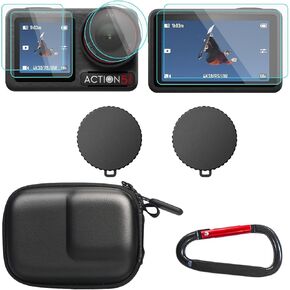 OSMO Action 5 Pro Accessories, PU Portable Mini Carrying Bag Case, Lens Screen Protectors (6 Pack) Comatible with DJI Osmo Action 5 Pro, Rubber Lens Cap Cover for DJI Action Camera
SAR 84
OSMO Action 5 Pro Accessories, PU Portable Mini Carrying Bag Case, Lens Screen Protectors (6 Pack) Comatible with DJI Osmo Action 5 Pro, Rubber Lens Cap Cover for DJI Action Camera
SAR 84