- Shopping, made easy.
- /
- Get the app!
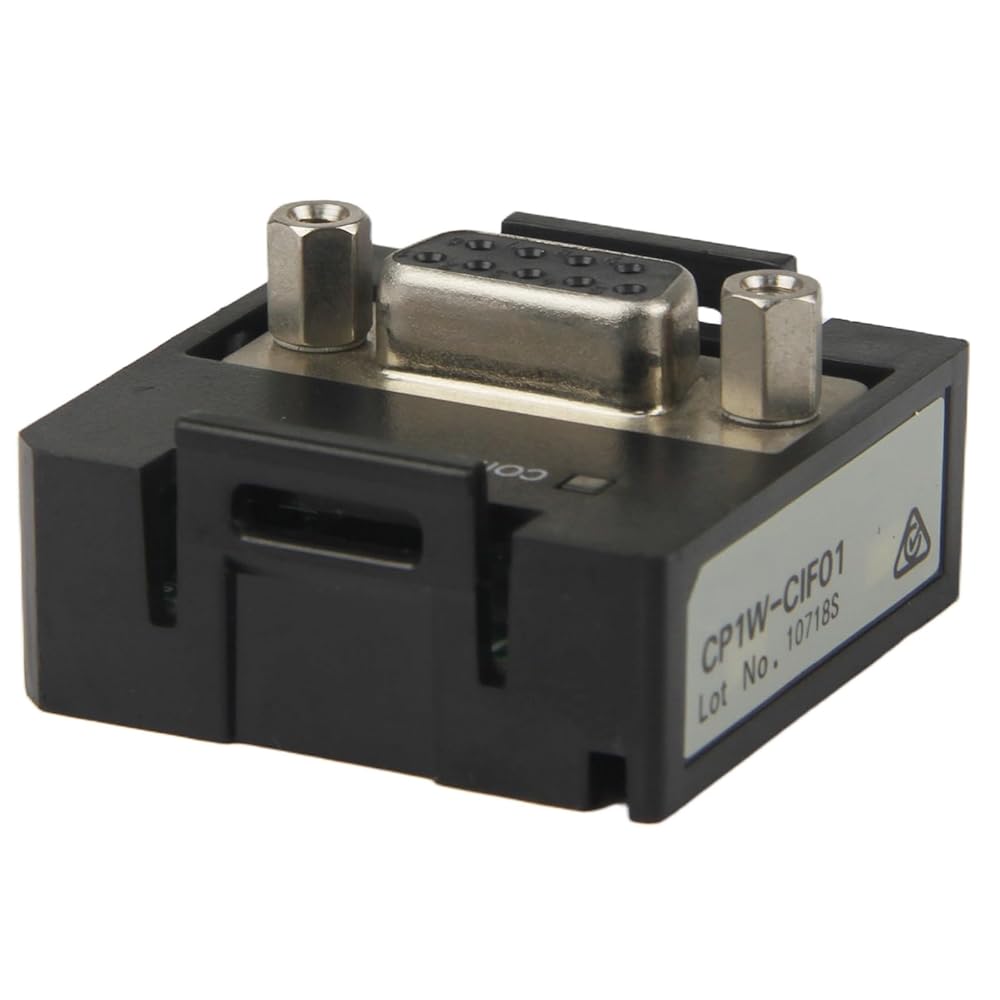
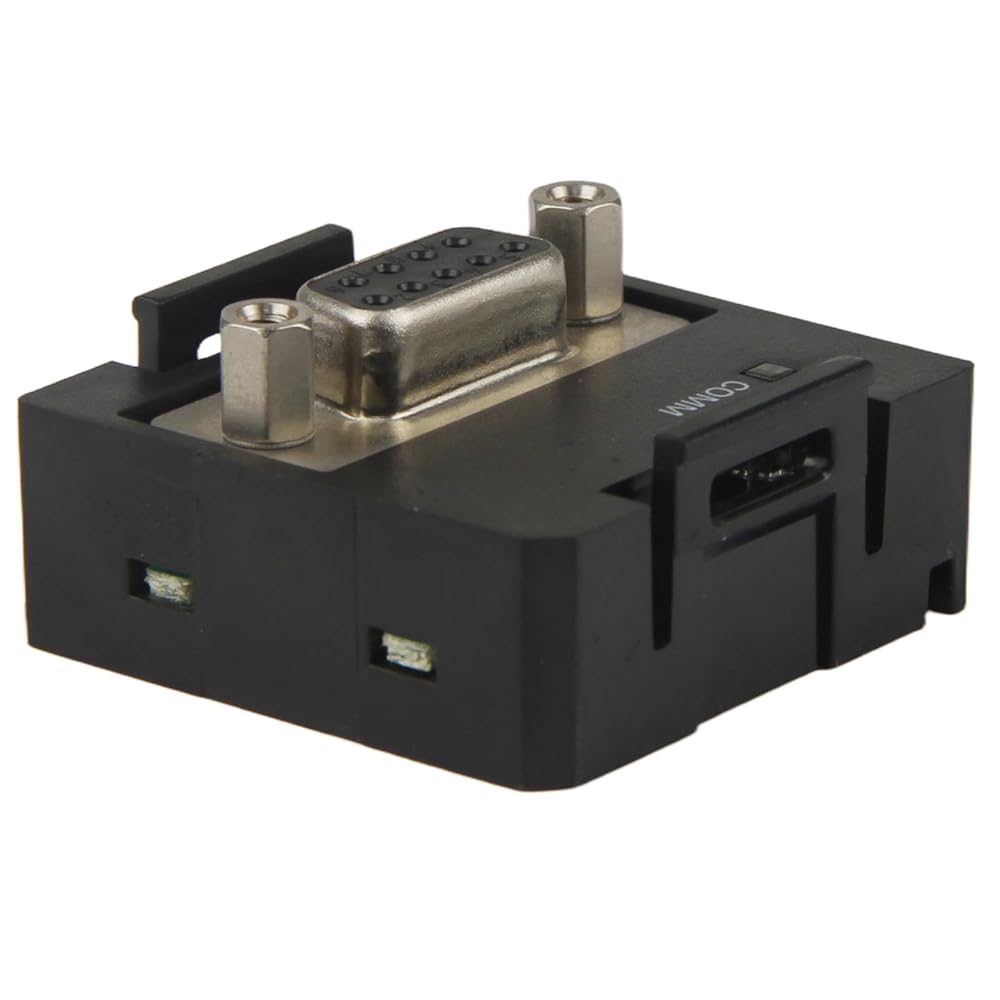
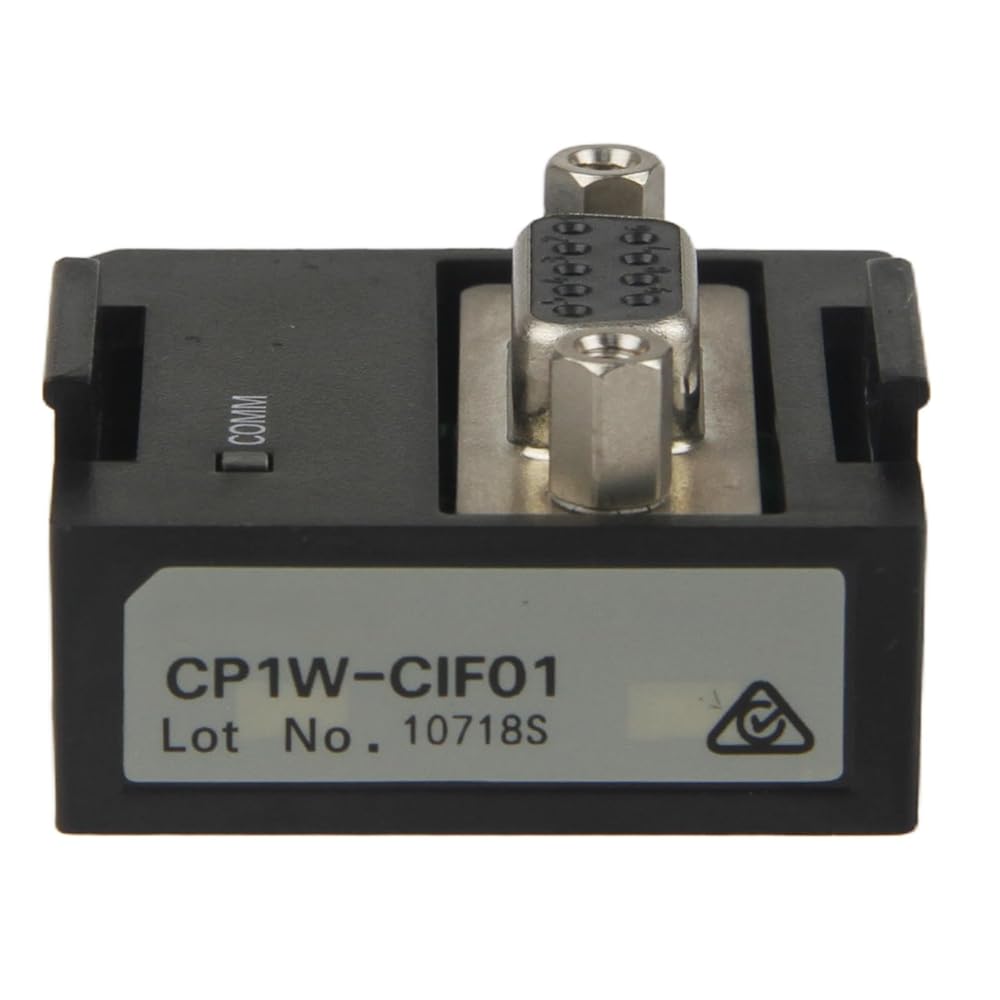
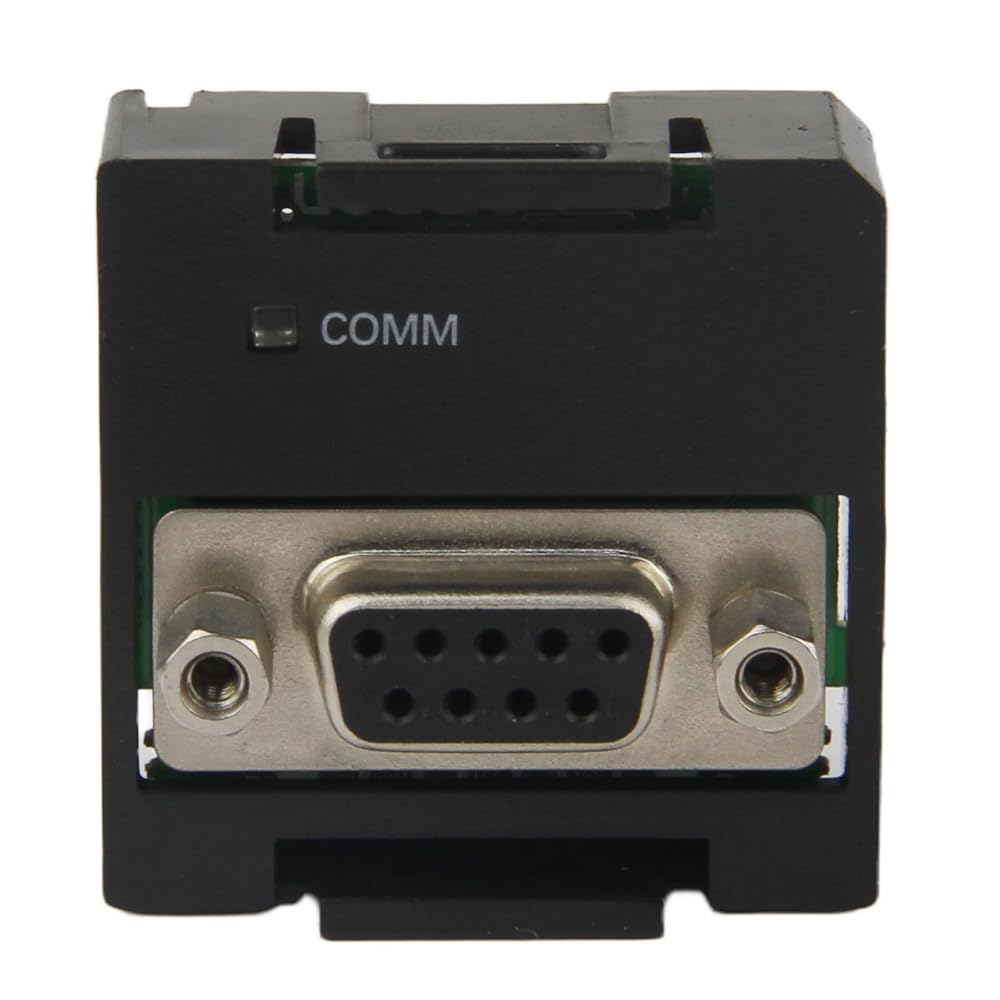
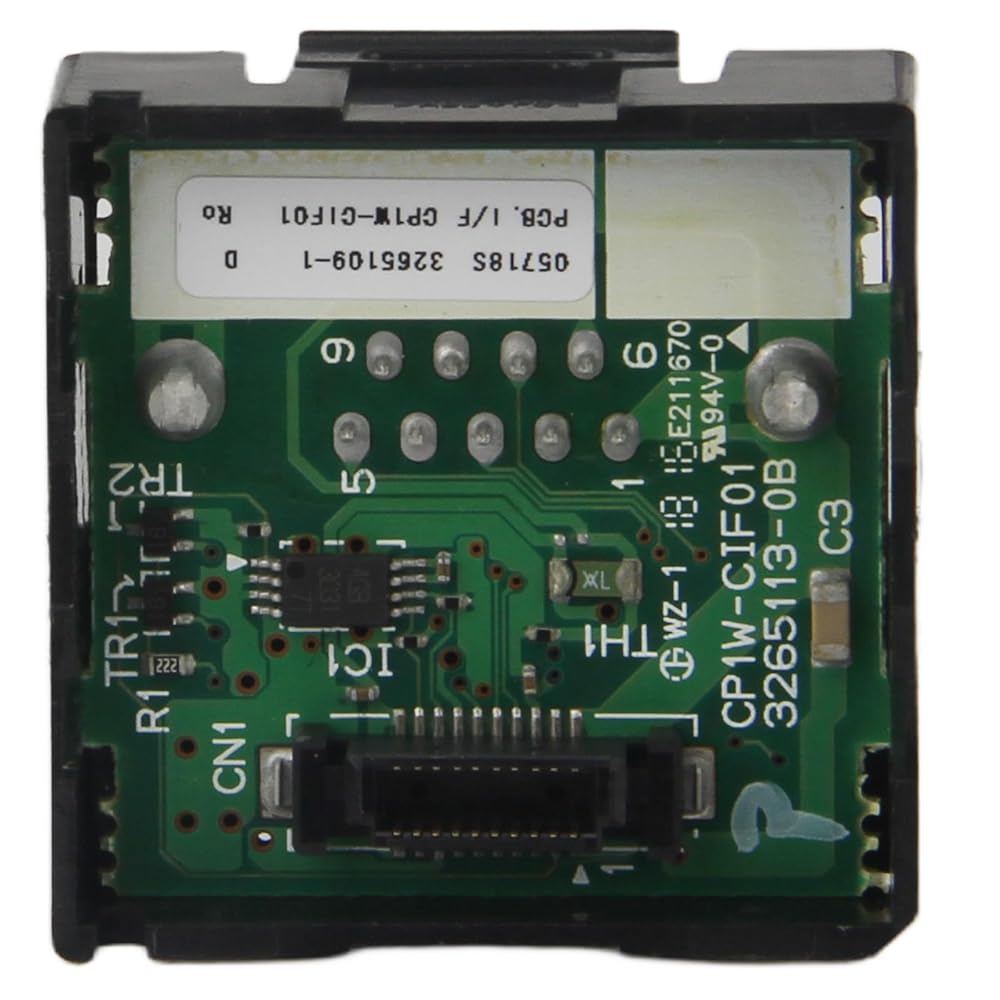
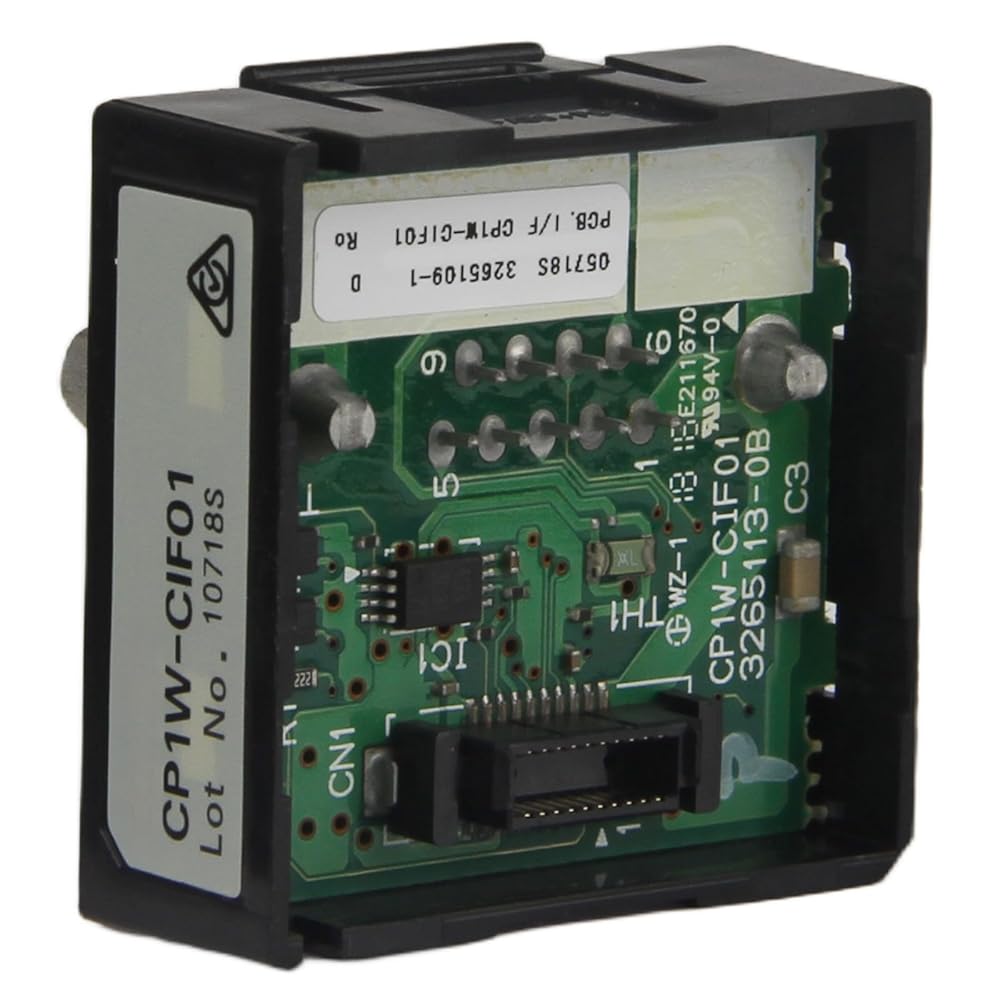
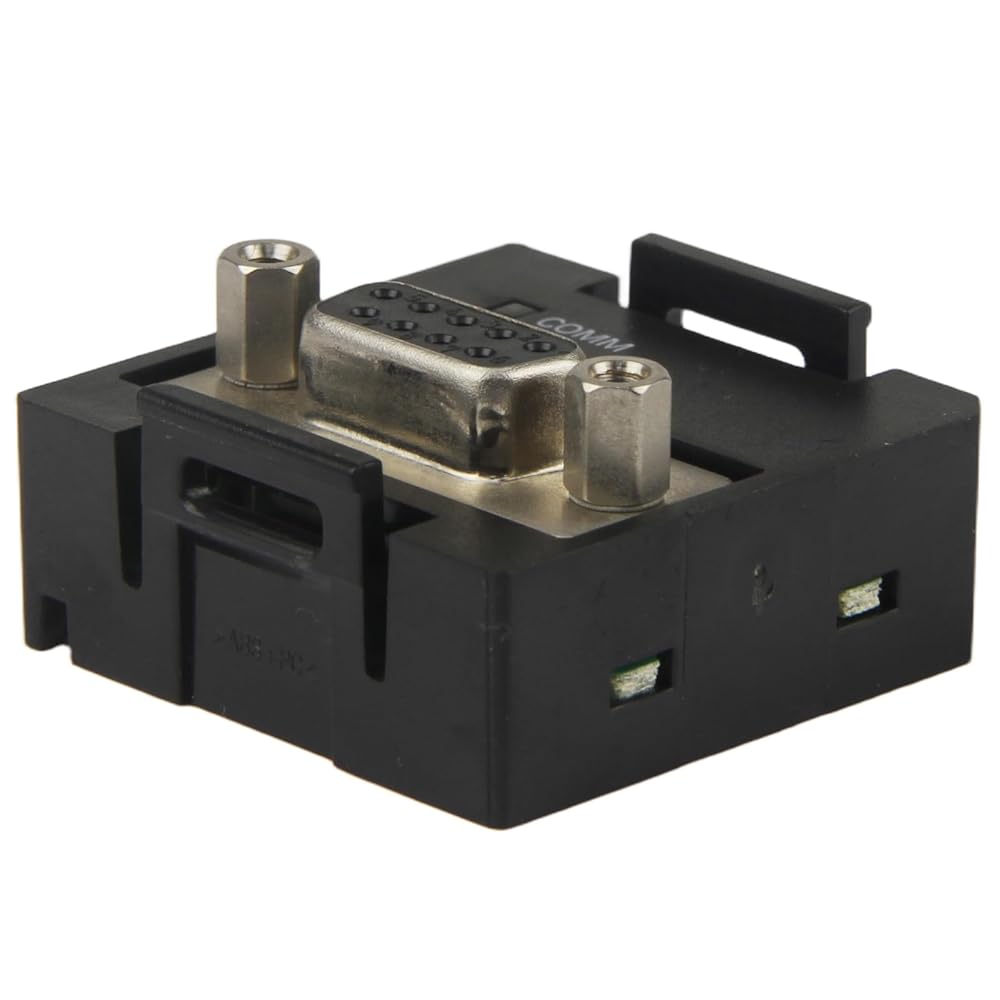
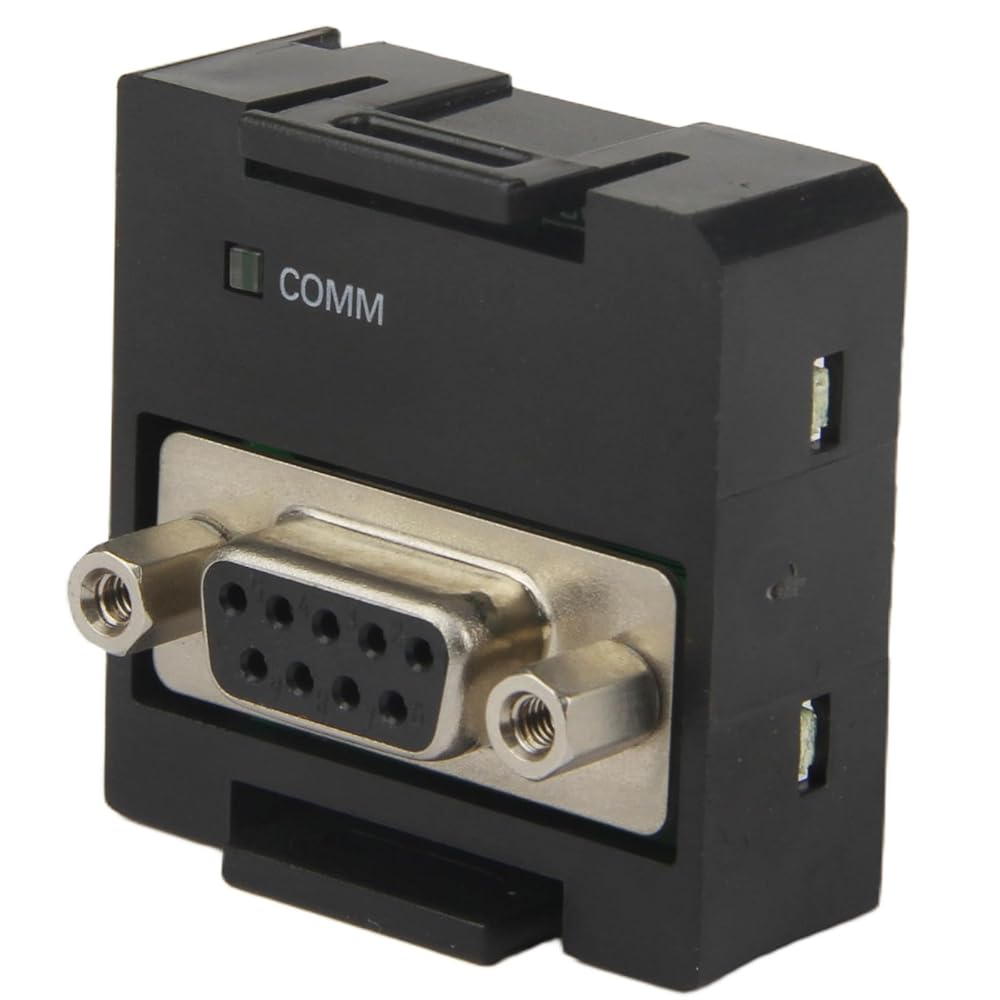
Part Number: CP1W-CIF01
An RS-232C Option Board can be mounted to an Option Board slot on the CPU Unit. With a CPU Unit with 30, 40 or 60 I/O points, either Option Board slot may be used. When mounting an Option Board, first remove the slot cover. Grasp both of the cover's up/down lock levers at the same time to unlock the cover, and then pull the cover out. Then to mount the Option Board, check the alignment and firmly press it in until it snaps into place.
Caution:
Always turn OFF the power supply to the PLC before mounting or removing an Option Board.
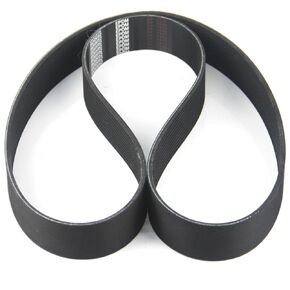 Screw Air Compressor Belt Compatible with Ingersoll RAND 89265052 Coolant Resistant
SAR 305
Screw Air Compressor Belt Compatible with Ingersoll RAND 89265052 Coolant Resistant
SAR 305
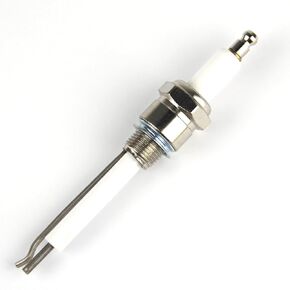 10019728 Burner Ignition Rod Spark Plug Electrode Needle Ignition COMPATIABLE with Eclipse 10019728
SAR 214
10019728 Burner Ignition Rod Spark Plug Electrode Needle Ignition COMPATIABLE with Eclipse 10019728
SAR 214
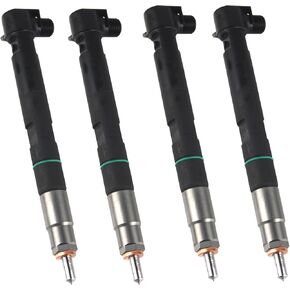 4pcs Fuel Injectors 400903-00074D 7275454 28337917 Fit for Bobcat Doosan D24 D18 Engine Delphi
SAR 2,831
4pcs Fuel Injectors 400903-00074D 7275454 28337917 Fit for Bobcat Doosan D24 D18 Engine Delphi
SAR 2,831
 Shore OO Durometer Type OO Dial Rubber Hardness Tester Meter Gauge Gage Test Tool 0~100Hoo
SAR 641
Shore OO Durometer Type OO Dial Rubber Hardness Tester Meter Gauge Gage Test Tool 0~100Hoo
SAR 641

 Saudi Arabia