- Shopping, made easy.
- /
- Get the app!
What do you get?
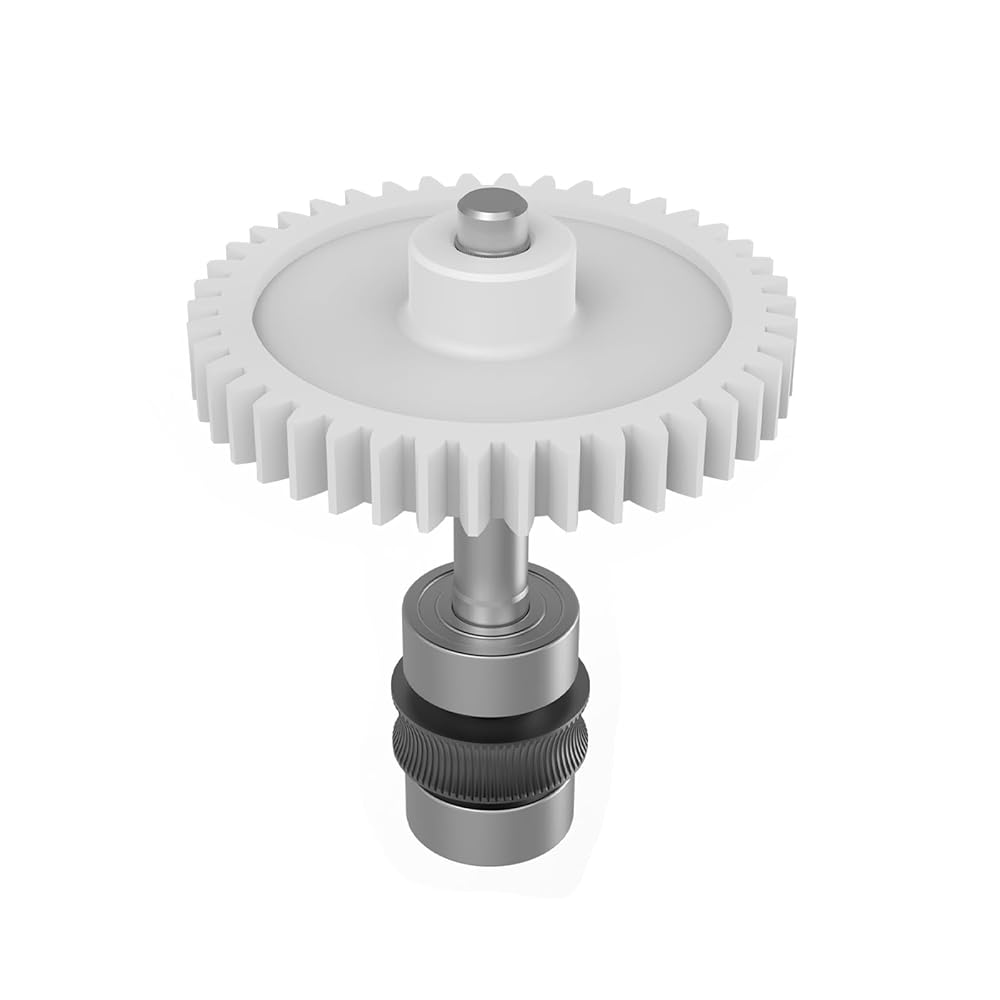
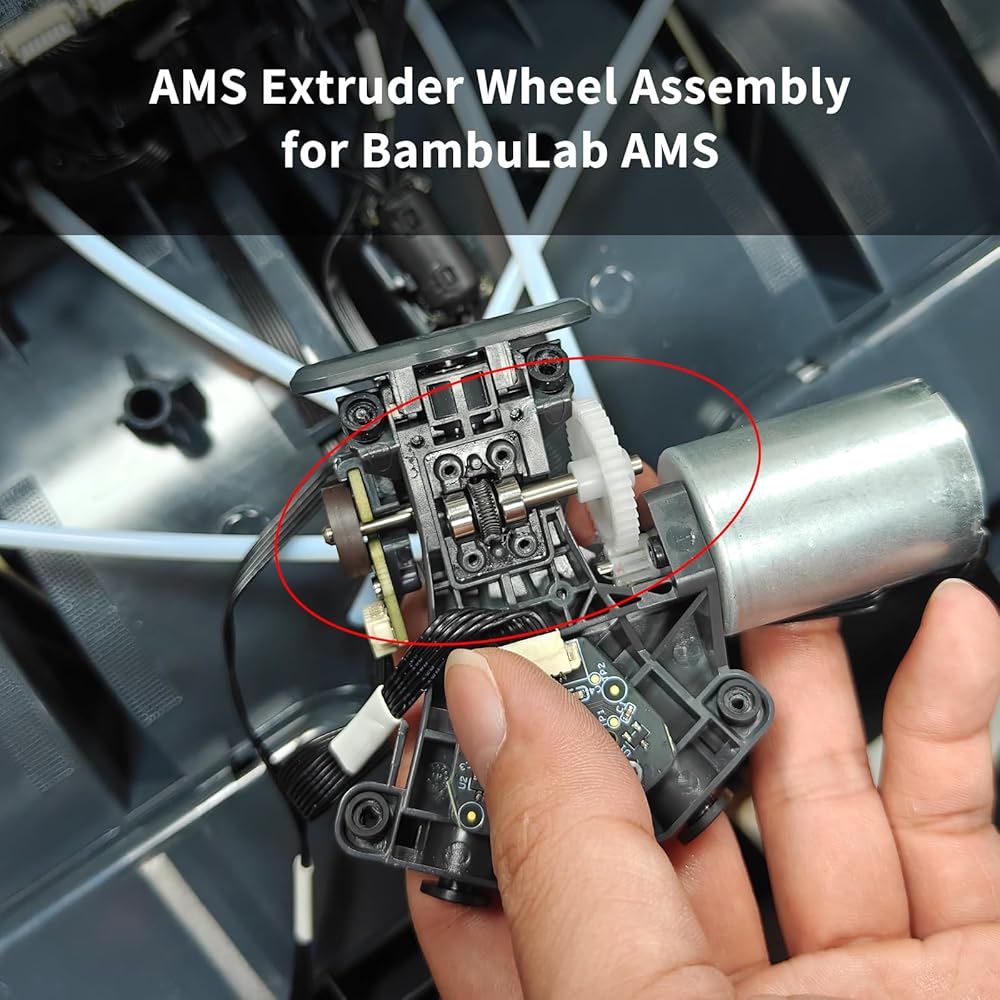
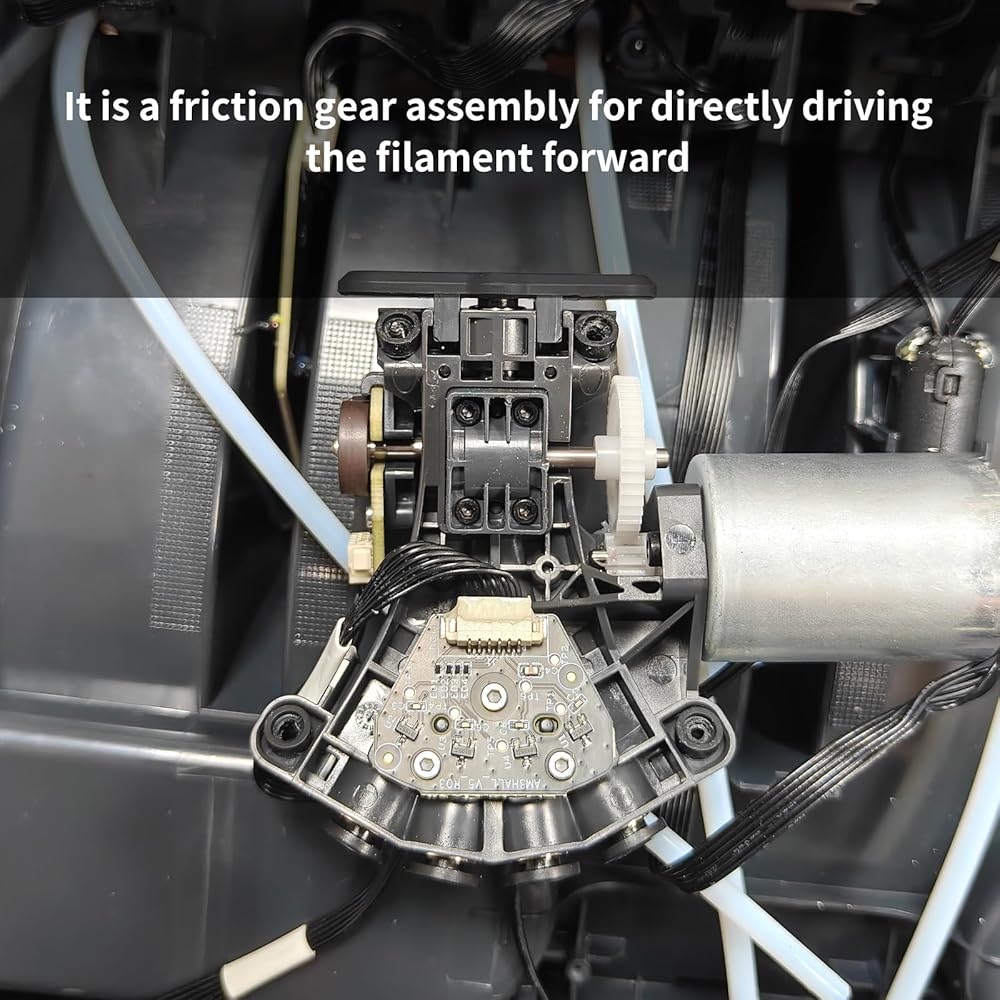
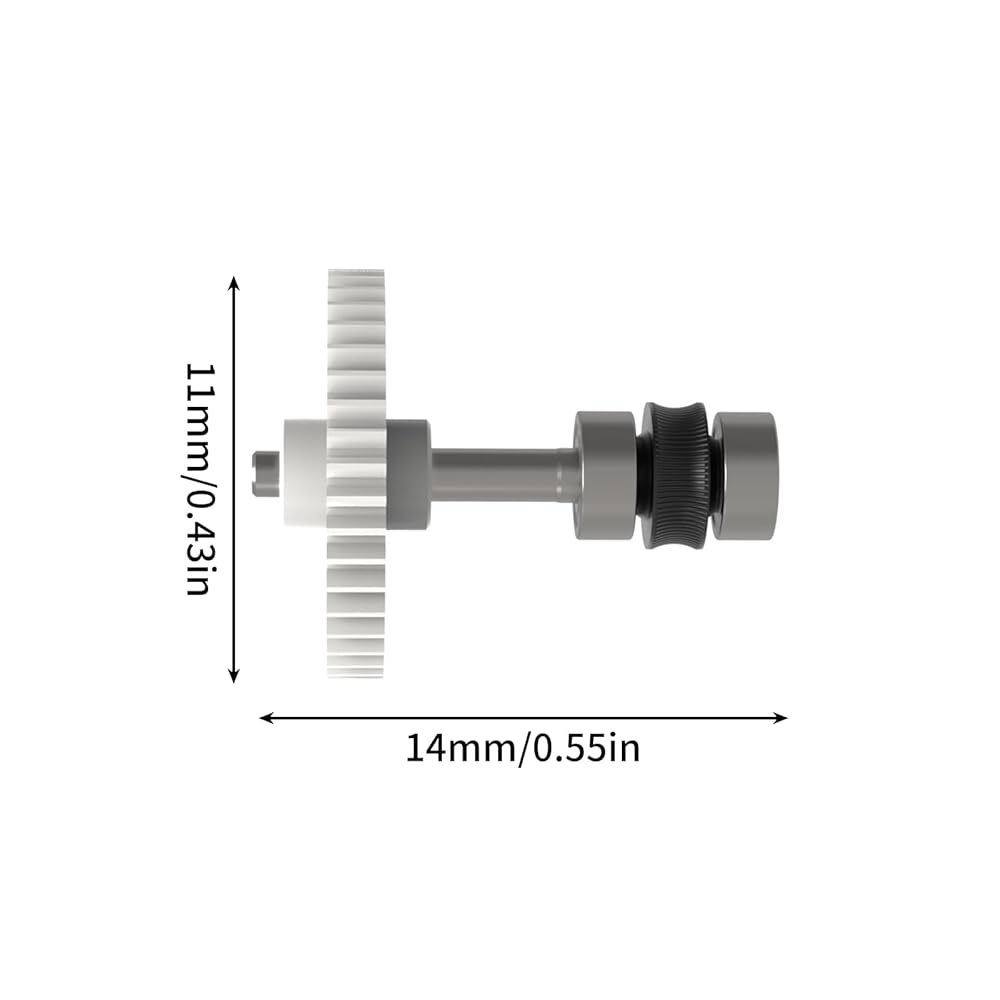
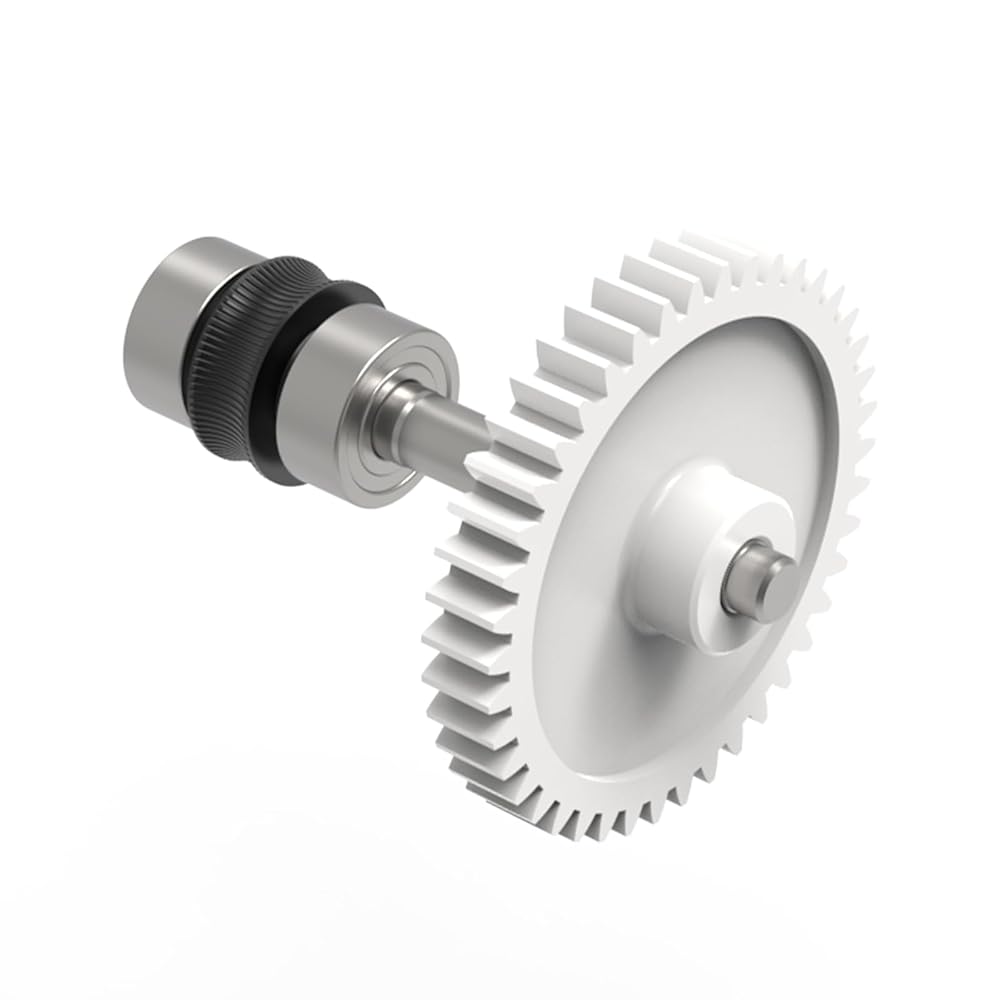
1 * AMS Extruder Wheel Assembly Set
For ams, no for A1/A1 Mini ams lite, H2D ams 2pro
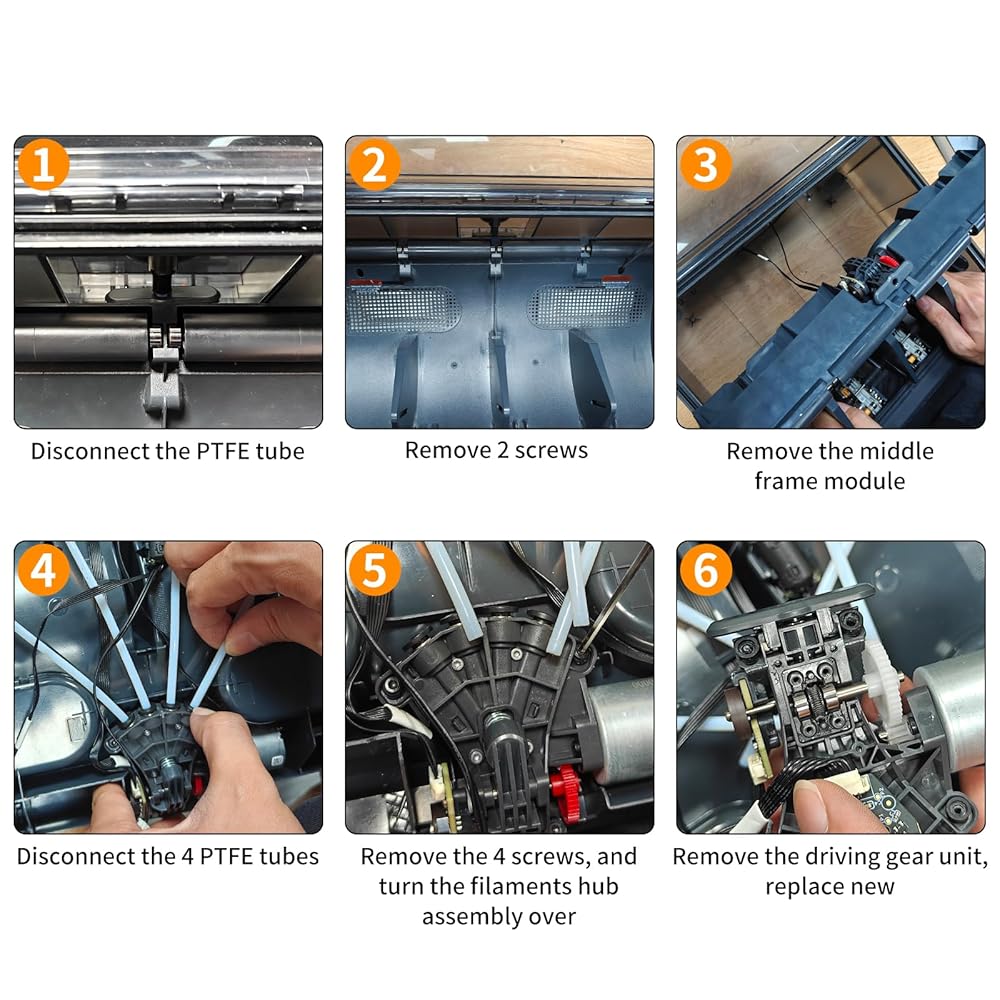
Required tools: H2.0 & H1.5 Allen keys
Verifying replacement completion
Connect the AMS to the printer and switch it on. Load filaments into the AMS, then click ‘Load' on the screen to commence filament loading
 3D Printer Accessories Single LED Magntic Control Switch Light: 3V White Lights 1Pcs Lamp Bead No Power Supply for 3D Printing DIY Project Model Lighting
SAR 47
3D Printer Accessories Single LED Magntic Control Switch Light: 3V White Lights 1Pcs Lamp Bead No Power Supply for 3D Printing DIY Project Model Lighting
SAR 47
 3D Printer Accessories Camera Replacement Kit for Adventure 5M/ 5M Pro: 7.09in Camera Extension Cable - Real-time and Remote Monitoring AD5M Printing Process Save Filament
SAR 157
3D Printer Accessories Camera Replacement Kit for Adventure 5M/ 5M Pro: 7.09in Camera Extension Cable - Real-time and Remote Monitoring AD5M Printing Process Save Filament
SAR 157
 3D Printer Accessories Hall Switch Board Compatible with BambuLab X1 X1C X1E: Filament Sensor Replacement with Connection Cable for Detecting Presence of Consumables in Hotend Extruder
SAR 68
3D Printer Accessories Hall Switch Board Compatible with BambuLab X1 X1C X1E: Filament Sensor Replacement with Connection Cable for Detecting Presence of Consumables in Hotend Extruder
SAR 68
 3D Printer Accessories AMS Feeding Funnel Assembly PCB Board: Filament Detection Sensor - Ensure Precision Printing
SAR 53
3D Printer Accessories AMS Feeding Funnel Assembly PCB Board: Filament Detection Sensor - Ensure Precision Printing
SAR 53