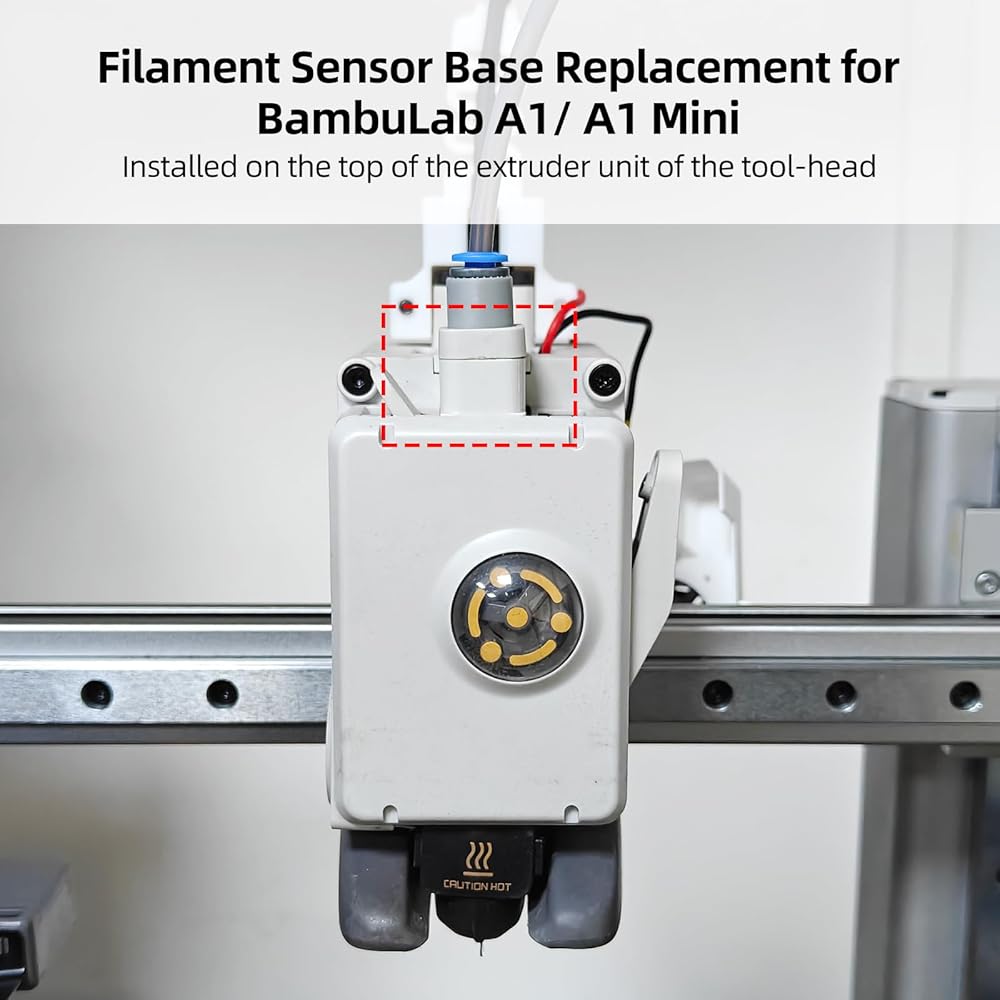
Compatible with Bamboo A1 Series 3D printers, can directly replace original. Not support P1P/P1S/P2S/X1/X1C/X1-carbon H2D combo H2S, please check before purchase
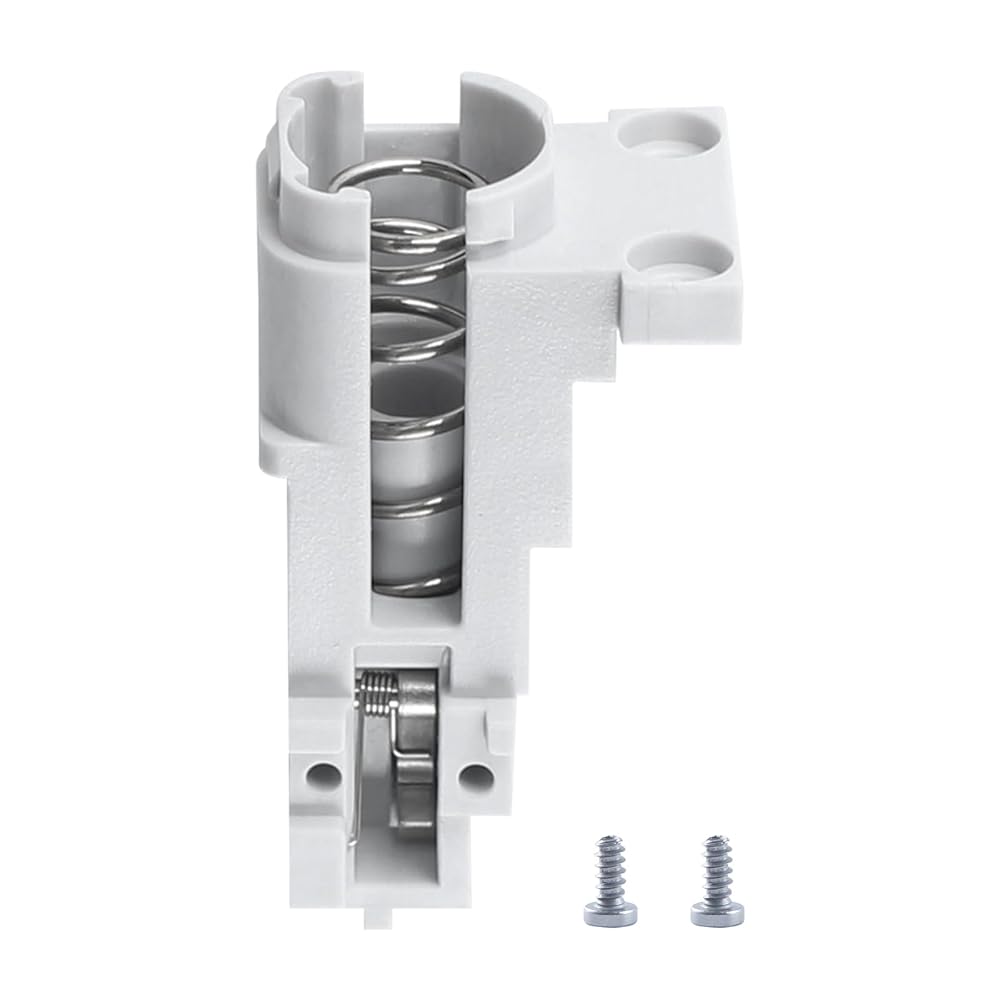
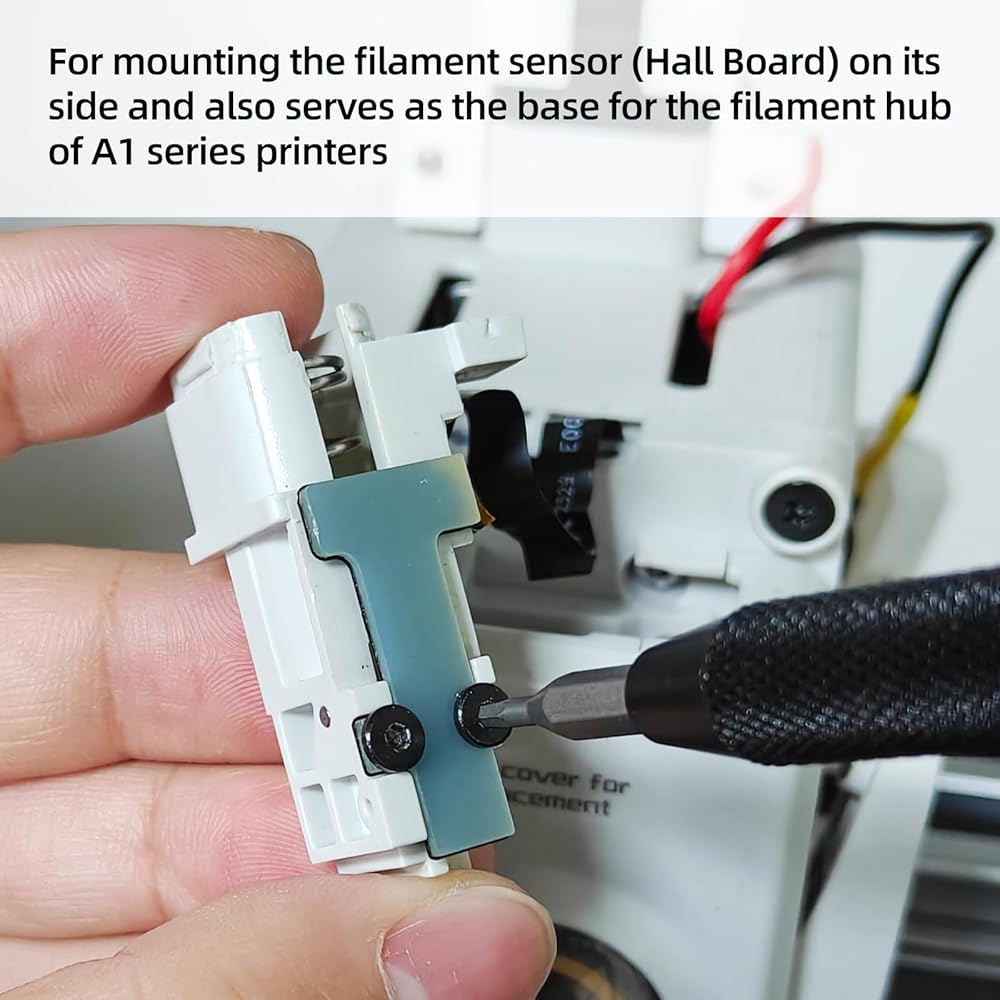
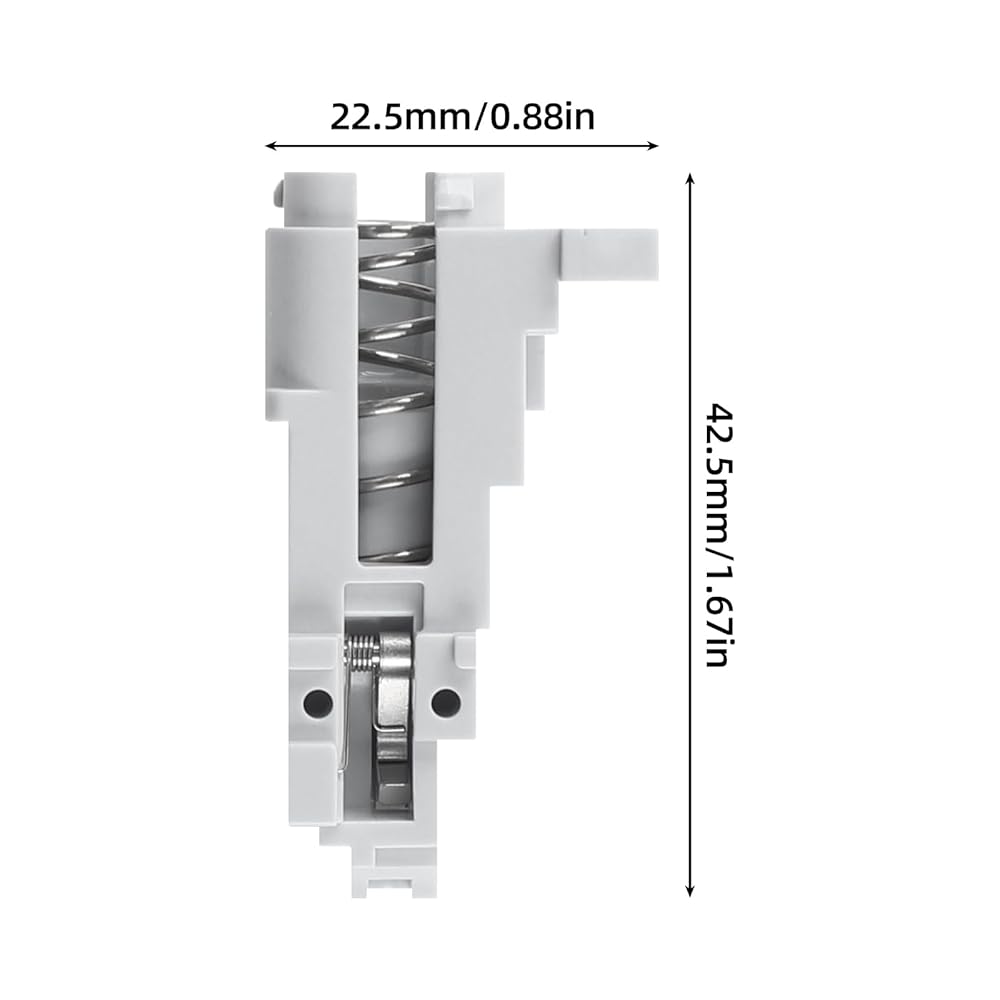
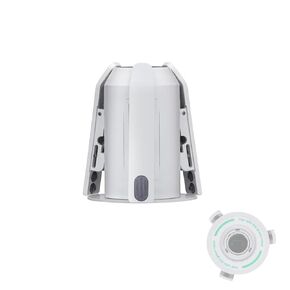
The filament sensor base is installed on the top of the extruder unit of the tool-head and is used as a fixed base for mounting the filament sensor (Hall Board) on its side and also serves as the base for the filament hub of A1 series printers
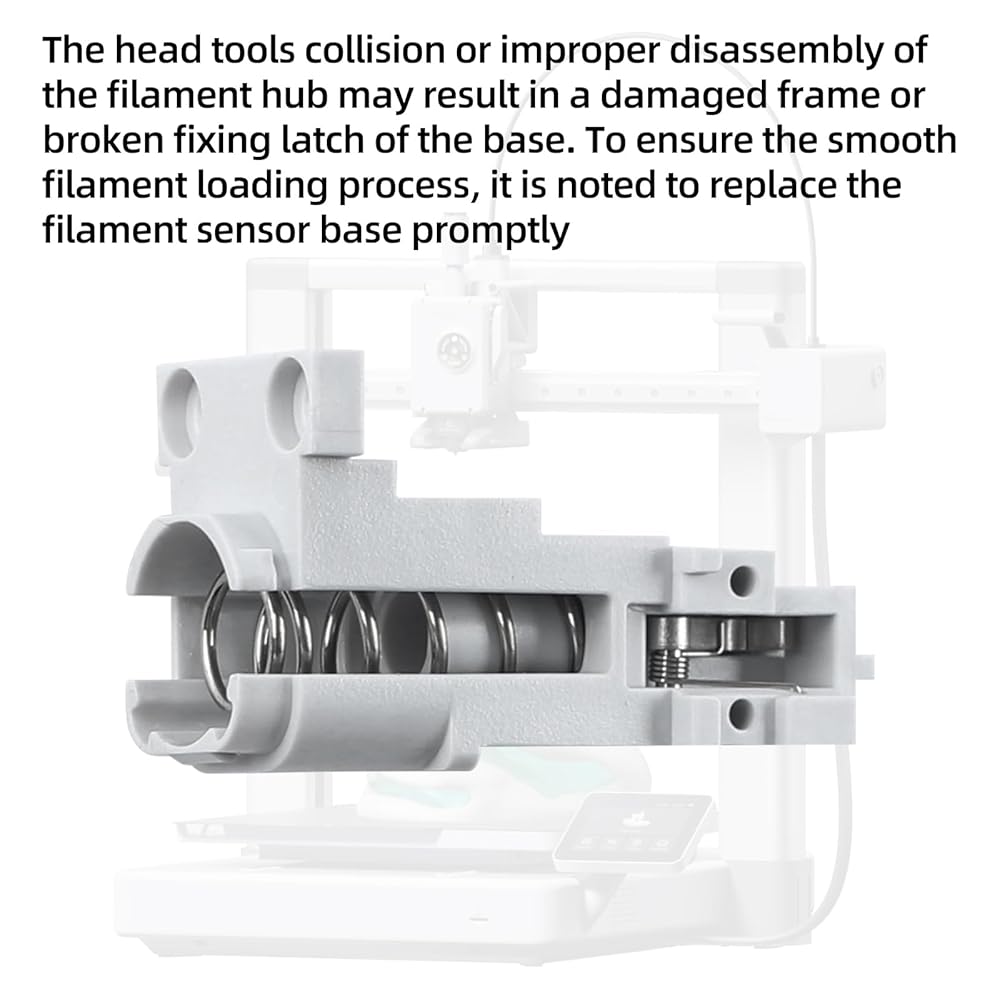
In most cases, the filament sensor base has little possibility of being damaged. However, the head tools collision or improper disassembly of the filament hub may result in a damaged frame or broken fixing latch of the base. To ensure the smooth filament loading process, it is noted to replace the filament sensor base promptly
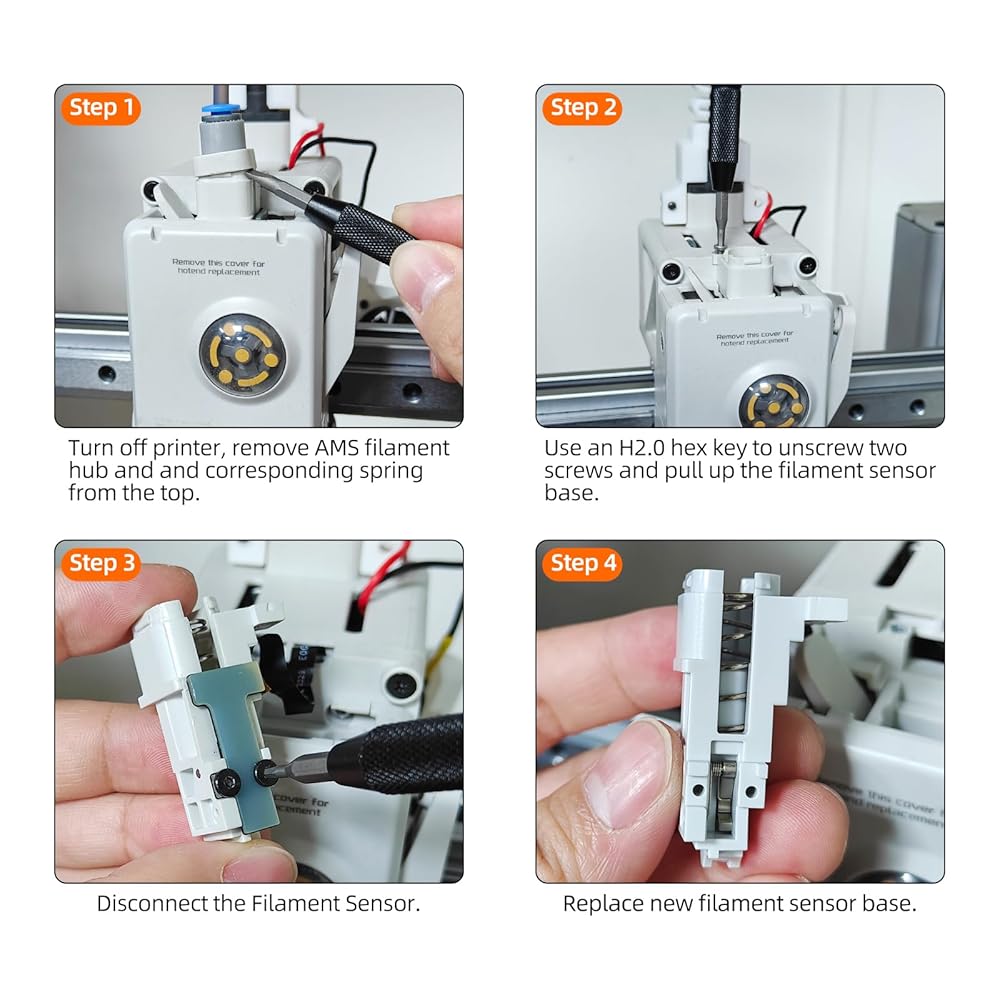
Easy to install and use, you firstly unload the filament from the printer, then cut the filament with the filament cutter and unload the filament manually, remove the filament hub assembly, finally remove the filament Sensor and replace the broken feeding bracket
Recommended installation tools: H1.5/H2.0 Hex Key Tool and Wrench. Learn more about replacing the Filament Sensor Base - A1 Series on Wiki
وصف
What do you get?
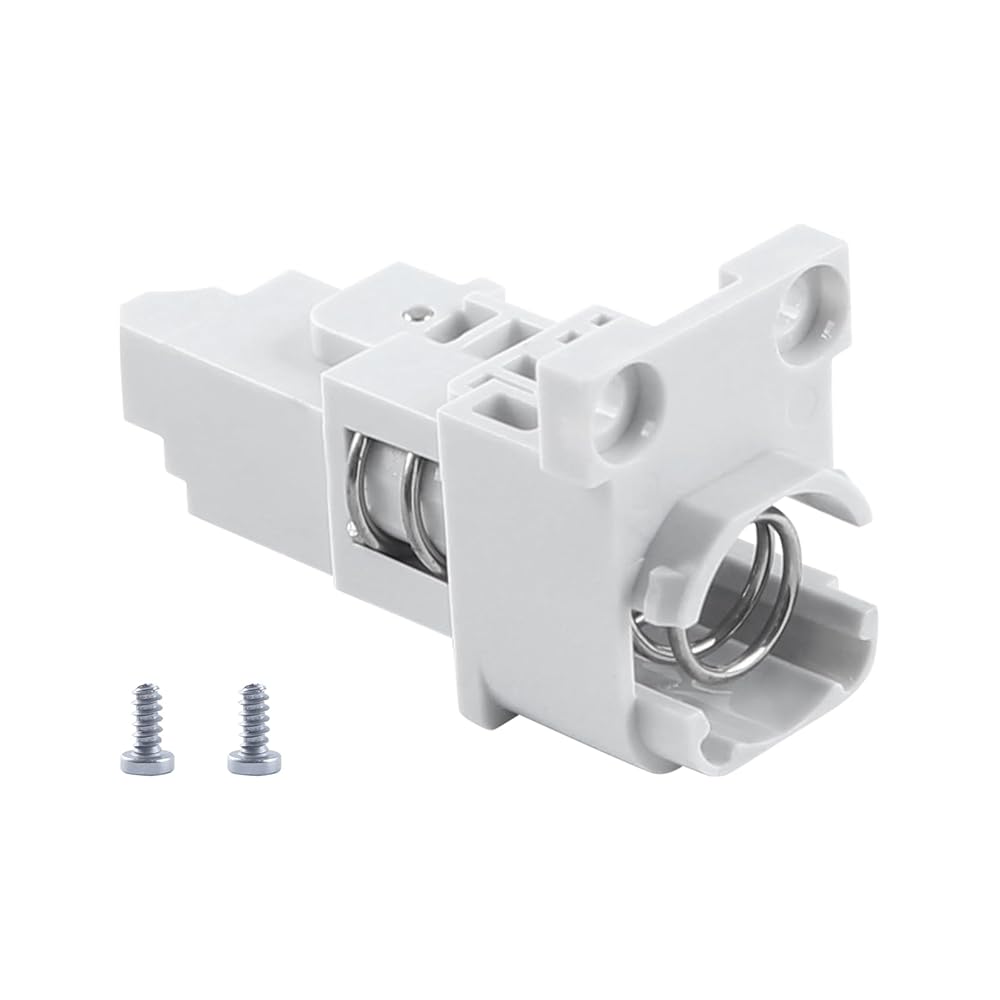
A1 Series Filament Sensor Base * 1
To install the filament sensor base, simply follow the reverse process of the reference disassembly. Please be careful to arrange the connection wiring properly to avoid any bending or damage
 BCZAMD CR-6 SE وحدة استشعار تسوية السرير التلقائي للطابعة ثلاثية الأبعاد جزء الطارد المجمع بالكامل، ملحقات الطرف الساخن CR-6 SE المتوافقة مع أجزاء الطابعة ثلاثية الأبعاد Crealit CR-6 SE
SAR 63
BCZAMD CR-6 SE وحدة استشعار تسوية السرير التلقائي للطابعة ثلاثية الأبعاد جزء الطارد المجمع بالكامل، ملحقات الطرف الساخن CR-6 SE المتوافقة مع أجزاء الطابعة ثلاثية الأبعاد Crealit CR-6 SE
SAR 63
 مجموعة عمود الدعم النشط من Immdinogo AMS لـ BambuLab P1P/P1S/X1/X1C/X1E AMS: استبدال أسطوانة قمع التغذية لملحقات الطابعة ثلاثية الأبعاد ذات بكرة الفتيل المتدحرجة
SAR 84
مجموعة عمود الدعم النشط من Immdinogo AMS لـ BambuLab P1P/P1S/X1/X1C/X1E AMS: استبدال أسطوانة قمع التغذية لملحقات الطابعة ثلاثية الأبعاد ذات بكرة الفتيل المتدحرجة
SAR 84
 محول Immdinogo 4 في 1 PTFE لـ BambuLab P1P/P1S/P2S/X1/X1C/X1E AMS: استبدال منفذ توسيع أنبوب الفتيل - ضمان استقرار طباعة المواد متعددة الألوان ملحقات الطابعة ثلاثية الأبعاد
SAR 76
محول Immdinogo 4 في 1 PTFE لـ BambuLab P1P/P1S/P2S/X1/X1C/X1E AMS: استبدال منفذ توسيع أنبوب الفتيل - ضمان استقرار طباعة المواد متعددة الألوان ملحقات الطابعة ثلاثية الأبعاد
SAR 76
 استبدال حامل البكرة الدوارة Immdinogo (أخضر) لـ BambuLab A1/ A1 Mini AMS lite: يستخدم لدعم وإمساك بكرات الخيوط - ضمان سلاسة المواد الاستهلاكية التي تغذي ملحقات الطابعة ثلاثية الأبعاد
SAR 141
استبدال حامل البكرة الدوارة Immdinogo (أخضر) لـ BambuLab A1/ A1 Mini AMS lite: يستخدم لدعم وإمساك بكرات الخيوط - ضمان سلاسة المواد الاستهلاكية التي تغذي ملحقات الطابعة ثلاثية الأبعاد
SAR 141