- Shopping, made easy.
- /
- Get the app!
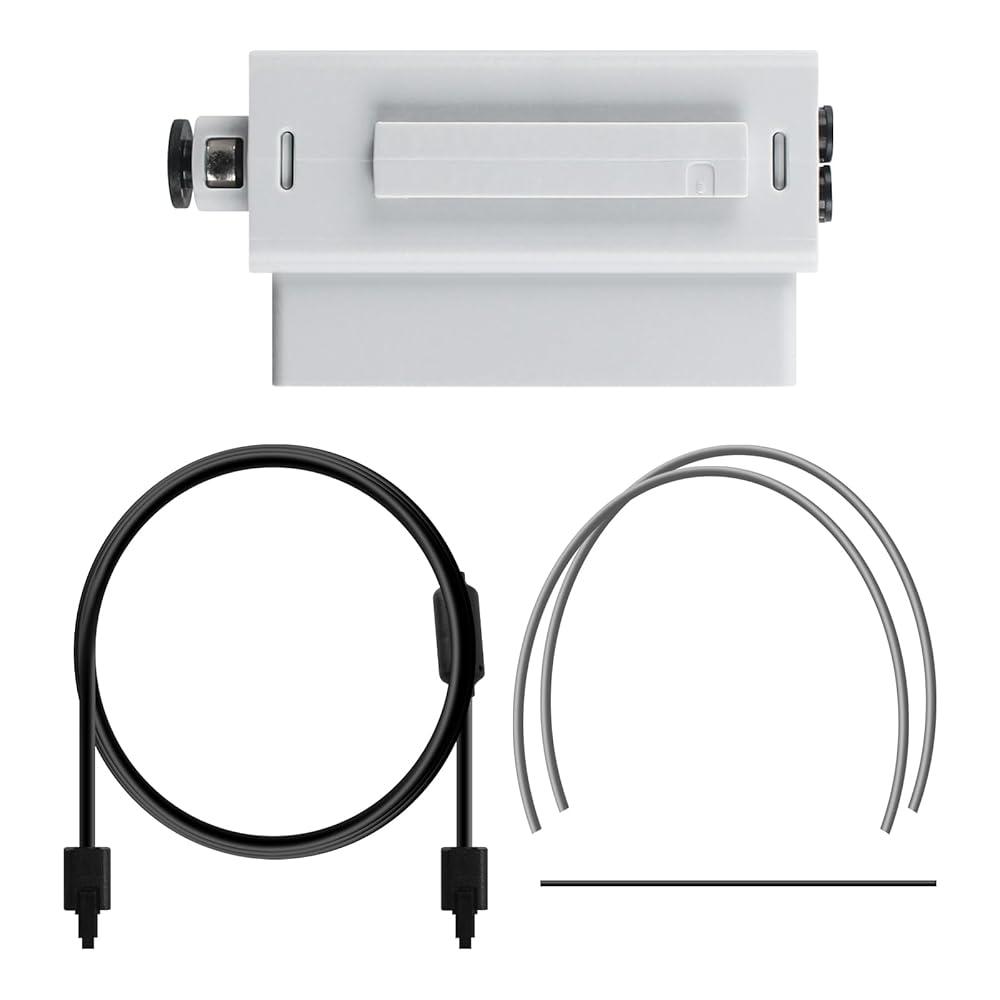
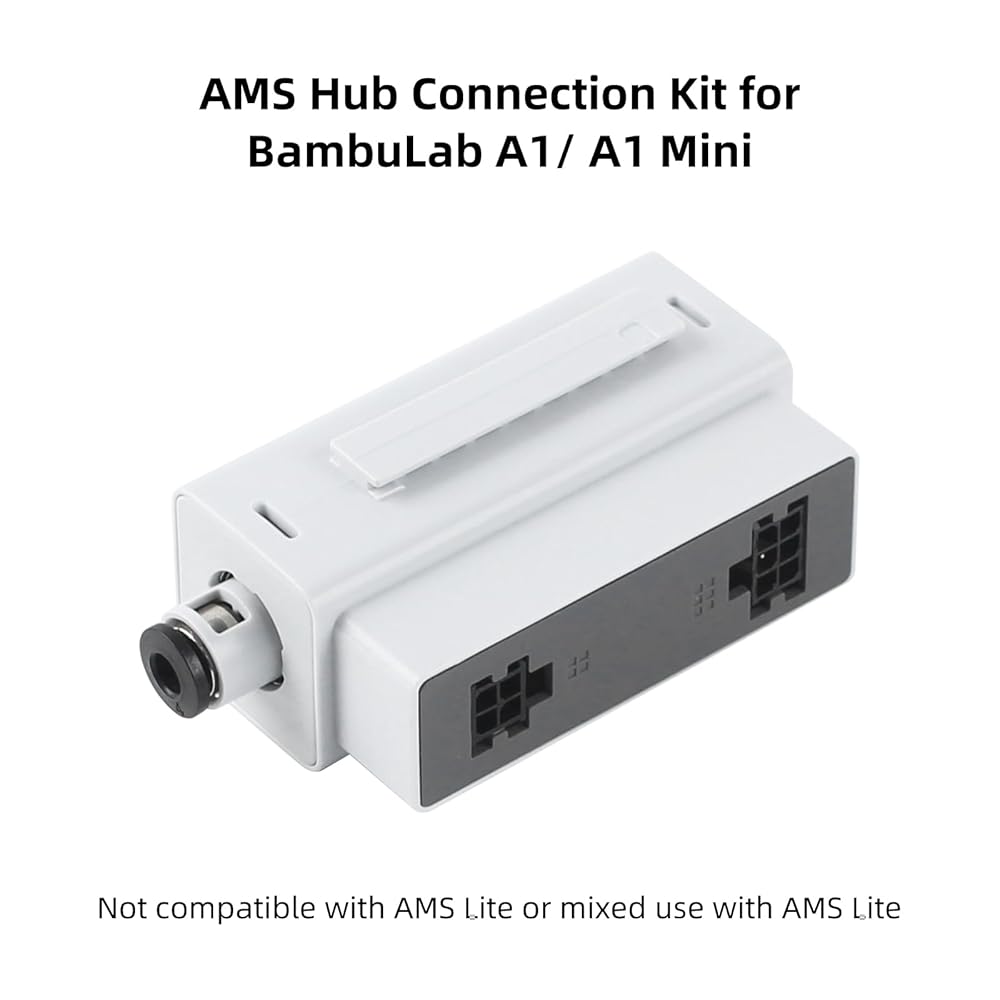
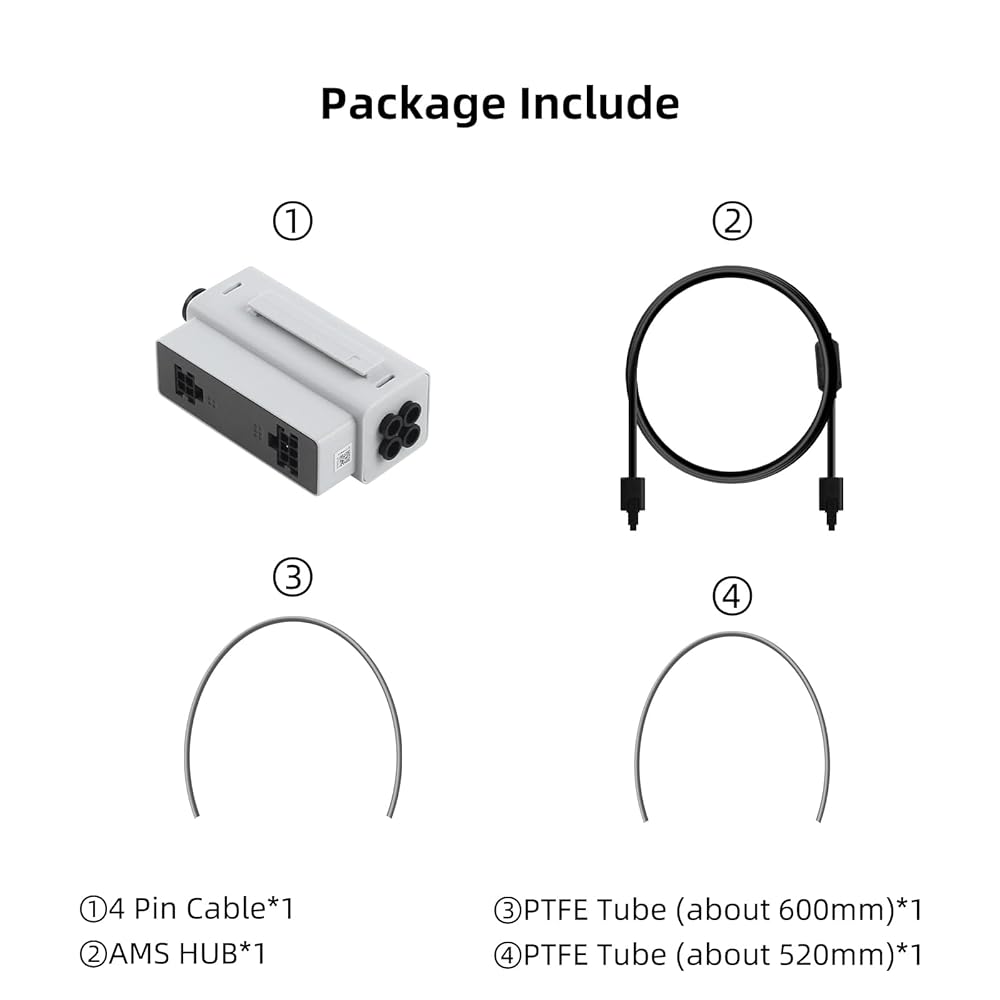
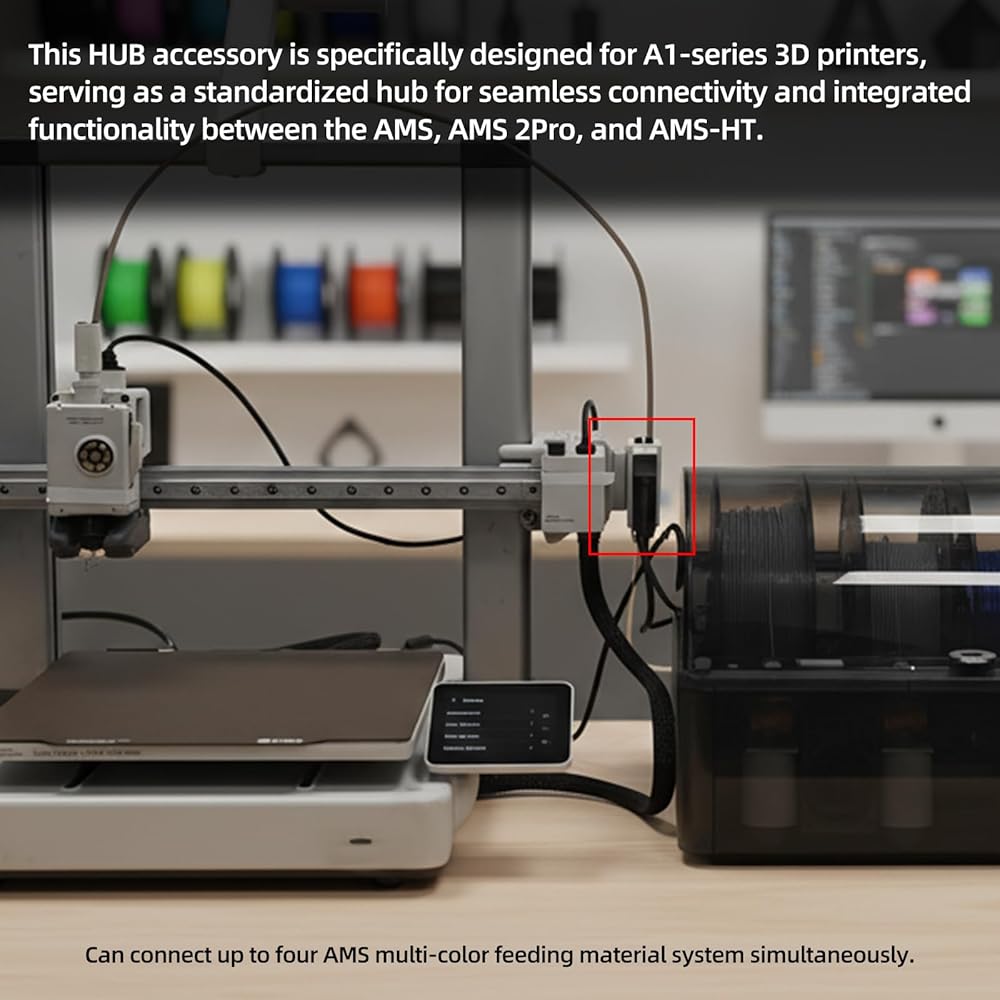
Need to depend on the location of the AMS and the printer, you need to choose the appropriate length of ptfe tube to connect the AMS and the Hub, the tube should avoid bending and twisting to reduce the resistance of the feed filament
The AMS hub is only for A1 series, if you need X1/X1C/X1-carbon/P1P/P1S ams hub, please search ASIN: B0FX9Z56L3
 3D Printing Accessories Prints Finished Brass Trimming Head: 8Pcs Trimmer Head with 1Pcs Connector Threaded Mating Design Compatible with Standard 936 Universal Soldering Iron Tip Bczamd
SAR 53
3D Printing Accessories Prints Finished Brass Trimming Head: 8Pcs Trimmer Head with 1Pcs Connector Threaded Mating Design Compatible with Standard 936 Universal Soldering Iron Tip Bczamd
SAR 53
 3D Printer Platform 257x257mm Dual Side Textured PEI Steel Sheet for Bambulab X1 X1C P1P P1S A1: Strong Adhesion Easy Prints Release Removable and Flexible Spring Build Plate BCZAMD
SAR 78
3D Printer Platform 257x257mm Dual Side Textured PEI Steel Sheet for Bambulab X1 X1C P1P P1S A1: Strong Adhesion Easy Prints Release Removable and Flexible Spring Build Plate BCZAMD
SAR 78
 BCZAMD CR-6 SE Auto Bed Leveling Sensor Module 3D Printer Full Assembled Extruder Part, CR-6 SE Hot End Accessories Compatible with Crealit CR-6 SE 3D Printer Parts
SAR 63
BCZAMD CR-6 SE Auto Bed Leveling Sensor Module 3D Printer Full Assembled Extruder Part, CR-6 SE Hot End Accessories Compatible with Crealit CR-6 SE 3D Printer Parts
SAR 63
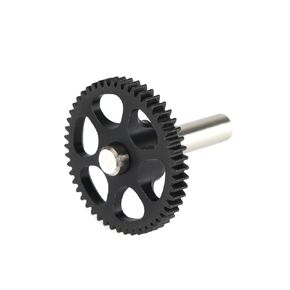 BCZAMD 3D Printer Extruder Parts Upgrade Replacement Hardened Hobb Gear for Voro 2.4 0.1 Project BM Sherpa Mini Extruder
SAR 68
BCZAMD 3D Printer Extruder Parts Upgrade Replacement Hardened Hobb Gear for Voro 2.4 0.1 Project BM Sherpa Mini Extruder
SAR 68