- Shopping, made easy.
- /
- Get the app!
In the Box:
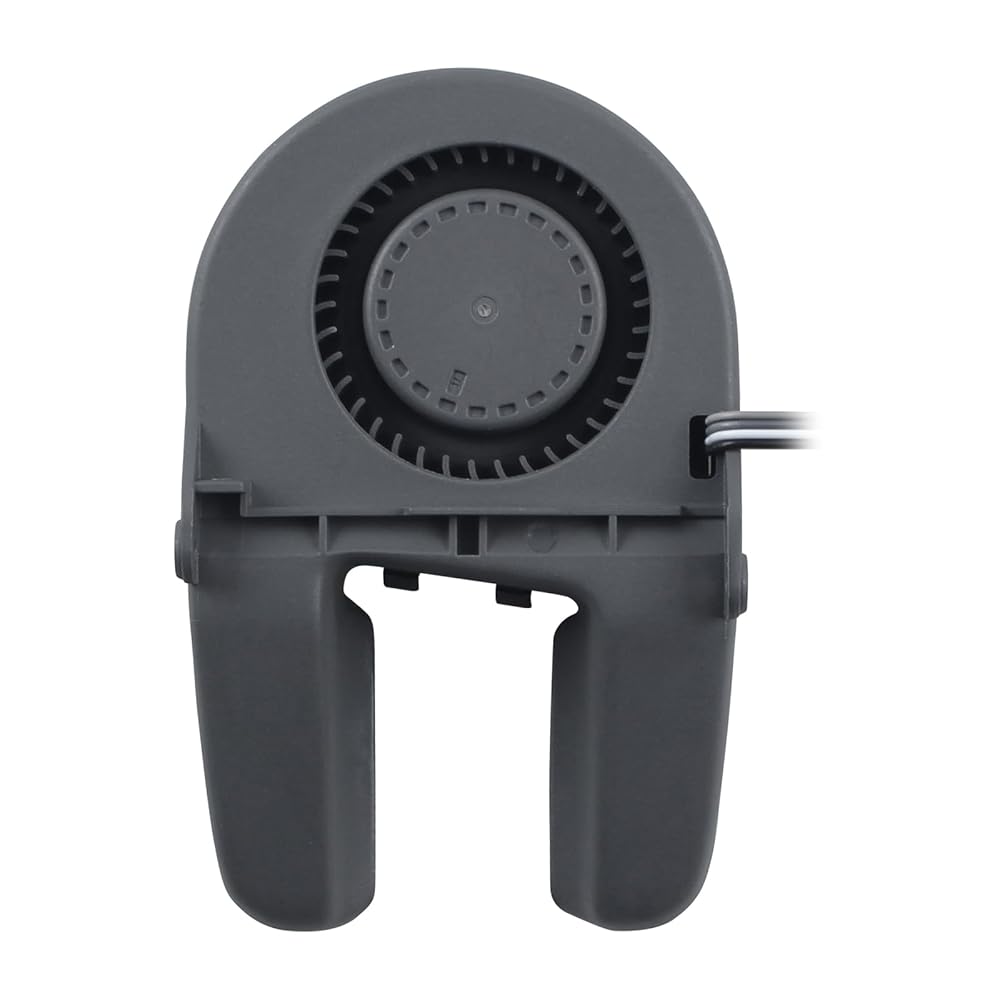
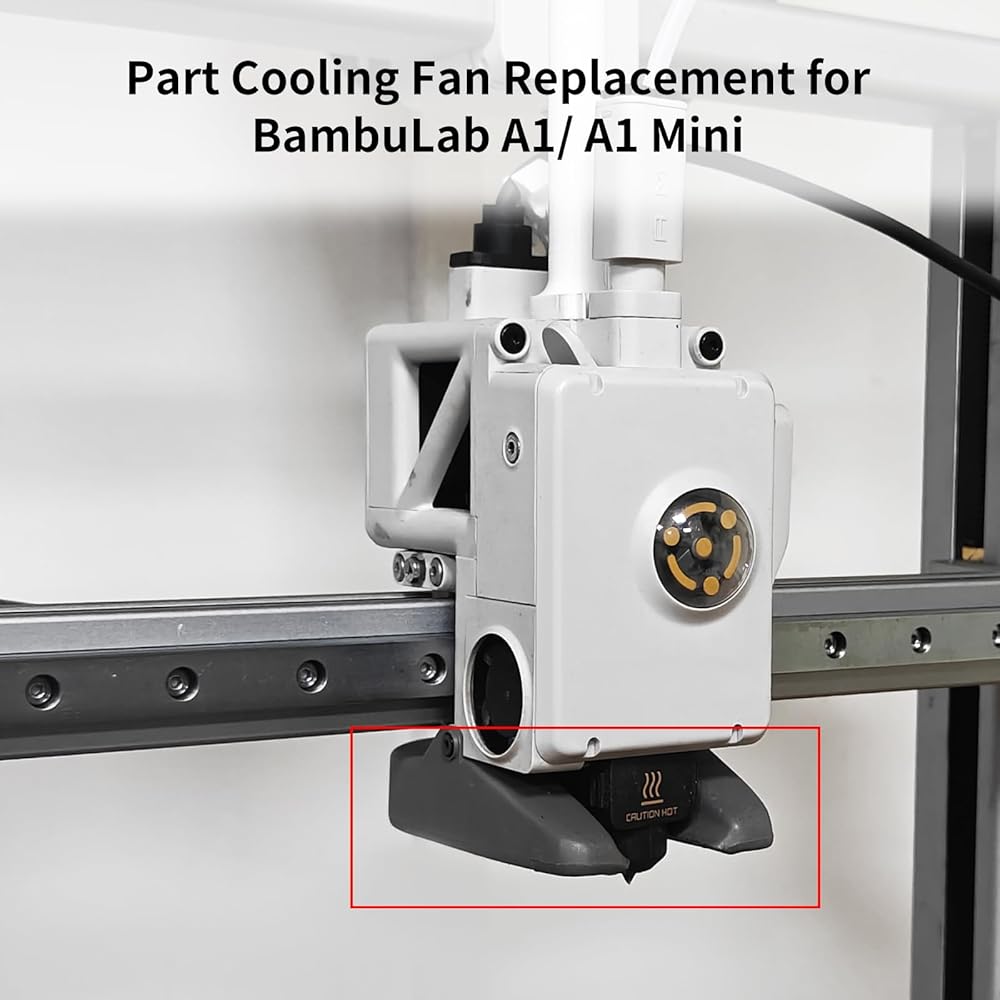
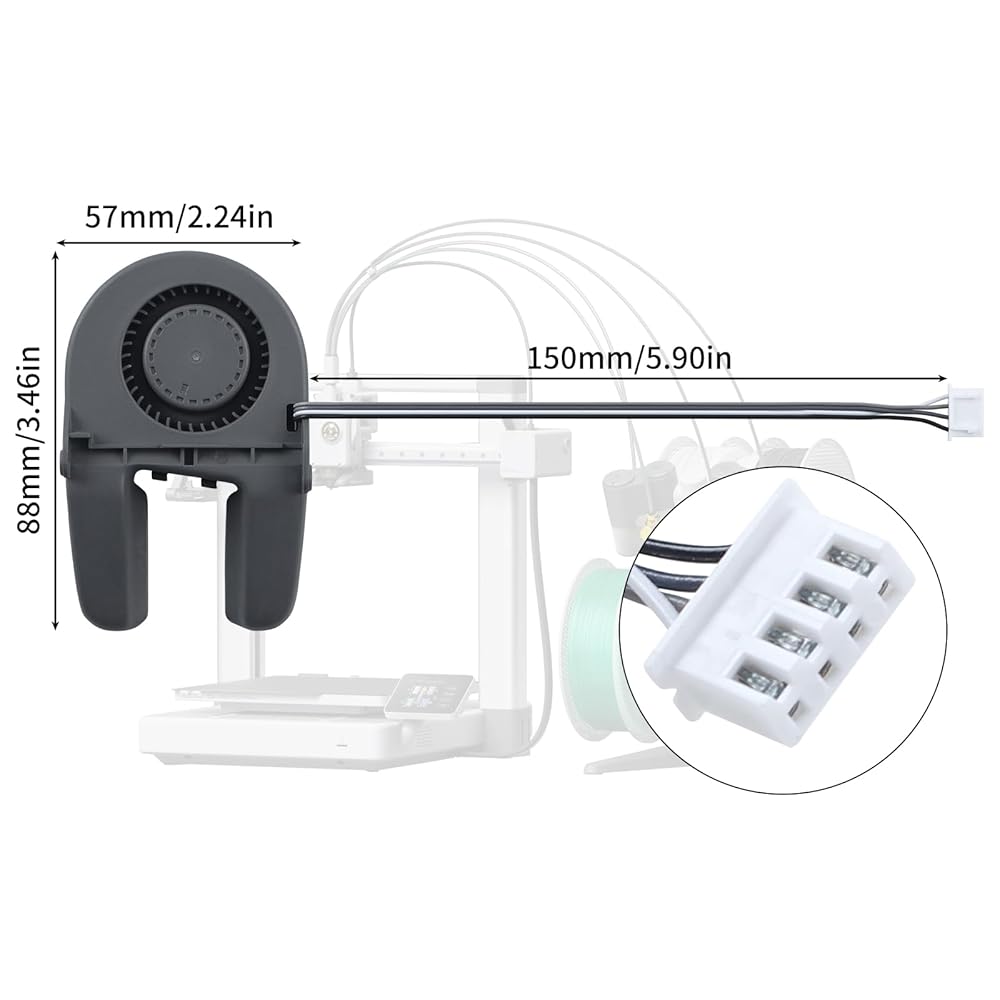
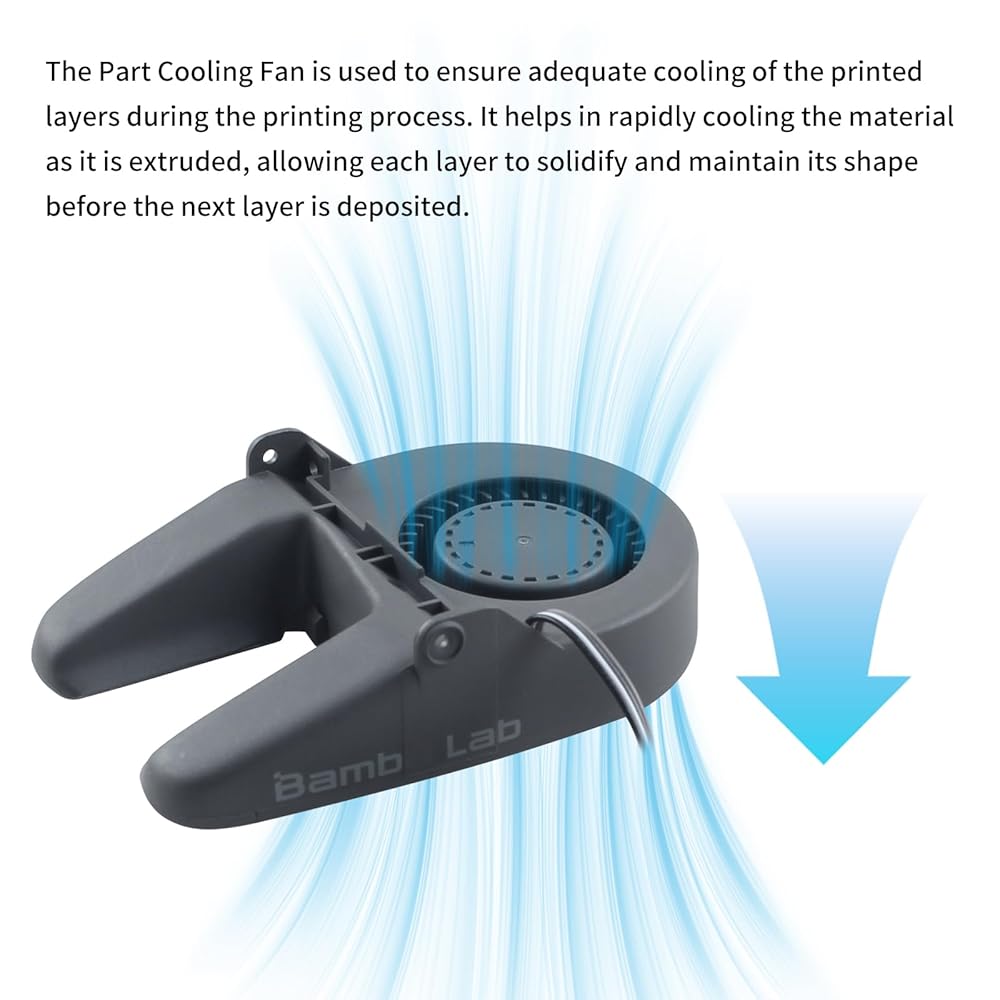
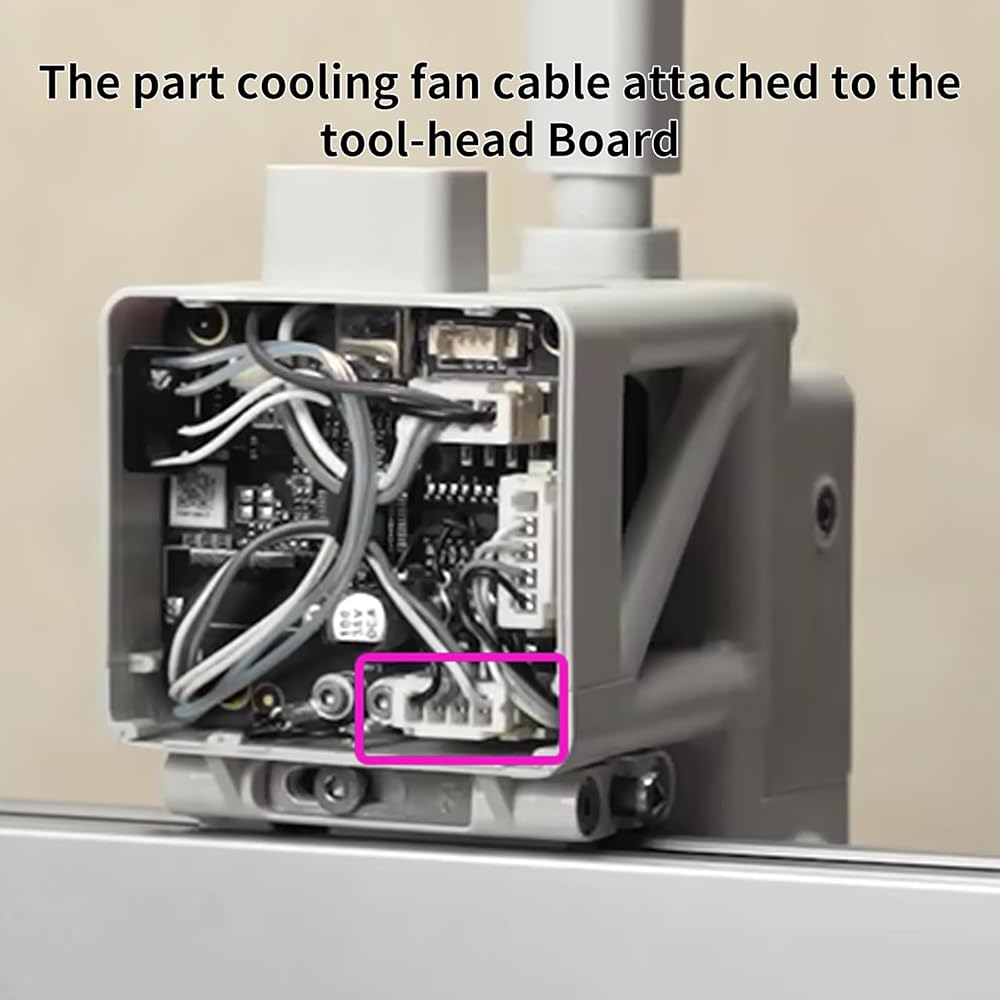
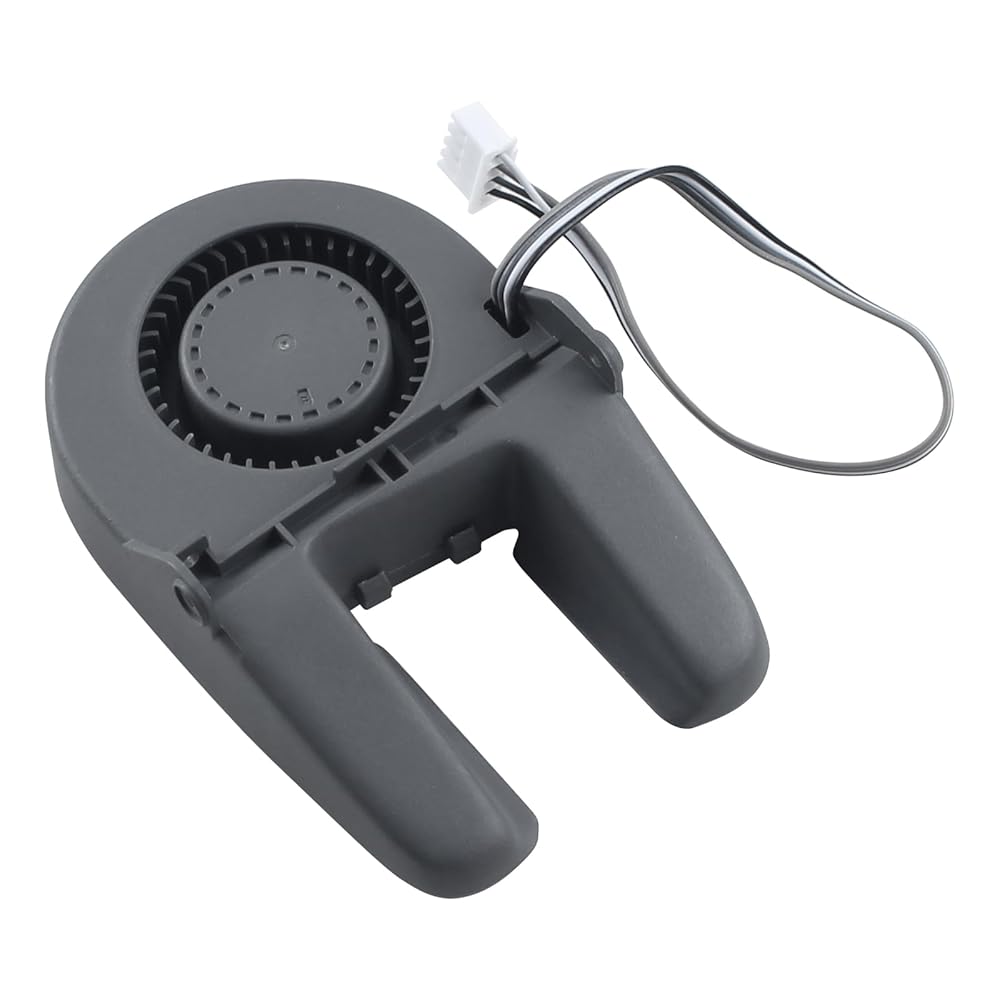
Part Cooling Fan * 1
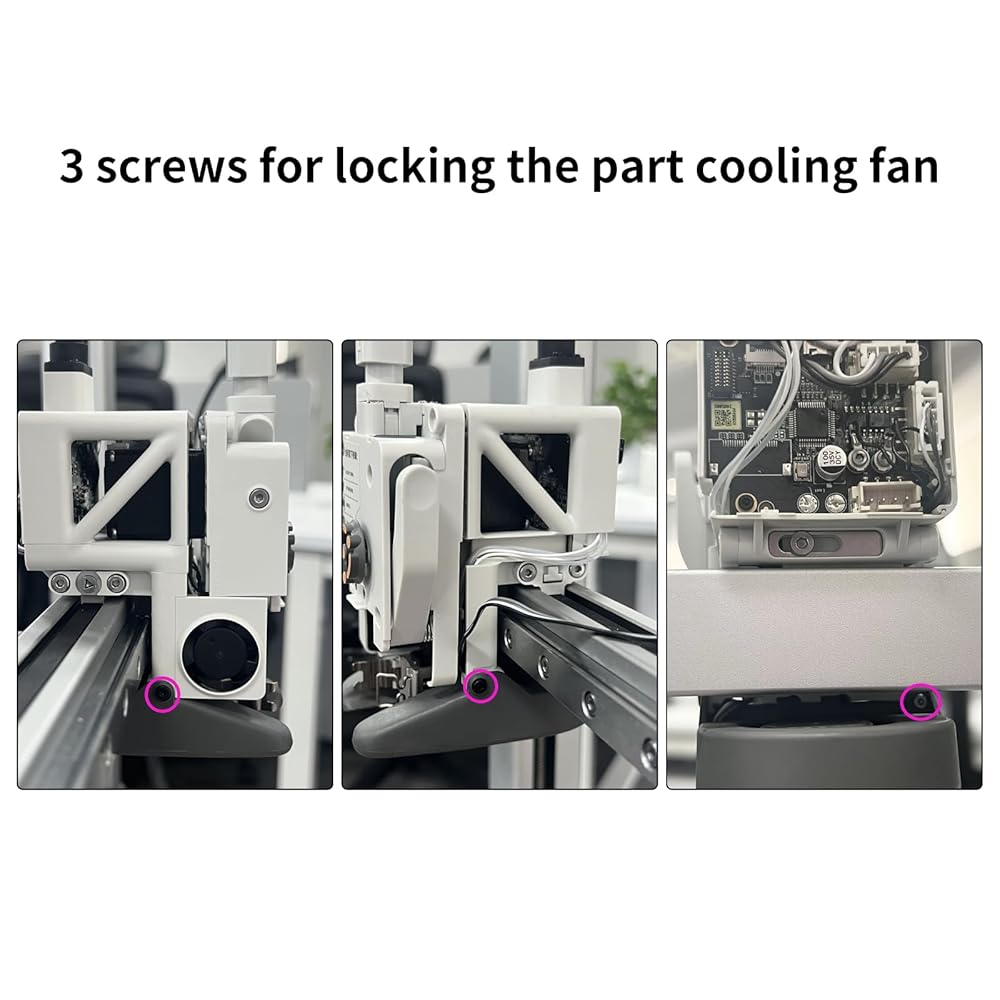
BT2-5 Screws * 2
BT2-4 Screws * 1
M2-2 Screws * 2
 3D Printer Accessories P1P P1S Hall Switch Board Ribbon FPC Cable(2Pcs): Connecting Filament Sensor to Hotend Extruder
SAR 63
3D Printer Accessories P1P P1S Hall Switch Board Ribbon FPC Cable(2Pcs): Connecting Filament Sensor to Hotend Extruder
SAR 63
 -9%
3D Printer Accessories CMYK LED Backlight Board Kit: PCB Light with 59inch USB Switch Connection Cable for Lithophane Transparent Panel Photo Model DIY Multi-Color Printing Project
SAR 62
-9%
3D Printer Accessories CMYK LED Backlight Board Kit: PCB Light with 59inch USB Switch Connection Cable for Lithophane Transparent Panel Photo Model DIY Multi-Color Printing Project
SAR 62
 3D Printer Accessories Filament Cutter Kit(6Pcs) for X1/X1C/X1E/P1P/P1S/A1/A1 Mini: Print Head Scraper Replacement - Cut Filament to Prevent Hotend Nozzle Clogging
SAR 68
3D Printer Accessories Filament Cutter Kit(6Pcs) for X1/X1C/X1E/P1P/P1S/A1/A1 Mini: Print Head Scraper Replacement - Cut Filament to Prevent Hotend Nozzle Clogging
SAR 68
 3D Printer Accessories Y Shape LED Magntic Control Switch Light: 3V White Lights Lamp Beads Excludes Power Supply for 3D Printing DIY Project Model Lighting
SAR 53
3D Printer Accessories Y Shape LED Magntic Control Switch Light: 3V White Lights Lamp Beads Excludes Power Supply for 3D Printing DIY Project Model Lighting
SAR 53