- Shopping, made easy.
- /
- Get the app!
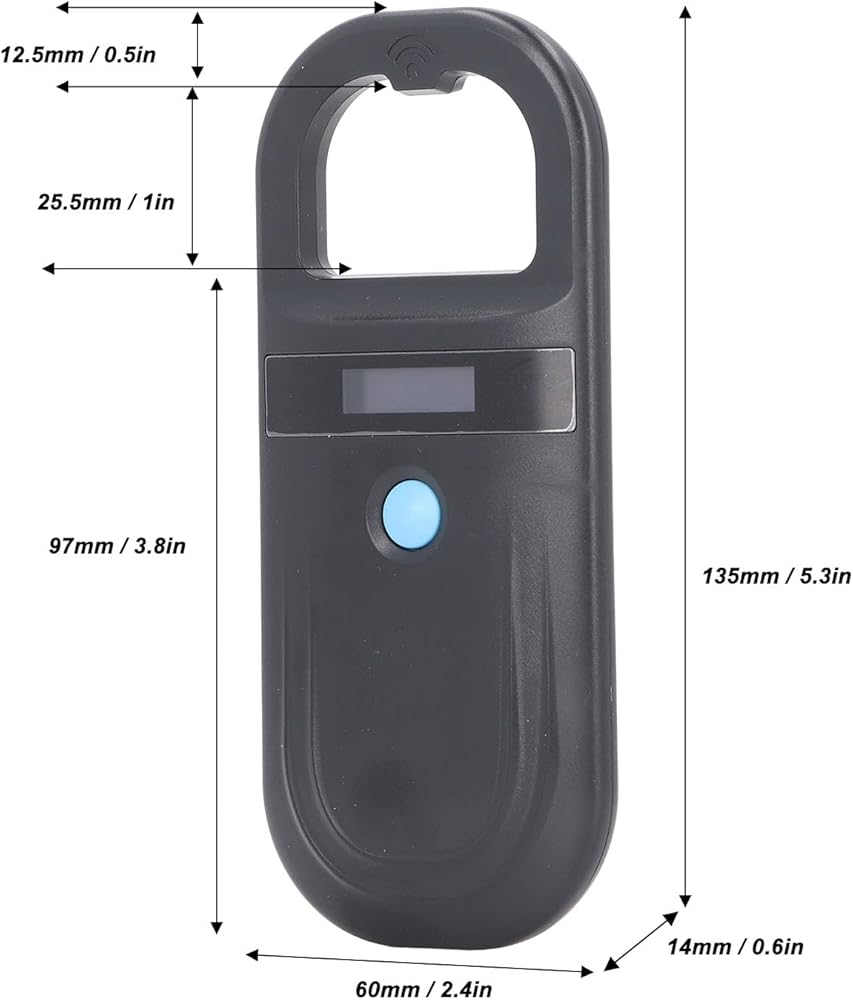
Specification:
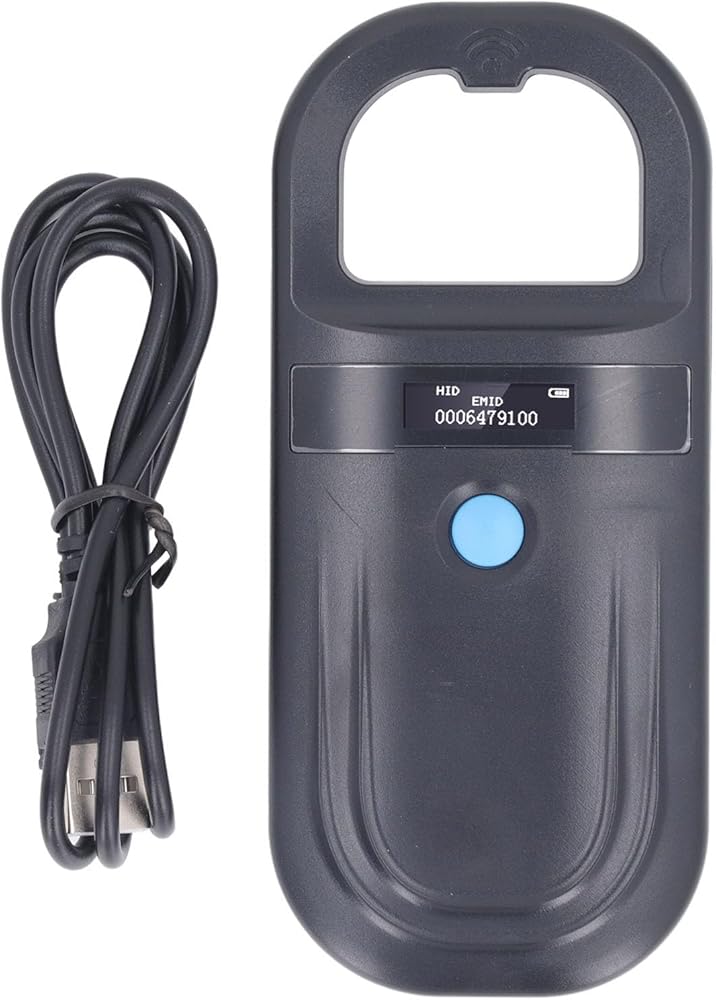
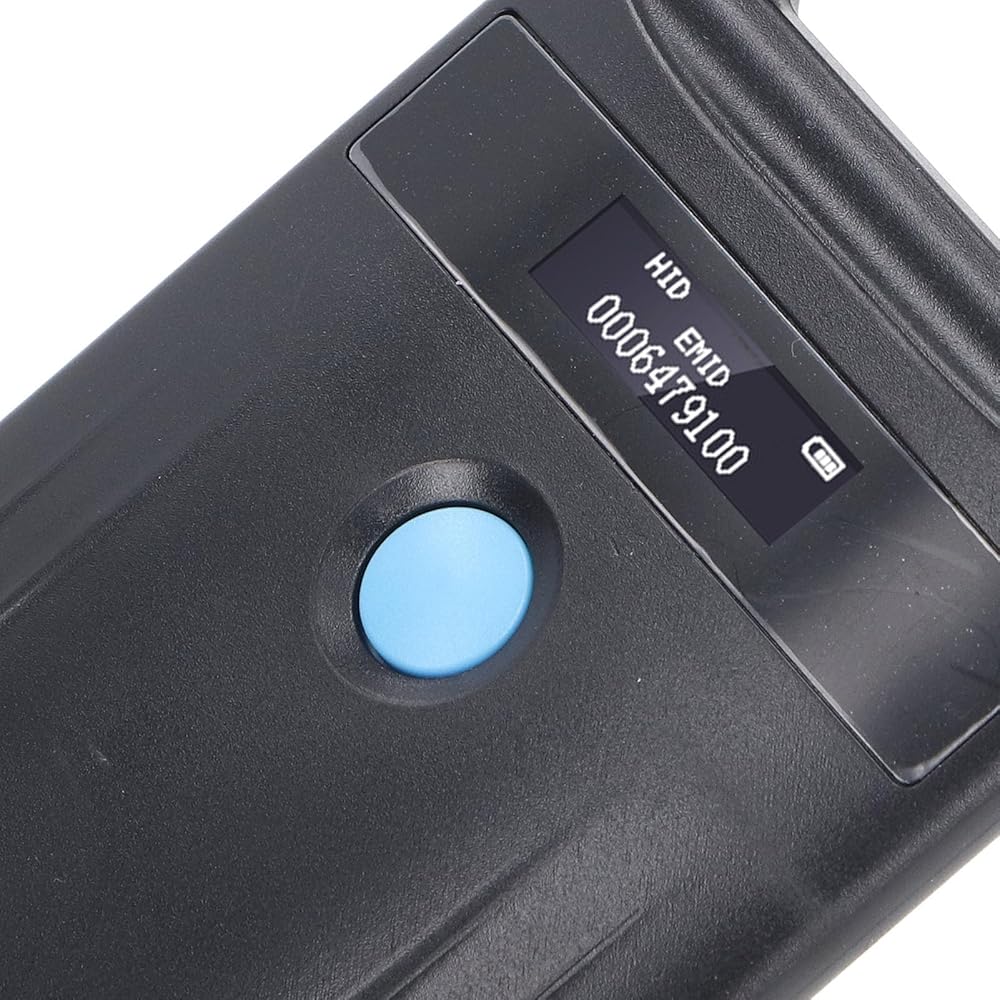
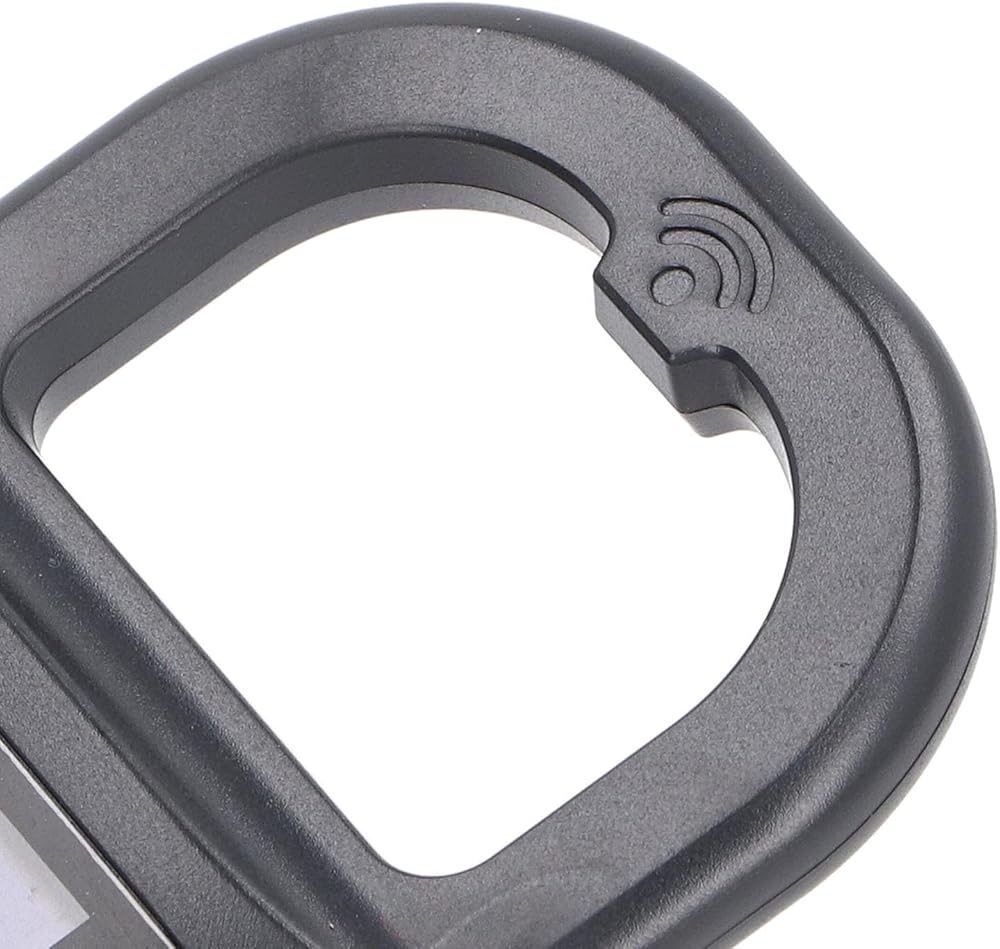
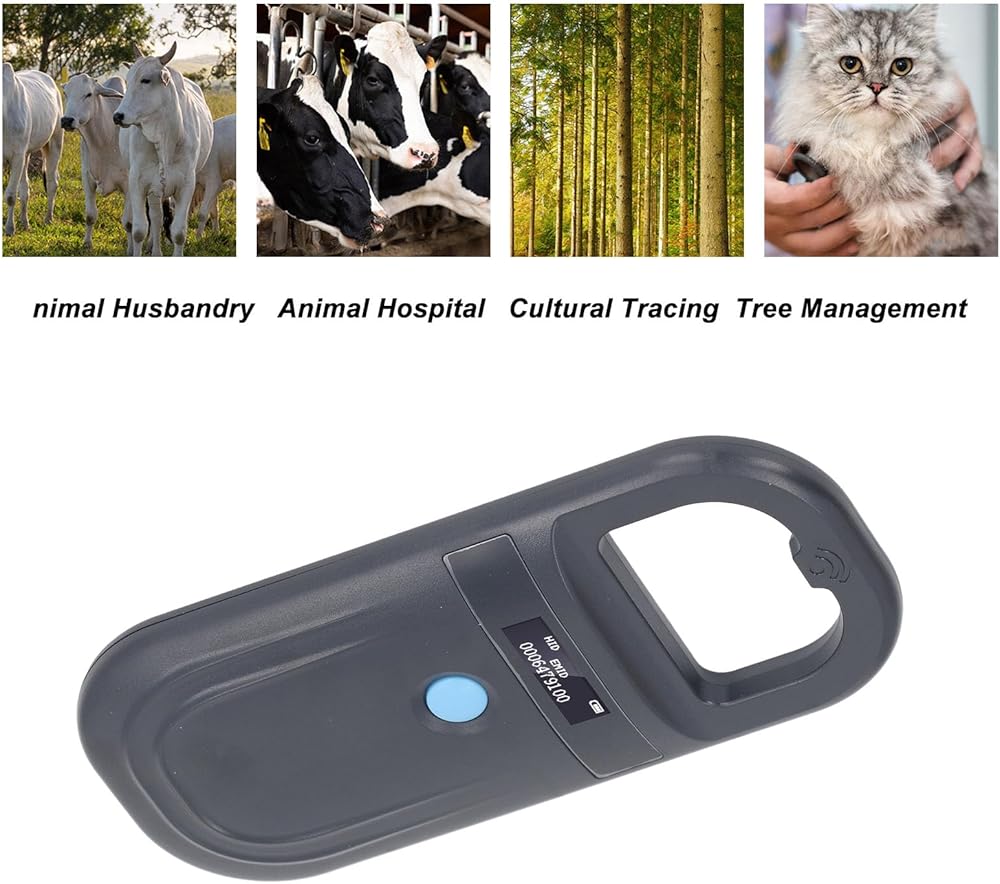
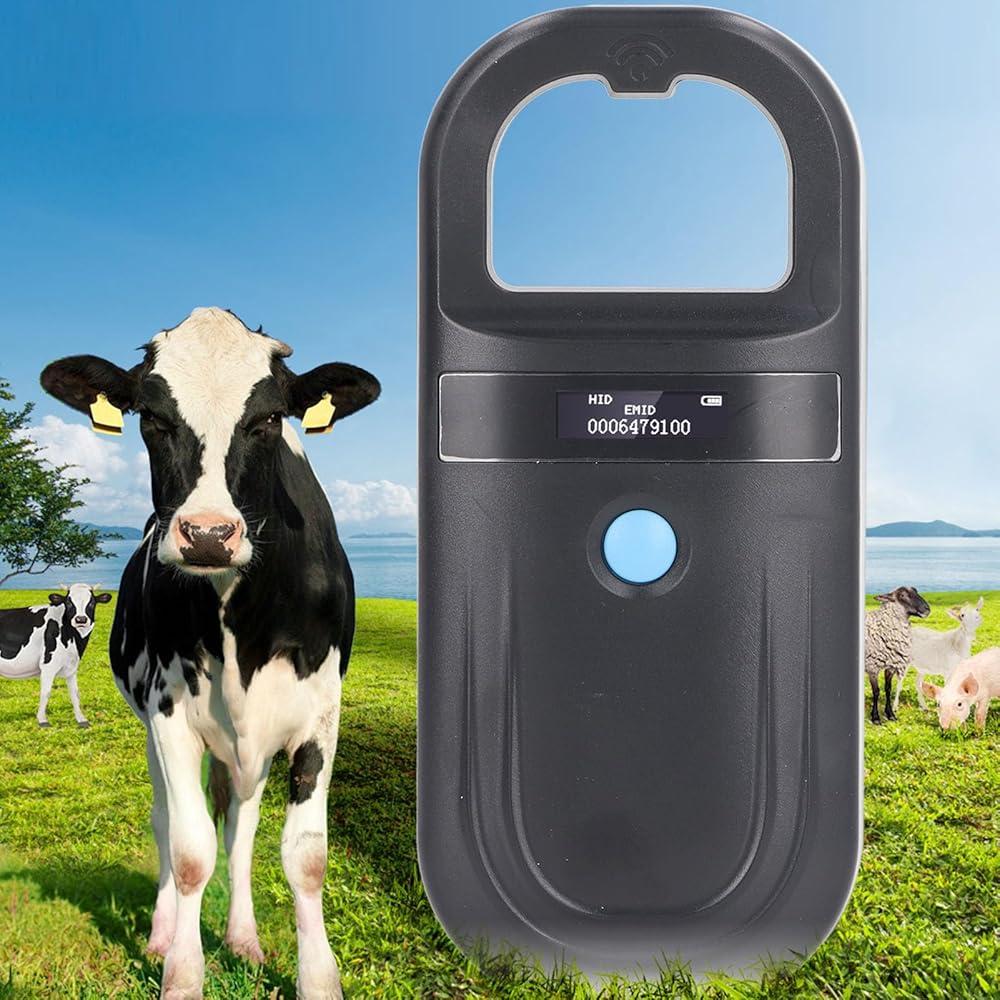
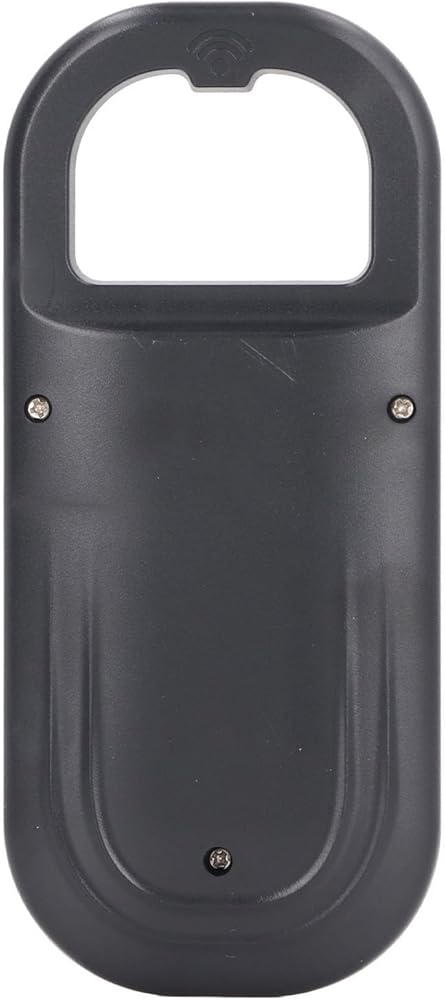
Item Type: Animal Scanner
Material: ABS
Working Frequency: 134.2KHz
Data Storage: Stores 128 sets of data
Charging Method: USB
Charging Voltage: 5V
Screen Display: Organic LED Display
Continuous Working Time: 4 Hours
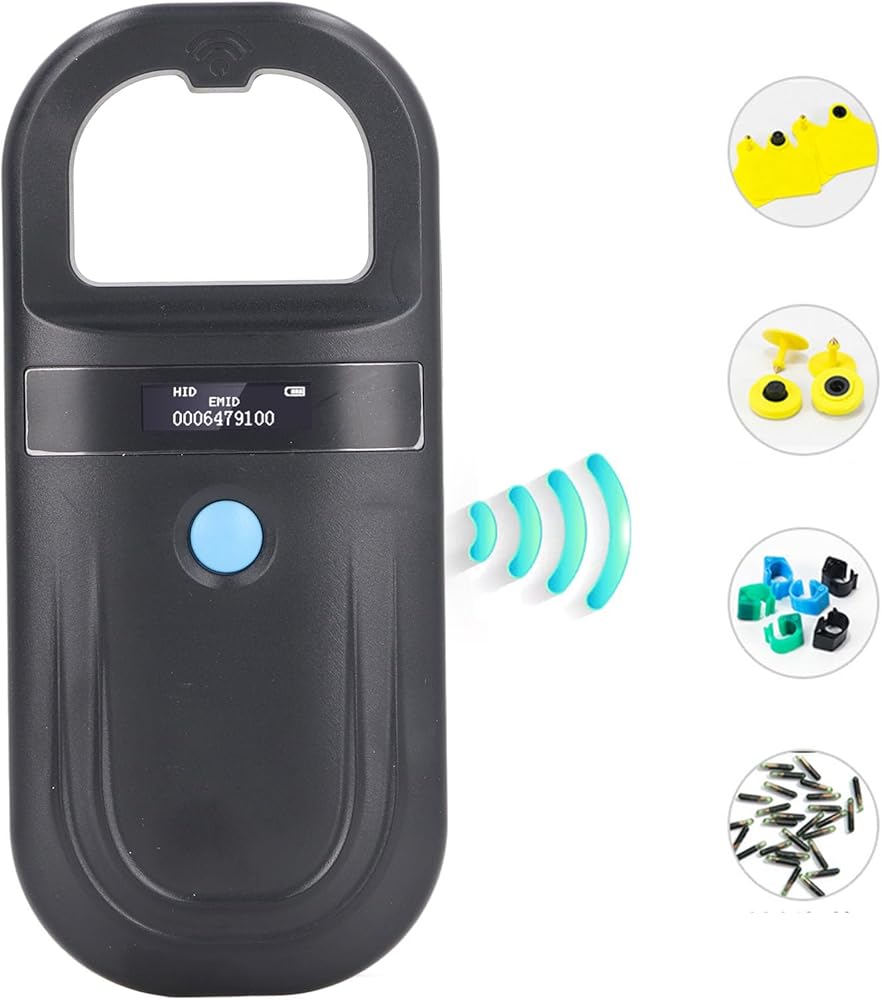
Reading Standard: ISO11784 85 FDX B and EMID
Buzzer: Built in
Operating Language: English
Power Supply: 3.7V Rechargeable Lithium Battery 800mAh (built in battery), fully charged in 90 minutes
Reading Distance: Approx. 15cm / 5.9in
How to Use:
1. Power on and Card Reading:
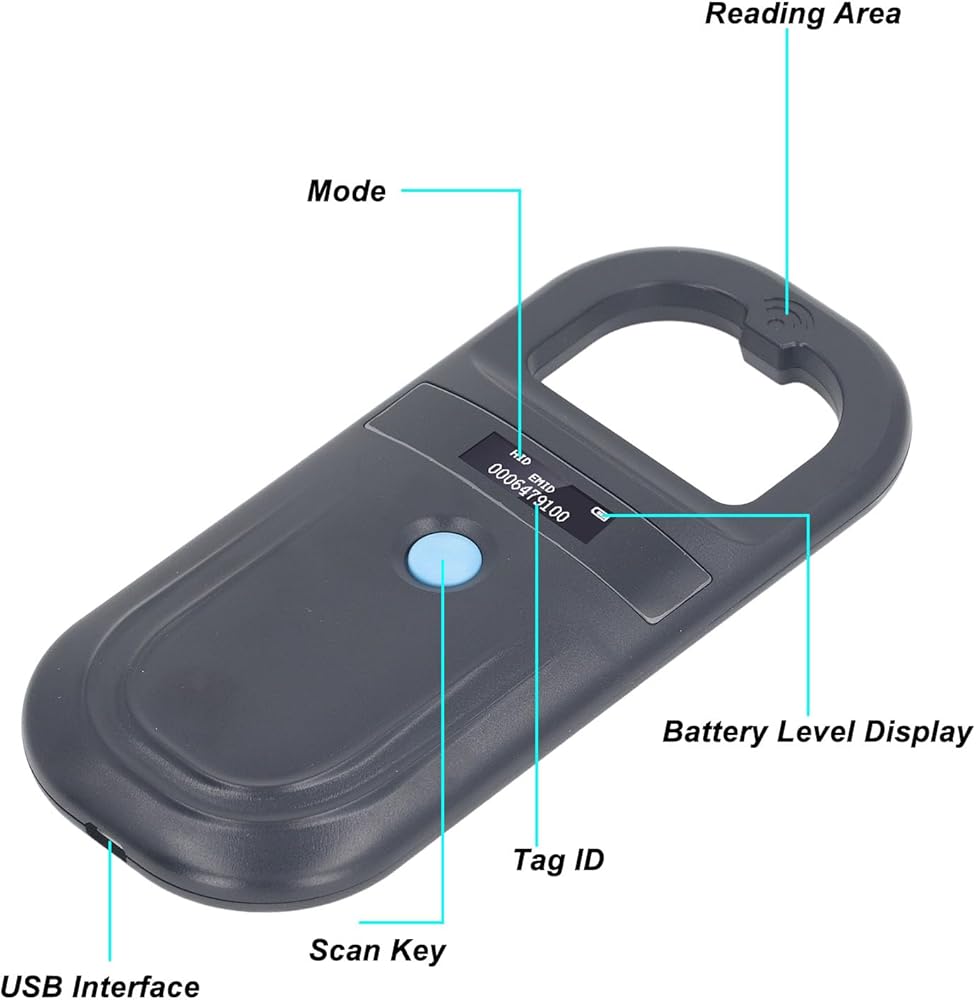
Press the button to power on and enter the scanning tag interface.
2. Scanning Tag:
Scanning FDX‑B and EMID tag within the sensing area. If no tag is found, it will prompt No Tag Found.
3. Charging and Data Upload:
After connecting the USB cable, the USB will appear in the upper left corner of the LCD screen, indicating the charging status. Press and hold the button for 3 seconds to upload the data stored in the device, up to 128 sets of data. After successful data upload, the interface will display as follows. Alternatively, you can connect the USB cable to upload real time data scanned by the device.
Package List:
1 x Animal Scanner
1 x Data Cable
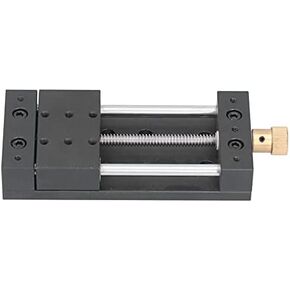 Linear Stage Actuator Aluminium Alloy Sliding Table Linear Actuator with Base Manual Linear Rail Guide for Mechanical Engineering
SAR 253
Linear Stage Actuator Aluminium Alloy Sliding Table Linear Actuator with Base Manual Linear Rail Guide for Mechanical Engineering
SAR 253
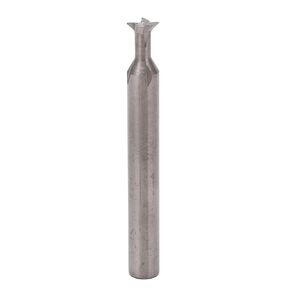 LiebeWH Carbide Dovetail Cutter Bit Dovetail End Mill Cutter 6mm Dia Shank 4 Flutes Fast Drilling Milling Cutter 50mm Length (60°)
SAR 0
LiebeWH Carbide Dovetail Cutter Bit Dovetail End Mill Cutter 6mm Dia Shank 4 Flutes Fast Drilling Milling Cutter 50mm Length (60°)
SAR 0
 Millivolt Signal Generator DC5-24V Adjustable Parameters Voltage Signal Generator with Autosave Function for Thermocouple
SAR 109
Millivolt Signal Generator DC5-24V Adjustable Parameters Voltage Signal Generator with Autosave Function for Thermocouple
SAR 109
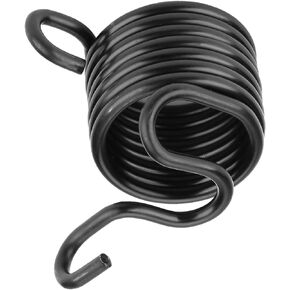 Air Hammer Quick Spring Retainer Stainless Steel M6 Nuts Replaceable Air Hammer Metalworking Chisels for 150 190 250 Pneumatic Hammer
SAR 35
Air Hammer Quick Spring Retainer Stainless Steel M6 Nuts Replaceable Air Hammer Metalworking Chisels for 150 190 250 Pneumatic Hammer
SAR 35