- Shopping, made easy.
- /
- Get the app!
In the Box:
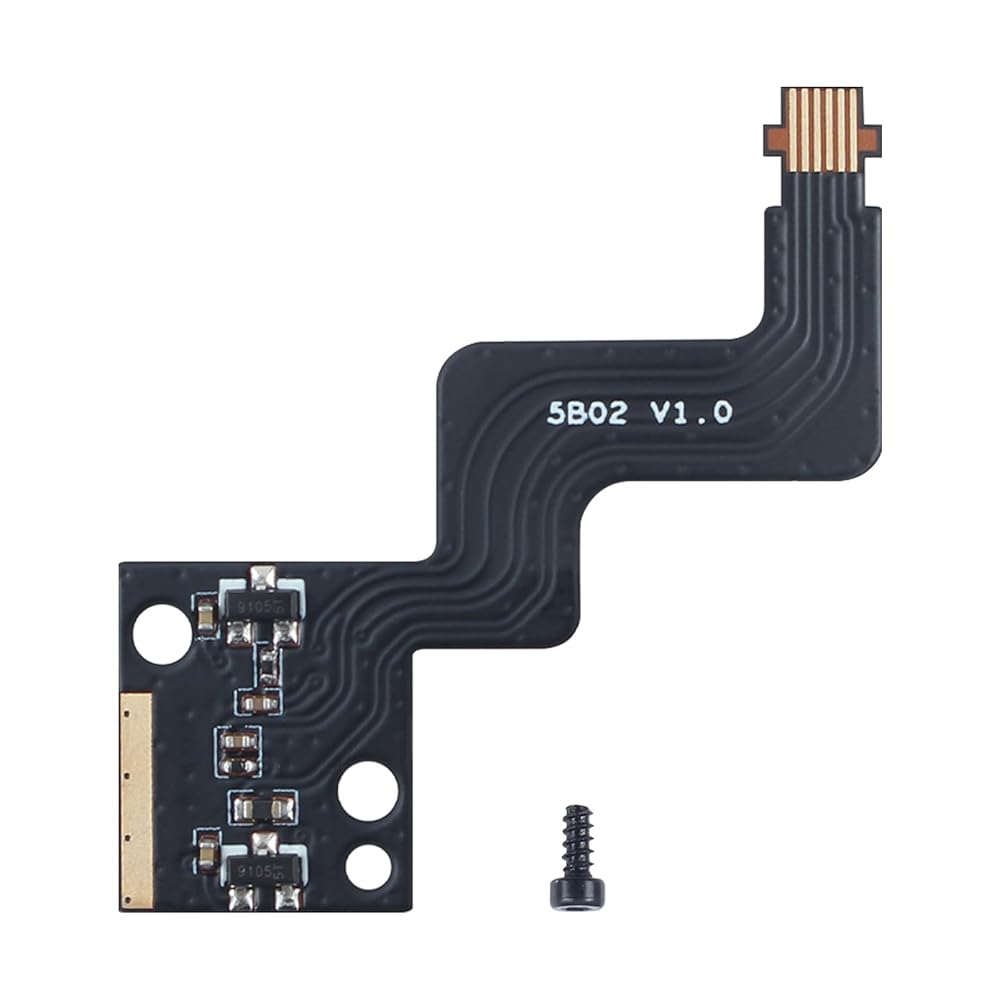
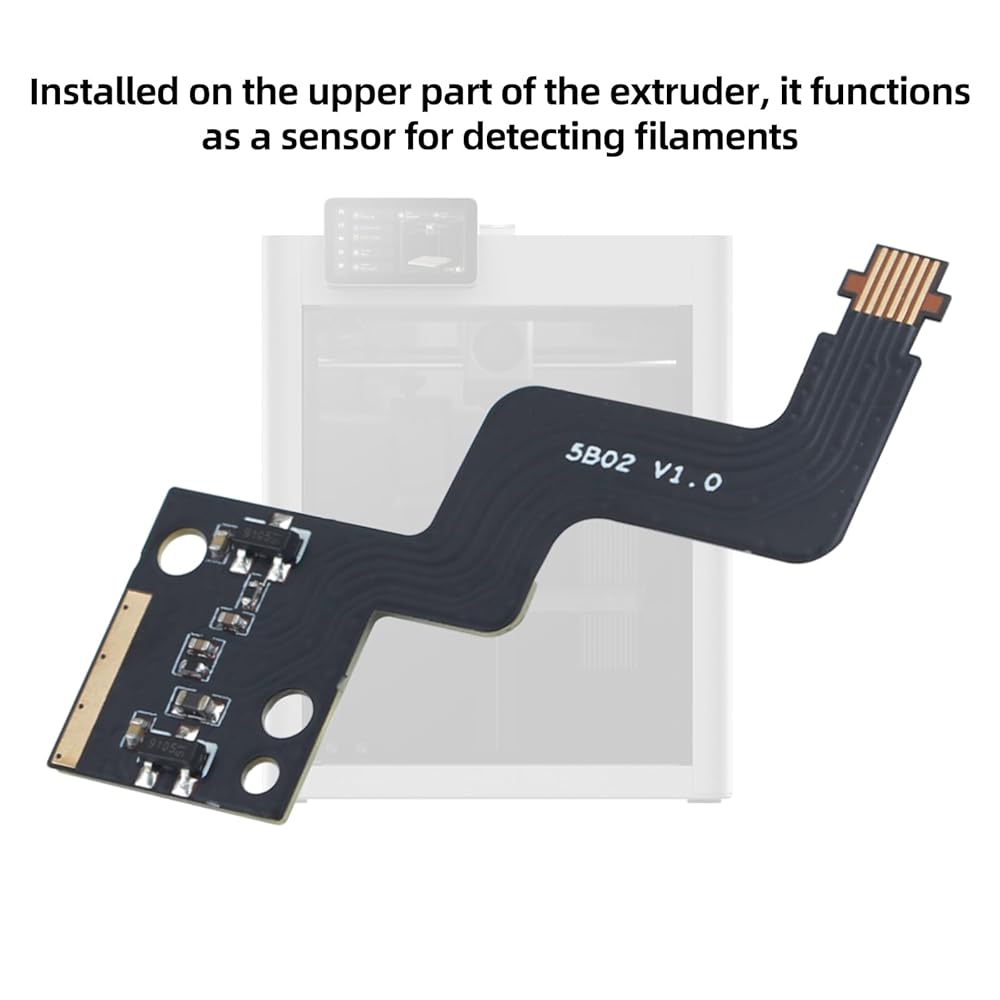
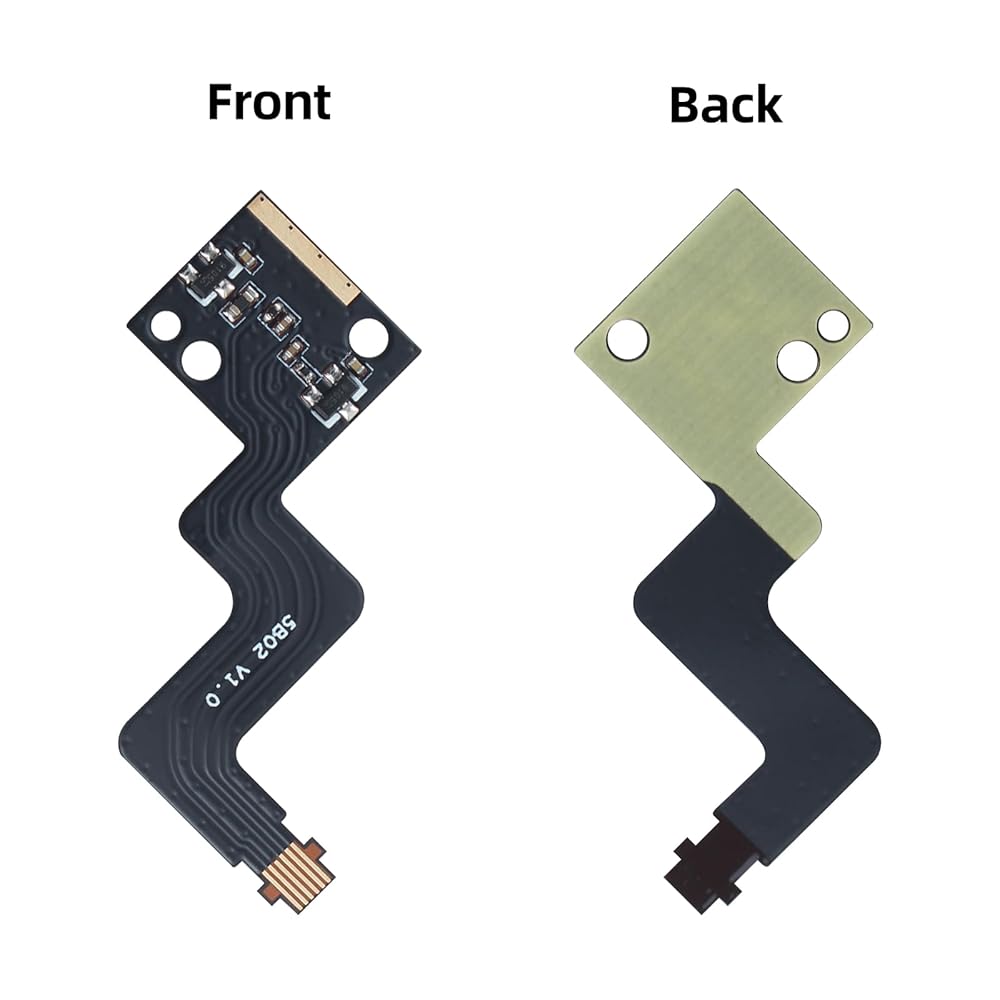
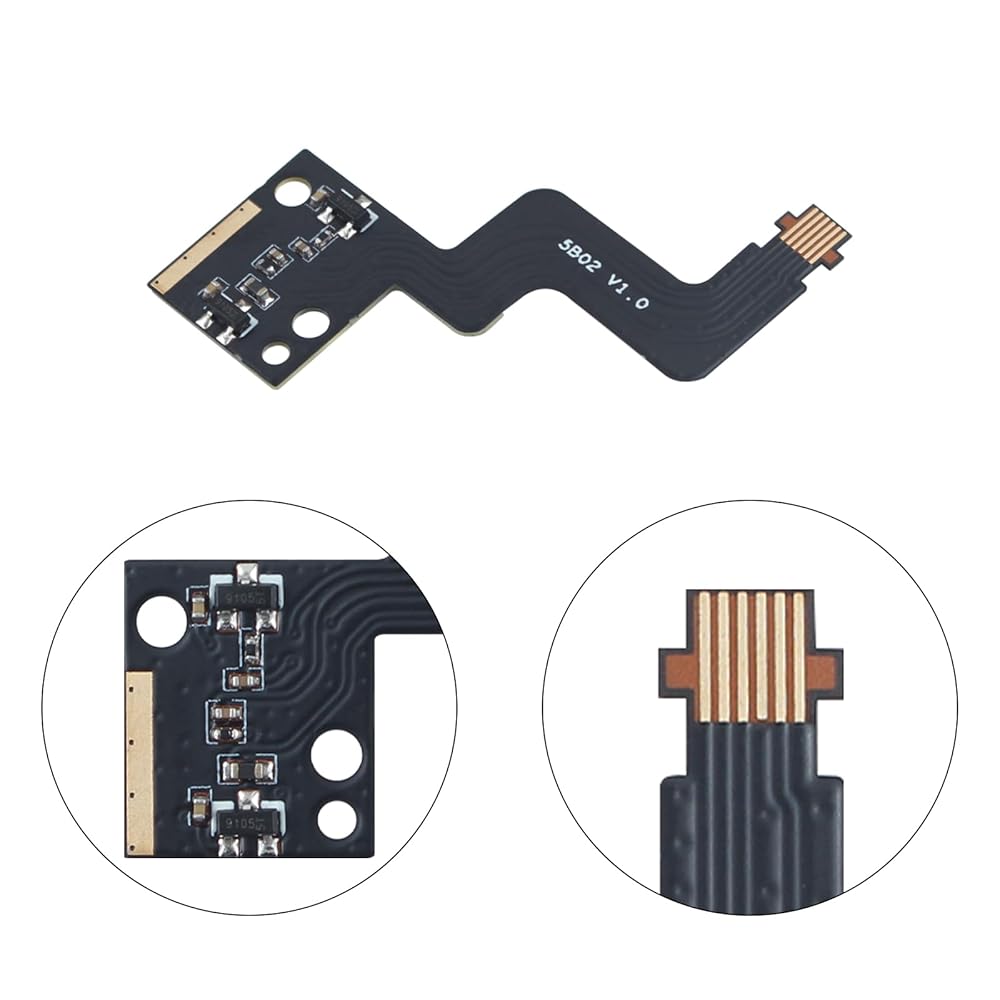
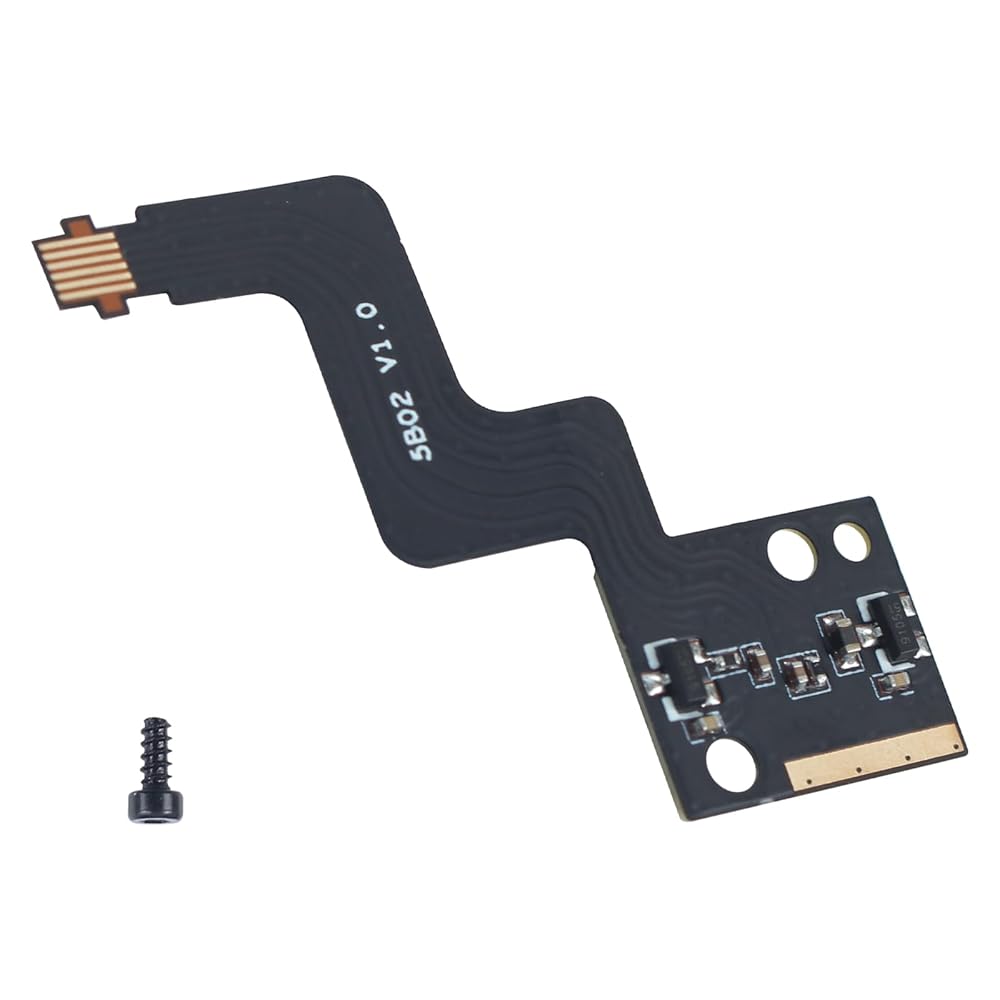
1Pcs Hall Switch Board No feeding port and pneumatic fitting connector
BT2x5 Screws*2
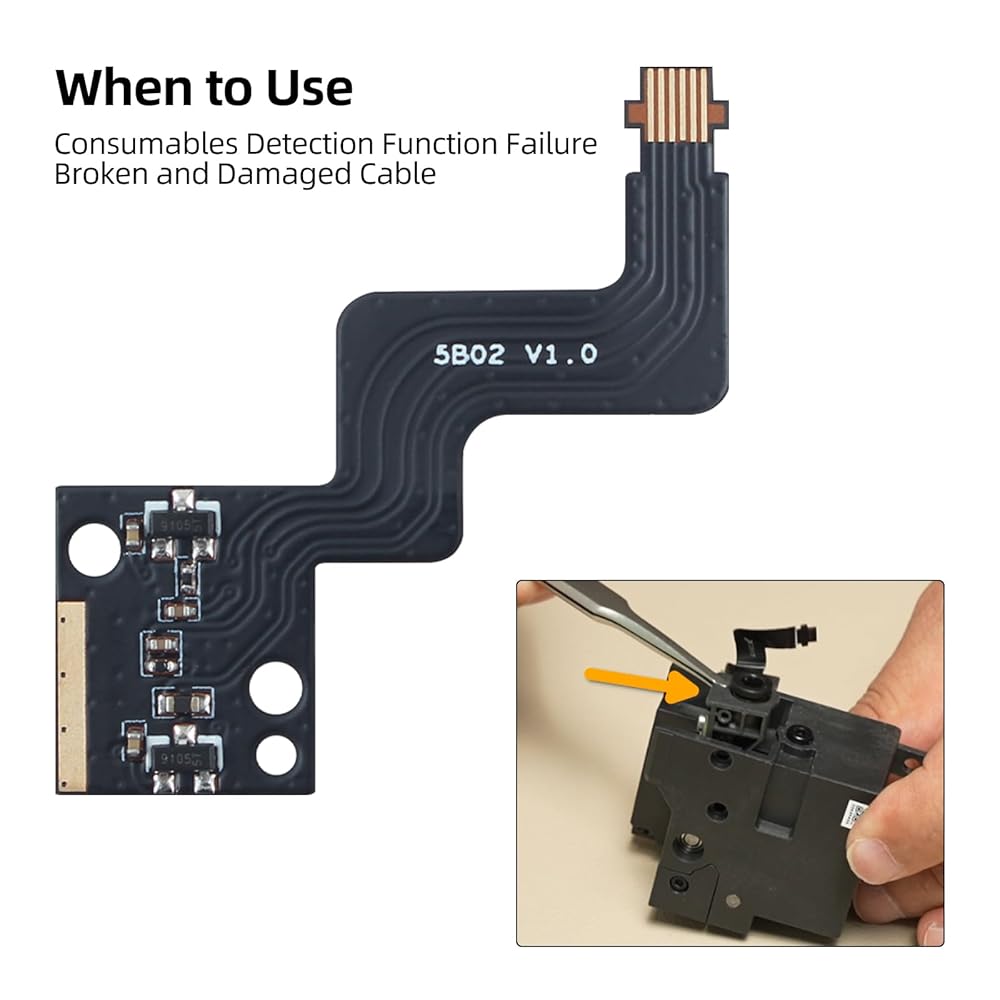
When removing this FPC cable, handle it with care to avoid damaging the cable due to excessive force
How to Verify
Ensure the handle moves smoothly
Power on and verify that the extruder filament sensor board can detect the status of the filament line normally
 -19%
3D Printer Platform H1H Build Plate for Original Prusa MK3 MK3S MK4: 253.8x241mm Double-Sided Smooth Multi Colored Flexible Removable Spring Steel Plate(Light Beam+ Phantom) BCZAMD
SAR 79
-19%
3D Printer Platform H1H Build Plate for Original Prusa MK3 MK3S MK4: 253.8x241mm Double-Sided Smooth Multi Colored Flexible Removable Spring Steel Plate(Light Beam+ Phantom) BCZAMD
SAR 79
 Imdinnogo Bambulab X1 Series 3D Printer Part 5V 12W LED Light Upgrade Kit: 3 Section 7.5cm/2.95in Length Strip Light - Spacing of Each Section 30cm/11.8in - Waterproof Bczamd
SAR 62
Imdinnogo Bambulab X1 Series 3D Printer Part 5V 12W LED Light Upgrade Kit: 3 Section 7.5cm/2.95in Length Strip Light - Spacing of Each Section 30cm/11.8in - Waterproof Bczamd
SAR 62
 BCZAMD CR-6 SE Auto Bed Leveling Sensor Module 3D Printer Full Assembled Extruder Part, CR-6 SE Hot End Accessories Compatible with Crealit CR-6 SE 3D Printer Parts
SAR 63
BCZAMD CR-6 SE Auto Bed Leveling Sensor Module 3D Printer Full Assembled Extruder Part, CR-6 SE Hot End Accessories Compatible with Crealit CR-6 SE 3D Printer Parts
SAR 63
 3D Printer Accessories Bambu A1/ A1 Mini Hotend Kit: Extruder Replacement Print Head Upgrade High-Temperature 0.4mm Hardened Steel Nozzle Chrome-Plated Heater Block BCZAMD
SAR 126
3D Printer Accessories Bambu A1/ A1 Mini Hotend Kit: Extruder Replacement Print Head Upgrade High-Temperature 0.4mm Hardened Steel Nozzle Chrome-Plated Heater Block BCZAMD
SAR 126