- Shopping, made easy.
- /
- Get the app!
Product Description
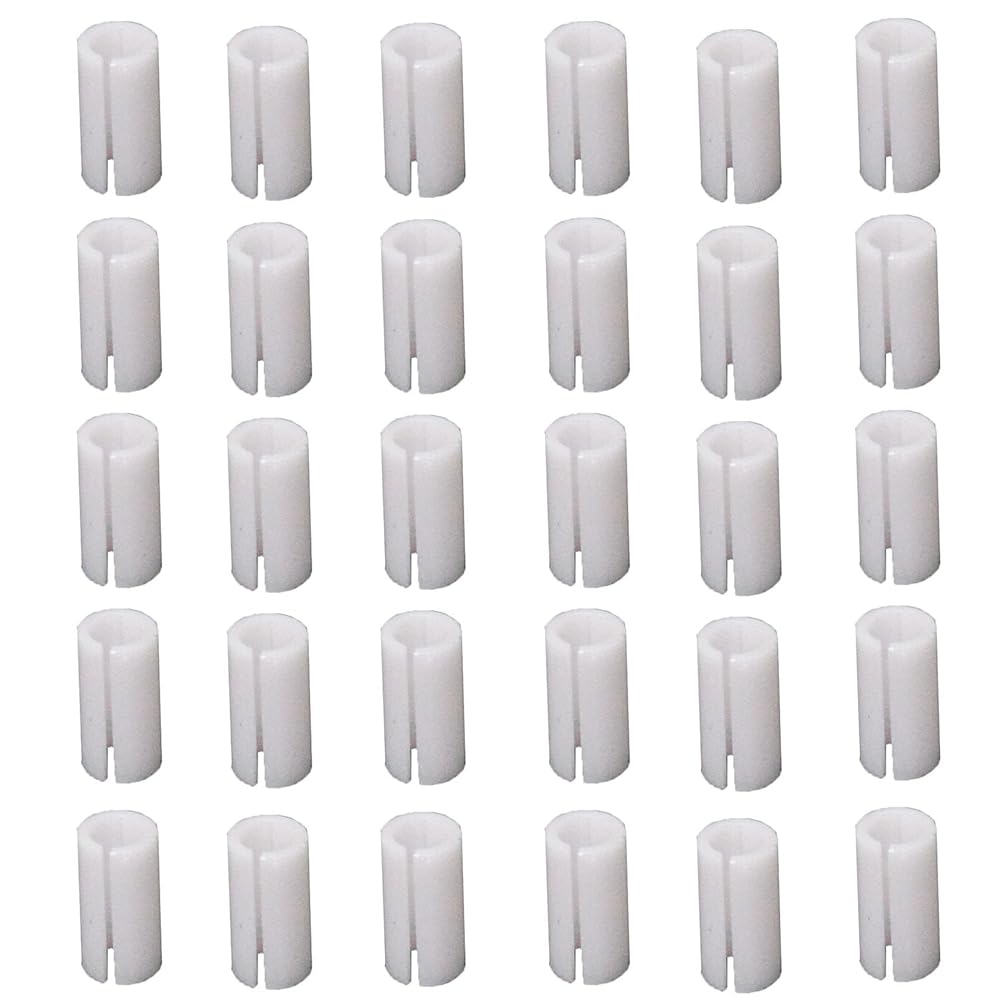
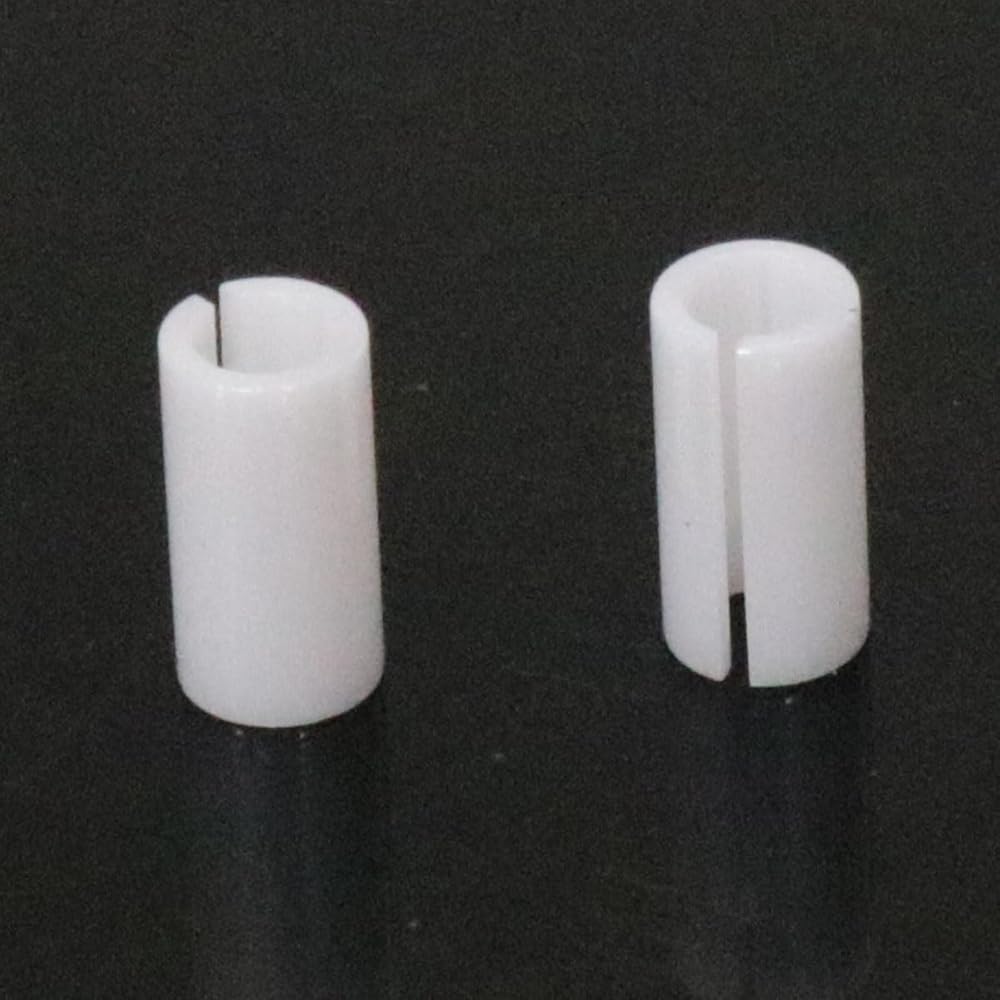
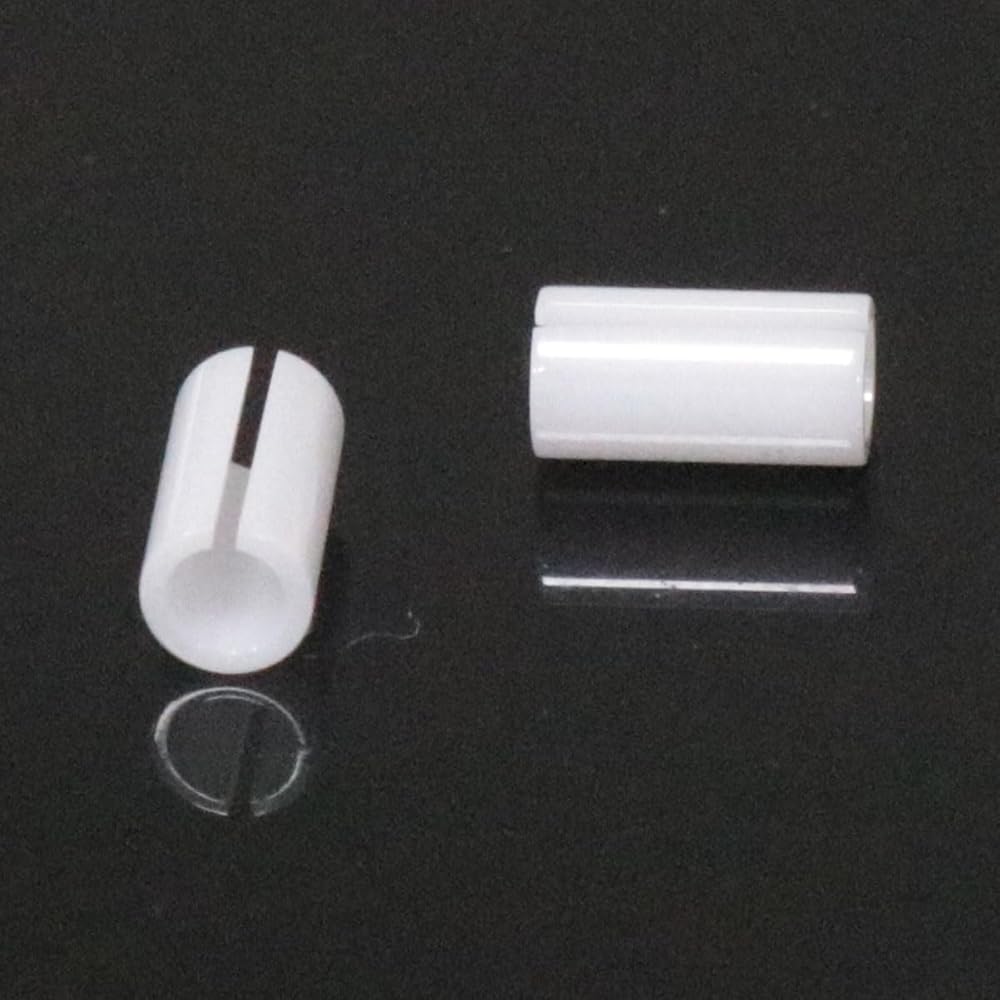
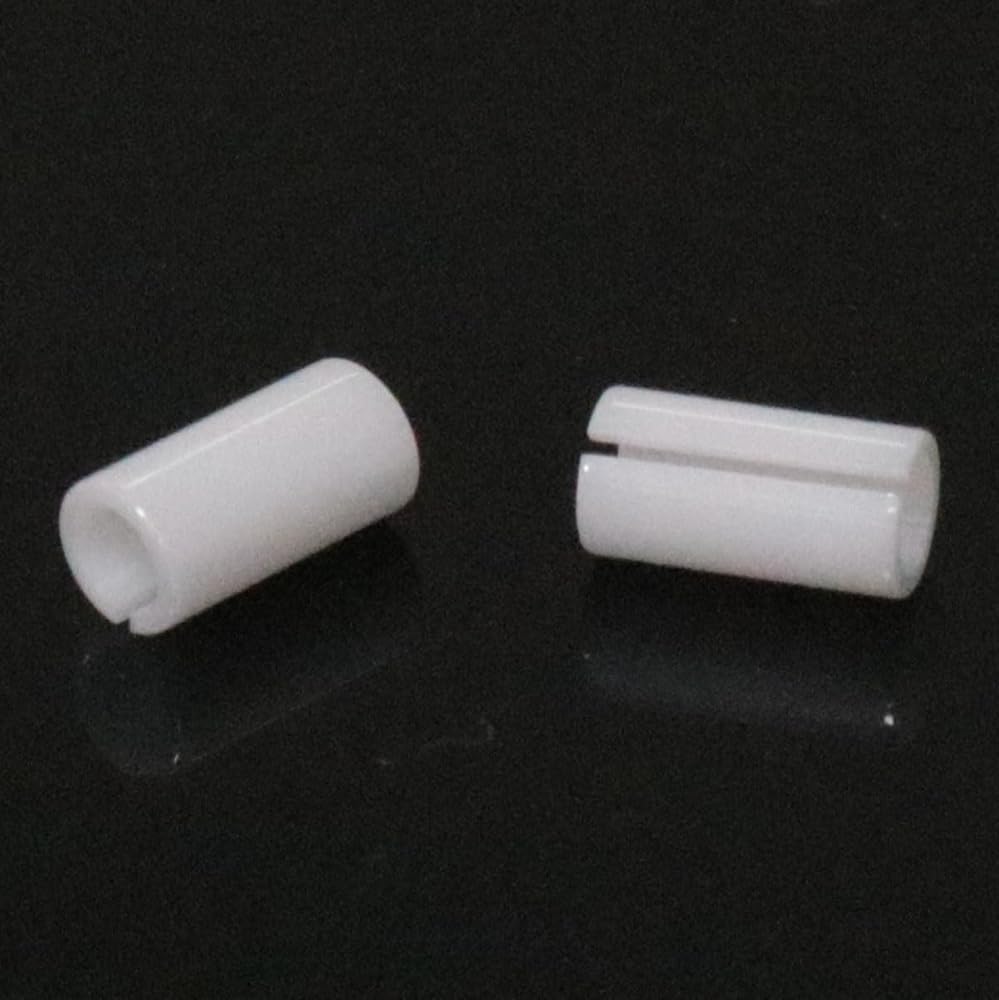
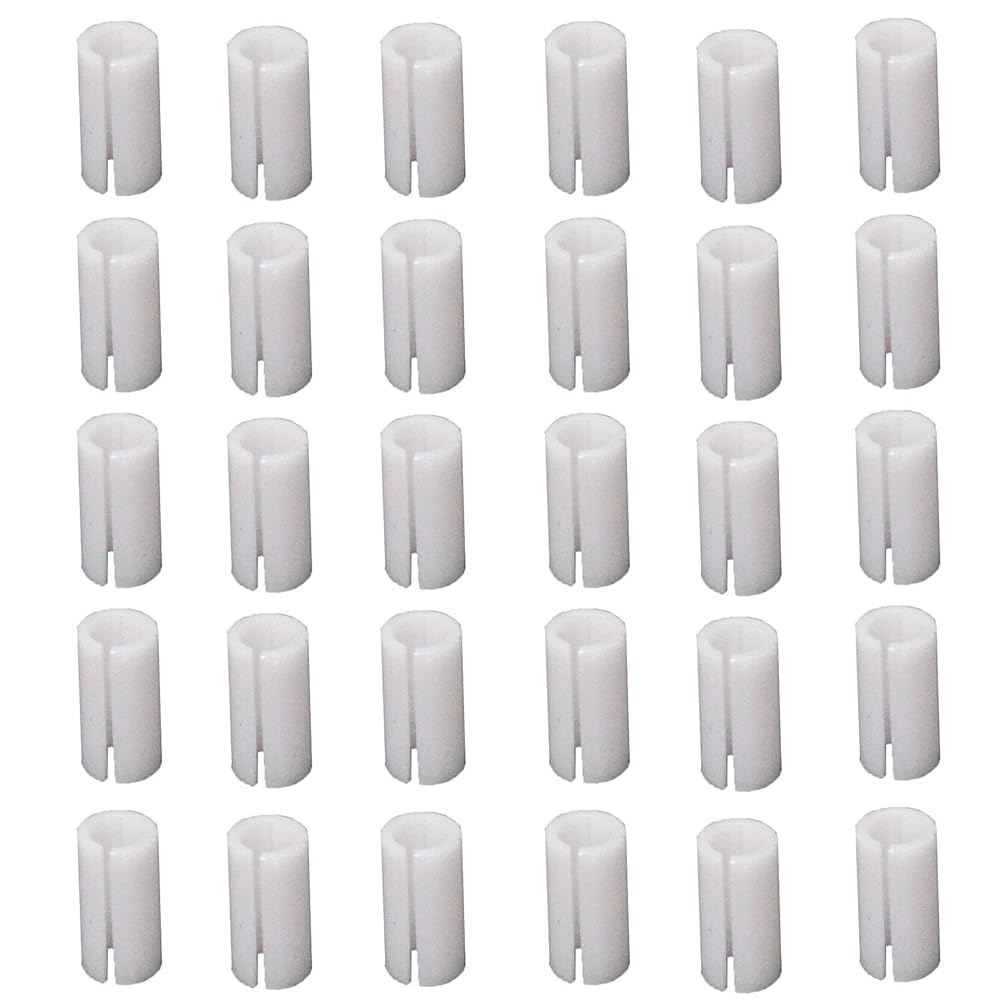
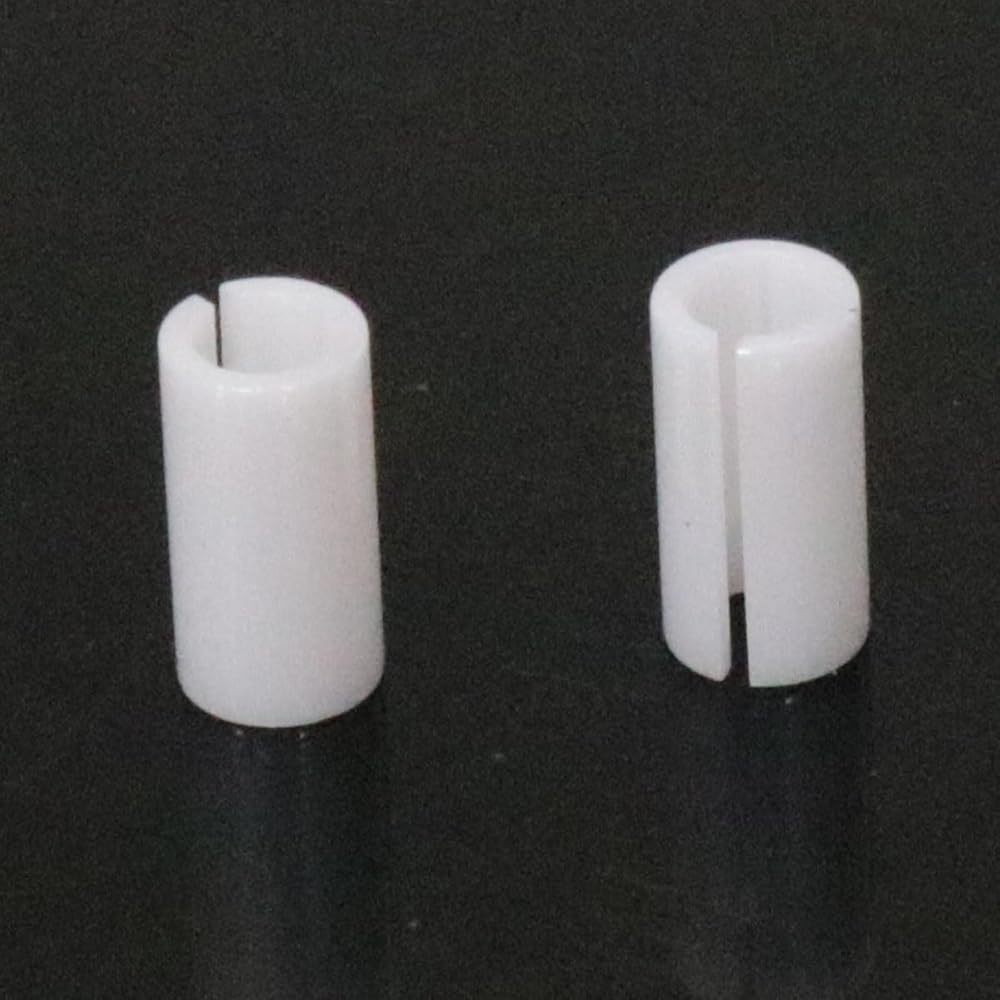
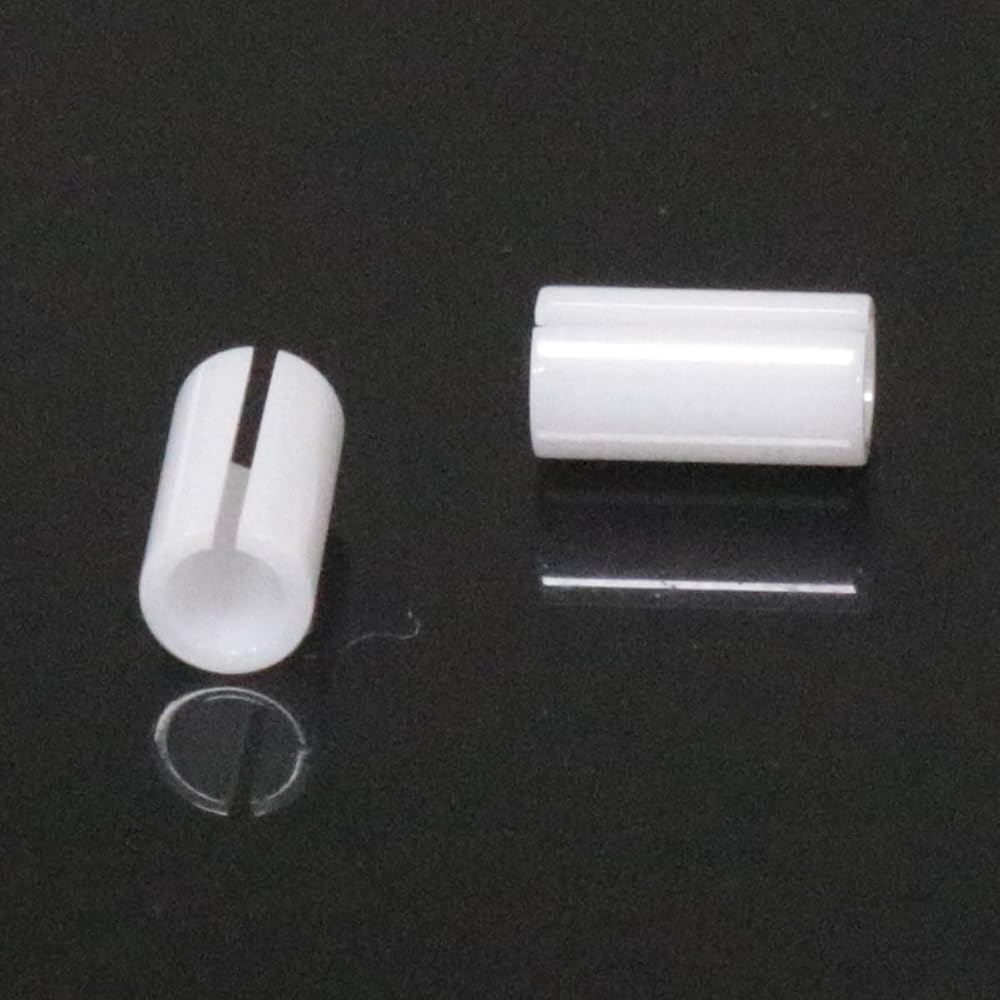
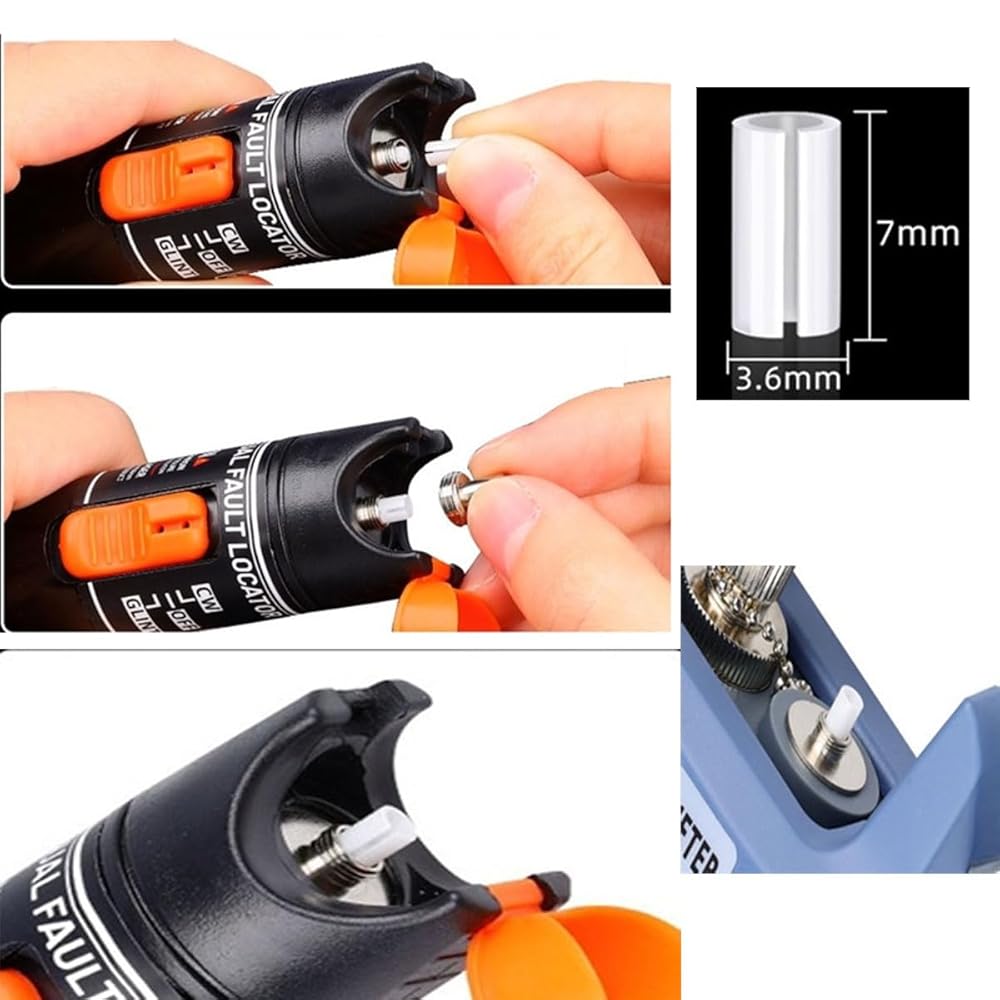
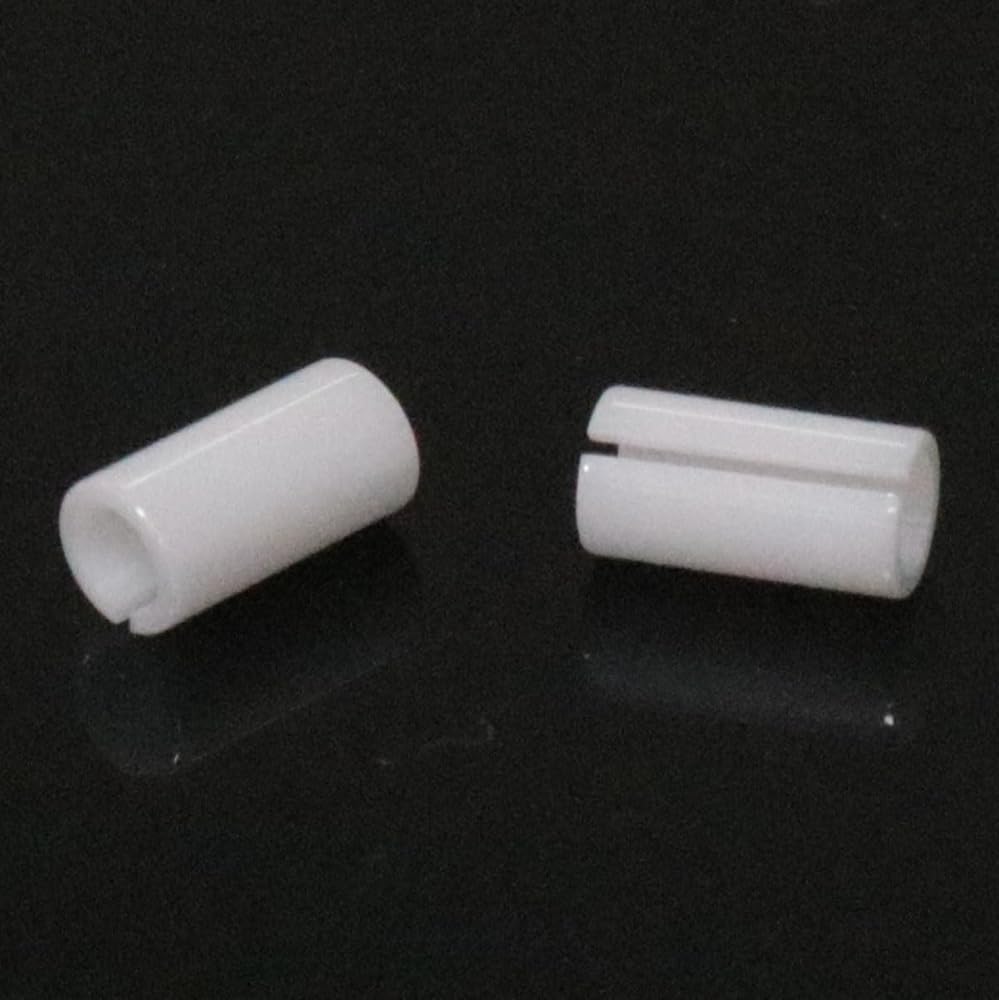
Product Name: Ceramic Core
Product material: Ceramic
Product color: White
Product weight: 68 grams
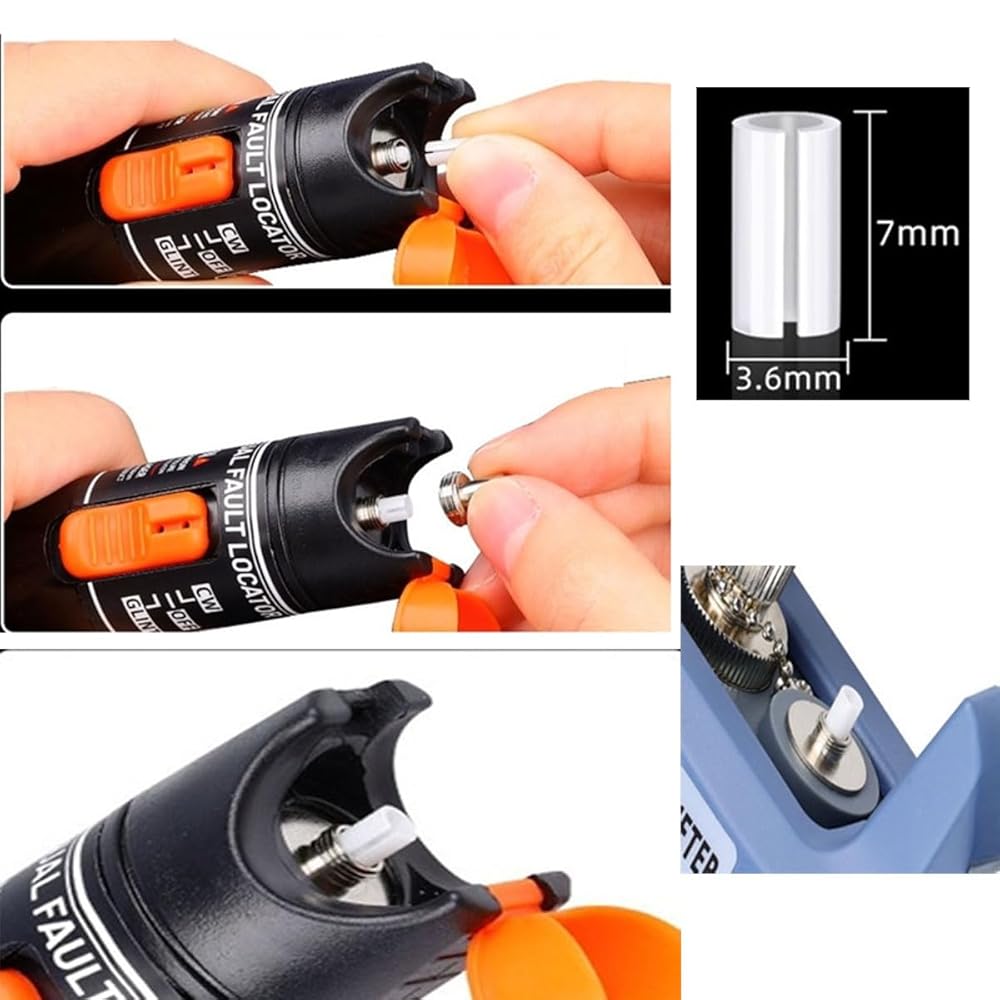
Product dimensions: 7 x 3.6mm / 0.28 x 0.14inch
Installation method: 1. Remove the metal tip at the front end of the red light pen in a counterclockwise direction. 2. Use tweezers or pointed-nose pliers to remove the damaged optical fiber ceramic sleeve. 3. Gently place it into a new 7mm ceramic sleeve by hand. Remember not to install it with brute force and rotate it to position it. 4. Put the metal head back, use long-nose pliers to buffer the paper layer, and tighten it with appropriate force (at least by hand). Please remember that not all installation processes require brute force.
Included products: 30pcs optical fiber ceramic ferries
Manual measurement results in slight dimensional errors.
Due to different screen displays, the color may vary slightly.
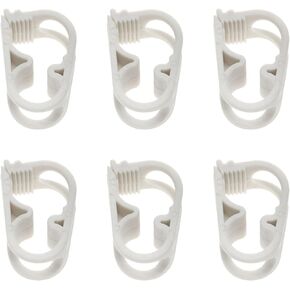 Dsjnf 1/4 "-1/2" pipe outer diameter close hose clamp Adjustable clamp Water flow control clamp, white -6pcs
SAR 42
Dsjnf 1/4 "-1/2" pipe outer diameter close hose clamp Adjustable clamp Water flow control clamp, white -6pcs
SAR 42
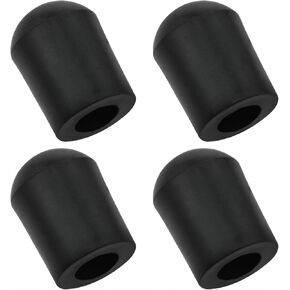 Cello tail pin plug Rubber cello tail pin Free cello/double bass from moving and slipping Cello tail needle rubber head Rubber cello tail needle tip -4pcs
SAR 37
Cello tail pin plug Rubber cello tail pin Free cello/double bass from moving and slipping Cello tail needle rubber head Rubber cello tail needle tip -4pcs
SAR 37
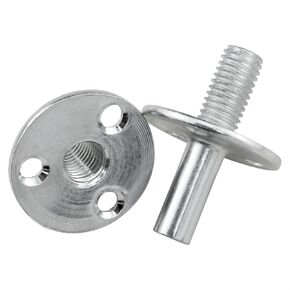 Metal M12 Bed Post Connector Furniture Leg Connector Screw-in T-Nut Bedpost Connector Furniture Hardware Nuts 2Set
SAR 56
Metal M12 Bed Post Connector Furniture Leg Connector Screw-in T-Nut Bedpost Connector Furniture Hardware Nuts 2Set
SAR 56
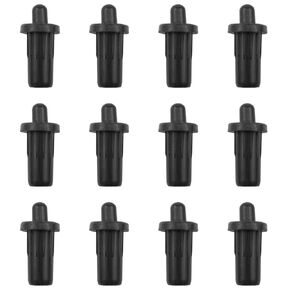 Cabinet Door Repair Pins Damper Replacement Plastic Shutter Spring Cabinet Door Spring Furniture Fittings Door Spring Latch Black 12PCS
SAR 40
Cabinet Door Repair Pins Damper Replacement Plastic Shutter Spring Cabinet Door Spring Furniture Fittings Door Spring Latch Black 12PCS
SAR 40