- Shopping, made easy.
- /
- Get the app!
Feature:
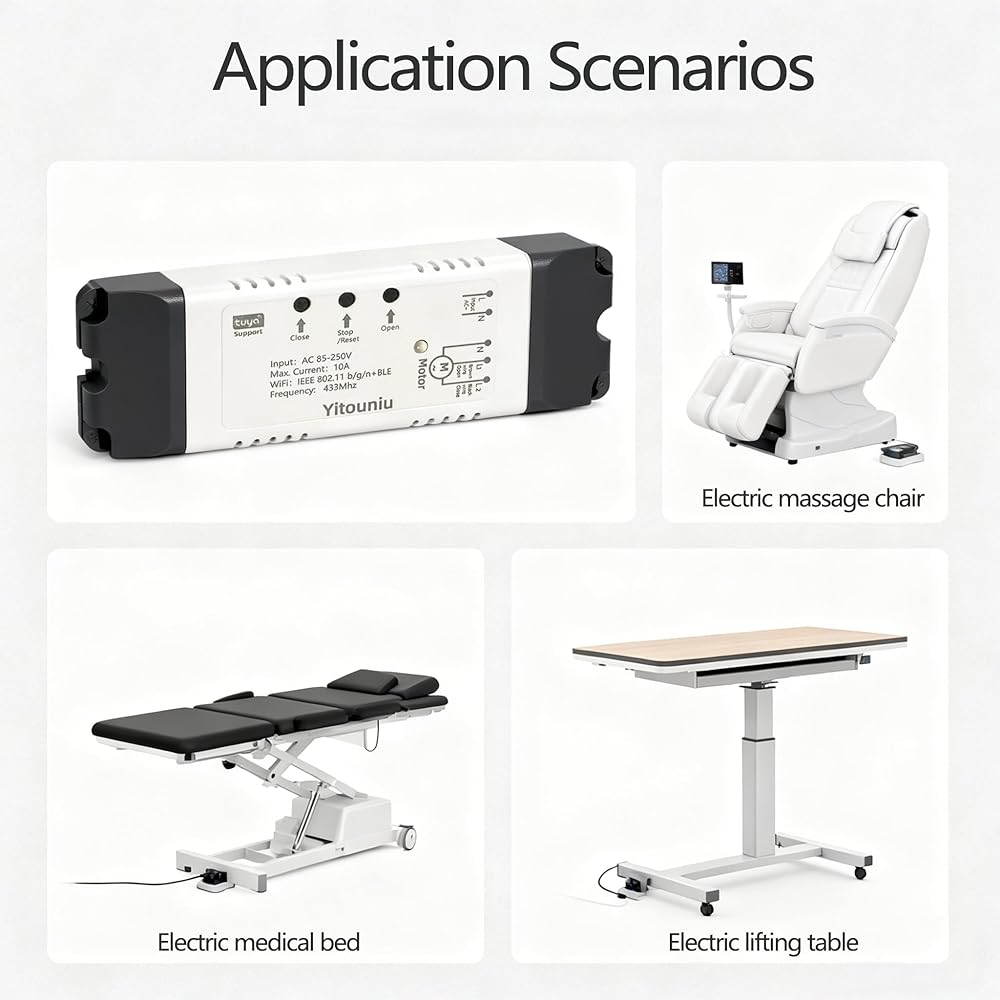
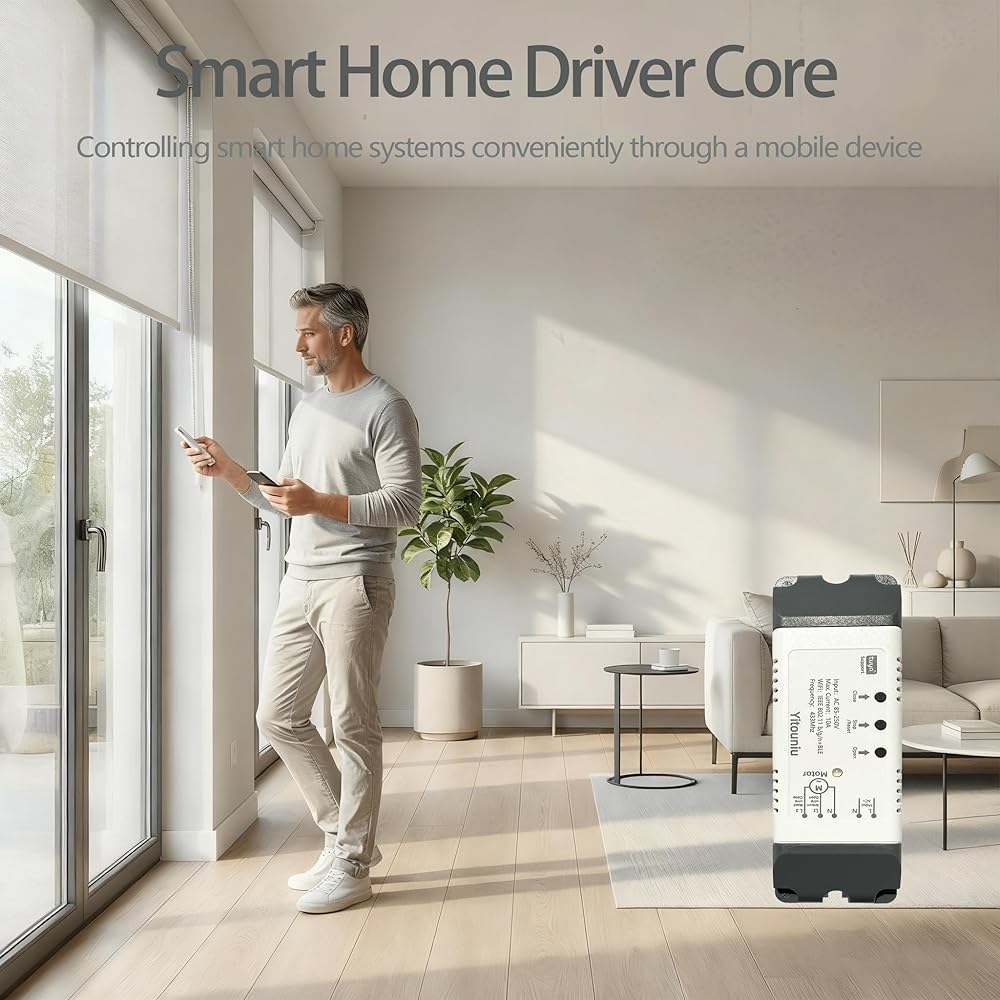
1. Versatile Multi-Scene Application: jogging actuators, electric lifts, smart roller blinds, medical beds, and pigeon lofts etc.
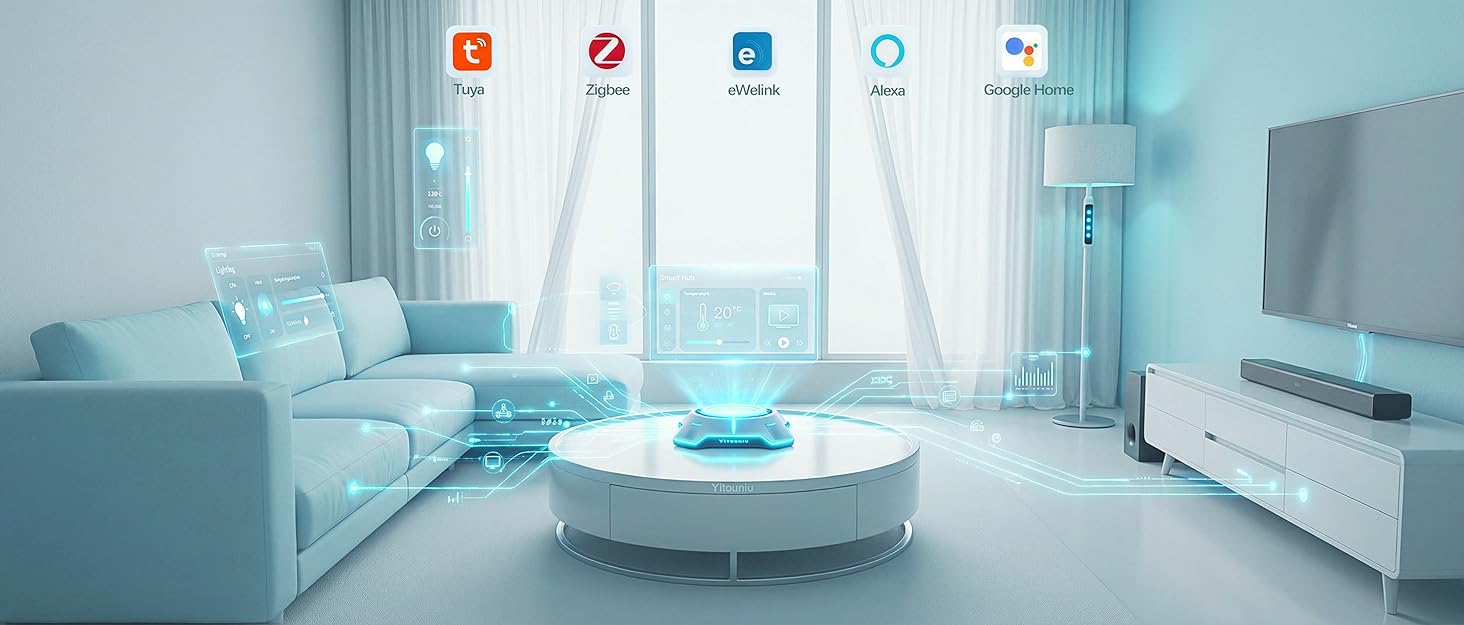
2. True Remote Control via Tuya App:Real-time remote control via mobile APP.
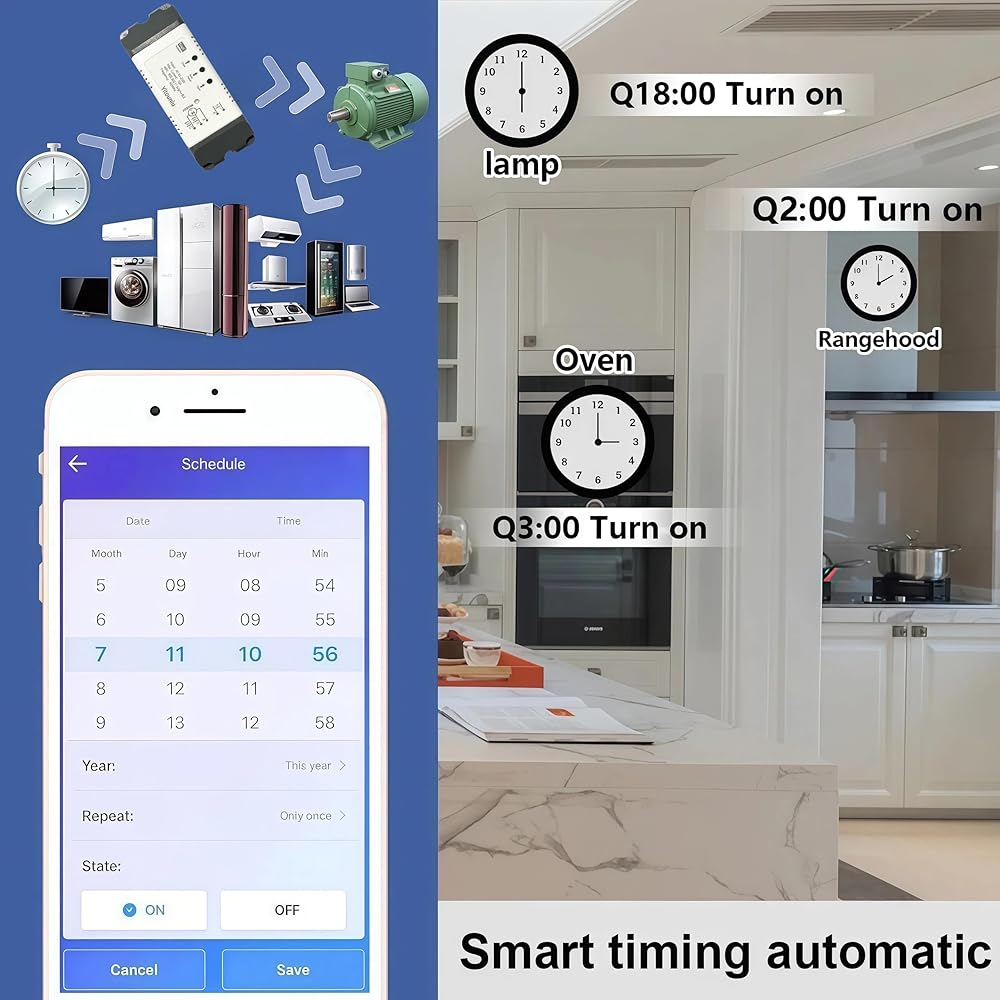
3. Flexible & Customizable Scheduling:Single time/repeat/loop, set the timer to automate your device according to your daily work.
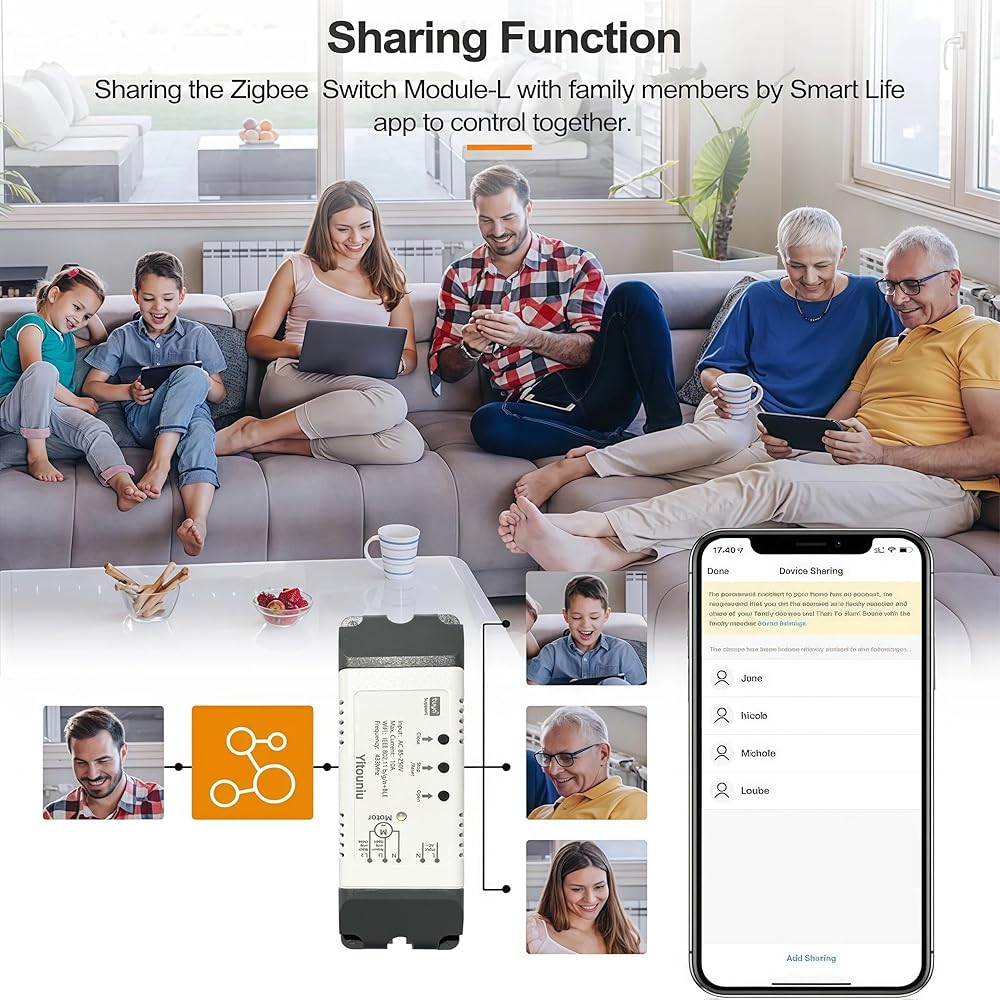
4. Effortless Multi-User Sharing:Share device control safely with family or friends and allow seamless management of connected devices.
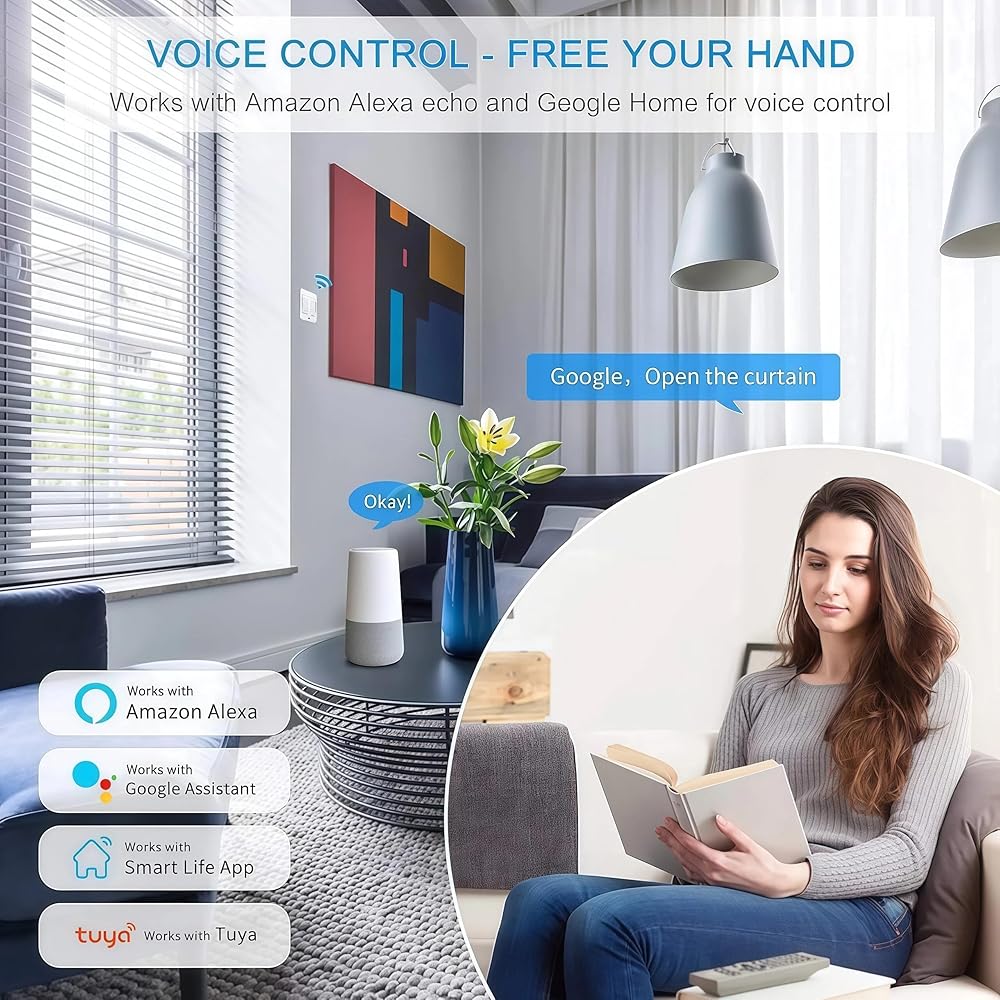
5. Voice Automation:Integrate with Alexa for a hands-free experience. Use simple voice commands like "Alexa, open the blinds" or "turn off the lights"
Remote Control Pairing (Fixed Code 433MHz)
①Pairing
1,Press and hold the RF pairing button on the device for about 4 seconds until the RF indicator light turns blue, then release it.
2,Press and hold the button of the remote control to be paired for about 2 seconds, then release the button. The pairing is successful.
Note: If it is a multi-channel switch, repeat operations 1 and 2 to pair the remote controls with the other power switches.
②Clear code
Press and hold the switch button for about 15 seconds until the blue light goes out. Release the button and the blue light will flash rapidly, indicating that the code clearing is successful.
Note: If the device goes offline in the App after the remote control code is cleared, you can cut off the power of the switch and then power it on again. The device will automatically connect to the online interface.
If it fails to connect and go online automatically, you need to delete the device in the App and then reconfigure the network to add it to the App.
Parameter:
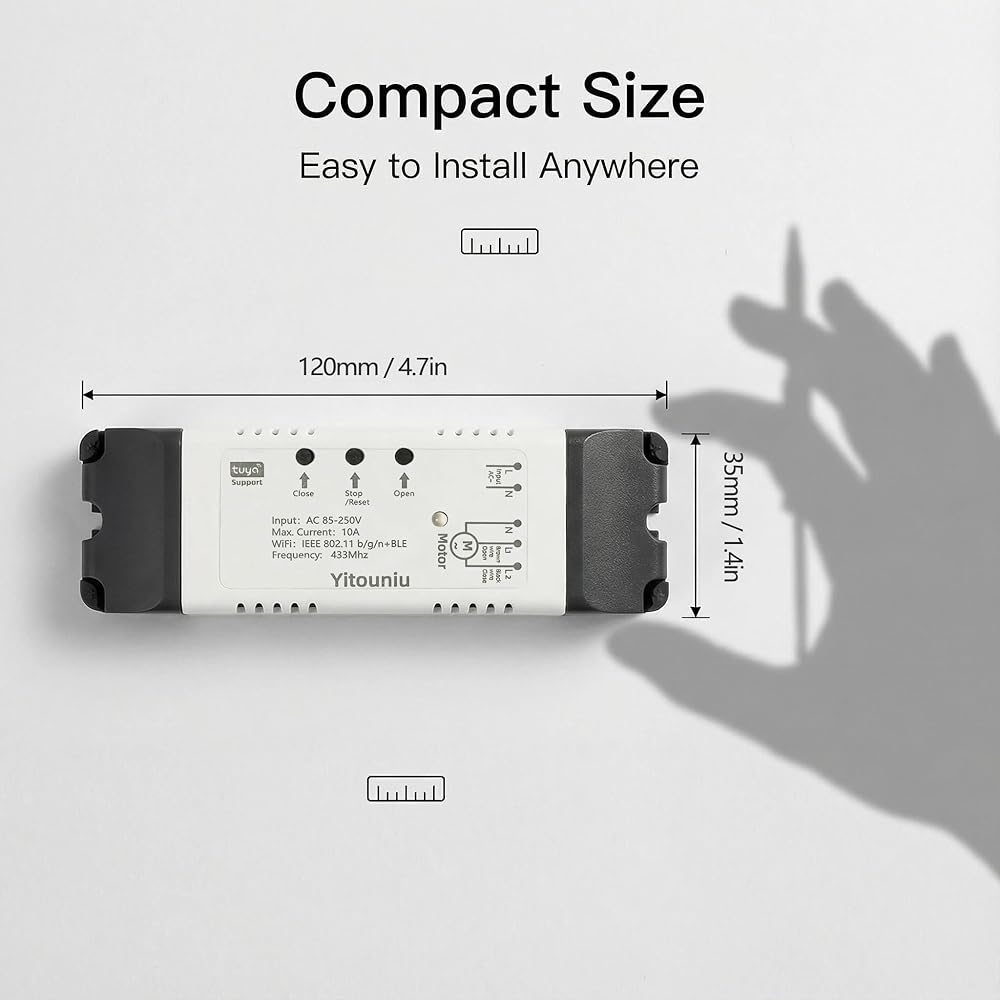
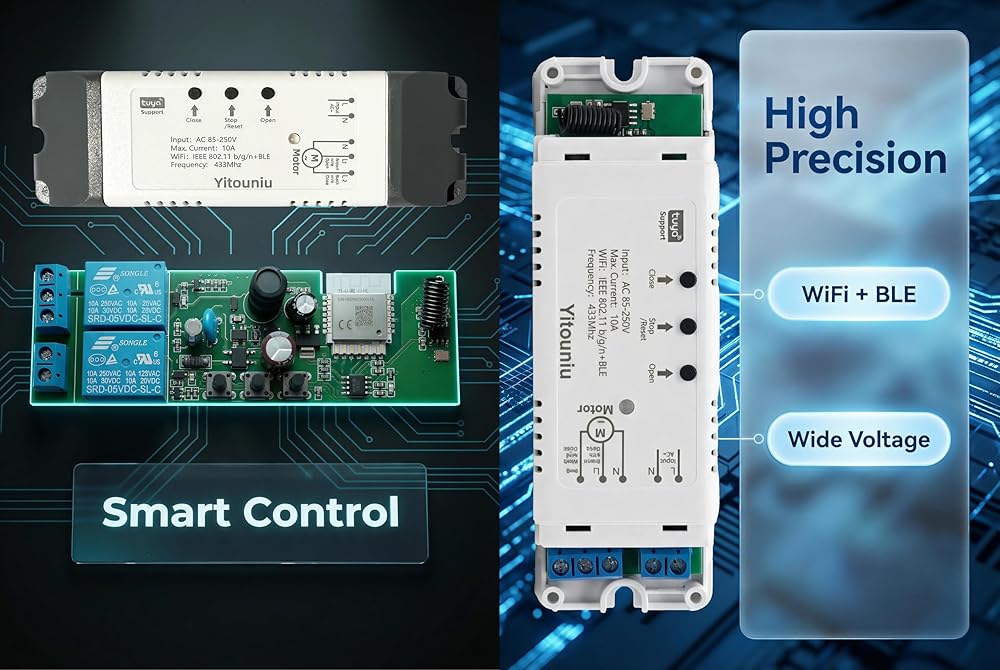
Input voltage :AC 85-250V
Output voltage :AC 85-250V
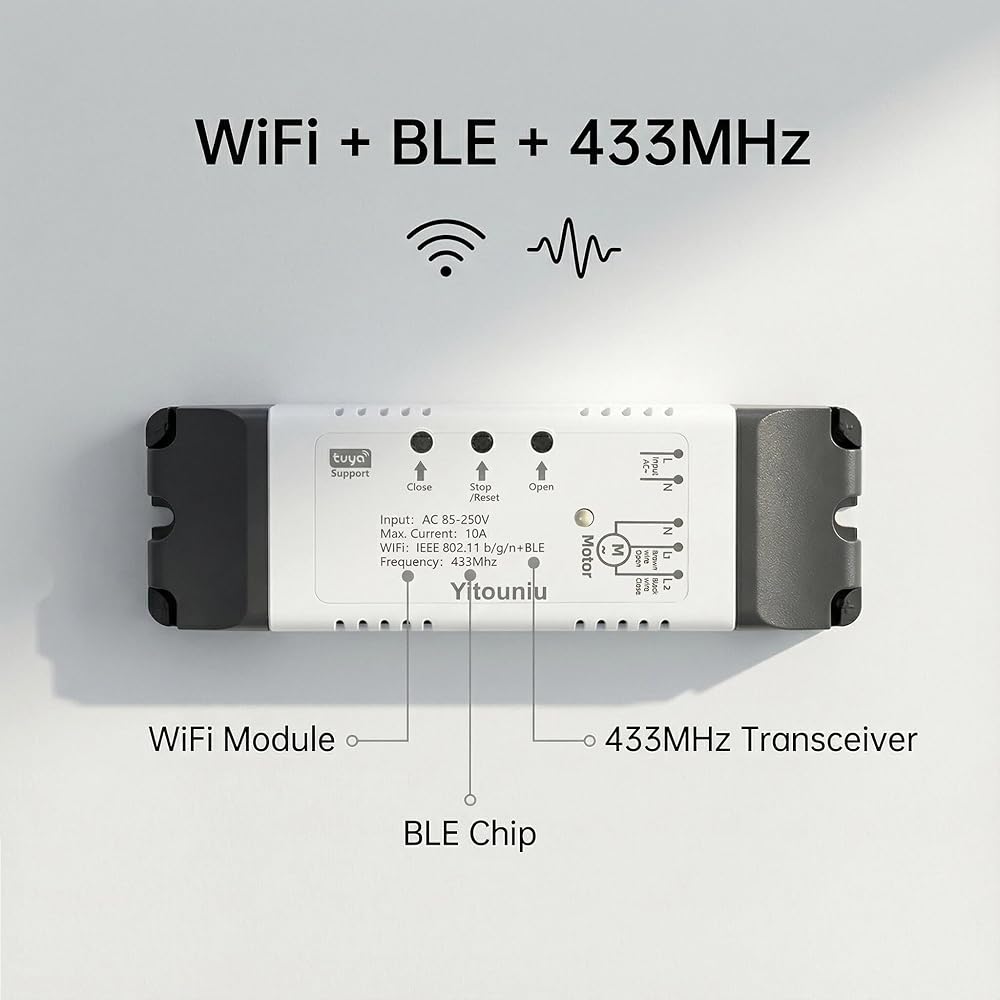
Wireless protocol: wifi 2.4G b/g/n+BLE
Max current :10A
RF frequency :433Mhz
Works on: Apple IOS/ Android
Shell material: ABS
Packaging list:
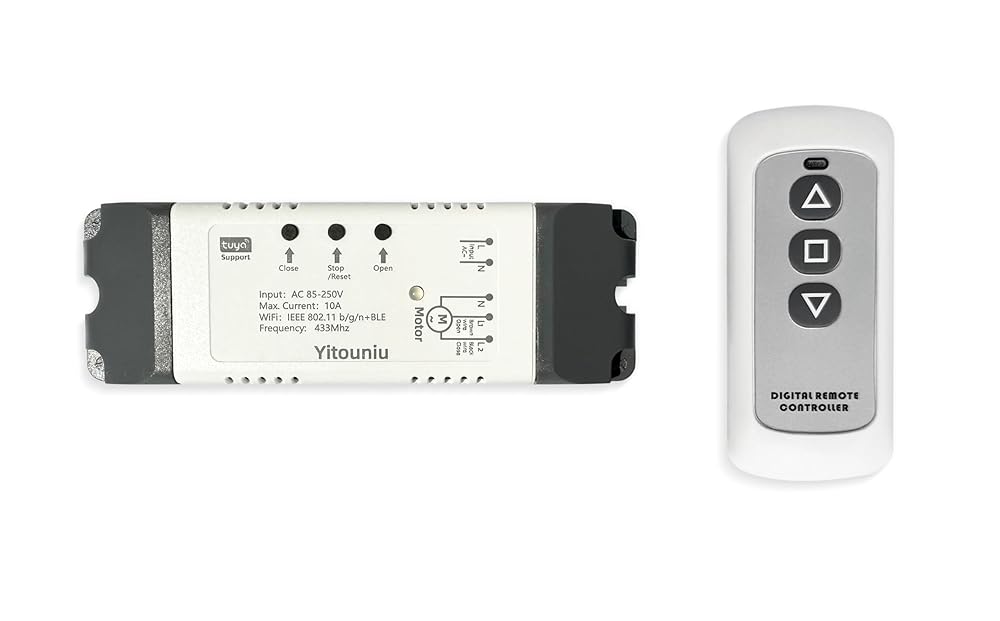
1 X 220V Wifi Smart Switch Controller
1 X 433Mhz three-key Remote Control(Requires 23A, 12V battery, but not included)
1 X Instruction Manual
 QWORK 2Pcs SCS12LUU Aluminum Linear Motion Ball Bearing Slide Unit Bushing, Type CNC Extra Long Linear Roller Bearing Slide Block, 12mm Bore Dia
SAR 79
QWORK 2Pcs SCS12LUU Aluminum Linear Motion Ball Bearing Slide Unit Bushing, Type CNC Extra Long Linear Roller Bearing Slide Block, 12mm Bore Dia
SAR 79
 -30%
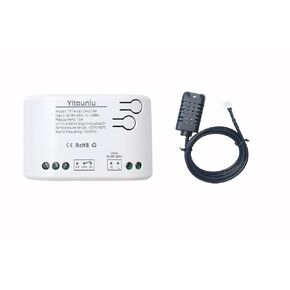
Tuya WiFi Intelligent Temperature and Humidity Sensor | 85-250V Dry Contact Relay | Real-Time Monitoring Intelligent Module | Compatible with Alexa Google
SAR 88
-30%
Tuya WiFi Intelligent Temperature and Humidity Sensor | 85-250V Dry Contact Relay | Real-Time Monitoring Intelligent Module | Compatible with Alexa Google
SAR 88
 uxcell 300mm Tr5X1 Lead Screw with Brass Nut (1mm Pitch, 1 Start, 1mm Lead), 304 Stainless Steel Screw Bar Printer Upgrade Parts with Plastic Packaging Tube, Silver
SAR 71
uxcell 300mm Tr5X1 Lead Screw with Brass Nut (1mm Pitch, 1 Start, 1mm Lead), 304 Stainless Steel Screw Bar Printer Upgrade Parts with Plastic Packaging Tube, Silver
SAR 71
 Ball Screw SFU2005 RM2005 Length 600mm Diam 20mm with Ballnut and ballnut housing + end Supports EK/EF15 + Coupler for CNC, Length Approx 23.62 inch/ 600mm
SAR 785
Ball Screw SFU2005 RM2005 Length 600mm Diam 20mm with Ballnut and ballnut housing + end Supports EK/EF15 + Coupler for CNC, Length Approx 23.62 inch/ 600mm
SAR 785