- التسوق ، اصبح سهلا.
- /
- احصل على التطبيق!
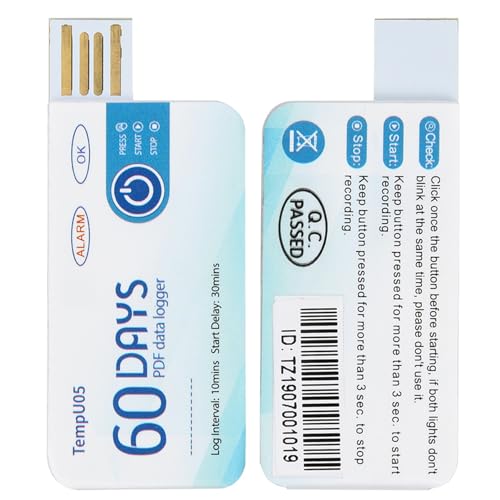
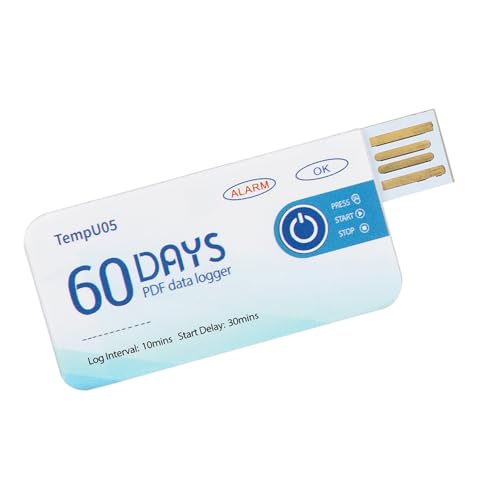
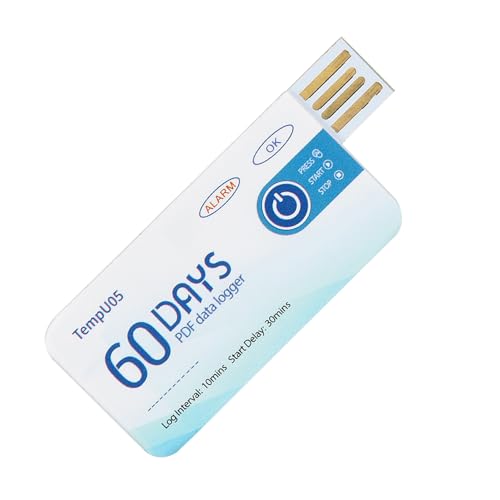
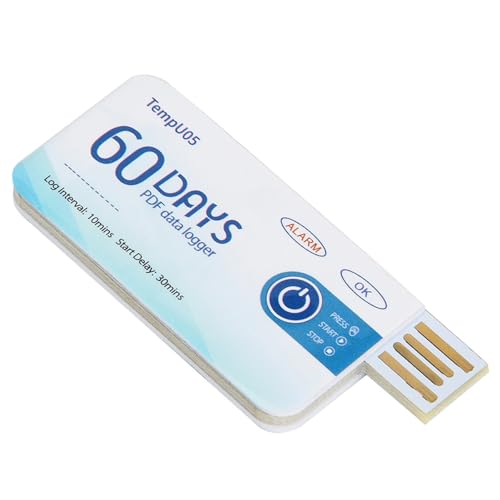
Specification:
Condition: New
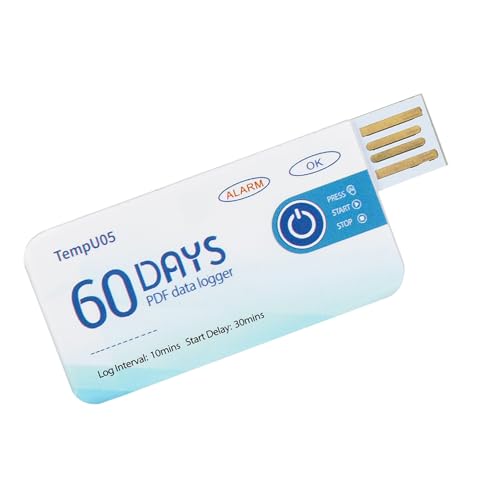
Item Type: Temperature Recorder
Material: Plastic
Color: As shown in the picture
Size: Approx.67x28mm/2.64x1.1in(L x W)
Weight: Approx.13g/0.5oz
Type: Single use
Log Interval: 10 minutes
Accuracy: ±0.5℃(-20℃~+40℃)
Out of Range: ±1℃
Data Capacity: 10000
Alarm Temperature Range: 8℃( 46.4℉)
Start Delay: 30minutes
Instructions:
1. Press and hold the “Start/Stop” button for more than 3s, the “OK” indicator will be on for 3S, indicating that the device starts recording, and then you can place the device in the environment you need to monitor.
2. During the recording process, the device will automatically light every 10s. If the normal indicator light (ie green light) is lit every 10s, it means that the device is not over temperature during the recording process. If the alarm indicator light (ie red light) is illuminated every 10 seconds, Explain that over-temperature has occurred during the recording process. Note: As long as over-temperature is found during the recording process, the green light will no longer illuminate.
3. Press and hold the “Start/Stop” button for more than 3s, the alarm indicator (ie red light) will be on for 3s, indicating that the device stops recording. The recording will also stop automatically when the device is full. After the device stops recording, it will not automatically flash. If the device is over-temperature during recording, press the “Start/Stop” button. If the normal indicator (green light) is on, it indicates that the temperature is not over-recorded during the recording; if the alarm is When the indicator light (ie red light) is on, it indicates that the temperature is over temperature during recording.
Package List:
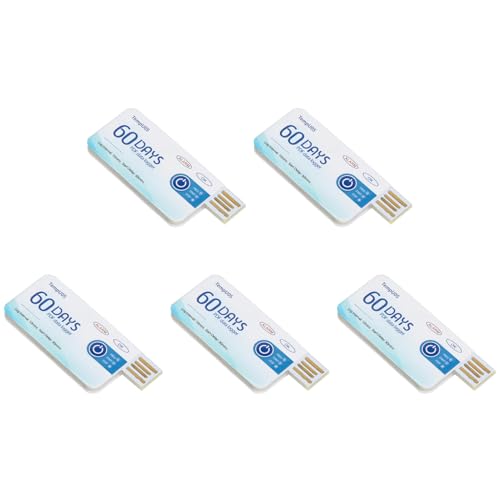
5 x Temperature Recorder

 مجموعة مخرطة مستدقة، قطعتان من مخرطة مورس الخشنة + الدقيقة، أداة قطع مخرطة من الفولاذ عالي الكربون، مخرطة يدوية مستقيمة الساق (MT2#)
SAR 117
مجموعة مخرطة مستدقة، قطعتان من مخرطة مورس الخشنة + الدقيقة، أداة قطع مخرطة من الفولاذ عالي الكربون، مخرطة يدوية مستقيمة الساق (MT2#)
SAR 117
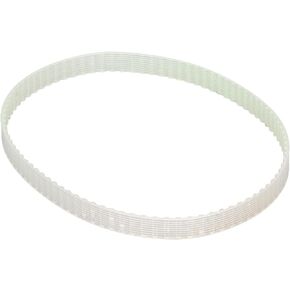 قطع غيار حزام للمخرطة الصغيرة 90 سن محرك حزام توقيت المحرك الموجهة حزام للمخرطة لمحرك الحزام للمخرطة من أجل 0618 0618-3B
SAR 57
قطع غيار حزام للمخرطة الصغيرة 90 سن محرك حزام توقيت المحرك الموجهة حزام للمخرطة لمحرك الحزام للمخرطة من أجل 0618 0618-3B
SAR 57
 مضخة السائل التمعجية G928، مضخة قياس تمعجية ذات تدفق كبير 500 مل/دقيقة لمختبر حوض السمك (12 فولت)، مضخات القياس
SAR 210
مضخة السائل التمعجية G928، مضخة قياس تمعجية ذات تدفق كبير 500 مل/دقيقة لمختبر حوض السمك (12 فولت)، مضخات القياس
SAR 210
 وحدة تحكم PLC، وحدة تحكم منطقية قابلة للبرمجة DC24V، لوحة تحكم صناعية نبض 100K 32 بت MCU مع مبيت لـ FX3U-24MT، مدخل 14 نقطة، مخرج ترانزستور 10
SAR 264
وحدة تحكم PLC، وحدة تحكم منطقية قابلة للبرمجة DC24V، لوحة تحكم صناعية نبض 100K 32 بت MCU مع مبيت لـ FX3U-24MT، مدخل 14 نقطة، مخرج ترانزستور 10
SAR 264