All electronics ship with US style plugs.You may need a voltage converter or a plug adapter.
Special Features
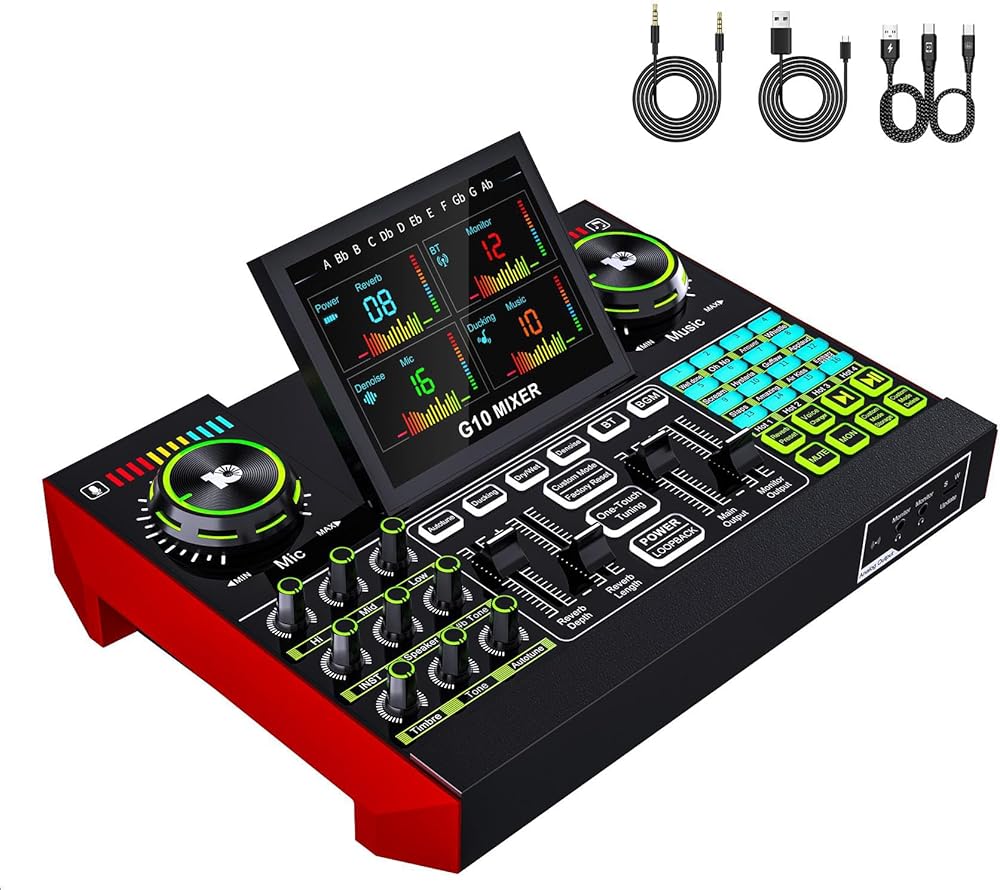
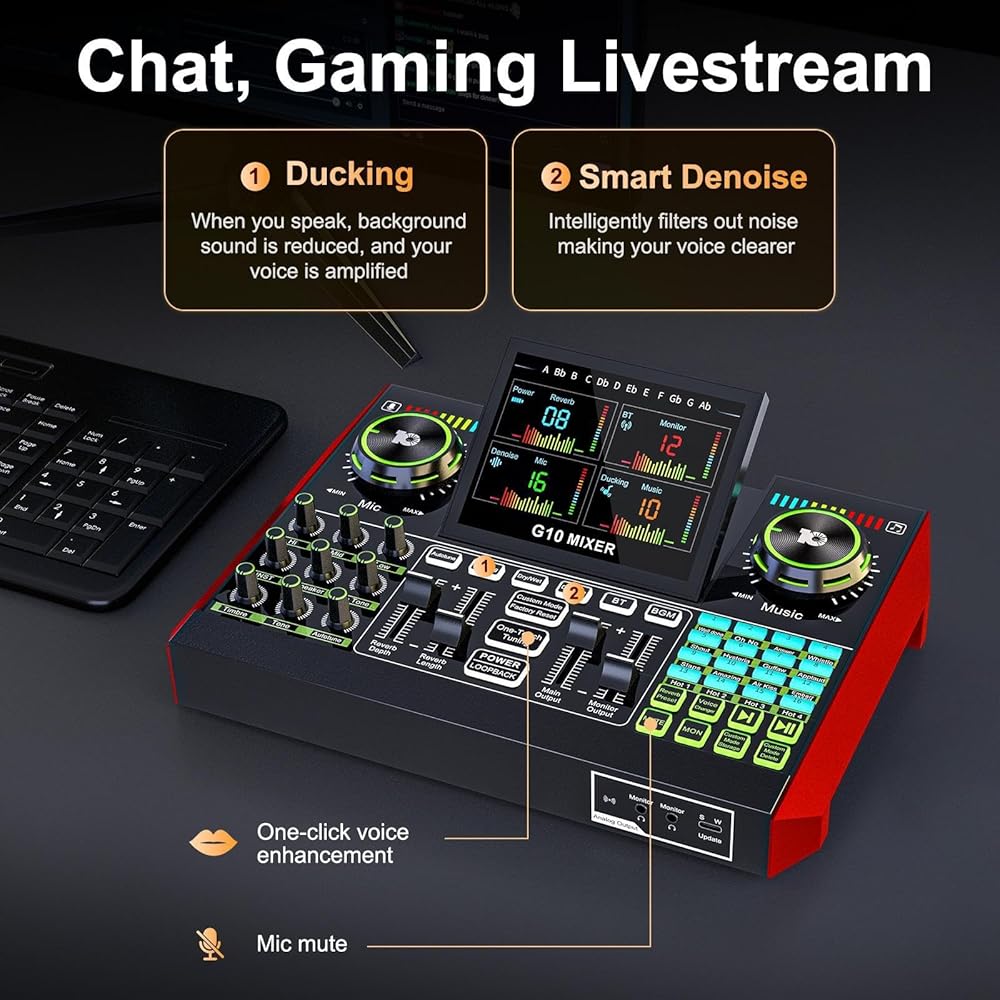
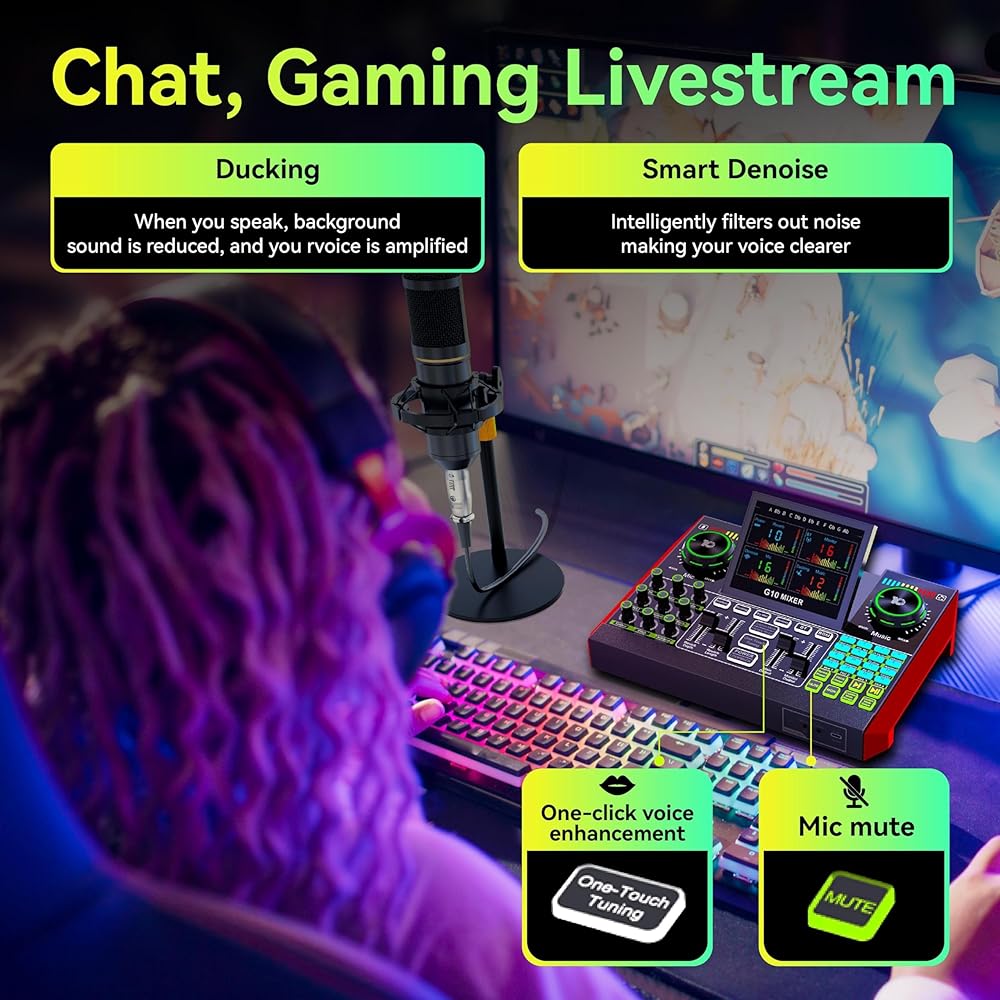
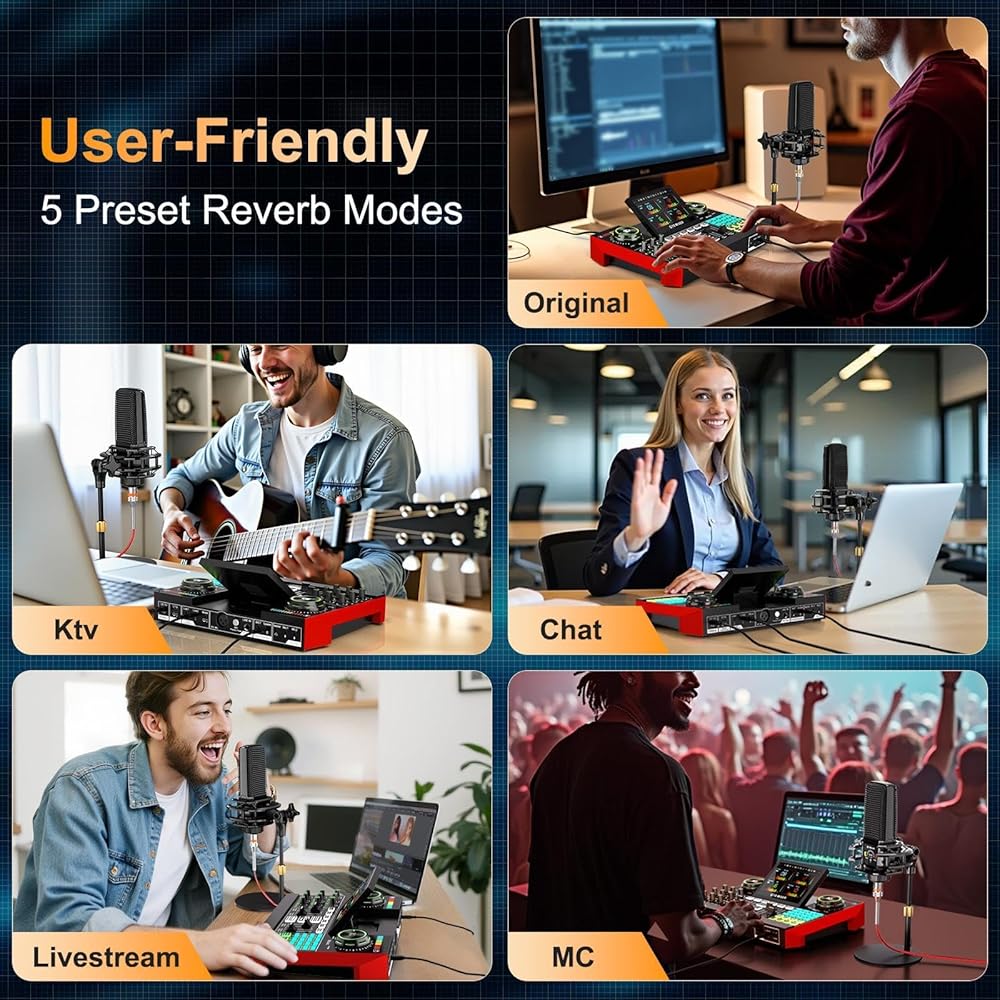
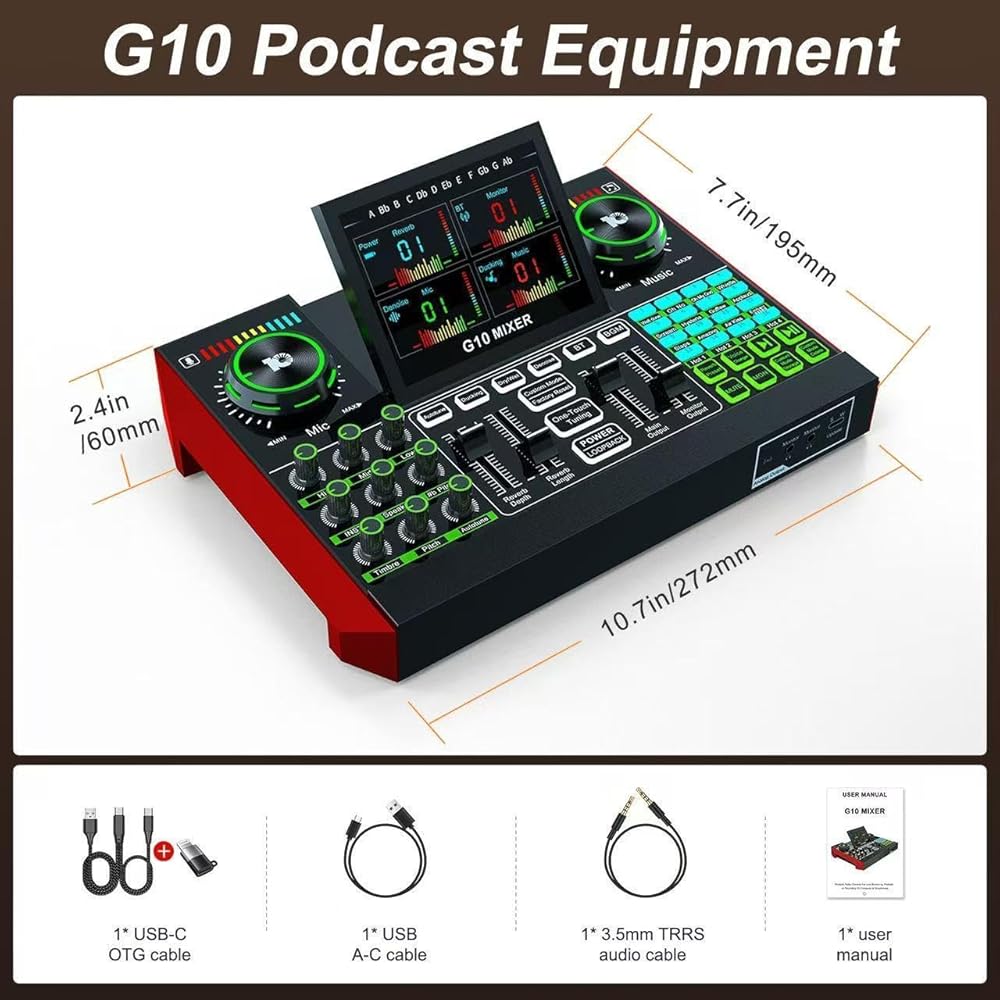
All-in-one USB Audio Interface with Mixer:A one-stop solution for streamers, influencers, and podcasters to record and mix all sound sources. Focus on your audio, your audience, and your stream with intuitive and easy-to-use onboard hardware controls. Get your mixer up and running quickly with your live stream without complicated audio setup or operation.
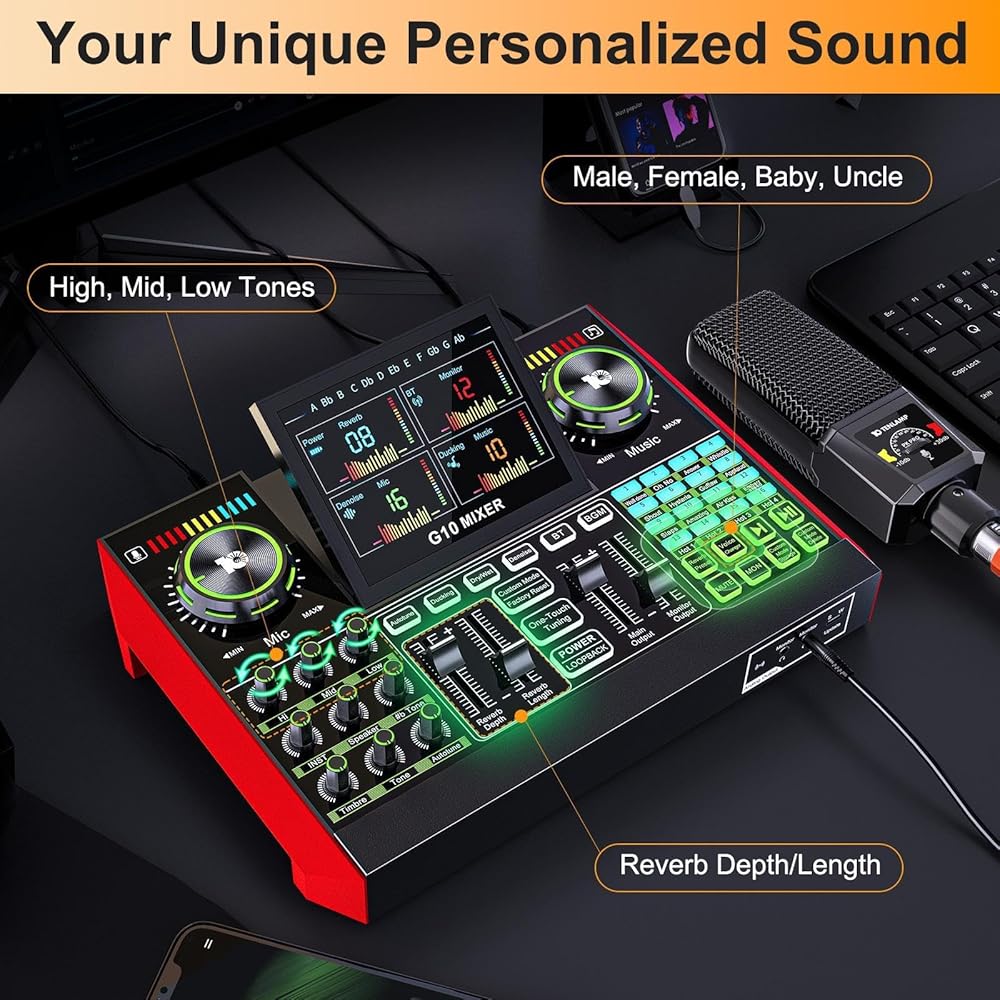
Multi-channel Sound Mixer:Motorized faders & knobs plus an adjustable display screen allow you to accurately control microphone, music, monitor, speaker, instruments, and more—perfect for mixing all your audio inputs directly onboard.
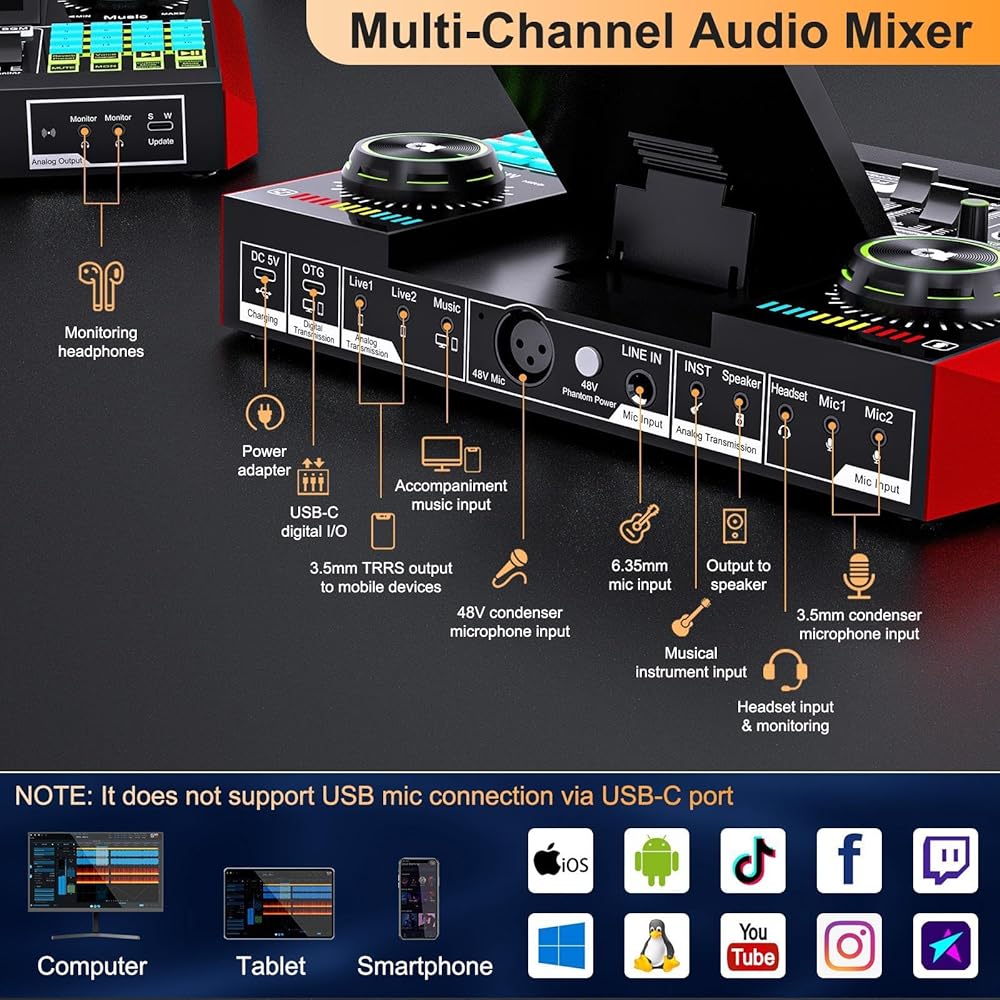
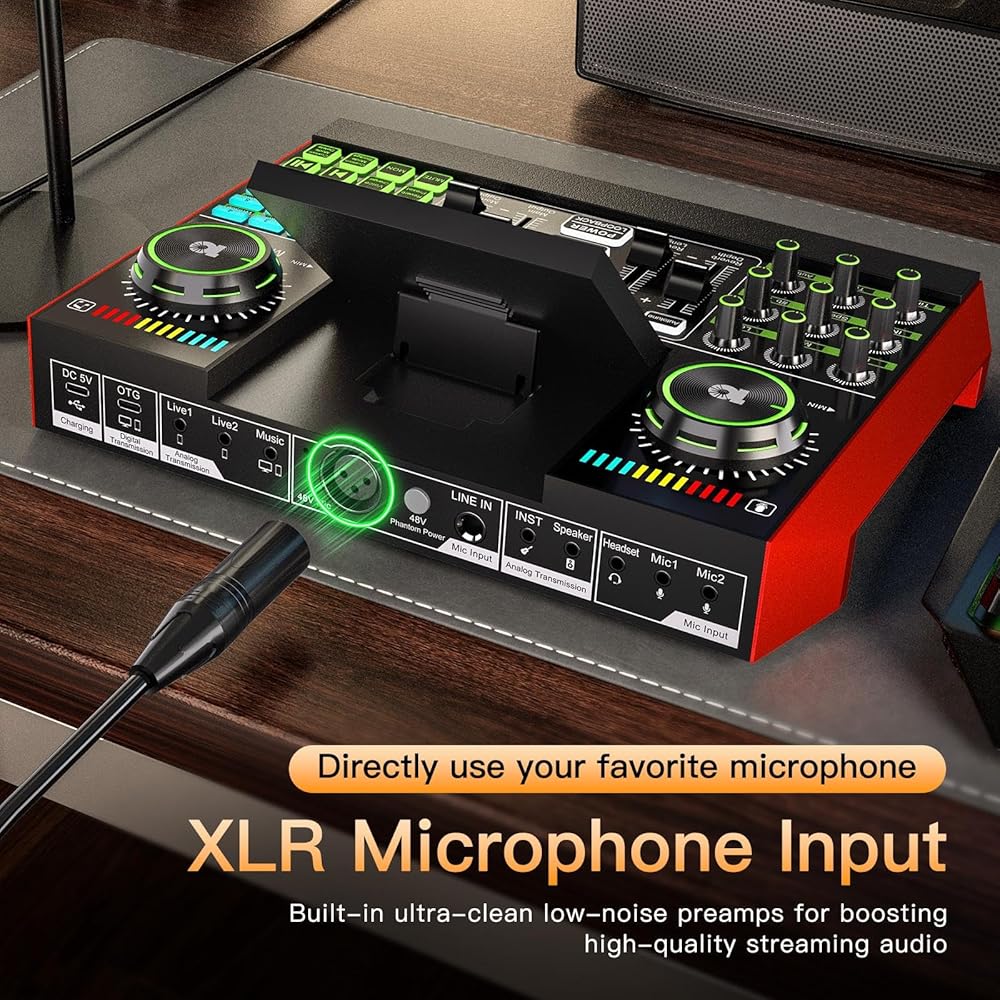
Studio Quality Recordings for Streaming and Podcast:Studio mic premium low-noise preamp and dual DSP processors make your XLR mic sound professional with 48V phantom power. Supports simultaneous input of 6.35mm dynamic mic, 3.5mm mic, and headset mic for multi-person recording.
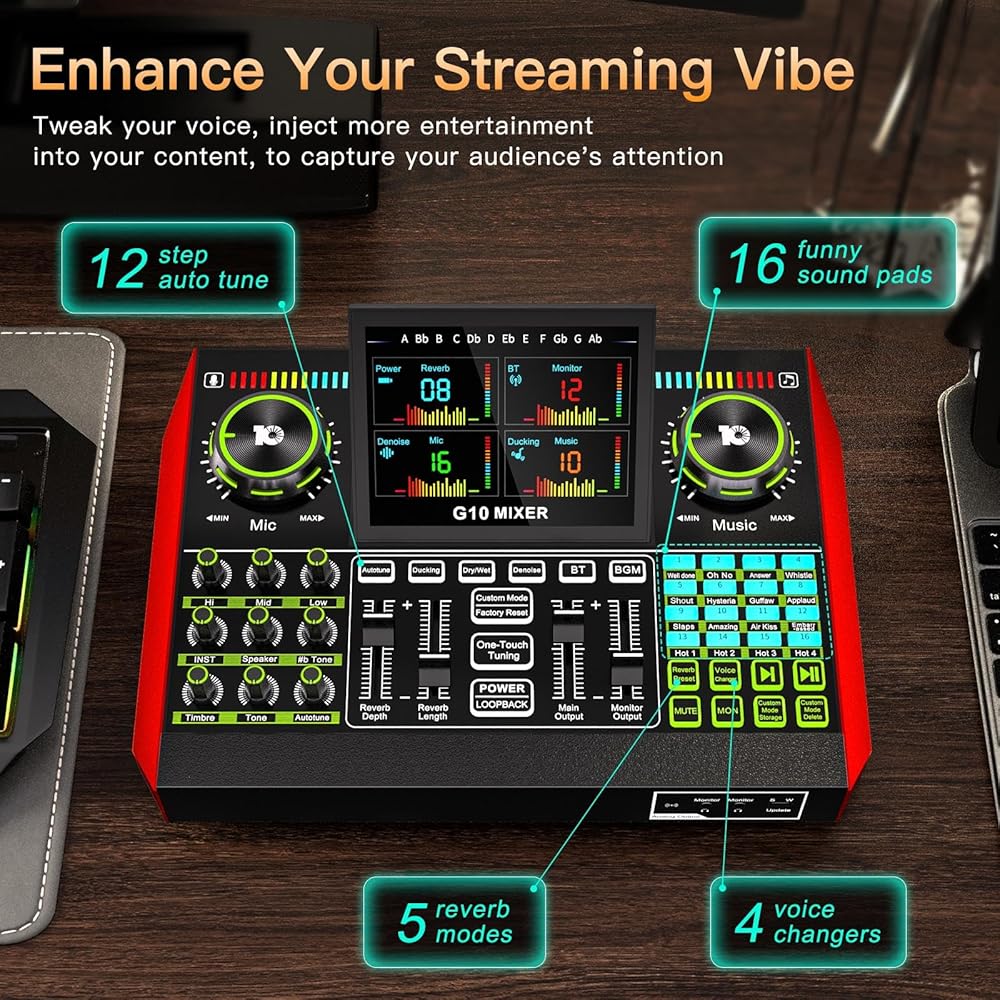
Bring the Studio Home:The G10 XLR audio interface features built-in 3-band EQ, reverb, voice changers, timbre, pitch, pitch shift, autotune, and more. Tune your voice in real time for a more professional and entertaining content creation experience.
Special Features:The G10 podcast mixer can save different voice modes, including all volume and effect settings. A total of 19 modes can be saved—ideal for different usage scenarios. Just set, save, switch, and go live or start your podcast with ease.
Great Compatibility:The G10 streaming mixer provides an all-in-one onboard recording and processing solution for streamers, podcasters, and gamers. Compatible with PC, smartphone, tablet, Windows, macOS, iOS, Android, and more. Plug and play—no driver required. Supports both USB digital connection and analog transmission, plus Bluetooth input.
Description
The G10 Podcast Equipment Bundle is a perfect fit for podcasts, live streams, YouTube, Twitch, studio music recording, and other audio projects. Since the bundle has a range of advanced functions, you might encounter some setup questions along the way. Be sure to check the included User Guide or on-page video tutorials. If you still need help, don't hesitate to contact us—we'll resolve your issues promptly and help you launch your live sessions smoothly.
 -35%
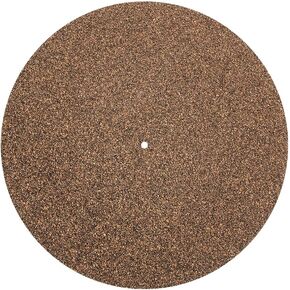
Cork Turntable Mat:Vinyl Record Shocking Cushion 12 Inch x 1 mm Turntable Cork Mat High Fidelity Cleaner Audio Output Cork Mat for Vinyl Record
SAR 50
-35%
Cork Turntable Mat:Vinyl Record Shocking Cushion 12 Inch x 1 mm Turntable Cork Mat High Fidelity Cleaner Audio Output Cork Mat for Vinyl Record
SAR 50
 Sound Mixer Board, Voice Changer, Audio Mixer, Live Sound Card for Karaoke Tiktok YouTube Live Streaming Record
SAR 261
Sound Mixer Board, Voice Changer, Audio Mixer, Live Sound Card for Karaoke Tiktok YouTube Live Streaming Record
SAR 261
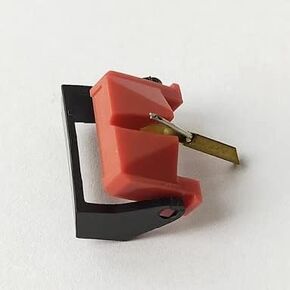 35E PandM Records MM V-15 TYPE3 VN-35E
SAR 173
35E PandM Records MM V-15 TYPE3 VN-35E
SAR 173
 2PCS SL3 Turntable Belt for Technics SL-200 SL-210 SL-220 SL-31 SL-33 SL-B200 SL-B210 Rubber Belt
SAR 68
2PCS SL3 Turntable Belt for Technics SL-200 SL-210 SL-220 SL-31 SL-33 SL-B200 SL-B210 Rubber Belt
SAR 68