- Shopping, made easy.
- /
- Get the app!
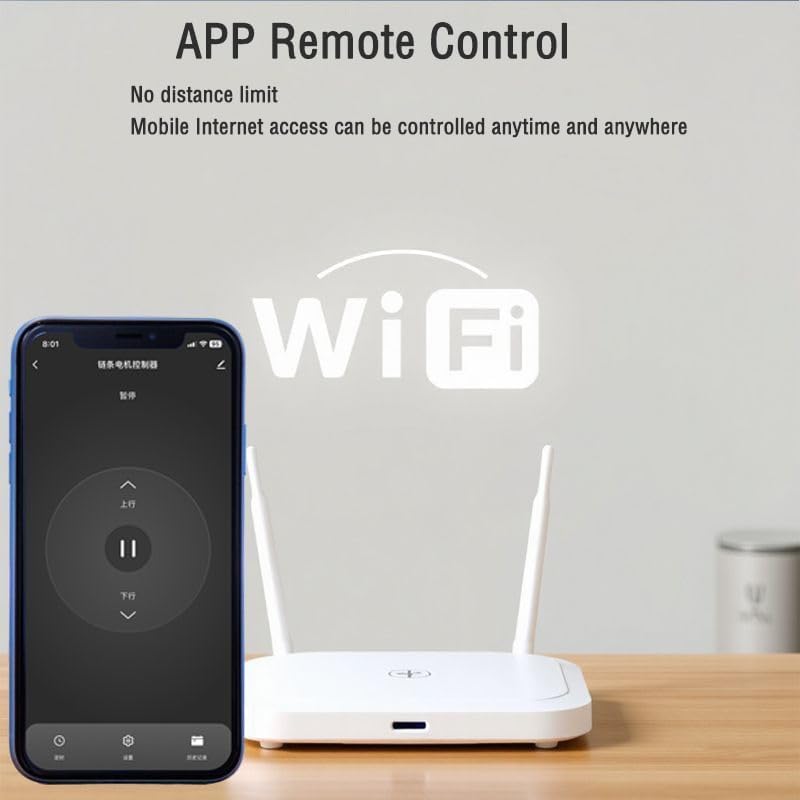
How to use the forward and reverse controller for remote control and smartphone pairing?
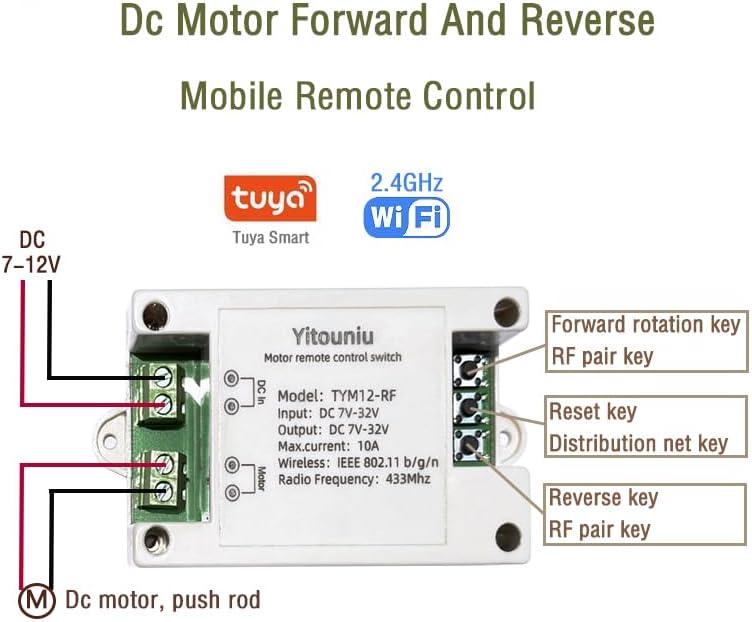
1. Ensure the phone's location services and Bluetooth are enabled before adding the device.
2. Connect your mobile phone to a 2.4G WiFi network.
3. Power on the device and wait for its network distribution indicator light to flash (twice per second). If it doesn't, press and hold the reset button for 5-7 seconds.
4. Open the Tuya Smart APP, click "+" to add a device, which will be automatically detected by the system. (5G WiFi is not supported.)
Note: The first-time device addition takes about 15-20 seconds.
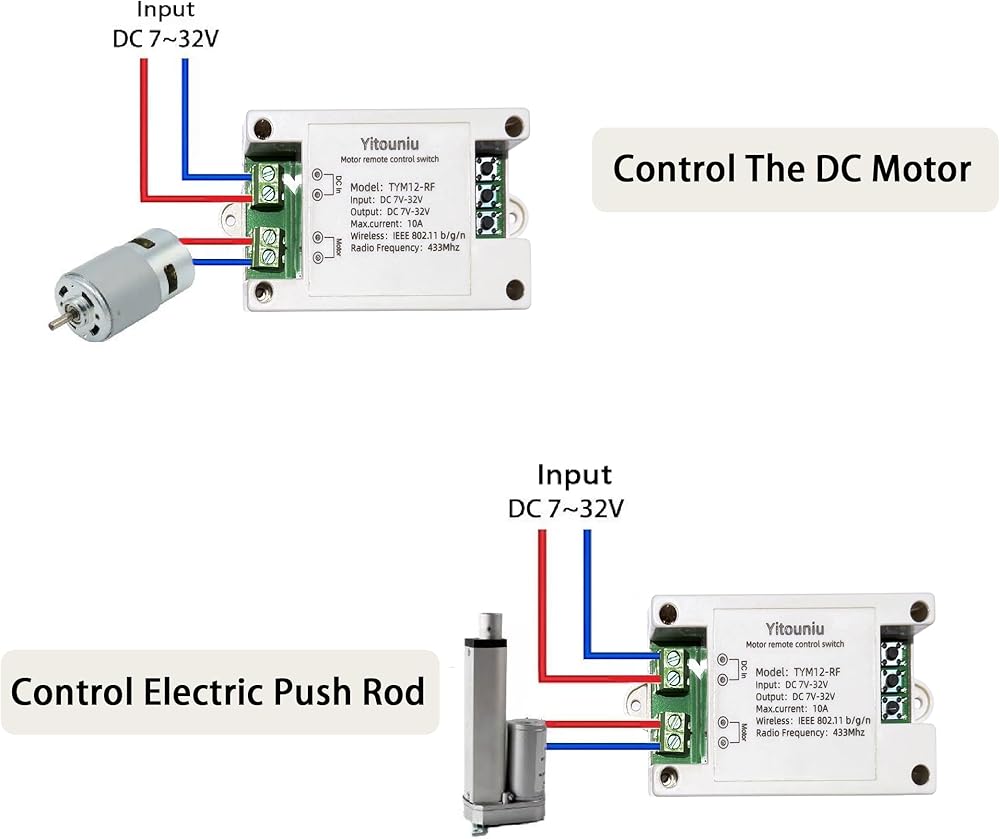
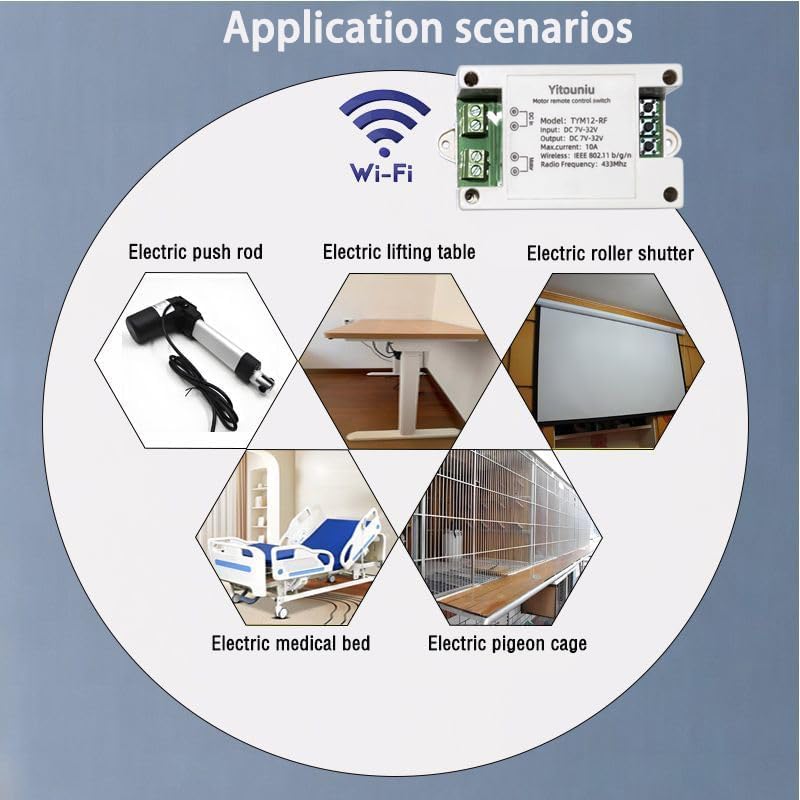
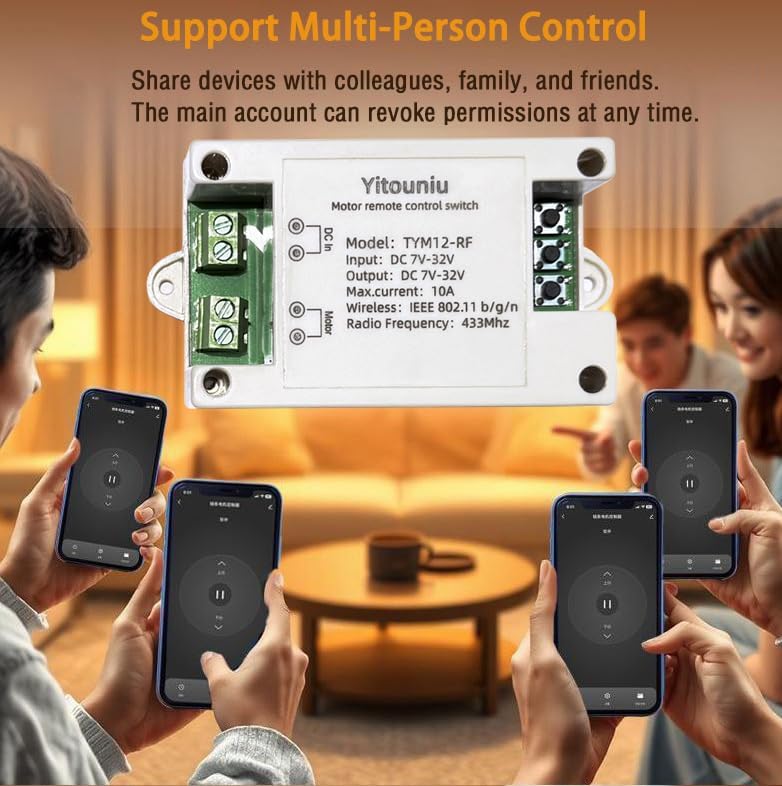
1. Tuya 12V forward/reverse intelligent switch, DC 7-32V. The controller outputs control signals only; an external power supply is needed for driving the linear actuator.
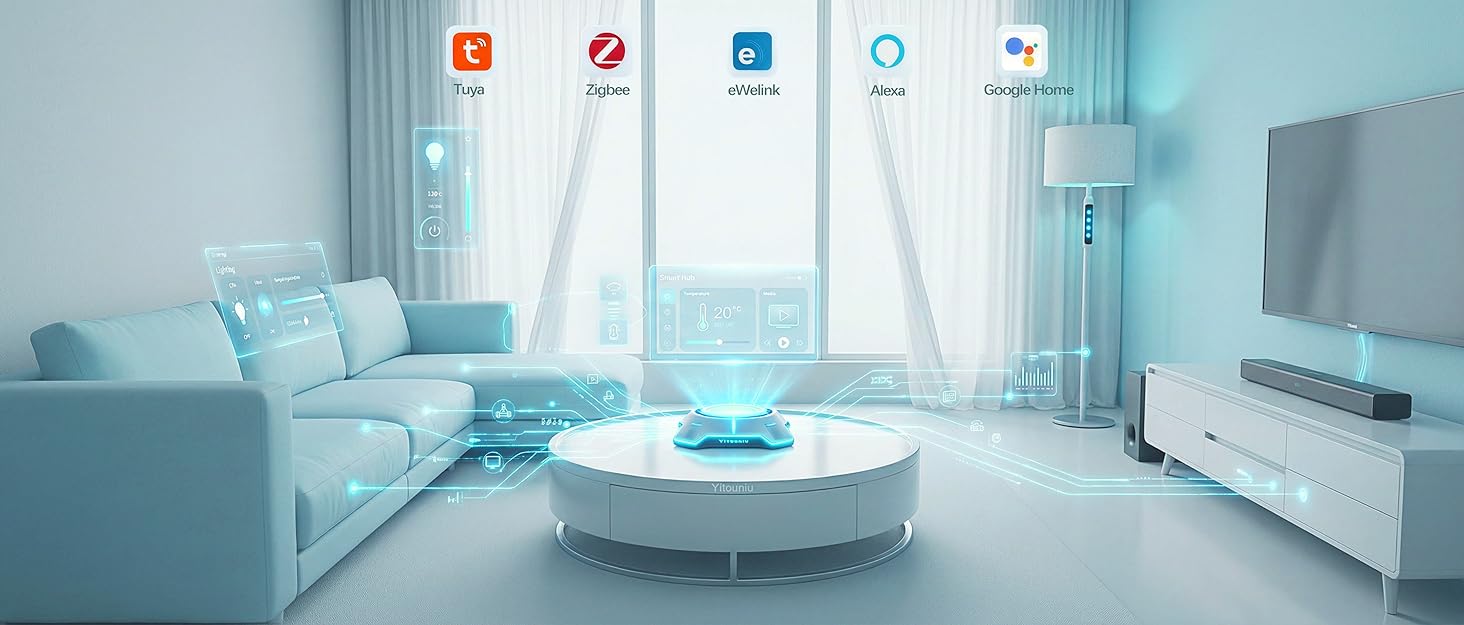
2. Pair with Tuya Smart Life APP.
3. Set interlock in the Tuya APP to control forward and reverse rotation separately.
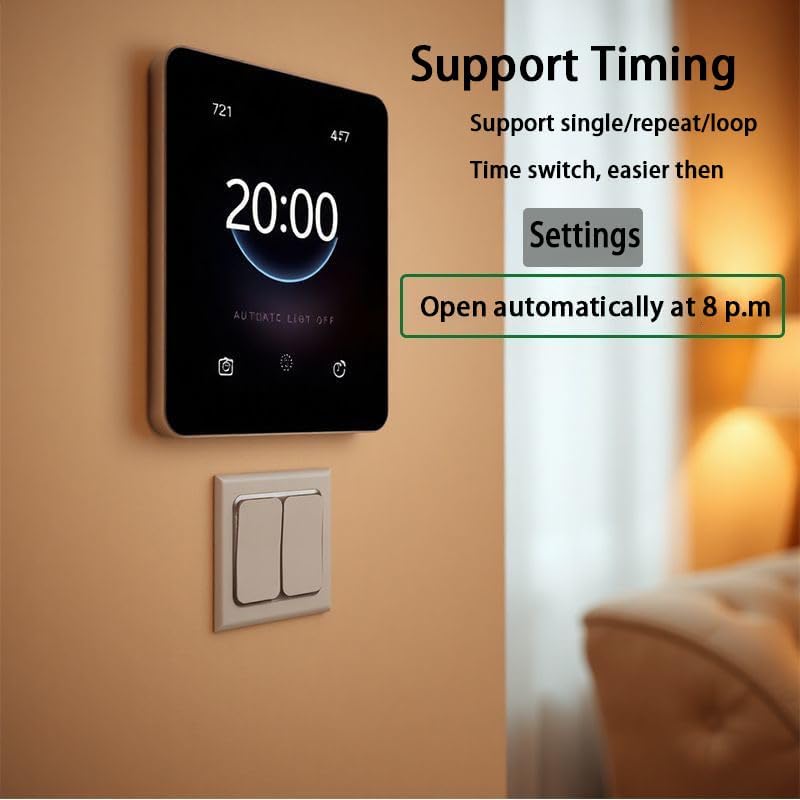
4. To set running time for both rotations, configure jogging time between 1 and 3600 seconds with a minimum interval of 1 second.
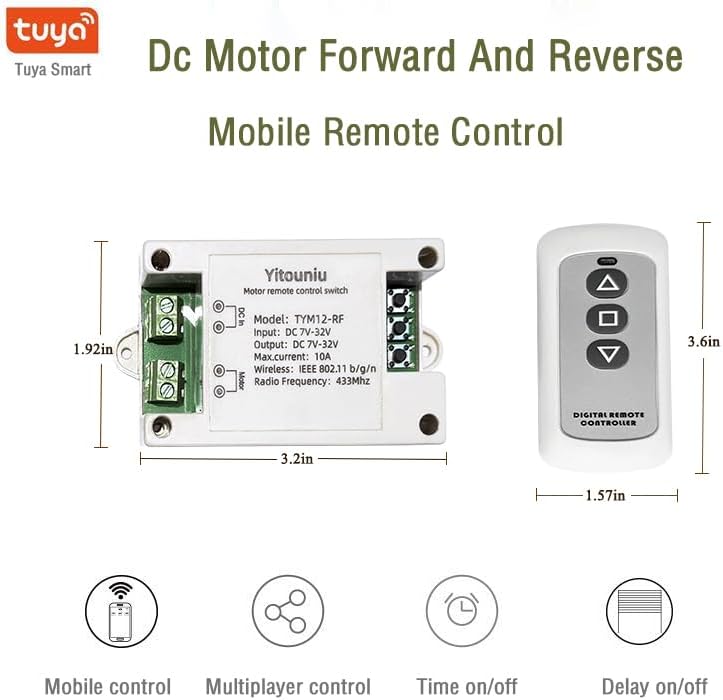
Product parameters:
Mode: Jog (2-3600 seconds), self-locking
Working voltage: DC 7-32V
Maximum load current :10A
Wireless protocol: WiFi+ Bluetooth
WIFI standard: 2.4G b/g/n
Operating temperature: -20~ 70℃
Shell material: ABS
Packaging list:
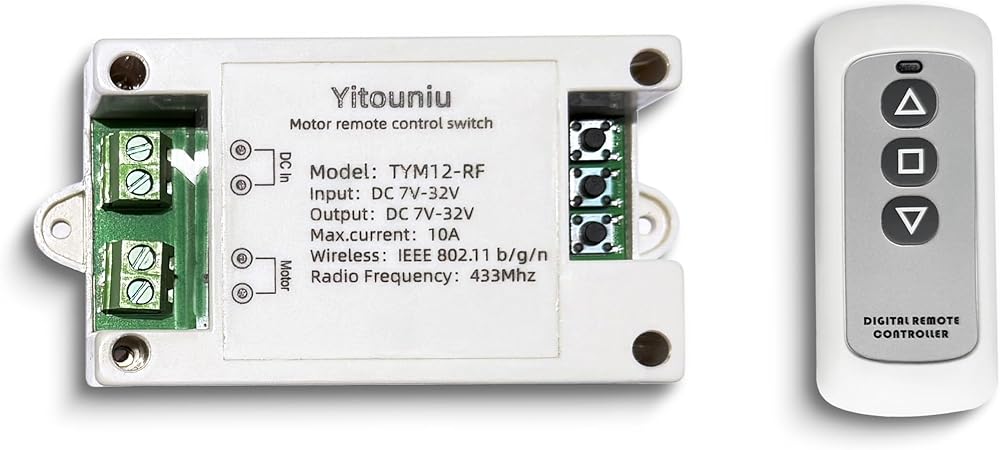
1 X Wifi Smart Switch Controller
1 X 433Mhz three-key Remote Control(Requires 23A, 12V battery, but not included)
1 X Instruction Manual
 -30%
Tuya WiFi Intelligent Temperature and Humidity Sensor | 85-250V Dry Contact Relay | Real-Time Monitoring Intelligent Module | Compatible with Alexa Google
SAR 88
-30%
Tuya WiFi Intelligent Temperature and Humidity Sensor | 85-250V Dry Contact Relay | Real-Time Monitoring Intelligent Module | Compatible with Alexa Google
SAR 88
 uxcell 300mm Tr5X1 Lead Screw with Brass Nut (1mm Pitch, 1 Start, 1mm Lead), 304 Stainless Steel Screw Bar Printer Upgrade Parts with Plastic Packaging Tube, Silver
SAR 71
uxcell 300mm Tr5X1 Lead Screw with Brass Nut (1mm Pitch, 1 Start, 1mm Lead), 304 Stainless Steel Screw Bar Printer Upgrade Parts with Plastic Packaging Tube, Silver
SAR 71
 4x4 Actuator Servo Motor 3 PIN for Can-Am ATVs & UTVs, for Commander 2011-2020 Maverick 800 1000 Outlander Renegade 500 570 650 850, Replaces 415129174 715900614 420891087
SAR 277
4x4 Actuator Servo Motor 3 PIN for Can-Am ATVs & UTVs, for Commander 2011-2020 Maverick 800 1000 Outlander Renegade 500 570 650 850, Replaces 415129174 715900614 420891087
SAR 277
 Linear Actuator, 100mm Thumb Motor Electric Push Rod, 12V Input Voltage And Low Noise, Used For Electric Table, Electric Recliner, Electric Bed(4mm/s-150N)
SAR 173
Linear Actuator, 100mm Thumb Motor Electric Push Rod, 12V Input Voltage And Low Noise, Used For Electric Table, Electric Recliner, Electric Bed(4mm/s-150N)
SAR 173