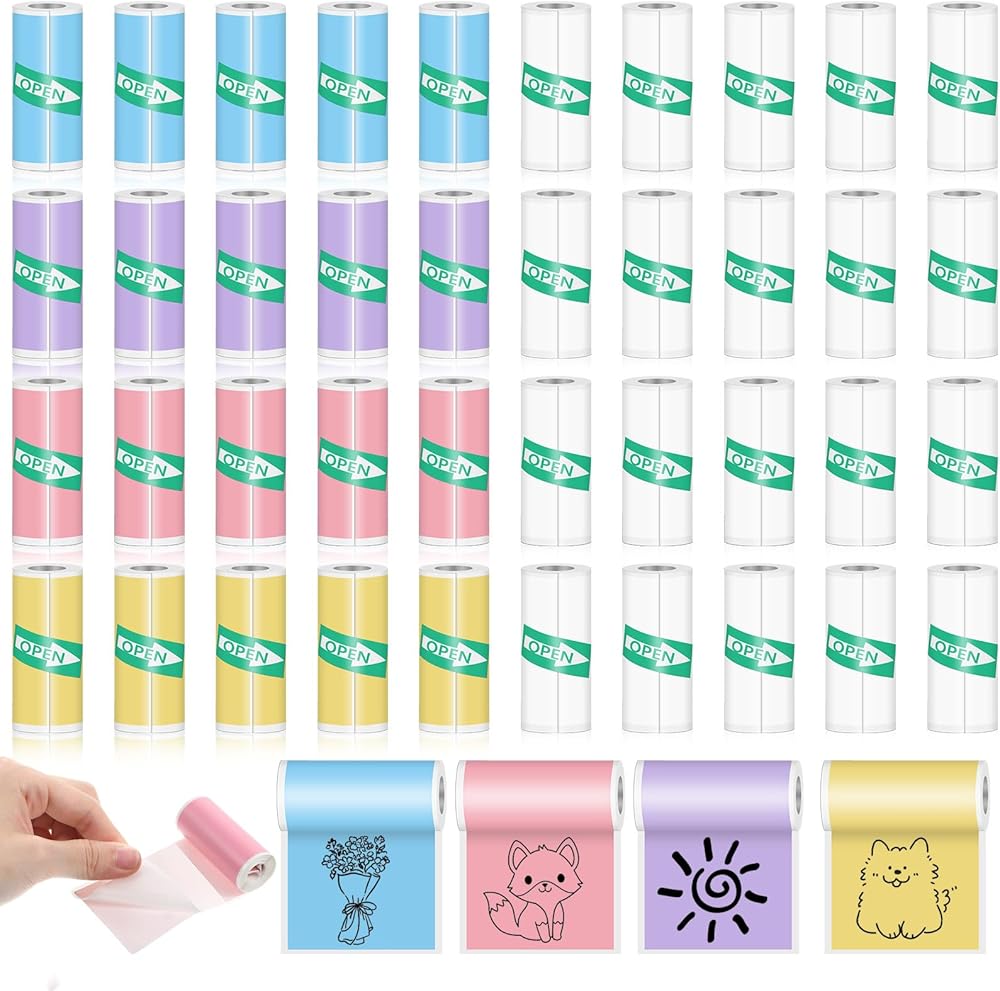
40 Rolls Mini Printer Thermal Sticker Paper, Self-Adhesive Thermal Printer Paper 20 Rolls of White & 20 Roll of Colour for Pocket Inkless Portable Printers to Print Photo To-do Lists Note
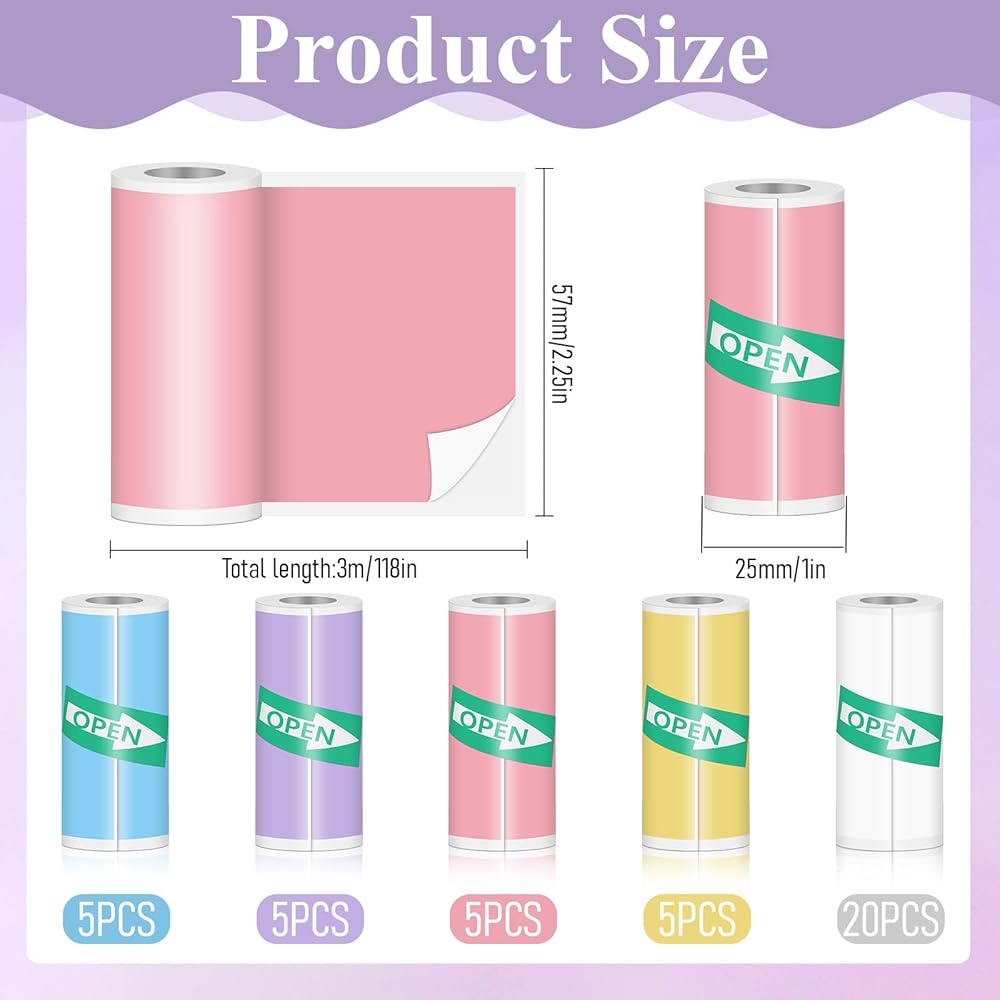
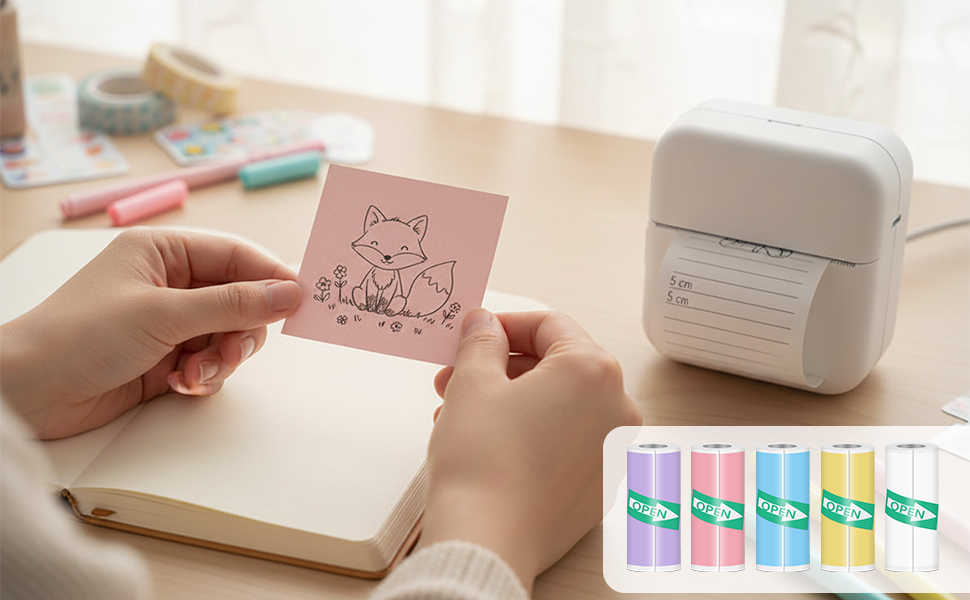
【40 Rolls Mini Printer Paper Rolls】including 5 colored(Yellow/Blue/Purple/Pink x5)self-adhesive paper, 20 white self-adhesive mini thermal printer sticker paper, to meet your full-scene needs from learning to life. Whether creating study labels, decorating planners, organizing files, or tagging products, these rolls bring ideas to life
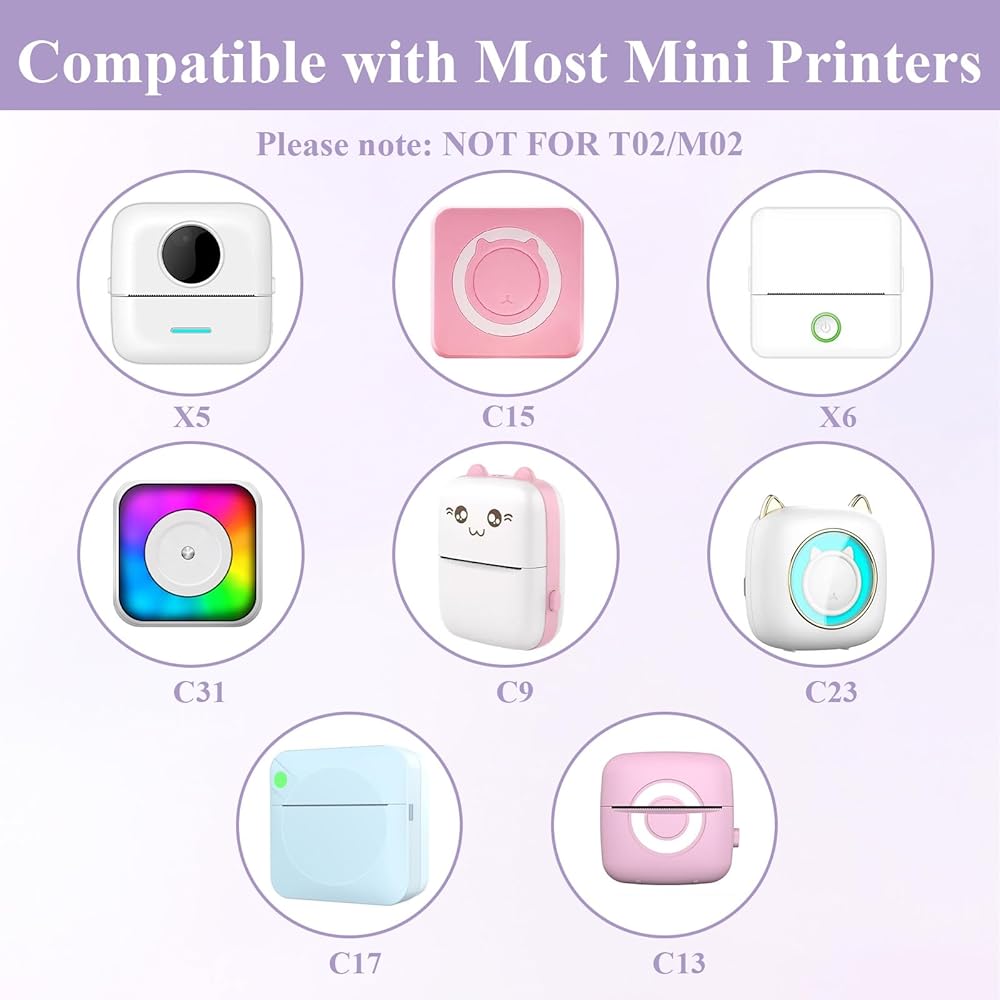
【Universal Compatibility】This self-adhesive mini printer sticker paper is suitable for most mini thermal sticker printers (if used for Photomo T02/M02 printer, you need to remove the paper holder from the printer and directly put the thermal sticker printing paper print side up into the printer to print)
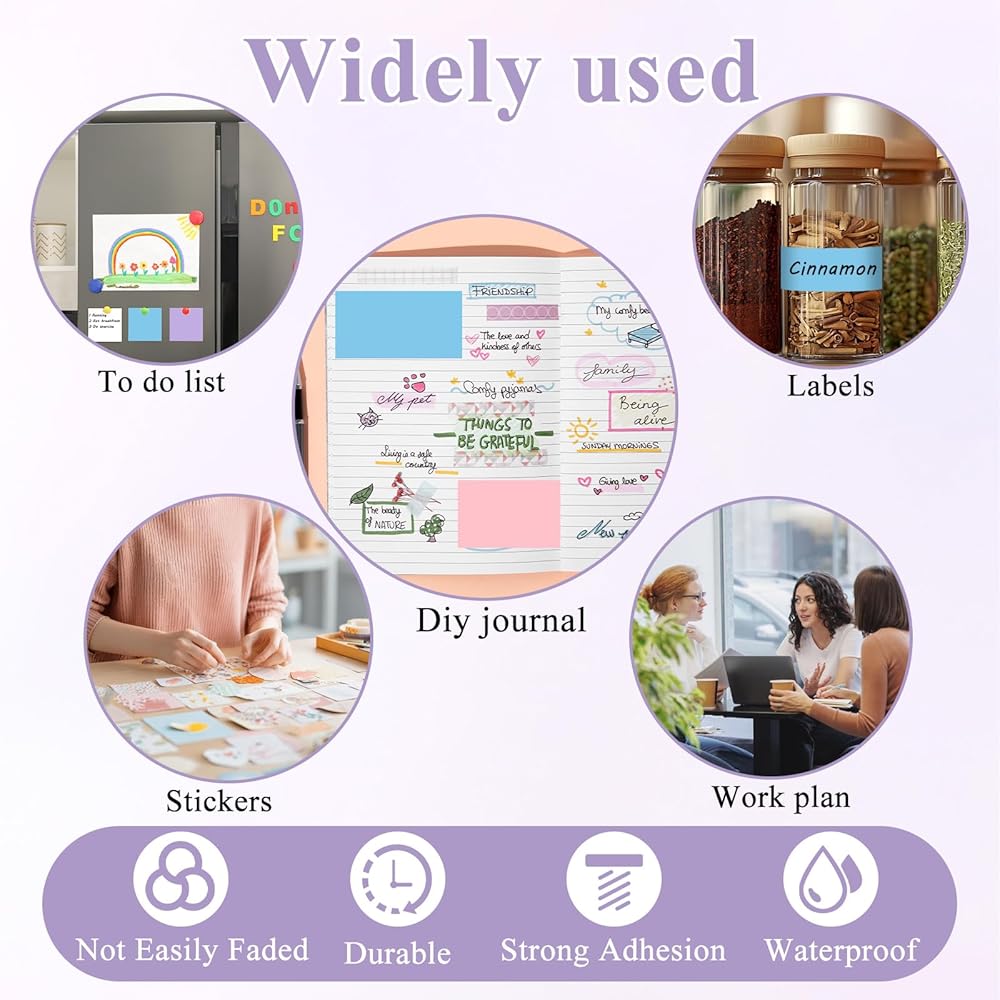
【Convenient, Clear, Anti-Fading】This portable mini thermal printer sticker paper is made of high-quality thermal paper, which is safe, waterproof and durable, not easy to fade, no ink required, fast printing speed, clear and long-lasting. Strong viscosity, it can be easily pasted to any smooth surface after printing without worrying about falling off
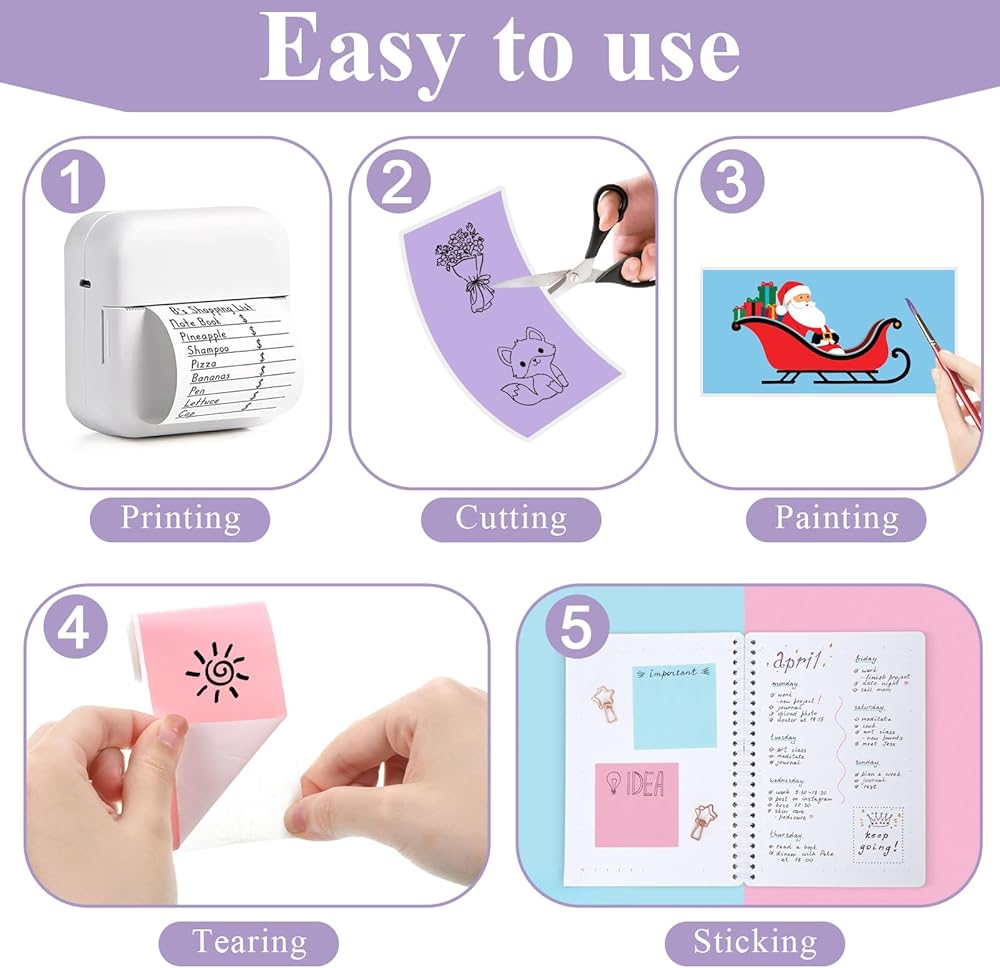
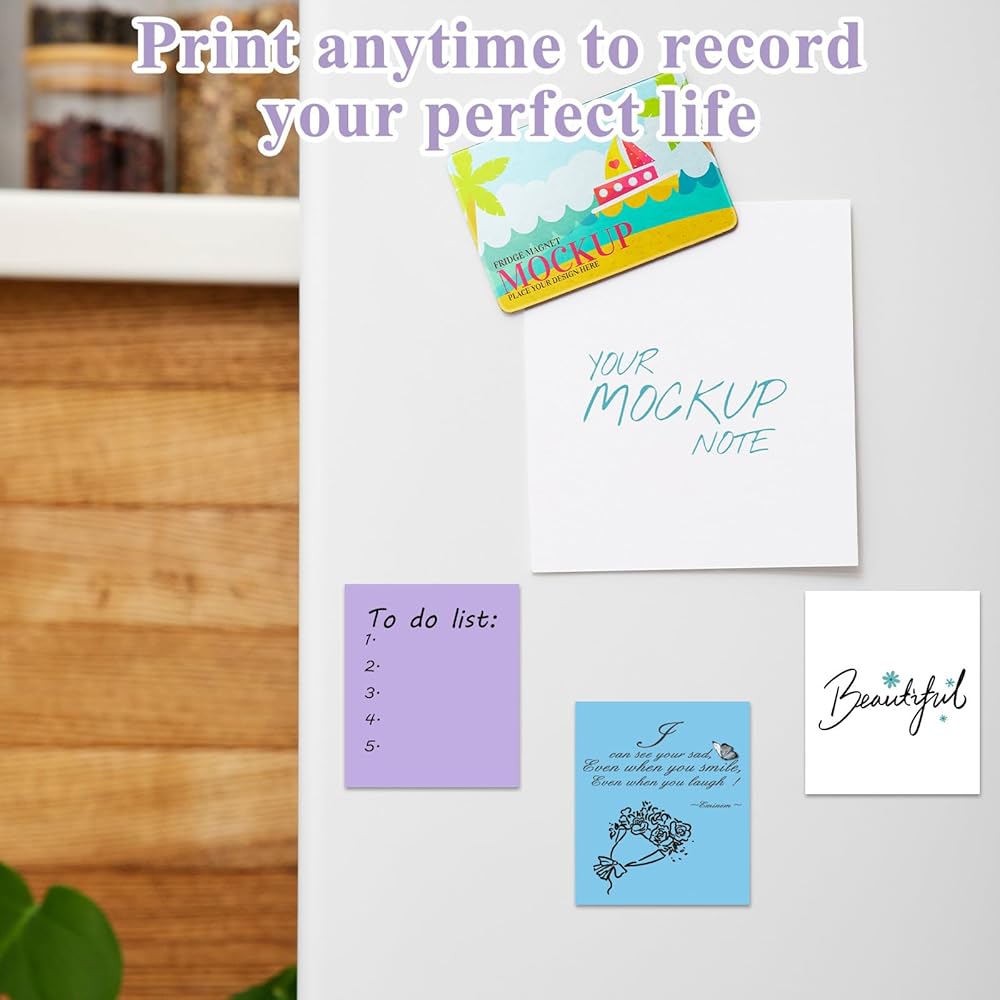
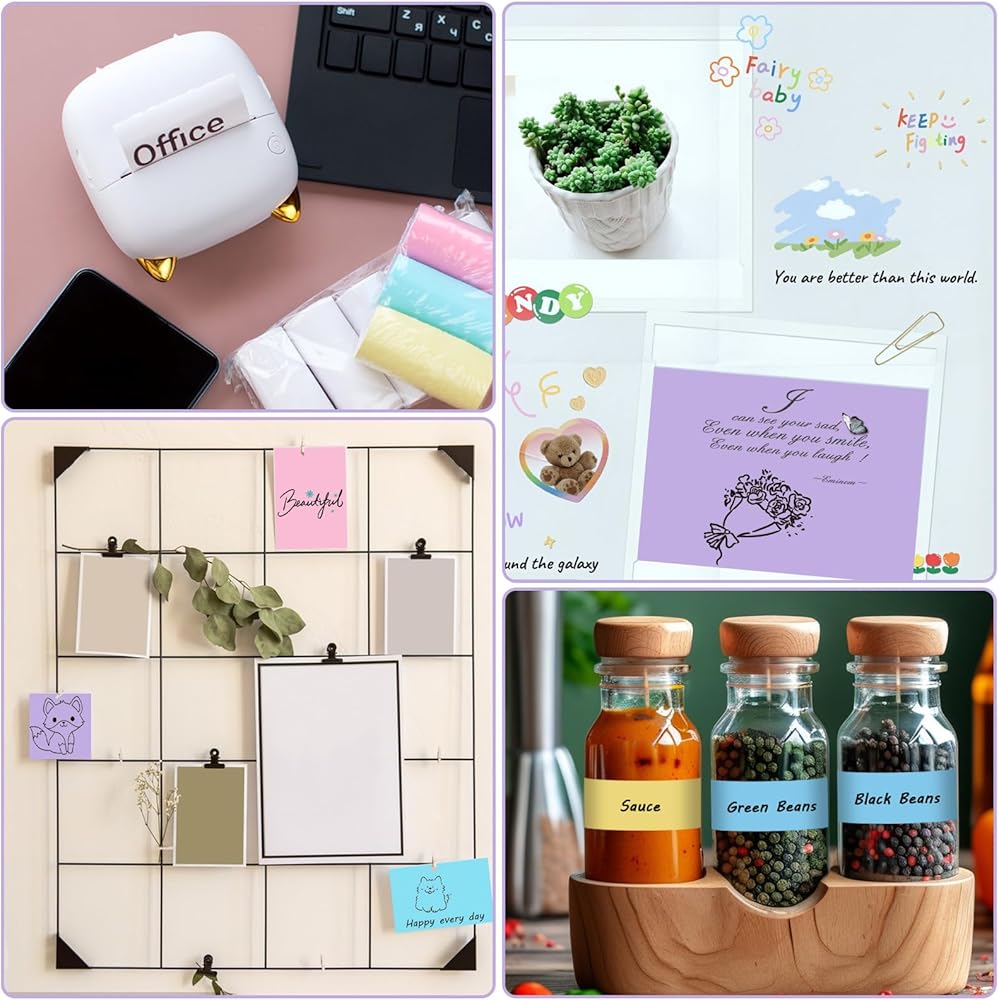
【Multi-Scenario Versatility】This mini thermal printer sticker paper is widely used, and can print notes, monochrome photos, classification labels, to-do lists, text documents, DIY projects, stickers, etc. Transparent thermal sticker paper colors are used for holiday gift labels, kitchen jar labels, and water cup name labels. It is more invisible and beautiful! This adhesive paper for mini printer is one of the essential tools for school learning, family life, travel, and office work
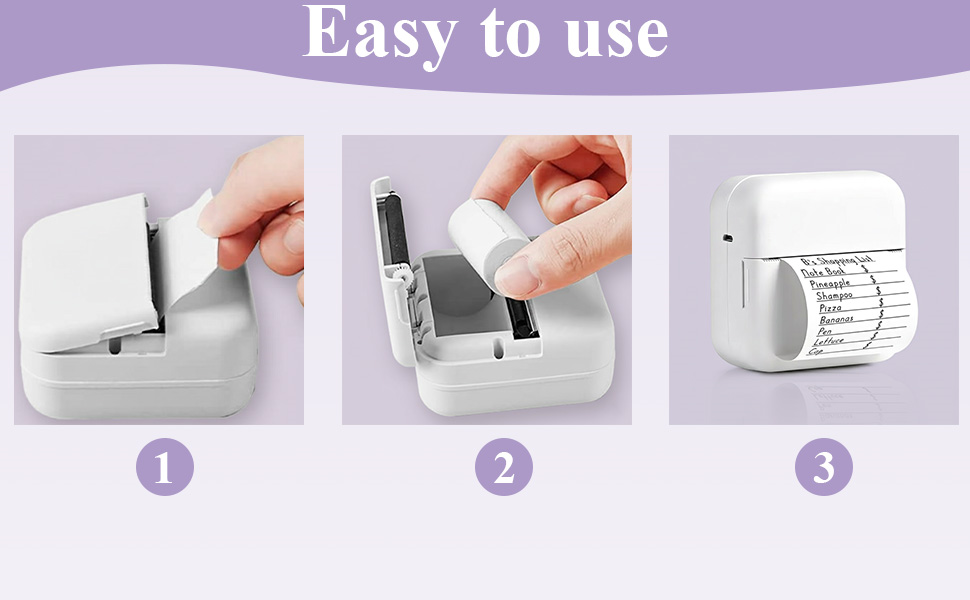
【Easy to Use】This inkless sticker printer paper is very easy to install and use. With the printing side facing up, you can print what you want to print, otherwise it cannot be printed. This thermal sticker is 57mm wide and 25mm in diameter, and is compatible with mini printers with an original paper roll height of 2.2 inches/57mm. For Phomemo T02/M02 mini printers, the paper holder inside the printer needs to be removed. Note: If your mini printer does not have a stainless steel serrated blade, please cut off the transparent thermal sticker with scissors after printing
 -8%
40 Rolls Mini Printer Paper, Thermal Sticker Paper Self-Adhesive Mini Thermal Printer Papers White Photo Printers Labels for Photos To-do Lists Notes(57 x 25 mm)
SAR 79
-8%
40 Rolls Mini Printer Paper, Thermal Sticker Paper Self-Adhesive Mini Thermal Printer Papers White Photo Printers Labels for Photos To-do Lists Notes(57 x 25 mm)
SAR 79
 -12%
Toaster Cover 2 Slice, Quilted Polyester Toaster Cover For Bread Maker, Universal Size 11.8"x7.3"x7.7" (30x18.5x19.5cm), Black Dust And Fingerprint Protector, 1 Pc
SAR 37
-12%
Toaster Cover 2 Slice, Quilted Polyester Toaster Cover For Bread Maker, Universal Size 11.8"x7.3"x7.7" (30x18.5x19.5cm), Black Dust And Fingerprint Protector, 1 Pc
SAR 37
 Women's Tie Back for Wedding, 393.7 Inch Dress Cord Back Corset Ribbon Adjustable Bridal Gown Lace Up Corset Satin Dress Sash Cord Replacement(Black, 10.9 Yards)
SAR 32
Women's Tie Back for Wedding, 393.7 Inch Dress Cord Back Corset Ribbon Adjustable Bridal Gown Lace Up Corset Satin Dress Sash Cord Replacement(Black, 10.9 Yards)
SAR 32
 100 Pieces Finger Sponge Daubers, Craft Drawing Finger Dauber Set Face Painting Sponges for Painting Art Stamping Ink Crafts Chalk Card Making
SAR 76
100 Pieces Finger Sponge Daubers, Craft Drawing Finger Dauber Set Face Painting Sponges for Painting Art Stamping Ink Crafts Chalk Card Making
SAR 76