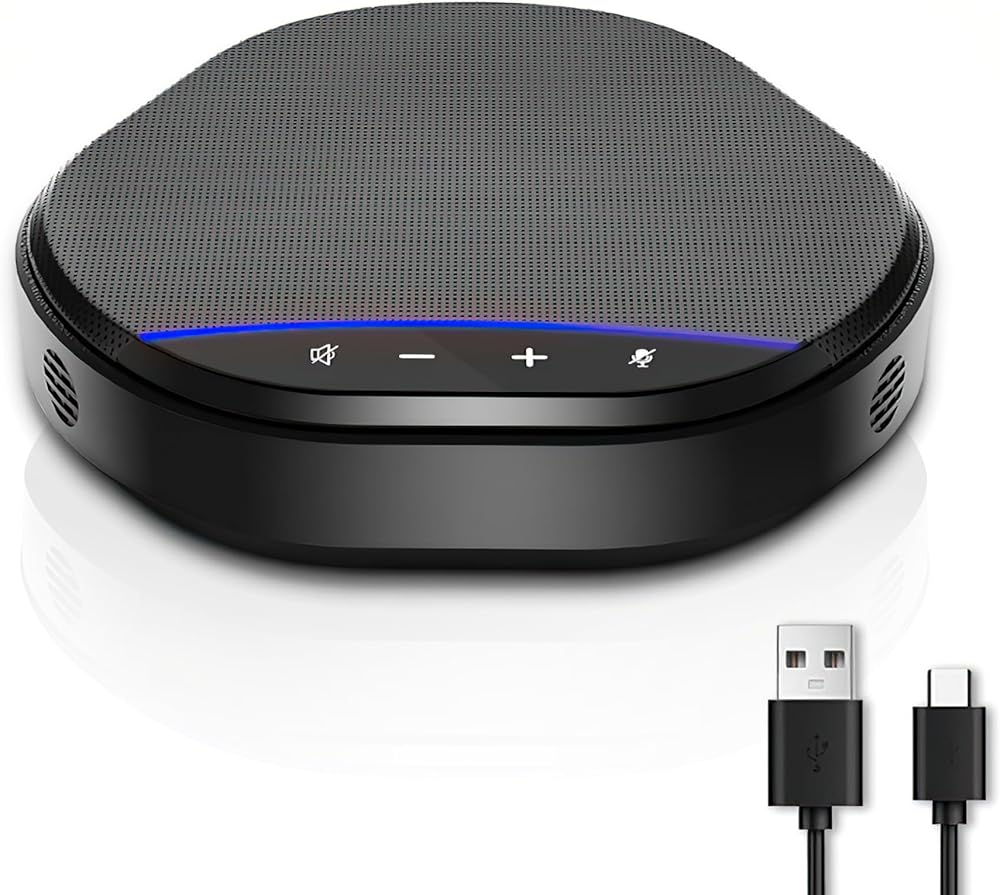
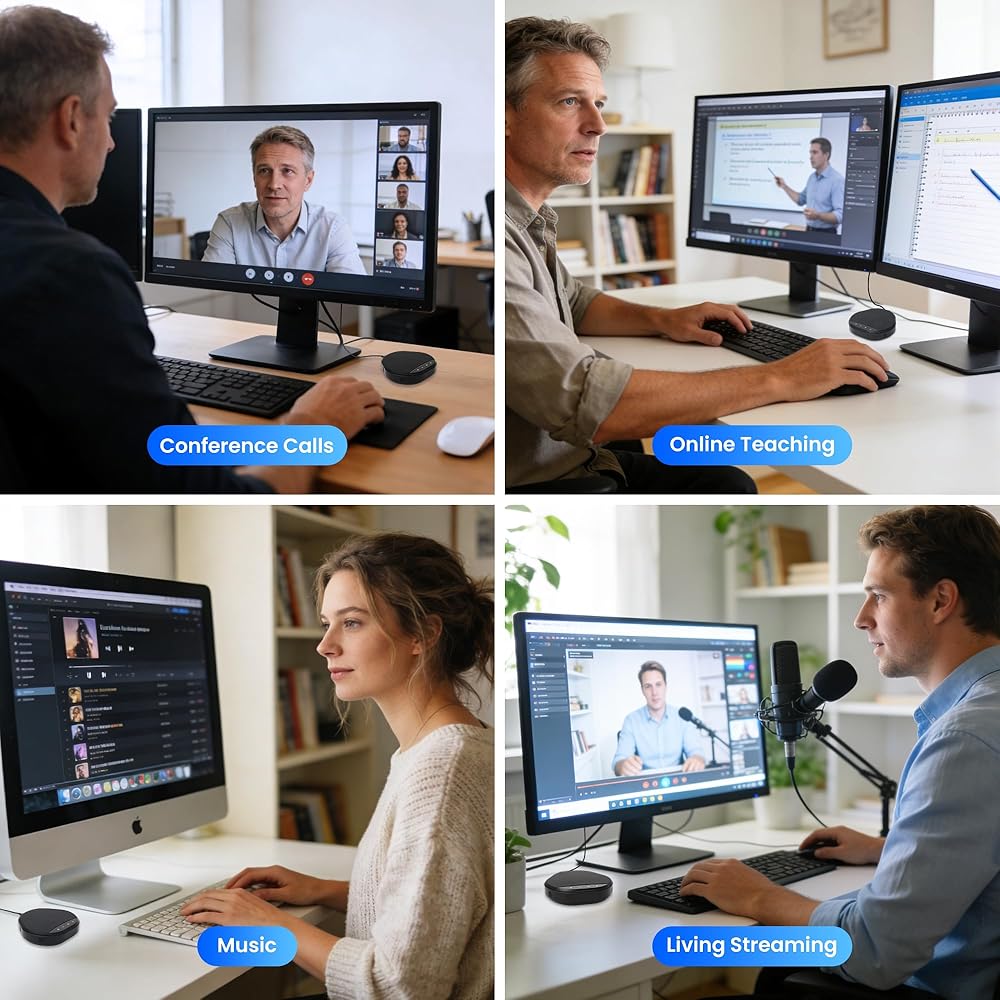
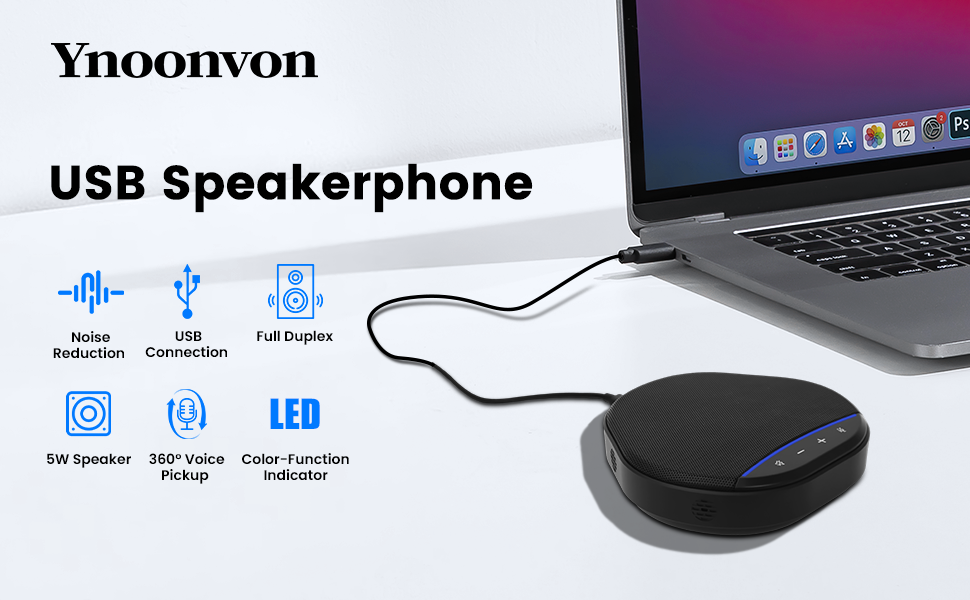
Conference Speakerphone with 360° Voice Pickup, AI Noise Reduction & Echo Cancellation, USB Plug and Play Desktop Microphone Speaker for Zoom, Teams, Skype, Home Office & Online Meetings
All electronics ship with US style plugs.You may need a voltage converter or a plug adapter.
Special Features
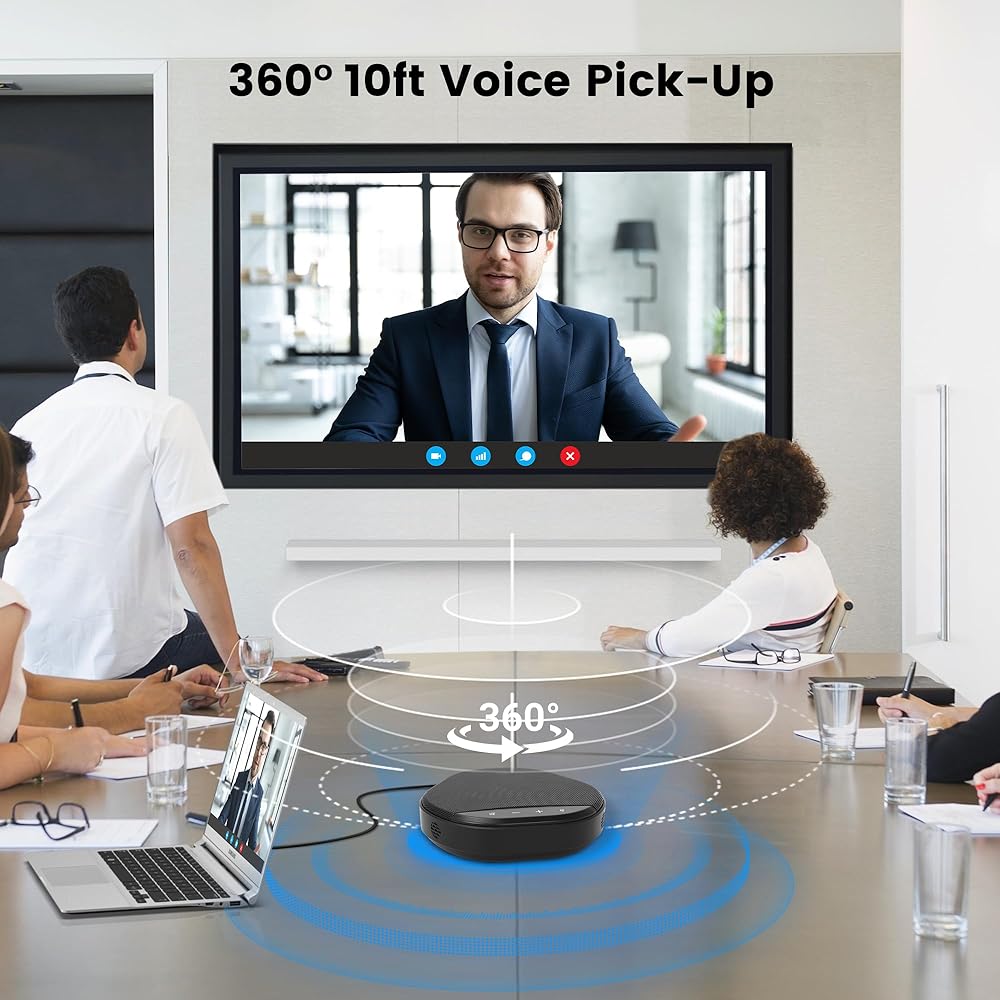
360° Voice Pickup for Clear Group Meetings Designed with high-sensitivity microphones and 360° omnidirectional voice pickup, this conference speakerphone captures voices clearly from all directions, ensuring everyone in the room can be heard without raising their voice. Ideal for small to medium-sized meetings, video calls, online classes, and remote collaboration where clear communication matters. AI Noise Reduction & Echo Cancellation
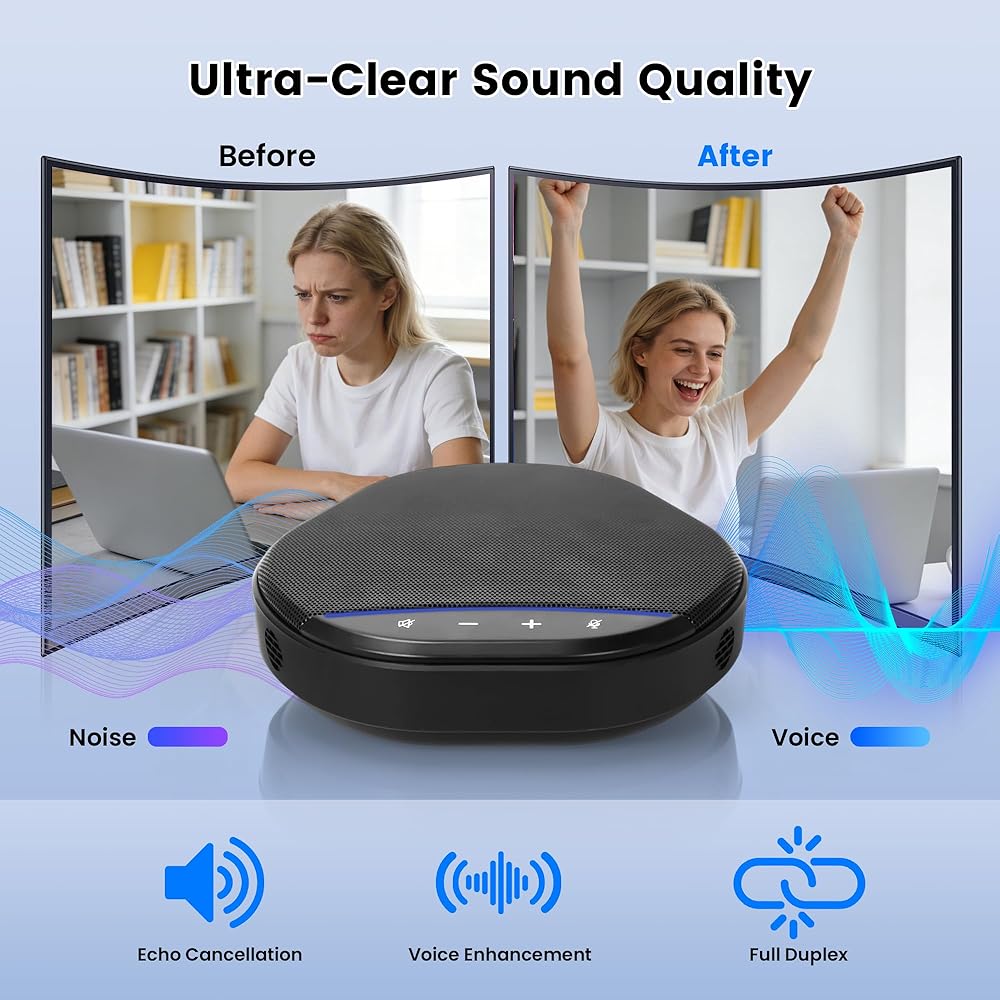
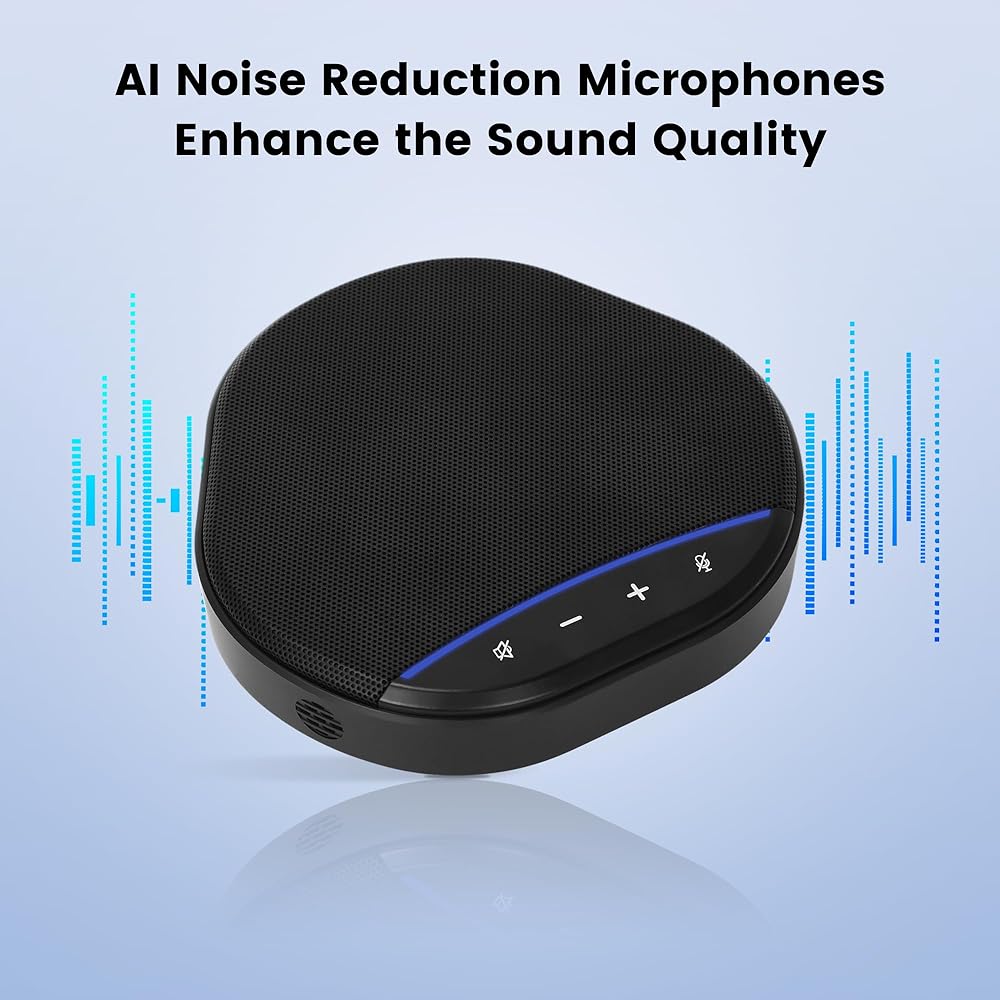
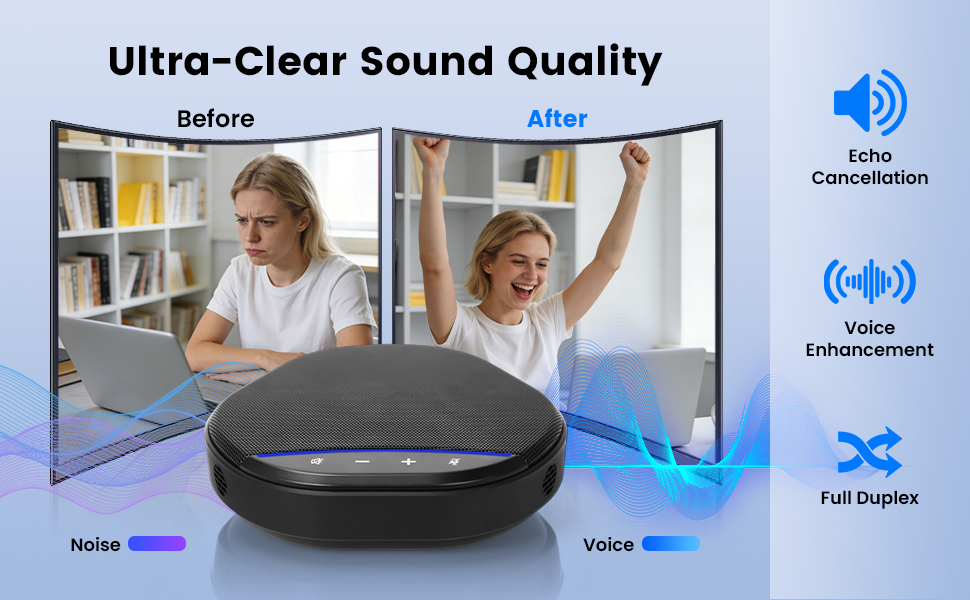
AI Noise Reduction & Echo Cancellation Advanced noise reduction and echo cancellation technology intelligently filters out background noise while enhancing human voices. Whether you're working from a home office, shared workspace, or busy environment, your voice stays clear and natural for professional-quality meetings without distractions or audio feedback.
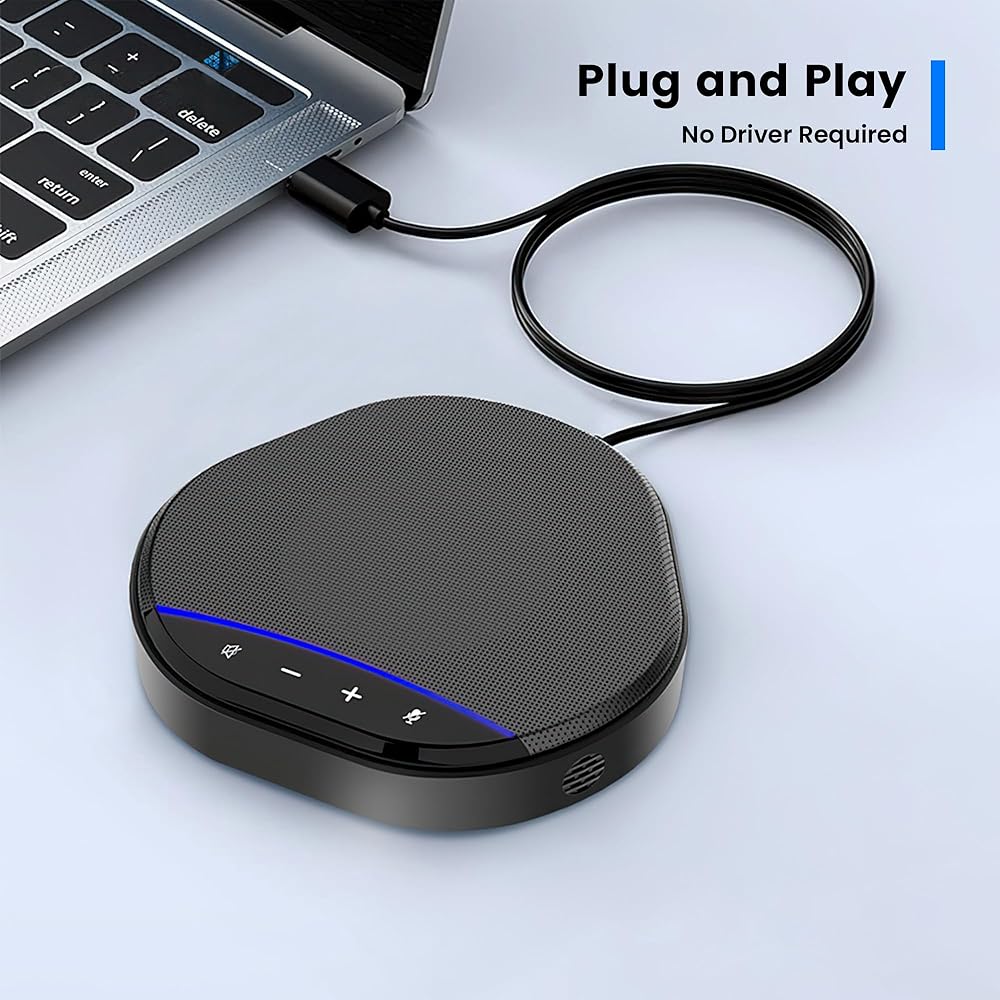
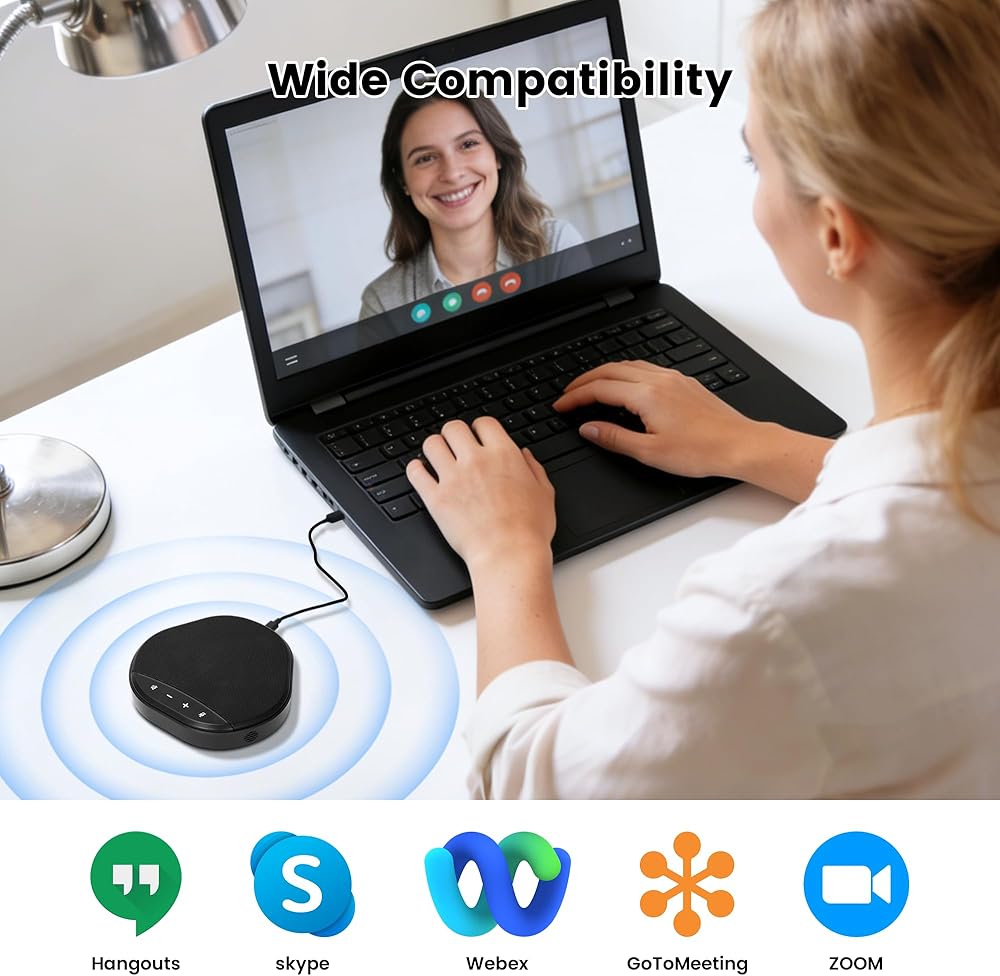
Plug & Play USB Connectivity — Easy Setup No drivers or software required. Simply connect the speakerphone to your computer via USB and start your meeting instantly. Works seamlessly with popular conferencing platforms like Zoom, Microsoft Teams, Skype, WebEx, and Google Meet, making it perfect for hassle-free daily meetings and (you may need to manually select this speakerphone as the input and output device in your operating system settings)remote work.
Clear Speaker Sound with Full-Duplex Audio Built-in speaker delivers balanced, room-filling sound while full-duplex audio allows both sides to speak and be heard at the same time without cutting off. Enjoy smooth, natural conversations for presentations, team discussions, and client calls without interruptions.
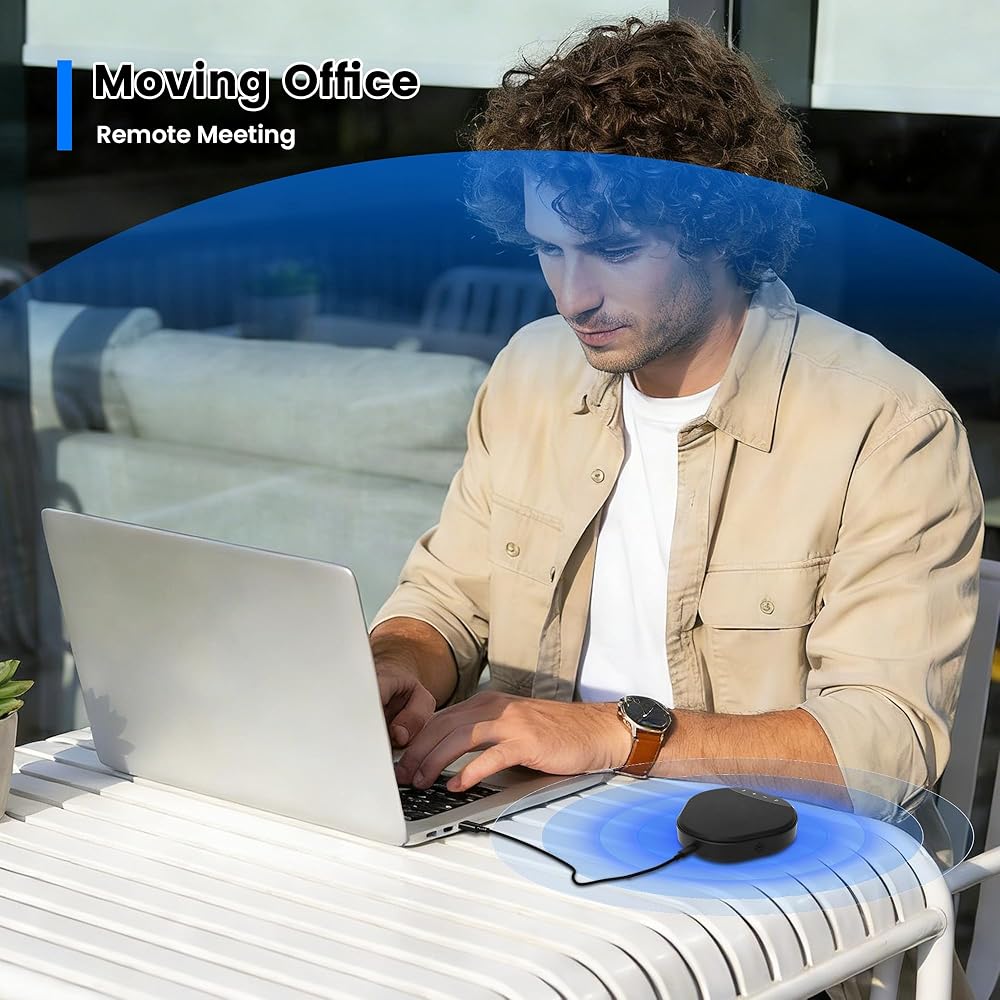
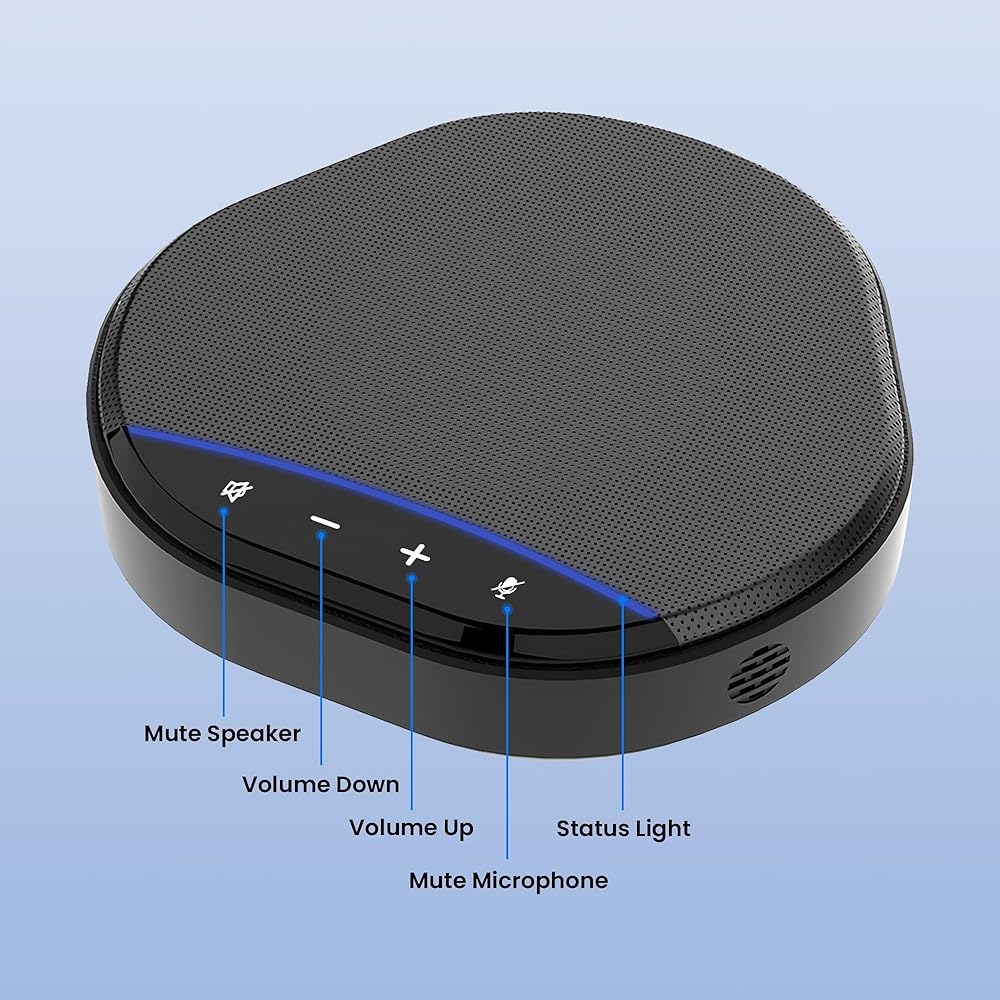
Compact, Portable & Perfect for Home Office Sleek, lightweight, and easy to carry, this desktop conference speakerphone fits perfectly into any home office or small meeting room. Simple touch controls, stable design, and wide device compatibility make it a reliable upgrade over laptop microphones and speakers for everyday professional use.
Setup Tip: If your computer has built-in audio or if external devices are disabled by default, the system might not switch automatically. Simply go to your Sound Settings and manually select "3- M6 USB AUDIO" as your default Input and Output device. Think of it as a small "synergy" between you and your technology—a simple step to ensure you experience the professional-grade audio performance you deserve.
 -29%
Conference Webcam with Dual Microphones &Speaker, All in one Webcam 5X Digital Zoom & Privacy Cover, ePTZ USB Camera with Remote for Computer, Laptop, Mac, Zoom, Teams, 1080P HD
SAR 256
-29%
Conference Webcam with Dual Microphones &Speaker, All in one Webcam 5X Digital Zoom & Privacy Cover, ePTZ USB Camera with Remote for Computer, Laptop, Mac, Zoom, Teams, 1080P HD
SAR 256
 6-in-1 USB-C Video Capture Card with Docking Station, 4K HDMI Output, 1080P Recording, USB 3.0, PD 60W Charging, 3.5mm Audio, Microphone Input
SAR 100
6-in-1 USB-C Video Capture Card with Docking Station, 4K HDMI Output, 1080P Recording, USB 3.0, PD 60W Charging, 3.5mm Audio, Microphone Input
SAR 100
 Restaurant Pager System 1200+ft Waiter Wireless Calling System Queuing System 15 Call Buttons with 1 Number Display Receiver 2 Wristwatches 1 Amplifier for Restaurants,Cafe,Bar,Hotel
SAR 820
Restaurant Pager System 1200+ft Waiter Wireless Calling System Queuing System 15 Call Buttons with 1 Number Display Receiver 2 Wristwatches 1 Amplifier for Restaurants,Cafe,Bar,Hotel
SAR 820
 -14%
Conference Speaker and Microphone, Dual AI Mics with 360° Voice Pickup & Clear Sound, 10–14H Call Time, Bluetooth & USB-C/A Connection, Speakerphone for 1–6 People, Small Teams & Home Office
SAR 314
-14%
Conference Speaker and Microphone, Dual AI Mics with 360° Voice Pickup & Clear Sound, 10–14H Call Time, Bluetooth & USB-C/A Connection, Speakerphone for 1–6 People, Small Teams & Home Office
SAR 314