- Shopping, made easy.
- /
- Get the app!
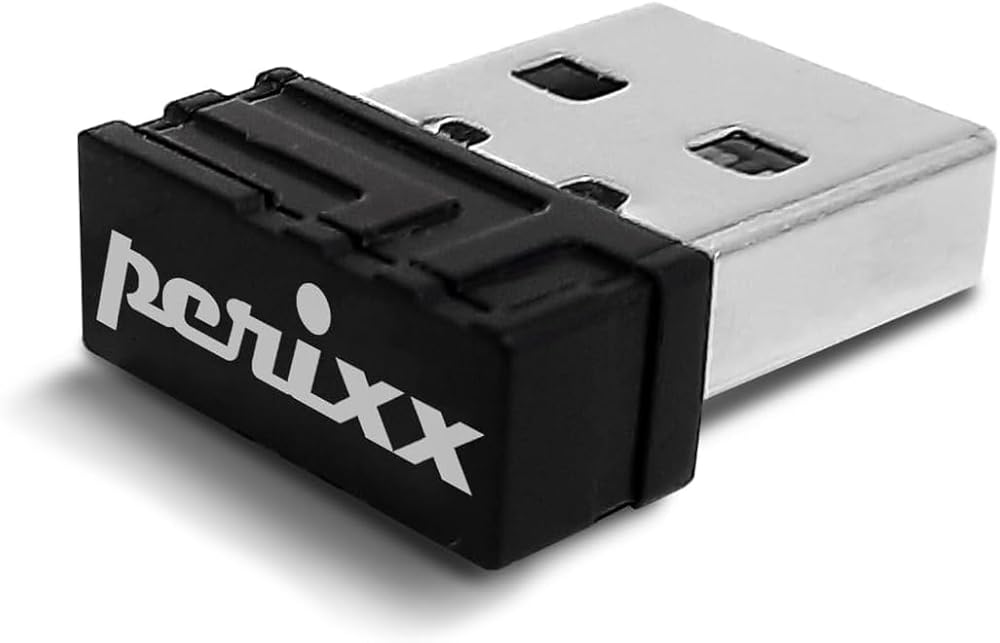
The spare receiver option is a good solution for those users with a receiver lost or damaged situation. Please find the binding process on the user manual or the website with the information. The binding process can be found easily within the package, website, or Amazon page. You may follow the steps below to reset the connection. 1. Please unplug the current receiver from the computer, and remove all batteries from the device 2. Please plug the new receiver into the computer and add the battery to the device 3. Please switch on the device, and it should connect automatically. 4. With some devices, you may need to press and hold 2 buttons together to reset the connection. Please check with the manual about your specific model instruction. 5. If there is no connection, please repeat step 1 If you still have problems after 3 attempts, please contact us again. You may also visit our Perixx Official YouTube channel for more information.
 -3%
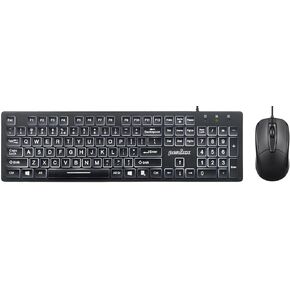
Perixx PERIBOARD-317 Backlit Keyboard with PERIMICE-209 Optical Mouse
SAR 141
-3%
Perixx PERIBOARD-317 Backlit Keyboard with PERIMICE-209 Optical Mouse
SAR 141
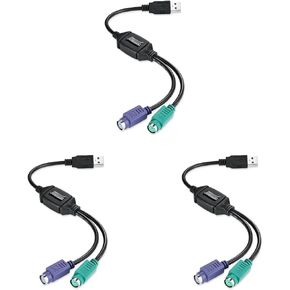 Perixx PERIPRO-401 PS2 to USB Adapter for Keyboard and Mouse - Built-in USB Controller - Black (Pack of 3)
SAR 141
Perixx PERIPRO-401 PS2 to USB Adapter for Keyboard and Mouse - Built-in USB Controller - Black (Pack of 3)
SAR 141
 -10%
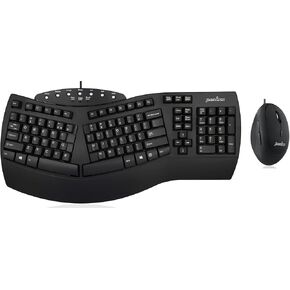
Wired Ergonomic PERIBOARD-512 Keyboard with Wired Portable Ergonomic Mouse PERIMICE-519
SAR 292
-10%
Wired Ergonomic PERIBOARD-512 Keyboard with Wired Portable Ergonomic Mouse PERIMICE-519
SAR 292
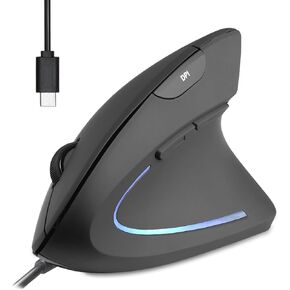 Perixx PERIMICE-513C Wired Vertical USB-C Mouse, 6 Buttons, Adjustable 1000/1600 DPI, Right-Handed, 5.9ft Cable, Black
SAR 114
Perixx PERIMICE-513C Wired Vertical USB-C Mouse, 6 Buttons, Adjustable 1000/1600 DPI, Right-Handed, 5.9ft Cable, Black
SAR 114

