- Shopping, made easy.
- /
- Get the app!
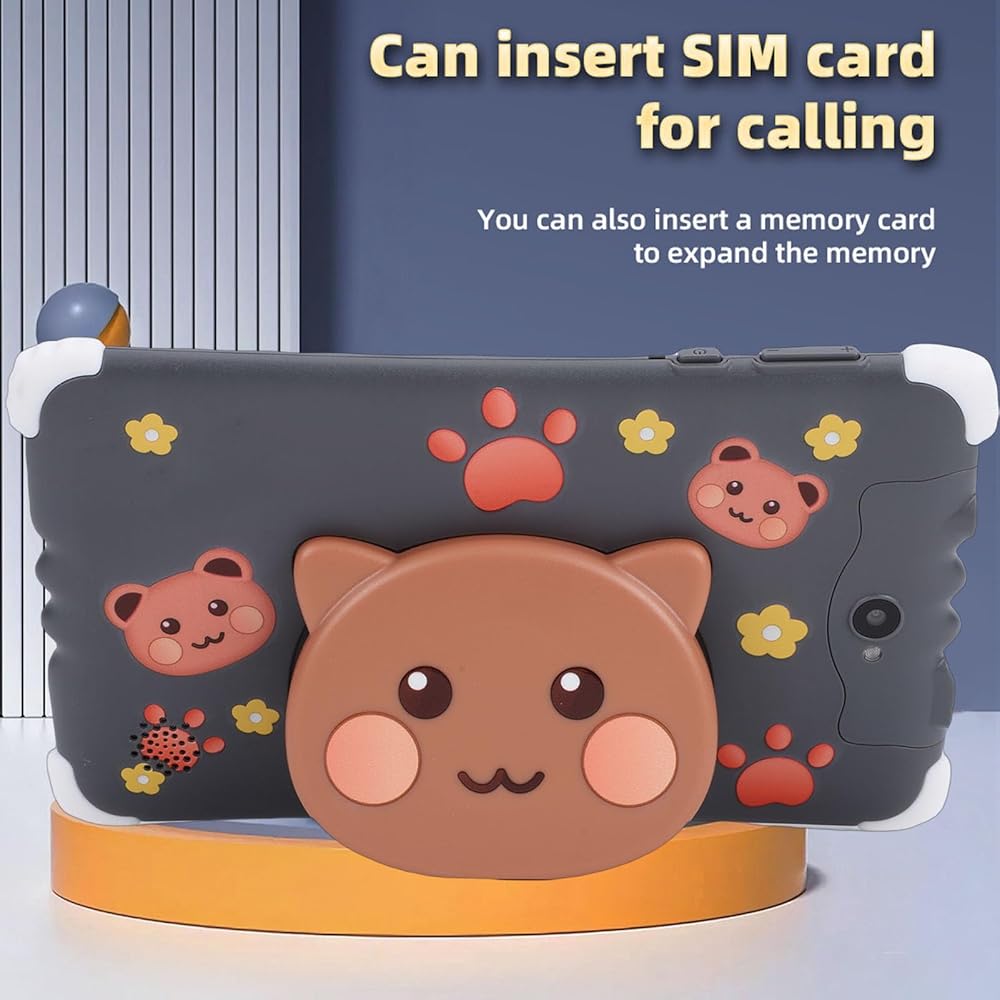
Spec:
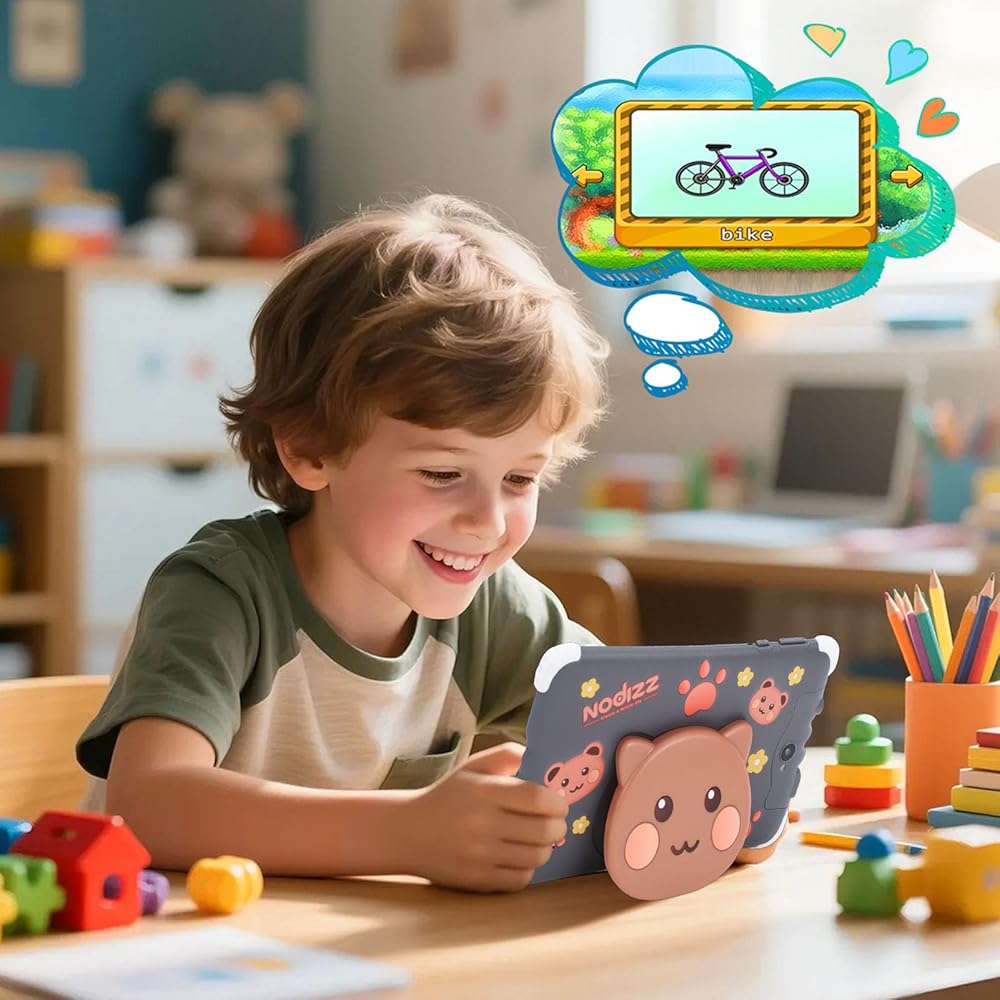
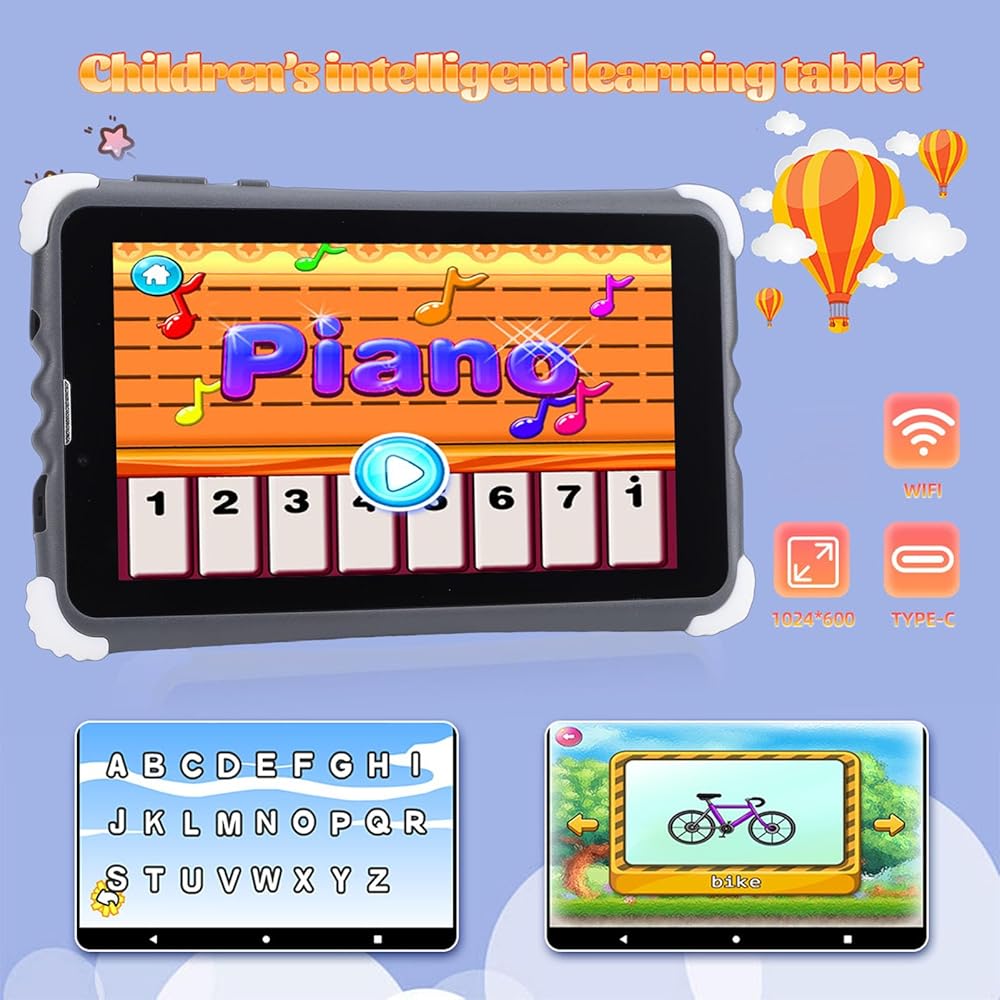
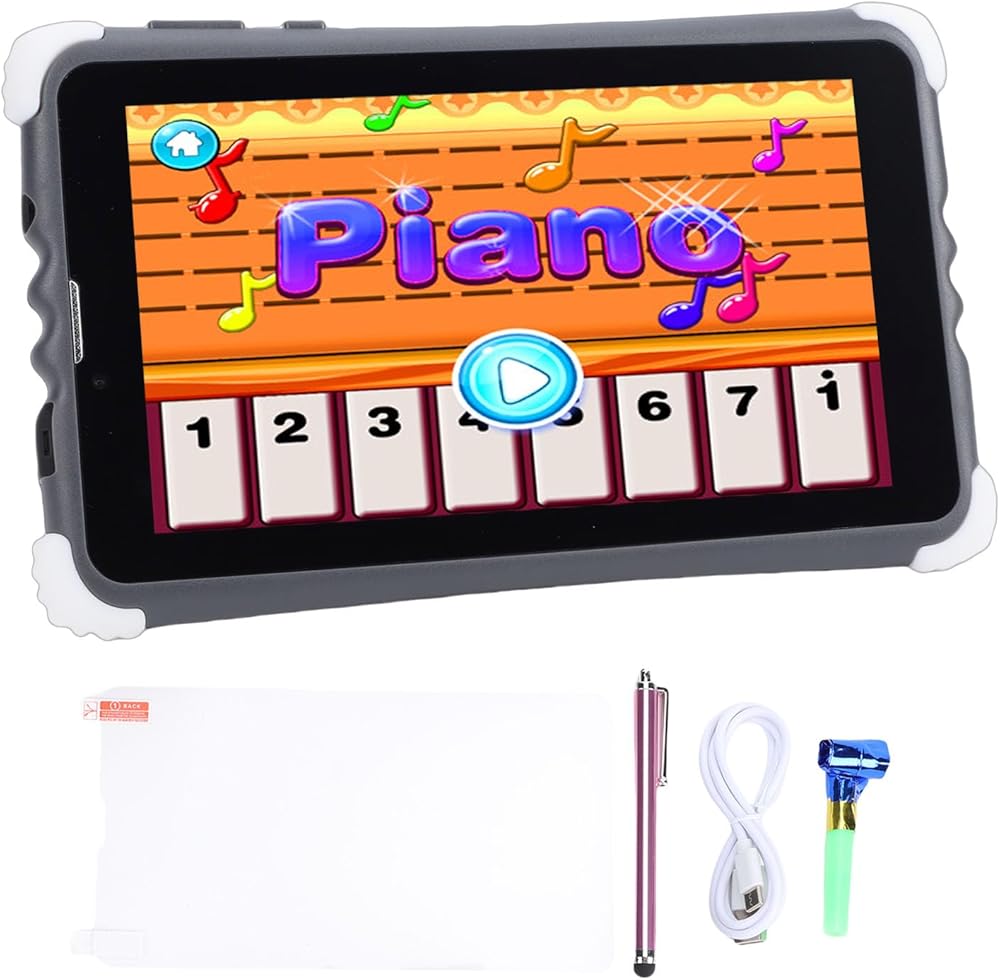
Item Type: Kids Tablet
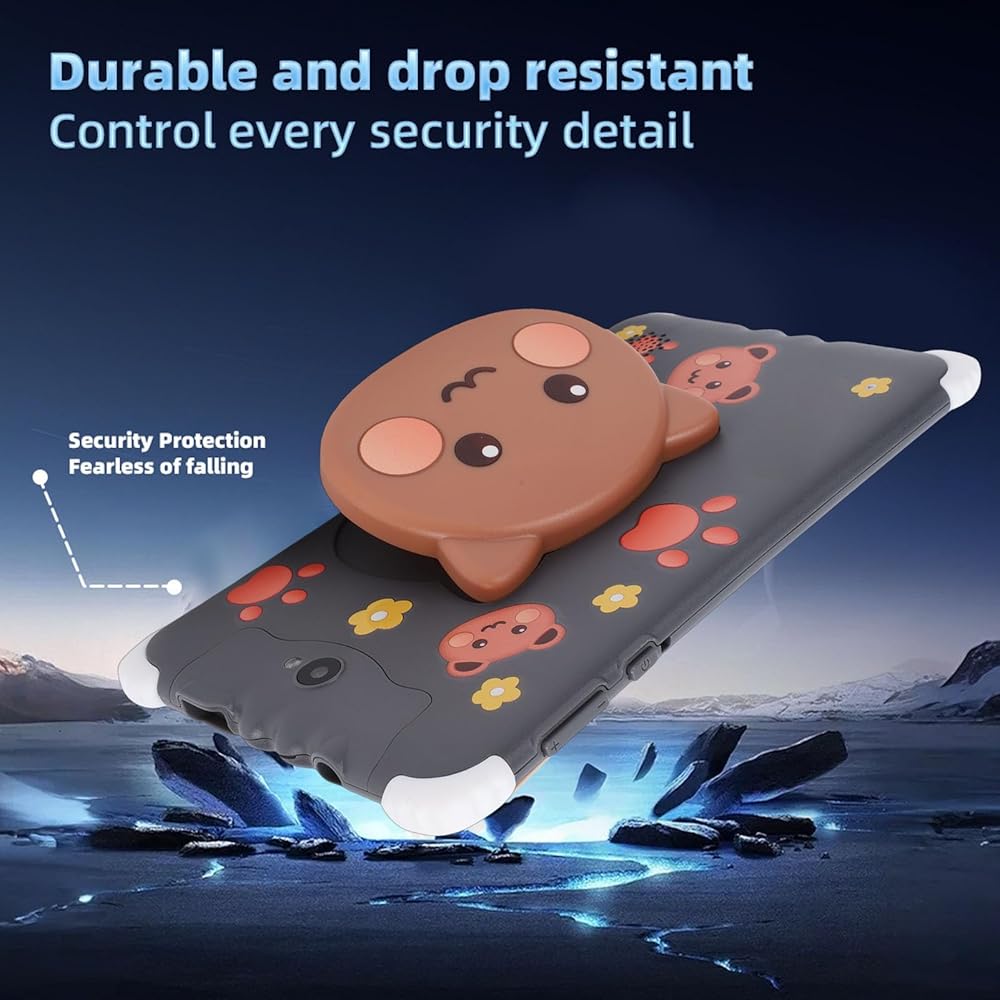
Material: ABS
Built in Battery: 3200mAH Lithium ion Battery
Memory: 4+128GB
Camera: 2MP+2MP
TP Technology: G+P
2G: GSM850, 900, 1800, 1900
The 3rd Generation Telecommunication: WCDMA 2100MHz
Package List:
1 x Kids Tablet
1 x Tempered Glass Screen Protector
1 x USB Cable
1 x User Manual
1 x Pen
1 x Accessories
How To Use:
Start: Press and hold the power button for three seconds to enter the startup screen. The system will then enter the lock screen state, please unlock.
Shutdown: press the power button to bring up the shutdown window. The shutdown window includes four options: silent mode, fly mode, restart mode, and shutdown.
1. Connect the tablet to the computer with a USB data cable, and the notification bar will display a reminder message.
2. The USB will automatically connect to Media Transfer Protocol (MTP) mode. Now you can transfer files.
3. If you only need to transfer or view photos, you can choose 'Camera mode'.
4. If you only need to charge the device, you can choose 'Charge only' mode.
To connect to WiFi, click the settings image on the main interface, select the 'WiFi' option, slide the switch to turn on the WiFi network. The system will automatically search for available wireless networks. Select the network you want, enter the password, and click the connect image.
 Kids Digital Camera 32G Card 1080P 8X Zoom Toddler Camera Kids Video Camera Kids Digital Camera Children Digital Camera Selfie Camera Toy Digital Camcorder Toy for Children (Beige)
SAR 105
Kids Digital Camera 32G Card 1080P 8X Zoom Toddler Camera Kids Video Camera Kids Digital Camera Children Digital Camera Selfie Camera Toy Digital Camcorder Toy for Children (Beige)
SAR 105
 MP3 Music Player Portable Music Media MP3 Player with Lanyard for Outdoor Activities (Blue)
SAR 42
MP3 Music Player Portable Music Media MP3 Player with Lanyard for Outdoor Activities (Blue)
SAR 42
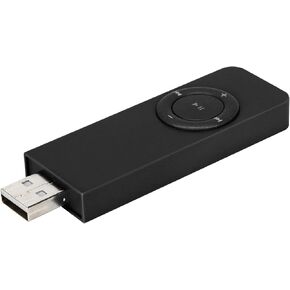 MP3 Music Player Portable Music Media MP3 Player with Lanyard for Outdoor Activities (Black)
SAR 44
MP3 Music Player Portable Music Media MP3 Player with Lanyard for Outdoor Activities (Black)
SAR 44
 Printer Cable Splitter, USB Switcher for Two Computers 2-Port Switcher Printer Accessory for USB Printer/Scanner/Mouse/Keyboard/Mobile Hard Disk
SAR 61
Printer Cable Splitter, USB Switcher for Two Computers 2-Port Switcher Printer Accessory for USB Printer/Scanner/Mouse/Keyboard/Mobile Hard Disk
SAR 61