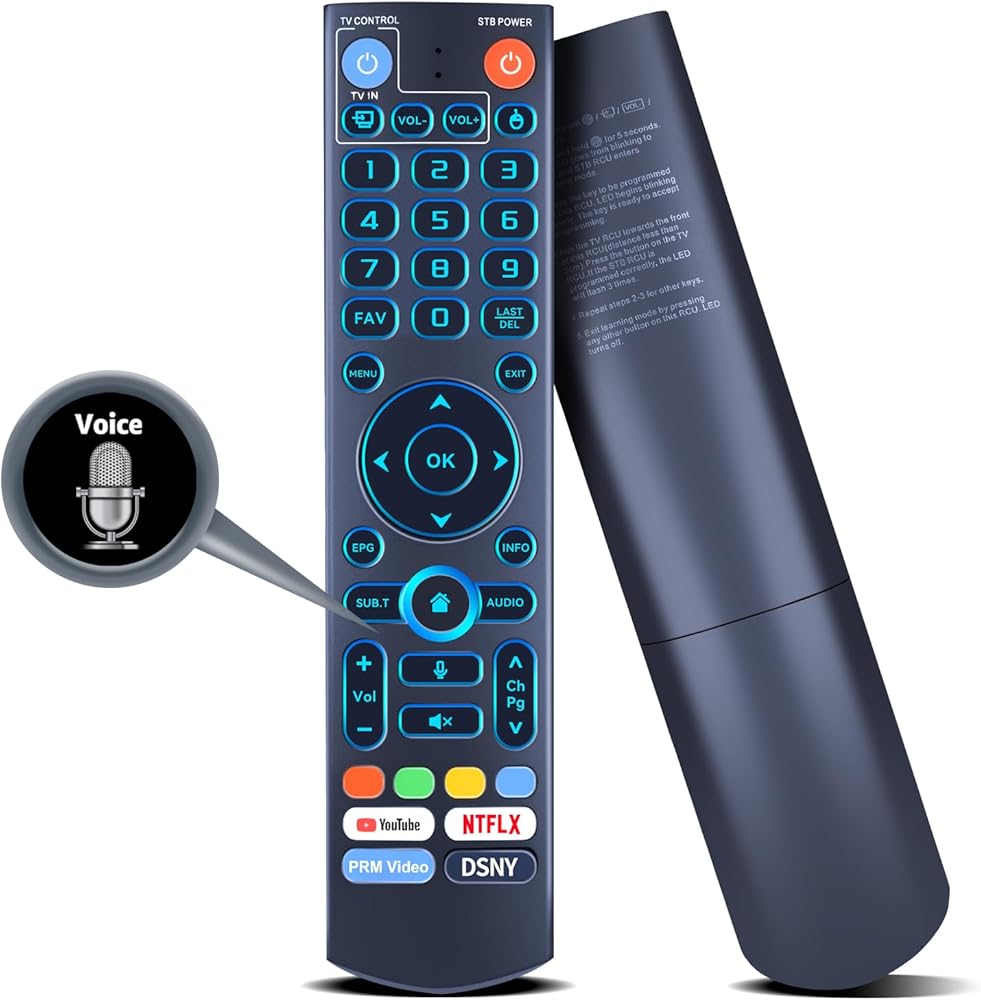
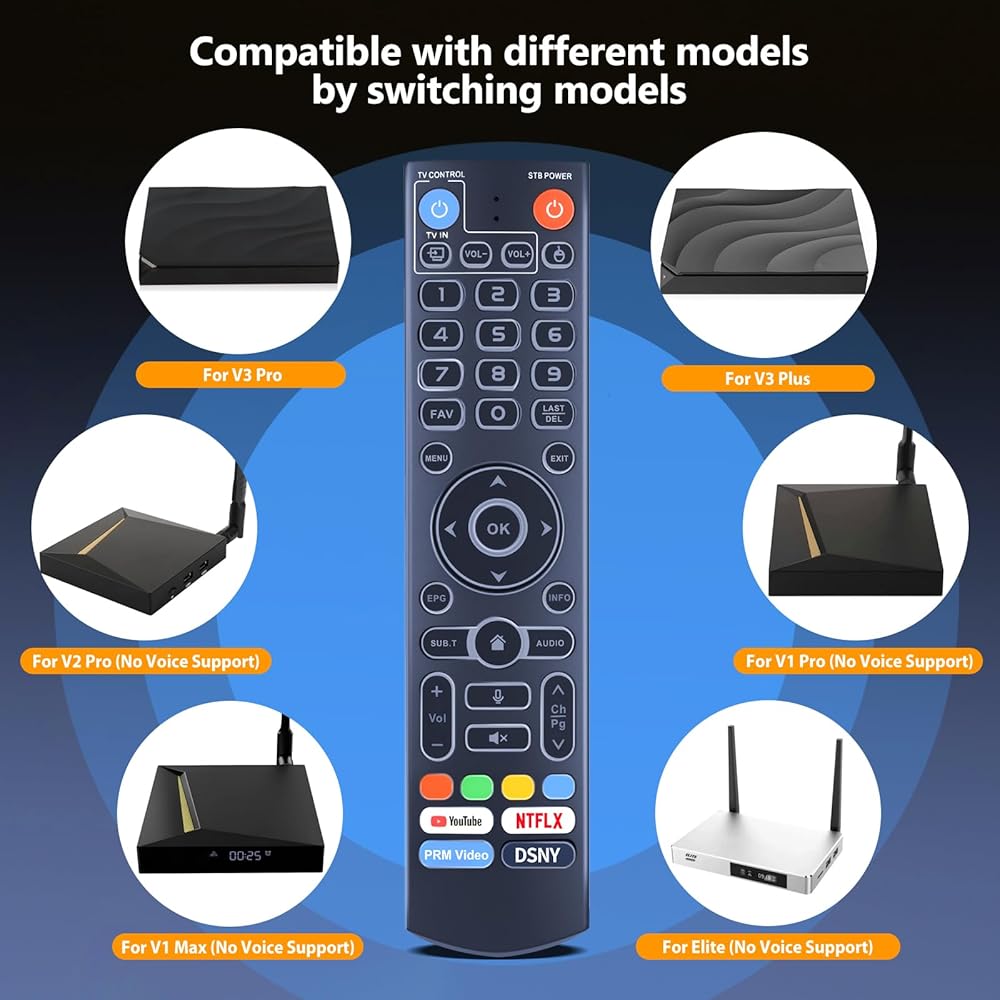
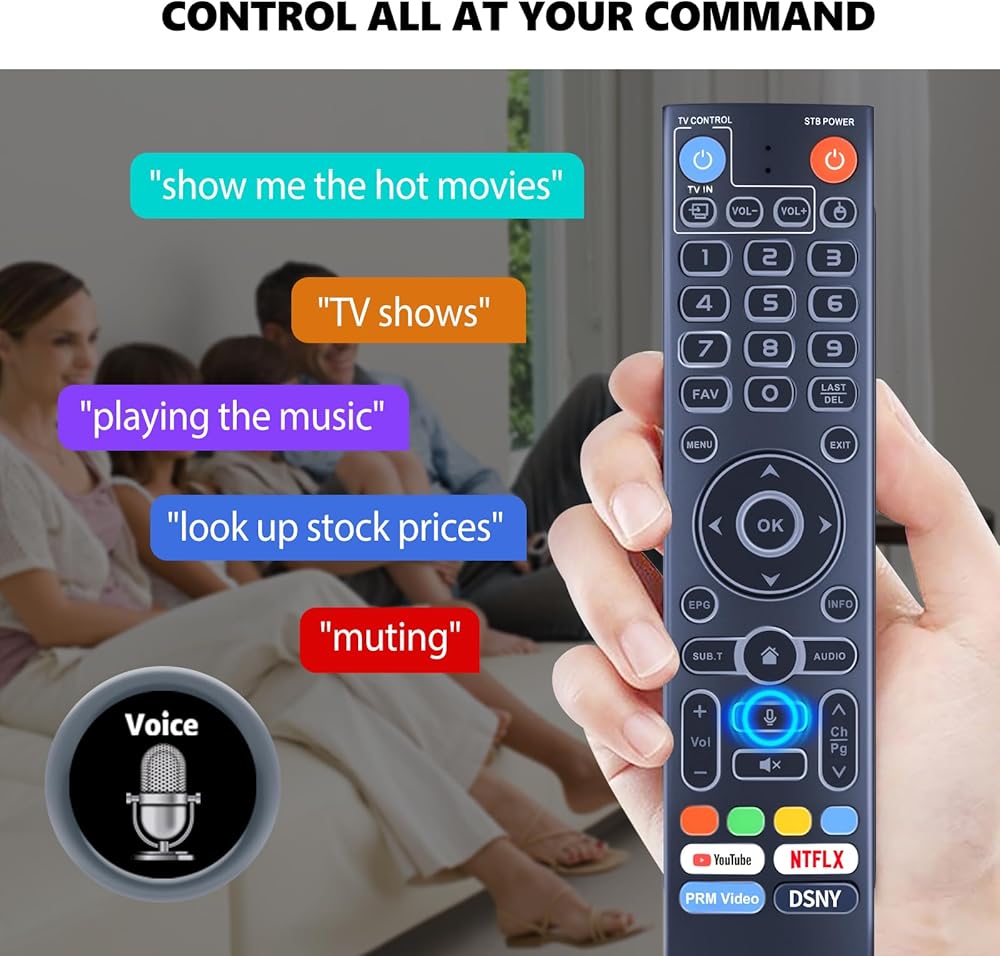
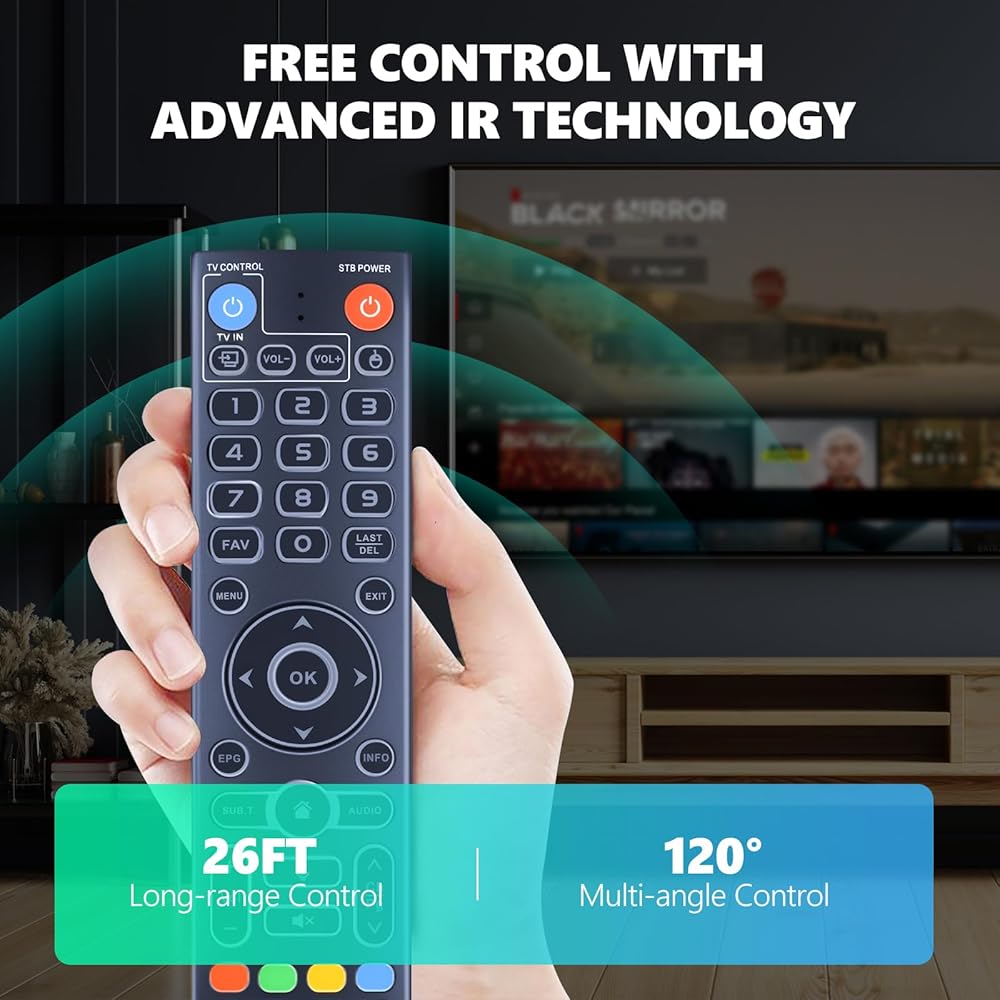
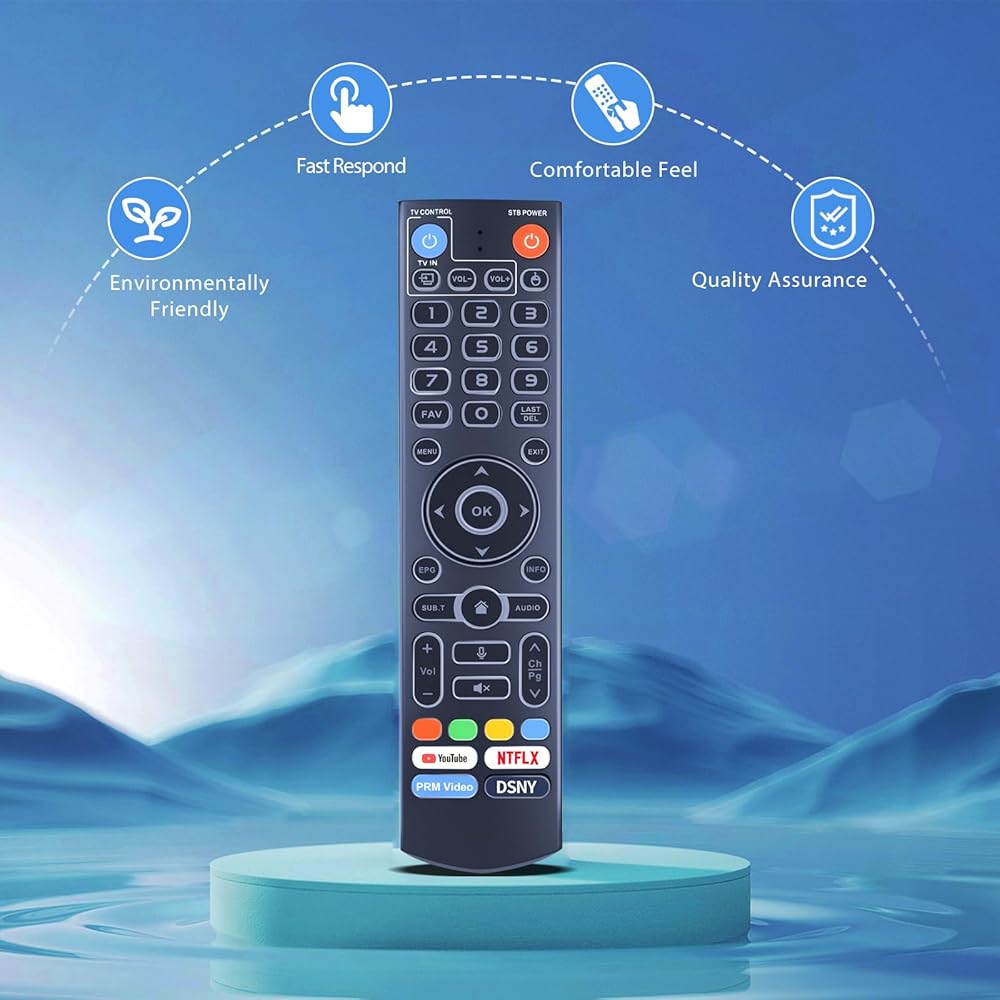
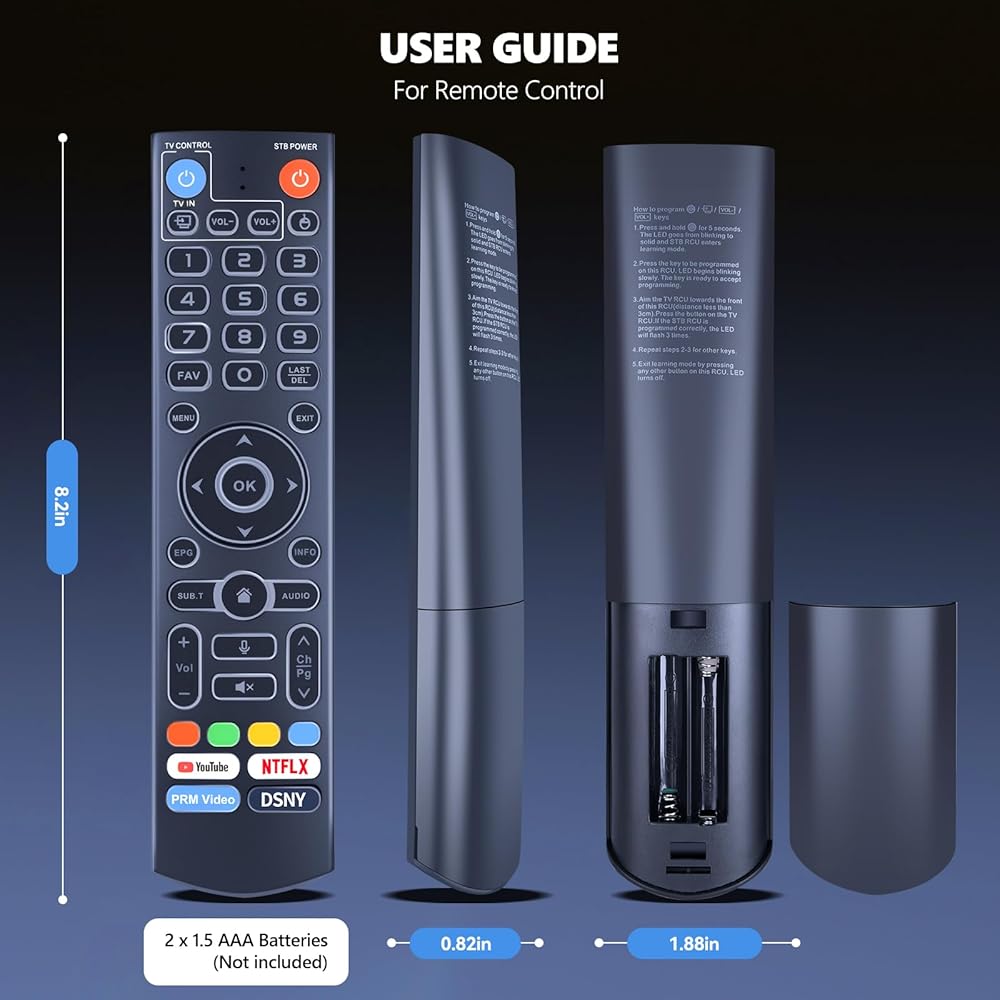
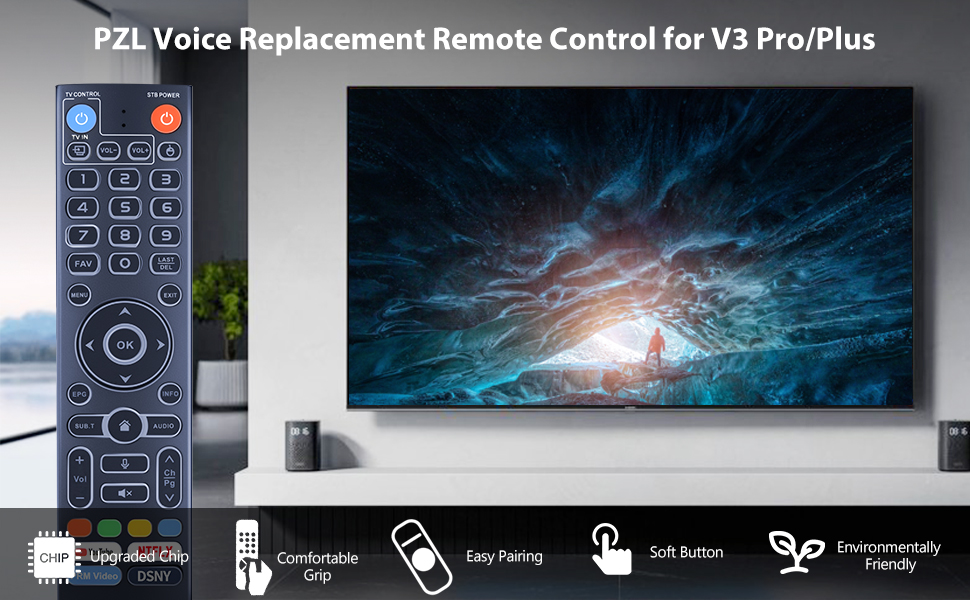
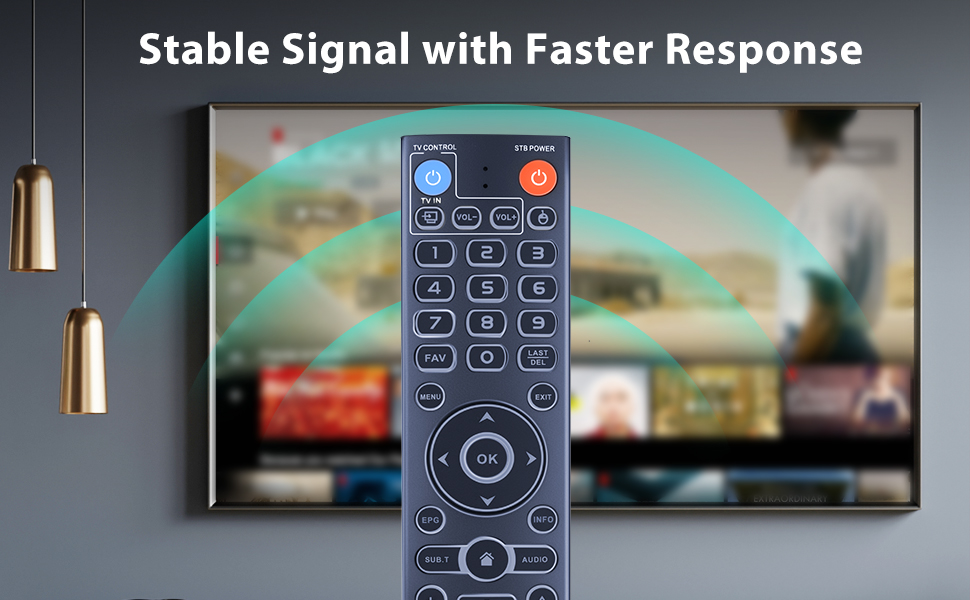
التوافق: جهاز التحكم عن بعد الصوتي البديل PZL لنماذج vseebox - V5 Plus، V3 Pro، V3 Plus، V1، V1 Pro، V2، V2 Pro، V1 Max، Elite، Max
الإضاءة الخلفية الليلية: يتميز جهاز التحكم عن بعد هذا بوظيفة الإضاءة الخلفية الليلية التي يتم تنشيطها تلقائيًا عندما تكون مستويات الإضاءة المحيطة منخفضة جدًا، مما يسمح لك بالعثور عليها بسهولة في الظلام.
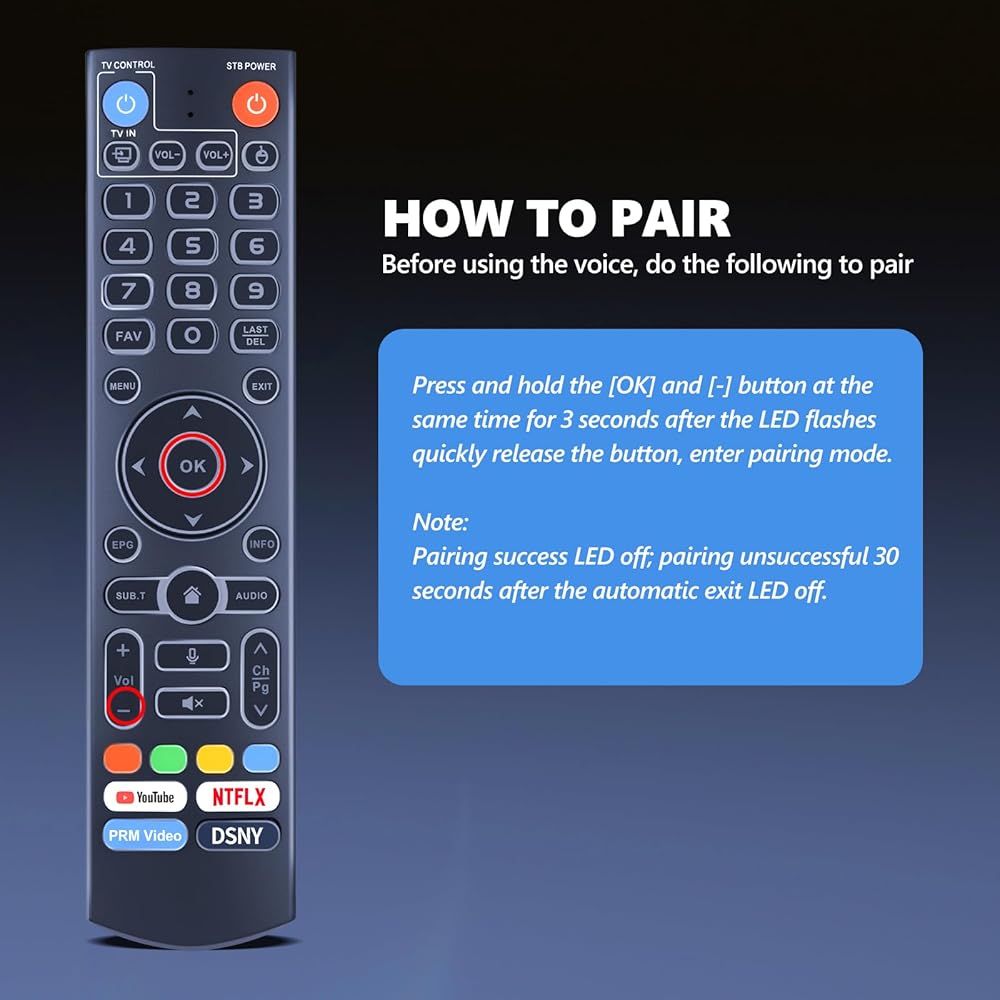
طريقة الاقتران: اضغط مع الاستمرار على الزرين [موافق] و[-] في نفس الوقت لمدة 3 ثوانٍ على الأقل. سيومض مؤشر LED بسرعة ويحرر الزر للدخول في وضع الاقتران، وسيخرج مؤشر LED في حالة نجاح الاقتران. سوف ينطفئ مؤشر LED إذا لم ينجح الاقتران ويخرج تلقائيًا بعد 30 ثانية. اسم الجهاز: جهاز التحكم عن بعد vseBox
وضع التبديل: اضغط مع الاستمرار على مفتاح الرقم [5] لأكثر من 10 ثوانٍ لتبديل الأوضاع. وضع العمل V3 Pro لـ V3 Pro، وضع العمل V2 Pro لـ V3 Plus، V2 Pro، V3 Pro، V1 Pro، V1 Max، Elite
خدمة ما بعد البيع: إذا كانت لديك أي أسئلة حول طلبك أو الطراز الخاص بك، فسنقدم لك الخدمة في الوقت المناسب في غضون 24 ساعة.
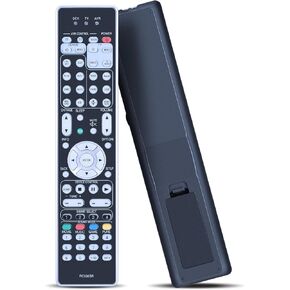 PZL NEW RC036SR استبدال جهاز التحكم عن بُعد لـ Marantz SR7012 SR7013
SAR 94
PZL NEW RC036SR استبدال جهاز التحكم عن بُعد لـ Marantz SR7012 SR7013
SAR 94
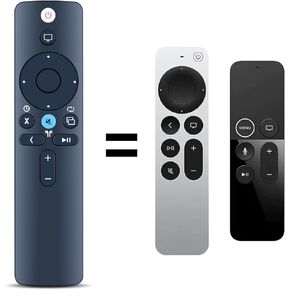 PZL New Replacement Remote Control لـ Apple TV 4K Player A1294 A1625/MGY52/MLNC2 A1842/MQD22/MP7P2 A1218/MA711 A1378/MC572 A1427/MD199 (بدون SIRI)
SAR 68
PZL New Replacement Remote Control لـ Apple TV 4K Player A1294 A1625/MGY52/MLNC2 A1842/MQD22/MP7P2 A1218/MA711 A1378/MC572 A1427/MD199 (بدون SIRI)
SAR 68
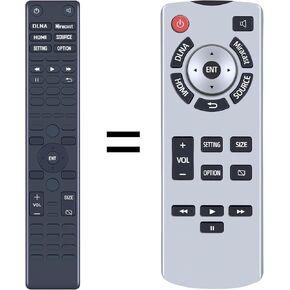 PZL جديد استبدال عن بعد لعام 2021 2022 2023 Toyota Sienna المقعد الخلفي الترفيه DVD 86170-45050 86170-08040
SAR 262
PZL جديد استبدال عن بعد لعام 2021 2022 2023 Toyota Sienna المقعد الخلفي الترفيه DVD 86170-45050 86170-08040
SAR 262
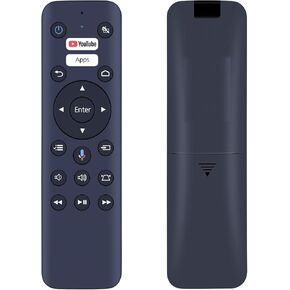 PZL Voice WH-55 WH-55B استبدال عن بعد لجهاز عرض ليزر EPSON EF-100 ، EF-100BATV ، EF-100WATV ، LS500BATV ، LS500W ، LS500B ، LS500WATV ، Home Cinema 2200/2250/2350
SAR 98
PZL Voice WH-55 WH-55B استبدال عن بعد لجهاز عرض ليزر EPSON EF-100 ، EF-100BATV ، EF-100WATV ، LS500BATV ، LS500W ، LS500B ، LS500WATV ، Home Cinema 2200/2250/2350
SAR 98