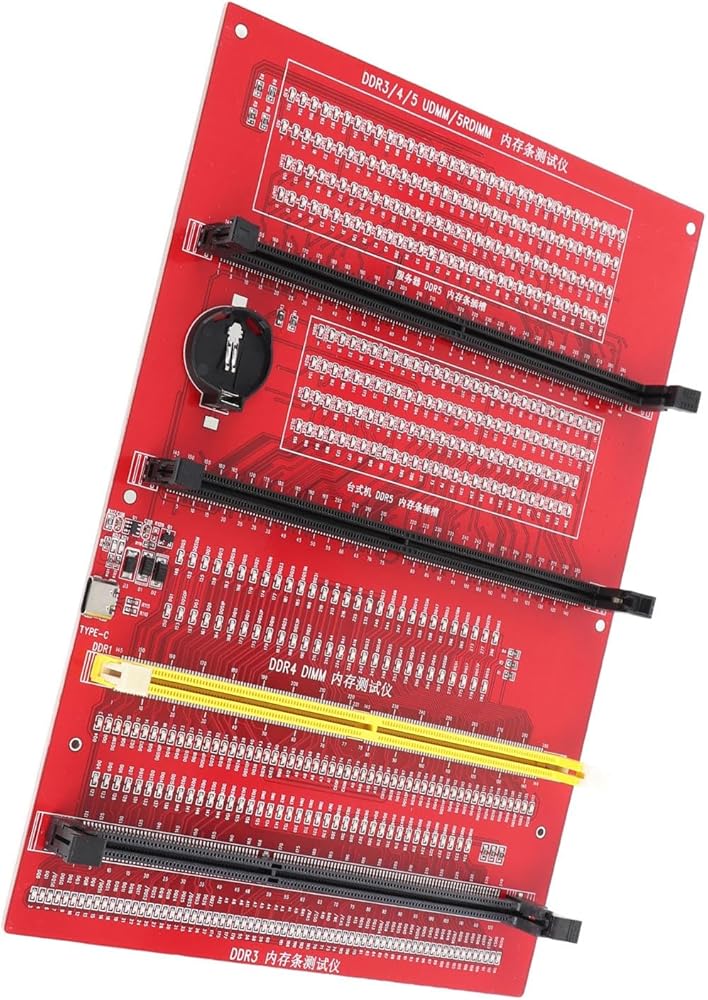
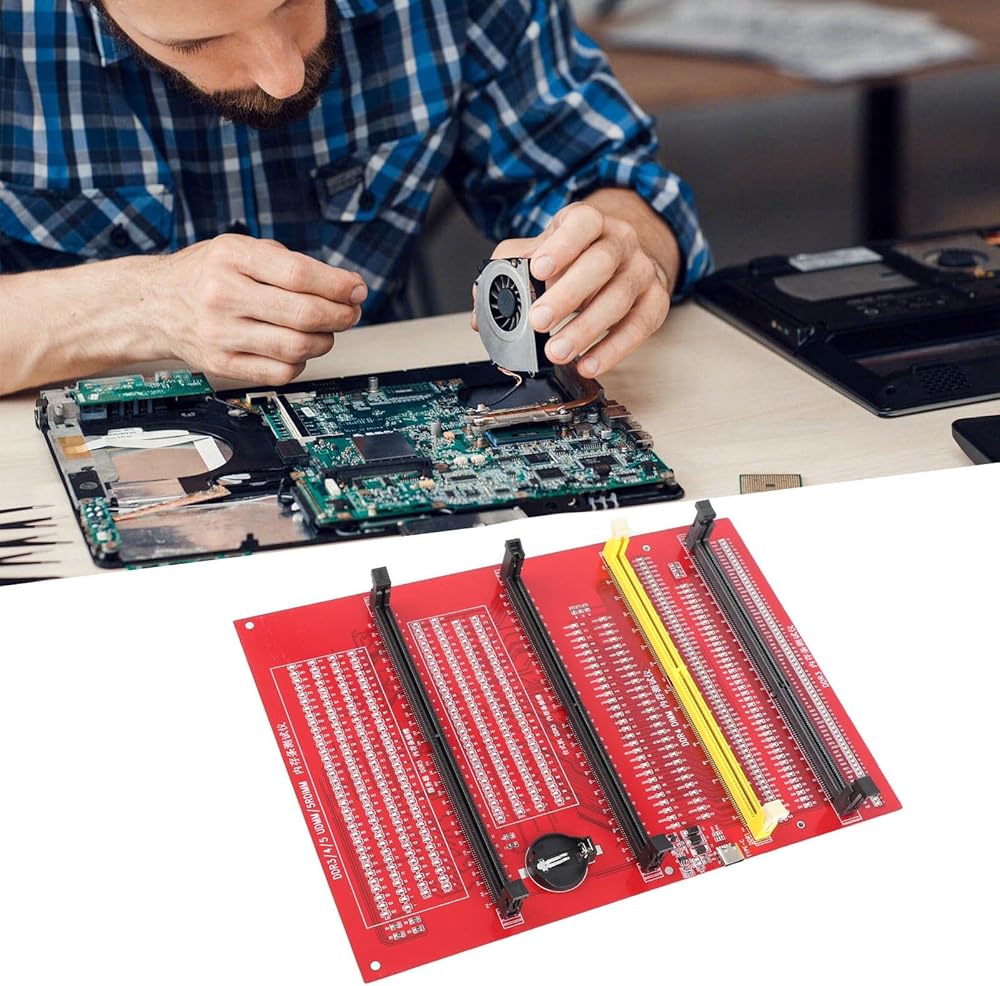
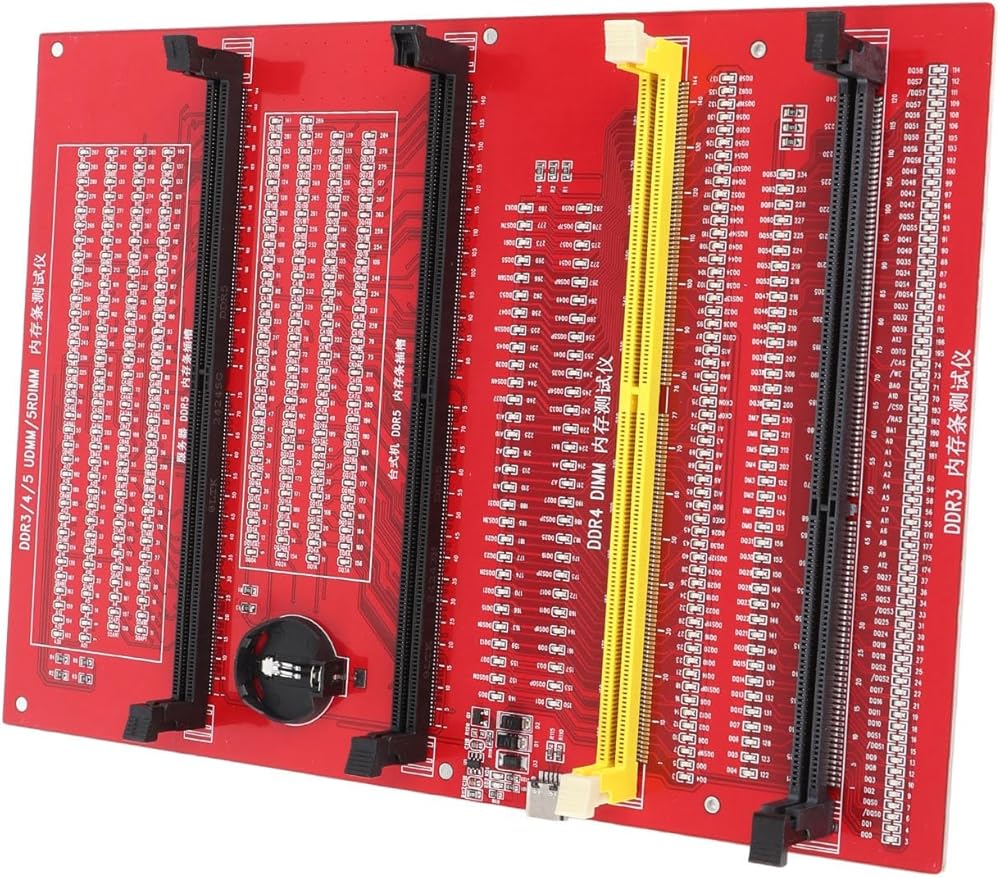
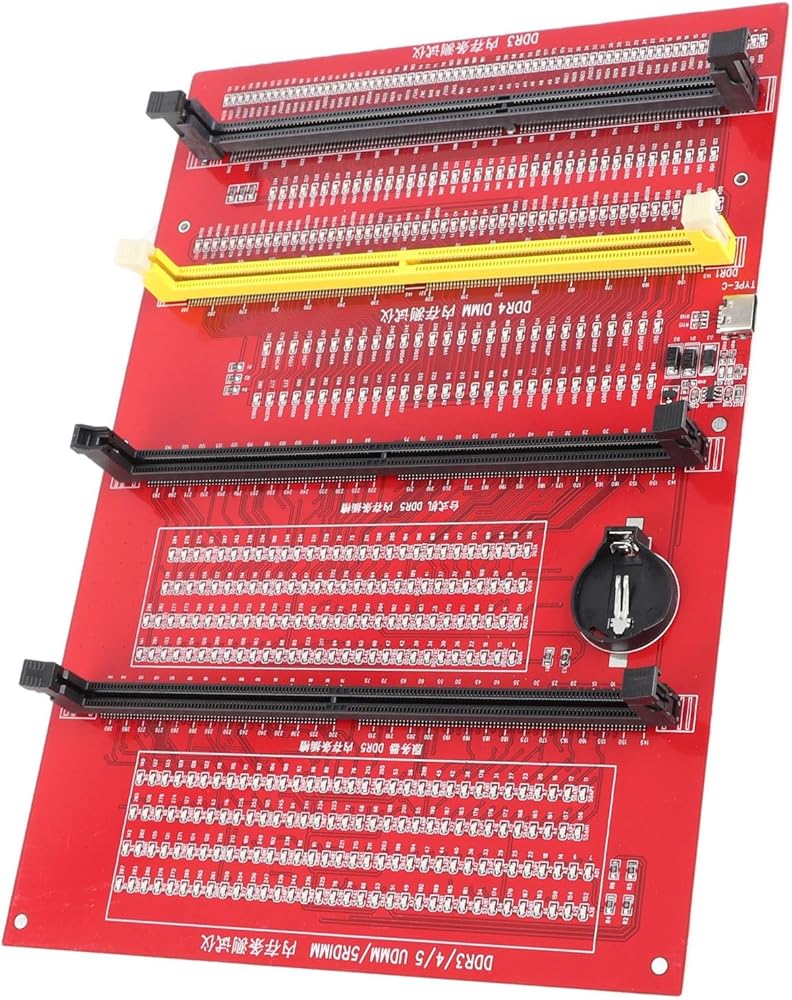
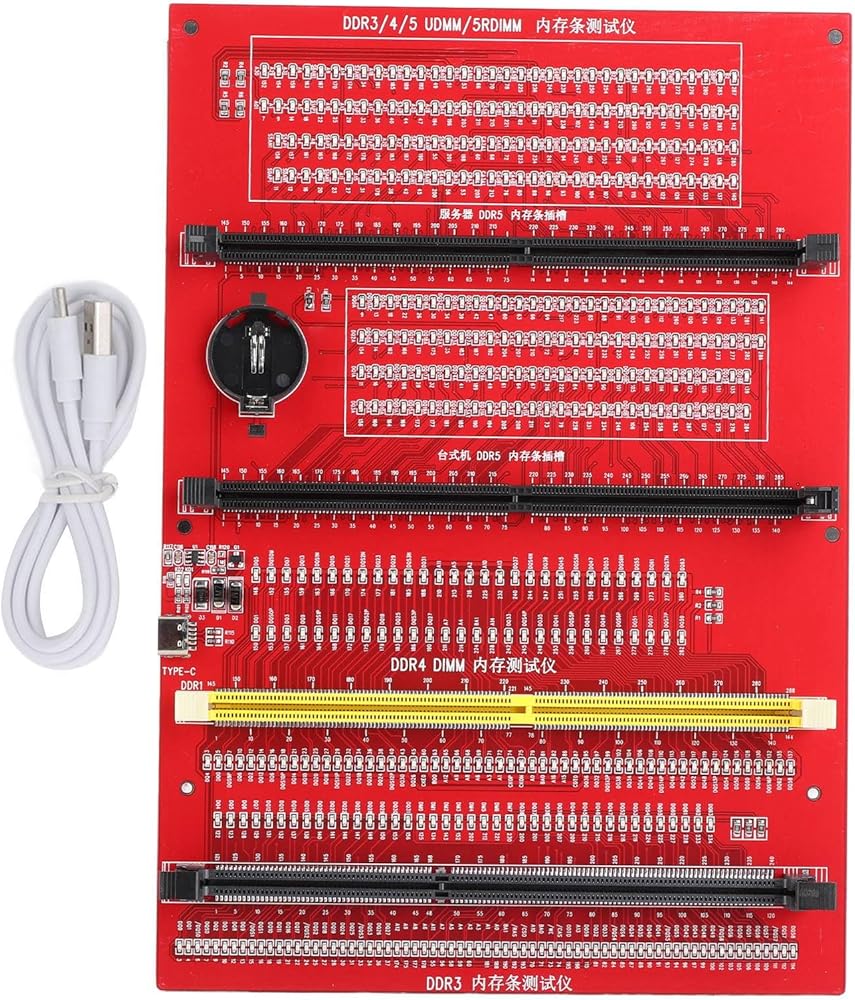
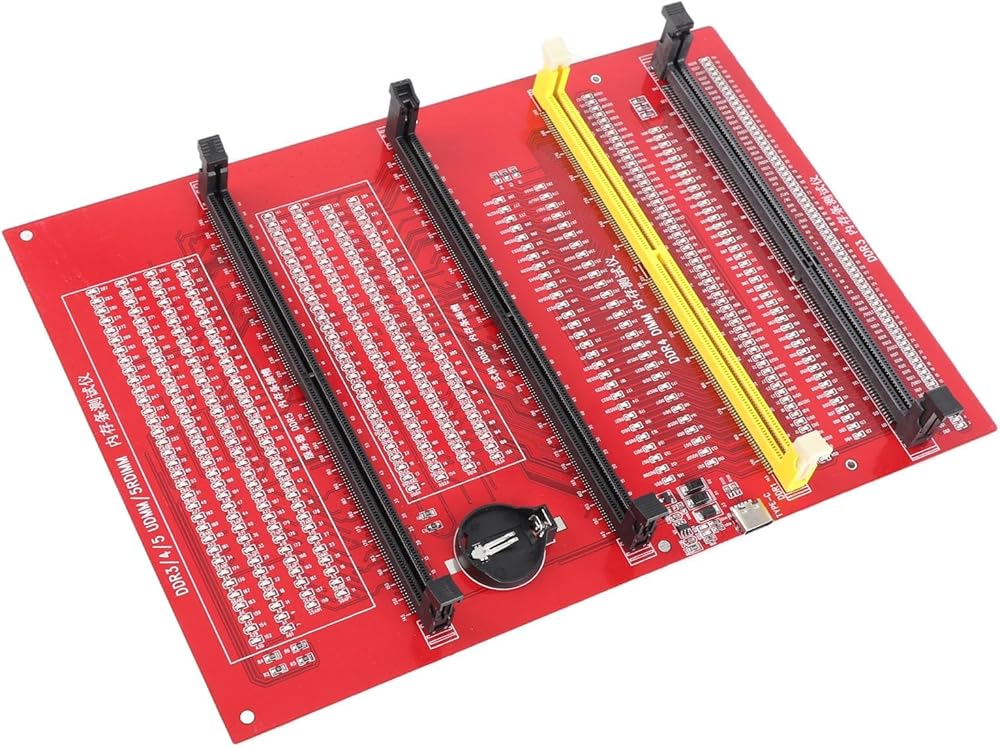
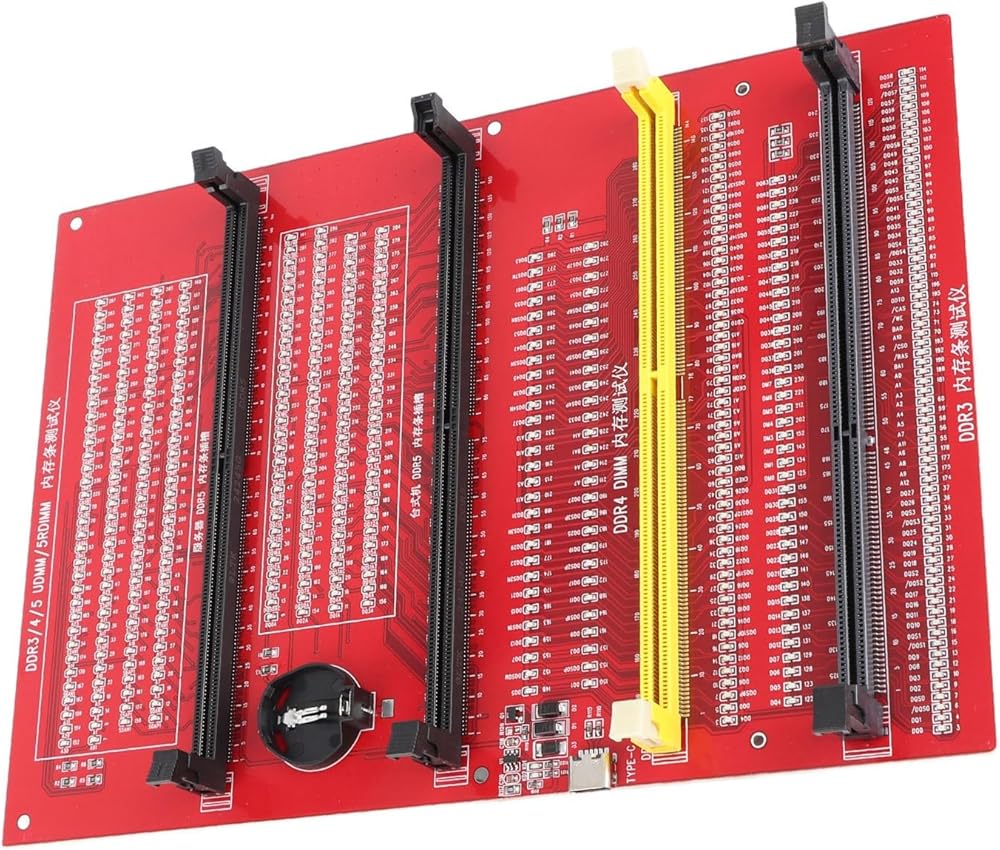
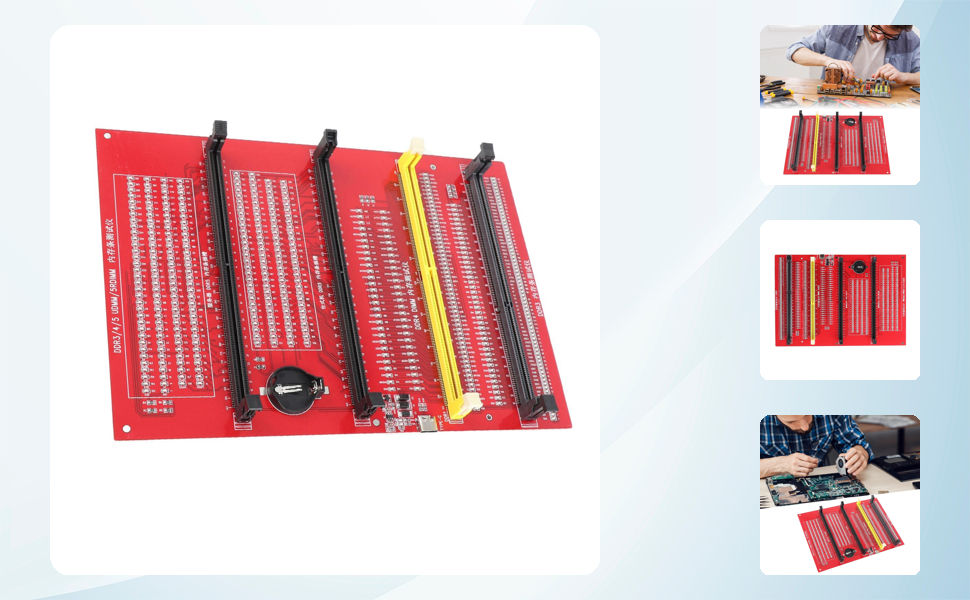
APPLICABLE MODEL: RAM memory diagnostic tester card is suitable for desktop DDR3, DDR4, DDR5UDMM, DDR5RDIMM 4 types, use the patch assembly, do hands. Fixing desktop and server computers is a good option
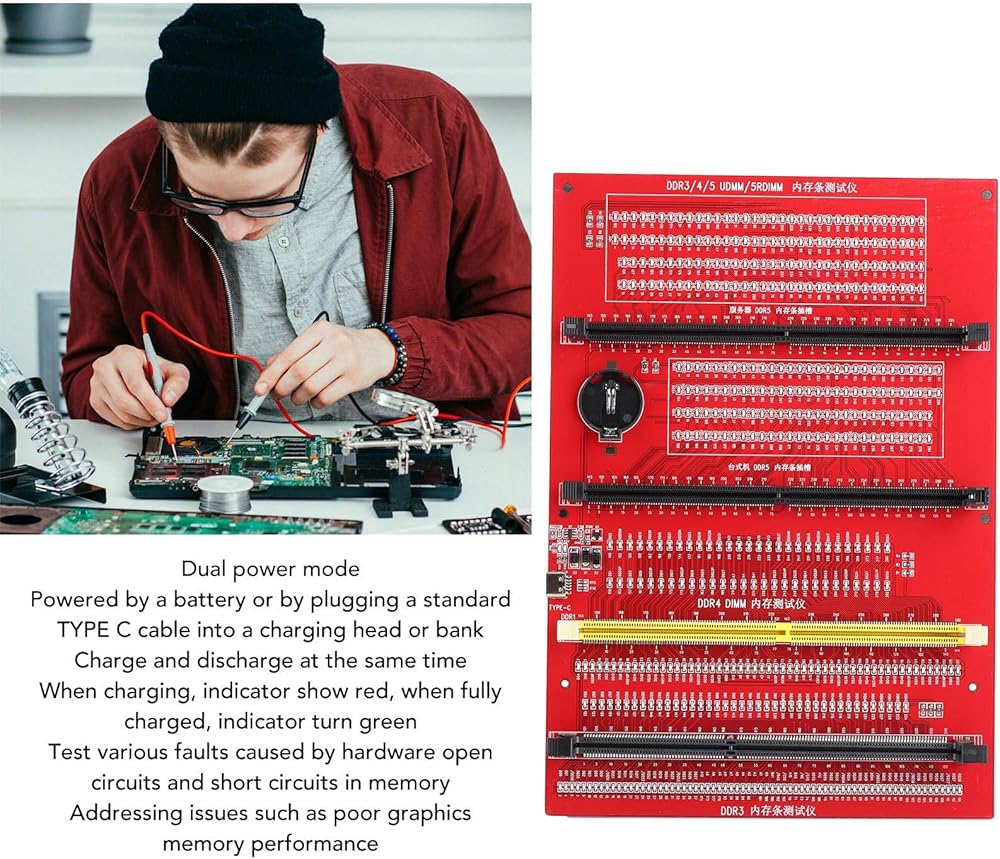
APPLICABLE SCENARIO: This RAM memory diagnostic analyzer is used to test various faults caused by hardware open circuits and short circuits in memory, addressing issues such as poor graphics memory performance
FAST CHARGING: The memory tester use LED lights to test all data cables in the memory. When hardware faults occur in these data cable circuits, the brightness of the LED indicator light will change, whether they are particularly bright or not. Install the battery( 3.6V)(not include) into the battery holder or use a TYPEC cable to support fast charging. Insert the memory module that need to be tested into the slot of the memory tester. If all indicator lights are on and the brightness is co
USING TIPS: If the indicator light flashes during testing, indicate poor with the gold finger. If the indicator light does not light up, indicate an open circuit fault in the hardware. Check the wear of the gold finger, whether the is damaged, and whether the PCB circuit is open, identify the faulty pin based on the numerical indication of the indicator light, and then use a multimeter to identify the specific cause of the fault. After passing the hardware test of the memory m
WITH INDICATOR: RAM memory tester offer a power mode that can be powered by a battery or by plugging a standard TYPE C cable into a charging head or bank. The second is to provide batteries for power supply; it can be charged and discharged at the same time. When charging, the indicator show red, and when fully charged, the indicator turn green
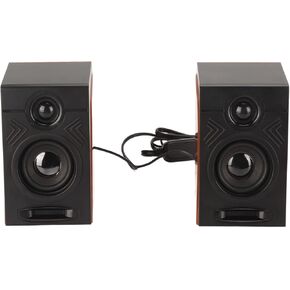 USB Wired Speakers, HiFi Clear Sound Quality Deep Bass Computer Speakers Wooden Color for TVs for Laptops
SAR 93
USB Wired Speakers, HiFi Clear Sound Quality Deep Bass Computer Speakers Wooden Color for TVs for Laptops
SAR 93
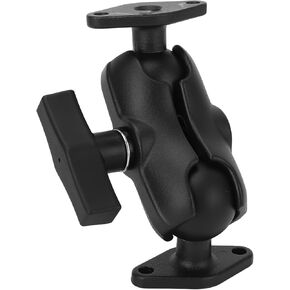 Double Ball Mount, Proof Aluminum Alloy Double Ball Mount with 1.5 Inch C Size Ball Adapter for Tablet Phone
SAR 183
Double Ball Mount, Proof Aluminum Alloy Double Ball Mount with 1.5 Inch C Size Ball Adapter for Tablet Phone
SAR 183
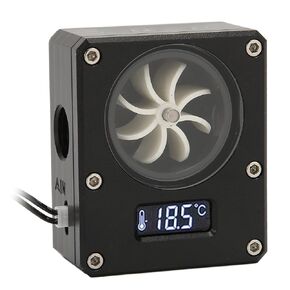 Water Cooling Flow Meter, 12V 3pin Interface G1/4 Thread Acrylic Rustproof Computer Flow Indicator for PC Water Cooling System (Black)
SAR 129
Water Cooling Flow Meter, 12V 3pin Interface G1/4 Thread Acrylic Rustproof Computer Flow Indicator for PC Water Cooling System (Black)
SAR 129
 Blow Dust Ball, Rubber Soft Air Puffer for Electronics
SAR 40
Blow Dust Ball, Rubber Soft Air Puffer for Electronics
SAR 40