- Shopping, made easy.
- /
- Get the app!
📱 Compatibility
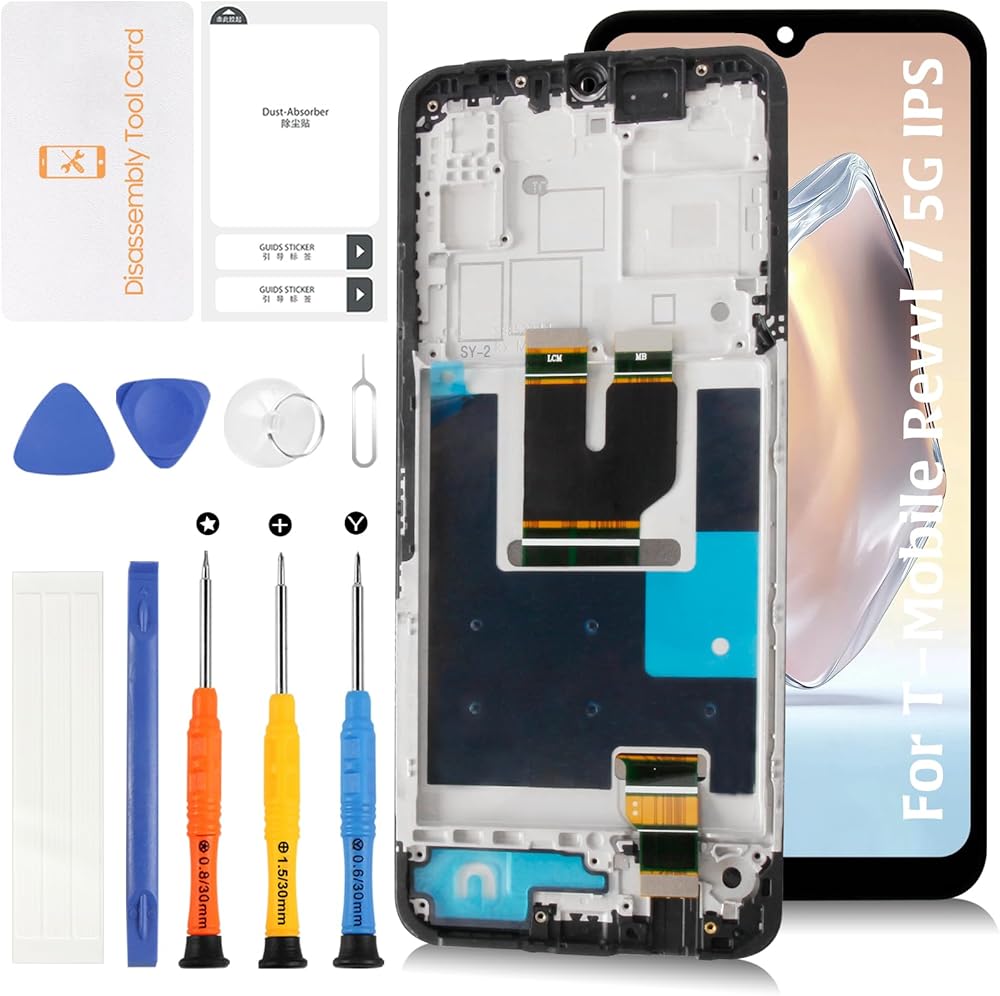
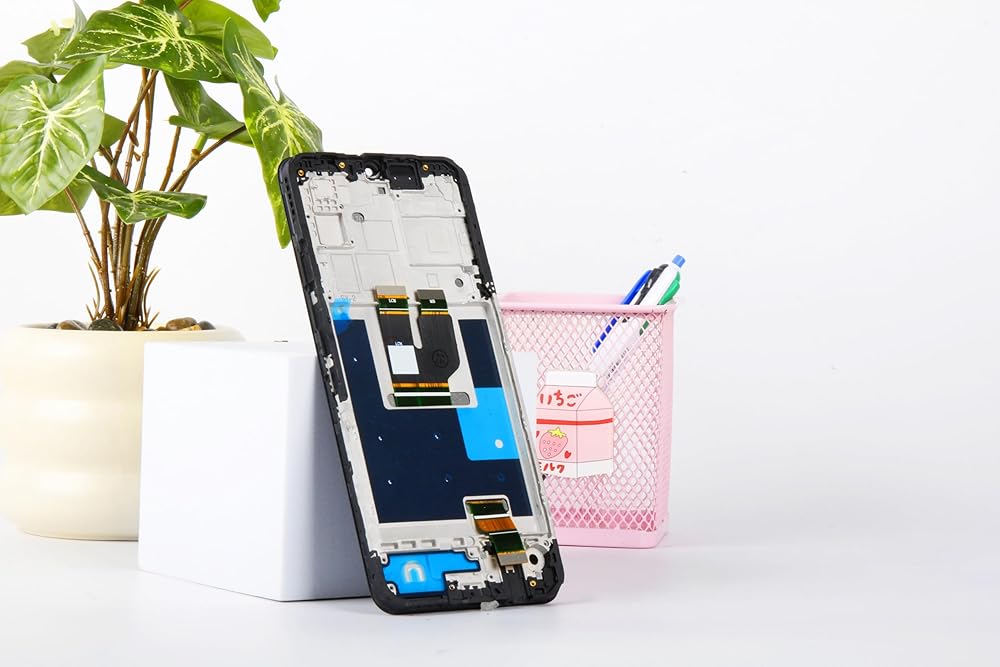
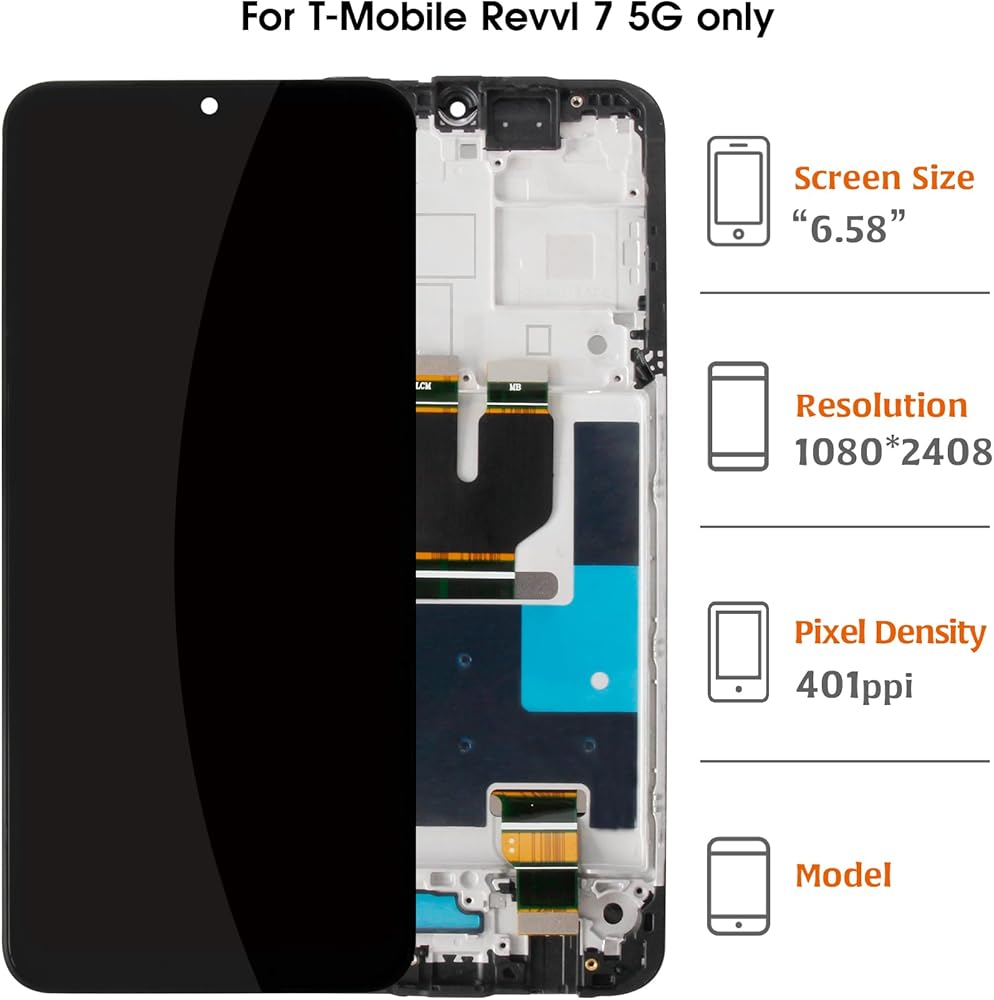
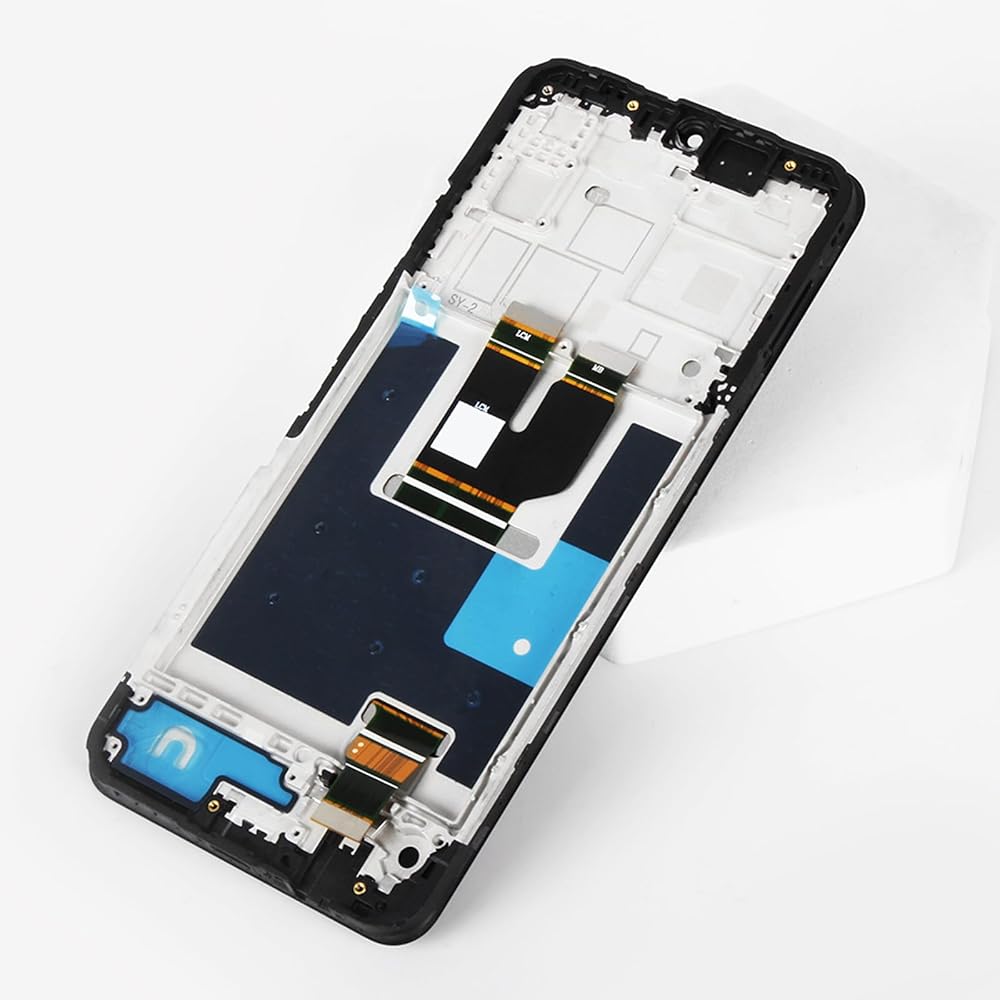
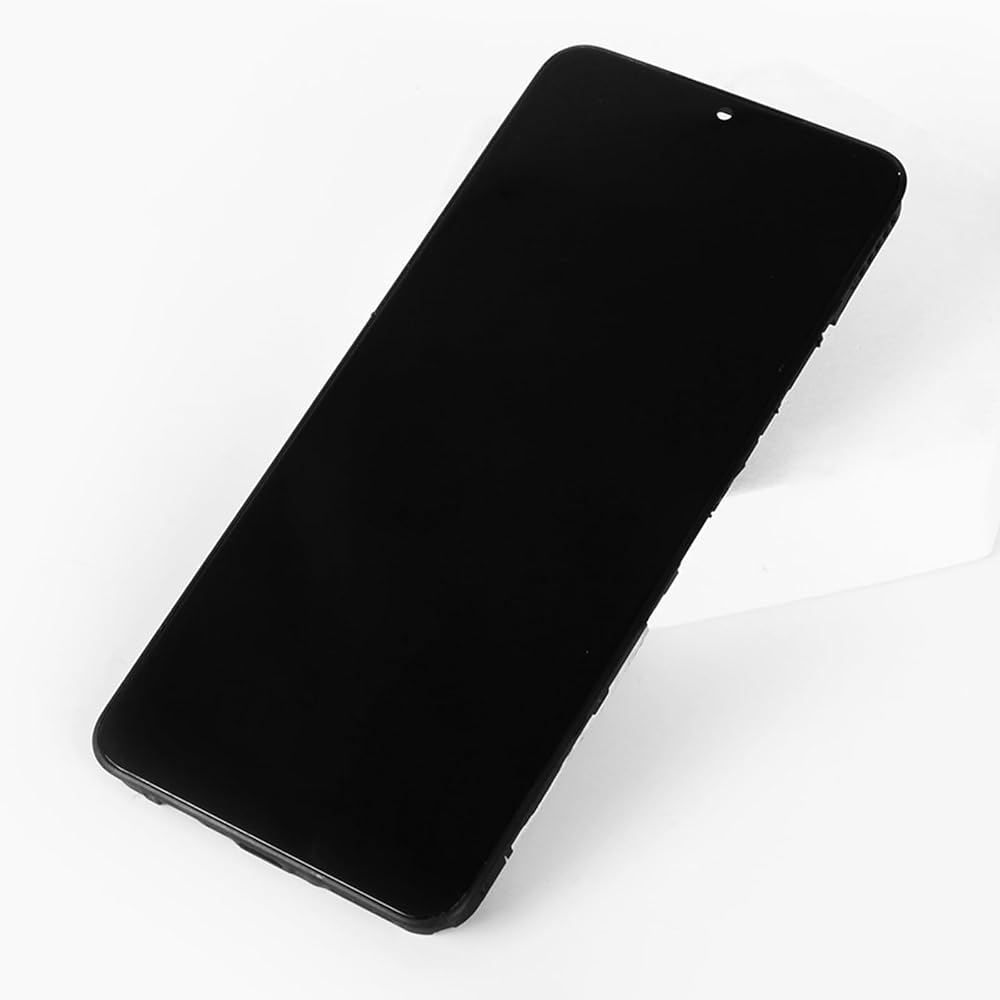
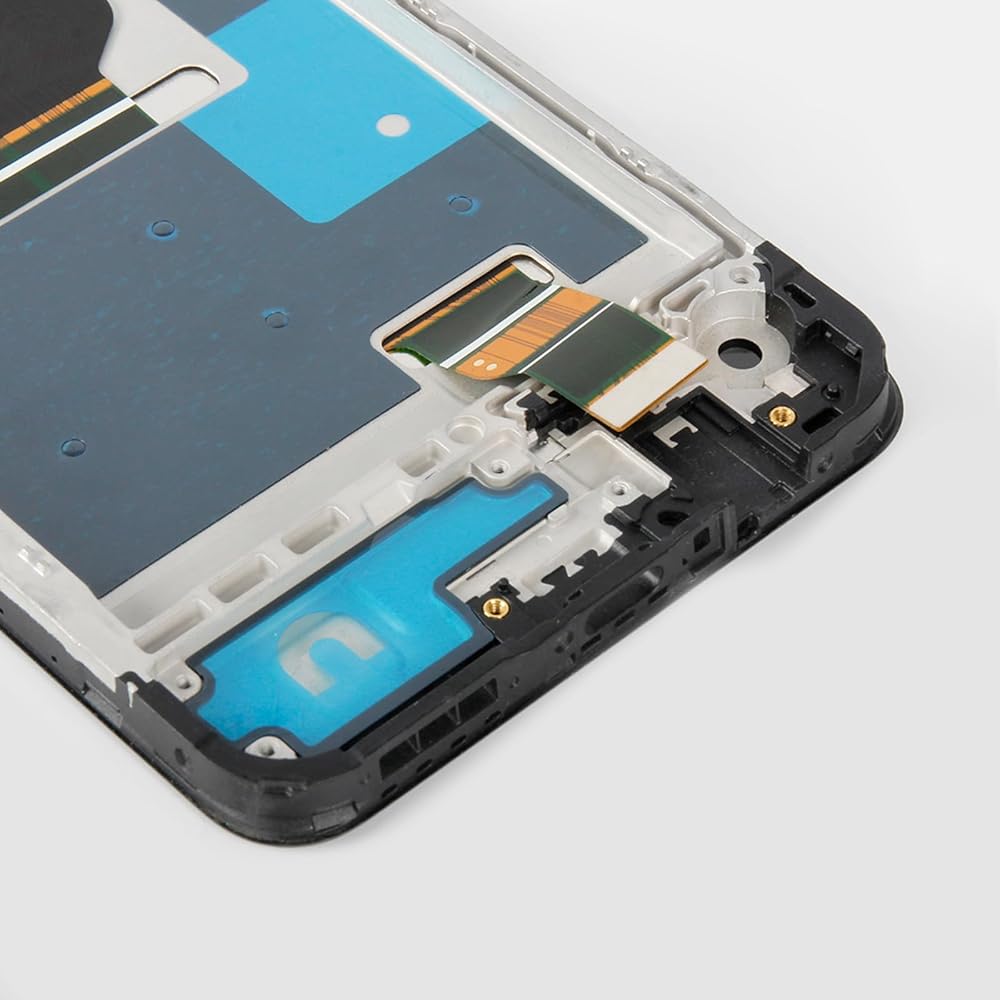
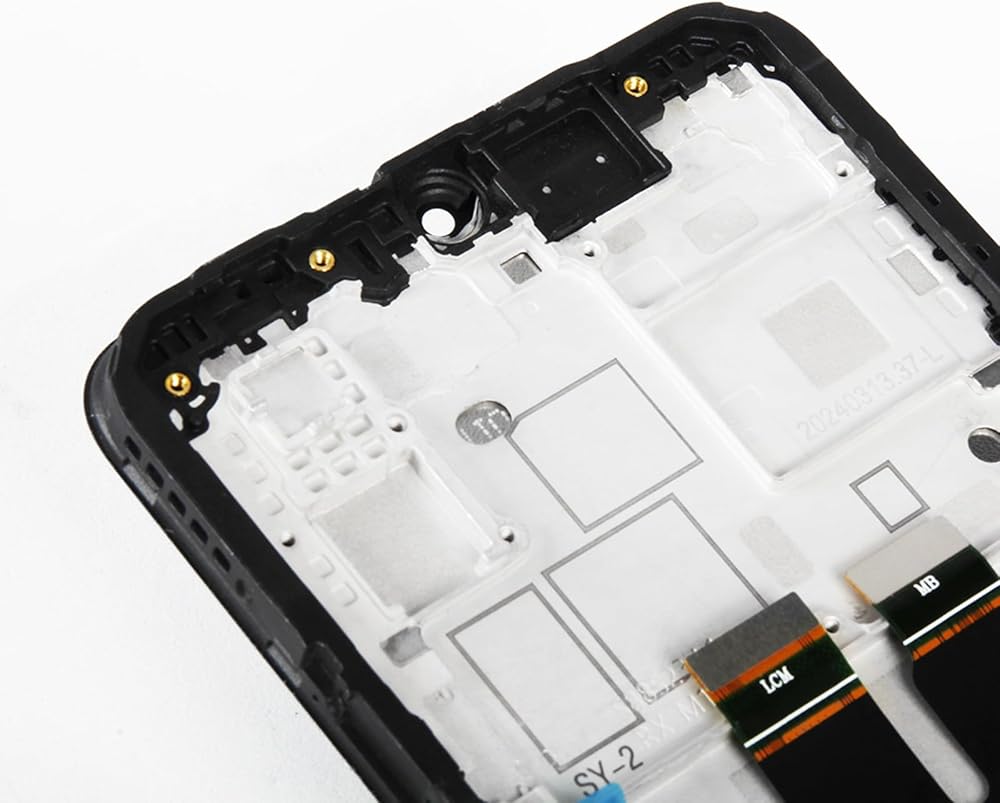
This screen replacement is specially designed for the T-Mobile Revvl 7 5G 6.58-inch model TMR075G. Ideal for replacing cracked screens, unresponsive touch, black spots, display malfunctions, or ghost touches. The screen assembly includes the front camera, ear speaker, and proximity sensor flex cable—ensuring seamless installation and functionality.
🔧 Installation Notice
This kit does not come with a manual. If you're new to phone repairs, we recommend watching installation videos on YouTube or seeking help from a repair technician. Please be sure to identify whether the issue is caused by the LCD display or other components before purchasing.
⚠ Important Tips Before Installation
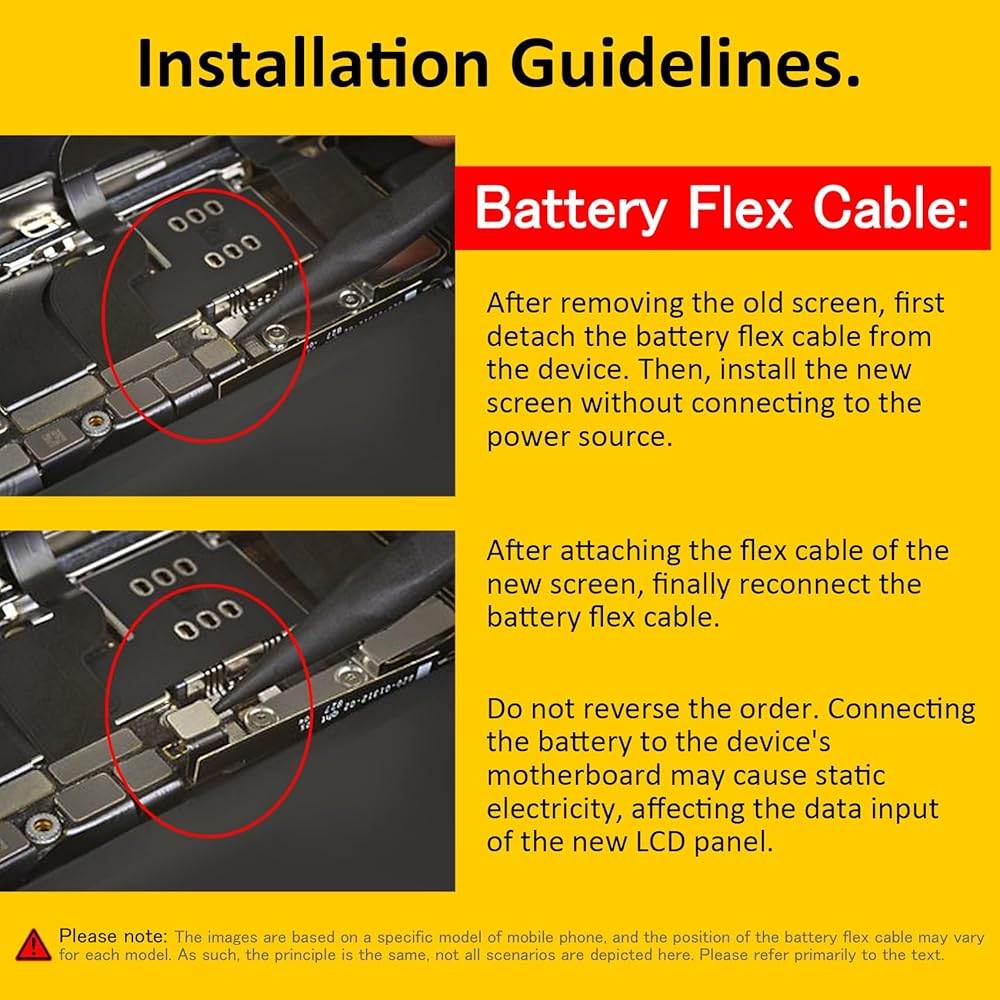
Always disconnect the battery before installing the new screen to prevent static damage. Reconnect the battery as the final step.
Before fully assembling the phone, connect the flex cables and test the display and touch function.
Avoid bending the flex cable excessively, especially over 90°, as this may cause signal loss or screen failure.
🧰 What's in the Box
You will receive 1x OEM LCD Screen Assembly for T-Mobile Revvl 7 5G (with Arctic Gray frame), 1x repair tool set (1x triangular pry tool, 1x screwdriver set, 1x flat-dual-ended pry bar, 1x twin-sided tape, 1x dust removal sticker).
💬 After-Sales Support
Each screen is fully tested before shipping to ensure quality. If you encounter any problems during installation, do not force it—take pictures or video and contact us immediately. We provide replacements for defective items not caused by improper installation.
📚 FAQ:
Q: Is this screen compatible with Revvl 6 or Revvl 6 Pro?
A: No, this screen is only compatible with T-Mobile Revvl 7 5G (Model TMR075G). Please confirm your phone model before purchasing.
Q: Does the screen support fingerprint recognition?
A: The Revvl 7 5G does not have an in-screen fingerprint sensor. This replacement matches the original specs and functionality.
Q: Can I install this screen myself?
A: Yes, but only if you're experienced with phone repair. If not, we strongly recommend professional installation to prevent accidental damage.
Q: What should I do if the screen doesn't work after installation?
A: First, ensure all flex cables are correctly connected. If issues persist, please contact our customer support with photos or a video for assistance.
♦Friendly Reminder:
🔹Product does not include a manual. Kindly refer to installation tutorials on YouTube.
🔸Ensure to diagnose whether your phone's malfunction is due to the LCD or touch panel before making a purchase.
🔹Installation requires specific skills and tools.
For personal use or non-professionals, please proceed with caution. It is advisable to seek professional service.
We do not assume responsibility for any damage resulting from the installation.
🔸While our provided tools are versatile and compatible with most phones, we cannot guarantee compatibility with all models.
🔹Dealing with issues post-installation can be challenging; hence, please test the product upon receipt.
🔸Handle the LCD with care, as it is fragile. Inadvertent breakage may result in glass fragments that could cause injury. Take appropriate safety measures.
🛠🛠Simulation Test:
1️⃣During testing, do not remove any protective films or labels.
2️⃣Pay attention to static electricity issues. Ground yourself using an ESD (Electrostatic Discharge) wrist strap to prevent damage from static electricity.
⚠3️⃣After removing the old screen, the first step is to remove the flexible cable clamp between the battery and the device motherboard.
Disconnect the power supply connecting the screen flex cable.
After connecting the flex cable of the new screen, the final step is to install the flexible cable clamp of the battery.
It is important not to reverse this sequence.
4️⃣Then, connect the charging cable, turn on the phone power, and check if the screen is working properly.
5️⃣If abnormalities are observed, please contact us promptly with attached video or photos. Do not force installation.
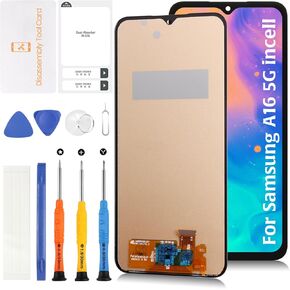 TFT A16 4G 5G LCD (6.6" Not OEM 6.7"/No Fingerprint) Screen Replacement for Samsung Galaxy A16 SM-A165F/M SM-A166B/P/E Screen Display Touch Digitizer Assembly Kit
SAR 87
TFT A16 4G 5G LCD (6.6" Not OEM 6.7"/No Fingerprint) Screen Replacement for Samsung Galaxy A16 SM-A165F/M SM-A166B/P/E Screen Display Touch Digitizer Assembly Kit
SAR 87
 for iPhone 14 Pro Max Lightning Charging Port Replacement (Space Black) USB Dock Connector Flex Cable Assembly Includes Waterproof Tape & Tool Kit for A2651, A2894, A2895, A2896
SAR 80
for iPhone 14 Pro Max Lightning Charging Port Replacement (Space Black) USB Dock Connector Flex Cable Assembly Includes Waterproof Tape & Tool Kit for A2651, A2894, A2895, A2896
SAR 80
 AMOLED Galaxy S24 Ultra (Fingerprint Support)+Titanium Yellow Frame 6.78" LCD Screen Replacement S928U S928A for Samsung Galaxy S24 Ultra Display Touch Digitizer Assembly
SAR 760
AMOLED Galaxy S24 Ultra (Fingerprint Support)+Titanium Yellow Frame 6.78" LCD Screen Replacement S928U S928A for Samsung Galaxy S24 Ultra Display Touch Digitizer Assembly
SAR 760
![Soft OLED 15 Pro LCD Screen Replacement for iPhone 15 Pro 6.1 inch [120Hz Promotion+Sensor Cable] 3D Touch LCD Display Touch Digitizer Assembly A3102 A2848 A3101 A3104 with Repair Tools in Saudi Arabia](https://cdn1.tilga.com/md/prod/3/8726/3/201199980.56325.jpg) -7%
Soft OLED 15 Pro LCD Screen Replacement for iPhone 15 Pro 6.1 inch [120Hz Promotion+Sensor Cable] 3D Touch LCD Display Touch Digitizer Assembly A3102 A2848 A3101 A3104 with Repair Tools
SAR 777
-7%
Soft OLED 15 Pro LCD Screen Replacement for iPhone 15 Pro 6.1 inch [120Hz Promotion+Sensor Cable] 3D Touch LCD Display Touch Digitizer Assembly A3102 A2848 A3101 A3104 with Repair Tools
SAR 777