- التسوق ، اصبح سهلا.
- /
- احصل على التطبيق!
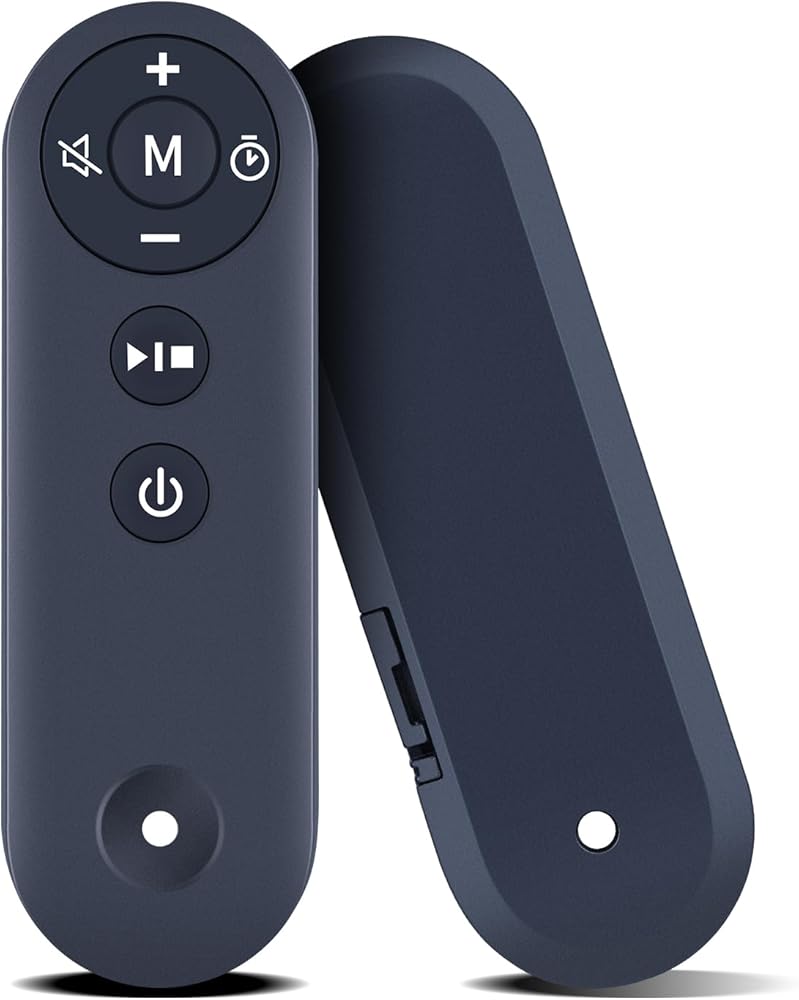
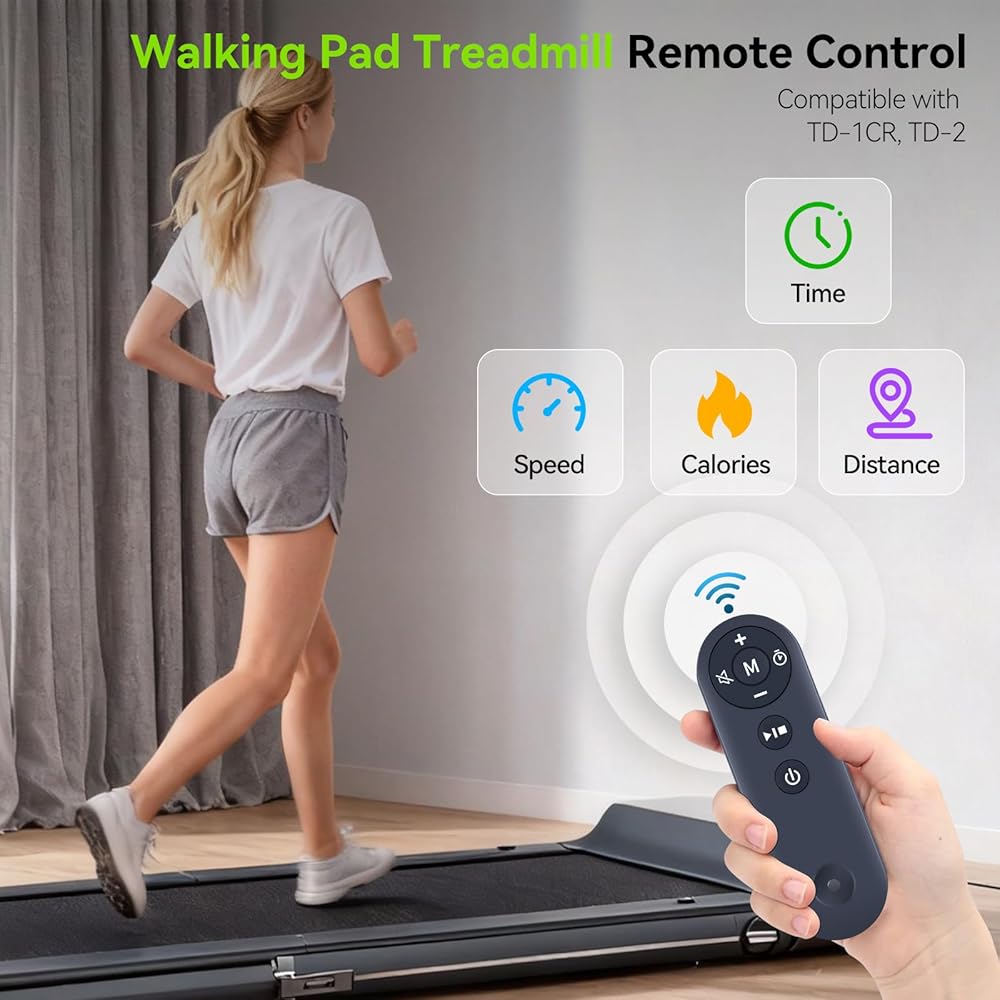
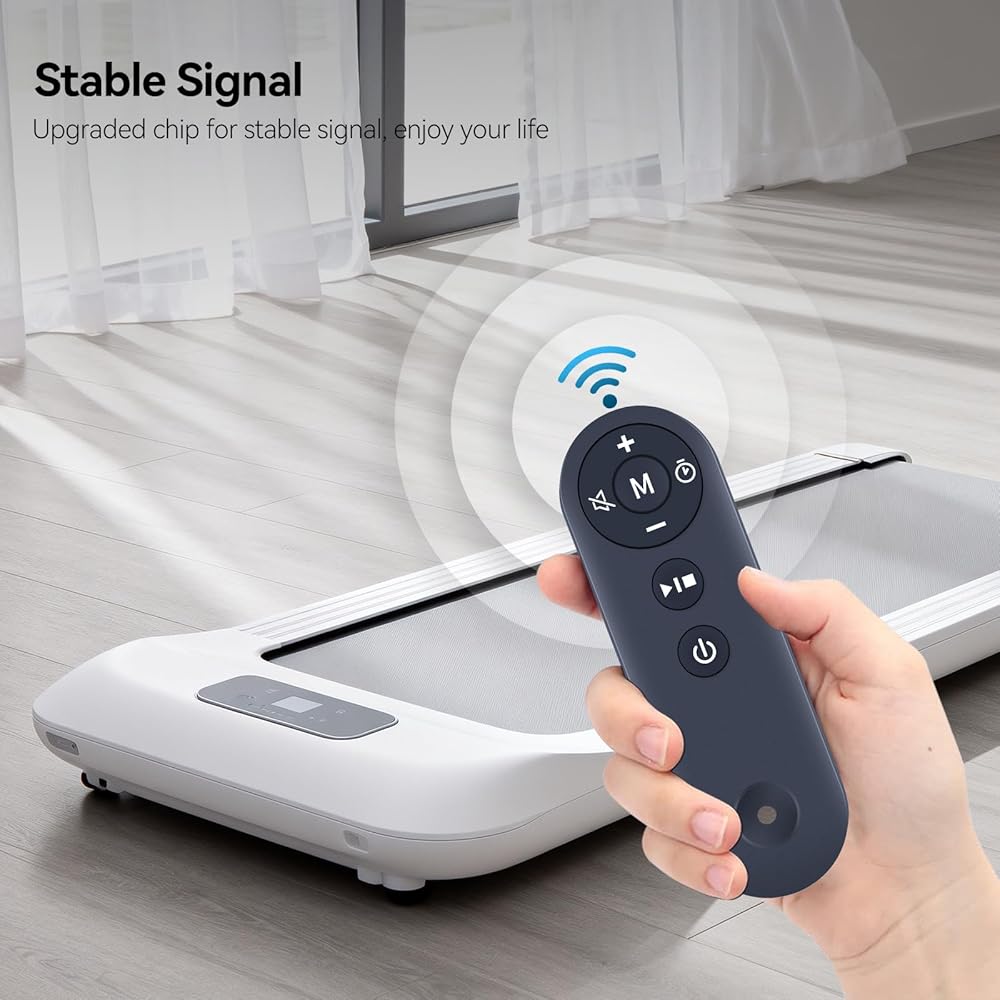
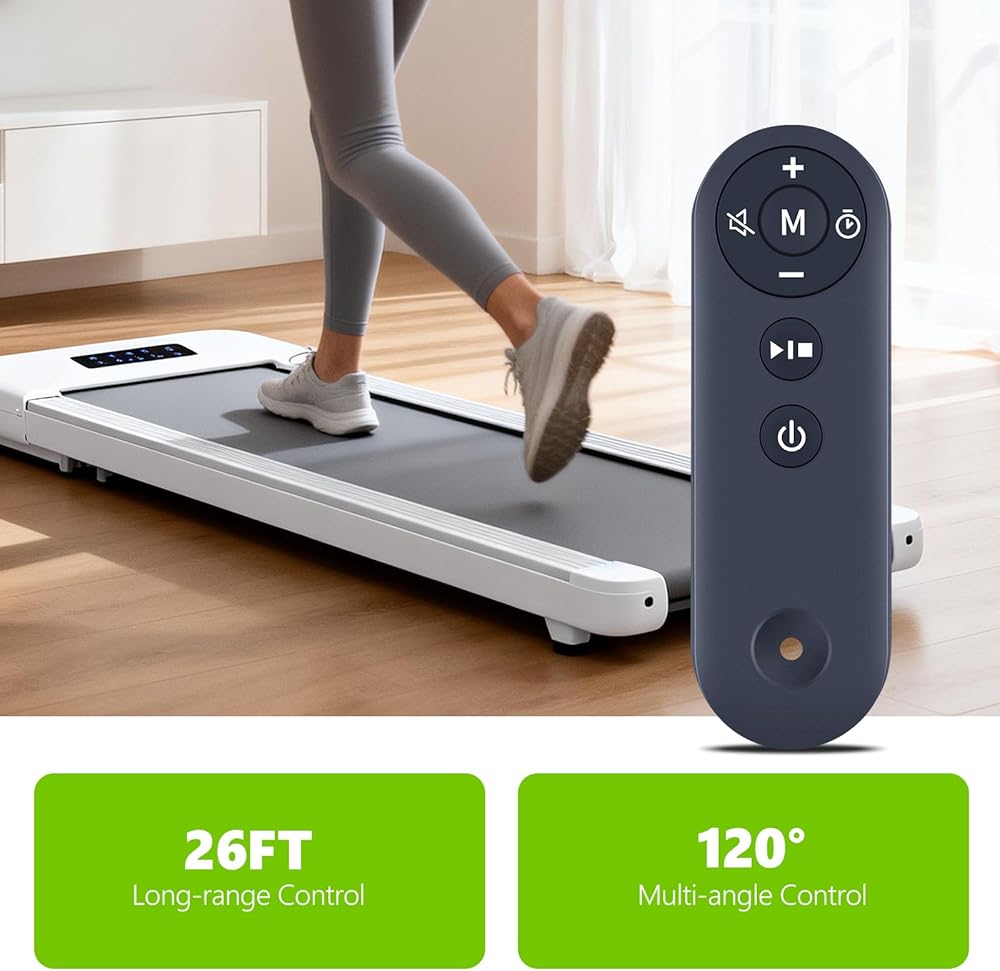
PZL Replacement Remote Control for TODO Under Desk Treadmill
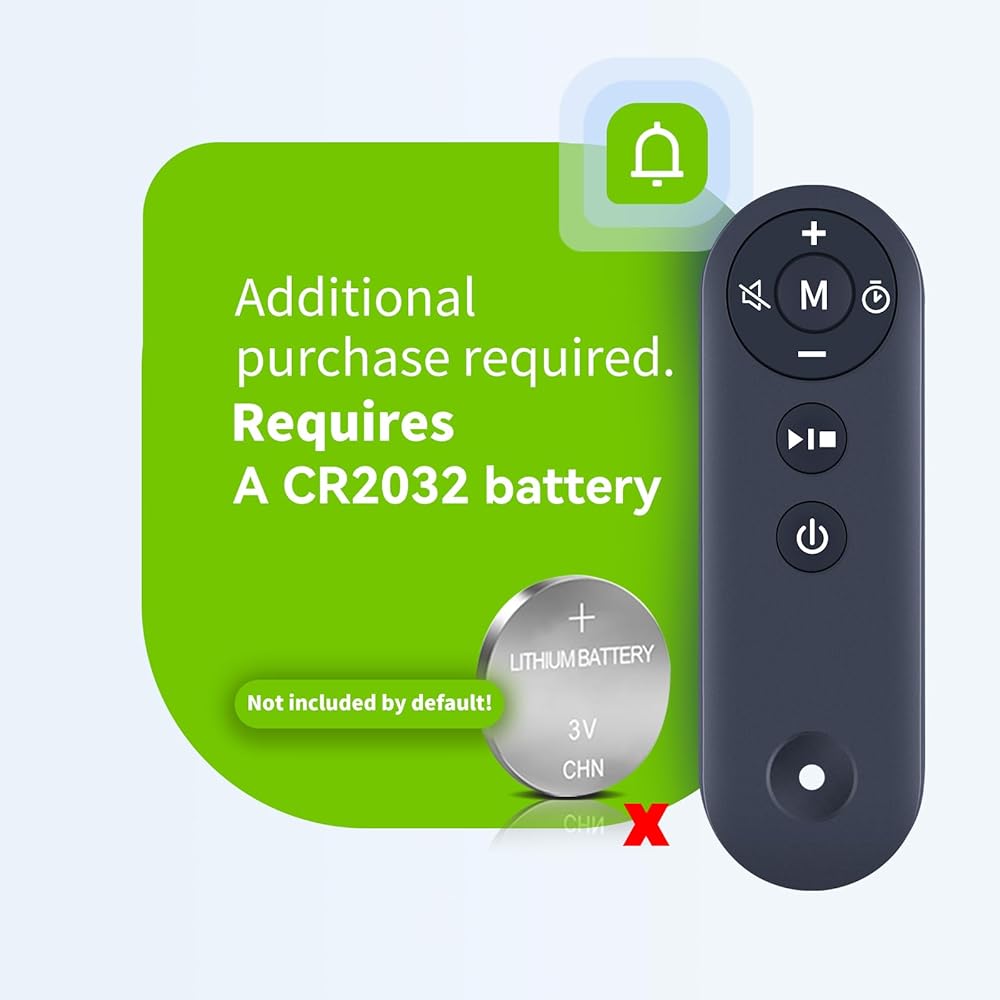
Package Included: 1 x Remote Control (Batteries and Instructions are Not Included).
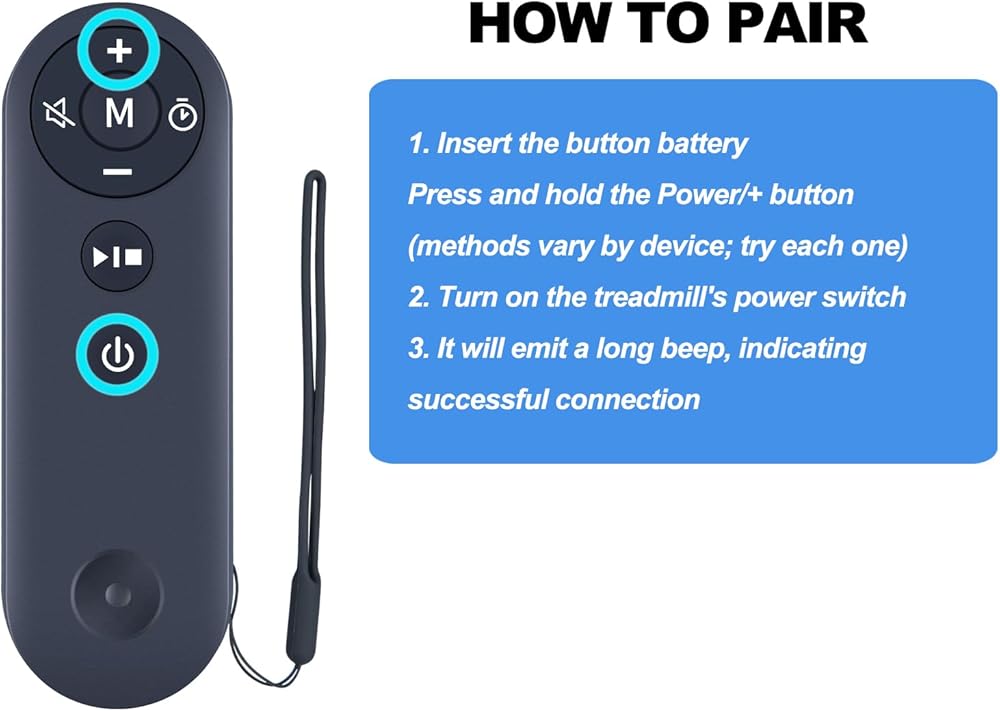
If the remote control does not work, please try the following methods:
First, ensure your battery is functioning properly—press any button and the indicator light should turn blue. Then, with the device powered off, press and hold the + button on the remote without releasing it. Next, turn on the device switch and hold it down until you hear a beep beep. This indicates your remote is now operational.
 جهاز تحكم عن بعد بديل PZL لمروحة برج دريو لغرفة النوم، سخان مساحة للاستخدام الداخلي، مراوح واقفة للغرفة
SAR 80
جهاز تحكم عن بعد بديل PZL لمروحة برج دريو لغرفة النوم، سخان مساحة للاستخدام الداخلي، مراوح واقفة للغرفة
SAR 80
 جهاز تحكم عن بعد بديل PZL لجهاز المشي Superun BA03-Z PBJB01-SRK003 CT05 BA06، من أجل Wellfit WFTM007 T10-1 TM010، من أجل DAEYEGIM Z8B
SAR 105
جهاز تحكم عن بعد بديل PZL لجهاز المشي Superun BA03-Z PBJB01-SRK003 CT05 BA06، من أجل Wellfit WFTM007 T10-1 TM010، من أجل DAEYEGIM Z8B
SAR 105
 وسادة المشي البديلة PZL بجهاز التحكم عن بعد مناسبة لـ DK-38AB-2، UT-38AB IY، AD-4000 Plus تحت المكتب للمنزل
SAR 85
وسادة المشي البديلة PZL بجهاز التحكم عن بعد مناسبة لـ DK-38AB-2، UT-38AB IY، AD-4000 Plus تحت المكتب للمنزل
SAR 85
 جهاز تحكم عن بعد بديل PZL لجهاز TREAFLOW 3100W 3100 3100W-BK 3821 3120 2.5HP جهاز المشي المحمول تحت المكتب، لجهاز المشي TODO
SAR 100
جهاز تحكم عن بعد بديل PZL لجهاز TREAFLOW 3100W 3100 3100W-BK 3821 3120 2.5HP جهاز المشي المحمول تحت المكتب، لجهاز المشي TODO
SAR 100